Copper is a customer relationship management (CRM) built as an integration into Google Apps.
$12
per month per user
Yesware
Score8.3 out of 10
N/A
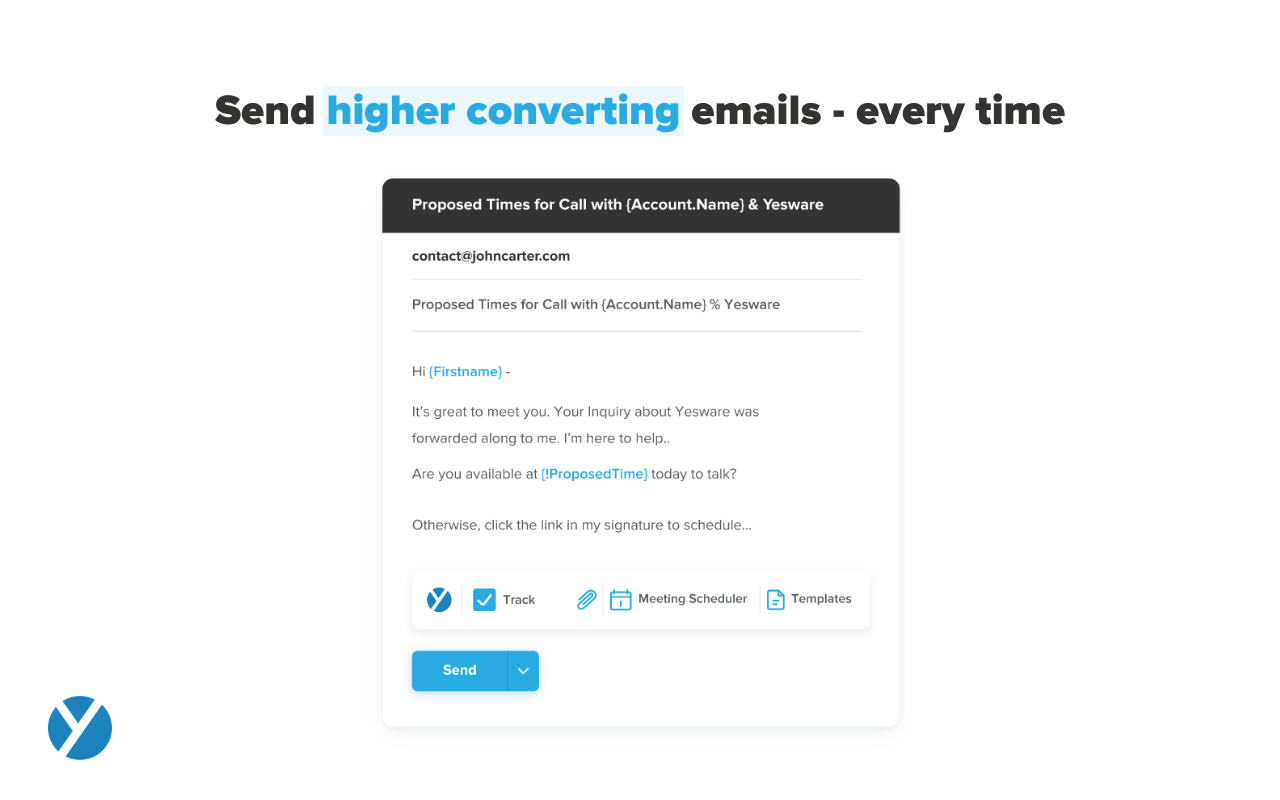
Yesware, from Vendasta since the October 2022 acquisition, is a service for salespeople that helps them close deals faster. An email service tracks email, templates responses and syncs to CRM.
$19
per month
Pricing
Copper
Yesware
Editions & Modules
Starter - Paid Annually
$9.00
per month per user
Basic - Paid Annually
$23.00
per month per user
Professional - Paid Annually
$59.00
per month per user
Business - Paid Annually
$99.00
per month per user
Pro
$19
per month
Premium
$45
per month
Enterprise
$85
per month
Offerings
Pricing Offerings
Copper
Yesware
Free Trial
Yes
Yes
Free/Freemium Version
No
Yes
Premium Consulting/Integration Services
No
Yes
Entry-level Setup Fee
No setup fee
No setup fee
Additional Details
Up to 15% discount for annual pricing.
Annual plans save up to 23%.
More Pricing Information
Community Pulse
Copper
Yesware
Considered Both Products
Copper
No answer on this topic
Vendasta
Verified User
Chose Yesware
WE were looking for a sophisticated tool to solve our outbound efforts and one name keep popping up. Outreach. We tried to set up meetings with them but they discovered us over an email and told us that someone from my org tried to look for their solution however it is not best …
A de minimis incentive was given to thank the reviewer for their time. The incentive was not used to bias or drive a particular response, nor was the incentive contingent on a positive endorsement. More Info
If you need to track contract expiration dates of your clients or your prospects that you're trying to sell - Copper is your tool. If you want to track specific products, solutions, vendors, etc. Copper can do it. I use it to track many brands of IT products and services with the use of custom fields to track which prospects/clients have any number of these items. Rather than taking notes, I can select the product from a drop down list that I created VERY EASILY within Copper.
It works for my company and my problems. If you need a Sales CRM you can go for higher-end products that will give you what Yesware gives along with other stuff. Wherein we had specific problems we wanted to solve. -We needed a solution for a smaller team within our bigger sales team. -We needed a solution to be easy to use point and click and did not require any setup. -We needed to have a better solution to YAMM.
A de minimis incentive was given to thank the reviewer for their time. The incentive was not used to bias or drive a particular response, nor was the incentive contingent on a positive endorsement. More Info
Allows for contacts to be synced and organized directly from Gmail.
Gives a flexible style and customizable settings to match our company's specific needs.
Does a great job of helping us keep track of projects. We easily created a customized "Status" field with several status options that help us update the many phases of our project.
A de minimis incentive was given to thank the reviewer for their time. The incentive was not used to bias or drive a particular response, nor was the incentive contingent on a positive endorsement. More Info
Tracking open rates, link click rates, and reply rates. This allows us to compare different templates in order to see which allows for the most interactions and meetings set directly from email engagement.
Seeing exactly when someone opens an email and whether it is in their normal location. Also if they are opening on a mobile device versus a computer to be able to organize the set up of the email in a more beneficial way.
Being able to save Templates for Mail Merges to avoid the duplication of effort that other mass email systems utilize.
A de minimis incentive was given to thank the reviewer for their time. The incentive was not used to bias or drive a particular response, nor was the incentive contingent on a positive endorsement. More Info
Window change: for mobile - when you tap on a card from a pipeline it takes you to the lead’s basic info. I wish it would immediately just open all activities so I can quick see notes
I usually use Copper on the go. When you open the Copper app, it immediately opens a collab window. I wish it had some sort of easy dashboard….plus a notes area. I open Copper on mobile to quickly search for someone’s name or to take quick notes from a sales meeting
The ability to unwrap iframe embeds on email (e.g. if I send a Vimeo link over email, have that video thumbnail show and link out to a video)
Removing recipients from a campaign. If my ruleset is to remove a contact from a sequence after he/she replies, sometimes a person will reply from another email and Yesware doesn't recognize it. (e.g. if I add jeff@amazon.com to my campaign and jeff.bezos@amazon.com replies to my thread, Yesware will still send an email to jeff@amazon.com unless he is manually removed)
A de minimis incentive was given to thank the reviewer for their time. The incentive was not used to bias or drive a particular response, nor was the incentive contingent on a positive endorsement. More Info
A de minimis incentive was given to thank the reviewer for their time. The incentive was not used to bias or drive a particular response, nor was the incentive contingent on a positive endorsement. More Info
I like the product, but due to the limitations I don't love it. I'm curious to revisit other options, particularly in lieu of Yesware's recent price increases (although I'm on a legacy plan). Some of my challenges to be browser related (I'm on an older computer) -- I'll have to see how things go when I receive my new computer. If the glitches (especially with regard to tracking accuracy and send later feature) go away, I'd be much more inclined to renew
Copper is simple to use and it's simple to figure out the additional functionality you may need or want to use. There are a lot of support articles and the support itself is great. But it's also fairly simple to figure out on your own. It integrates easily with Google Workspace as well.
A de minimis incentive was given to thank the reviewer for their time. The incentive was not used to bias or drive a particular response, nor was the incentive contingent on a positive endorsement. More Info
Yesware is easy to setup and get connected in existing systems. We were able to get started sending the day we puchased our subscription because of the addon for Gmail and easy connection to our CRM. It's also very easy to use in the day to day, kicking off campaigns and seeing their status to as about as easy as it gets. I have not concerns about usability
A de minimis incentive was given to thank the reviewer for their time. The incentive was not used to bias or drive a particular response, nor was the incentive contingent on a positive endorsement. More Info
There have been a few times when I contacted the "help desk" or "support team" and they just told me to watch a video or join a seminar to learn what I am looking to do. I would have expected someone to take a few minutes and literally walk me through the steps one by one until either I figured it out or accomplished the goal of my request.
Because it deserves this rating. The features and functionality provided are great. Our Sales team is very satisfied with this software as it integrates very well with our other software like Outlook, Salesforce, etc. Yesware provides great follow up with customers, which is essential for sales. Meeting scheduling is also flawless.
A de minimis incentive was given to thank the reviewer for their time. The incentive was not used to bias or drive a particular response, nor was the incentive contingent on a positive endorsement. More Info
We selected Copper over these other CRMs mainly because of its ability to integrate with Google Workspace. Members of our team have used Salesforce in the past and found it to be a nightmare to work with/on. Candidly, Copper doesn't fill all of our needs so we supplement that with the use of Asana.
A de minimis incentive was given to thank the reviewer for their time. The incentive was not used to bias or drive a particular response, nor was the incentive contingent on a positive endorsement. More Info
All of these tools do what Yesware does, and more; but Yesware does the follow-up email portion best, in my experience. It is reasonably priced and is regularly adding new functionality to make it a sticky license for us to have. Yesware does not have predictive analytics or a particularly strong dialer solution, but it does provide team-wide and template efficacy tracking, and a basic dialer.
A de minimis incentive was given to thank the reviewer for their time. The incentive was not used to bias or drive a particular response, nor was the incentive contingent on a positive endorsement. More Info
A de minimis incentive was given to thank the reviewer for their time. The incentive was not used to bias or drive a particular response, nor was the incentive contingent on a positive endorsement. More Info
I think net positive ROI from generating meetings that lead to closed deals. Ultimately very difficult to quantify the ROI since it is essentially automating a lot of the manual prospecting done by BDRs/AEs - so ROI is likely higher than just that quantifiable number around deals closed.
A de minimis incentive was given to thank the reviewer for their time. The incentive was not used to bias or drive a particular response, nor was the incentive contingent on a positive endorsement. More Info