Desk.com was a helpdesk, ticketing, and customer support product offered by Salesforce, and oriented towards the needs of small businesses. It is no longer sold and support has been discontinued. Salesforce recommends its modern Service Cloud as a replacement.
N/A
TeamSupport
Score 8.4 out of 10
Mid-Size Companies (51-1,000 employees)
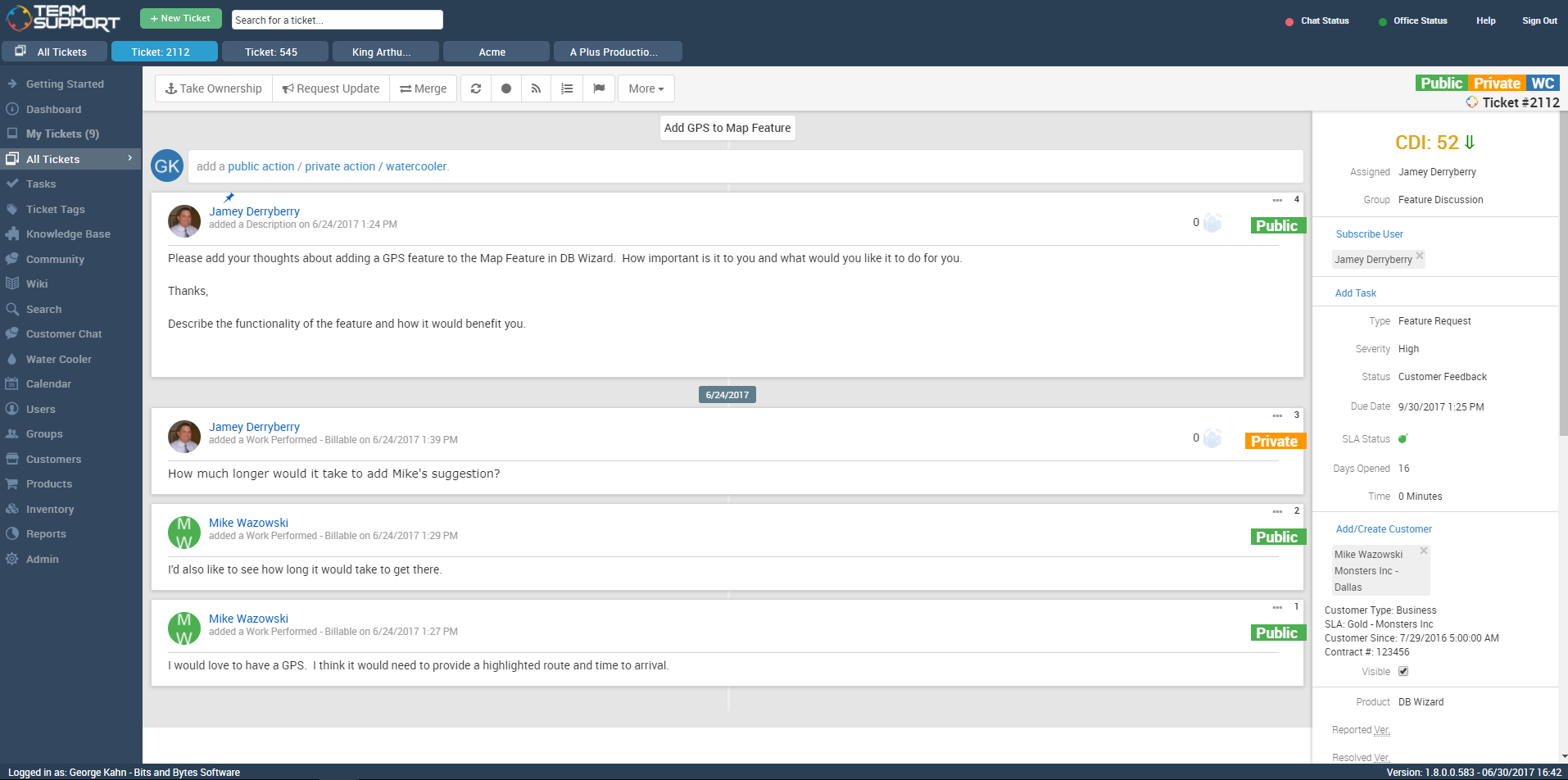
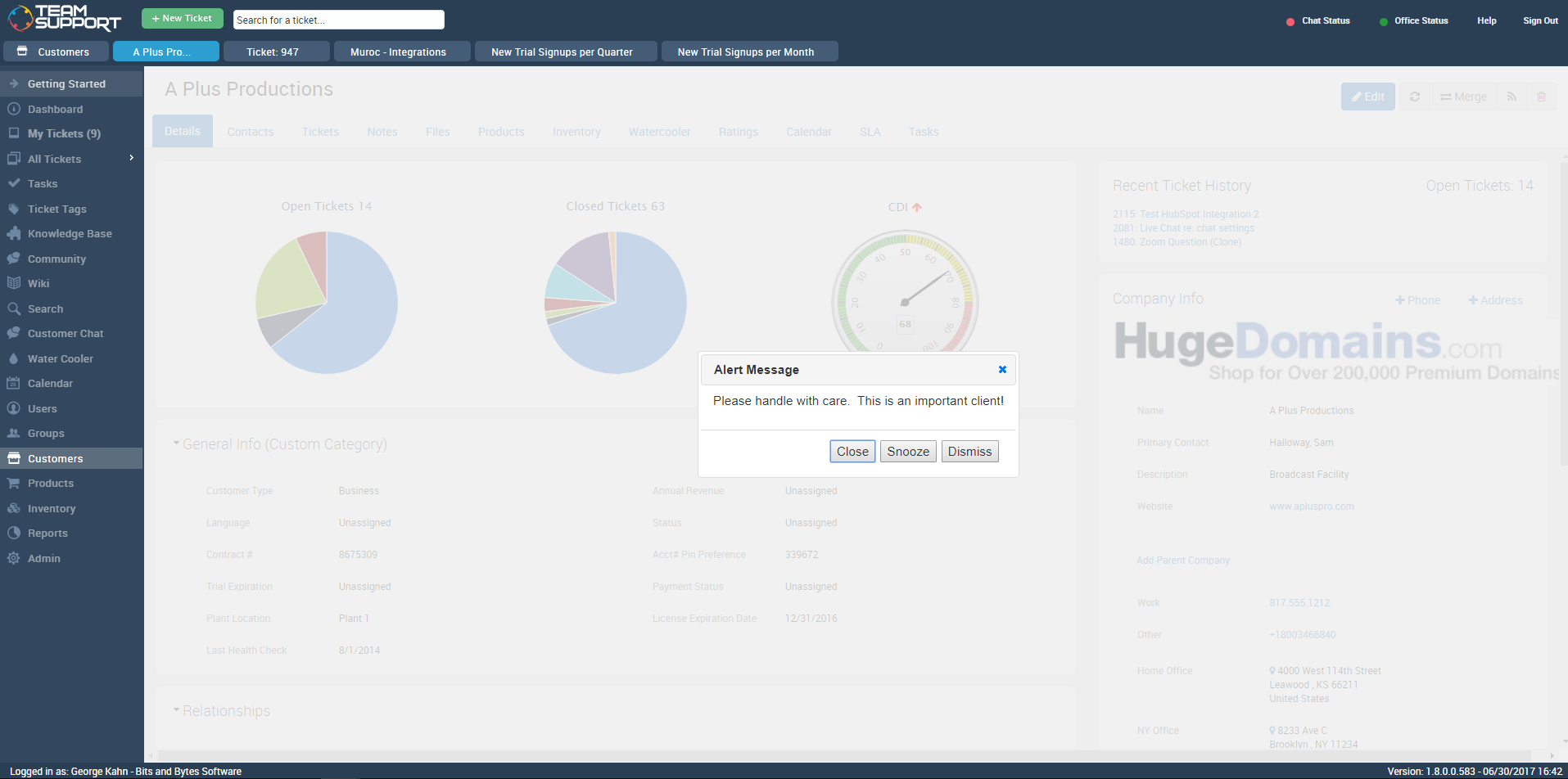
TeamSupport is customer support software built for B2B software and technology companies. The solution offers ticket management, a customer and contact database, reporting and analytics, multi-channel support, built-in collaboration tools, and many native integrations.
Our main reason for choosing TeamSupport was the functionality was equal or better to other software trialled but also there was the added bonus of being able to synchronise with Salesforce CRM without the need to upgrade Salesforce as was the case with other help desk …
Once I had to search the logs to find cases and data on a particular keyword, but I was not able to do so as there was no search tool available, nor was there a sort or filter tool. I was totally frustrated as I had to skim through the data to complete my task manually.
TeamSupport is a great ticketing/help desk platform for small companies. It gets the job done and allows for multiple teams to manage workloads. It is not best for bigger organizations as there are lots of lacking features (mobile app, integrations, robust Jira/Confluence like system). The support for TeamSupport is great too. They usually get in touch with customers quickly when the system is down and they resolve issues quickly as well.
Desk.com automatically tracks analytics on all cases coming in and going out.
Desk.com helps prevent multiple people from working on the same case. However, it does allow us to assign the case to someone else if we feel that person is more qualified to address the case.
Desk.com has very few bugs or server issues that we've seen. This helps prevent any delays in communicating with our customers.
There were other customer support software companies that I looked into at first, however TeamSupport provided exceptional customer service themselves. I paid close attention to how they handled me as a customer to see if they were a company that would understand my desire to give exceptional customer service to my clients and if they had the tools to make the experience easy. Every interaction with them was very positive.
Since we needed TeamSupport's software embedded into our software application to give our users easy access to the support tools, the staff at TeamSupport needed to answer many questions and work with our developers to make this possible. They were always willing to take the extra step to ensure a smooth set up.
As we continue with TeamSupport, I am especially impressed with the sincerity of the CEO, Robert C. Johnson, and his commitment to us so that together we can deliver exceptional customer support.
Internal knowledge tools are clunky and annoying to access, outside the regular workflow of everyday staff
Arbitrary and confusing limitations in business rules and custom fields
Arbitrary and confusing limitations in case handling - for example, if you begin a case as a phone call you CANNOT email the customer from the case. As though no one working at Desk has ever sent a follow-up email...?
Not very good for B2B, mid-to-large businesses. Difficult to set business rules based on company information (for example, service level/tier) and nearly impossible to track key stakeholders and get clear insight into the relationship at a high level
Reporting tools are clunky, slow, and just all-around pretty useless
We would like to see a structure to the ticket numbering system. In a previous system we had a numbering system like this mmddyy-xxxxxx This was very easy to see when a ticket was created based on just it's number. Currently with TeamSupport they assign a random number to tickets that is not very informative without a created date field.
Reports are nice but lack some rollup capabilities that are needed. Any given report can only work against two data tables at max. This is a limitation that we had to create custom contact fields to get around. They store phone, address and base contact info in separate tables. This makes it impossible with a standard system to create a report of all tickets along with the ticket and contact information in one report. The previous system we were on, allowed you to tie as many related data tables together that was needed to create one high level report.
Need Ability to notify external users of ticket activity in regions. So what I mean is we have FAE's in the field that want to know what their customers are asking for their region. They don't want or need a TeamSupport account but want simple e-mails of activity. This has been a lost feature for us going to a new system. I have to create a manual report each week and forward to the people that want this kind of information.
Ticket Automation rules will only run against a ticket one time. I understand why they did this to prevent uncontrolled loops but it would be nice to be able to set a limit that was greater than one. This limitation often causes us to have to write multiple rules to handle certain ticket cases.
We will be very likely to renew our contract with Desk.com. It is easy to use, and provides us with everything we need to keep our customers and employees happy. They have also been very helpful in catering the application to our specific and unique needs, including working across brands and adding specific content for our products
We are very likely to renew. We have been using TeamSupport for years and have tested a few other ticketing software solutions. We utilize several project management solutions to date and are always looking for better more efficient ways. Team Support is great at working with us and allows us to report issues well.
Desk.com and Salesforce Service Cloud's usability is seamless to get up and running, administer, and scale across the organization. It allows us to get up and running in days rather than weeks and has transformed our customer support teams globally into efficient, world-class teams. The best practices that the Salesforce and Desk.com teams provide are also very valuable, as we have the right case studies and tips to implement right away in our organization.
I think some things could be a little more user-friendly: specifically the dashboard. Although it's fantastic and makes life so much nicer, I'd like to have more control on it's customization. I'd like to be able to default what's collapsed and what's expanded...instead of everything expanding by default each time I load it. But the portal offers great tools and guides on workarounds.
Their support leaves much to be desired. They do not respond quickly and do not follow up with feature requests. There is also a lack of on-demand or live training available for the teams to use as they learn a new tool. Because there is so much customization, a lot of questions do come up regularly.
TeamSupport's ease of use and the way it benefited our company overall. From cost improvements, ROI, and overall management of team members it gets high marks. We are better able to support our customer base by providing improved support in a more timely fashion. The End User view of IT Support overall has improved just through using this platform in our company.
As I stated earlier, implementation of Desk.com went more smoothly than most. The resources in the "Support Center" are fantastic, and I never ran into anything that left me stumped, angry, or disappointed.
Data import was the most difficult hurdle for us to get over. The mass import was handled through an Excel spreadsheet. TeamSupport doesn't use Microsoft Office products for the most part so they were relying on Google Docs which has limitations over Excel. Special characters and html in import cells can be a issue with importing. When creating a data export from your current system, special care needs to be taken so that the data is able to be processed into TeamSupport without issues.
Overall, it performs a lot better than all three combined, with a lot fewer glitches and a lot more user-friendly and user experience efficiency. Any new link that needs to be done, takes a lot less time to execute on desk compared to the three others. Simply advanced when it comes to execution this platform is.
TeamSupport is a much more modern, intuitive and user-friendly version of NetSuite with many additional bells and whistles. NetSuite has a business only facade with a rather clunky interface and system. TeamSupport compares favorably and meets business needs while being a much more advanced and modern solution.
TS keeps adding new features without making sure the program is reliable as-is. The program is frequently offline which makes for significant frustration on my part
Better customer service and employee efficiency when dealing with cases
It's so universal, meaning that everyone can use it and it's easy to understand.
The only negative impact is that our IT department who is assigned tickets has responded to customers instead of to the local reps and we have to ensure they know to change the email if it's assigned to them.