Dialpad Connect is a cloud communications UCaaS platform that provides users with integrated voice, video, and messaging capabilities from one unified interface.
$27
per month
PanTerra Networks
Score 7.2 out of 10
Mid-Size Companies (51-1,000 employees)
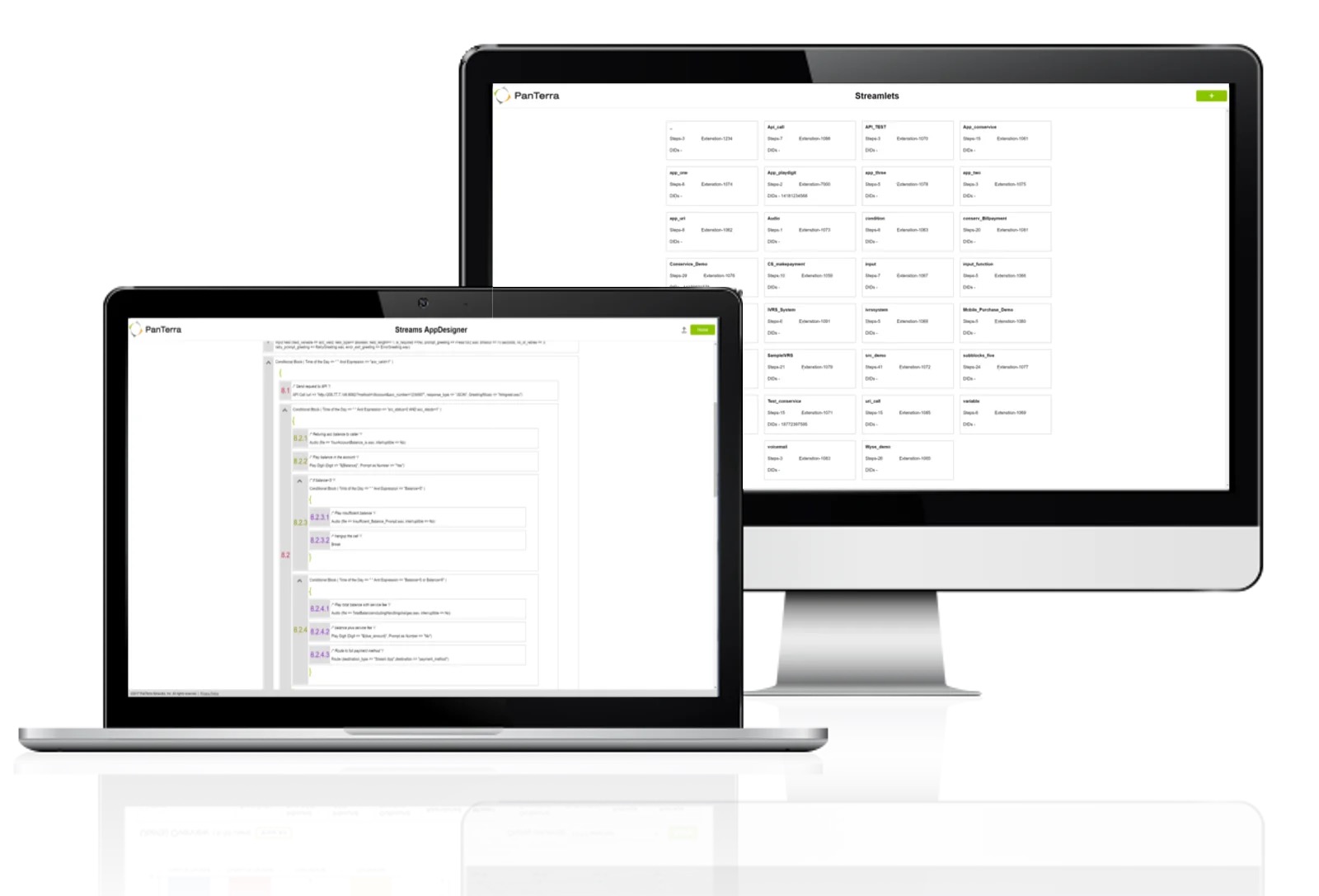
PanTerra is a provider of unified cloud-based services for communications, enterprise file sharing and mobility solutions for mid-market enterprises (MME), headquartered in Santa Clara. The Company's Streams service provides - Unified Communications and SmartBox - Communications-Enabled Content Management solutions which are delivered securely from the cloud through a browser-based client as well as mobile apps for smartphones and tablets, are designed to eliminate any on-premises deployed…
$24.95
per month per seat
Pricing
Dialpad Connect
PanTerra Networks
Editions & Modules
Standard
$27
per month per user
Pro
$35
per month per user
Enterprise
Contact sales team
per user/per month
Business Plus
$24.95
per month per seat
Professional
$29.95
per month per seat
Call Center
$44.95
per month per seat
Offerings
Pricing Offerings
Dialpad Connect
PanTerra Networks
Free Trial
No
No
Free/Freemium Version
No
No
Premium Consulting/Integration Services
No
Yes
Entry-level Setup Fee
No setup fee
Optional
Additional Details
—
Pricing is determined by length of contract and size of business.
Panterra is dependable and has good support. Dialpad Connect has more features and an easier interface. AT&T has a lot of features, but Dialpad Connect's interface is easier. AT&T does not do call transcription that I know of. Comcast BVE and 8x8 services are lower quality and …
It is well-suited for basic calling functionality, but has been a poor experience for us when used for texting, as it lacks some of the features of other platforms, such as Haymarket. It is also challenging to capture good analytics, as this is neither easy nor clear for users to find.
One of the main draws of PanTerra Networks Streams is the unlimited calling, which was very enticing. We chose the platform over other models (per-call for example) because they simplified billing. While the video conferencing and messaging feel bare-bones or underdeveloped in comparison to other players in the market, the fact that the messaging is seamlessly integrated into the PBX makes it easy to use. The call routing systems are especially robust, which in the collections world is very important to be able to segment calls to different users.
The only example I can list for improvement is that occasionally the message has some mistranslation(s). But I can usually figure out the missing words. The 'southern USA' dialect may be partly to blame....
The functionality is really great. It is the best app I have used for messages in all of my customer service jobs.
Accounting had asked me to mention the way the bills are shown in the invoices can be confusing as to how it is broken out and what each charge is for. She mentioned wishing it was a little more detailed.
Virtual test environment would be nice. When testing if there is an outage or testing updates, it would be cool to either be able to hear what a customer would hear and make sure things are working in the system without interrupting customer service. This is small, but a feature that would be cool to utilize.
Dialpad Talk is easy to use and no one has had a problem using it. Even when we have had questions/problems we have been able to fix it ourselves without having to go to Dialpad to ask for help, which saves everyone time. We don't have any reason to cancel our use of this product and we are very happy with how it performs for our team.
In all likelihood, we will remain Panterra customers for many years. VoIP phone and messaging is a rapidly expanding and evolving market, however, and its possible a better solution will come along, but for now, Panterra Streams offers a compelling solution combining leading features, great customer service, and affordable pricing.
Dialpad Connect is good and recommended for any organization. It is a good value. It can accomplish everything that your organization is looking for, and no one will say it is outside the budget for any 50+ person organization. The AI feature is very useful. The dashboard could be a bit easier to manage, and the integration with Salesforce could be a bit smoother.
PanTerra Networks needs to make the interface more user friendly and make it easier for the users. Like saving message templates or saving phone numbers for the fax directory.
There have not been any outages that I am aware of and we have had consistently good coverage since the start. There can be a slight lag from the office to the mobile app, but it is not terribly noticeable and it has not resulted in any calls being prematurely hung up
The emails of voice transcription come very quickly after a call has been completed and except for a few fairly difficult names are pretty accurate. The ability to quickly listen to the voicemail from email without having to open the app is also a bonus. I have not noticed or heard of any slowdowns
The original date for roll-out, was unable to happen because there was an issue finding our existing phone lines to port them... The only reason I gave a 9 is [that] the original person we have been working with, Rolled out phones. Pro without telling anyone and then went on vacation, I only say this to explain that there is a gentleman that took over to help us named Brett and he was FANTASTIC! He allowed a ton of calls and answered all of them, walked us [through] settings, profile set up, and even emailed screen shares so we could help other members of our team! Thanks so much, Brett you ROCK~
Always available and quick to respond. The team is also very knowledgeable so no waiting for a fix or an answer. At times they just go in and fix the setting vs telling you how to do it and sending you on your way. It's also done via text so you don't need to drop your call or be on hold
Simple and easy to follow, we had our branches around the country to be trained and the feedback was great. Only take if there was a desk phone training that would be great. The team provided us with video for the desk phone training
Everything was fantastic. Training was sufficient and everything was easy to use. It was provided on our schedule and was very clear. I did the training myself. Training person was very knowledgeable. We are very happy. Only two users. very happy very happy very happy very happy very happy very happy
The implementation was very smooth. They assisted in getting phones tied to the various lines and getting everything set up in the admin portal. It's been a few years since our implementation, but there were no issues at the time.
Panterra is dependable and has good support. Dialpad Connect has more features and an easier interface. AT&T has a lot of features, but Dialpad Connect's interface is easier. AT&T does not do call transcription that I know of. Comcast BVE and 8x8 services are lower quality and service is not great.
PanTerra Networks is viewed as more competitive, and close enough to win. Those other companies do offer more integrations off the shelve, and do have a more user friendly portal. Panterra does give the client a more personalized experience when it comes to the presentation, so the customer feels like they're getting a more personalized experience.
Overall program is of average cost. SInce I use it simply for its phone/text capabilities. I would hazard that company that needed more options, might see it differently
So far, Dialpad has been a great improvement for our organization. It allows everyone to be on the same service and the integration with the mobile app means everyone is still using the "office" numbers even when on the go which makes it easier not having to balance multiple phone numbers from people
Very reliable. We make hundreds of calls outbound and there has never been a connectivity issue or otherwise
We decreased our monthly expense for reliable service by several hundred dollars
The onboarding support was the best we've ever experienced. They were on the phone while we hooked up every phone, tested, and got it all set up with ease.
Any changes needed after onboarding were difficult to accomplish without a call to customer service. Some of those calls to customer service made things more confusing