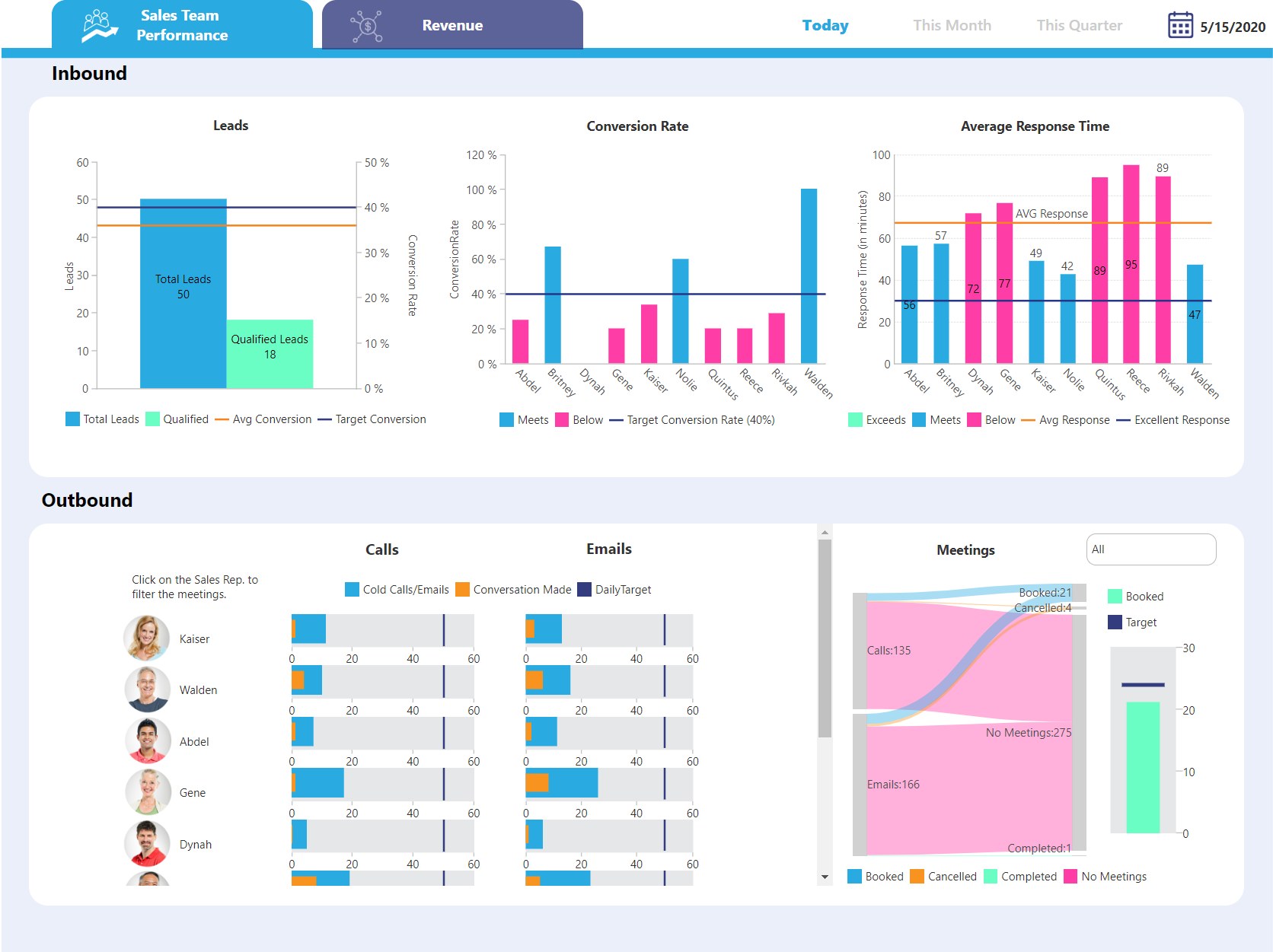
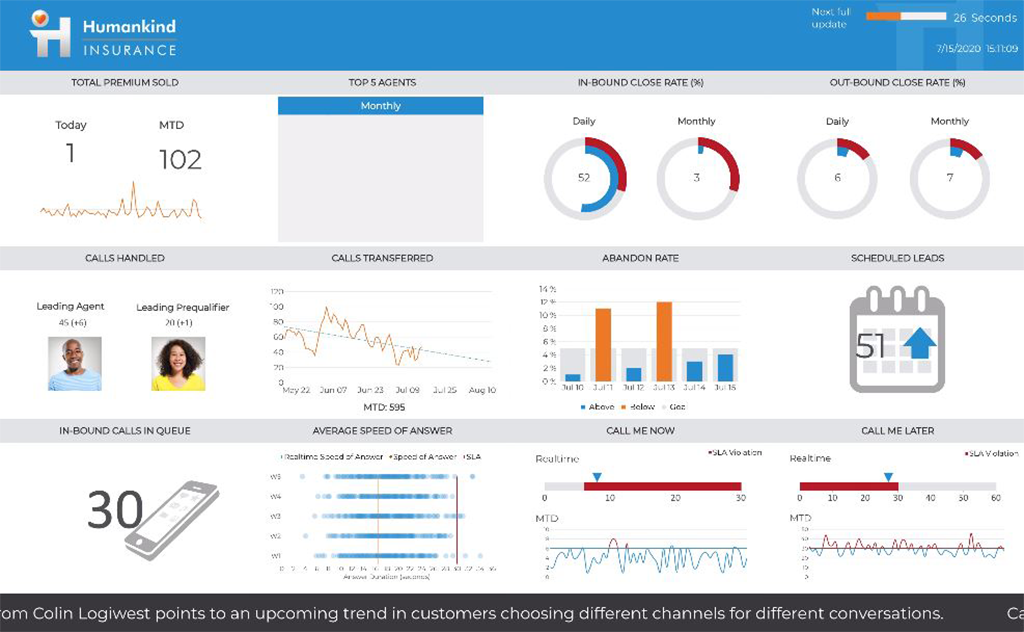
Domo is a full self-service business intelligence software that combines several data analysis and reporting tools into one platform. It helps users connect to multiple data sources, create robust visual reports, manage their data, send messages in real-time, manage projects, and develop new apps.
N/A
GoodData
Score 8.9 out of 10
N/A
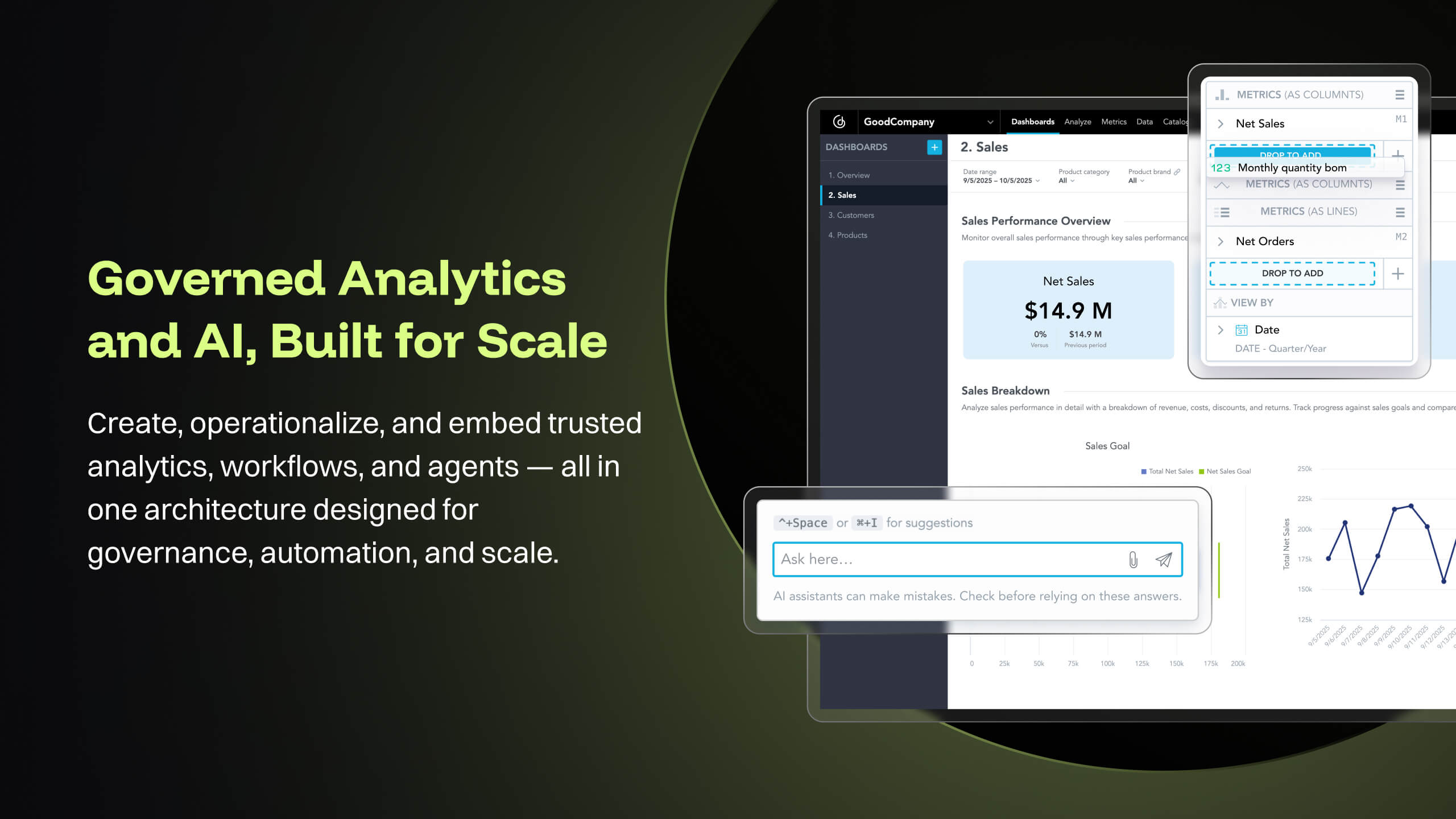
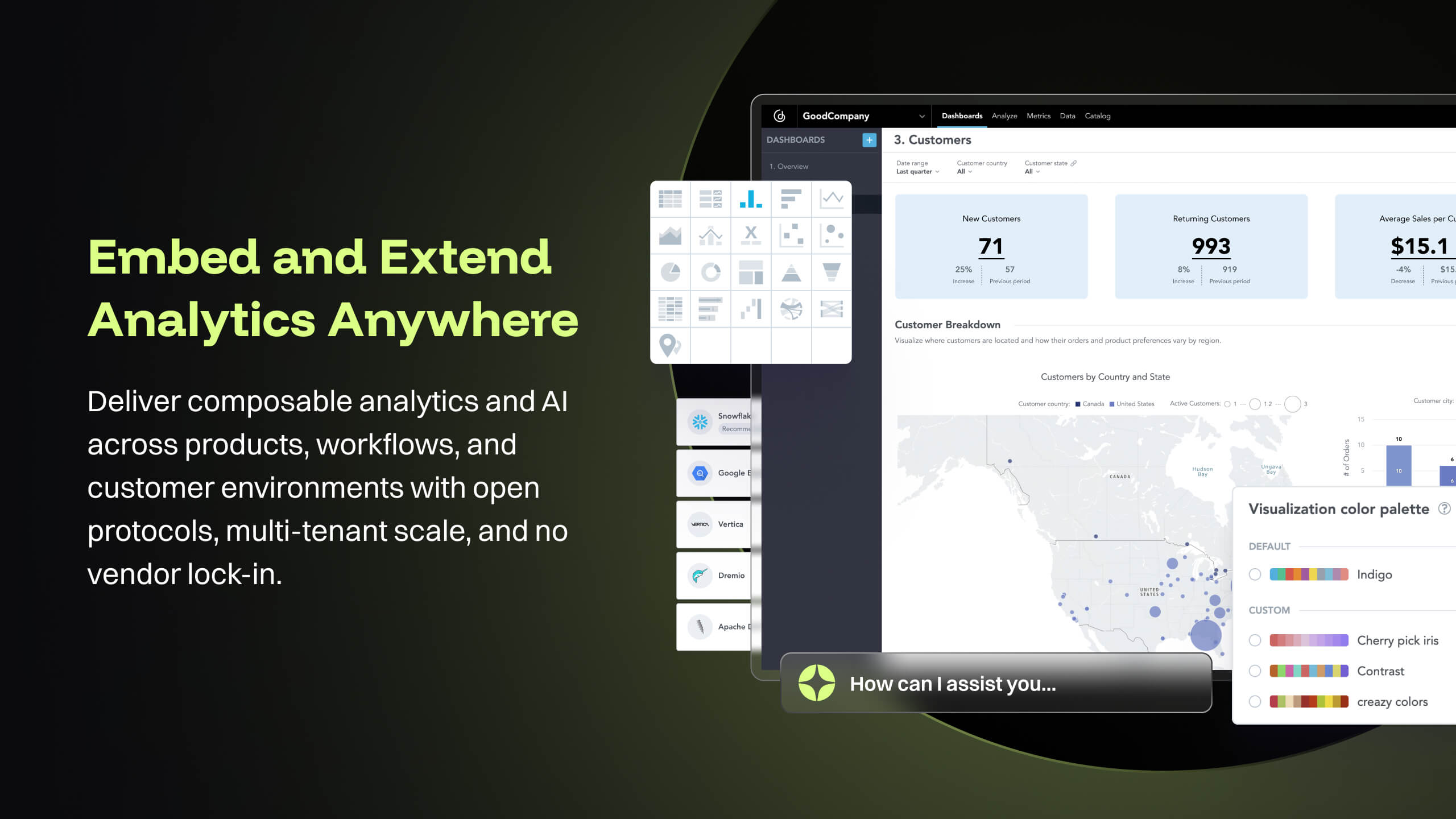
GoodData is an analytics platform used by organizations to deliver real-time, governed insights, embedded into products, customized for users, and integrated into any data environment.
N/A
Logi Symphony
Score 8.9 out of 10
N/A
Logi Symphony is a business intelligence and data visualization software that includes customizable dashboards, reporting, and visual data analytics. It can be integrated into users’ existing business applications and its visualization and reporting tools can be customized.
Because Domo has high mobile and responsive features, we prefer Domo over the others. Because other products still lack features in terms of features, it slows us down. We hope that Domo continues to innovate continuously to become even better. Thank you Domo for providing many …
I think Domo's support is very good when compared to the competitors. I enjoyed fully communicating with them all. They where helpful and informative when we where setting up our domain for the first time. Domo's onboarding fee is very steep for a small business to swallow …
Embedding flexibility was the main reason we chose GoodData. Interactivity, customization options, and programmatic ability were all very important to us and GoodData's embedding via React SDK offers exactly that. Implementation time was 50% shorter with GoodData than with …
We chose gooddata compared to other products because gooddata is easier for ordinary people like me to use. Apart from being easy, gooddata also has many features which are more than enough to help my work and costs incurred by gooddata are lower than when I use other products. …
GoodData has been proven best for us as it has given the most accurate analytical insights on our data. I've used other tools too but no one has been this good in terms of reporting, handling data, decision making. Using GoodData for almost every organisational decision and …
Choosing between GoodData and other platforms was clear for me as the superiority of GoodData over others due to our needs. GoodData stands out for its awesome dashboards, robust predictive analytics, reports, and analysis. Data integration helps us for business intelligence …
I wasn't involved in the process to decide on GoodData but for our purposes GoodData is more robust than the other two and we needed that to build our LDM in a robust, reliable and scalable way
GoodData stacks up very well against most of the tools but there are some advantages other tools have over GoodData. We selected GoodData because of the ease of use of the tool and since we dont have tons of data that we need to process. for our needs this tool suited the best …
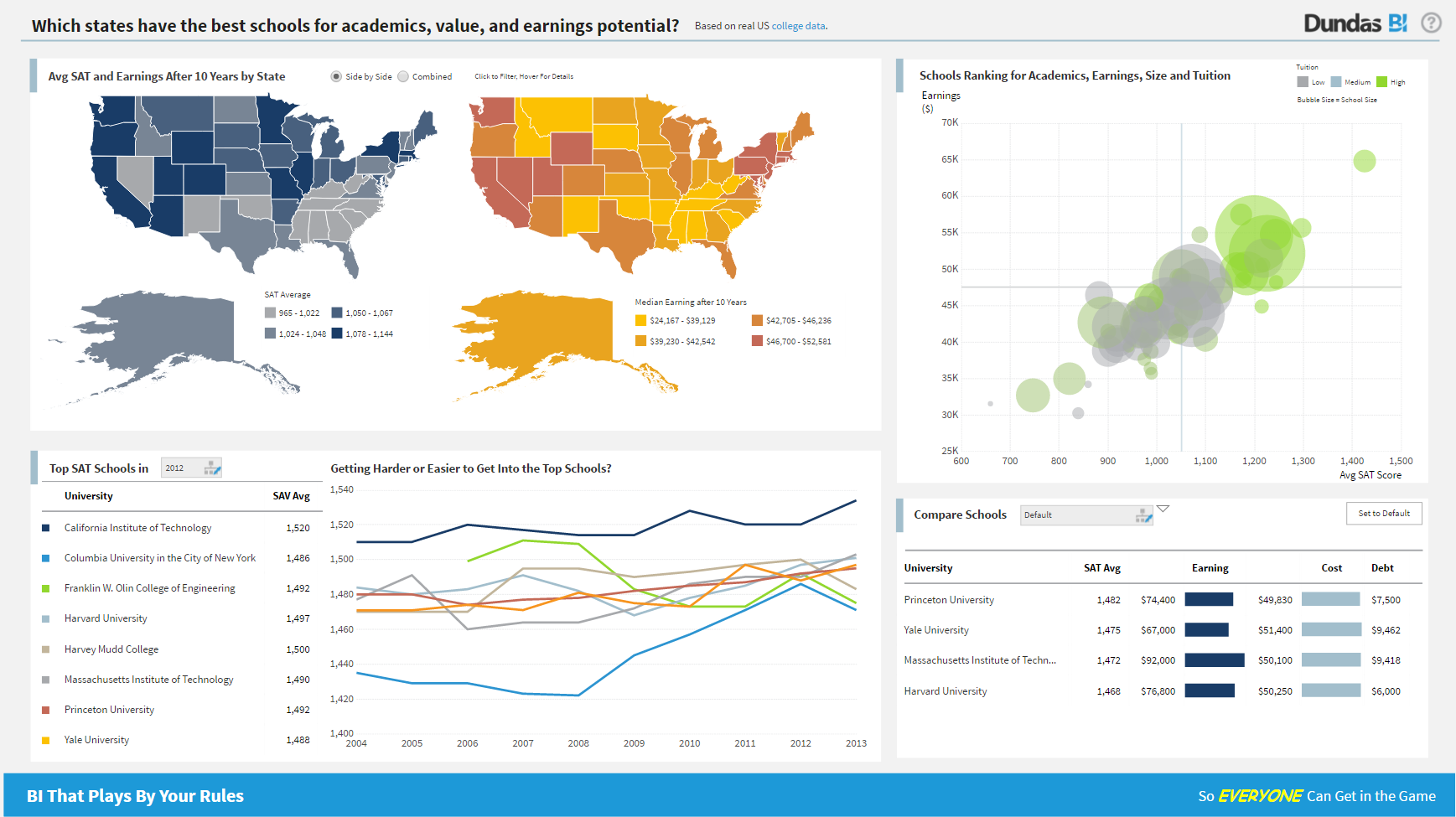
We choose Dundas mainly because: - Dashboard flexibility - Data preparation features
Verified User
C-Level Executive
Chose Logi Symphony
Across the board Dundas BI was superior to its competitors. It's way way easier to use and develop relative to MicroStrategy and Microsoft, and their team was much easier (and better) to work with than Tableau.
Features
Domo
GoodData
Logi Symphony
BI Standard Reporting
Comparison of BI Standard Reporting features of Product A and Product B
Domo
9.6
72 Ratings
16% above category average
GoodData
8.1
73 Ratings
12% above category average
Logi Symphony
8.4
51 Ratings
3% above category average
Pixel Perfect reports
9.550 Ratings
7.954 Ratings
8.443 Ratings
Customizable dashboards
9.872 Ratings
8.973 Ratings
8.651 Ratings
Report Formatting Templates
9.465 Ratings
7.462 Ratings
8.139 Ratings
Ad-hoc Reporting
Comparison of Ad-hoc Reporting features of Product A and Product B
Domo
9.3
71 Ratings
15% above category average
GoodData
8.0
73 Ratings
2% above category average
Logi Symphony
8.1
51 Ratings
1% above category average
Drill-down analysis
9.270 Ratings
7.771 Ratings
7.951 Ratings
Formatting capabilities
9.369 Ratings
7.573 Ratings
8.250 Ratings
Integration with R or other statistical packages
9.01 Ratings
00 Ratings
7.633 Ratings
Report sharing and collaboration
9.871 Ratings
7.969 Ratings
8.645 Ratings
Report Output and Scheduling
Comparison of Report Output and Scheduling features of Product A and Product B
Domo
8.9
69 Ratings
8% above category average
GoodData
-
Ratings
Logi Symphony
7.9
49 Ratings
4% below category average
Publish to Web
9.854 Ratings
00 Ratings
8.442 Ratings
Publish to PDF
9.256 Ratings
00 Ratings
7.845 Ratings
Report Versioning
7.01 Ratings
00 Ratings
7.838 Ratings
Report Delivery Scheduling
9.465 Ratings
00 Ratings
8.337 Ratings
Delivery to Remote Servers
00 Ratings
00 Ratings
7.23 Ratings
Data Discovery and Visualization
Comparison of Data Discovery and Visualization features of Product A and Product B
I believe that companies that record large amounts of data about their product, service employers KPIs, etc, can make the best out of Domo for reporting and data analysis, but if a company handles little data and is not recording this consistently, it will not be of much use.
GoodData is well suited for classic business intelligence and data analytics solution involving visually driven content using charts and graphs. It's rich collection and drillable interactions make it perfect for embedded analytics where application workflow is tied to analytics. However, GoodData may not be ideal or appropriate for such solutions that require lot of textual content to be displayed with the help of tabular visuals, particularly in regulated industries where the key is in the details. This is all tied to the platform limits that force the default layout to pre-filter
For all the scenarios I have so far worked on or I am currently working on, Dundas BI has proved to be more than adequate and apt to handle all of those. It is a very easy-to-use tool with quick shortcuts enabling you to prepare ad-hoc reports or dashboards in a matter of minutes.
Exceptional Transform area of the platform - any/all raw data can be manipulated and combined to create datasources that are very useful for our departments.
Visualization layer is clean and is very business presentable. Its simple but includes depth. Visuals can be created/used by all roles throughout our firm, its not limited to analysts.
Ability to communicate and talk about insights in the data - the communication tool is exceptional. I can @ mention specific users to bring attention to a discovery. I can start a private chat. I can annotate and communicate what I am seeing. I love it.
Mobile experience is excellent. When I am on the road i can actively monitor and engage with my team due to my Domo dashboard on my mobile device. Its amazing to run the business and not worry while away from the office.
GoodData provides advanced analytics for predictive modeling. This assists in identifying potential issues before they arise, and making proactive decisions.
GoodData prioritizes data security and compliance, providing features that help IT firms like ours adhere to regulatory requirements.
GoodData gives high customization dashboards, allows us professionals to create tailored view of KPI.
Project organization from Development to Production, you get a production and development license but I think the best way to do it is with DEV and Prod project in the Production box. Use the development box for testing updates and really crazy things. With the Dev and Prod projects on the same box, you just publish from Dev to Prod and you are done. Users only have access to the Prod projects so no one can mess up what you are working on.
Security - If you have a hierarchy (subsidiaries, divisions, department, teams) and you want each group to see only their data, then Security hierarchies are for you!
Dependent filters! What's this you ask? Here is an example of how it can be used, in your company you have departments and who works for what department is in your database. You make a dashboard that has a department filter (only show these departments), a managers filter, and employee filter. Not every manager or employee is in multiple departments usually only one. With dependent filters you can say that the manager and employee filter are dependent on what is selected in the departments filter so when you go to filter them they only show the managers or employees that are part of that department, and you can even it do so employees are not only dependent on department but on manager as well. Then it gets even better as it can be done in reverse as well so when you select a manager then go to the department it only shows the departments he works for (there are better situations where this is more useful).
It is scriptable! From calculate columns, null replacements, button actions, load actions, hover over events there a way to do what you want.
They are constantly improving and listens to your suggestions.
Copying Reports - In Excel or Google Sheets, I like to make copies of similar reports and modify them as necessary for users. In Domo, makes copies of reports (called cards) but all copies are connected. So if you adjust the copy, it changes the original. This means a user has to recreate the report from scratch and then adjust it.
Unforgiving SQL - Domo does allow users to write their own SQL codes, which is great. However, Domo's SQL code is pickier than the other SQL database I've used (Metabase).
Text Alerts - Domo's alerts aren't always the smartest. Some of my dashboards are about the sales teams monthly performance and I get notified when there is a change of more than 20%. I always get notified at the start of the month that reports have changed from 'x' number to zero. This is expected because it's a monthly report and I hate getting texts about it. The only reason I don't term them off so I can be aware if something breaks in the middle of the month.
Good Data is already have certain customizable options. However, having more flexibility in customizing reports and dashboards & control over the visual aspects would enhance the overall user experience.
To make Good Data even more powerful tool, improving the speed and responsiveness of the tool, especially during data-intensive tasks, would be a significantly helpful.
For new users, the interface can be made more user friendly which would promote easy navigation through features of tool.
Not too many cons for how we use the application. It really is easy and powerful. Very powerful.
Licensing is one thing that could be looked into. It is simple, but a little confusing. For example, if I get a license today, but a new release comes out tomorrow, it seems that the license doesn't work with the new release. Maybe that is by design, but it would be nice to clearly understand.
Domo is a great up-and-coming product. There are many fantastic features that are extremely compelling to our end users, which makes Domo a great fit for our organization. As with many BI tools, there are items on the wish list that could make implementation, administration and usage easier, but I believe these will be addressed over time as the product matures and evolves. The overall concept and approach of this solution has definitely raised the bar in this area of expertise and I would like to see things advance in giving the enterprise tools that will make decision making easier and more robust in the future.
Because gooddata really helps us in processing data to make reports or dashboards. So we are very satisfied when we use it. What we like is the flexible use of charts. We change at will the use of charts to display in reports or dashboards. Thank you Gooddata for helping companies like us who need flexibility in usage
The built-in user support and intuitive design of Domo makes it simple to learn and use. I find I can spend hours drilling deep, or else quickly gain an overview in just a few minutes. This is a great advantage since the flexibility fits well with the demands of my role. I enjoy using Domo since I know it will give me comparative data across almost every variable I might want to explore - I look forward to it!
From a customer perspective it is incredibly usable. We have more users building their own reports that would normally need custom work from our support team. The back end can be daunting when trying to configure things like new data elements or push changes to a report to all existing customers.
We are still in the implementation phase, but so far we are finding it to be easy to use and learn. The eLearning courses that they have made available for free, as well as User Forums and other training videos have made even difficult concepts easier to understand.
Pretty responsive. It took a while to get a response in selecting data points for our particular cards. Might have taken about a month? I am not sure if this was something on our end or Domo's end. But haven't had any other issues yet that required additional support from Domo.
Support team has been highly responsive and helpful from our first initial deployment to present day. They engage and work with us. know when to escalate for more challenging problems. They also follow up. Overall have had a very good experience with support
We have bi-weekly calls with our Success Manager, as well as access to support as needed. Any question that I have had, multiple people have been willing and able to jump on a call to talk me through it, or send an email with the solution
It is a true web-based application so implementation is much easier and smoother compared to other non-web based BI solutions. Also, they offered consulting services during the implementation process, which was helpful. Also, they provided lots of on-demand training courses and videos, which I liked.
Implementations are hard and we had limited technical resources. We relied too heavily on GD care team. When we found technical gaps, they weren't simple to overcome
At the end of the day, end-user adoption and taking the burden of IT to build reports was my goal. Demoing and testing many BI tools, DOMO is the one that allowed both to happen.
GoodData comparing to other platform is very easy to use, customer support and on-boarding support. Set of features, speed of integration in our platform. Also great benefit for us was very competetive pricing.
Per dollar spent, it offers the widest range of features of the tools that we evaluated. It offers lots of options for how to configure your environment, though they are not always intuitive to figure out. Having an ETL layer was a must have for us, as well as the ability to host to secure HIPAA compliance. It is not a replacement for ad hoc reporting, but does a great job of creating parameterized reports and dashboards that look great.
I mentioned a "previously un-analyzable" dataset that we were able to visualize in Domo - the result was business re-alignment for increased productivity, cost savings and ROI.
It's tough to quantify the ability to provide insights that have been desired for years but not possible - we continue to amaze our executives and product managers with the analysis we can provide.