Dropbox Business expands on the company's cloud storage service by providing additional features, such as lost file recovery for an extended period, integration with popular office suites (e.g. Office 365), the Dropbox Paper collaboration extension, two-factor authentication (2FA) and single sign-on (SSO), tiered administrator controls and granular permission sharing, remote device wipe, API, and other features of use to larger groups and businesses.
$15
per month
SmartSuite
Score10 out of 10
N/A
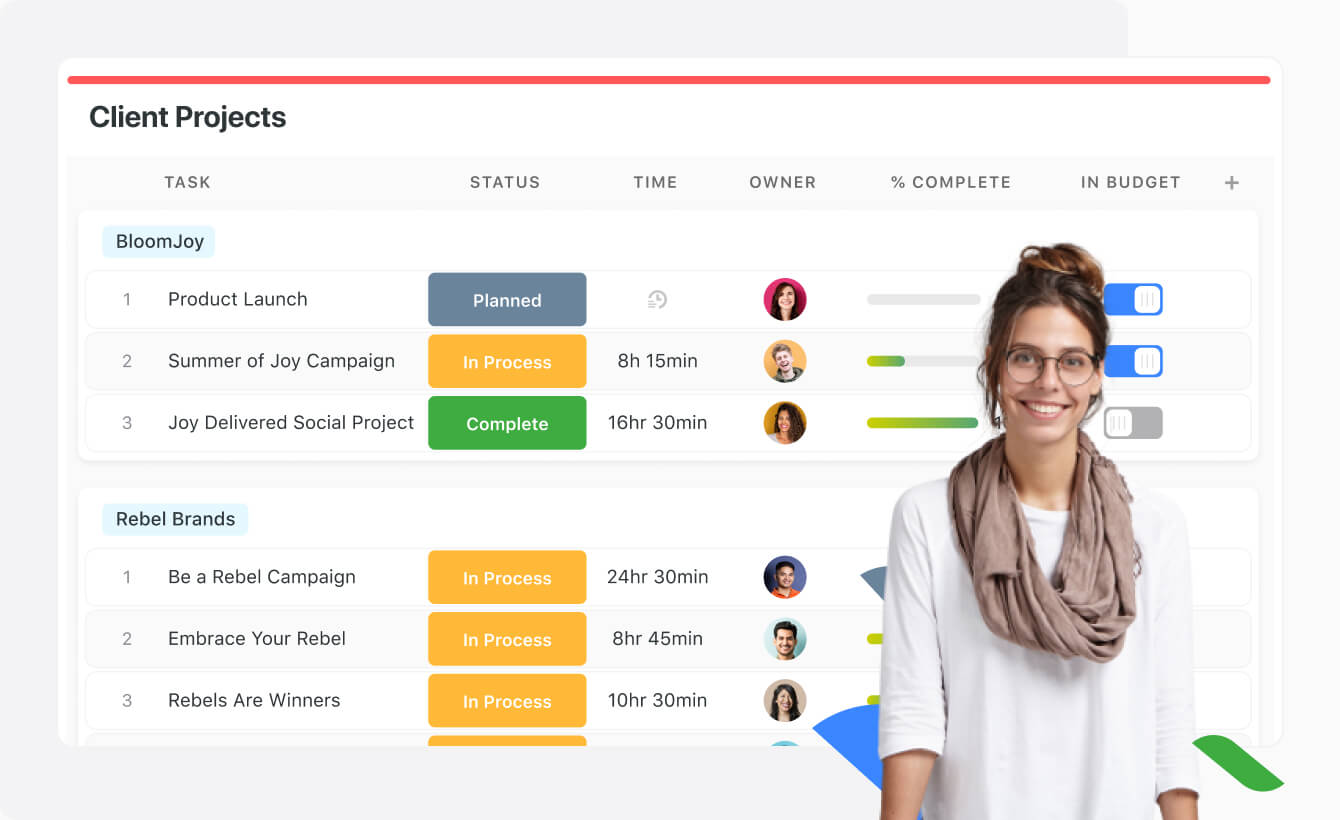
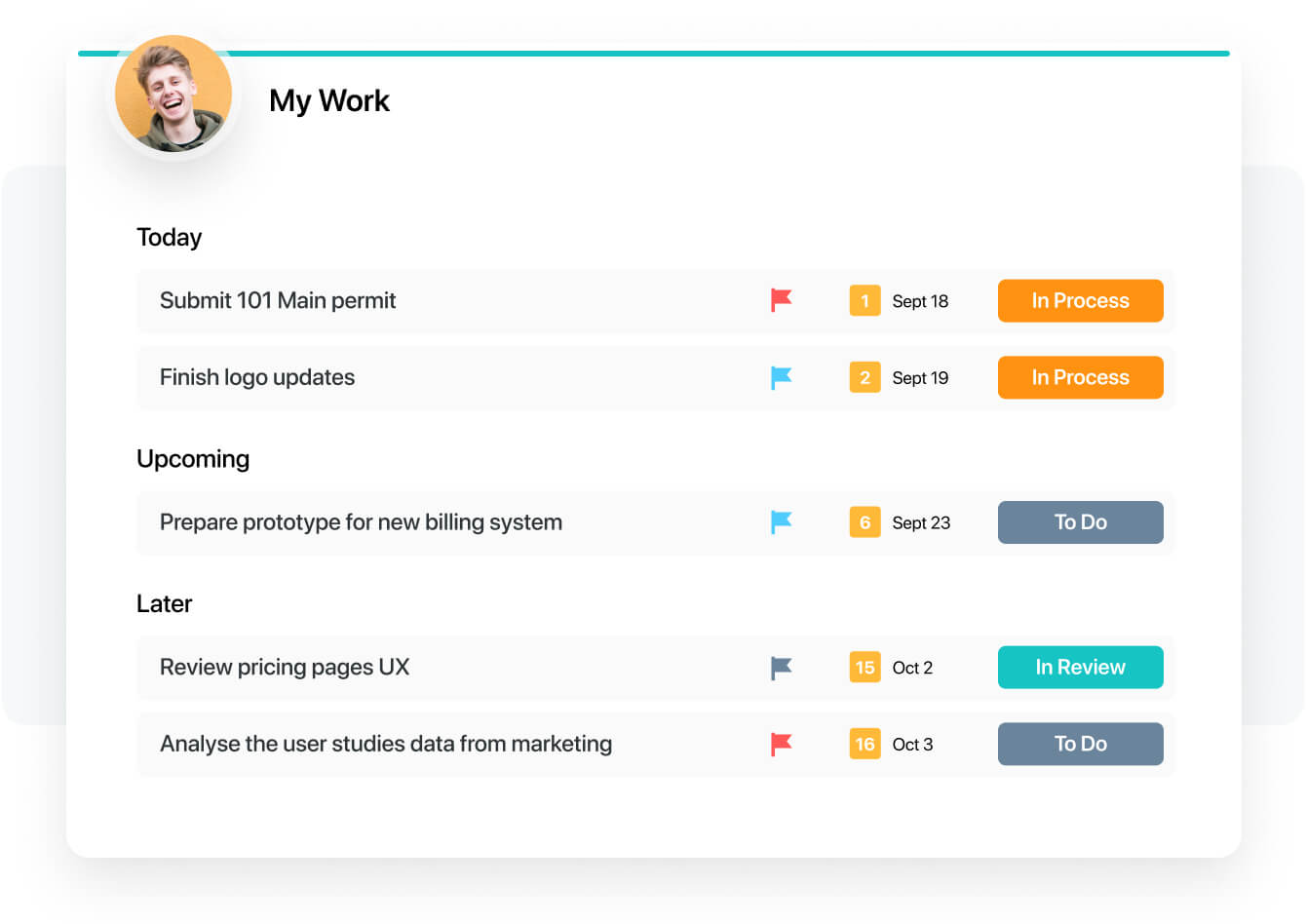
SmartSuite provides a collaborative Work Management platform that enables teams to plan, track and manage workflows - whether it be a project, an ongoing process or routine everyday tasks. SmartSuite helps coordinate people and work across all levels of an organization to ensure that team members have the information they need to accomplish the work that matters most. Team members can create a workflow, or choose from over 200 templates that can be tailored to their exact needs.
Everywhere as aforementioned it is well suited ... The largest and most appropriate... A business can never ever have too many locations of its data stored. This option allows my company to have our data stored in one location and everyone works it in real time whereas the updates go in "Real time" no matter who is working that file. This is the most awesome trick of the entire program not to mention that I can see everything that Bobbiesue is working on out west at the same time pull another activity report to see if indeed Peggy logged in for work from home at 2p yesterday as she stated she did. Its a check and balance for small businesses such as ours that runs on the honor system for telework employees. At this time, there just is not any less appropriate!
It is best suited to be a google alternative for a google drive due to its multiple functions. Can add action items, upload multiple types of files and assign people responsibilities and tasks. It combines resource platform abilities with project management functionality in order to unite all your needs in one area.
A de minimis incentive was given to thank the reviewer for their time. The incentive was not used to bias or drive a particular response, nor was the incentive contingent on a positive endorsement. More Info
I deeply dislike the navigation. I find it very clunky and hard and not intuitive. A few years ago Dropbox redesigned its navigation and I'm frequently at a loss to figure out where to access the option I need.
It should be quicker and easier to figure out how to send a file. I wish I could do that from the drop-down menu in my taskbar under the Dropbox logo.
I wish I had the option under the same drop-down menu in my taskbar under the Dropbox logo to go to where the files are on my laptop, which I find much easier to navigate.
A de minimis incentive was given to thank the reviewer for their time. The incentive was not used to bias or drive a particular response, nor was the incentive contingent on a positive endorsement. More Info
Dropbox is very expensive and its price is not as competitive as it was. We are looking for an alternative that will enable as to subscribe more users at a more affordable cost. Also, we did not like Dropbox customer service, and felt that they should have found a way to compensate us for some of the damage they were responsible for when restoring our data.
A de minimis incentive was given to thank the reviewer for their time. The incentive was not used to bias or drive a particular response, nor was the incentive contingent on a positive endorsement. More Info
Well-designed, smart, packed with functionality without being overwhelming—Dropbox knows what they are doing and they do it well. They know what users want from the service and they make sure that all the normal use cases are intuitive and at your fingertips. I have never had a hard time finding things with Dropbox and I think their usability is excellent.
A de minimis incentive was given to thank the reviewer for their time. The incentive was not used to bias or drive a particular response, nor was the incentive contingent on a positive endorsement. More Info
At least once a week the app crashes on my computer and causes files to stop syncing. It is an easy fix to re-open the app, however I have to notice the app stopped working to realize it needs to be reopened.
A de minimis incentive was given to thank the reviewer for their time. The incentive was not used to bias or drive a particular response, nor was the incentive contingent on a positive endorsement. More Info
The Dropbox site and tools load in a reasonable amount of time. I don't feel like their site and app performance is any better or worse than any other paid product that I've seen offered by any other large company. Compared to a competing product like Google Drive, the performance is probably about the same.
A de minimis incentive was given to thank the reviewer for their time. The incentive was not used to bias or drive a particular response, nor was the incentive contingent on a positive endorsement. More Info
I give it a nine because I haven't ever had to use the support or help. I would give it a ten but since I've never had to use them, I can't really give a full review of how their support works. I've talked to market research teams from Dropbox about new features, but have not had to get any assistance with a problem yet.
A de minimis incentive was given to thank the reviewer for their time. The incentive was not used to bias or drive a particular response, nor was the incentive contingent on a positive endorsement. More Info
The implementation was actually very simple. Again, as stated previously, the most intriguing part of the entire exercise was the implementation of the directory structure for each account. Once you design and implement it for one, it becomes quite simple to replicate for each account you implement thereafter. You just really need to take time to ensure you implement the first perfectly and those that follow on will be likewise work efficiently and easily.
A de minimis incentive was given to thank the reviewer for their time. The incentive was not used to bias or drive a particular response, nor was the incentive contingent on a positive endorsement. More Info
Dropbox Business is dependable, adaptable, and cost-effective for our businesses. On the inside, it’s comparable to other file-sharing and storage. Also, file access and navigation are much faster. We use it to share documents and store data and files for our business purposes. And I’ve never been convinced of other tools’ integrity or dependability. Dropbox Business has good connectivity and is smooth to use.
For our team, SmartSuite contains all features that we need. Before we use Asana, Trello and tried to use Airtable. But all of these management systems did not satisfy us. Then we started using SmartSuite, got to know all the possibilities and decided to switch to it
We've used this when we were 2 users and when we were 20. It did not make any difference. Even when we've had to scale down and fire 10 employees, it was still easy to salvage all the material and keep it organized within Dropbox.
A de minimis incentive was given to thank the reviewer for their time. The incentive was not used to bias or drive a particular response, nor was the incentive contingent on a positive endorsement. More Info
Improved risk mitigation - know our files are encrypted.
Expiring Shared Links are a must have.
Positive impact from Happy Customers. No more trying to send cumbersome encrypted emails that customers struggle with. Dropbox makes it easy for them to retrieve their files.
Collaboration makes it faster for us to complete plan documents with our customers.
A de minimis incentive was given to thank the reviewer for their time. The incentive was not used to bias or drive a particular response, nor was the incentive contingent on a positive endorsement. More Info