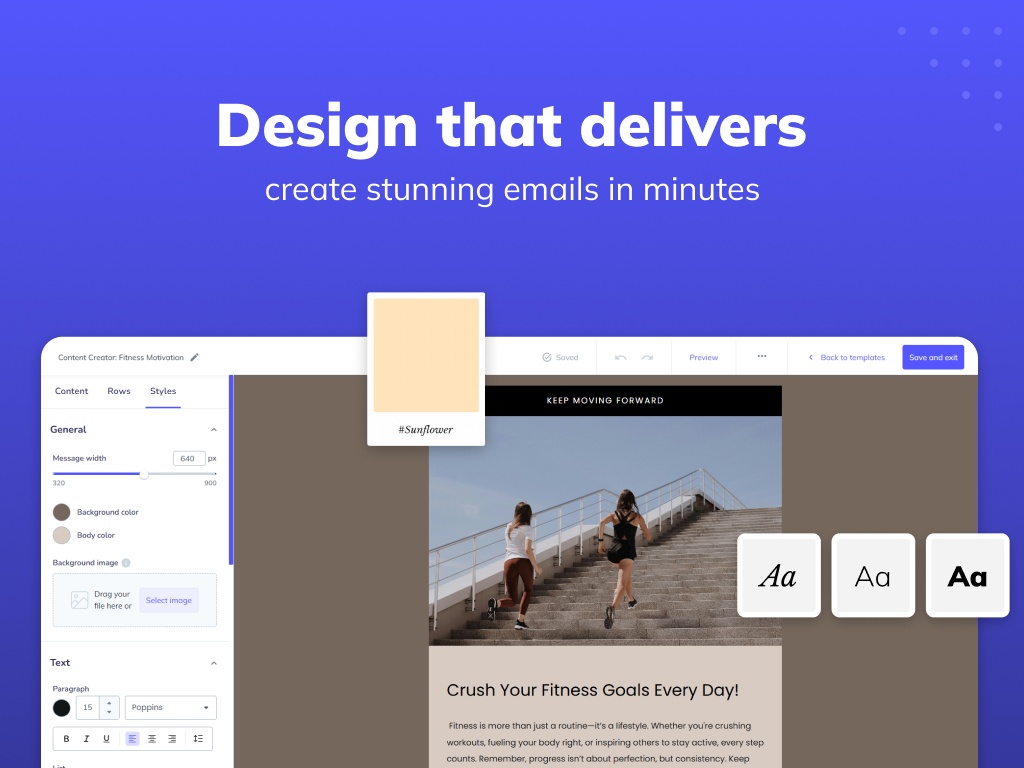
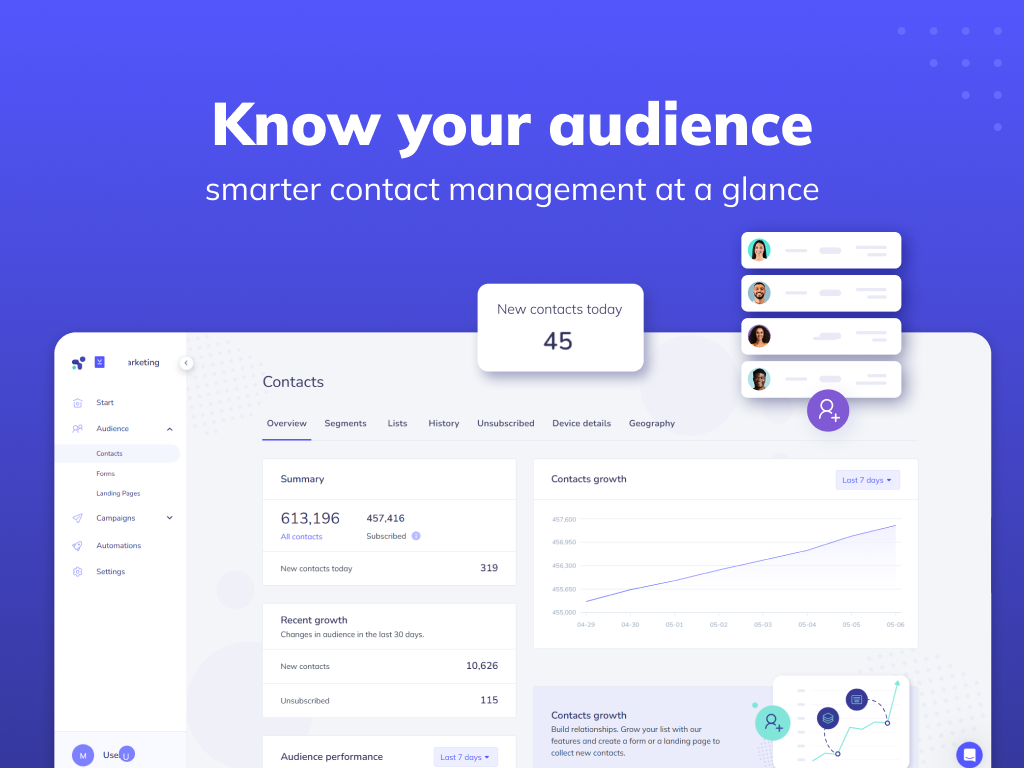
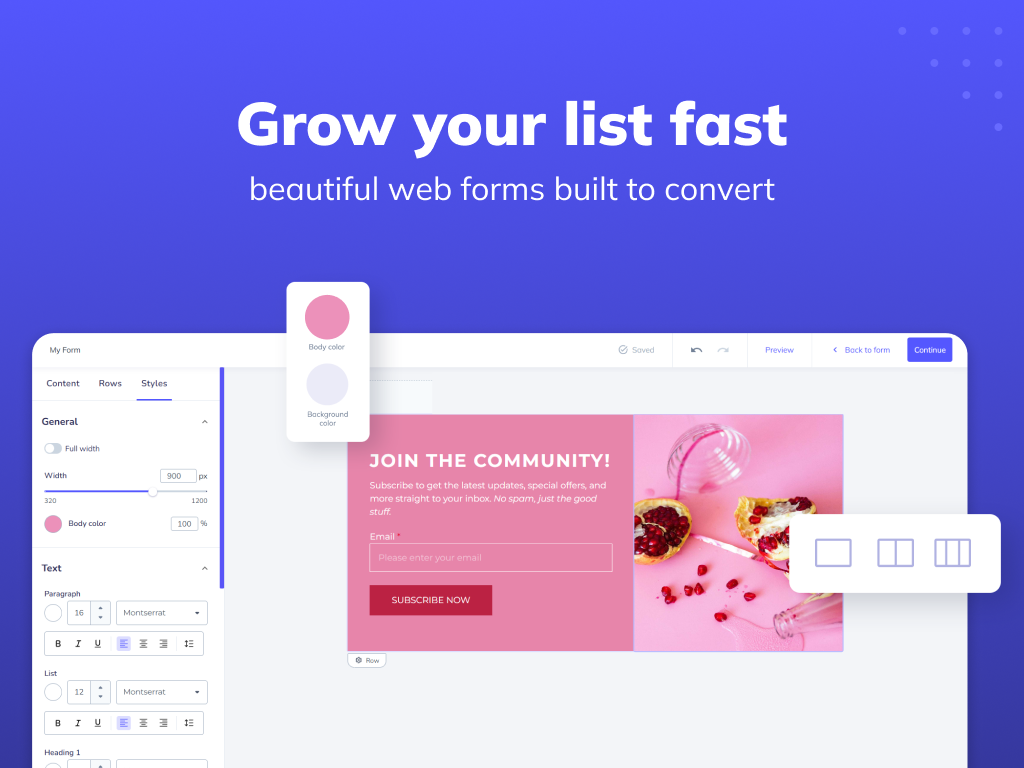
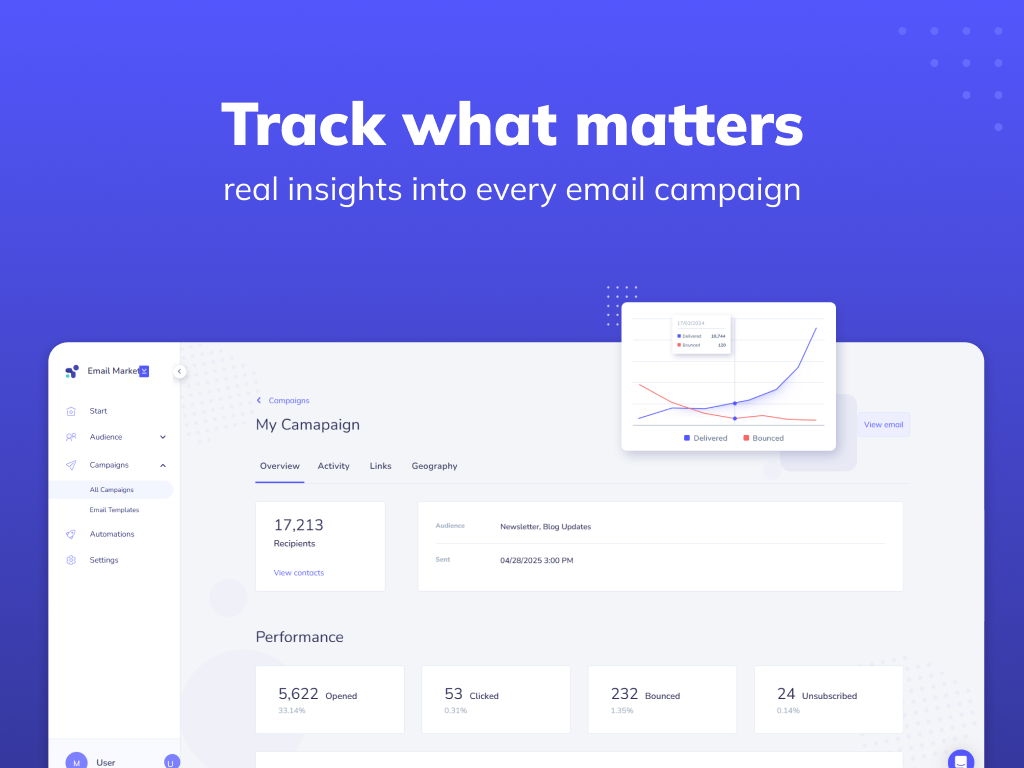
Elastic Email is an email delivery service for transactional emailing.
$29
per month for up to 2,500 contacts and 37,500 emails
Intuit Mailchimp
Score 8.3 out of 10
N/A
Mailchimp is an email marketing and marketing automation platform. Beyond just tracking how campaigns perform, Mailchimp takes it a step further by analyzing data from over half a billion emails to show why campaigns perform, driving informed decisions.
$0
per month
OneSignal
Score 8.0 out of 10
N/A
OneSignal’s omnichannel customer engagement platform offers push notifications, email, in-app messages, and SMS. OneSignal’s automated customer Journeys and one-off campaigns allow users to create messaging strategies that convert, inform, and retain audiences, with little to no coding required for setup.
$19
per month
Pricing
Elastic Email
Intuit Mailchimp
OneSignal
Editions & Modules
Inbox Plus
$9
per month per user
Email API Starter
$19
per month for up to 50,000 emails
Email Marketing Starter
$29
per month for up to 2,500 contacts and 37,500 emails
Email API Pro
$49
per month for up to 50,000 emails
Email Marketing Pro
$49
per month for up to 2,500 contacts and 37,500 emails
OneSignal is much more user-friendly, is free to use, and integrates with many more services. After the great redesign of OneSignal, it has become even better: easy localizations of the push, A/B tests and templates work great. Besides, there are a number of parameters you can …
Email Elastic is best suited in cases when we need to send bulk emails and campaigns. It provides features such as scheduling campaigns and automating fast delivery of emails; the trial version also provides many features that can be used by a new user. Email Elastic is less suited for small companies with a smaller number of clients or contacts.
It allows you to reach out to our customer base and discuss updates, sales, education, and much more. I am grateful to have reached out to them and to have gained brand loyalty in the process. It helps us truly connect, not just sell. I can segment my audiences and decide who I want to send communications to.
I think One Signal is very well suited for mobile app owners who want to be in touch with their user base more easily by sending push notifications and in-app messages. I'm not sure how well that works for SMS messaging as I haven't yet tried it. I wouldn't necessarily recommend it if your in-apps are very rare.
Mailchimp allows you to manage your mailing list really well. You can subscribe people, unsubscribe people manage the mailing list directly into segments, and what not.
Mailchimp has features where you can create campaigns based on your mailing lists and send out newsletters to your subscribers based on a multitude of parameters that you can setup. Such as send email daily, weekly, monthly and they also have event based mails that you can send out.
Mailchimp also has a feature where you can design your emails. The look and aesthetics are very important when sending emails to your subscribers and all those needs are addressed here.
I wish they didn't have such a strict requirement regarding their "opt out" links in emails. I totally understand why they do this, but there are use cases, such as one to one personal emails between individuals, where this is annoying. However, it's something I'm willing to live with for the greater good.
Is still in development: we know OneSignal is still in development and sometimes it takes longer to create or fulfill certain features.
Payment: payment menu is not at the glance, [and] is just difficult sometimes to find -it is a minor issue.
Send to certain custom segments through specific OneSignal IDs; you can do it though API doing a GET call with tools like Postman. If this can be done from OneSignal it would be great.
We've had Mailchimp for about ten years, I want to say. I started with the company about four years ago, and I don't see us ever diverting to another source. It's easy for us to use, and we have all our clients already built into the database. I imagine we'll use them for as long as we have the company.
It's very easy to use - I could quickly explain how to use Mailchimp to someone not in marketing and feel confident they'd be able to use basic skills to figure it out. Plus, we use it beyond just email marketing now for subscriber welcomes, forms, and nurture sequences.
I give an 8 in this question mainly for 2 reasons: the products even if they look like complete and are highly customizable and usable, they are still missing some logical features. For example, send messages to a list of users - now days you can do it with postman and get calls. A second example is App messaging that is still in development and has many opportunities.
I have, in the 4+ years that I've used Mailchimp, never seen an issue that restricted the use of their software/tools. I don't know of a single time when they're system crashed or went down. I could be wrong, but I honestly haven't experienced any issues with outages, errors or unplanned downtime
I haven't noticed any slow speeds from Mailchimp or their tools. I think the landing pages load quickly and look nice. The email reports and editing operates smoothly and doesn't take time to load. Additionally, when I use Mailchimp in conjunction with Zapier + Hubspot I don't notice any drag between any of these tools
I have not had any issues with Elastic Email that have required reaching out to support, so I can't speak to the quality of their customer support. The help documents were well written and presented, though, and I would imagine that anyone with issues would receive satisfactory assistance in a timely manner.
Website tools were easy to use and understand so a novice can easily meet or exceed their client's expectations! Loved that we were able to totally customize so that the e-mail we created conveyed our client's overall messaging consistent with their branding! Client love that we can provide turnkey services to support their sales and marketing teams!
Their customer support has been top-notch. They are able to assist you in getting through any problems that you may have and respond in a very timely manner. I've dealt with them on 4-5 instances over the years and my issues were always resolved within a matter of a few business days.
It's pretty easy to get up and running! There's a slight learning curve on a few things, but once you find where everything is located, you can import your list and send your first email. It really makes our clients feel great to see how quickly they can get that first email out.
Email elastic is a cost-effective, fast, and reliable platform for sending bulk emails and promoting campaigns, it provides good features even for the new user, while Blaze Verify pricing is a bit high, and a new user would not be able to access all the features. Hence clearly, Elastic email leads the position when compared to Blaze Verify.
I used Intuit Mailchimp, and I would say other software I used is equally good and competes with Intuit Mailchimp. Well, Intuit Mailchimp's reporting is better, and ActiveCampaign has more affordable pricing, so in the end, it all comes to what you need. What we needed was available in cheaper price in other software as well. But I would definitely say Intuit Mailchimp has its own advantages too.
In my opinion, OneSignal documentation / API is more friendly [than] Firebase. Maybe because Firebase is already "too big," but OneSignal is focused on one solution that giving our notification through to our customer. In that case, OneSignal is chosen by our company. Several years after that, Firebase announced it supported [the] iOs platform too but our company already using OneSignal to our notification provider.
Mailchimp over the years I've used it has grown in leaps and bounds. They have added so many additional features than were previously available. They are truly an all-in-one marketing platform now. If you're a small operation and just want to add email to your marketing efforts, they're there for you. If you're a larger operation and want to start sending postcard advertisements, they can do that. If you'd good with that and want to kick up your marketing by going social, you can do that on their platform. They are truly able to be as small as you need, but also get quite large in whatever it is you'd like to do through their system.
One of my retail web store clients was sending out email specials and notices about once a month. After clicking the send button, we would watch Google Analytics and the current site users would light up immediately. Often, the current site visitors would pop up to 20, 30 or more after the email was sent. On a normal day, seeing 1 or 2 online users would be OK.
Pretty much in all cases, we could see an uptick in positive activity after sending out a Intuit Mailchimp email to a list.