FunctionFox provides TimeFox which is a timesheet and project management solution for small creative companies. The vendor says TimeFox is currently used by over 100,000 creative professionals in Canada, the US, Europe, Asia, Australia and New Zealand.
$5
per user
Webexpenses
Score8.7 out of 10
N/A
Webexpenses is a global provider of spend management solutions, combining integrated Expense Cards with cloud-based software for businesses of all sizes across 70+ countries. Serving industries such as retail, finance, technology, construction, and not-for-profit, Webexpenses gives businesses control over company spending by automating processes, proactively enforcing policies, and controlling costs. Features The Webexpenses platform includes both desktop…
$10.13
per month per user
Pricing
FunctionFox
Webexpenses
Editions & Modules
FunctionFox Classic
$5
per user
FunctionFox Premier
$10
per user
FunctionFox In-House
$20
per user
Essential
$10.13
per month per user
Scale
$12.15
per month per user
Pro
$18
per month per user
Offerings
Pricing Offerings
FunctionFox
Webexpenses
Free Trial
Yes
No
Free/Freemium Version
Yes
No
Premium Consulting/Integration Services
No
Yes
Entry-level Setup Fee
No setup fee
$250 one-time fee per installation
Additional Details
No hidden fees. All customer support, and regular upgrades are included free of charge.
These USD amounts are approximate and provided for guidance only. As exchange rates fluctuate daily with market movements, the actual USD equivalent will vary over time and may differ at the point of transaction or when a formal USD price list is established.
If you are trying to track time across teams or functions, that is really what FunctionFox is designed for. I think this would work better for individual, smaller teams with similar tasks and activities, instead of for larger companies with more complex organizational operations. If you are just getting started with time tracking, this could be a good place to start.
A de minimis incentive was given to thank the reviewer for their time. The incentive was not used to bias or drive a particular response, nor was the incentive contingent on a positive endorsement. More Info
Webexpenses is well suited for payroll to easily track workforce expenses and reducing hours of manual work from approving and processing the submitted claims. I have to highlight the automated custom report generating, which suits any needs to see reports for our teams. At our organization there is no sceniario, where Webexpenses would be less appropriate.
A de minimis incentive was given to thank the reviewer for their time. The incentive was not used to bias or drive a particular response, nor was the incentive contingent on a positive endorsement. TR verified that a representative sample of customers was invited. More Info
With only a couple clicks I can still easily pull reports by employee on a weekly basis which provide the information I need to run payroll.
I pull reports by client each month for our monthly client billings, which we have broken down by project so I can easily see how our time was spent on their account.
We set a budget for the approved number of hours we can apply to any one project for the month, and the system provides the project manager with a warning as the limit comes near. That function has been fantastic!
FunctionFox's Help Desk personnel are wonderful, providing an exceptionally personalized experience. They take their time, and will even schedule a call to go into greater depth, such as an entire account review just to ensure you're able to use all the product features to your company's best advantage. Our entire team jumped on a half hour call a couple months ago, and she answered ALL of our questions, including providing us with info on some features we hadn't realized even existed.
A de minimis incentive was given to thank the reviewer for their time. The incentive was not used to bias or drive a particular response, nor was the incentive contingent on a positive endorsement. More Info
A de minimis incentive was given to thank the reviewer for their time. The incentive was not used to bias or drive a particular response, nor was the incentive contingent on a positive endorsement. More Info
The function of the site is not as user-friendly as others, it's sometimes hard to find certain projects and organize data in order to track effectively. I would often need to download/export reports.
Sometimes a project would accidentally be created twice and hours billed to two separate projects for the same thing. Which made tracking and billing increasingly difficult.
Little to no organization of projects for billing and finance purposes, which makes it hard when we conduct billing as there is not a clear way to know if a project is complete, ongoing, rejected etc.
A de minimis incentive was given to thank the reviewer for their time. The incentive was not used to bias or drive a particular response, nor was the incentive contingent on a positive endorsement. More Info
Would be nice if claims could be organised into certain chronological orders i.e. ordered by date so I don't have to copy and delete claims when adding a claim in that has an earlier date
Would be ideal to have an option to save full routes rather than just addresses maybe?
A de minimis incentive was given to thank the reviewer for their time. The incentive was not used to bias or drive a particular response, nor was the incentive contingent on a positive endorsement. TR verified that a representative sample of customers was invited. More Info
All of my employees are used to it and introducing a new software to them requires them to get trained again increasing the costs. TimeFox is an easy to use and understand software. Another advantage of TimeFox is that is an online software and I can access it whenever I want to.
There doesn't seem to be anything in the market at the same price point that is better, however if there is an interrupter in the market that provides better value, then we would heavily assess the cost of change to see if we should move on to the alternative offering.
A de minimis incentive was given to thank the reviewer for their time. The incentive was not used to bias or drive a particular response, nor was the incentive contingent on a positive endorsement. TR verified that a representative sample of customers was invited. More Info
It's a good tool for tracking hours and overall budget. It does not give you insight into why there are those hours, or what part of the project has over burned. The tool is also tough to export reports and find the correct information throughout. Not only this, but I also have a hard time changing project details - there's no real easy way to and there's a larger room for error
A de minimis incentive was given to thank the reviewer for their time. The incentive was not used to bias or drive a particular response, nor was the incentive contingent on a positive endorsement. More Info
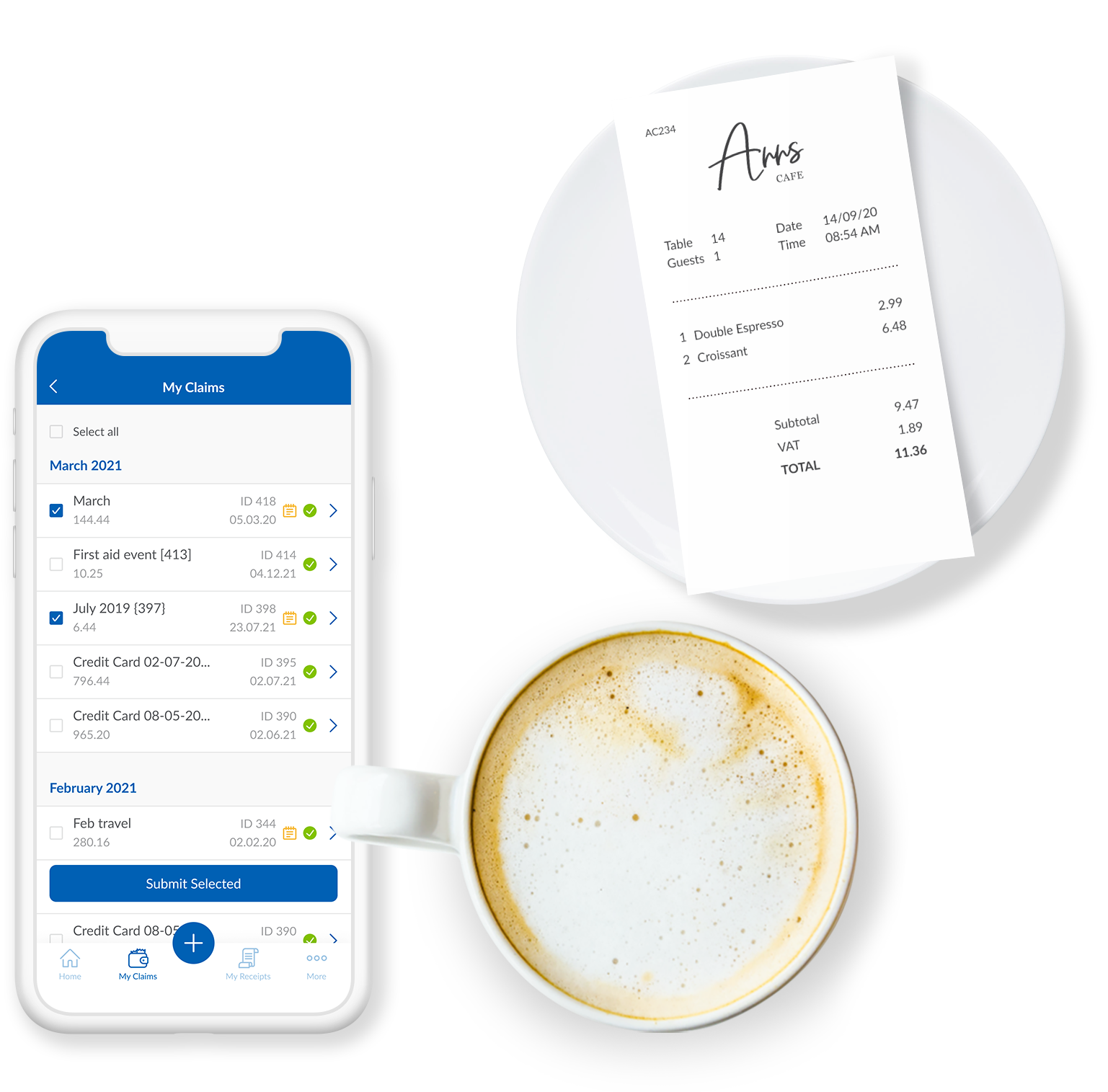
I think this is an easy to use and effective system for expense management. I like how I can upload images and documents directly from my phone onto the mobile app. It's beneficial for continuity that the app and the web browser work the same, and I can save claims to come back to later if I wish.
A de minimis incentive was given to thank the reviewer for their time. The incentive was not used to bias or drive a particular response, nor was the incentive contingent on a positive endorsement. TR verified that a representative sample of customers was invited. More Info
The soft ware is reliable. The phone app works well and allows you to upload evidence, receipts, log mileage and log expenses. It works well and is rarely locked or there are very few times the app is down. The laptop based software is easy to access and again is always available
A de minimis incentive was given to thank the reviewer for their time. The incentive was not used to bias or drive a particular response, nor was the incentive contingent on a positive endorsement. TR verified that a representative sample of customers was invited. More Info
The phone based app and the laptop based app always load quickly. It is easy to access. It is quick to use. It easy and quick to upload information and evidence. It is easy to log details. The information goes off to accounting and payroll quickly resulting in prompt payments for staff
A de minimis incentive was given to thank the reviewer for their time. The incentive was not used to bias or drive a particular response, nor was the incentive contingent on a positive endorsement. TR verified that a representative sample of customers was invited. More Info
I haven't used FunctionFox for a lot of support requests. On the times that i've been having issues I've had the issue resolved within a day, most questions I have had i've been able to source answers online or from a colleague. From what I have experienced the support team seems great.
A de minimis incentive was given to thank the reviewer for their time. The incentive was not used to bias or drive a particular response, nor was the incentive contingent on a positive endorsement. More Info
The support for the initial setup was great, but since then we have only had to contact support once when we had problems uploading credit card files. The help we received at this time was not good and we ended up trying various things until we resolved the problem ourselves. The online support tutorials are good, but searching for a specific issue is difficult.
A de minimis incentive was given to thank the reviewer for their time. The incentive was not used to bias or drive a particular response, nor was the incentive contingent on a positive endorsement. More Info
It was difficult to train multiple people via video, as they learned at different speeds, and most of the user champions were not as capable with systems and finance processes as our dept.
A de minimis incentive was given to thank the reviewer for their time. The incentive was not used to bias or drive a particular response, nor was the incentive contingent on a positive endorsement. TR verified that a representative sample of customers was invited. More Info
Unsure on implementation of FunctionFox - was before my time at the company. Everyone at the company had a good understanding of the product and how to use it by the time I joined. My understanding is we implemented ourselves with a few training sessions for the creative team and adding hours as well as training for the account team to add projects
A de minimis incentive was given to thank the reviewer for their time. The incentive was not used to bias or drive a particular response, nor was the incentive contingent on a positive endorsement. More Info
A de minimis incentive was given to thank the reviewer for their time. The incentive was not used to bias or drive a particular response, nor was the incentive contingent on a positive endorsement. More Info
When we were looking for software we tested several, and FunctionFox was hands down the best value. While there are other options, and each company is different, nothing could come close to filling our needs the way FunctionFox has. The money we spend has been returned several times over.
A de minimis incentive was given to thank the reviewer for their time. The incentive was not used to bias or drive a particular response, nor was the incentive contingent on a positive endorsement. More Info
I would have to say that Webexpenses does not stack up well in comparison to Expensify. If given a choice, I would choose Expensify for the best user experience and mobile / desktop being more seamless. It accomplishes the same thing but has a more modern, minimal, and streamlined feel to it.
A de minimis incentive was given to thank the reviewer for their time. The incentive was not used to bias or drive a particular response, nor was the incentive contingent on a positive endorsement. More Info
Every department in my organization uses webexpenses. My role and the role of others involves travel, expenses and mileage. Everyone uses the app to log details, upload receipts and to claim allowable expenses. having spoken to everyone within my team and wider directorate, i do not know of anyone who has had issues with the app
A de minimis incentive was given to thank the reviewer for their time. The incentive was not used to bias or drive a particular response, nor was the incentive contingent on a positive endorsement. TR verified that a representative sample of customers was invited. More Info
FunctionFox pays for itself just about every month in terms of how much more I am able to bill than before I started using the software, and how much less time I need to spend on non-billable admin tasks. I used to create invoices based mostly on what sounded fair, rather than on accurate time & cost records. I'm sure my clients loved it, but it wasn't healthy for my business. Now I base invoices on actual time and expense records, and end up with more money in my pocket.
It's not tangible, but FunctionFox has improved my ability to communicate with clients, and with freelance partners when I'm involved in a collaborative project. I can anticipate and discuss potential budget or delivery deadline overruns before they occur. The goodwill this builds has had a tremendously positive impact on client and partnership relations.
I fell into freelancing without a lot of experience running a business. FunctionFox has been a great teacher, helping me think through many issues that I wouldn't have even recognized as important. It is simple to use, with a UI that is neither intimidating nor overwhelming, and it has been super flexible in terms of molding it to suit the way I work.
A de minimis incentive was given to thank the reviewer for their time. The incentive was not used to bias or drive a particular response, nor was the incentive contingent on a positive endorsement. More Info
A de minimis incentive was given to thank the reviewer for their time. The incentive was not used to bias or drive a particular response, nor was the incentive contingent on a positive endorsement. More Info