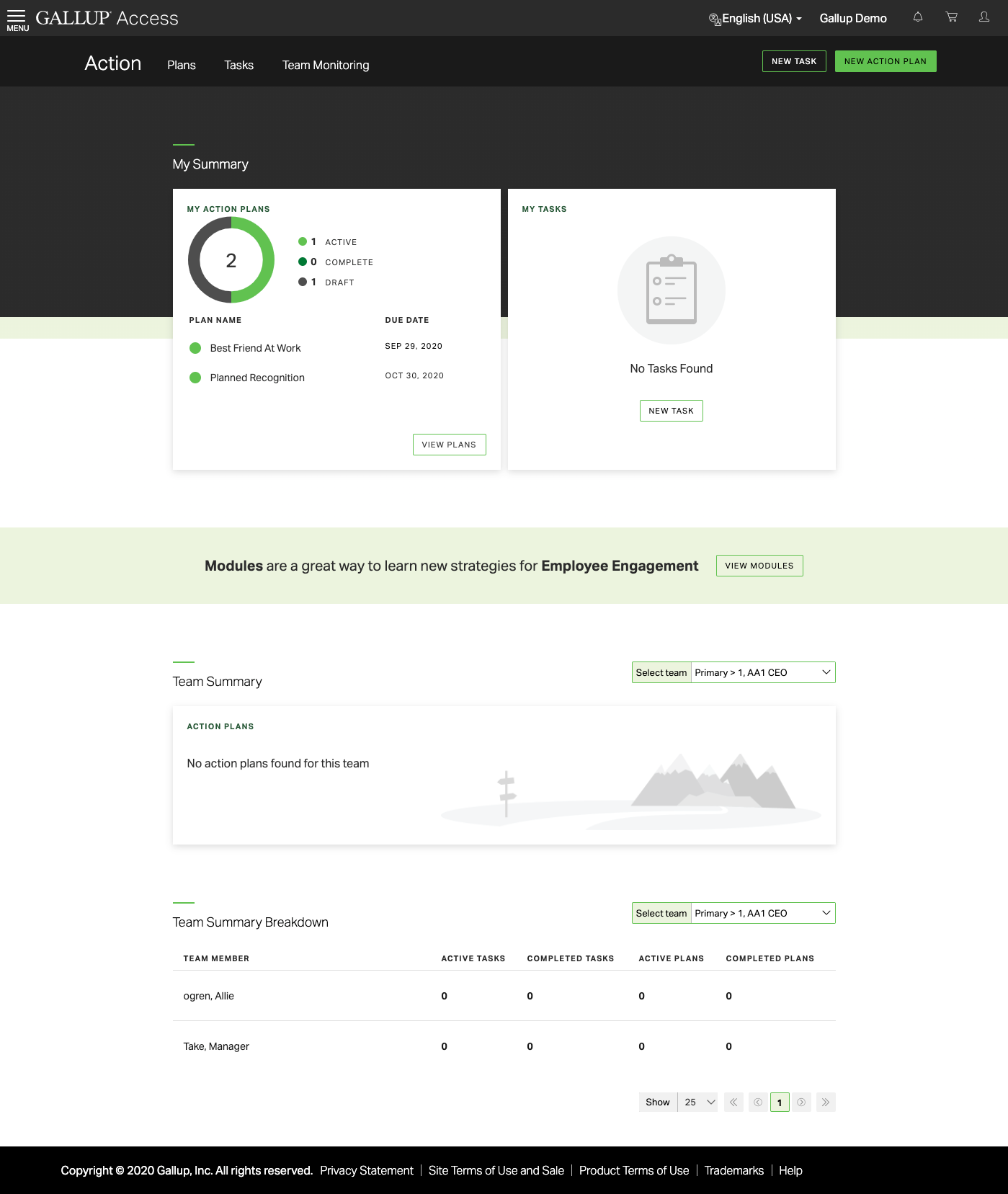
Gallup Access provides tailored advice and actionable next steps for managers and leaders. Leadership and HR teams can explore the data using reporting tools such as organization-wide visualizations and heat map comparisons. Slice and dice data in real time and generate ad hoc reports after employees complete a survey. Find patterns in the data using text analytics to group employees’ written feedback into sentiment and topic categories. Go…
N/A
Jive
Score 8.7 out of 10
N/A
Jive Software, part of the Aurea family of customer experience solutions, provides the gateway to an organization's most important assets – its knowledge and people. Jive's interactive intranet solution promises to connect people, information and ideas to help businesses outpace their competitors. The vendor says the product has more than 30 million users worldwide across every industry, and is consistently recognized as a leader by top analyst firms.
N/A
Workday HCM
Score 8.1 out of 10
N/A
Workday Human Capital Management is a cloud-native system offering a globally
consistent user experience. Workday HCM is part of an intelligent, unified system with other
Workday products.
N/A
Pricing
Gallup Access
Jive
Workday Human Capital Management
Editions & Modules
No answers on this topic
No answers on this topic
No answers on this topic
Offerings
Pricing Offerings
Gallup Access
Jive
Workday HCM
Free Trial
No
No
No
Free/Freemium Version
No
No
No
Premium Consulting/Integration Services
Yes
No
No
Entry-level Setup Fee
No setup fee
No setup fee
No setup fee
Additional Details
—
—
—
More Pricing Information
Community Pulse
Gallup Access
Jive
Workday Human Capital Management
Features
Gallup Access
Jive
Workday Human Capital Management
Human Resource Management
Comparison of Human Resource Management features of Product A and Product B
Gallup Access
-
Ratings
Jive
-
Ratings
Workday Human Capital Management
8.9
99 Ratings
9% above category average
Employee demographic data
00 Ratings
00 Ratings
8.784 Ratings
Employment history
00 Ratings
00 Ratings
8.394 Ratings
Job profiles and administration
00 Ratings
00 Ratings
8.896 Ratings
Workflow for transfers, promotions, pay raises, etc.
00 Ratings
00 Ratings
9.191 Ratings
Organizational charting
00 Ratings
00 Ratings
9.790 Ratings
Organization and location management
00 Ratings
00 Ratings
9.687 Ratings
Compliance data (COBRA, OSHA, etc.)
00 Ratings
00 Ratings
8.262 Ratings
Payroll Management
Comparison of Payroll Management features of Product A and Product B
Gallup Access
-
Ratings
Jive
-
Ratings
Workday Human Capital Management
8.7
82 Ratings
7% above category average
Pay calculation
00 Ratings
00 Ratings
9.570 Ratings
Support for external payroll vendors
00 Ratings
00 Ratings
7.658 Ratings
Off-cycle/On-Demand payment
00 Ratings
00 Ratings
9.220 Ratings
Benefit plan administration
00 Ratings
00 Ratings
8.865 Ratings
Direct deposit files
00 Ratings
00 Ratings
8.971 Ratings
Salary revision and increment management
00 Ratings
00 Ratings
9.168 Ratings
Reimbursement management
00 Ratings
00 Ratings
7.845 Ratings
Leave and Attendance Management
Comparison of Leave and Attendance Management features of Product A and Product B
Gallup Access
-
Ratings
Jive
-
Ratings
Workday Human Capital Management
8.6
77 Ratings
5% above category average
Approval workflow
00 Ratings
00 Ratings
8.876 Ratings
Balance details
00 Ratings
00 Ratings
8.276 Ratings
Annual carry-forward and encashment
00 Ratings
00 Ratings
8.962 Ratings
Employee Self Service
Comparison of Employee Self Service features of Product A and Product B
Gallup Access
-
Ratings
Jive
-
Ratings
Workday Human Capital Management
8.3
97 Ratings
1% above category average
View and generate pay and benefit information
00 Ratings
00 Ratings
8.386 Ratings
Update personal information
00 Ratings
00 Ratings
8.295 Ratings
View company policy documentation
00 Ratings
00 Ratings
7.875 Ratings
Employee recognition
00 Ratings
00 Ratings
8.758 Ratings
View job history
00 Ratings
00 Ratings
8.386 Ratings
Asset Management
Comparison of Asset Management features of Product A and Product B
Gallup Access
-
Ratings
Jive
-
Ratings
Workday Human Capital Management
8.4
25 Ratings
4% above category average
Tracking of all physical assets
00 Ratings
00 Ratings
8.425 Ratings
HR Reporting
Comparison of HR Reporting features of Product A and Product B
Gallup Access
-
Ratings
Jive
-
Ratings
Workday Human Capital Management
7.6
81 Ratings
1% above category average
Report builder
00 Ratings
00 Ratings
8.977 Ratings
Pre-built reports
00 Ratings
00 Ratings
6.779 Ratings
Ability to combine HR data with external data
00 Ratings
00 Ratings
7.267 Ratings
Onboarding
Comparison of Onboarding features of Product A and Product B
Gallup Access
-
Ratings
Jive
-
Ratings
Workday Human Capital Management
8.9
59 Ratings
11% above category average
New hire portal
00 Ratings
00 Ratings
8.854 Ratings
Manager tracking tools
00 Ratings
00 Ratings
8.955 Ratings
Performance and Goals
Comparison of Performance and Goals features of Product A and Product B
Gallup Access
-
Ratings
Jive
-
Ratings
Workday Human Capital Management
8.8
63 Ratings
9% above category average
Corporate goal setting
00 Ratings
00 Ratings
8.953 Ratings
Individual goal setting
00 Ratings
00 Ratings
8.962 Ratings
Line-of sight-visibility
00 Ratings
00 Ratings
8.753 Ratings
Performance tracking
00 Ratings
00 Ratings
8.861 Ratings
Performance Management
Comparison of Performance Management features of Product A and Product B
Gallup Access
-
Ratings
Jive
-
Ratings
Workday Human Capital Management
8.3
66 Ratings
5% above category average
Performance plans
00 Ratings
00 Ratings
8.365 Ratings
Performance improvement plans
00 Ratings
00 Ratings
8.357 Ratings
Review status tracking
00 Ratings
00 Ratings
8.261 Ratings
Review reminders
00 Ratings
00 Ratings
8.360 Ratings
Multiple review frequency
00 Ratings
00 Ratings
8.253 Ratings
Succession Planning
Comparison of Succession Planning features of Product A and Product B
Gallup Access
-
Ratings
Jive
-
Ratings
Workday Human Capital Management
7.9
43 Ratings
1% above category average
Create succession plans/pools
00 Ratings
00 Ratings
8.237 Ratings
Candidate ranking
00 Ratings
00 Ratings
7.937 Ratings
Candidate search
00 Ratings
00 Ratings
8.041 Ratings
Candidate development
00 Ratings
00 Ratings
7.639 Ratings
Recruiting / ATS
Comparison of Recruiting / ATS features of Product A and Product B
I used Gallup Access for the CliftonStrengths assessment and I do believe it was a great platform for that to be on. However, it took me a second to figure out if I was on the correct website. I'm not sure how, but being able to easily see that taking the assessment on this website would be super helpful. I think I struggled with it because CliftonStrengths book was red and white and the website is black and green. Colors are important when people are looking for certain products.
It's definitely worth considering Jive for the type of application we've developed i.e. a central shared repository for all employees to host and discuss information. I can't say I have ever used a superior tool, but they may exist. I'm just not sure I would want to use it exclusively for file hosting, though. It does integrate with various other tools, so perhaps it would be fine if used in conjunction with another tool for that purpose.
I would say it's well suited in every environment because I think it does so much. It's like the holy grail of HRIS systems is what I like to call it because thinking about all parts of the employee lifecycle, it lives here in Workday Human Capital Management. So I love the fact that you can do the people data analytics, you can store employee records, the talent acquisition pieces there. I'm thinking I can't think of anything negative right now except for the fact that I can't drill down into the data for the people analytics side. Other than that, I think it's literally, yeah, the holy grail of HRIS systems, I love it and I would highly recommend it.
Presence of Russian language (localization can be independently established)
You can configure several information tapes with different themes. One for work, the second for communication
A newly-arrived network user immediately receives a prepared block for beginners. After completing several game tasks, the user will receive the basics of using Jive.
There is a template for each scenario. There is even a template for planning R&D, and there are more than twenty of them.
Integrates with MS Office, Google Drive, Google Docs
There are all platforms (even Winphone and blackberry)
Groups employees in management hierarchies and creates Org Charts that are easy to navigate and allow for visualizing management chains regardless of employee locations
Intuitive and easy to use. The Workday search functionality works very much like Google; one can search for anything that they have access to in the database and drill down into the various details. All information is connected through hyperlinks and users can easily keep digging into the details for as far as their security access would take them.
Tasks such as to do, review or approve items are sent to the user's Workday Inbox, very much resembling email. Notifications about outstanding "to do" items are also sent to each the user's work email address on a daily basis.
There are always external factors that can impact this decision but currently, the Jive platform is maintaining its lead in the market place in this area. If the innovation in this space by Jive continues, then this number will remain high. Integration with other systems and adaptability to changes in the market or in client needs will also make this decision hard to predict more then 6 months into the future
It is work to make one system the source of truth for our data, but now that it is done, there is less work involved in staying on this path. This means for us that maintaining and/or implementing new modules like performance, finance, talent, etc. is simple. It's a no-brainer
It was harder to use that expected. The admin needs to be code savvy to truly customize the system. And users need to trained on the system and the setup. Trainings and monitoring need to continue to enforce use.
Workday's on a great path in terms of user experience. Their goals is to deliver a use experience that doesn't require training or instruction, like Amazon on the consumer side for example. That's hard to do when you're talking about complex business processes and important and sensitive employee information, but they're doing it well
Uptime was OK. But there was one day that the system crashed for a whole day. Our company was unable to operate. And all the plugins to word/excel froze causing those systems to freeze.
Jive posted a statement to the media saying all customers were up, but we were not.
In 2014, Workday has changed the update process. There will be two updates a year; the updates will be delivered to customers typically in a 24 hour window during these two weekends a year. They also keep the Community up-to-date about any planned outages, etc. There is weekly scheduled downtime on Friday night.
From my perspective, the system runs like a well oiled machine and I have not had any issues with customers complaining about speed. If a report is taking long to run, the report can run in the background and you can go about your business. For larger enterprises, there is additional space and machines to process the application in what Workday refers to it as Extended Configuration Tenant
They did an OK job when I needed them. Except for the one day the system went down. Jive pointed the finger at the hosting company, and the hosting company pointed the finger at Jive. No reliable information came to us.
Workday is still learning about the needs of higher education. I have seen rapid improvement in support and knowledge over the last year so am confident this will continue to improve. Overall however, I have found the Support Team to be extremely responsive and Workday offers the advantage of having support across several timezones so that we never wait more than a few hours for a response.
Some training is offered online. Cost is per-person. This also gets quite expensive. Training doesn’t follow a logical path A to B. Starts in middle. When you try to do it afterwards at your desk, difficult. • Training scenarios are not very real
Jive online training is there. It is OK/average. I feel some other companies are doing better. It is not a piece that is required to have a successfully implementation, but it could be useful to improve it
I have done for report writing and mass imports (EIBs). They give materials and you run through examples, i.e. you don’t just watch them do tasks, so that is helpful. Training is expensive – a single reporting writing class is $600 per person for virtual training
It was implemented before my joining the company. At my last company, we used Workday professional services.
Based upon my experience at my last company, I would rate the implementation experience an 8/10. There are different ways to set things up and we had different people telling us different things. It set us back a couple of times.
Regarding configuration advice, we could set things up where every manager has supervisory organizations, or have it financially based i.e. aligned to cost center/department. We chose the individual manager path and I think we should have chosen a department route. Going down the individual manager path, to maintain the information, we have to inactivate a supervisory org whenever a manager changes/leaves.
GA is a very professional tool, in my past experience, other platforms had felt very lacking, they cover what is needed but GA has really lived up to the expectations, I was surprised by what it does and then some more, there are still some aspects that need more polishing but you get over them with time.
We had a Google phone number set up before and Jive was a lot better option than that. It is more consistent and can be configured much easier and with more advanced settings. Additionally, based on the pricing as well as working with the rep on our account, it was a perfect option for us
Workday is an incomplete product, by this I mean it must work alongside other products and does not work by itself. Trying to make several different products work smoothly together becomes very challenging. As compared to ADP products, when purchased all together work very well all together. Also, ADP has extensive Training programs and extensive Customer Support. So ADP's products are far superior to Workday's products in my opinion.
Workday has released Financials and is continuing to develop it's Human Capital Management footprint with the addition of Workday Recruiting. I think customers will find that is easy to add on additional functionality in the system. Workday does make it easy for customers to make changes without relying on IT resources. The Business Process framework is a visual tool that allows functional resources to make changes and see the flow of the transaction
I can't give numbers yet but we have been able to split our most recent project up based on our strengths outlined by cliftonstrengths
Another positive impact is that we were able to bond as a team, we just got jumbled up and put on a new team so the ability to connect with our manager was really awesome
reduce amount of files/documents scattered & lost across shared drives
increased discovery, awareness and interaction of historically more separated individuals & team functions across the organisation
from an IT perspective, we've benefited from improved IT operations (e.g. troubleshooting info shared and easily searched/found with all team members - such that even junior team members can solve technical problems outside of business hours, lessening the burden for standby/call-in for more senior team members)
Positive ROI, we were one of the first organizations that went with Workday HCM, and we received numerous discounts. Cloud systems are the way to go and we feel the system is stable for our growing work force.
The user conferences have been helpful to network and learn more deepness in the modules and functionality.
Right off the bat, our implementation costs were lower than budgeted and we had less 'billing' surprises.