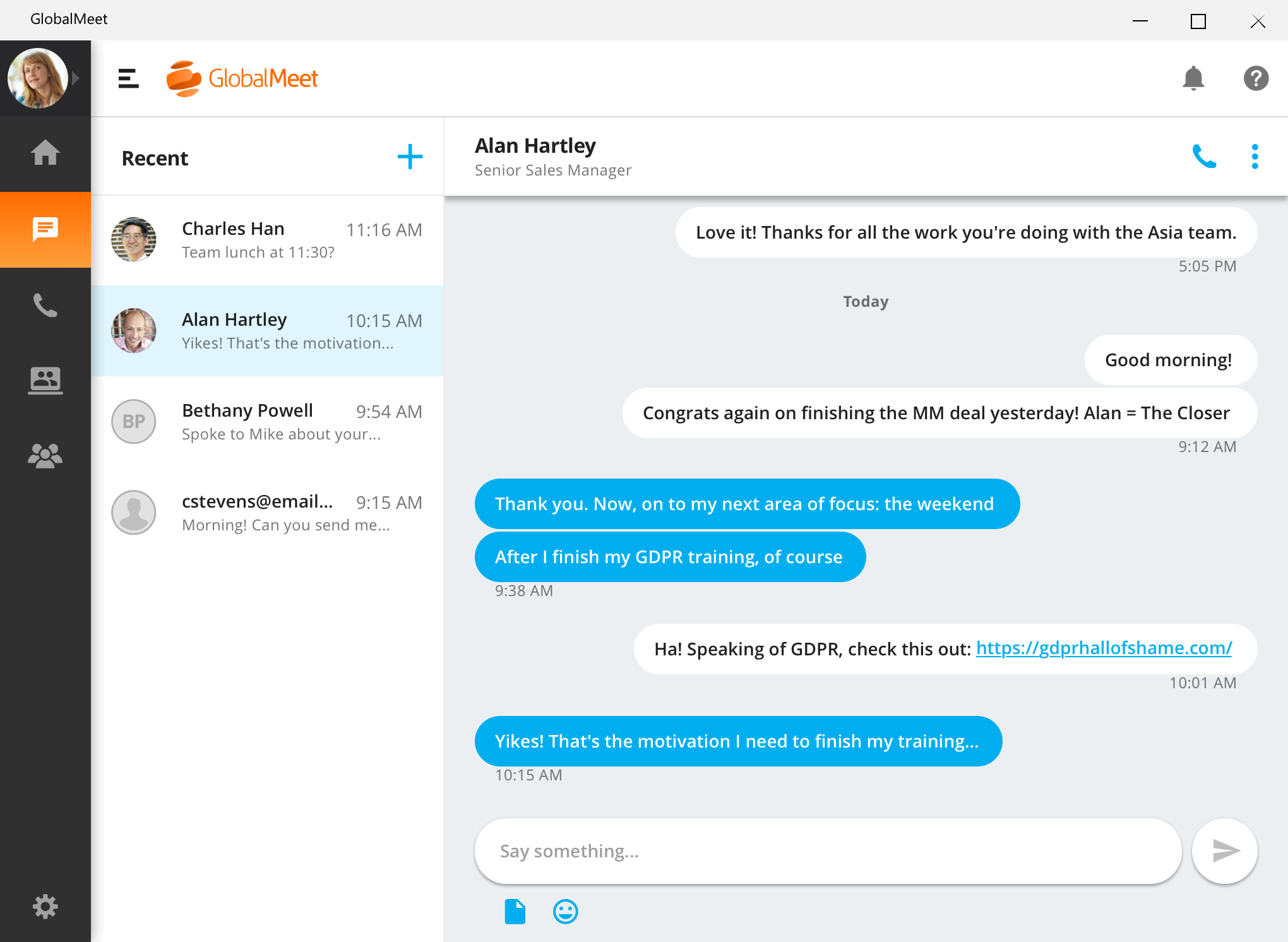
GlobalMeet Collaborationiwas an audio, web and video conferencing solution that is designed to make global communication easy from anywhere using any device. As of 2023 the product has reached EOL and will no longer be sold.
N/A
GoTo Meeting
Score 8.7 out of 10
N/A
From GoTo (formerly LogMeIn), GoToMeeting is an online meeting, desktop sharing, and video conferencing software that enables users to connect via the internet. It hosts a suite of online meeting tools, including real-time screen sharing and integrated audio.
$12
per month
Pricing
GlobalMeet Collaboration (discontinued)
GoTo Meeting
Editions & Modules
No answers on this topic
Professional
$12.00
Per Organizer / Per Month for 150 Participants [billed annually]
Business
$16.00
Per Organizer / Per Month for 250 Participants [billed annually]
Enterprise
Custom Pricing
3,000 Participants
Offerings
Pricing Offerings
GlobalMeet Collaboration (discontinued)
GoTo Meeting
Free Trial
No
Yes
Free/Freemium Version
Yes
No
Premium Consulting/Integration Services
No
Yes
Entry-level Setup Fee
Optional
No setup fee
Additional Details
—
Pricing available by monthly or annual subscription, with discounts for annual commitments.
GlobalMeet just was the better option just because of ease of use. The interface is easy to use and learn and it offers all of the features I needed. The price was just right as well. I never liked WebEx and GoToMeeting feels like it lacks a little. Blue Jeans to me was too …
We haven't transitioned fully to GlobalMeet for webinars yet, so we are continuing to use GoToMeeting for webinars. However, we use GlobalMeet on a limited basis for our larger conference calls.
I do prefer GlobalMeet over GoToMeeting. GlobalMeet has a better Microsoft Outlook plugin that works very well and easily. I’ve had problems with scheduling meetings through Outlook on GoToMeeting but it’s my preference. Both are suitable for large companies but GoToMeeting …
GoToMeeting and GlobalMeet Collaboration are two popular web and video conferencing products. GoToMeeting is the online meetings focused component of the LogMeIn online communications platform. GlobalMeet Collaboration is also the online meetings product for PGi’s suite of online communications software.
On TrustRadius, most GoToMeeting reviewers are from mid-sized companies and working in the Computer Software industry. GlobalMeet Collaboration is most popular with enterprises, but is most commonly represented by professionals in Hospital & Health Care. GlobalMeet Collaboration is popular in this industry given its reputation for being a secure choice.
Features
GoToMeeting is the online meeting, desktop sharing, and video conferencing software solution from LogMeIn. Its notable features are its slide capture (video-to-presentation) capabilities which support content creation, management of multiple meeting URLs, and dedication to providing encrypted online meetings and SSO login support.
As previously mentioned, GlobalMeet Collaboration’s biggest selling point is its security features. The vendor promises to be secure and reliable and stay on top of ever-evolving data security policies and regulations. Due to issues like “Zoom-bombing”, security is a bigger-than-ever topic in online meetings software.
Outside of online events security, GlobalMeet Collaboration also receives kudos for having an intuitive and easy-to-use interface and in-touch customer support team.
Limitations
GoToMeeting receives the most criticism for not having a very intuitive user interface. Some reviewers describe it as out-dated and “clunky”. Additionally, reviewers report that GoToMeeting can be a bit laggy sometimes, which can deter users from participating in online meetings.
Drawbacks to GlobalMeet Collaboration for some reviewers include lack of advanced add-on features (in comparison to competitors), host controls not being robust enough, and troubleshooting issues. GlobalMeet seems to work best when all participants are participating virtually, rather than there being a mix of in-person and virtual guests.
Pricing
According to TrustRadius research, 72% of GoToMeeting users believe it delivers good value for its price. This is important, as GoToMeeting is not available for free like a majority of products in the web and video conferencing software space. Its cheapest plan starts at $12 per host per month with support for up to 150 participants per meeting. Its Business plan increases this number to 250 participants at $16 per host per month. Its Enterprise plan can support up to as many as 3,000 participants, but pricing varies greatly depending on team size and other circumstances particular to your business.
GlobalMeet Collaboration tracks at being less expensive than GoToMeeting. It also has a free plan, with its paid plans starting at $12 per month per user with an annual commitment. It features an enterprise plan whose pricing its contingent on company size and host requirements and includes global dial-out and toll-free number options which are a plus for meetings with a lot of external participants.
Features
GlobalMeet Collaboration (discontinued)
GoTo Meeting
Performance & Compatibility of Online Events Software
Comparison of Performance & Compatibility of Online Events Software features of Product A and Product B
GlobalMeet Collaboration (discontinued)
7.2
46 Ratings
9% below category average
GoTo Meeting
8.1
406 Ratings
3% above category average
High quality audio
7.446 Ratings
8.8406 Ratings
High quality video
6.736 Ratings
8.7399 Ratings
Low bandwidth requirements
7.335 Ratings
7.1374 Ratings
Mobile support
7.313 Ratings
8.0321 Ratings
Screen Sharing
Comparison of Screen Sharing features of Product A and Product B
GlobalMeet Collaboration (discontinued)
6.0
39 Ratings
28% below category average
GoTo Meeting
8.2
397 Ratings
3% above category average
Desktop sharing
7.639 Ratings
8.2397 Ratings
Whiteboards
4.326 Ratings
8.1271 Ratings
Online Meetings / Events
Comparison of Online Meetings / Events features of Product A and Product B
GlobalMeet Collaboration (discontinued)
6.6
43 Ratings
21% below category average
GoTo Meeting
8.1
398 Ratings
1% below category average
Calendar integration
6.034 Ratings
8.0354 Ratings
Meeting initiation
7.040 Ratings
8.4385 Ratings
Integrates with social media
7.23 Ratings
7.7197 Ratings
Record meetings / events
6.735 Ratings
8.1361 Ratings
Slideshows
5.821 Ratings
8.1311 Ratings
Online Events Collaboration
Comparison of Online Events Collaboration features of Product A and Product B
GlobalMeet Collaboration (discontinued)
6.8
35 Ratings
17% below category average
GoTo Meeting
8.2
367 Ratings
2% above category average
Live chat
8.233 Ratings
8.3357 Ratings
Audience polling
4.314 Ratings
8.1260 Ratings
Q&A
8.020 Ratings
8.4284 Ratings
Online Events Security
Comparison of Online Events Security features of Product A and Product B
GlobalMeet is well suited for an organization that wants a simple web conference platform with no added features. It seems like this is the way to go if you want to not spend a lot of money for a service. GlobalMeet is not well suited for large organizations, or someone who needs to host multiple meetings and needs robust features such as attendance tracking, presentation sharing, and ease of use.
I provide regular training as a big portion of my job. There is weekly training with an infinite number of users in attendance on any given date—GoTo Meeting is not the best option for this because I would have to mute users as they join the meeting. However, I also provide frequent training sessions to a small number of users that feature more individualized content, and having them able to mute/unmute at will is a better fit for a smaller group with in-depth materials.
Recording feature useful to playback information from the meeting
Accessibility of domestic and international call in numbers make it possible for participants to call in no matter where they are traveling or located.
There is a cost for the conferencing services unlike competitors like FreeConferenceCall.com or Skype which have free options. However, you pay for what you get and the audio/connection quality can and has been an issue for us with other vendors.
There are a lot of shortcuts that can be used on the line to mute/unmute lines, record the audio, request operator assistance, etc. However, these are difficult to memorize so we end up forgetting or relying on a print-out of the shortcuts that we keep near our desks. I wish there was an easier way to use these such as voice commands.
In the post-conference email recaps you get the phone numbers of those who dialed in. However, it can be difficult to know who these numbers belong to unless you remember the direct #s for the participants. I wish there was a way to save contact info for certain phone numbers within the system and let GlobalMeet add the names to the numbers for all future post-conference emails.
GlobalMeet is not a very good tool. There are better web meeting platforms available in the marketplace. The system is clunky, not intuitive, and experiences often technical issues. They have made updates recently but it is too little too late. It may be a good platform for smaller organizations with tighter budgets.
We used other software like goto meetings but found it best because of its user friendly interface and easy interfacing. It helped us in COVID and now we can say we are depending on it and love it. We recommend it to our friends company and they are also using it. It is very affordable and easy to integrate with system
I have provided such a high rating because setting up the meeting only requires a few clicks. Within a couple minutes of telling my team that I will set up a meeting and send an invite, that invitation is already sitting in their inbox. I move at a fast pace and GlobalMeet is keeping up
The simplicity of GoToMeetings desktop, mobile, and web-based applications make it a very robust and user-friendly meeting solution. At times, it may be more complex than needed, but it is nice to have so many features that can be used if needed. Once installed, it is very easy to use and navigate.
For the most part GlobalMeet loaded everything quickly. The only problem that we had was when the whole company was on a training at one time, we had a hard time with screen sharing and the pages loading in a timely manner. Everything seemed to slow down when lots of people were on the system at once
As previously mentioned, I was in charge of facilitating a weekly meeting with 60 attendees. I had major issues with the screenshare crashing repeatedly during the meeting. I got in contact with a GlobalMeet Technician immediately. He was extremely responsive and worked with my technician to resolve all of the issues quickly. After his intervention, I never had the same issue again.
When we have issues, they seem to respond quickly and do everything they can to help us. They have even tried to find other ways we could get more use out of their product, or improve the way we are currently using it. Overall, their support has been fairly good for us.
I was not involved in the purchasing decision, but choose GlobalMeet over Skype in some situations since not all organizations permit their colleagues to join other Skype environments. WebEx is not widely deployed in the organization. I have just started using Teams, and I am not as familiar with using it yet. However, I have had success with joining other organizations that use Teams on a call. It is disappointing that functionality such as the whiteboard is not mutually available in those situations (yet).
Many times, it seems like GoTo Meeting requires less bandwidth to run. We noticed with a few test machines that if you have over twenty video streams, this product could handle the load better than if we used Microsoft Teams and had many video streams.
The price for webinar for GlobalMeet is quite pricey compared to other similar vendors.
GlobalMeet can be used for unlimited free calls and video conferencing, hence in our company with extensive global calls this platform is very cost-effective.
Unlike most conferencing software. Other users don't have to download GlobalMeet App and therefore it is easy to send meeting invite to clients.
Attentively support system that responds fast to queries and this saves time for us.
Any collaboration app these days are now a great addition for those organizations which have more than one office and they need to collaborate with each other.
GoTo Meeting can contribute to cost savings by reducing the need for extensive travel, accommodation, and related expenses associated with in-person meetings especially in case like us as we have multiple branches.