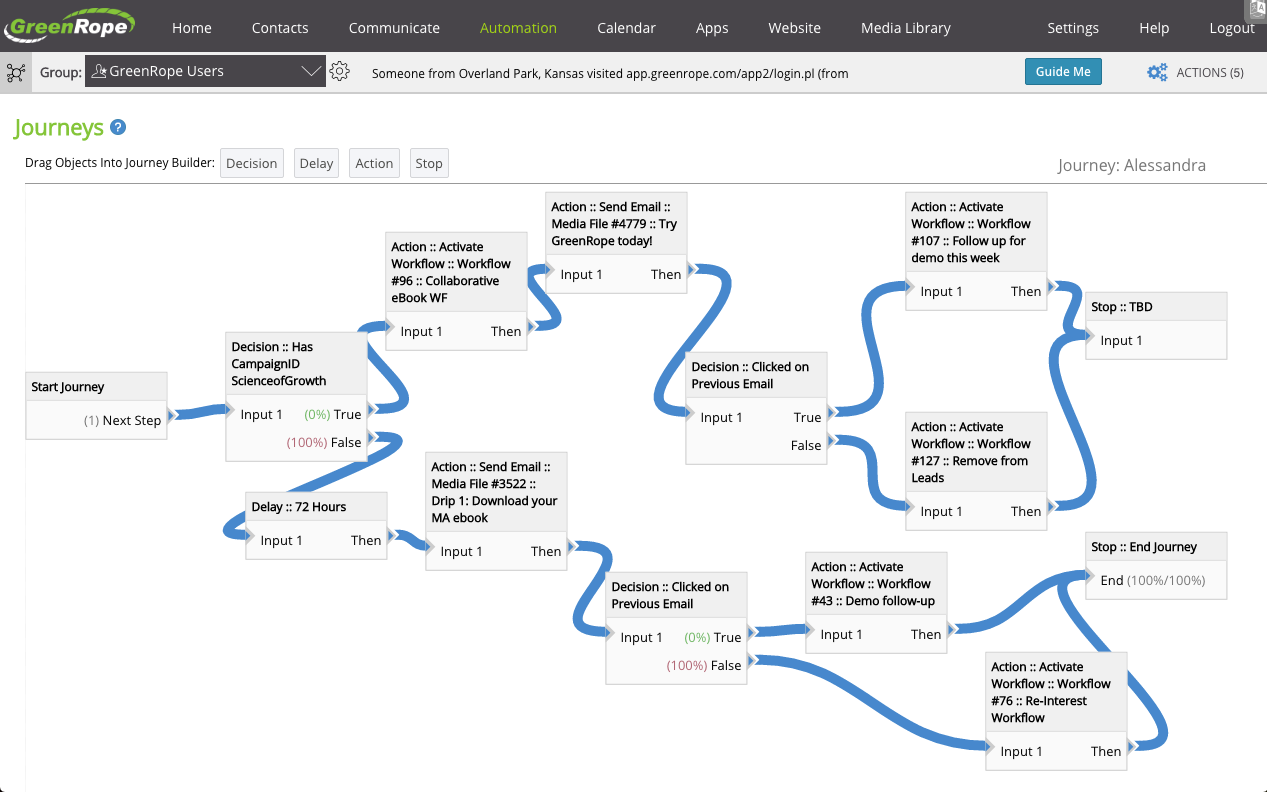
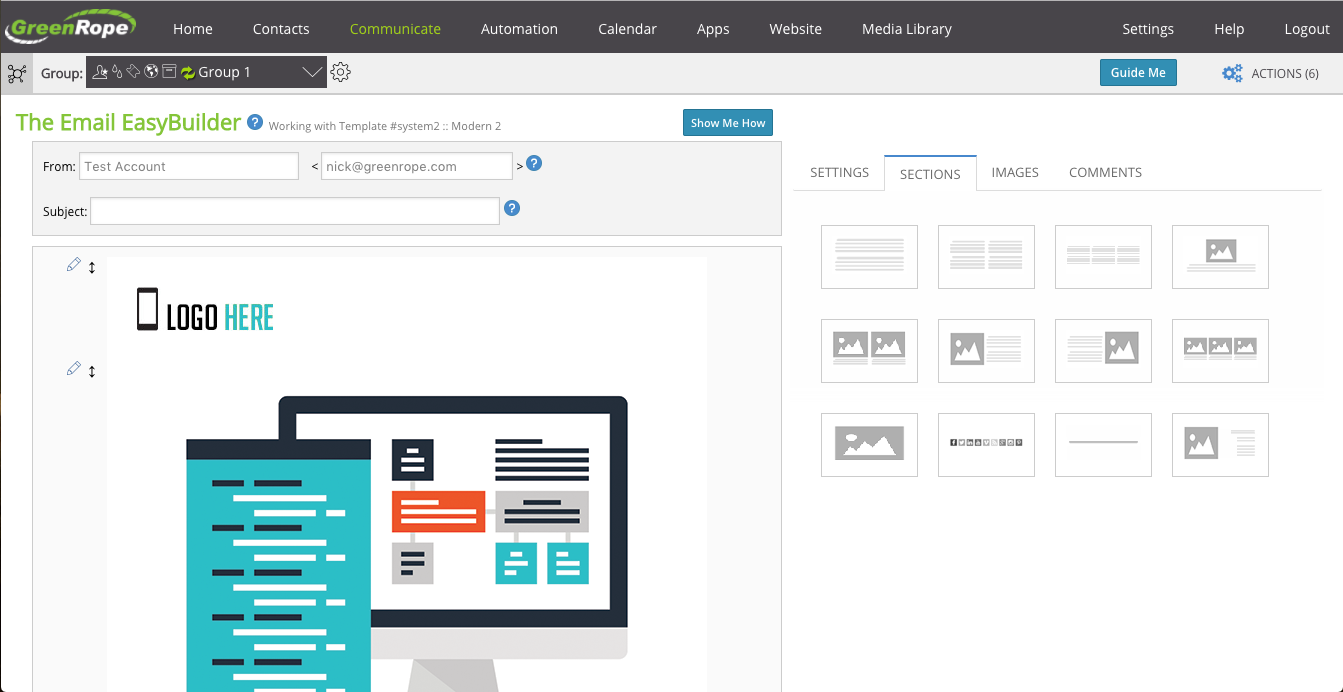
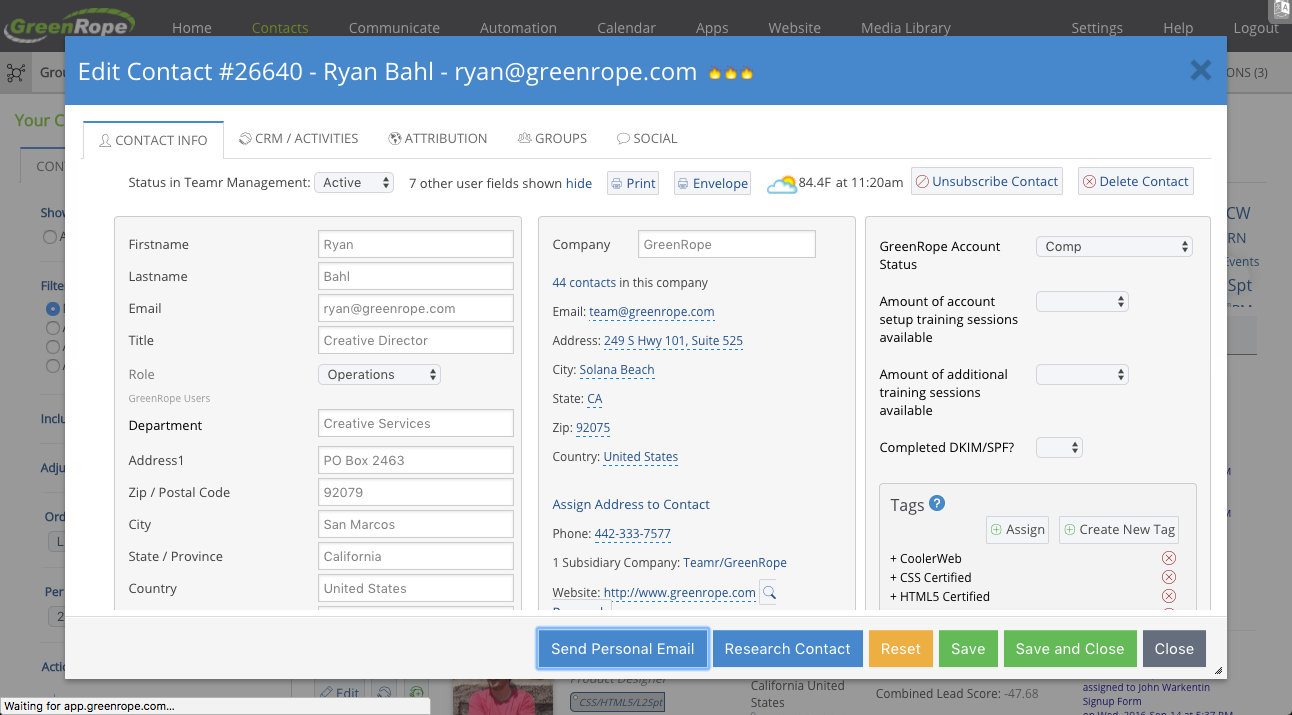
GreenRope is a CRM tool focused on marketing automation, sales pipelines, and customer service. It includes advanced marketing automation capabilities, sales force automation, and a tool box of features to help manage and operate the business.
$149
Per Month [Unlimited Users]
MethodCRM
Score9.1 out of 10
N/A
Method:crm is a QuickBooks-integrated, cloud-based CRM platform.
$35
per month per user
Pricing
GreenRope
MethodCRM
Editions & Modules
Starter
$149
Per Month [Unlimited Users]
Prime
$199
Per Month [Unlimited Users]
Pro
$249
Per Month [Unlimited Users]
Premium
$299
Per Month [Unlimited Users]
Powerhouse
$349
Per Month [Unlimited Users]
Supreme
$449
Per Month [Unlimited Users]
Ultimate
$699
Per Month [Unlimited Users]
CRM Quick Start
$35
per month per user
CRM Pro
$59
per month per user
CRM Enterprise
$97
per month per user
CRM Multi-Entity
Custom Quote
Offerings
Pricing Offerings
GreenRope
MethodCRM
Free Trial
Yes
Yes
Free/Freemium Version
No
No
Premium Consulting/Integration Services
Yes
Yes
Entry-level Setup Fee
$399 Per Account
No setup fee
Additional Details
All price plans include unlimited users, unlimited emails, and all features.
There's no such thing as a CRM that doesn't have its complications and headaches. I have tried a lot of them and ultimately like GreenRope heads and shoulders above the rest. GreenRope is particularly suited for small to medium sized businesses who do not have the budget or need for a SalesForce install, or the engineers necessary to make other CRM software work. If you want a more sophisticated system than an email responder like MailChimp or Constant Contact, you need to have a CRM. So ask yourself what you are looking to automate in your business and then go for a solution that has the ability to scale with you. A CRM is a commitment to long term growth and automation, and you should see it as an investment -- both in cash and in time. I don't have a programmer and have managed to get a lot of functionality out of GreenRope (all DIY). And I'm always adding to it with no limits in sight.
Method[:CRM] is well suited when you have a large company that needs to keep track of customers. It also connects with Quickbooks and that has really been nice for our organization. Our company is small so this really helps us stay on track and build our data base of customers.
A de minimis incentive was given to thank the reviewer for their time. The incentive was not used to bias or drive a particular response, nor was the incentive contingent on a positive endorsement. More Info
GreenRope provides a full-featured application at ALL pricing levels. You don't have to 'upgrade' to get better features - you've got them all right away. I really appreciated this!
GreenRope doesn't charge per user (i.e., administrator of the system). Other systems require additional fees when adding administrators to your account. GreenRope makes it easy for me to get help with the CRM by adding more of my people, without adding multiple fees.
Customer Service at GreenRope rocks! They really want to help you get started well. The training and set-up calls are fantastic. For any support issues that have come up (usually newbie questions!) I've always received a prompt response. I can't say enough about their support.
There are many ways for me to customize my data sets, for management and segmentation of contacts, specific to my industry and business needs.
Dashboard customization - as a visual learner, the presentation of information on my screen is important to me, and GreenRope allows me the ability to customize colours, icons, and sizes of things in my dashboard. This is helpful for my creativity and productivity.
A de minimis incentive was given to thank the reviewer for their time. The incentive was not used to bias or drive a particular response, nor was the incentive contingent on a positive endorsement. More Info
The project management software - while usable in its current form - can still benefit from further development. But I've noticed that they are working on it, so it seems they are aware of this area of opportunity.
This is a little thing, but I'd like the ability to drill into specific tasks from more areas, and mark them complete quickly or make notes on them.
I honestly don't have many suggestions. I use their ticket system to make suggestions when they occur to me, and they tend to incorporate suggestions very quickly into subsequent builds.
They have monthly renewals, so at any time you can cancel and not feel like they are holding your money. Their customer support is easy to work with. Their ticketing system to communicate with you about service issues is fantastic(which is included in the monthly fee) allows you to track issues. We use the ticketing system and add it to our website. This gives people the ability to communicate with us 24/7.
The things Method does well - QuickBooks data integration and extreme customization - it does very, very well. If you are looking for a CRM product or any business process automation software that integrates with QuickBooks, you have to look at Method CRM
It takes time to learn this system. It is not going to happen over night, but once you master it it will be worth it. I am already seeing some great results, all I have to do is keep learning.
Method has a great overall "usability". Once we started using the software; it did not take long before we were able to start editing our own web lead forms, email templates, etc. I think there is a learning curve however the learning curve is not bad. Anyone looking for a cloud CRM should start here
A de minimis incentive was given to thank the reviewer for their time. The incentive was not used to bias or drive a particular response, nor was the incentive contingent on a positive endorsement. More Info
Many times I have to repeat the issue several times before the person understands correctly. There was also an instant where support was not available when help was needed, had to wait for a response and it was a business day.
The Customer Support of this app is fantastic. If you ever have any questions they are there to answer you or fix whatever issue that you are having. The FAQ pages are also extremely helpful when you want to learn about the more in-depth qualities this program has to offer.
A de minimis incentive was given to thank the reviewer for their time. The incentive was not used to bias or drive a particular response, nor was the incentive contingent on a positive endorsement. More Info
I think there are some cheat sheets and best practises lists that could be created that would save a business a lot of time and frustration. BUT, even as it is, the frustrations and challenges disappear as things start working. I am going to be offering up a few of the tricks I have learned to the team at GreenRope to share with other users because when customers offer valuable work arounds that they find helpful to others, we accomplish a few things. The coders get an idea of things that aren't working quite as expected so they can look into fixes, other customers get benefit and we all win
Be available to learn! There is a huge learning curve to this program. You have to be willing to take it all in. Be available to the Method expert and be patient.
We chose GreenRope.com because they were the best fit. We already had a marketing email strategy with Constant Contact so choosing a CRM with those capabilities was very important when making our decision. Everything we were already doing could be in 1 place instead of needing to login to several different outlets to reach our goals and objectives. For example, email marketing (Constant Contact), website tracking (our Host), client tracking (spreadsheets), Calendars (Outlook), etc. Now we do everything, email marketing, track leads, have a work flow, track website visitors, post events and forecast all with 1 login. It's great!!
We chose Method:CRM for the QuickBooks integration. It was important for us to have integrations that allowed us to view payments, organize our contacts, and manage our sales force. There were some learning curves, however, such as creating activities, leads, customers and making sure our payments were being logged appropriately. I do wish that payments would be added to the calendar automatically so that the sales rep could view and make a phone call letting them know their invoice is due.
A de minimis incentive was given to thank the reviewer for their time. The incentive was not used to bias or drive a particular response, nor was the incentive contingent on a positive endorsement. More Info
A de minimis incentive was given to thank the reviewer for their time. The incentive was not used to bias or drive a particular response, nor was the incentive contingent on a positive endorsement. More Info