KeePass is an open source password manager which secures passwords in a database locked with a master password or key file.
N/A
WatchGuard AuthPoint
Score9 out of 10
N/A
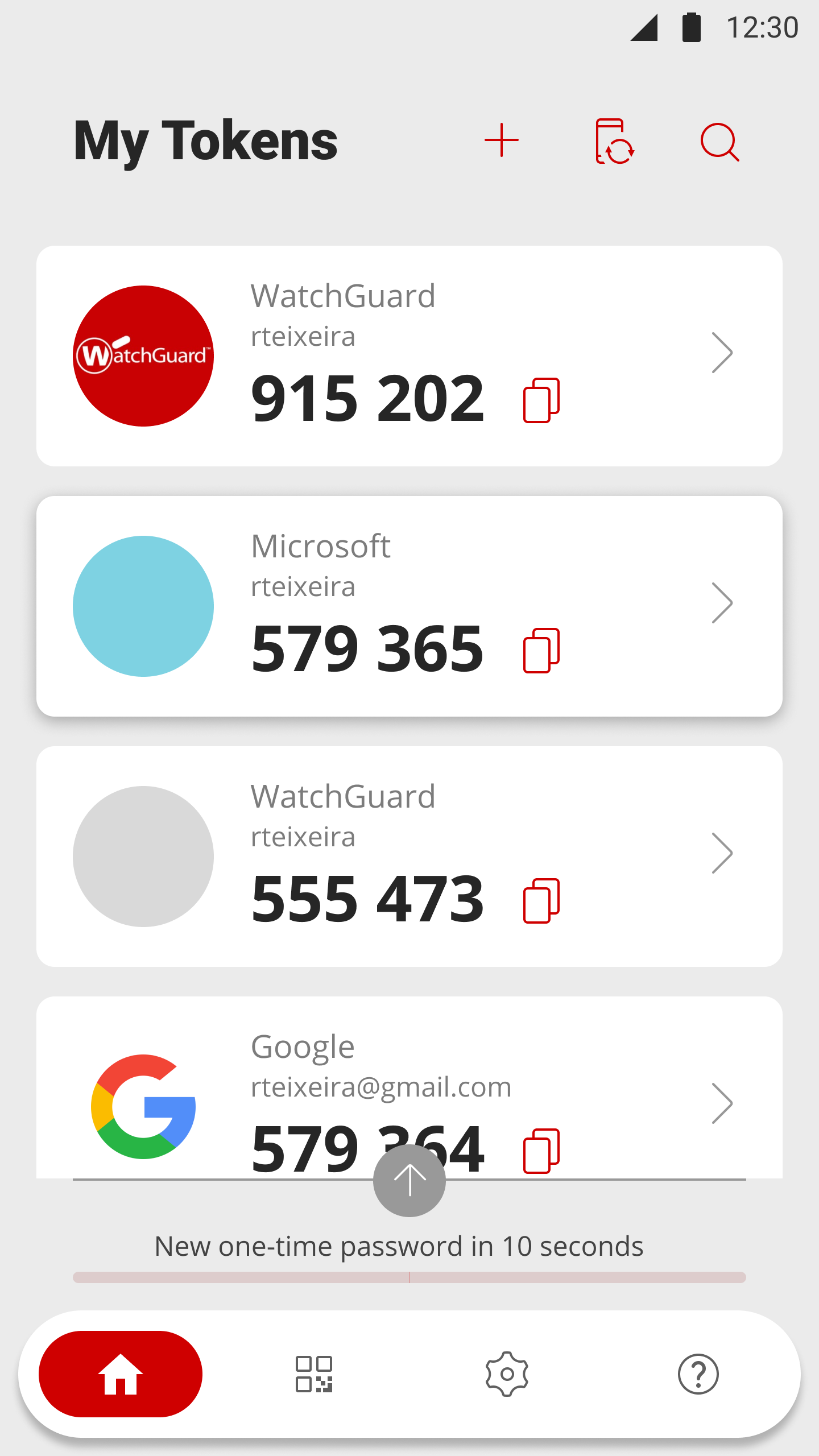
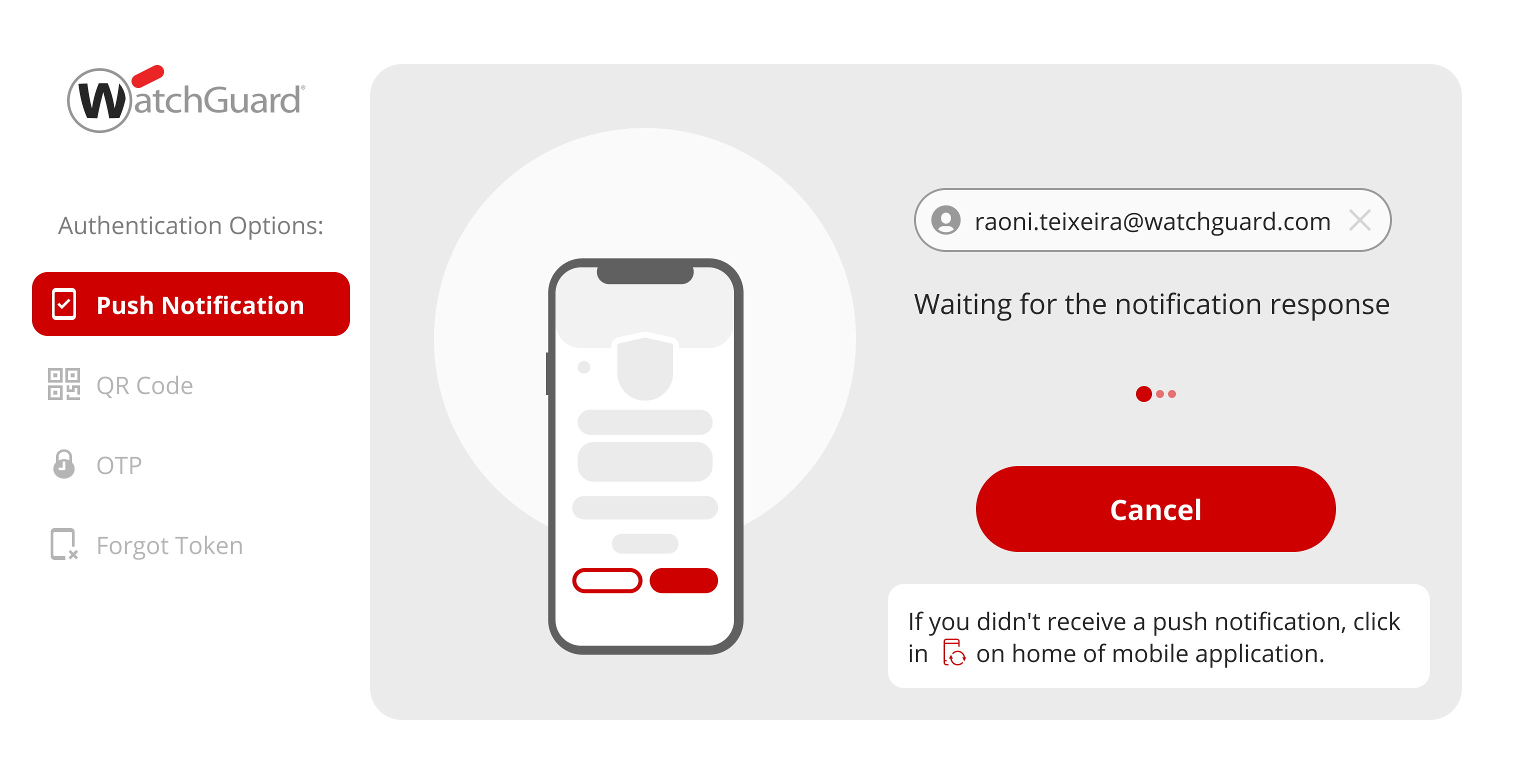
WatchGuard AuthPoint protects workforce logins to desktops, VPNs, and cloud applications, from Windows and macOS sign-in to Microsoft 365 and third-party SaaS. It runs on WatchGuard Cloud, the same console that manages WatchGuard network and endpoint security. An MSP or an IT team can cover identity without adding another vendor to the stack. When MFA alone is not enough Day-to-day authentication runs through the AuthPoint mobile app, with push, QR code,…
We didn't use other products. Before Keepass, Our Users were using the password saving in Google Chrome or Microsoft Edge. In our opinion, this is not really safe. There you also cant save any other applications and passwords. So people were writing down some passwords on …
A de minimis incentive was given to thank the reviewer for their time. The incentive was not used to bias or drive a particular response, nor was the incentive contingent on a positive endorsement. More Info
WatchGuard Technologies
Verified User
Chose WatchGuard AuthPoint
Due to the recognition and functionalities that Watchguard has in the market worldwide, it makes me feel safe when purchasing its products.
A de minimis incentive was given to thank the reviewer for their time. The incentive was not used to bias or drive a particular response, nor was the incentive contingent on a positive endorsement. More Info
Owner / CEO in Professional Services at Midwest Technology Specialists LLC. (Information Technology & Services, 1-10 employees)
Chose WatchGuard AuthPoint
Although some of the applications have overlapping features, none of the other management and or security solutions that we have used or evaluated are similar enough to AuthPoint to draw any meaningful comparisons.
A de minimis incentive was given to thank the reviewer for their time. The incentive was not used to bias or drive a particular response, nor was the incentive contingent on a positive endorsement. More Info
[KeePass] works extremely well for personal work passwords and personal-use passwords for home. It allows users to remember 1 single complex password in order to gain access to the entire database of passwords. It doesn't work so well if you want to sync passwords to multiple devices such as your computer or phone. It can be done, but it's not simple.
A de minimis incentive was given to thank the reviewer for their time. The incentive was not used to bias or drive a particular response, nor was the incentive contingent on a positive endorsement. More Info
Works great as a 2FA token, for endpoint control, for computer and server updates, for scheduling updates, and for patching security features when exploits become known. Remote connection is very reliable and doesn't drop in and out as many programs do. It may not be as appropriate if you are looking for a plug-and-play control, as it requires more learning and setup to get it set up correctly.
A de minimis incentive was given to thank the reviewer for their time. The incentive was not used to bias or drive a particular response, nor was the incentive contingent on a positive endorsement. More Info
A de minimis incentive was given to thank the reviewer for their time. The incentive was not used to bias or drive a particular response, nor was the incentive contingent on a positive endorsement. More Info
A de minimis incentive was given to thank the reviewer for their time. The incentive was not used to bias or drive a particular response, nor was the incentive contingent on a positive endorsement. More Info
A de minimis incentive was given to thank the reviewer for their time. The incentive was not used to bias or drive a particular response, nor was the incentive contingent on a positive endorsement. More Info
Email support is SLOW unless I want to allow a stranger to access my production firewall. That is never allowed here, so our hands are tied in terms of being able to get support in less than 48 hours.
Again, support takes far too long because you refuse to employ any staff that works in US time zones during normal business hours.
There has to be another option besides: 1) you take full control of my systems or 2) I wait on SLOW email support that isn't that great.
A de minimis incentive was given to thank the reviewer for their time. The incentive was not used to bias or drive a particular response, nor was the incentive contingent on a positive endorsement. More Info
My very good experience in the past 15 years of usage of KeePass makes it easy to decide for a renewal of this friendship. I was never disappointed and KeePass always meets my expectations. The software runs stable and if there should be a software error, it will be fixed in no time. This is customer satisfaction.
A de minimis incentive was given to thank the reviewer for their time. The incentive was not used to bias or drive a particular response, nor was the incentive contingent on a positive endorsement. More Info
Today to ensure our ISO 27001 certification it is important that we maintain this solution. Today it is part of the way any employee within the organization works, we no longer have any other way of working and it is the simplest way to ensure that access to the workstation is done with MFA.
A de minimis incentive was given to thank the reviewer for their time. The incentive was not used to bias or drive a particular response, nor was the incentive contingent on a positive endorsement. More Info
KeePass is easy to use and requires no prior training using it. I would rate KeePass a score 9 out of 10. It stands out in managing credentials securely and efficiently. No other similar app performs its core function as well, making KeePass an essential tool for password management and security.
After initial setup, it practically runs itself. Onboarding new users is fast and easy as it should be. The AuthPoint mobile app is small and simple to use. The only reason I do not give it a 10 is that I frequently get complaints from end users that the AuthPoint app is "constantly downloading". In fact, it's not downloading anything and that what the users are seeing in the app is a timer for the 6-digit code that changes every minute.
A de minimis incentive was given to thank the reviewer for their time. The incentive was not used to bias or drive a particular response, nor was the incentive contingent on a positive endorsement. More Info
A de minimis incentive was given to thank the reviewer for their time. The incentive was not used to bias or drive a particular response, nor was the incentive contingent on a positive endorsement. More Info
A de minimis incentive was given to thank the reviewer for their time. The incentive was not used to bias or drive a particular response, nor was the incentive contingent on a positive endorsement. More Info
I have almost never had to contact support. This product has a wide community, a very expansive documentation/forum site where generally any question/issue already has an answer/fix or explanation/workaround, or plans for improvement in a future version. On the occasions that I have reached out, answers were fairly quick, useful, and respectful.
WatchGuard support is always quick and reliable. They have urgency levels that you are able to select when creating your support ticket, and they respond in accordance to the severity that you have set. I have never had an issue with getting someone on the phone in the same business day, even for very low priority issues.
A de minimis incentive was given to thank the reviewer for their time. The incentive was not used to bias or drive a particular response, nor was the incentive contingent on a positive endorsement. More Info
It was an Onsite demo at the ditributor with the benefits of Watchguard Authpoint. Was very nice to see the abilities of the product. This Demo was a few years back, since then Authpoint changed allot. It is very nice for partners that you can get this demo without any aditional cost.
A de minimis incentive was given to thank the reviewer for their time. The incentive was not used to bias or drive a particular response, nor was the incentive contingent on a positive endorsement. More Info
We use the online training for all our employees. There are both sales and technical trainings available and there even is a technical certification. You can use this for the Watchguard Partner Program which can give you aditional benefits. Every now and then you have a webinar that discusses multiple Watchguard products.
A de minimis incentive was given to thank the reviewer for their time. The incentive was not used to bias or drive a particular response, nor was the incentive contingent on a positive endorsement. More Info
the first time it takes more effort. It is helpful to already understand how each authentication type works. Then it's much easier to understand the MFA solution that you implement. It is useful to check the release notes from time to time and update the key parts of the Watchguard Authpoint. Authpoint Gateway, Logon App, RDWeb... Also, it's useful to set up notifications when something goes wrong or sometimes check the statistics of how many requests are being approved/denied, etc.
A de minimis incentive was given to thank the reviewer for their time. The incentive was not used to bias or drive a particular response, nor was the incentive contingent on a positive endorsement. More Info
KeePass is free and compatible with all the devices you or your customers and it has a lot of different uses. Is not only a password manager like Norton safe password or the avast's one. Like the password managers of the browsers, no, with KeePass every customer can find a useful way to share and keep secure I formations
A de minimis incentive was given to thank the reviewer for their time. The incentive was not used to bias or drive a particular response, nor was the incentive contingent on a positive endorsement. More Info
I would slot Authpoint (as a product) as better than ESET but not Duo. ESET has the same limitations as Watchguard in the OTP support. It also is an on-prem installed console rather than a cloud, which increases cost and maintenance requirements. The duo now supports standard OTP for admin accounts, so it can be managed by a team. Duo support however leaves a lot to be desired and gives Watchguard the edge
A de minimis incentive was given to thank the reviewer for their time. The incentive was not used to bias or drive a particular response, nor was the incentive contingent on a positive endorsement. More Info
A de minimis incentive was given to thank the reviewer for their time. The incentive was not used to bias or drive a particular response, nor was the incentive contingent on a positive endorsement. TR verified that a representative sample of customers was invited. More Info
A de minimis incentive was given to thank the reviewer for their time. The incentive was not used to bias or drive a particular response, nor was the incentive contingent on a positive endorsement. More Info
We currently have 300 users on Authpoint, and most of them use insecure passwords. Authpoint gives us peace of mind that we don't have to police individual employee passwords.
In line with the comment above, with so many people in our organization using insecure passwords, I'm sure that Authpoint has already saved us from many potential security breaches.
Security breaches can cost a lot of money. Preventing them saves the company money and helps to achieve our bottom line.
A de minimis incentive was given to thank the reviewer for their time. The incentive was not used to bias or drive a particular response, nor was the incentive contingent on a positive endorsement. More Info