Chose RingCentral Events
We did use events like Expo-IP and MEETYOO and some other not-listed options. We opted for Hopin because of its customer support and scalability, as well as its ease of use.

| Product | Rating | Most Used By | Product Summary | Starting Price |
|---|---|---|---|---|
 LiveWebinar | N/A | LiveWebinar is a cloud-based tool that helps users manage online webinars, meetings, training, live streaming, chats, screen sharing, social media broadcasting and high definition (HD) recording via web browsers. It is a customizable solution that allows users to change logos, room colors, and design layouts, as well as create personalized registration forms to match their business's brand identity, and control email delivery and report designs. LiveWebinar allows users to broadcast… | $17.99 per month per user | |
 RingCentral Events | N/A | RingCentral Events (formerly Hopin) is an online events platform that provides tools for virtual events, or hybrid events, like ticketing and registration, limitless event rooms, an expo hall, chat, and networking, as well as event branding and attendee engagement tools. Integrations with online registration tools - such as Cvent, Marketo, Pardot, Eloqua, and Eventbrite. | $119 per month per seat | |
 Zoom Workplace | N/A | Zoom Workplace, Zoom’s open collaboration platform with an AI Companion, empowers teams to be more productive, and strengthen customer relationships throughout the customer lifecycle with Zoom’s Business Services for sales, marketing, and customer experience teams, including Zoom Contact Center. | $16.99 per month per user |
| LiveWebinar | RingCentral Events | Zoom Workplace | ||||||||||||||||||||||
|---|---|---|---|---|---|---|---|---|---|---|---|---|---|---|---|---|---|---|---|---|---|---|---|---|
| Editions & Modules | No answers on this topic |
|
| |||||||||||||||||||||
| Offerings |
| |||||||||||||||||||||||
| Entry-level Setup Fee | Optional | No setup fee | No setup fee | |||||||||||||||||||||
| Additional Details | — | Each event license comes with unlimited registrations for all of events, and can run unlimited webinars and events with an annual plan. A discount is available for annual billing. | Discount available for annual billing. | |||||||||||||||||||||
| More Pricing Information | ||||||||||||||||||||||||
| LiveWebinar | RingCentral Events | Zoom Workplace | |
|---|---|---|---|
| Considered Multiple Products | LiveWebinar No answer on this topic | RingCentral Events |  Zoom Workplace |
| LiveWebinar | RingCentral Events | Zoom Workplace | |||||||||||||||||||||||||||||||
|---|---|---|---|---|---|---|---|---|---|---|---|---|---|---|---|---|---|---|---|---|---|---|---|---|---|---|---|---|---|---|---|---|---|
| Reporting & Analytics |
| ||||||||||||||||||||||||||||||||
| Performance & Compatibility of Online Events Software |
| ||||||||||||||||||||||||||||||||
| Online Meetings / Events |
| ||||||||||||||||||||||||||||||||
| Online Events Collaboration |
| ||||||||||||||||||||||||||||||||
| Online Events Security |
| ||||||||||||||||||||||||||||||||
| Online Events Marketing |
| ||||||||||||||||||||||||||||||||
| Screen Sharing |
| ||||||||||||||||||||||||||||||||
| Cloud PBX |
| ||||||||||||||||||||||||||||||||
| Call Management |
| ||||||||||||||||||||||||||||||||
| Mobile apps |
| ||||||||||||||||||||||||||||||||
| Unified Communications Platform and Collaboration |
|
| LiveWebinar | RingCentral Events | Zoom Workplace | |
|---|---|---|---|
| Small Businesses |  BigMarker Score 6.0 out of 10 |  Whova Score 9.4 out of 10 |  Broadvoice | GoContact Score 9.2 out of 10 |
| Medium-sized Companies |  Zoho Meeting Score 8.8 out of 10 | Whova Score 9.4 out of 10 |  Cisco Unified Communications Manager (Call Manager) Score 8.6 out of 10 |
| Enterprises |  ON24 Score 7.6 out of 10 | Whova Score 9.4 out of 10 | Cisco Unified Communications Manager (Call Manager) Score 8.6 out of 10 |
| All Alternatives | View all alternatives | View all alternatives | View all alternatives |
| LiveWebinar | RingCentral Events | Zoom Workplace | |
|---|---|---|---|
| Likelihood to Recommend | 9.0 (3 ratings) | 8.4 (35 ratings) | 8.8 (1019 ratings) |
| Likelihood to Renew | 10.0 (1 ratings) | 8.0 (2 ratings) | 7.7 (25 ratings) |
| Usability | 9.0 (1 ratings) | 8.7 (3 ratings) | 8.8 (45 ratings) |
| Availability | - (0 ratings) | - (0 ratings) | 9.1 (2 ratings) |
| Performance | - (0 ratings) | - (0 ratings) | 9.0 (3 ratings) |
| Support Rating | 10.0 (1 ratings) | 7.3 (2 ratings) | 6.2 (46 ratings) |
| In-Person Training | - (0 ratings) | - (0 ratings) | 9.1 (1 ratings) |
| Implementation Rating | - (0 ratings) | - (0 ratings) | 6.3 (11 ratings) |
| Configurability | - (0 ratings) | - (0 ratings) | 9.1 (2 ratings) |
| Contract Terms and Pricing Model | - (0 ratings) | - (0 ratings) | 8.0 (13 ratings) |
| Ease of integration | - (0 ratings) | - (0 ratings) | 7.3 (2 ratings) |
| Product Scalability | - (0 ratings) | - (0 ratings) | 9.7 (3 ratings) |
| Professional Services | - (0 ratings) | - (0 ratings) | 9.2 (8 ratings) |
| Vendor post-sale | - (0 ratings) | - (0 ratings) | 9.1 (2 ratings) |
| Vendor pre-sale | - (0 ratings) | - (0 ratings) | 7.3 (2 ratings) |
| LiveWebinar | RingCentral Events | Zoom Workplace | |
|---|---|---|---|
| Likelihood to Recommend | RTCLab
 Mike Lester Rosales Systems & Methods Head | RingCentral
| Zoom
|
| Pros | RTCLab
| RingCentral
 Will Miller Chief Growth Officer | Zoom
|
| Cons | RTCLab
| RingCentral
 John Lawson Founder | Zoom
 Roselin Beabyal Inside sales |
| Likelihood to Renew | RTCLab
Mike Lester Rosales Systems & Methods Head | RingCentral
 Nicholas Kouvatsos Marketing Director | Zoom
 Stefan Scherbik Associate, Video and Collaboration |
| Usability | RTCLab
Mike Lester Rosales Systems & Methods Head | RingCentral
 Brian Burge Creative Media and Ideation | Zoom
|
| Reliability and Availability | RTCLab No answers on this topic | RingCentral No answers on this topic | Zoom
Stefan Scherbik Associate, Video and Collaboration |
| Performance | RTCLab No answers on this topic | RingCentral No answers on this topic | Zoom
Stefan Scherbik Associate, Video and Collaboration |
| Support Rating | RTCLab
Mike Lester Rosales Systems & Methods Head | RingCentral
| Zoom
|
| Implementation Rating | RTCLab No answers on this topic | RingCentral No answers on this topic | Zoom
Stefan Scherbik Associate, Video and Collaboration |
| Alternatives Considered | RTCLab
| RingCentral
| Zoom
 François Lavallée president |
| Contract Terms and Pricing Model | RTCLab No answers on this topic | RingCentral No answers on this topic | Zoom
 Bart Harris Software Engineer, Infrastructure |
| Scalability | RTCLab No answers on this topic | RingCentral No answers on this topic | Zoom
Stefan Scherbik Associate, Video and Collaboration |
| Professional Services | RTCLab No answers on this topic | RingCentral No answers on this topic | Zoom
 Brandon Losover SMB Sales Specialist |
| Return on Investment | RTCLab
| RingCentral
 Margaret Shaeffer Head of Field Marketing & Events | Zoom
|
| ScreenShots | LiveWebinar Screenshots 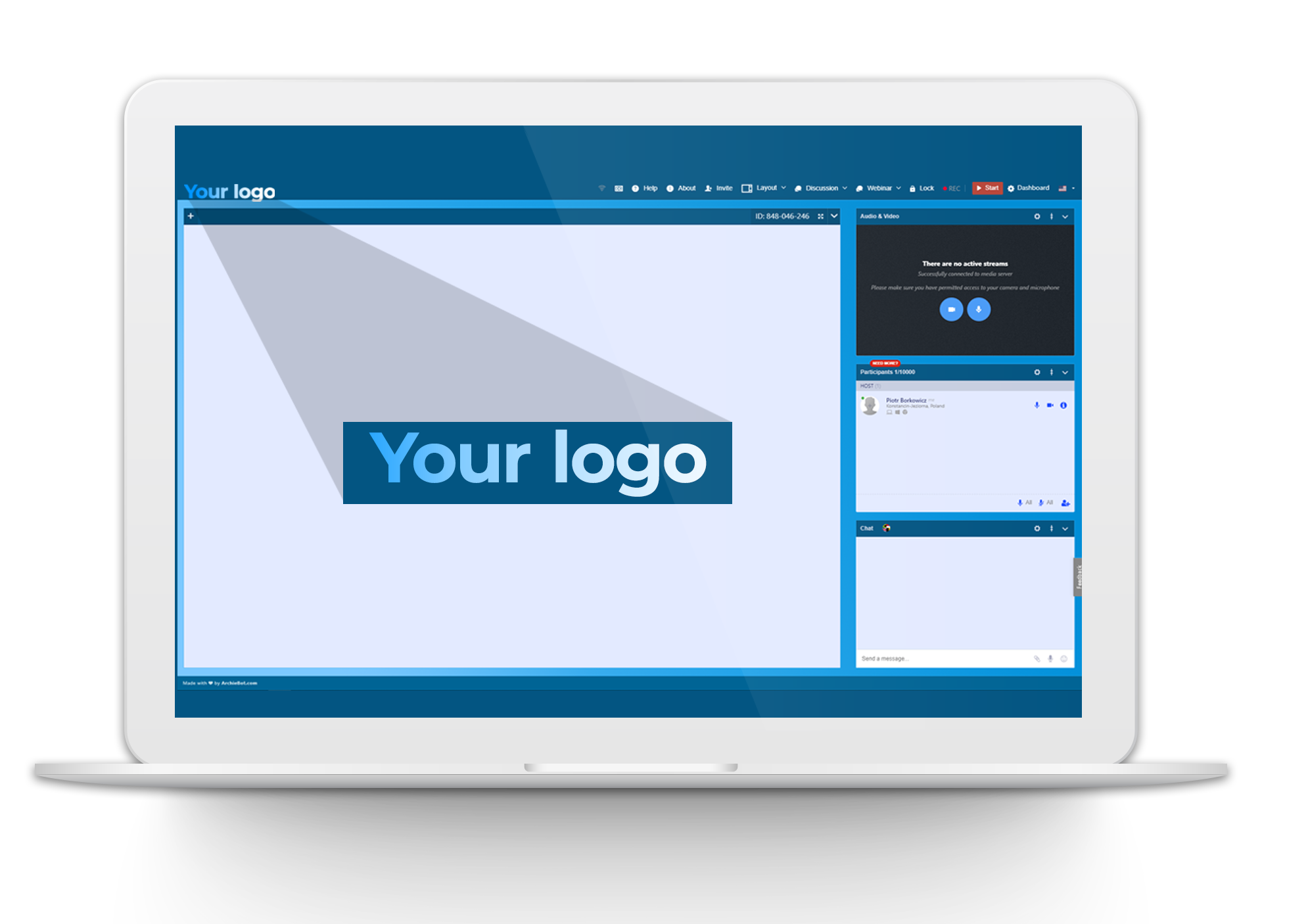  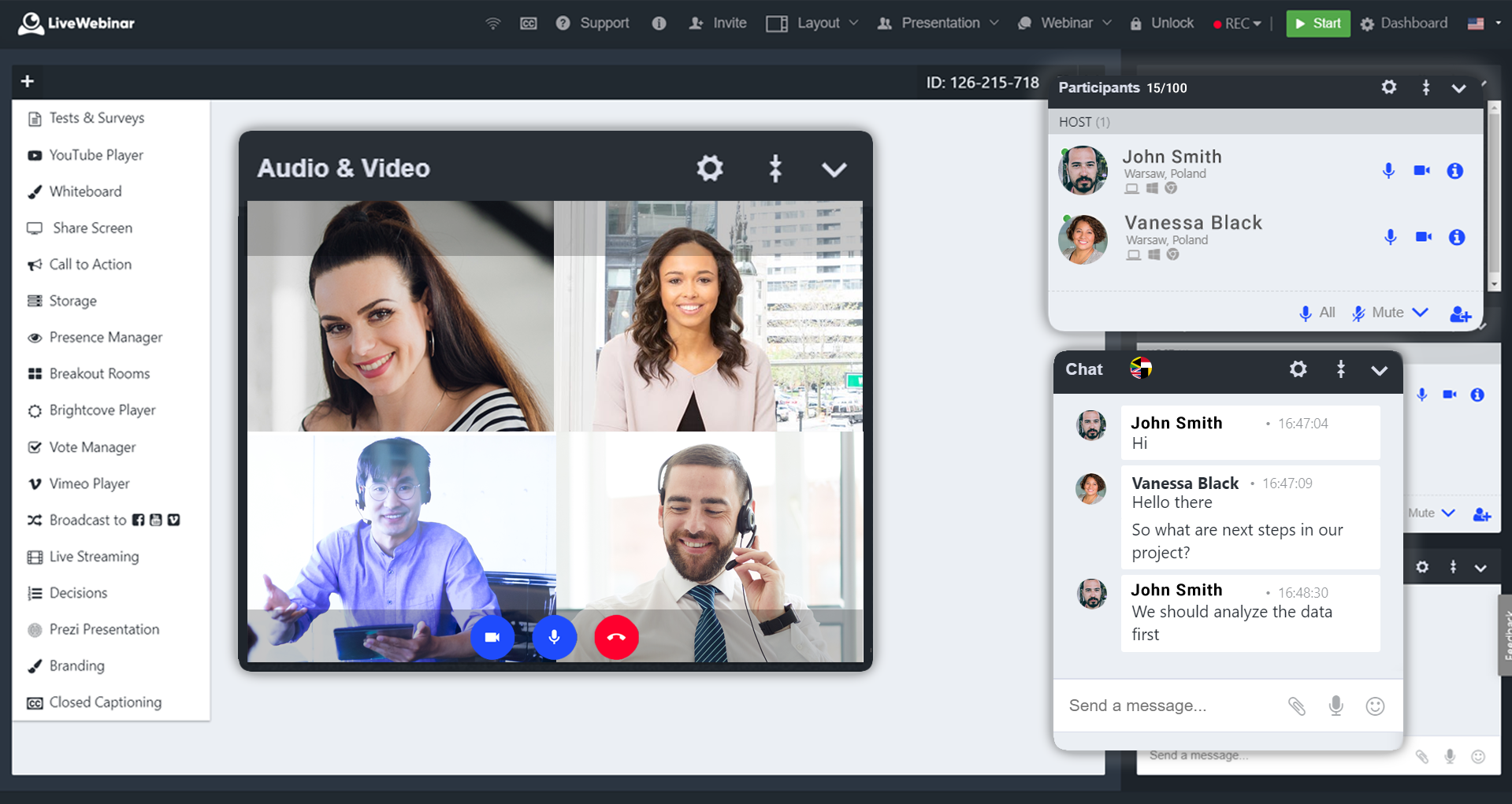  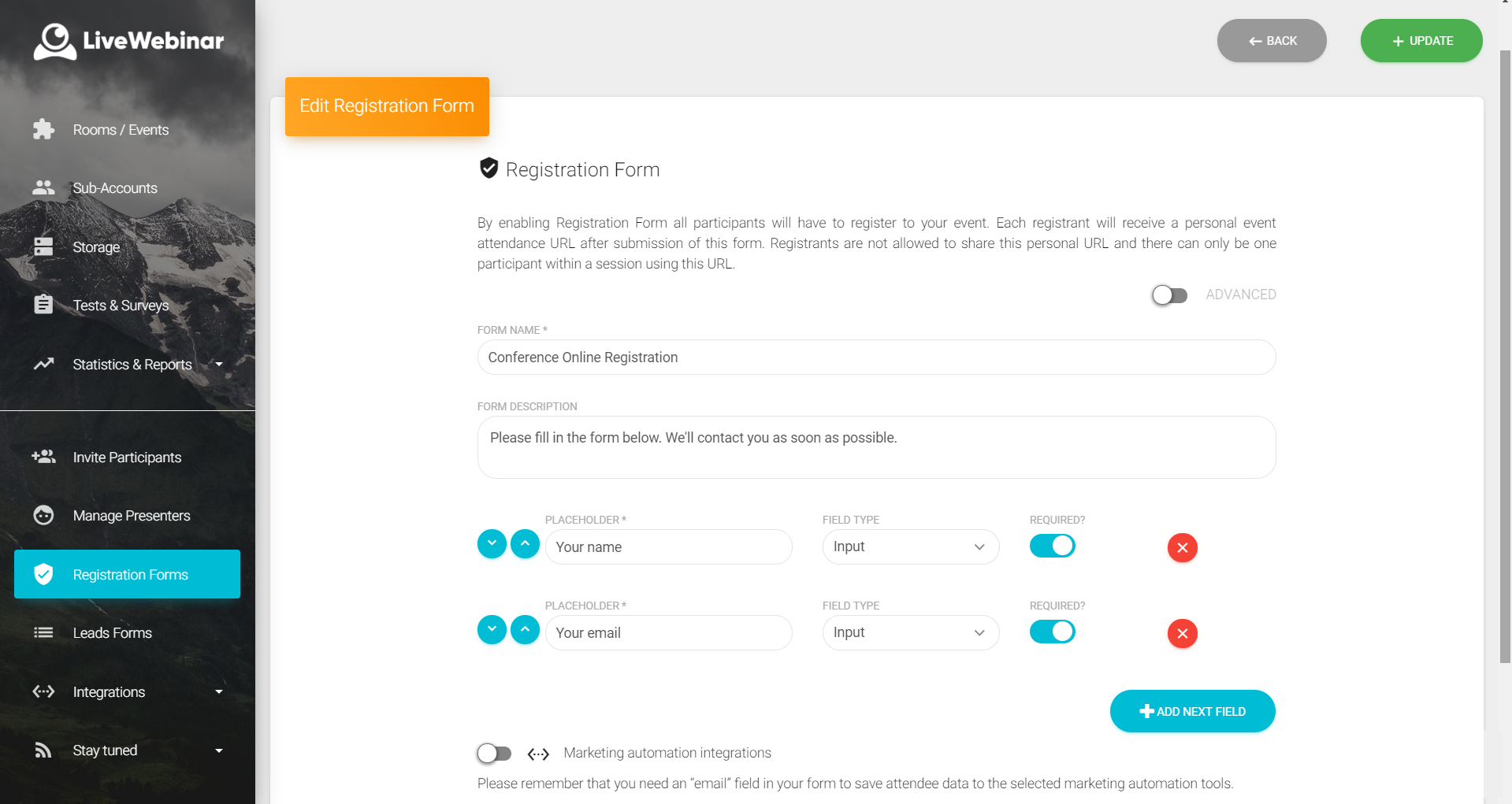 | RingCentral Events Screenshots     | Zoom Workplace Screenshots     |