Okta is an enterprise grade identity management service, built in the cloud. IT can manage access across any application, person or device. Whether the people are employees, partners or customers or whether the applications are in the cloud, on premises or on a mobile device, Okta helps IT become more secure and maintain compliance. The Okta service provides directory services, single sign-on, authentication, provisioning, workflow, and built in reporting. ment systems.
$6
per month per user
RealVNC Connect
Score 8.4 out of 10
N/A
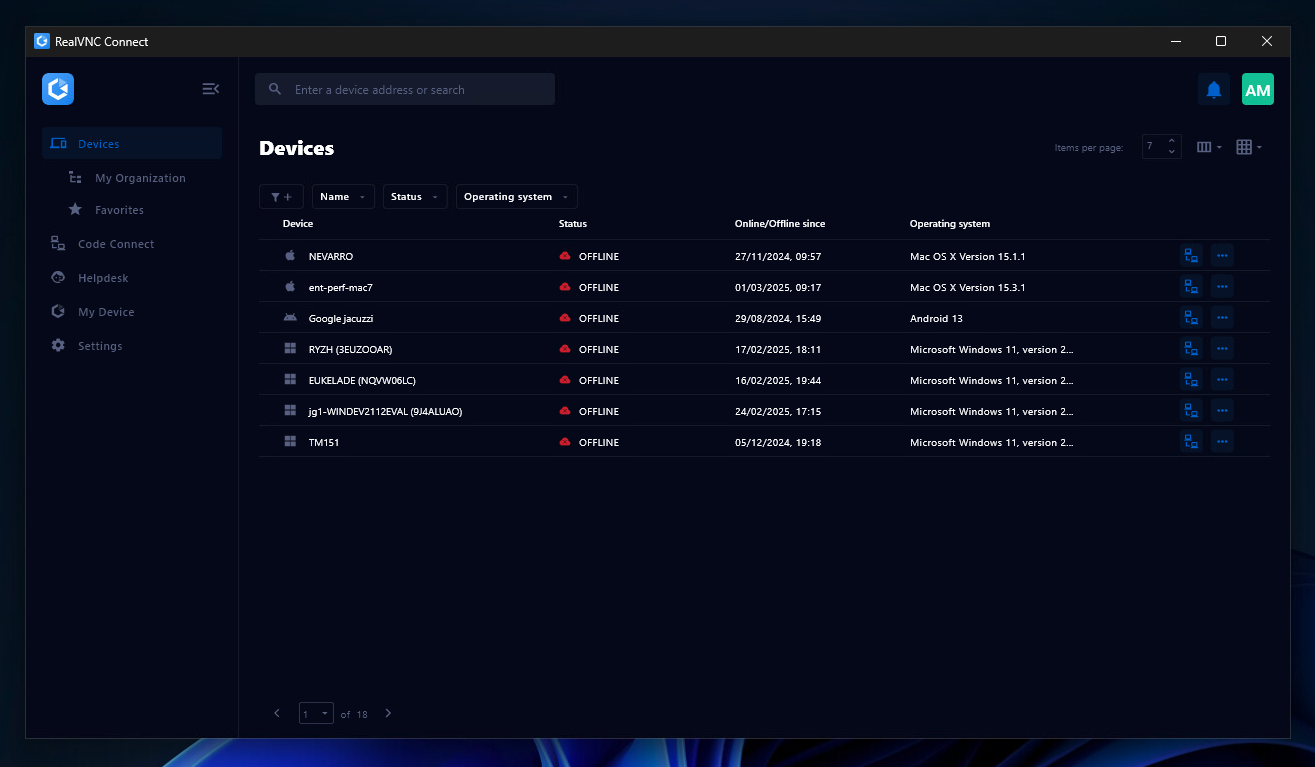
RealVNC® Connect is a secure remote access solution from RealVNC. It can be used to connect to a remote device anywhere in the world to view its desktop in real-time and take control as though sitting in front of it.
$99
per year (one concurrent session)
Pricing
Okta
RealVNC Connect
Editions & Modules
Starter
$6.00
per month per user
Essentials
$17.00
per month per user
Professional
Inquire for pricing
Per User Per Month
Enterprise
Inquire for pricing
Per User Per Month
Essentials
$8.25
per month (billed annually) per concurrent session
Plus
$16.50
per month (billed annually) per concurrent session (add up to 3)
Premium
$29.75
per month (billed annually) per concurrent session (add up to 5)
Enterprise
Custom Pricing
per year
Enterprise
Custom Pricing
Offerings
Pricing Offerings
Okta
RealVNC Connect
Free Trial
Yes
Yes
Free/Freemium Version
No
Yes
Premium Consulting/Integration Services
Yes
No
Entry-level Setup Fee
No setup fee
No setup fee
Additional Details
—
Plans work on a Per Concurrent Session basis. Each plan gives access to a bundled number of devices, but limits apply to the amount of devices that can be connected at any given time.
The Premium plan includes On-Demand Assist, a useful tool for providing just-in-time remote support to end-users without them needing RealVNC Connect installed on their device.
More Pricing Information
Community Pulse
Okta
RealVNC Connect
Features
Okta
RealVNC Connect
Identity Management
Comparison of Identity Management features of Product A and Product B
Okta
8.8
156 Ratings
6% above category average
RealVNC Connect
-
Ratings
ID-Management Access Control
9.2144 Ratings
00 Ratings
ID Management Single-Sign On (SSO)
9.3155 Ratings
00 Ratings
Multi-Factor Authentication
9.0151 Ratings
00 Ratings
Password Management
8.0144 Ratings
00 Ratings
Account Provisioning and De-provisioning
8.8130 Ratings
00 Ratings
ID Management Workflow Automation
8.5121 Ratings
00 Ratings
ID Risk Management
8.6114 Ratings
00 Ratings
Remote Administration
Comparison of Remote Administration features of Product A and Product B
Okta
-
Ratings
RealVNC Connect
7.3
32 Ratings
8% below category average
Screen sharing
00 Ratings
9.128 Ratings
File transfer
00 Ratings
8.015 Ratings
Instant message
00 Ratings
6.119 Ratings
Secure remote access with Smart Card authentication
Should be well-suited for a SaaS business organisation as they have a lot of internal applications and need a role-based authentication system between the various teams, improving security and audit log system to account for any breaches. It integrates well with internal applications such as Salesforce and Oracle. Best when need of SSO.
It is very easy to use if the remote device is already set up to receive connections, so if you are setting up devices before deploying them, it is a great tool to have. It is well-suited to use when shadowing users or using it as a teaching tool. There are other products that are better if you are trying to help someone on a one-use basis.
VNC Connect does an excellent job in remotely connecting to a computer through either your local area network or even another computer on the internet. As long as the VNC Connect services is installed and the client is running in the background.
VNC Connect provides password protection to prevent unauthorized users from attempting to remotely access your computer. There's an option to have a separate password to remotely view vs view & access a computer. You can even add an additional level of security by turning on the feature to require Windows login credentials.
VNC Connect provides an additional set of controls after a remote connection has been established with another computer. You can have special keystrokes like Ctrl+Alt+Del sent as a command sequence to the other computer as well as access more than a single screen when in use at the remote computer location.
I do have to reset my password quite frequently. However, I don't think there is really a way to improve this, as it's a good security measure.
It makes me re-sign in a couple of times a day, sometimes if I haven't used my laptop for a couple of hours, and sometimes just randomly throughout the day.
It doesn't remember my devices, either my laptop or phone. so it always calls that out.
Okta has a passion to provide secure and scalable identity solution. Their passion has come across as advocacy in a way that has deepened my knowledge of the field of authentication. I took identity for granted before but after seeing features such as external authentication I know that Okta can enable my business to reach new heights
VNC is a solid product for the price. It simply works and its reliable across different platforms. Some products state they work well in the Mac environment but don't deliver. This one does what it says. Connections are reliable, but of course, this depends on internet connections. The product works well over wireless connections as well. It delivers on what a remote tool should deliver on. My technicians are happy with the product and customers appreciate the ease of use when letting us connect to their systems. Some also appreciate the remote support while they are multi-task.
It's a niche product and in that niche they try to cater to as many use cases as they can. Other as a TCO aspect i don't see many use cases where you can't use this product as the one tool for all remote session use cases in your company
The Okta Identity Cloud advertises 4 9's of reliability and I would go as far to say that it may even do better than that. As a true Global organization that operates in just about every region of the world, we have yet to have an issue with The Okta Identity Cloud that has impacted our business operations.
From my perspective, for the things that my group uses it for, Okta is very fast. It is as least as fast as the local password database methods that it replaces on our campus enterprise services. I do not believe that it slows anything down at all. In fact, not having to think too much about the login, because they all look the same, probably speeds things up somewhat.
We've had a few support cases over the years and every case has been handled by the Okta support team beautifully. We received clear answers to questions we had regarding setup and even were provided simple to follow guides on how to setup their product to use with custom applications.
VNC Connect is a reliable product that has been around for a long time. It is reasonably priced and works well in the Mac & PC environment. When you have a small team that supports many users we need tools that we can rely upon and that will get the job done on the first try. Many customers appreciate the quick assistance and can multi-task while our team works on their computer issues remotely. From a customer service point of view, this tool gives us transparency and efficient effectiveness.
The training is very informative, quick and to the point. All of the details one would need are present so the user doesn't have to go searching for additional information just to use the application. The layout of the training was also neat and concise, some of the other training sessions for other companies I've done in the past were confusing and not well thought out, this one is much more superior
Okta is far superior in terms of integrations, user interface, automation, and connectivity. Additionally, Okta offers better support and availability, and a more robust solution across every capacity Entra competes in. Okta simply works, whereas Microsoft Entra has a large overhead that is difficult to use when configuring things.
VNC is light and sleek with the quick setup, was impressed with the quick setup despite poor Internet connection outdoor. TeamViewer is good, but the pricing is not as good as VNC. Both do the basic job, but VNC still outperform TeamViewer in terms of performance and ease of use.
Being a cloud native application, The Okta Identity Cloud is extremely scalable and easy to setup. By integrating into existing directories and applications via standard techniques and protocols, it is very easy to both initially setup and add additional users as required. Once all the necessary integrations are setup, it's a simple rinse and repeat process to onboard additional users (which can be automated with imports as well)
Increased user productivity - not fighting with IT all the time!
Though there could be a bit more on the 'lost/broken phone' front, the self-service eliminates time that would typically be spent waiting for IT support/admins.
An Okta account under a certain domain allows proper access from the get-go, and under certain apps (such as our HRIS), adding members is easy.
Improved security - deactivating Okta removes all account access across multiple platforms instantly for leavers.
I have just used the software for about 1 month and so far so god. I am saving time whenever I can access my client's computers from my desk as opposed to having to leave my office to go to their offices. Saves me time and the client money.