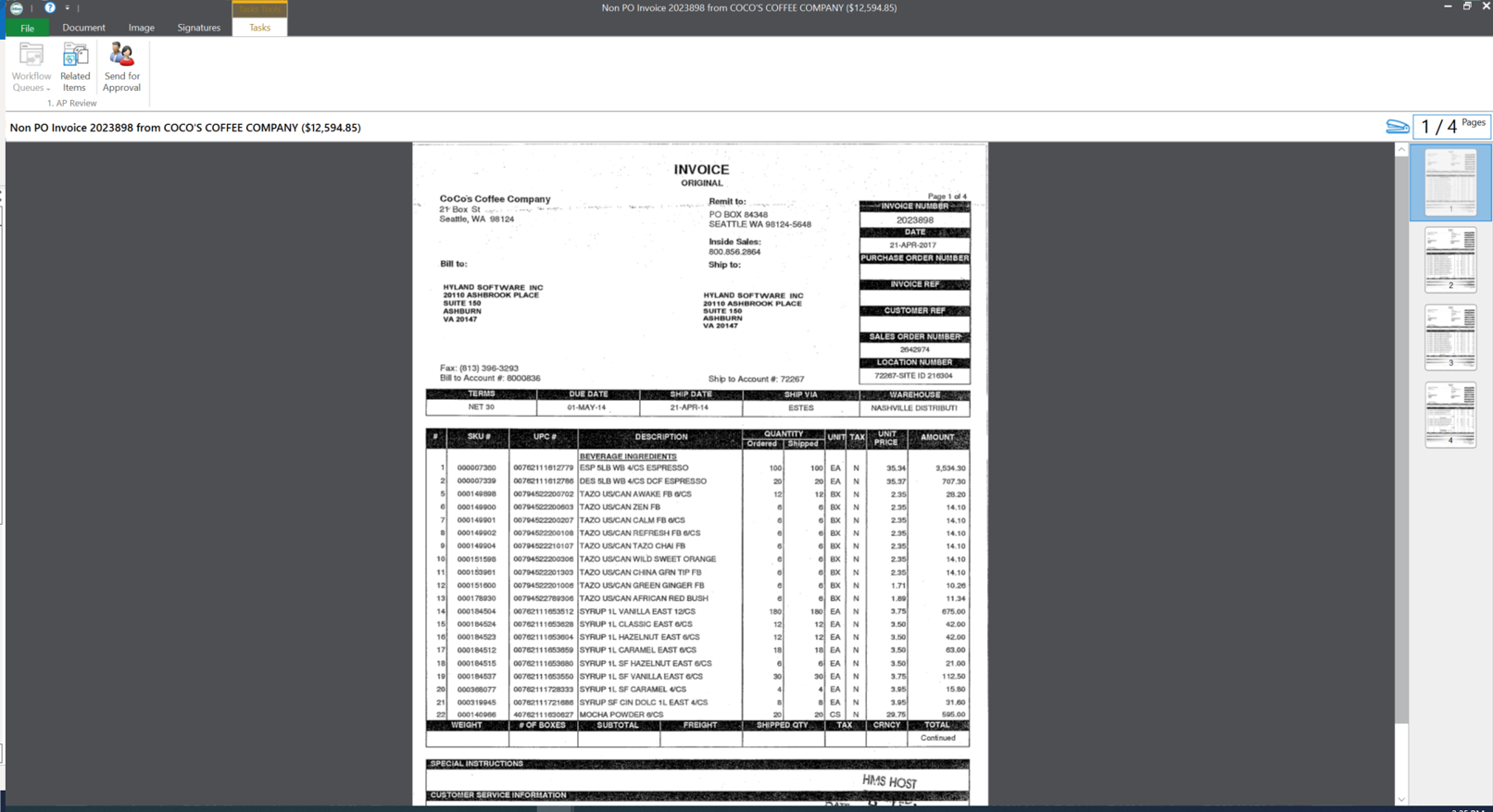
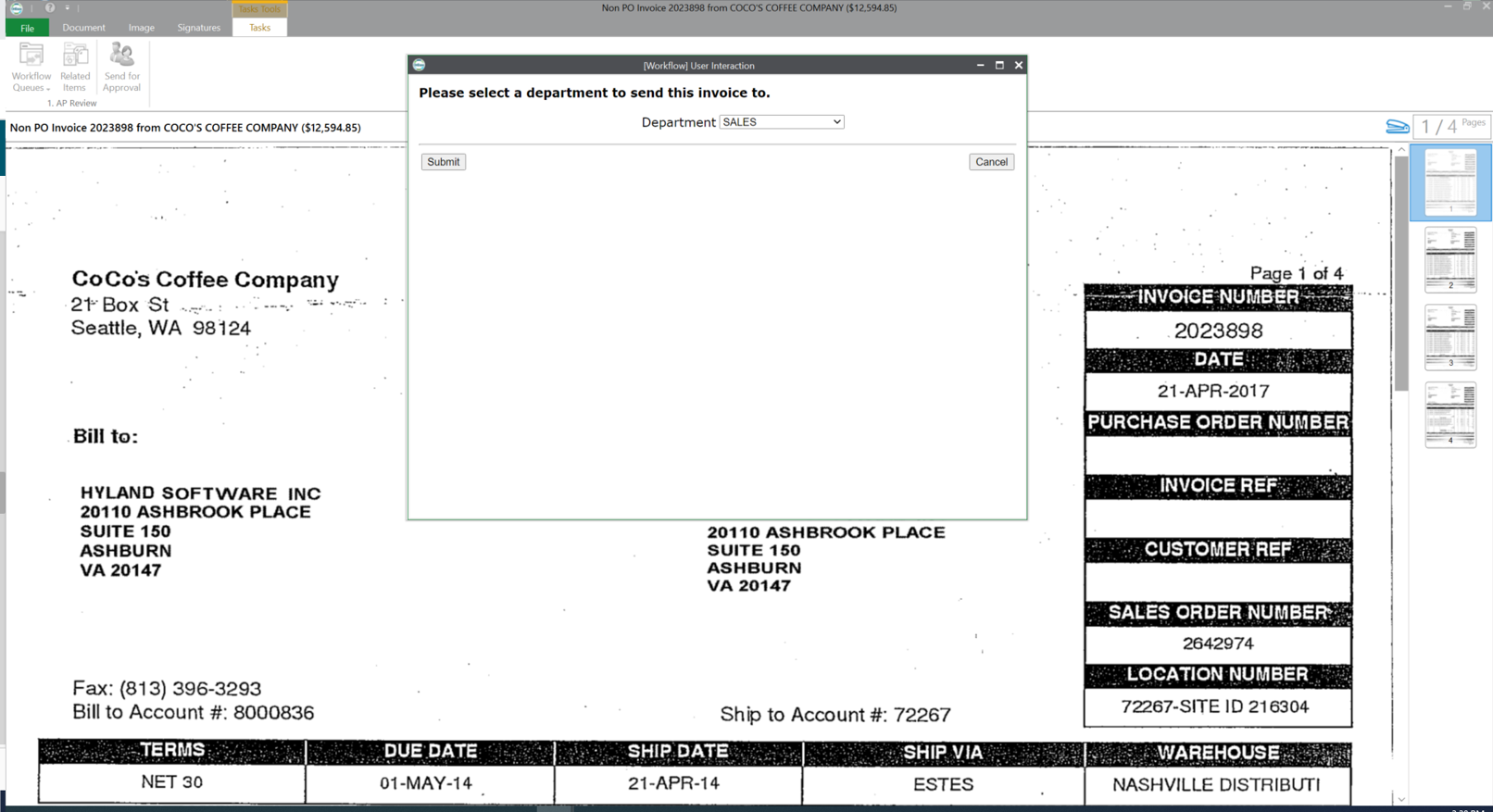
OnBase by Hyland is an enterprise content management platform with business process and case management capabilities. It is modular by design and allows users to tailor the solution to their specific requirements.
N/A
OutSystems
Score6.4 out of 10
N/A
The OutSystems Platform is a Platform-as-a-Service solution for rapid delivery of responsive web and mobile applications. It includes functionalities required to develop, deploy, manage and change web and mobile applications. It is targeted at the delivery of enterprise applications that require integration with backend systems, complex business rules and logic, usable interfaces and flexibility to change. It can be deployed in the cloud, on-premises or in hybrid environments.
VP, Software Development in Information Technology at Merrick Bank (Banking, 201-500 employees)
Chose OutSystems
We spent a year on our due diligence to make sure Outsystems would be able to satisfy current replacement application needs as well as deliver on new experiences. We looked at competitive products, custom coding, and best-of-breed combinations of all our current application.
A de minimis incentive was given to thank the reviewer for their time. The incentive was not used to bias or drive a particular response, nor was the incentive contingent on a positive endorsement. More Info
OnBase is a content services solution for organizations that need high visibility to documents or information across multiple teams or departments. It supports users' access control, workflow functionality with transaction history, electronic document retention, and destruction documentation. Hyland can support the organization for implementations or solutions, or the organization can utilize the education services and build out the solution themselves.
A de minimis incentive was given to thank the reviewer for their time. The incentive was not used to bias or drive a particular response, nor was the incentive contingent on a positive endorsement. More Info
Well suited for internal exposure of business processes (invoicing, API layer to other systems, customer maintenance etc), whether a UI is required or not. Not so well suited for full fledged web design. An OutSystems application must serve one particular business need, if gets too much functionalities and responsibilities it tends to get chaotic and complex.
A de minimis incentive was given to thank the reviewer for their time. The incentive was not used to bias or drive a particular response, nor was the incentive contingent on a positive endorsement. More Info
A de minimis incentive was given to thank the reviewer for their time. The incentive was not used to bias or drive a particular response, nor was the incentive contingent on a positive endorsement. More Info
I personally find the user inferface to be obnoxious and obtuse.
When we have issues it is often hard to resolve the problem as there are many variables such as file types, DPI, and scanner setting that combine to make it hard to pinpoint trouble spots.
The upgrade process has always been a nightmare for our team. We are not on the latest version now due to this issue.
A de minimis incentive was given to thank the reviewer for their time. The incentive was not used to bias or drive a particular response, nor was the incentive contingent on a positive endorsement. More Info
Price – The licensing model of OutSystems is very expensive and not suitable for small scale developments. This is offset by the time to develop and stability for larger scale developments
Flexibility on PaaS version – The PaaS hosted version of OutSystems limits your flexibility to access the front end and backend database systems which can significantly restrict your options on high data volume developments or where anything requiring slightly out of the ordinary access is required
Same price for PaaS and self-hosted system. Licensing model dictates that you pay the same price even when you host the system on your own hardware which effectively means you pay more to manage the infrastructure yourself
A de minimis incentive was given to thank the reviewer for their time. The incentive was not used to bias or drive a particular response, nor was the incentive contingent on a positive endorsement. More Info
OnBase has become a core part of our enterprise solutions toolkit due to its ever-growing integration capabilities. Any business process that produces or tracks documents or object entities can be modeled and managed within OnBase and used to supplement almost any line-of-business system that we use.
A de minimis incentive was given to thank the reviewer for their time. The incentive was not used to bias or drive a particular response, nor was the incentive contingent on a positive endorsement. More Info
We are very happy with OutSystems and our developers deliver good work. OutSystems lets us build new software on a regulare (2 weekly) basis, which is highly flexible and adjustable. Even without very much experience, our developers manage to build usefull software, which is working a lot better than our previous (legacy) software.
You get out of something what you put into it. You reap what you sow! If an organization will spend time setting the solution up, dedicating staff to its development and ongoing support, and always keep the end-user in mind during development, you will have one of the most well-received solutions in your organization. So many organizations that I speak with stand up a solution but don't commit someone to its upkeep and development. It is vital that you have the staff to work within the solution on a daily basis.
A de minimis incentive was given to thank the reviewer for their time. The incentive was not used to bias or drive a particular response, nor was the incentive contingent on a positive endorsement. More Info
OutSystems has a feature in which we can develop a functionality in a application and can use that functionality in another application without developing it again. That is main plus point for the development team so they can work with different functionalities rather focusing on the same thing again and again. if we want to make any change on the user side then we can make it live with just the deployment using the service center.
A de minimis incentive was given to thank the reviewer for their time. The incentive was not used to bias or drive a particular response, nor was the incentive contingent on a positive endorsement. More Info
This rating is a compromise because I technically have 2 tiers of support. I go through a re-seller that I give a (10). I send an email and receive acknowledgment within minutes. For the few times we need to contact Hyland for assistance, it sometimes takes a couple of days to receive a response - and then the first tier might go back and forth a dozen times through email instead of initiating a phone call. And for an advanced issue, they take too long before they forward to an evangelist or someone more knowledgeable that is able to assist. I give that process an (8).
A de minimis incentive was given to thank the reviewer for their time. The incentive was not used to bias or drive a particular response, nor was the incentive contingent on a positive endorsement. More Info
The tech support is very reachable. Usually by [email] from but also by phone if needed. We had some difficulties at the start with understanding "what our machine was doing" under high performance load. After some good sessions understanding our needs they delivered good solutions for our problems we had in the beginning.
The trainer was very knowledgeable and was a Hyland employee. The training was at their corporate headquarters, so it allowed our team to become familiar with organization and culture.
A de minimis incentive was given to thank the reviewer for their time. The incentive was not used to bias or drive a particular response, nor was the incentive contingent on a positive endorsement. More Info
A de minimis incentive was given to thank the reviewer for their time. The incentive was not used to bias or drive a particular response, nor was the incentive contingent on a positive endorsement. More Info
The online training material is well designed and explanations are step by step, helping trainees to understand and follow each exercise and new concept.
Using Hyland professional services to assist with the implementation made things much easier. They have the knowledge and experience to get the system live as users are expecting
A de minimis incentive was given to thank the reviewer for their time. The incentive was not used to bias or drive a particular response, nor was the incentive contingent on a positive endorsement. More Info
In a large company, patiently and consistently work the behind the scenes politics with business and IT partners across the firm. This is transformational - you will need a solid set of key business partners to lock arms together to move forward.
A de minimis incentive was given to thank the reviewer for their time. The incentive was not used to bias or drive a particular response, nor was the incentive contingent on a positive endorsement. More Info
The version of SharePoint we were utilizing was not very practical. We oftentimes had issues with archived documents, where they could be found or opening them all together. It seemed the older the document the harder it was to access when logged into SharePoint. This is critical in our business as we need to behave full access to documentation sent and received for an owner's account.
I tried to use WordPress with some success. Also looked at Joomla. But when I saw OutSystems I knew I had been wasting my time there. It takes you longer to get going with OutSystems - but even I as a novice realized immediately that Outsystems is simply in another league. Outsystems is powerful. (Can you compare WordPress and Joomla to Outsystems - I don't think so).
OnBase provides a very reliable ECM platform for the company.
OnBase helped to remove the dependency on paper files and file folders. This saved real estate cost as well as facilitated the ability to work from anywhere.
OnBase made same day processing of all incoming and outgoing documents a reality.
A de minimis incentive was given to thank the reviewer for their time. The incentive was not used to bias or drive a particular response, nor was the incentive contingent on a positive endorsement. More Info
The ease of use of the OutSystems development process has been the biggest ROI for us. We have developed our Framework product and maintained/enhanced it with only 4 workers.
OutSystems has enhanced their product very significantly over the last 4 years. They have gone from a simple to use tool to a very simple to use sophisticated tool that covers the standard mainframe-based computing apps and the apps used on handheld mobile devices all using the same basic set of development tools.
A de minimis incentive was given to thank the reviewer for their time. The incentive was not used to bias or drive a particular response, nor was the incentive contingent on a positive endorsement. More Info