OnShift delivers cloud-based human capital management software and proactive services to solve everyday workforce challenges in healthcare. Offered through a suite of products for hiring, scheduling and employee engagement, the vendor aims to drive quality care by empowering providers to staff consistently and efficiently.
N/A
UKG Ready
Score 8.0 out of 10
N/A
The UKG Ready® software suite is a centralized HCM solution designed for small to mid-sized businesses. It automates and streamlines HR, payroll, benefits, time, talent, and scheduling processes. UKG Ready's suite of tools offer actionable insights while helping to ensure compliance. Using AI, it draws on work, people, and culture data to boost efficiency and productivity. For example, UKG Ready streamlines core HR functions by centralizing…
N/A
WorkInSync
Score 9.3 out of 10
Enterprise companies (1,001+ employees)
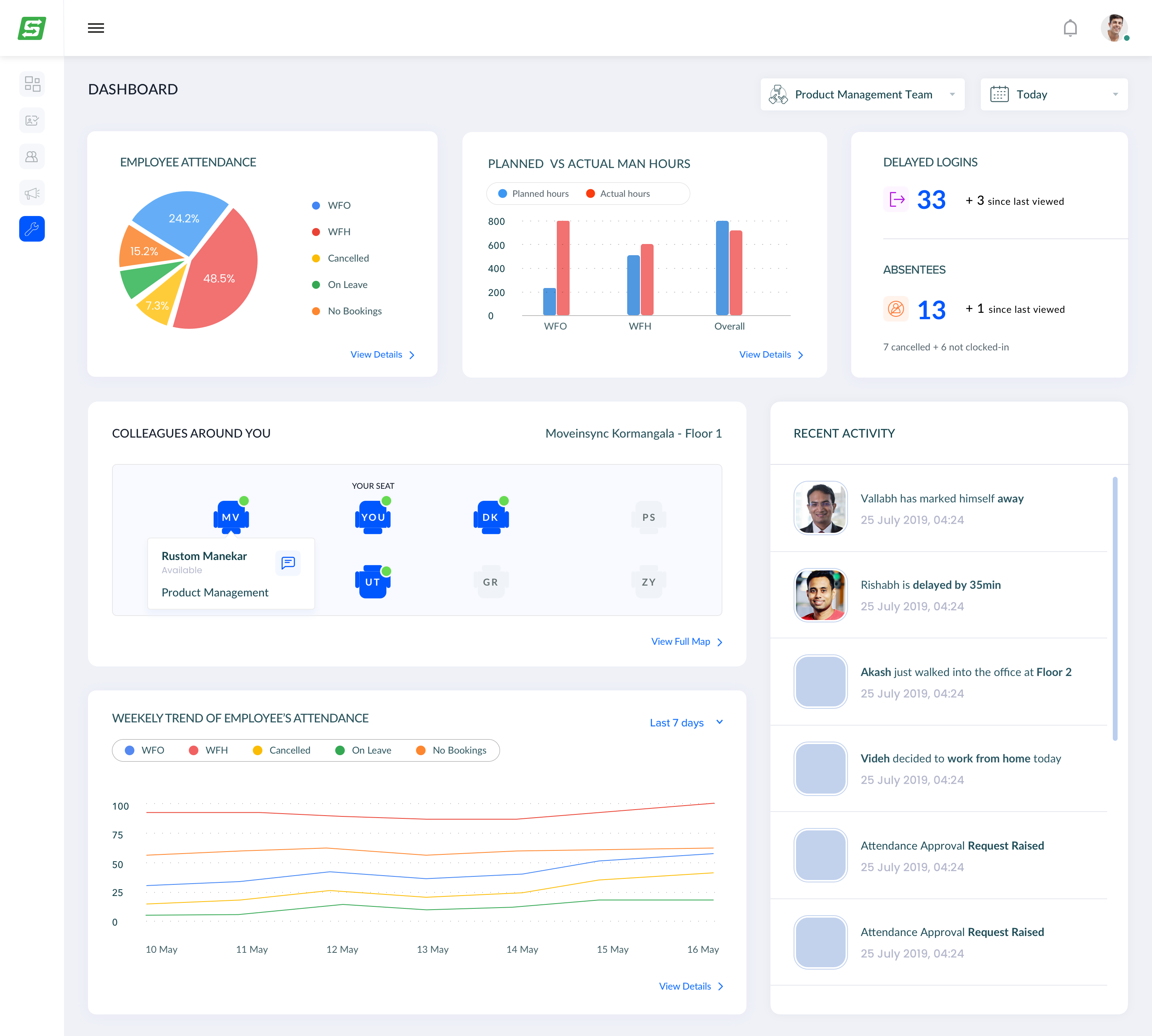
WorkInSync is presented as a single app to manage all hybrid workplace needs. Globally, organizations have started adopting a hybrid workplace, with employees opting WFO/WFH as per their convenience.This has actually introduced new challenges in their life. WorkInSync enables companies to establish hybrid workplaces and employees' safe return to office. It includes - Work from office/home planning, Flexi-desking, Meeting room management, and Parking and commute booking - in order to provide…
$0
Free for organisations with less than 50 Employees*
Pricing
OnShift
UKG Ready
WorkInSync
Editions & Modules
No answers on this topic
No answers on this topic
Basic
$0
Free for organisations with less than 50 Employees*
Standard
$2.50
per user per month billed annually plus taxes
Professional
$4
per user per month billed annually plus taxes
Enterprise
$6
per user per month billed annually plus taxes
Offerings
Pricing Offerings
OnShift
UKG Ready
WorkInSync
Free Trial
No
No
Yes
Free/Freemium Version
No
No
Yes
Premium Consulting/Integration Services
No
Yes
Yes
Entry-level Setup Fee
No setup fee
Required
No setup fee
Additional Details
—
—
One time set up costs are included in the price. Users refers to employees of the organisations who will access/ use the product. Professional version is ideal for Small and Medium Size Businesses. Enterprise is ideal for Large Enterprises.
UKG has exceeded all expectations, and we selected UKG Ready because of the robust growth opportunities it provided to our company in terms of improving efficiency and processes. Additionally, we were excited about UKG's different support model that has been proven to be …
OnShift is power full one to provide and calculate and analyze the data of the head account of the organization easily and fast and payroll and also absenteeism and adherence and attendance for the agents and anyone else in the organization and major the average performance of the agents as they doing and talking and ending time in chat as the AHT easily and communication method also.
I might recommend UKG to a larger organization than ours. The complexity is rich, but perhaps it is too powerful a tool for what we need. That or it's a bit messy in its construction, having so many tools available but difficult to find or not working appropriately. UKG Ready processes payroll efficiently and with ease, but unless you are using a simple accounting platform it may not be able to easily integrate with yours
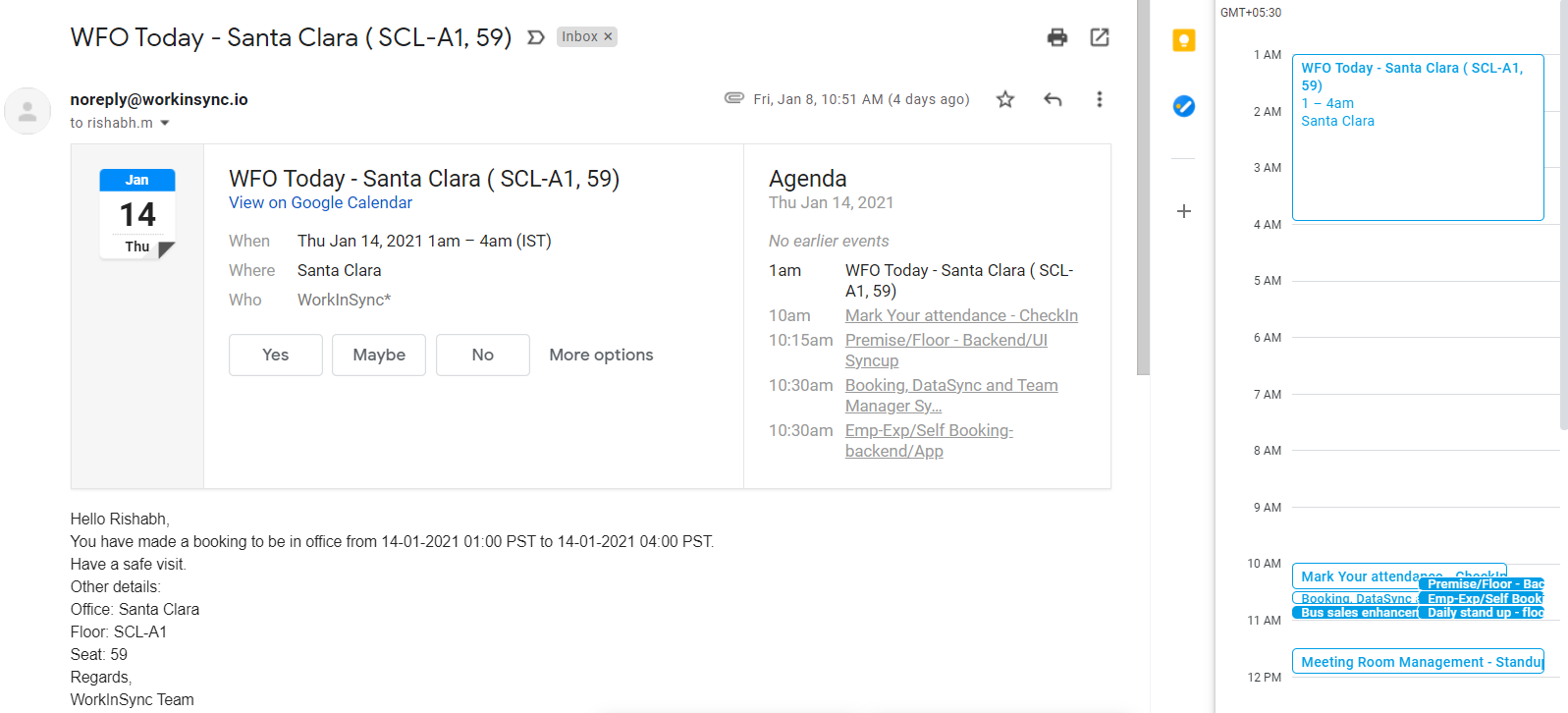
I really love their contactless office entry/exit management system, including the AI-enabled mask detector. Seat booking, meeting room booking, and sharing my work preference (whether I am working from office or home) with my team every day has been amazing so far. The app also has integration facilities, when I book a seat or when I prefer working from home or office, it automatically gets reflected on my work calendars
They already have Parking Management, Cafeteria Management etc, they can add reserving office stationery, some solution for managing employee personal parcel delivery service in office etc.
We plan to renew our support and use of UKG Ready each year unless it becomes unavailable or the district seeks another vendor. As of now, there are no plans to changes vendors. The district staff is now familiar with using UKG. Another vendor will need to meet the same expectations we have come to enjoy with using UKG
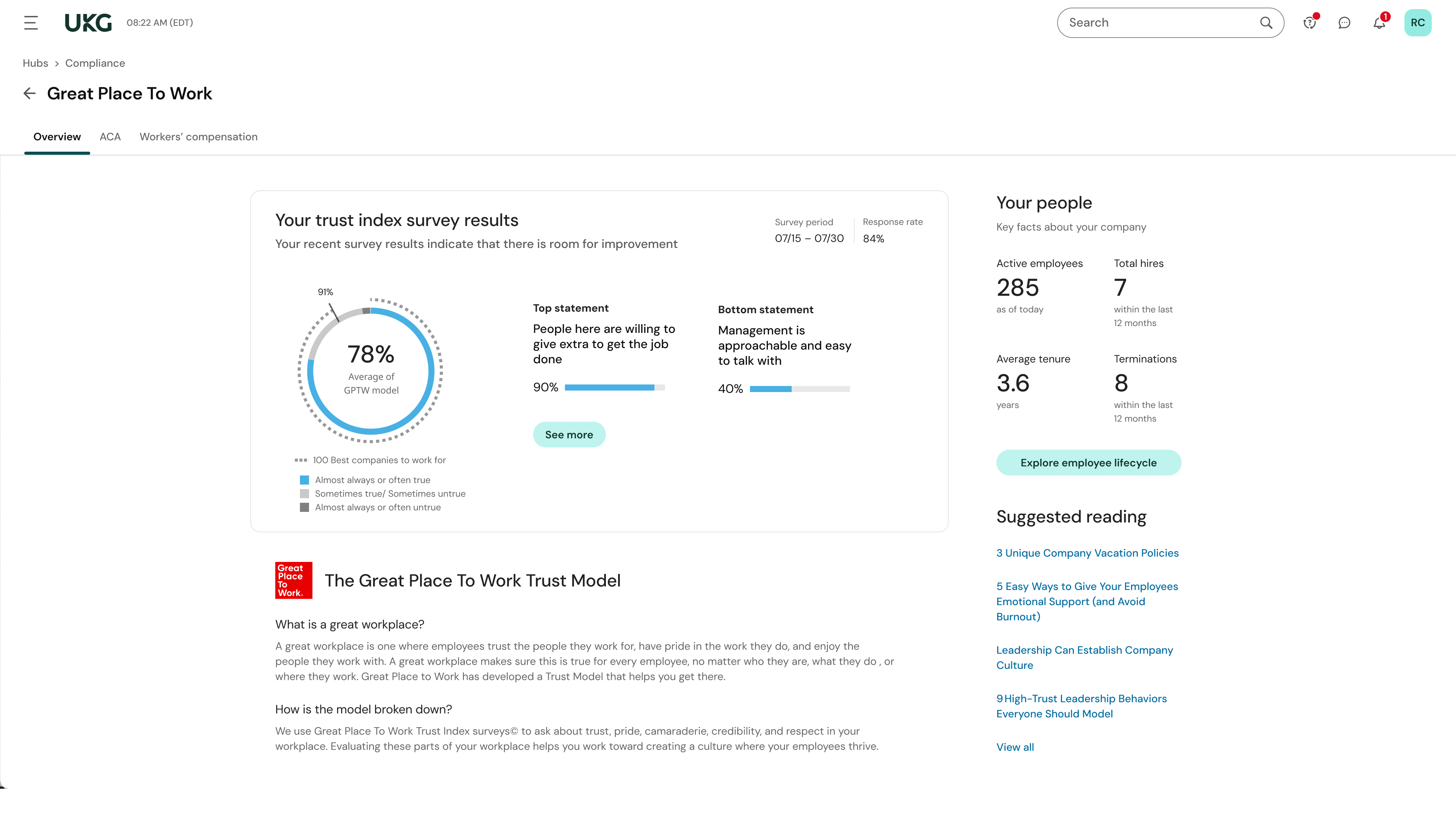
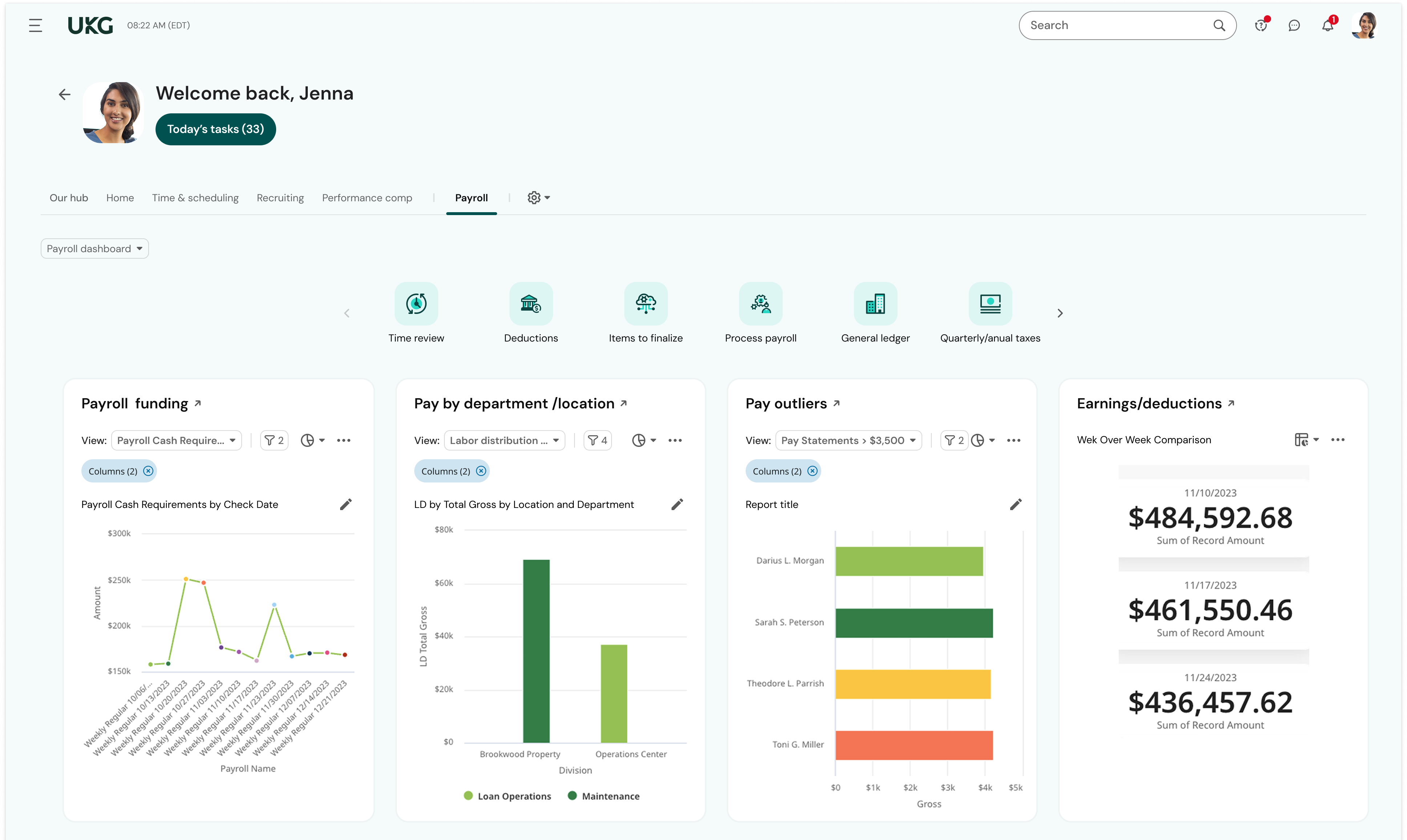
UKG is the platform with the best overall usability on both an admin and user side. Employees find it easy to update personal information, the dashboards are clear and easy to follow, and the navigation of it is also easy to follow. Overall my favorite platform to use and learn more about.
The system seems very stable. Being hosted in the cloud, we are vulnerable to internet speeds and busy times. The system has been down a couple times over the 3 months we have been live, but Kronos resolved the issues very quickly. To have access from a desktop, tablet, time clock, or phone app is one of the best features....users have almost NO REASON they can't clock in.
We were always told that Kronos was the best, but there are reports that we got out of ADP and other payroll providers that we cannot get out of Kronos. One example is a report of Productive/Non-productive hours by department. We also need the dollar amount associated with the hours. This is information that is required on our cost report and we were told that that report is unavailable. It is very frustrating when I can't get what I need.
OnShift account managers consistently respond to emails in less than one business day and are able to address issues very quickly when they occur. Very responsive. This is critical considering integration with the payroll system (ADP).
If I was only rating support itself that would be a 10. Every support case I have entered has been addressed efficiently and with the desired result. On the implementation and transition to support there were multiple issues that those doing the implementation or transition could not answer or workflows and various settings left undone only to be discovered later. We implemented 3 different modules and the expertise we got for each one varied widely.
Our in-person training was a hybrid. Live online training with an instructor. They were very knowledgeable of the product & the area they were training on. I asked several specific questions and if they didn't know the answer immediately they followed up after class.
Pretty good online training, you have many how to options and can watch them several times. It can be hard at times to dig through the amount of data online but can usually find what you are looking for. Also you can download documentation for setting up the profiles and policies.
Make sure the people who are doing the build have extensive knowledge on employment law and asking the right questions. I would bet that the people who helped with our builds did not read any of our employment contracts or ordinances; and when I asked questions about how other companies handled certain basic dictates from federal employment laws, they didn't have any idea what FMLA, FLSA, etc were.
Overall the UI on OnShift its a great advantage as it will make everything more easier, since basic information to specific details on orders or events. While its only visual the design has a sooting effect as is not annoying while not being so simple, it can help to make feel the users that they are using modern tools for the job.
We currently use Paycom and are extremely dissatisfied with the lack of functionality and poor customer service. Rippling and ADP were other vendors we evaluated who performed well and offer a lot of functionality but we decided UKG was the best fit for our needs now and to scale with our strategic growth plans.
This is basic, but we finally know how many employees we have! It sounds ridiculous, but prior to UKG Ready we were on a payroll system that's reports were only as accurate as the last payroll cycle, so they were always 2 weeks behind and static. UKG Ready allows for realtime, daily reporting of information.
We are able to get salary data for our various locations to be able to compare them to each other, as well as across our "competitors" and external competition.
The data provided allows us to be able to understand the trends at individual locations including attrition, advancement, raise information, and other data points that we haven't historically done comparisons on
We can see the demographic and geographical information for our employees and the benefits that they elect