
Matthew Hardesty
Founder
Chose Umbraco CMS

| Product | Rating | Most Used By | Product Summary | Starting Price |
|---|---|---|---|---|
 Umbraco CMS | N/A | Umbraco is an open-source .NET Core CMS with over 700,000 active installs worldwide and with more than 200,000 active community members. It was first released on February 16th, 2005, and is still to this day an open-source project backed by a commercial company. To ensure Umbraco is always running the latest technology, the company has aligned with Microsoft's .NET release schedule to always have the Umbraco CMS… | $0 | |
 WebWave | N/A | WebWave — an alternative for agencies and freelancers for creating custom websites for clients with the support of CMS. Using CMS with no sacrifices WebWave is a CMS platform that gives a designer precision up to 1 px in every single detail just like in more sophisticated graphic programs such as Photoshop while remaining a drag and drop software. This is to make creating websites much faster without loosing on details. Spend less time talking WebWave… | N/A | |
 WordPress | N/A | Wordpress is an open-source publishing platform popular with bloggers, and a content management system, known for its simplicity and modifiability. Websites may host their own blogging communities, controlling and moderating content from a single dashboard. | $3 per month 6 GB storage |
| Umbraco CMS | WebWave | WordPress | ||||||||||||||||||||||
|---|---|---|---|---|---|---|---|---|---|---|---|---|---|---|---|---|---|---|---|---|---|---|---|---|
| Editions & Modules |
| No answers on this topic |
| |||||||||||||||||||||
| Offerings |
| |||||||||||||||||||||||
| Entry-level Setup Fee | No setup fee | $7 per month | No setup fee | |||||||||||||||||||||
| Additional Details | The Umbraco CMS and all of its core features are the same across all plans. | — | Pricing for Business and Commerce plans vary on number of GB. | |||||||||||||||||||||
| More Pricing Information | ||||||||||||||||||||||||
| Umbraco CMS | WebWave | WordPress | |
|---|---|---|---|
| Considered Multiple Products |  Umbraco CMS Matthew Hardesty Founder Chose Umbraco CMS  Alex Lada Tech Director Chose Umbraco CMS Umbraco provides the best bang-for-the-buck CMS option on a .NET platform for those that cannot afford Sitecore. It is much friendlier to use than Ektron, is free to use, has commercial grade plugins that are not overly expensive, and provides the functionality that most …  Debbie Marshall Operations Manager Chose Umbraco CMS We previously used WordPress, however this was not easy to use, it was a complicated system and was limited in what we could achieve, there was a big outlay in buying bolts on and ensuring the system was safe. We found we where spammed loads, we tried to make it work however …  Jakub Wilk President & Co-Founder Chose Umbraco CMS We chose Umbraco because of their technology, and it was better than our previous CMS, Orchard, which was too complicated even for programmers. Orchard was very good but to develop something it required a really strong knowledge of this framework. In Umbraco it seems to be …  Jason Kelly Data Manager Chose Umbraco CMS Both are comparable. We selected Umbraco CMS because it used .NET instead of PHP. I would recommend choosing the CMS that your staff and technical people will be the most comfortable with. | WebWave  Steve Bessler IT Admin Chose WebWave  Rio T.P. Burhan Designer & Developer Chose WebWave With WebWave, the builder and hosting are in one platform. No more efforts to update the plugins and themes as in WordPress.  Hermes Lee Sales Person Chose WebWave WordPress is a great product but I need to figure out hosting myself, also I need to make sure the theme I am using is mobile friendly. We WebWave, I don't need to worry about any of those and the drag and drop builder is very easy to get familiar with.  Joshua Turvey Founder, Online Tutor Chose WebWave  Marc Cordon, MPH, ACC Founder Chose WebWave  Rafał Mróz Owner Chose WebWave
 Jorge Ricardo Villalobos Martínez Founder Ultracreativa Chose WebWave  Inez Gerrett Founder Chose WebWave web starts, Convertri Pro, and other alternatives Webstarts has a lot of issues with mobile view. U have to rearrange almost everything again. WebWave on the other hand lets u group and save so that don't have this problem. Also, animations work as they should same with …  Marco Ceruti Web designer Chose WebWave WebWave can be white-labeled and has more affordable pricing. Webflow is more advanced and has more resources.  Lazar Milosevic Owner Chose WebWave Easier to use! better support and something that is way better is a price. I do not have some other thing to give, because I'm a begginer and a small business owner that is not so familiar with a technology that deep to say some other technically stuff. Just easier to use. |  WordPress  Dinesh Selvachandra Business Process Analyst Chose WordPress Easy to configure and user community support is great. |
| Umbraco CMS | WebWave | WordPress | |||||||||||||||||||||||||||||||||||
|---|---|---|---|---|---|---|---|---|---|---|---|---|---|---|---|---|---|---|---|---|---|---|---|---|---|---|---|---|---|---|---|---|---|---|---|---|---|
| Security |
| ||||||||||||||||||||||||||||||||||||
| Platform & Infrastructure |
| ||||||||||||||||||||||||||||||||||||
| Web Content Creation |
| ||||||||||||||||||||||||||||||||||||
| Web Content Management |
|
| Umbraco CMS | WebWave | WordPress | |
|---|---|---|---|
| Small Businesses |  ManageWP Score 10.0 out of 10 |  Ecwid by Lightspeed Score 10.0 out of 10 | ManageWP Score 10.0 out of 10 |
| Medium-sized Companies |  RWS Tridion Sites Score 9.0 out of 10 |  10Web Score 5.5 out of 10 | RWS Tridion Sites Score 9.0 out of 10 |
| Enterprises | RWS Tridion Sites Score 9.0 out of 10 |  Adobe Experience Manager Score 8.6 out of 10 | RWS Tridion Sites Score 9.0 out of 10 |
| All Alternatives | View all alternatives | View all alternatives | View all alternatives |
| Umbraco CMS | WebWave | WordPress | |
|---|---|---|---|
| Likelihood to Recommend | 6.0 (12 ratings) | 9.6 (53 ratings) | 8.6 (203 ratings) |
| Likelihood to Renew | - (0 ratings) | - (0 ratings) | 4.9 (38 ratings) |
| Usability | 8.0 (2 ratings) | 10.0 (1 ratings) | 8.1 (50 ratings) |
| Availability | 7.0 (1 ratings) | - (0 ratings) | 9.5 (3 ratings) |
| Performance | 3.0 (1 ratings) | - (0 ratings) | 8.6 (2 ratings) |
| Support Rating | 2.0 (1 ratings) | 5.3 (2 ratings) | 10.0 (11 ratings) |
| In-Person Training | - (0 ratings) | - (0 ratings) | 7.0 (1 ratings) |
| Online Training | 3.0 (1 ratings) | - (0 ratings) | 10.0 (1 ratings) |
| Implementation Rating | 7.0 (1 ratings) | - (0 ratings) | 9.0 (10 ratings) |
| Configurability | - (0 ratings) | - (0 ratings) | 10.0 (1 ratings) |
| Ease of integration | - (0 ratings) | - (0 ratings) | 8.0 (1 ratings) |
| Product Scalability | 4.0 (1 ratings) | - (0 ratings) | 10.0 (1 ratings) |
| Vendor post-sale | - (0 ratings) | - (0 ratings) | 10.0 (1 ratings) |
| Vendor pre-sale | - (0 ratings) | - (0 ratings) | 10.0 (1 ratings) |
| Umbraco CMS | WebWave | WordPress | |
|---|---|---|---|
| Likelihood to Recommend | Umbraco
Debbie Marshall Operations Manager | WebWave
| Automattic
 Maria Clara Daly Director of Interactive Strategy |
| Pros | Umbraco
 Filip Witkowski Web Developer | WebWave
Joshua Turvey Founder, Online Tutor | Automattic
|
| Cons | Umbraco
Jason Kelly Data Manager | WebWave
| Automattic
|
| Likelihood to Renew | Umbraco No answers on this topic | WebWave No answers on this topic | Automattic
 Daniel Cetina Founder |
| Usability | Umbraco
| WebWave
 Maciej Szczyciński Projektant witryn internetowych freelancer | Automattic
|
| Reliability and Availability | Umbraco
Matthew Hardesty Founder | WebWave No answers on this topic | Automattic
 Martin Aranovitch Founder, WPTrainMe.com - WordPress Training Plugin |
| Performance | Umbraco
Matthew Hardesty Founder | WebWave No answers on this topic | Automattic
Martin Aranovitch Founder, WPTrainMe.com - WordPress Training Plugin |
| Support Rating | Umbraco
Matthew Hardesty Founder | WebWave
 Sanjay Marathe Proprietor | Automattic
 Mathew Riexinger VP of Online Marketing |
| In-Person Training | Umbraco No answers on this topic | WebWave No answers on this topic | Automattic
|
| Online Training | Umbraco
Matthew Hardesty Founder | WebWave No answers on this topic | Automattic
 Lori Berkowitz Web Developer |
| Implementation Rating | Umbraco
Matthew Hardesty Founder | WebWave No answers on this topic | Automattic
|
| Alternatives Considered | Umbraco | WebWave
 Tarunabh Dutta Film Direction and Production | Automattic
 Daniel Berry Marketing Manager |
| Scalability | Umbraco
Matthew Hardesty Founder | WebWave No answers on this topic | Automattic
Martin Aranovitch Founder, WPTrainMe.com - WordPress Training Plugin |
| Return on Investment | Umbraco
Debbie Marshall Operations Manager | WebWave
Rafał Mróz Owner | Automattic
|
| ScreenShots | Umbraco CMS Screenshots    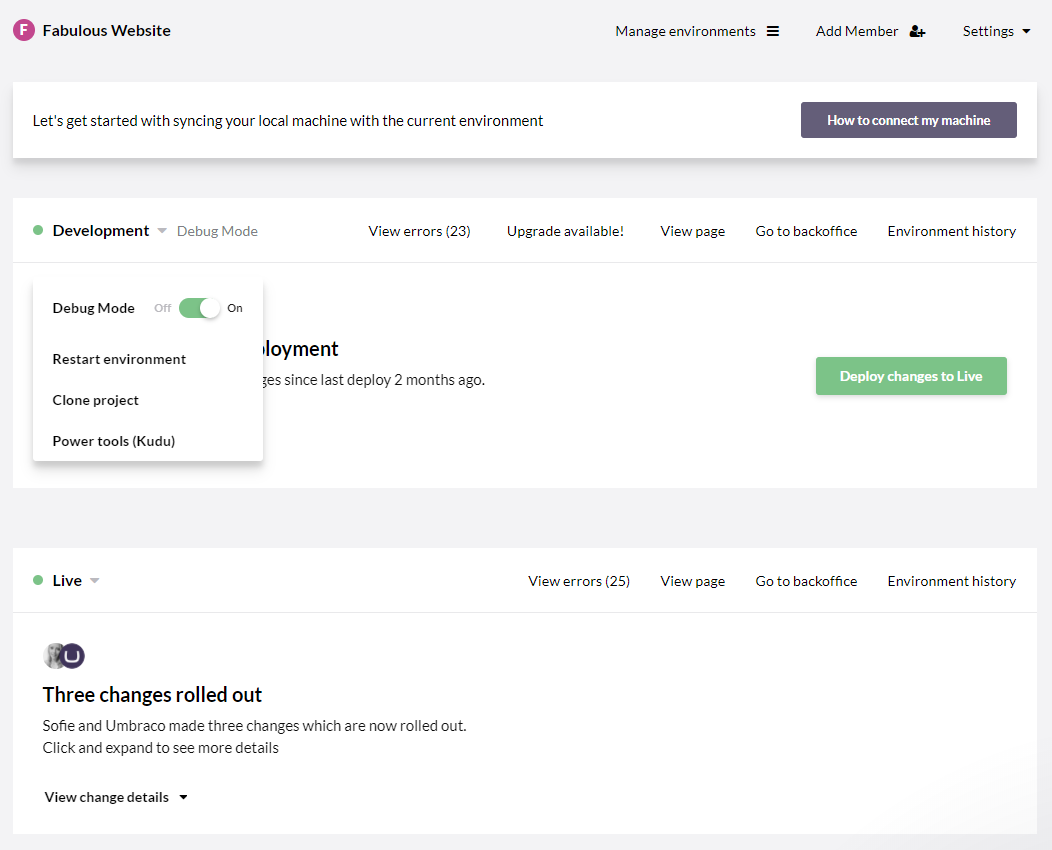 | WebWave Screenshots 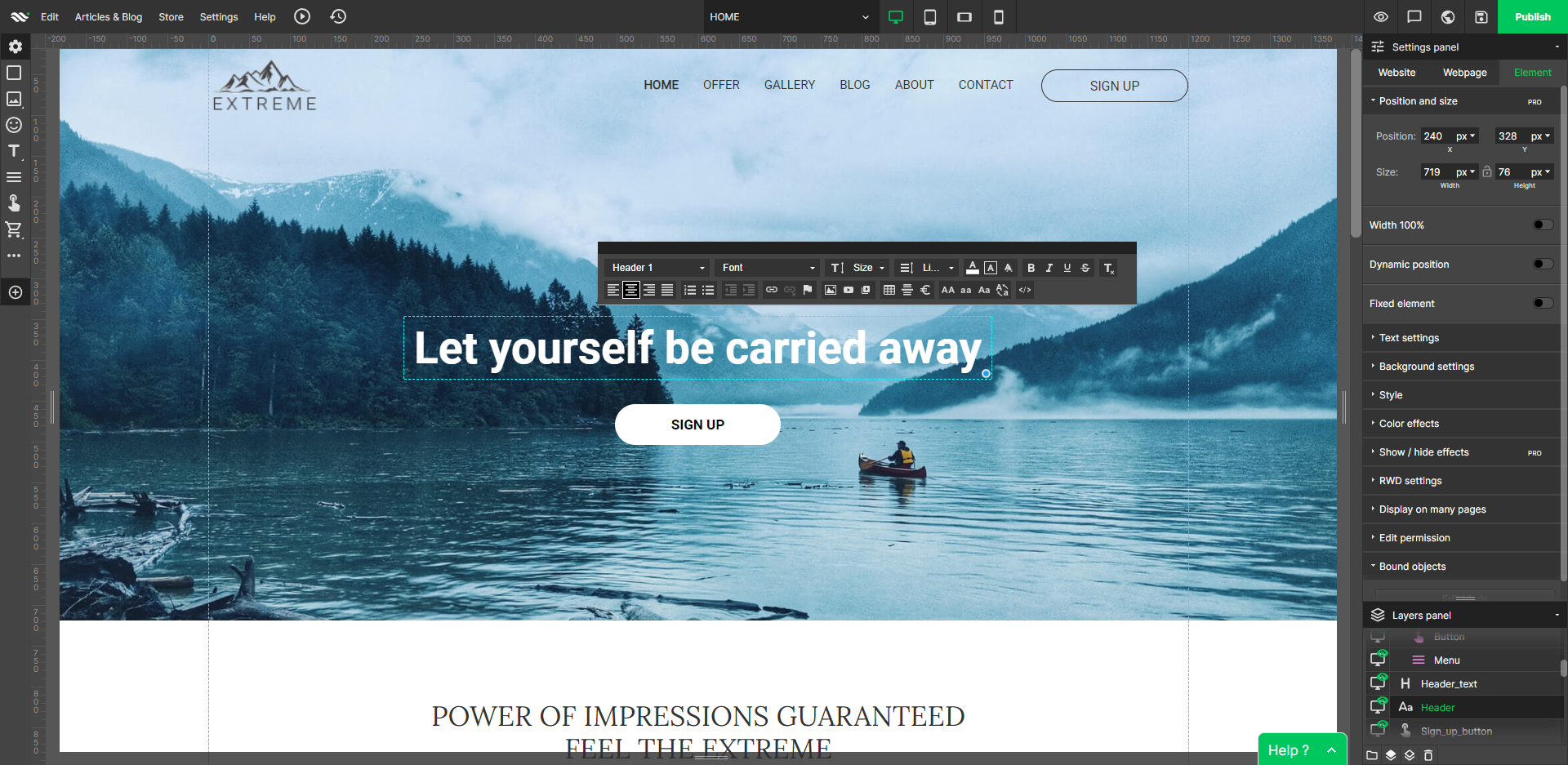     |