Acrobat Sign is an e-signature solution that combines simple and secure e-signatures with Adobe Acrobat. With Acrobat Sign, the user can create, sign, send for signature, manage, and track documents from one Adobe platform. The user can create signing experiences for customers and teams by enabling them to sign documents on any device or browser – anytime, anywhere. No additional software download or accounts are needed. As Microsoft’s e-signature solution, Acrobat Sign…
$14.99
per month license
IT Glue
Score 8.9 out of 10
N/A
IT Glue, a Kaseya company since the December 2018 acquisition, is an information management platform that allows for efficient storage and retrieval of all the documentation an organization needs to help their MSP run better. By integrating PSA and RMM data, the vendor says they can help increase efficiency, and reduce onboarding times.
Acrobat Sign isn't quite as user friendly as other E-Sign platforms I have used. However, it offers a wide range of features that provide convenience and efficiency. For example, I can have multiple people receive the same document separately, or I can have multiple people receive and review the exact same document. I also like that I can choose to set a signing order or not, this is important for when I send Offer Letters and other things that require order of approvals.
It is best suited for an MSP but it is also best not suited for an MSP. It is well suited for folks with a minimal knowledge of a client and are attempting to learn what they can. Perhaps just bumbling about and can find the same thing consistently. At my particular work, we pay somebody full time to manage the system. I feel this is unnecessary.
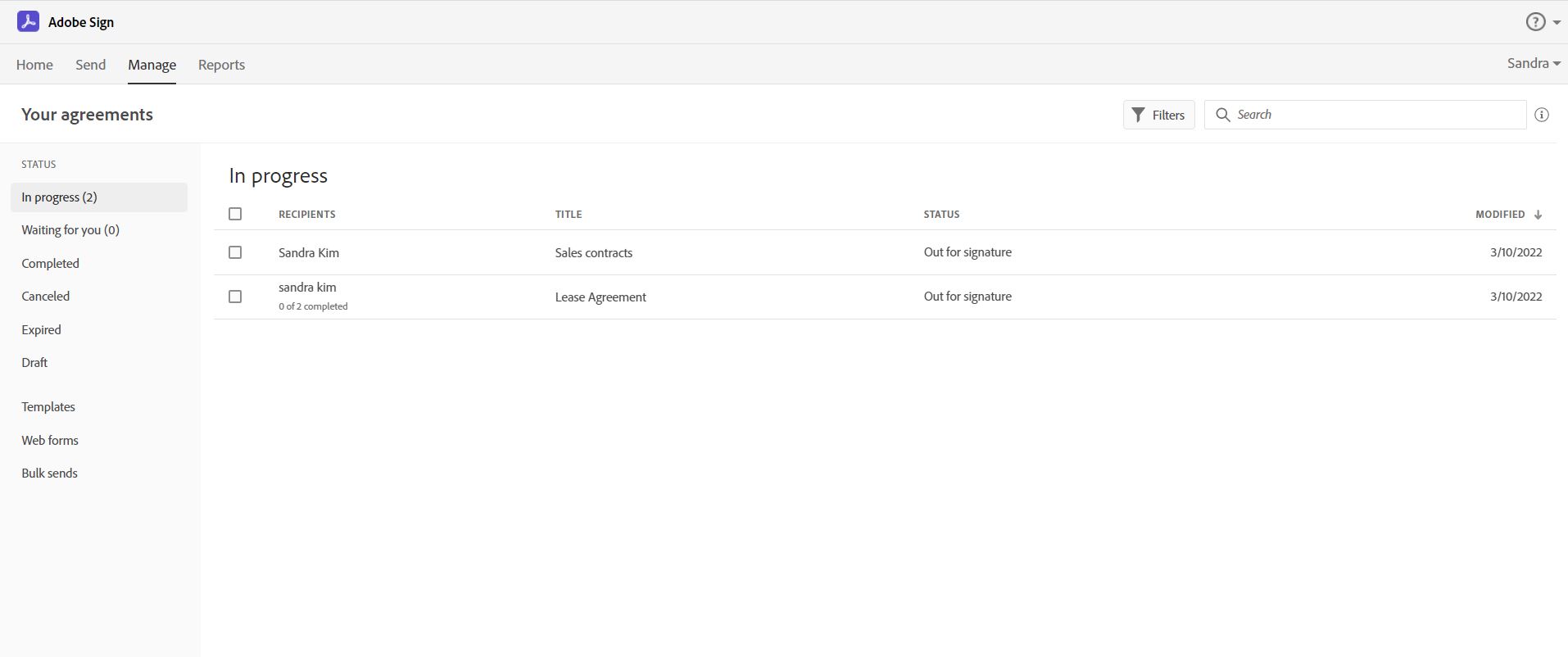
Adobe Acrobat Sign tracks whether or not a signer has viewed a document
Adobe Acrobat Sign tracks when a signer has signed, and the document has been sent to the next signer
Adobe Acrobat Sign sends you confirmation emails and progress update emails along the way
Adobe Acrobat Sign provides a "confirmation of signing" page at the end of the document package you put together, to prove the signatures are authentic
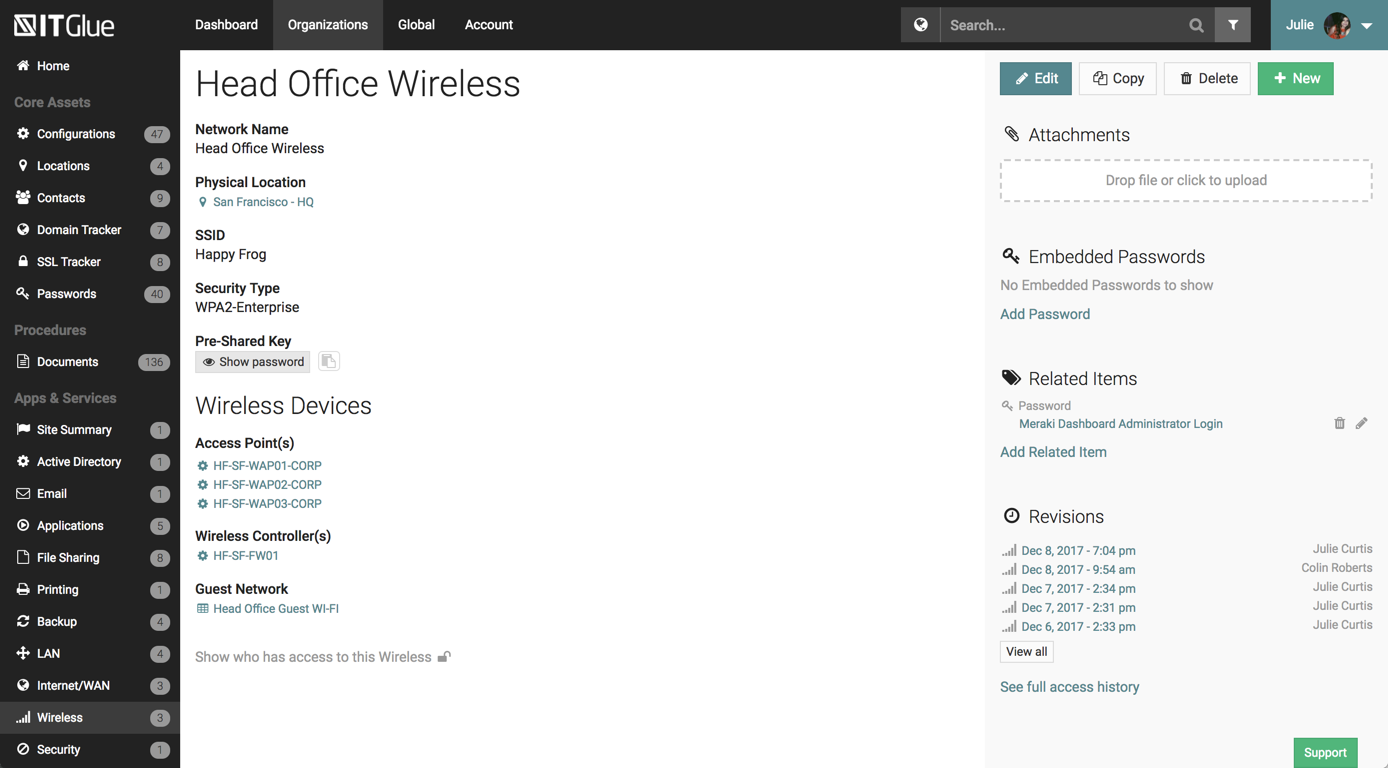
The UI has been set up perfectly, there is a sub-menu for every possible bit of information you wish to store.
There are a number of excellent features such as the autohiding passwords and quick searching from anywhere on the page.
The recent addition of the IT Glue is also an excellent feature, it features online self-guided courses to become a certified IT Glue user.
You can create and group custom documents together.
IT Glue can be integrated with a number of platforms such as Autotask.
IT Glue also integrates well with N-Central to automatically populate the configurations tab with all the relevant Workstation, Printer, and Server information making client on-boarding a breeze.
Builds on Adobe platform so it is easy to utilize, but many features require enterprise subscription.
Integrations available but your CRM integration is only available with enterprise license.
Lots of templates but there are additional templates with enterprise only and there was no drag and drop editor.
Adobe captures some analytical metrics but many of the analytics we required were not available - specifically metrics related to how the tool converts and reduces use time by our team and the impact on clients.
Like many other MSPs we had the majority of our SOPs and KBs in Word docs. The best case scenario would be to simply drop those files directly into ITG without having to import them into the ITG documentation format. The import function is so broken as to not be an option because it completely ruins formatting and tends to drop images. Thus we have to manually copy/paste text and individually upload each image.
They marketed the product as having true branding but that is stretching the truth. SSL is not an option so client-facing documents will give security errors in browsers. ITG does not appear to be concerned about this even though security is a major concern for all MSPs.
It is by far the easiest service we have used to obtain digital signatures from employees. In the past we had done it by hand (a process I would not recommend for 1500+ employees) and with another company that would not allow us to create our own forms and would charge us for each form.
Overall IT Glue meets every need that we need it to. IT is easy to use and convenient and we have not had very many issues with it since the inception. I would easily recommend it to anyone who needs this software.
I've had very little trouble with it in all my uses with it. I do wish the text boxes you add wouldn't cut off the text if you entered too many words and that it would adjust it's size to fit within the space you've provided. However, that just takes a little refining in the initial set up of the document before you send it out.
The interface is excellent and very easy to use. As long as the text you input into the system can be easily read, you will have no problem finding it with all the different categories offered. Sometimes, the slider on the right can blend in with dark backgrounds, making it hard to see.
I would have rated this a 9 or greater had they not had had such critical outages. They have taken steps to resolve this so I may come in and revise this
The Adobe Acrobat Sign's performance are excellent.
When we send electronic document by email for signature all the customers receive it regularly, nobody has any issue to open it and the signature phase was very easy. The user-friendly aspect of this product reduce or reset the call for IT support
Other than a few access outages, ITGlue is always up and available to us. Their ability to export Playbook, that contain our customers data, and securely send those over to them is amazing and are produced pretty fast. We have IT Glue linked with several other services and software and we have not found that it slows anything down.
It is a great tool to get signatures from the client and has reduced a lot of overhead that was caused before resulting in very long delays. With the integration of Adobe Acrobat Sign, we have reduced this delay making the process much smoother and more efficient.
No problems with support when needed it. Their answers on how to handle DR/BC situations when ITG is down are not stellar. They don't seem to get the business risks of their suggestions to just give the xls backup to engineers (aka give all passwords of ALL clients to engineers in an unencrypted flat-file where it is easy to copy, print, etc.)
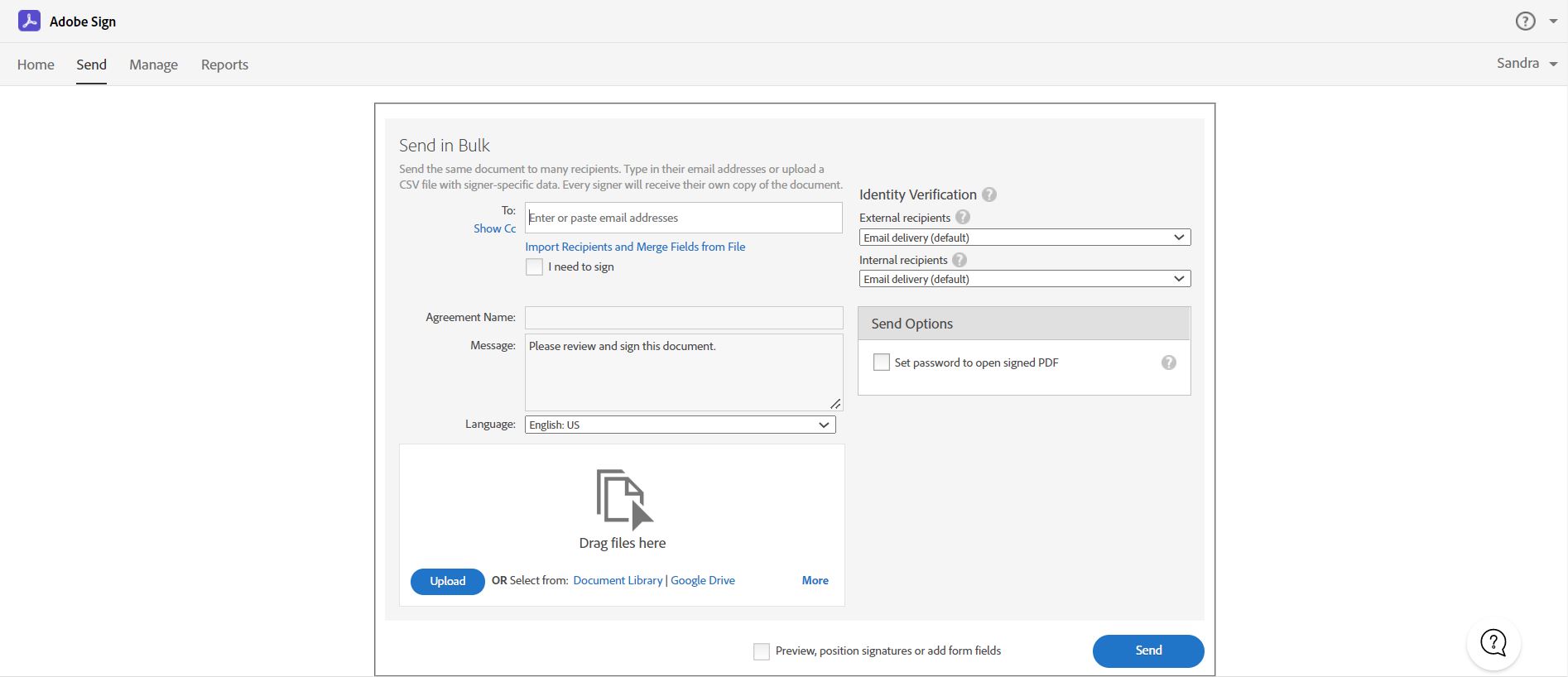
The best types of training are well integrated into the product and Echosign does this well. As mentioned earlier in my review - there are some areas of functionality that can be difficult to understand ("only I sign") for the novice user. Other areas such as macro usage, bulk signature and so on were easily learned and understood via the online tools.
We did not use it in the manner that most companies do, so I am pleased with how our company handled implementation. We will be pushing the full company over into Echosign for various processes which will incorporate more of an implementation effect.
They are just different. Adobe's number one feature that puts it above it's competitors is that your document, the signing process, all of it exists within Adobe. There is no need to go from Word, to Adobe, to DocuSign. It saves you time and makes life easy for you (and for your clients).
We chose IT Glue particularly because it's tailored to IT documentation. As a managed IT service provider, it's perfectly in line with what we were looking for. The flexibility and tagging in particular were the kind of features we were looking for. Confluence is very good, and can be used for a number of things, not just IT documentation, but IT Glue shines for that.
At the beginning we assigned Adobe Acrobat Sign just to Purchase Office Department because at that moment we needed a tool that supported us to avoid manual signature and was compliance with remote working.
Now we are using it also in other situation because it help us with time and we can also reduce cost