Adobe Acrobat DC is the current version of the well-established document / PDF management solution, part of the Adobe Document Cloud (the other part being Adobe's eSign services based on technology acquired with EchoSign in 2011).
$29.99
per month per seat
IT Glue
Score 8.8 out of 10
N/A
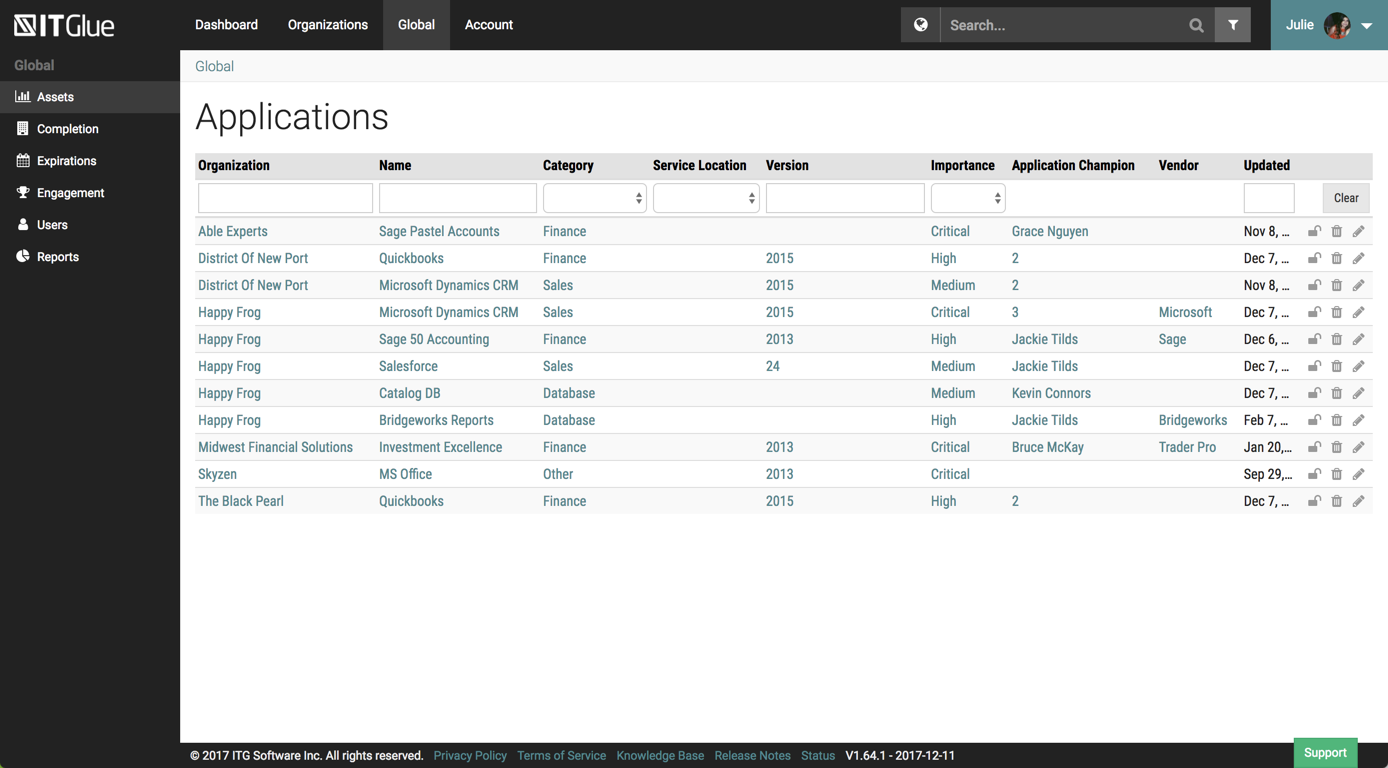
IT Glue, a Kaseya company since the December 2018 acquisition, is an information management platform that allows for efficient storage and retrieval of all the documentation an organization needs to help their MSP run better. By integrating PSA and RMM data, the vendor says they can help increase efficiency, and reduce onboarding times.
$29
per month per user (5 user minimum)
pdfFiller
Score 9.0 out of 10
N/A
pdfFiller is a cloud-based platform with a comprehensive digital toolkit used to handle PDFs, and to edit, sign, store, manage, and collaborate on documents. Documents are stored in the cloud and can be accessed anytime, anywhere, without worrying about losing data.
$20
per month (for an individual user)
Pricing
Adobe Acrobat
IT Glue
pdfFiller
Editions & Modules
Acrobat Pro for Individuals
$19.99
per month
Acrobat Pro for Teams
$23.99
per month per user
Acrobat Studio for Individuals
$24.99
per month
Basic
$29.00
per month per user (5 user minimum)
Select
$34.00
per month per user (5 user minimum)
Enterprise
$39.00
per month per user
Basic for Enterprise
$8
per month (annual commitment) per user (minimum 20 users)
Premium for Enterprise
$10
per month (annual commitment) per user (minimum 10 users)
Basic
$20
per month single user
Plus
$30
per month single user
Premium
$40
per month single user
Offerings
Pricing Offerings
Adobe Acrobat
IT Glue
pdfFiller
Free Trial
Yes
No
Yes
Free/Freemium Version
No
No
No
Premium Consulting/Integration Services
Yes
Yes
Yes
Entry-level Setup Fee
Optional
$545 one-time fee
Optional
Additional Details
—
—
Up to a 70% discount on individual plans for annual billing.
Adobe Acrobat, in my opinion, is the gold standard - the pioneer and household name for all things PDF.
However, in the last several years competitors have emerged who offer very similar functionality, solving the same problems as Adobe. Sometimes Adobe performs better, and in …
All the other applications in the market are replications of Adobe Acrobat and Adobe is the original one. The work on Adobe Acrobat with all the updates does not allow competition from other applications to work. Adobe Acrobat has many features in this applications that …
Verified User
Project Manager
Chose Adobe Acrobat
Although I have personally worked with some other PDF editor applications throughout the years, the ease of use and versatility of Acrobat combined with Adobe's reputation and history in this sector made them the natural choice for my research group's activities. The features …
I have used other editors such as Adobe Acrobat and, in my opinion, for the money Adobe costs, if the need is just to edit pdf I would go with PDFfiller. It is a really easy tool to use. It's learning curve is not that steep and it does pretty much everything I need from it.
I used Adobe Acrobat at a past job for one project. It was a quick use, so I do not have a lot of experience with it. PDFfiller seemed like the preferred, go-to software and seemed the easiest to use, which is why I recommended it for use at my current company.
I like this better than Adobe but not as much as DocuSign mainly b/c DocuSign is more readily accepted for electronic signature and also DocuSign has better name recognition.
Adobe isn't user-friendly in my opinion. I can't save a pdf easily when I want to only select certain pages. PDFfiller is much faster and does everything I need and the interface makes more sense to me.
Honestly, I'm not sure I could assert that PDFfiller is necessarily better than the competition. It's definitely adequate enough for the tasks I need it for that I quit looking for another service to use.
PDFfiller gives me convenience in many ways. It allows me to edit my documents hassle-free. And it also help me to convert those pdf documents into other office formats whenever I require. It also has advantage to source my documents from a URL. With this feature I can source …
When preparing artwork for print production from an application like Adobe Illustrator, Photoshop, or InDesign, the best way to preview and preflight the work is to export to PDF and use Adobe Acrobat's output preview to check process colors, spot colors, dielines, and any special requirements, like foil stamping or varnish. Adobe Acrobat is also where you make any needed final adjustments to ensure correct reproduction on press. Documents intended for screen viewing must be exported to PDF and edited in Adobe Acrobat so as to add and edit needed accessibility features critical for legislative compliance.
It is best suited for an MSP but it is also best not suited for an MSP. It is well suited for folks with a minimal knowledge of a client and are attempting to learn what they can. Perhaps just bumbling about and can find the same thing consistently. At my particular work, we pay somebody full time to manage the system. I feel this is unnecessary.
I chose to hit #9. I believe we all have abilities to broaden our needs so for the majority you may end up thinking this is a 10 if having used comparison tools or remembering those times when a certain "other" signature and document completion tool didn't go as planned or seemed less familiar. I will always welcome the clients and professionals who need my response to send their documents to me for PDF filling. On the random flip when I have to have communication rapidly flow on the go in a last minute piece of time, these people will receive my PDF™ items. And if tips and tools are necessary, they are rather easily placed where they can be worked out by anyone.
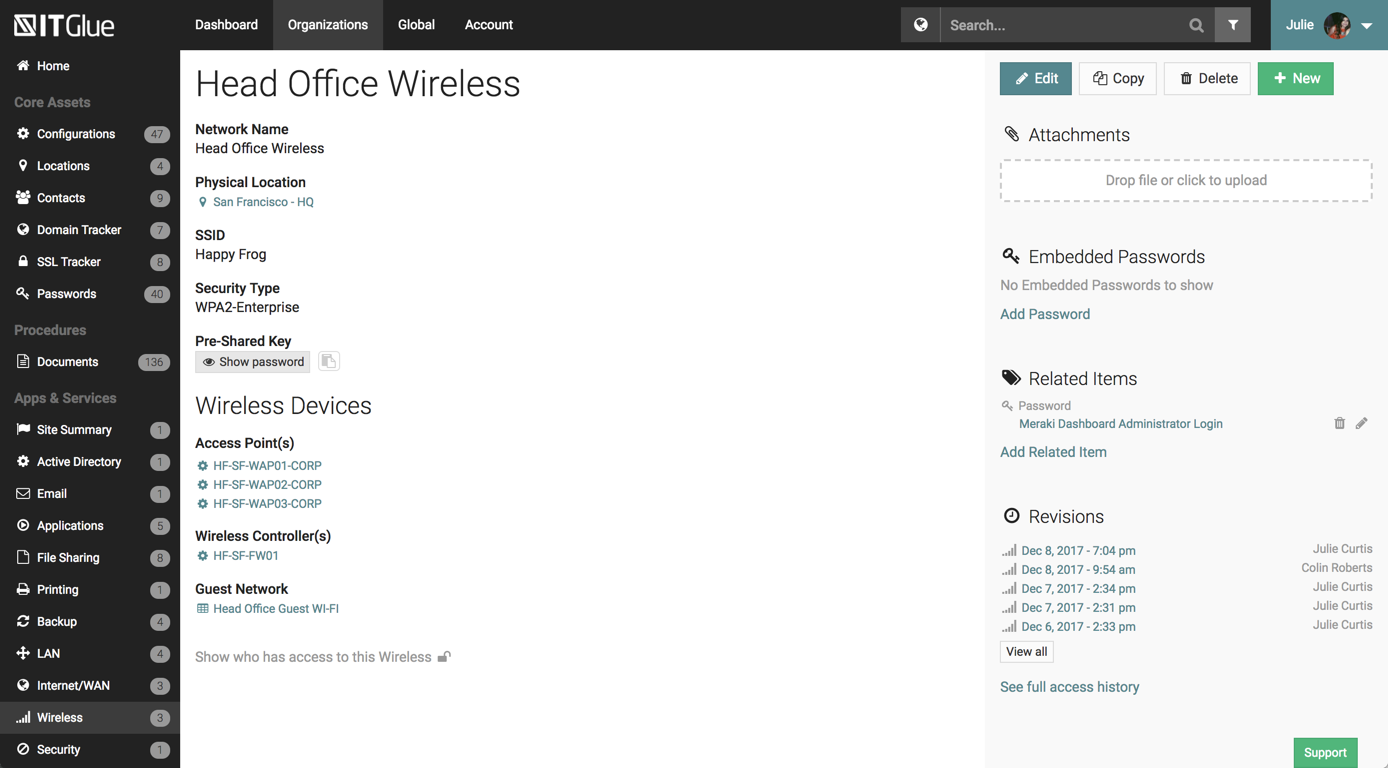
The UI has been set up perfectly, there is a sub-menu for every possible bit of information you wish to store.
There are a number of excellent features such as the autohiding passwords and quick searching from anywhere on the page.
The recent addition of the IT Glue is also an excellent feature, it features online self-guided courses to become a certified IT Glue user.
You can create and group custom documents together.
IT Glue can be integrated with a number of platforms such as Autotask.
IT Glue also integrates well with N-Central to automatically populate the configurations tab with all the relevant Workstation, Printer, and Server information making client on-boarding a breeze.
More printing settings, like being able to adjust the margins and place the print area on the page when the file size is larger than the page, and I only want to print one section. Illustrator has this feature. Often, we print from Illustrator instead, because of this limitation.
Like many other MSPs we had the majority of our SOPs and KBs in Word docs. The best case scenario would be to simply drop those files directly into ITG without having to import them into the ITG documentation format. The import function is so broken as to not be an option because it completely ruins formatting and tends to drop images. Thus we have to manually copy/paste text and individually upload each image.
They marketed the product as having true branding but that is stretching the truth. SSL is not an option so client-facing documents will give security errors in browsers. ITG does not appear to be concerned about this even though security is a major concern for all MSPs.
Adobe Acrobat works seamlessly with the other Adobe products we use that are industry-standard. We will certainly continue to use Adobe InDesign, Photoshop, and Illustrator, meaning it will always be convenient to work seamlessly with Adobe Acrobat for our organization. We are happy with the performance of Acrobat and it's meets our expectations.
Overall IT Glue meets every need that we need it to. IT is easy to use and convenient and we have not had very many issues with it since the inception. I would easily recommend it to anyone who needs this software.
I will always be a faithful PDFfiller customer. The product has saved me a lot of time over the years and I find a great deal of value in the platform. If I move on to another company someday, PDFfiller will be going with me wherever I go.
It’s a very easy app to learn and software is essential. I feel like the app could load a bit faster but overall, is one of my go to apps. Makes reading and editing pdfs easy and I enjoy the usability of the app. It is definitely something I make sure to have downloaded on any computer I’m working from
The interface is excellent and very easy to use. As long as the text you input into the system can be easily read, you will have no problem finding it with all the different categories offered. Sometimes, the slider on the right can blend in with dark backgrounds, making it hard to see.
I don't fully understand all the features and I could probably be using it better, especially the templates. The organisation of exisiting files could be better (ie similar to folders on a pc/laptop). I haven't really invested much time into exploring it further than filling out forms; There possibly is an organisation solution I haven't discovered yet
We have not had availability issues with Adobe Acrobat, or at least none that I am personally aware of. Some may encounter crashes of the software during outages of electricity in their city or neighborhood, which no one can plan for, but with generators in our organization, we have been lucky not to have outages
One of the best features of Adobe Acrobat is its speed and stability. When dealing with massive multi-page files, having to reload a crashed program over and over again would slow down progress unnecessarily. And expanding on that, having the table of contents generated allows me to skip to different pages with ease, a necessary feature with exceptionally long files. word searches are even more helpful with text recognition.
Other than a few access outages, ITGlue is always up and available to us. Their ability to export Playbook, that contain our customers data, and securely send those over to them is amazing and are produced pretty fast. We have IT Glue linked with several other services and software and we have not found that it slows anything down.
For a while, Acrobat DC crashed pretty frequently. I contacted Adobe Acrobat support about the problem. At first support was unable to provide a solution. After about a month Adobe's software engineers provided a fix. I just wish it had taken less than a month to solve the problem.
No problems with support when needed it. Their answers on how to handle DR/BC situations when ITG is down are not stellar. They don't seem to get the business risks of their suggestions to just give the xls backup to engineers (aka give all passwords of ALL clients to engineers in an unencrypted flat-file where it is easy to copy, print, etc.)
If you need help, you can easily search for it and find online tutorials that walk you through how to do specific things step by step. You do not have to read a 20 page manual or sit for a 10 hour training session, it is refreshing that you can take it at your own pace and learn things as you need to
I was not involved with the implementation process, so I cannot answer this question. However, when it was installed on my computer system, they did so virtually. I just sat there while they took control of my computer over the network and watch them install it, lickety split
When I was hired on by my current company I was already a paying customer, so I just brought it with me. Once I showed our President/Founder how simple it was to use for our contracts, agreements, and NDAs, it has been a staple in our company ever since. That was almost 3 years ago. We've closed quicker because of the speed at which we can turn signed docs around.
In my opinion, both complement each other. Microsoft clearly has with Copilot the AI Edge. However, the visual dynamics of Adobe Creative are Outstanding and provide a balanced approach to creativity, utilizing both Excellent, user-friendly Tools.
We chose IT Glue particularly because it's tailored to IT documentation. As a managed IT service provider, it's perfectly in line with what we were looking for. The flexibility and tagging in particular were the kind of features we were looking for. Confluence is very good, and can be used for a number of things, not just IT documentation, but IT Glue shines for that.
I have used other editors such as Adobe Acrobat and, in my opinion, for the money Adobe costs, if the need is just to edit pdf I would go with PDFfiller. It is a really easy tool to use. It's learning curve is not that steep and it does pretty much everything I need from it.
I find that many users aren't aware of many features of the software they use, nor may they be comfortable with learning multiple-step processes. For the simplest of PDF purposes (scanning, downloading, exporting), it gets a thumbs-up. For anything involving electronic signatures, meh--causes eyes to glaze over, or forgetting what all is involved.
Adobe Acrobat has saved us time in managing documents. In this day, everything is fast, moves fast, and keeping up with that pace demands software that functions at the same level. Adobe Acrobat does that. It has streamlined the steps I need to take to edit and create documents we need to manage our customers.
Adobe Acrobat removes the worry and stress associated with managing a large influx of documents. Something as simple as a document featuring an image that was sent to us upside down. Using the old method, I would have to open other software, click 'Edit', find the 'Rotate Image' button, click it a couple of times, save it as a JPEG, then attach it to Word, and finally save it as a PDF. It was a grueling process that consumed a great deal of time. Now, I simply open the image, and Adobe automatically recognizes it is upside down and fixes it for me. I can save and move on; it literally takes me seconds. Amazing.
Adobe Acrobat is intuitive and easy to use, and the additional apps are relevant to the needs that come up. If I have an idea, I can go to the available apps and find exactly what I need. Impressive and speaks to the years of experience this company has had to fine-tune its product and make it obvious that it is aggressive in staying on top.
all the paperwork i need to fill out is typed, not handwritten into forms which looks much more professional. Almost as if I had an assistant to type out my documents
I love the fact that I can make an edit to an existing PDF. I dont have to go back and forth and ask for editable copies of word documents, etc.