Adobe Audience Manager is a data management platform (DMP) that is integrated into the Adobe Marketing Cloud.
N/A
Conga Composer
Score 8.1 out of 10
N/A
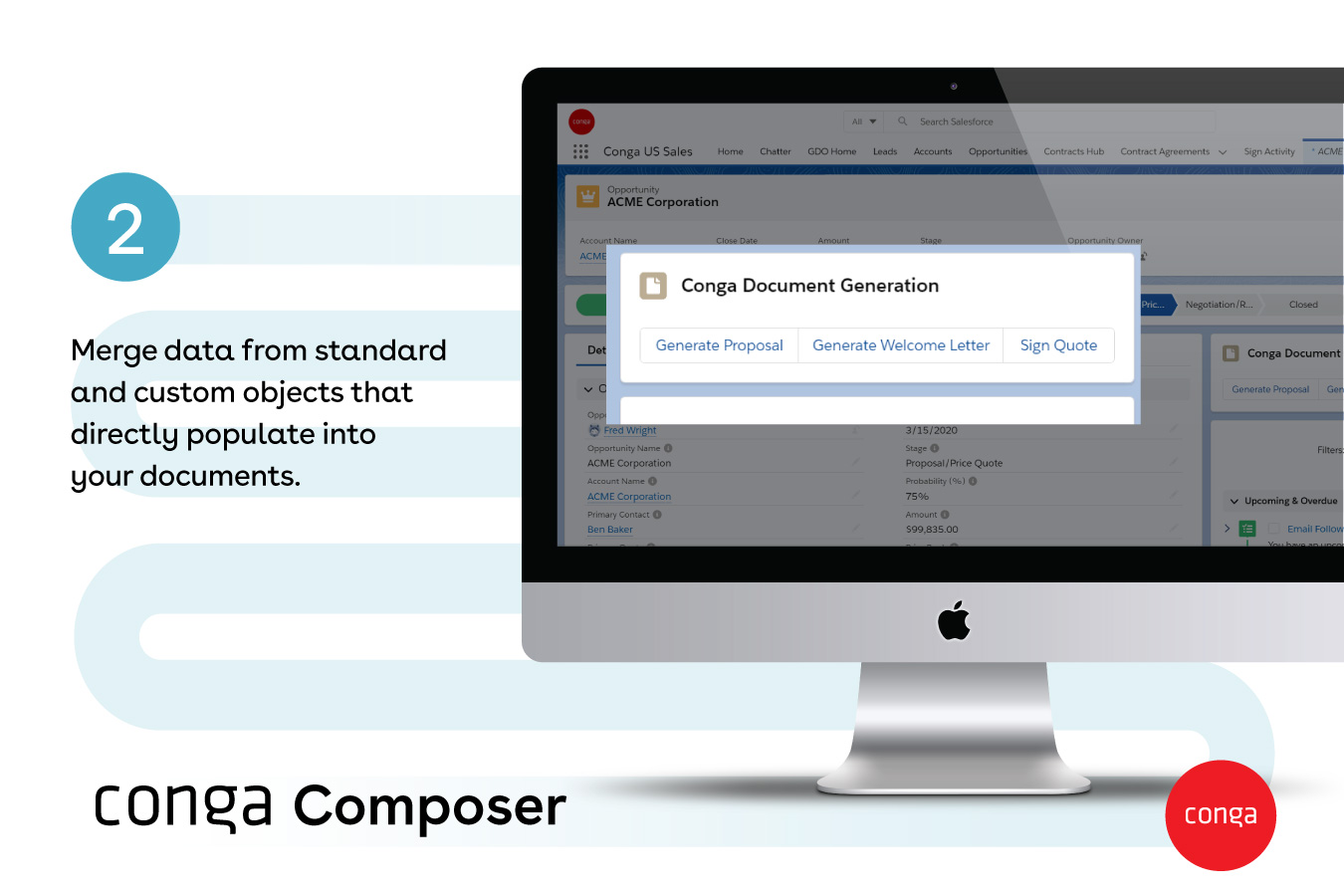
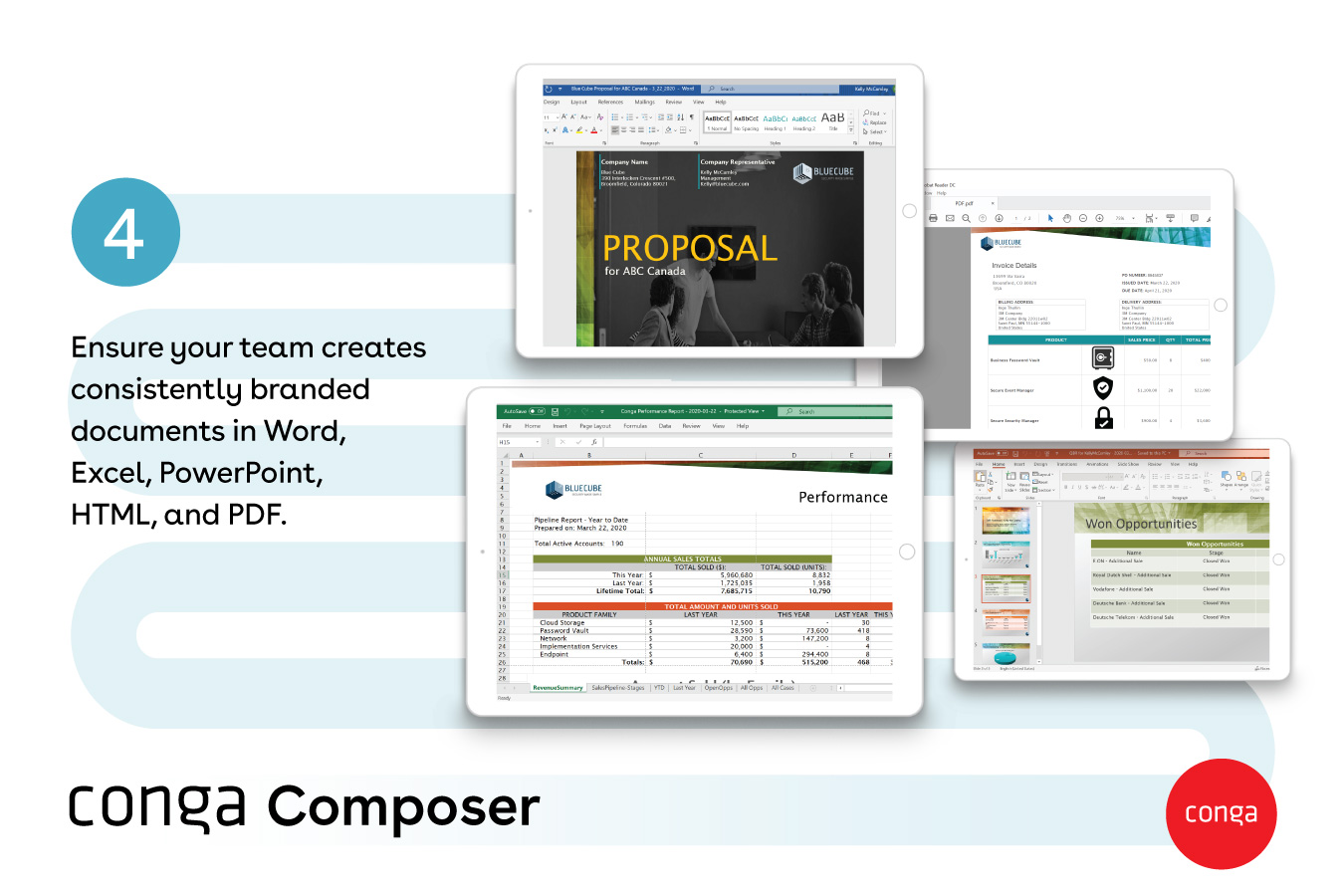
Conga Composer is a document generation and automation tool designed to simplify and streamline the process of creating and distributing customized documents, presentations, and reports.
If you are already using multiple other pieces of the Adobe Experience Cloud stack, adobe audience manager is an easy choice. It allows for quick and easy data activation for your first and potentially brokered 2nd party data. However this product will likely be absorbed into the adobe experience platform (AEP) soon. In the end I would wait to see where adobe is truly headed with this product before investing heavily without additional heavy adobe investments.
From my experience, Conga Composer is particularly well-suited for generating documents, such as quotes and contracts, directly from Salesforce. It saves us a great deal of time, which is remarkably beneficial for companies with sales teams. Not suitable for companies lacking significant Salesforce expertise or administrative support.
We are able to generate reports that provide valuable insights into potential customer behavior, allowing us to better focus our marketing efforts.
By allowing us to understand who are key audiences are and how they overlap with other brands and products, AAM allows us to get a fuller picture of how we should target our audience.
Reporting in AAM is wonderful in that it is easy to understand and exportable. The use of graphics and updates make it easier to share insights with various team members--even those with minimum experience in marketing and analytics.
Though I love how easily Conga Composer ties into Salesforce and its given analytics, it takes a lot of data entry to get up and running. I don't love that sometimes queries can take a long time to pull. I like keeping our marketing templates consistent via templates in the system. Pulling multiple objects into one report is fantastic too.
Overall usability is great, as are most of Adobe's software. Maybe a UI refresh could make it a bit easier to do advanced functions or reporting but, overall, it works very well. This is something you take for granted with Adobe solutions because when you try another vendor you realize how bad it can be.
It's a fairly simple tool to integrate into your current business structure. When we've had issues, we were able to resolve them extremely quickly. The users click a button and it can bring in all the quote lines, and our credit application seamlessly into our tool. I'd definitely recommend it to other colleagues
AAM has good support, but the support is not as available, due to waiting time and queue. The instructions presented are available, but it navigation is not easy between pages. However, instructions are usually direct and straightforward, but any underlying thoughts or questions won’t be easily answered without support from their service.
It's been hit and miss depending on the issue. We use javascript to generate the urls which has confused many techs even though it generates a clean url - they are overwhelmed by the concept of code and can't understand that the url is all that matters.
I personally like the Adobe Audience Manager interface and it's easier to use for beginners. It also has some features that Google does not, nor do its other competitors. It is worth the money and time spent, overall. I feel like it gives a bigger and more in-depth picture to our company's audience than other programs.
I think Nintex is the primary competitor for Conga Composer, but I have not personally used it. I was not present for the decision to purchase Conga but I would recommend it in future document automation vendor selection processes because I have seen how well it works! We are especially fond of complementary features in Conga Composer, including Conga Email Templates and Conga Global Merge.
Could really use better error handling on the product when the document doesn't generate. Zero notifications are provided right now and have no idea where in a 20 page template the error is. Need to keep cutting the template into pieces to find the error.
The report generates 90% of the time so far.
Getting easier to generate templates when knowing how the JSON will be structured to add to merged fields.
Use Work Plan Template Entries and Work Steps to dynamically generate many deliverables.