Adobe Photoshop is the best known graphics product on the market.
$20
per month
WatchGuard AuthPoint
Score 9.1 out of 10
N/A
AuthPoint Total Identity Security provides businesses with a solution to protect user accounts and credentials. With
multi-factor authentication and dark web credential
monitoring, AuthPoint mitigates the risks associated with workforce credential
attacks. AuthPoint adds an extra layer of security by monitoring for
potential credential exposure in the dark web for both personal and corporate
accounts.
They both serve their purpose. I do use the AuthPoint for more products than the Microsoft version. I do prefer the WatchGuard product because its support is far superior to that of Microsoft. I have never had an issue reaching support and it doesn't cost an arm and a leg to …
Photoshop is a useful tool for everything from creating social media graphics to editing and sizing photos. There is a bit of a learning curve, so you need to have a bit of experience to master it and use it for a variety of tasks. You also need to have a good sense of file organization so you can find files quickly without losing track of them.
Works great as a 2FA token, for endpoint control, for computer and server updates, for scheduling updates, and for patching security features when exploits become known. Remote connection is very reliable and doesn't drop in and out as many programs do. It may not be as appropriate if you are looking for a plug-and-play control, as it requires more learning and setup to get it set up correctly.
Email support is SLOW unless I want to allow a stranger to access my production firewall. That is never allowed here, so our hands are tied in terms of being able to get support in less than 48 hours.
Again, support takes far too long because you refuse to employ any staff that works in US time zones during normal business hours.
There has to be another option besides: 1) you take full control of my systems or 2) I wait on SLOW email support that isn't that great.
We get a lot of use out of this software. It's vital for work with production in our industry and has a lot of cross-functionality - creating social media images, retouching photos, editing photos, creating gradients, and more. It's pretty fuss-free in that we haven't had to reach out to support and the program hasn't crashed on us. We are trained on the software (so again, this isn't for beginners), but for detail-oriented designers and creatives like ourselves - it's a no-brainer.
Today to ensure our ISO 27001 certification it is important that we maintain this solution. Today it is part of the way any employee within the organization works, we no longer have any other way of working and it is the simplest way to ensure that access to the workstation is done with MFA.
Adobe PhotoShop is a professional-grade tool that requires months/years to get a grasp of how to use it well. Even then, after over a decade of using Adobe PhotoShop both casually and professionally, I feel like I'm still unfamiliar with a large percentage of the available tools. Without a dedicated training program, it can be extremely overwhelming and/or you may not get good use out of it. That being said, once you do get comfortable with it, the layout and workspace are excellent with myriad shortcuts that speed up your workflow exponentially. Put in the time to learn it, and you'll love it.
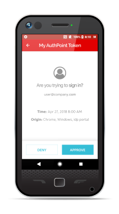
After initial setup, it practically runs itself. Onboarding new users is fast and easy as it should be. The AuthPoint mobile app is small and simple to use. The only reason I do not give it a 10 is that I frequently get complaints from end users that the AuthPoint app is "constantly downloading". In fact, it's not downloading anything and that what the users are seeing in the app is a timer for the 6-digit code that changes every minute.
Adobe Photoshop is very reliable, but is never 100%. There have been times when Adobe Photoshop has had trouble opening, but nothing a little computer restart couldn't fix. I use Adobe Photoshop on a Mac for both work and at home on a daily basis, and I would be lost without it.
Speed can be an issue when you are dealing with large files for large format printing or billboards. When working on web images, speed is not an issue.
While I never contacted Adobe directly, there is so much content out there in the form of YouTube videos, Lynda/LinkedIn learning that almost any issue, including bugs, can be worked around (and this method is generally faster as there's no turnaround time involved).
WatchGuard support is always quick and reliable. They have urgency levels that you are able to select when creating your support ticket, and they respond in accordance to the severity that you have set. I have never had an issue with getting someone on the phone in the same business day, even for very low priority issues.
It was an Onsite demo at the ditributor with the benefits of Watchguard Authpoint. Was very nice to see the abilities of the product. This Demo was a few years back, since then Authpoint changed allot. It is very nice for partners that you can get this demo without any aditional cost.
We use the online training for all our employees. There are both sales and technical trainings available and there even is a technical certification. You can use this for the Watchguard Partner Program which can give you aditional benefits. Every now and then you have a webinar that discusses multiple Watchguard products.
I took a course so it really helped. I didn’t take the course until much later after beginning to use it, so I wish work would have sent me right off the bat. It would have alleviated a lot of frustratinon
the first time it takes more effort. It is helpful to already understand how each authentication type works. Then it's much easier to understand the MFA solution that you implement. It is useful to check the release notes from time to time and update the key parts of the Watchguard Authpoint. Authpoint Gateway, Logon App, RDWeb... Also, it's useful to set up notifications when something goes wrong or sometimes check the statistics of how many requests are being approved/denied, etc.
[Adobe] Photoshop offers the best photo editing as well as content creation. The layer-by-layer approach of [Adobe] Photoshop helps to work between two apps or even two PCs of entirely different Creative Cloud apps seamlessly. The stability and the speed of the tools in photoshop make it even better to make a canvas of creativity.
I would slot Authpoint (as a product) as better than ESET but not Duo. ESET has the same limitations as Watchguard in the OTP support. It also is an on-prem installed console rather than a cloud, which increases cost and maintenance requirements. The duo now supports standard OTP for admin accounts, so it can be managed by a team. Duo support however leaves a lot to be desired and gives Watchguard the edge
It does take a long time for the program to start up, however
The most difficult task is onboarding new employees into Adobe PhotoShop who don't have experience with it. It's an investment for their future so we see value in it.
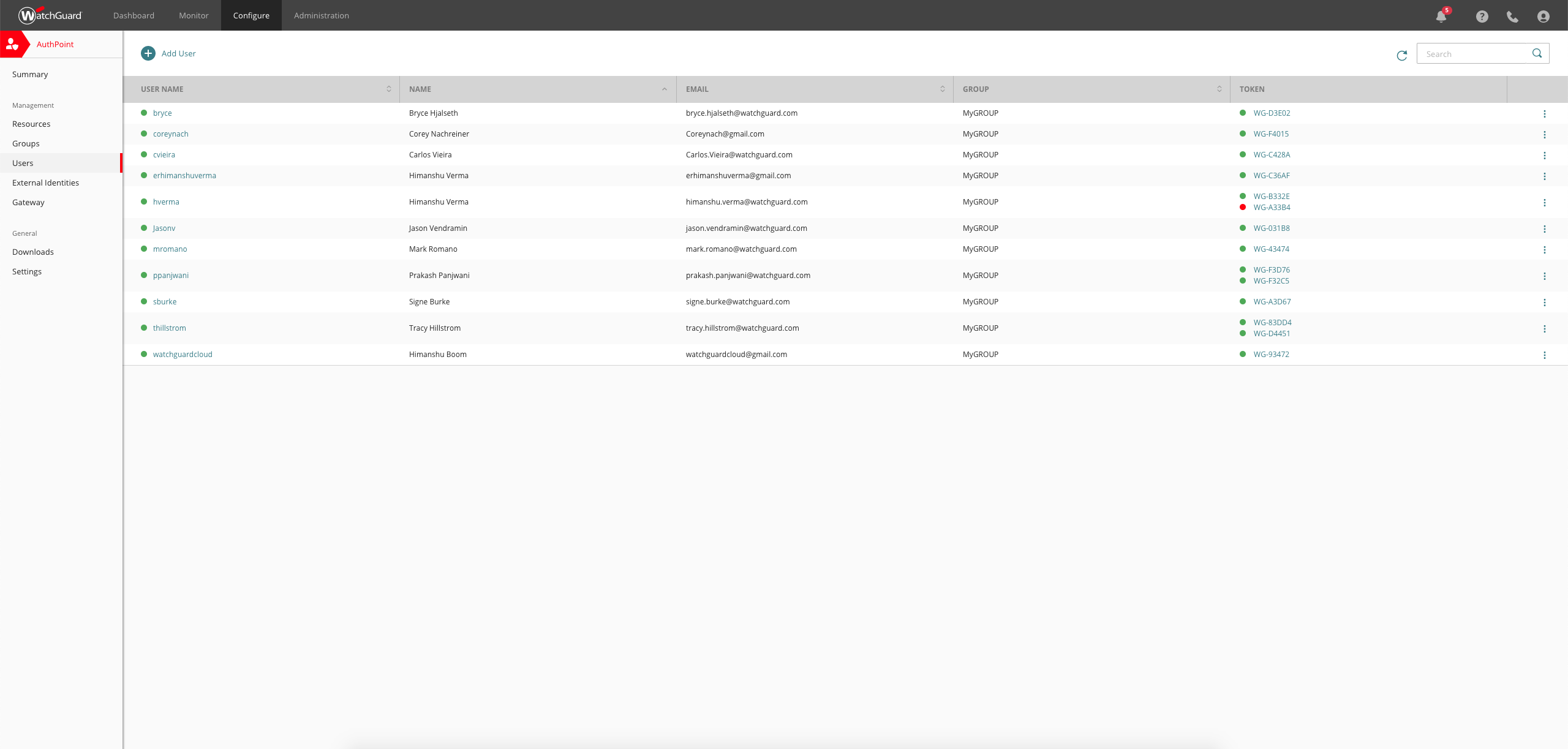
We currently have 300 users on Authpoint, and most of them use insecure passwords. Authpoint gives us peace of mind that we don't have to police individual employee passwords.
In line with the comment above, with so many people in our organization using insecure passwords, I'm sure that Authpoint has already saved us from many potential security breaches.
Security breaches can cost a lot of money. Preventing them saves the company money and helps to achieve our bottom line.