Apollo.io played big role for us in saving $$$ by bringing data mining, AI Email Writing and acting as CRM altogether...for small to medium organization they can surely rely on Apollo.io...and it is doing things mostly right with some room for improvement for sure. Sales and Marketing team saves time in getting their emails drafted based on prompts, list of contacts they can fetch in minutes of time, earlier we used to have seperate tool just to mine data, then we used to upload the CSV file to email marketing tool, then we used to draft email...for all these process we were using three different tools - Apollo.io brought everything under one umbrella.
I've used all the sending platforms (Sendoso, Reachdesk, Loop & Tie, Alyce, and Surgar Wish). I've had the most success with Alyce. We're a global SaaS platform with presence in NAM, EMEA and APAC. We're valued at $2B and drive around $2.5M in sales. As a demand gen team we have about ~$12M in program spend, so I'd say the tool is suitable for a scaling mid-market/enterprise brand that's focused on ROI, efficiency and scaling. I'm not sure who Alyce is not suitable for to be honest, I can only speak from my experience using it in my current role. I imagine it's not suitable for a company whose tech stack cannot integrate with Alyce.
Firstly, finding the details of the potential customers that is there name, designation email and phone number since these are the most important cases most of the times I can get this data in Apollo.io
I can pull the bulk data of the targeted organization, or I can pull the emails based on the location and job titles
Apart from the email capture, the thing which helpful is that the email sequence can find emails and send emails in Apollo.io itself and also the report and the dashboard are so clean
Friendly UI and UX Apollo.io was the first tool which I used. Since then I'm still using Apollo.io for easy understanding
The Custom Brand Shop has been a real game-changer.
Easy to place curation requests and quick responses.
The ability to send items through Amazon but also include inventoried items is great for higher value gift bundles and lets you avoid having to source items that you may not be 100% sure about the quantity needed.
There are certain features about prospecting that require updates. For example, if people switch organisations, it should be automatically requesting the new email or new contact data for a particular contact in order to be updated in the system
The lead databases that are created if their new addition should automatically be updated in the list that I created with Apollo.io
We're very sticky with Sendoso and would prefer to not train the entire sales org on a new platform! That and we've already sent up a plethora of gifts the team can send out (eGifts, physical branded items, treats, plants, etc.).
Apollo.io does provide campaign setup help and made my SDRs team's life easier, with the use of lead enrichment, lead distribution, I can manage my team from a single dashboard. It also comes with CRM that helps me navigate the progress on leads and what my SDRs progress.
I log in to the Sendoso website each time to use it, I'm not sure if there's an easier way. There may actually be a chrome extension that I'm just not using for whatever reason. I bet there is. But the website works well enough. Doesn't blow my mind, but it's all I need
Sendoso occasionally has downtime, but it's usually isolated to a single feature and doesn't effect the entire platform. They are responsive when it comes to intaking these outages and are quick to work to resolve them
Their platform doesn't take a long time to load, and it typically isn't too buggy once a new feature has been out for a while. Reports are pretty quick to generate and are emailed to the user on file for use typically within ten minutes or so. I have not noticed Sendoso slowing down any of the software it integrates with at all
The team wants to solve probelms, but we are finding that they don't know how to solve the more technical issues quickly. I suspect that they don't have a mature process for escalations, and they don't have a usable knowledge base article repository. They seems to push emails around to let us know that people are working on the issues to find solutions, but this takes weeks and oftentimes still leaves us without a resolution.
They listened to the problem with delivery times but did not present a reasonable solution. Again, the shipping costs consumed too much budget. On one bulk send their support team agreed to take over a project for a few of the reps which is encouraging to see.
Our in person trainings were on zoom, but they are not recordings which is why I listed them as in person. You get a live person to walk you through integrations, how to use the platform, sendings best practices, setting up other users, etc. The customer success team will help you training staff users too. Ours even ran a contest for them to encourage them to send to prospects and they provided the prize!
These were CSM and Onboarding team zoom meetings where they hand-hold you, which is nice especially compared to other company onboardings. After that they have Zen desk articles and regular check-ins where you can get the training you need. I also am on a slack channel with Sendoso staff where I can ask additional questions or look for best practices.
Get Sales and Marketing both involved in the implementation so you can strategize on how you'd want to use it across your organization. This will help your CSM roll it out the way you want instead of trying to piecemeal it after you've finished the onboarding process. Also I would recommend using a mix of Sendoso Direct, Inventory and eGift sends. Relying all on one or the other will not serve you well
All of these platforms are good and offer valuable tools, but where Apollo.io is different is how this one platform does the job of several different ones. It is nice not having to use multiple platforms to get things done and makes integration and analytics issues occur less often. It is user friendly and constantly working to improve.
Local vendors, including print & mail houses, are the only thing I can compare to Sendoso for similar services. Local vendors are good for ordering a bunch of swag to have at the office or [giving] away at conferences but if you are looking to send items to clients/prospects on-demand then a tool like Sendoso is a must.
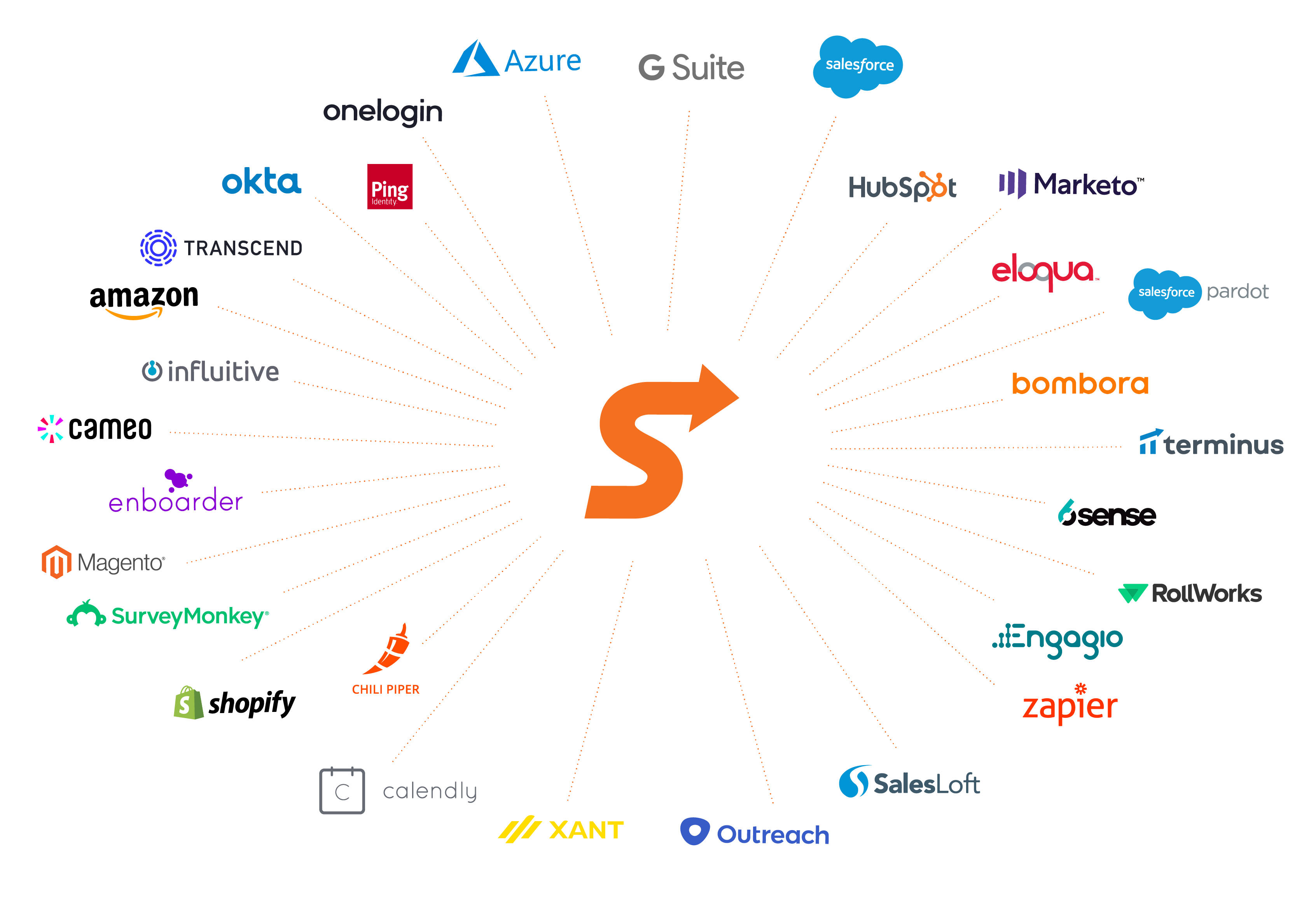
Sendoso has really improved here. Along with helping you train your staff, you can now clone gift touches, sync them with salesforce from the platform directly, and send out address confirmations using your own or their email sending platform - they also just released an option for you to white-label your own domain. helping you save time and get a lot off the ground quickly