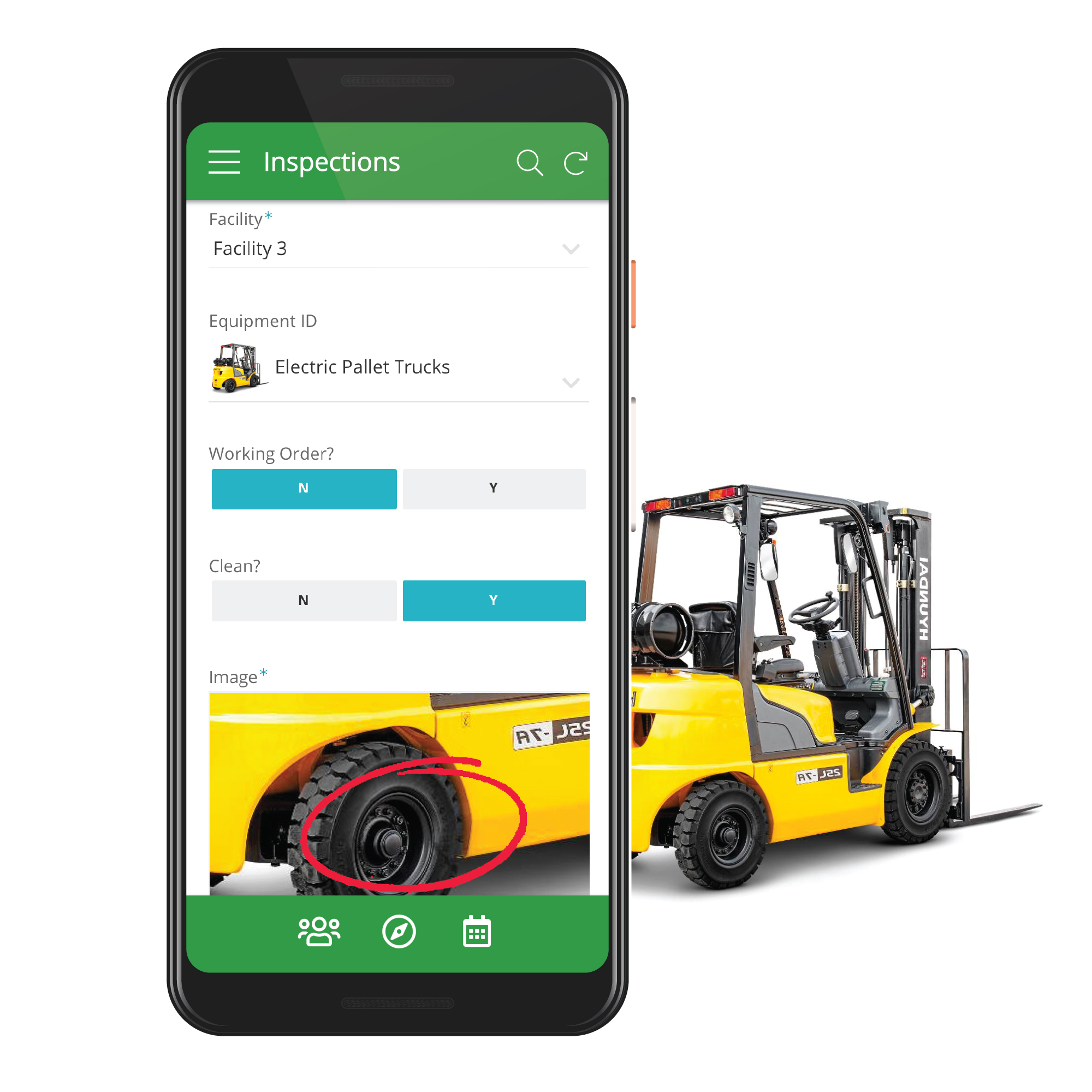
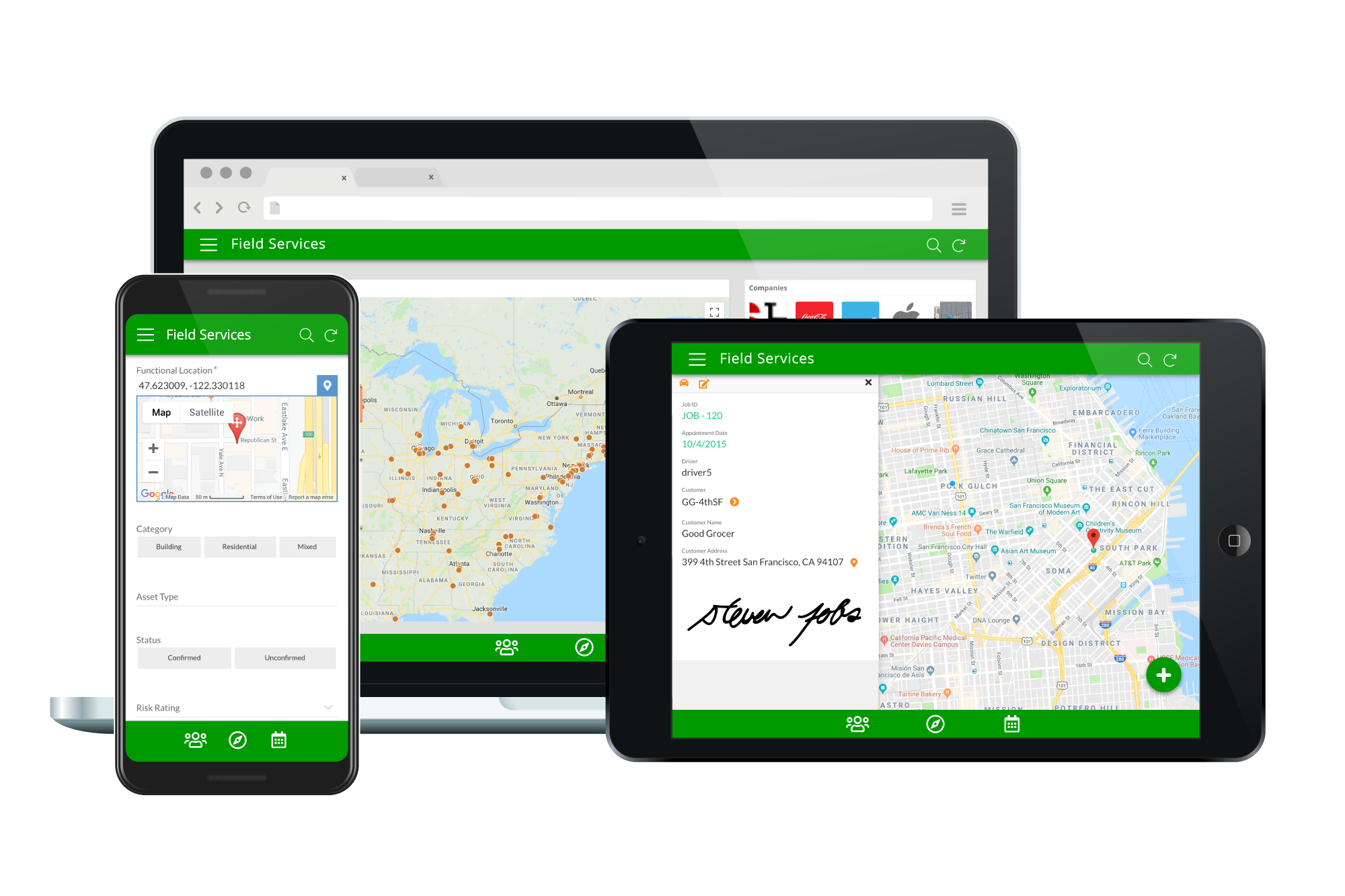
Acquired by Google in Spring 2020, AppSheet is an intelligent, no-code app platform for everyone. Users can create apps to transform the workplace. Common use cases include field service, transportation, customer surveys, incident reports, field data capture, compliance reports, delivery tracking, and property surveys. Used by the Fortune 500 & Industry Leaders Customers include Clearlink, Enterprise Holdings, ESPN, Pepsi, the University of Michigan, and the State of…
$5
per user/per month
Power Apps
Score 7.9 out of 10
N/A
PowerApps is a low code / rapid application development product from Microsoft that allows users to quickly build apps.
$20
per month per user
Quickbase
Score 8.6 out of 10
N/A
Quickbase helps users tackle any project, no matter how complex. Quickbase helps customers see, connect and control complex projects. Whether it’s raising a skyscraper or coordinating vaccine rollouts, the no-code software platform allows business users to custom fit solutions to the way they work – using information from across the systems they already have.
$700
per month
Pricing
AppSheet
Power Apps
Quickbase
Editions & Modules
Premium
$5.00
per user/per month
Pro
$10.00
per user/per month
Business
Contact sales team
Enterprise
Contact sales team
Power Apps Premium
$20
per month per user
Enterprise
Full Customizable
per month/billed annually
Business
Starting at $2,200
per month
Team
Started at $700
per month
Offerings
Pricing Offerings
AppSheet
Power Apps
Quickbase
Free Trial
Yes
Yes
Yes
Free/Freemium Version
Yes
No
No
Premium Consulting/Integration Services
Yes
No
Yes
Entry-level Setup Fee
No setup fee
No setup fee
Optional
Additional Details
Personal apps and prototype are always free to build. Don't pay until you're ready to deploy.
What can I do for free?
Use the complete set of AppSheet features for free while building one or many app prototypes (for as long as you like). Invite up to 10 users for free to use your apps & share feedback.
How do Business Subscription pricing work?
Business Subscriptions enable a suite of performance & management features for organizations with cross-departmental app creators, and pricing is based on each unique requirements. Connect with the AppSheet team at solutions.appsheet.com/contact to learn more.
—
Quickbase offers three key plans, with feature distinction, simple and consistent entitlements, and a flexible licensing model, giving users the option of either user based or usage based licensing across all 3 plans.
I try this only a little but I found it more complicated and I leave. I cannot give a real opinion about Power Apps. I think as I use all google in my ecosystem, everything just fall in place with appsheet. May be someone using Office 365 would be more familiarized with …
Way above all of them for the simplicity of setup, usage, and intuitiveness. I have used it primarily with Google Drive, but, am sure it works well with other data sources as well. The community support is strong, really strong.
AppSheet's free version is much much better. Since I have low level experience on paid version, I cannot confirm which app is better for the paid version.
QuickBase was easy to implement. Functionality matched our needs of replacing Excel managed processes with a tool that had modern app capabilities and was hosted in the cloud.
Quickbase offered more flexibility, integrations, and performance better than any of the solutions we used or evaluated. While every solution has its merits, when you step back and look at the ROI and time to implement, Quickbase was a good fit for our organization. When you …
Although also a nice competitor, it is still very linked to the Microsoft ecosystem which we do not use that extensively. Also building apps and linking their data was more straight forward in Quick Base.
I have evaluated this product only because our SharePoint intranet will be getting an upgrade EOY. I'm not sure what the full capabilities are yet but highly doubt it compares to QB.
Features
AppSheet
Power Apps
Quickbase
Low-Code Development
Comparison of Low-Code Development features of Product A and Product B
If you need to manage special assets with unique characteristics and keep data in spreadsheets, Appsheet is ideal for replacing these sheets with a system. Once you start using it, you find yourself trying to move everything into Appsheet. It is perfect for generating internal software that would otherwise never be developed due to programming costs.
Power Apps is ideal for scenarios that are neither too complex nor too large. It is easy to begin development in Power Apps, as it is one of the best tools for low-code development. Power Apps can be implemented for complex scenarios as well, provided there is strong knowledge of the tool and ample time for planning. Our applications benefit from Power Apps' cross-platform support, making it easy to use on any device, including desktops, laptops, and mobile devices.
I no longer think that Quickbase is the way of the future. They do not fix major bugs in a timely manner, and are releasing basic functionality behind a paywall. I believe that Enterprise Level Tier should be given certain things, like SLAs on Support and up-time. However, as a low-code no-code platform the majority of the accounts, "builders", and users are not going to be able to justify the cost of an Enterprise Tier Plan, and won't be able to use the features that Quickbase continues to advertise.
Calculations - I have several apps that do some pretty complicated calculations, and decision making to build things like Shopping Lists for a Kanban assembly team, where the app will help a stocker determine whats low in a kanban assembly line stock box.
Document generation and record keeping - I have an app that users digitally sign and receive PDF contracts, and the system automatically records all records from the transaction. Everything is held in files on YOUR OWN DRIVE (Google Drive) so when you're done with the project or AppSheet you DONT loose your data.
Client/Customer Management - I follow the old school "Swimming with Sharks" model for client retention and customer engagement, and have built several small customer tracking tools for local businesses. This tool is limited ONLY by your imagine and desire to learn.
Power Apps has formats that are pre-built that don't require any coding which makes it easier to achieve your vision. This does become a challenge if your App needs don't fit into that format.
We deal with a ton of data so the fact that you can connect to any data source in addition to their pre-stablished data connections makes the process a breeze.
The online learning resources and tutorials are helpful as well for those who are tech savvy.
Once the tables / UX Views get way too many in number, it can become a little daunting to manage. This part of the UX may need something really smarter.
Ability to Undo.
Could provide more UI Look and Feel options. BTW, the new Graphs look great, but have some bugs, while the new INPUT() feature is a great addition too.
Sometimes the cost of solutions is greater than the benefit. Licensing is expensive relative to the scope of some business user-created personal or team-level solutions.
While there is a starter-kit for Governance, it is complicated to stand up and requires dedicated resources to provide on-going governance operations. Many organizations are not going to be able to dedicate resources to governance and this causes the sprawl, solution duplication, silos, unneeded and unplanned licensing expenses, and a general "wild wild west" environment.
There needs to be better direction and best practices given around Power Platform Environment utilization and optimization.
The accessibility to the platform and ease for business partners to independantly create solutions is both a benefit and a negative. When the business outcome needed is a good fit for PowerApps it is a quick win, but when not a good fit it becomes a frustration for the business partner attempting to make the platform do something it is not well-suited for. The business partner entangles tech teams in the effort which drains resources and provides a lack-luster solution. All of this to say, it would be beneficial to have some tools that business partners could leverage to determine\understand if the type of business outcome they need is well suited to PowerApps or not.
I'd like to see a link on email notices that take you directly into said notice. On an app that only has 1 or 2 email notices firing, there's no issue. However, we have some tools that are so complex that they have about 20 email notices firing at any given time based on the action users take. In this case, if we have to go in to modify a notice, we have to guess or scroll down the long list of notices to see which one we need to customize. It would be great if Quickbase had the URL of said notice somewhere at the footer of that notice so when Administrators click on it, it takes them into the exact notice they need to update.
When filling out or reviewing a lengthy form, I'd like to see the Save & close button, as well as a Save & next option at the bottom of the form rather than having to scroll back up to the top of those forms just to click on those choices.
For our use-case of QuickBase, there really aren't any other products out there that can offer us the same out-of-the-box solutions they provide to us. We're also so integrated with it in our daily processes that to move away from it abruptly would cause mass chaos, so it's going to be renewed for at least the next several years.
It's just great. The usability is the best thing about Appsheet. You must choose which things will really be used later. You have to be careful of not generating something too big and then it feels like something that need to be learned. This is something that resolve problems, but you had to be able to think before doing. It will not solve problems itself. You need to find the problem, think a solution, and then use appsheet to make this solution a reality
PowerApps is a great solution and I have spent the last year familiarizing myself with the platform and building custom applications to complete a whole range of tasks such as asset management, custom invoice generation, and item restriction tracking. We as a company have barely begun to scratch the surface of what can be achieved with PowerApps.
Quick Base has done everything we have asked it to do and then some. Our original goal was to have one system for CRM that encompassed both the sales process and the customer management. We have gone w-a-y beyond that with analytics, project management, system bug logging, and historical effort reporting.
Once we did get Quick Base configured and customized it was reliably available when we needed it. We may have had one or two occasions when the product was inaccessible but those were few. The greatest challenge with its availability was its difficulty with integrating with our systems.
Some of our tables that hold over a million records are starting to perform poorly, with some summaries taking over 20 seconds to load. This may be an indication that it is best to archive old data when reaching large volumes like this.
AppSsheet has a support group and they show videos to help app builders. Though I have truck drivers' hours and can't join the webinars. Support groups with better assists me on a Saturday evening or a Sunday that I have time off. It's hard to watch videos driving down the highway.
The community forums are extremely responsive to questions asked, there is a good body of online documentation and many community posts to draw from. Although the platform has changed, which means some of the posts are out of date and the solutions provided aren't relevant. Of relevance, I read over 400 articles plus documentation to get this first app built in SharePoint, move it to SQL and make it work exactly the way it should.
If you utilize the community, the support is amazing. Unfortunately, I find their actual support system a bit underwhelming. They don't seem to have a great process for interacting directly with an issue and often sweep significant issues under the rug by categorizing them as "Enhancement" ideas or legacy items.
Quick Base already is having a separate portal of providing training to customers and it is very easy to use and updates as per the new features added in to the application
I was not directly involved with the initial account implementation, only a bystander. For the app I directly implemented for my department only, I wish I had know to create an app diagram first. I don't remember if that was suggested. I think that would be a great help tip tool when a new app is created, to have a page with a check list of what is needed or how to get started. If you are a regular app builder, then you can bypass it or have the ability to turn it off in the app settings.
The ease that AppSheet provides to the developer is limitless. Before starting with AppSheet I used other software, but they didn't give me the tools at my fingertips. When I learned about AppSheet and everything it could do, I understood that it was what I was looking for, the ease with which everything is related within the app with a few clicks is impressive.
1. PowerApps functionality comes with E1 over E3 License without adding extra costs 2. For Nintex you pay (at the beginning) for each workflow, so my intention would be, to do no workflows to prevent additional costs, but I want a platform with a fair price that allows me to create workflows without thinking about the price for each workflow and we use only some workflow and relative easy workflows and forms as a medium-sized company. 3. PowerApps provides a lot of functionality without needing to invest in premium features directly.
Well, there's a plethora of low-code tools out on the marketplace and, you know, there's a reason that we've decided to partner with QuickBase because it has all the right balance of the ability to integrate with the ability for a citizen developer to create apps successfully. So if you look at something like Zo Ho's low-code offering, for example, yes, there are some similarities there, but they're really dependent on all of their other licensed products to get you where you want to be, where with QuickBase you have the ability to truly create something custom.
It has evolved really well with our company, but there is a hard limit to the table size that has begun to affect us and not let us grow. The table size limit is set at 500 MB and we have had to jump through quite a few hoops to be able to get by.
A good impact in general at the beginning since the free version allows great development so the investment in the implementation is of knowledge and time.
As a consultant I have expanded my services through this platform including new low code application building services.
ROI is HUGE. Our company saved over 3.5 million in one year alone based on developments that year in Quickbase that saved time for many teams
Less user error - implementing automations and standardized workflows has led to less user error as was previously seen by maintaining spreadsheets or Smartsheets