Asigra is an enterprise-level, agentless, cloud-based recovery software to provide data backup and recovery of servers, virtual machines, endpoint devices, database, and SaaS/IaaS-based applications. Asigra charges customers by the amount of data they recover rather than the amount they back up.
N/A
CrashPlan
Score 6.8 out of 10
N/A
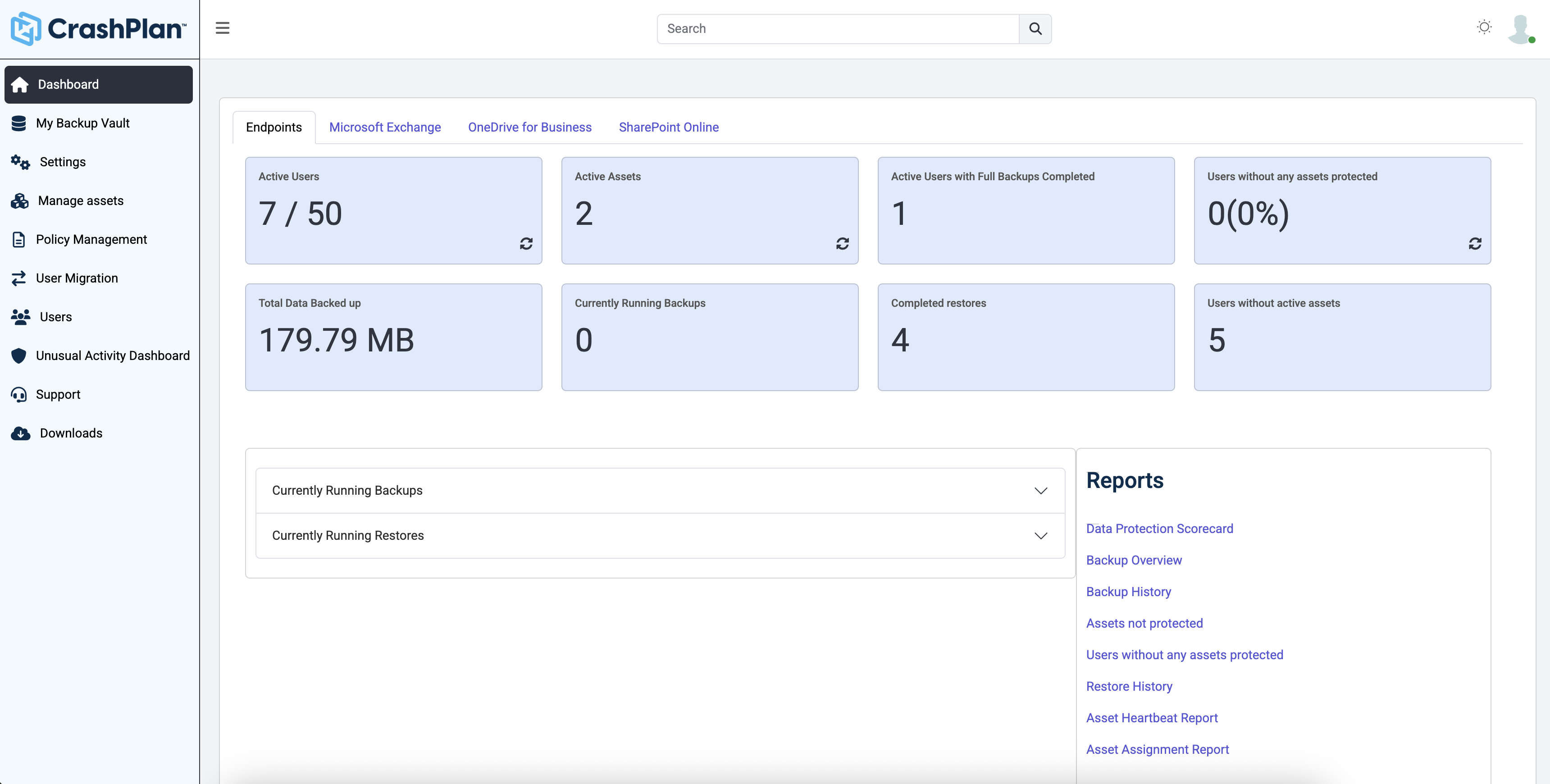
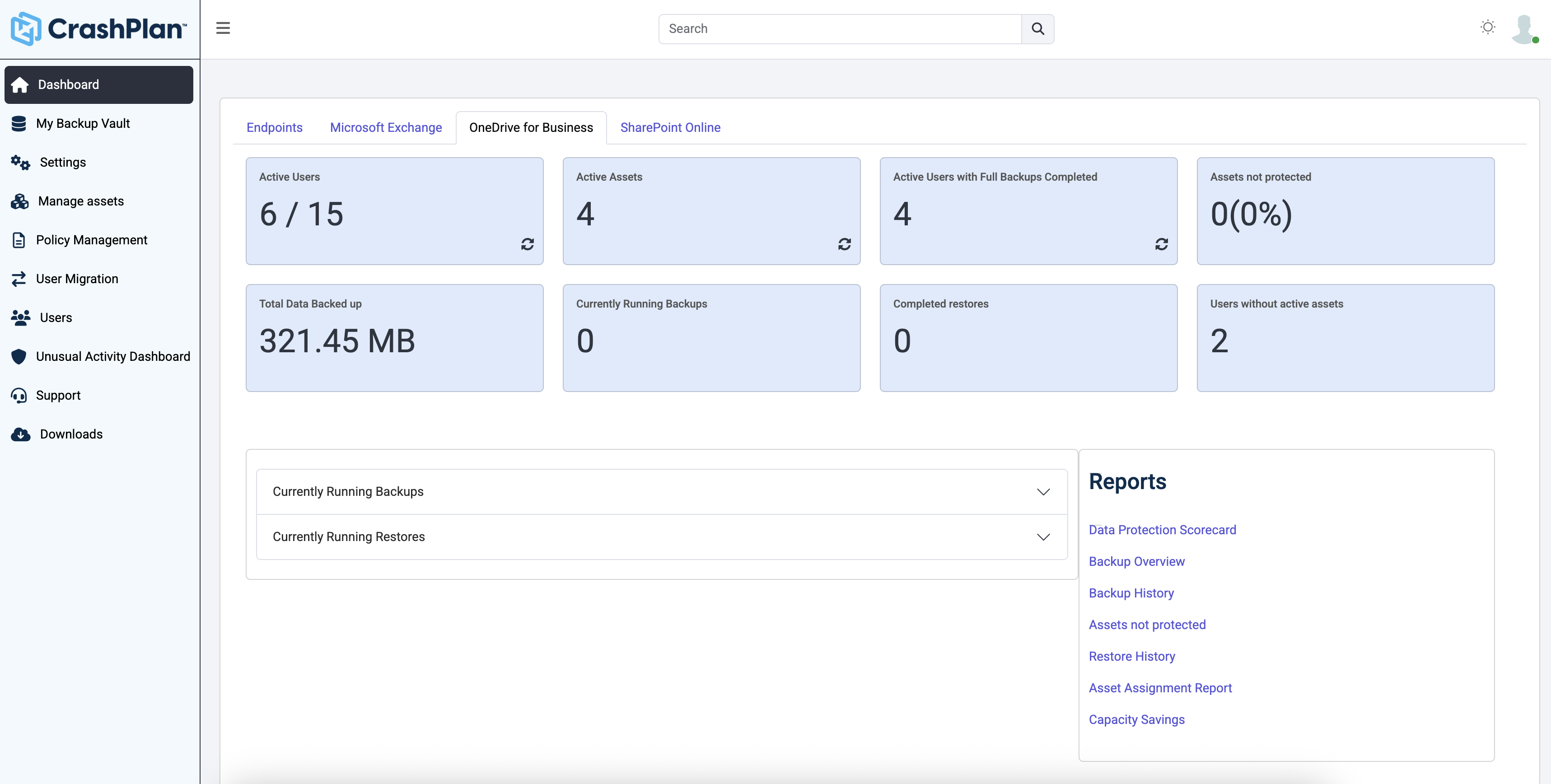
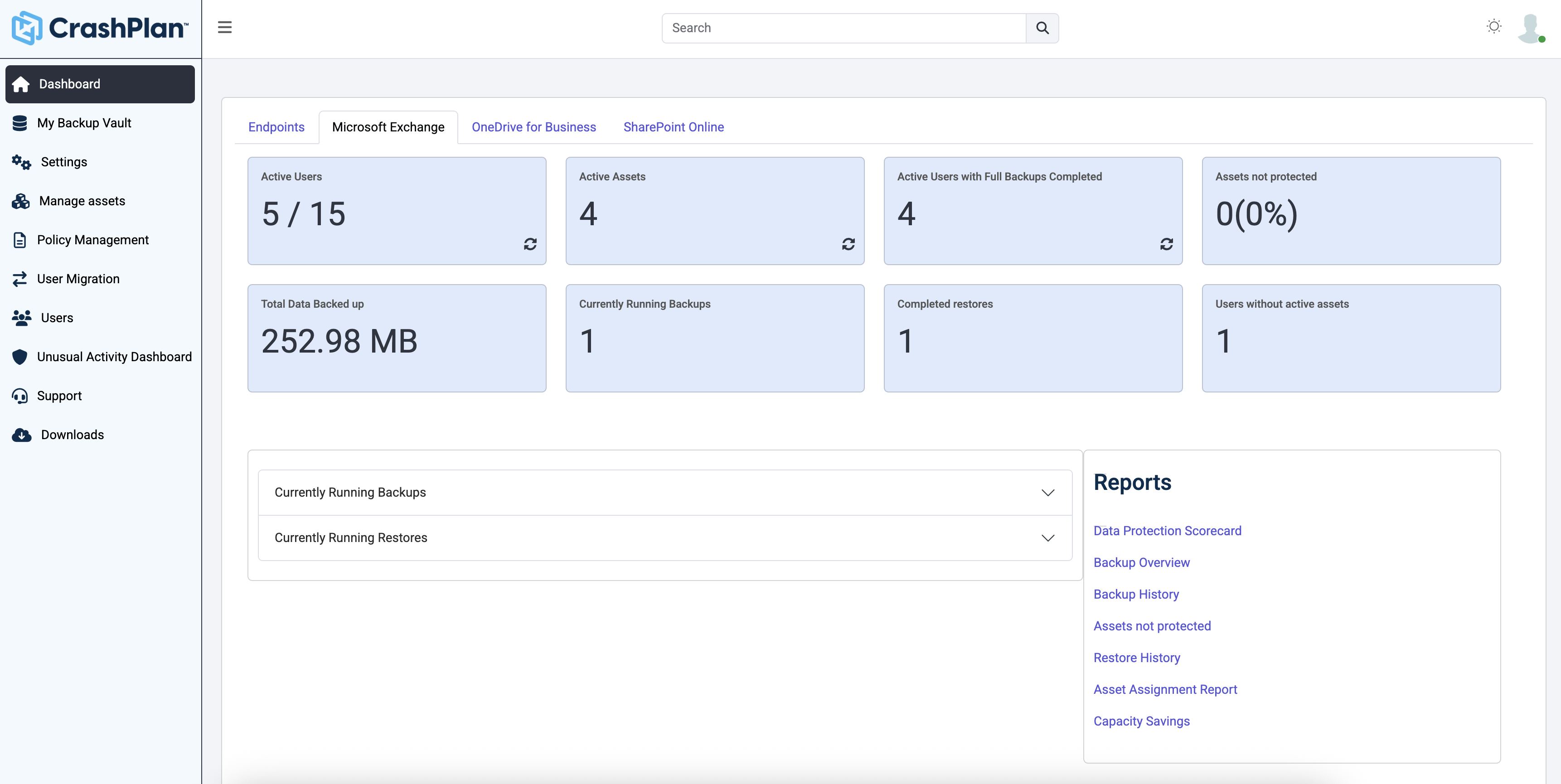
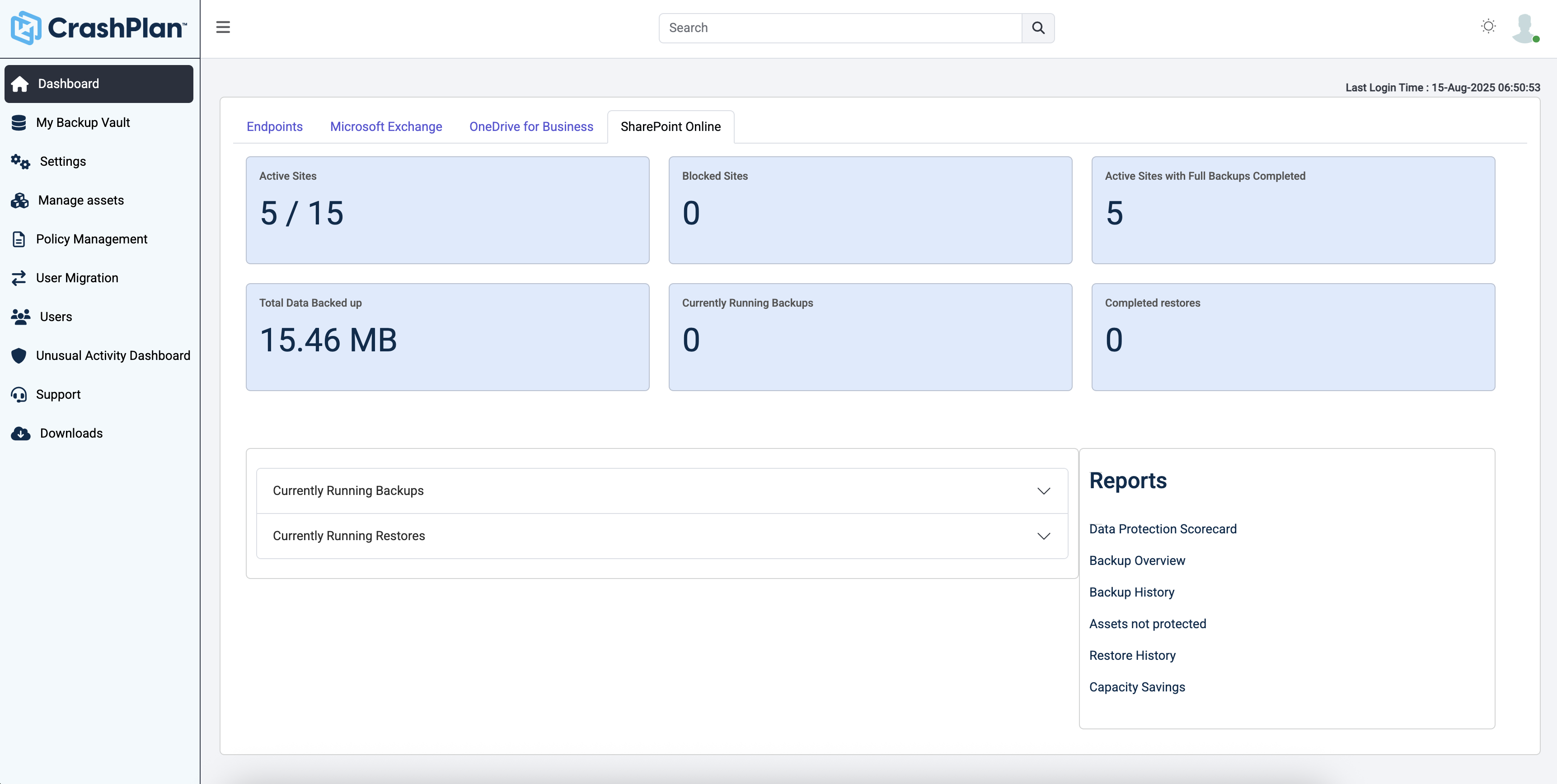
CrashPlan® provides secure, scalable, and straightforward endpoint data backup, to help organizations recover from any worst-case scenario, whether it is a disaster, simple human error, a stolen laptop, ransomware, or an as-of-yet-undiscovered calamity.
$8
per month per user
MSP360 Backup
Score 7.2 out of 10
Small Businesses (1-50 employees)
MSP360 Managed Backup is a backup solution with centralized management, monitoring, and reporting. The platform is natively integrated with AWS, Wasabi, Backblaze B2, and Microsoft Azure to enable data protection for Windows, Linux, macOS, VMware, Hyper-V, Microsoft 365, and Google Workspace.
Best of all options, covers most if not all scenarios, granular backup, scheduling, and retention options. Provides self-service restores, centralized web management interface, and granular reporting.
CrashPlan
No answer on this topic
MSP360 Backup
No answer on this topic
Features
Asigra
CrashPlan
MSP360 Backup
Data Center Backup
Comparison of Data Center Backup features of Product A and Product B
Asigra
8.8
1 Ratings
2% above category average
CrashPlan
8.3
1 Ratings
3% below category average
MSP360 Backup
-
Ratings
Backup to the cloud
10.01 Ratings
8.01 Ratings
00 Ratings
Flexible deployment
8.01 Ratings
8.01 Ratings
00 Ratings
Management dashboard
9.01 Ratings
9.01 Ratings
00 Ratings
Platform support
8.01 Ratings
8.01 Ratings
00 Ratings
Encryption
9.01 Ratings
00 Ratings
00 Ratings
Universal recovery
00 Ratings
9.01 Ratings
00 Ratings
Instant recovery
00 Ratings
9.01 Ratings
00 Ratings
Recovery verification
00 Ratings
9.01 Ratings
00 Ratings
Business application protection
00 Ratings
7.01 Ratings
00 Ratings
Multiple backup destinations
00 Ratings
8.01 Ratings
00 Ratings
Incremental backup identification
00 Ratings
7.01 Ratings
00 Ratings
Retention options
00 Ratings
9.01 Ratings
00 Ratings
Enterprise Backup
Comparison of Enterprise Backup features of Product A and Product B
Individuals (SOHO), families and SMBs, who have a tight budget for offsite critical company data backup are well suited to this product. Especially if you want your data to be hosted locally (Australia in our case). Larger companies, with higher requirements and budgets would be better served elsewhere. Especially when you consider the poor technical support. Although, to be fair, their poor support may just be issues with their Pro/SMB products, as opposed to their enterprise products. However, if that is the case it's a pretty poor show/indicator still.
For any Managed Service Provider (MSP) that offers backups services to its clients, Cloudberry MBS is a winning solution. It is fast, powerful, flexible and priced to provide room for decent profit margins for the MSP. MSP's that handle clients so large that they need Appliance-based backups and recovery will need more sophisticated (read pricier) solutions, but for the vast majority of customers that have 1-10 servers, CloudberryLab MBS is an excellent solution.
Provides capability of local backups while maintaining remote copies on cloud to ensure faster recoveries of recent data and remote protection of all data.
Helps reduce cost of long term retention by leveraging the BLM functionality.
It does not need specialized hardware for it to work. Customers and Service Providers can choose their own infrastructure and do not need to rely on any OS or storage based replication even for deploying replication of backups.
Supports wide range of environments including virtual environments with remarkable features like remote VDR with incremental restores.
Code42 is the most affordable backup system offering unlimited storage that I could find. I came from SOS Online Backup, which I ultimately decided to drop after my monthly rate for their unlimited plan increased by 20x.
With Code42's unlimited storage option, I don't have to worry about the fact that my backups are significant in space. As a photographer with thousands of images at stake, I need to run large backups often.
Code42 runs continuously and silently in the background of my desktop computer. It is truly "set and go", so I don't have to think about it when I'm away. It runs until the designated drive has been fully backed up to my cloud storage. It will then automatically email me once the backup is complete (or, it will email me if it encounters any errors).
Customer service is above par. Anytime I need help, a chat agent is available (chat is my communication preference), they are always friendly, and go above and beyond to resolve my needs.
We would like to see Asigra come out with a Replication Model for quick Recovery of systems upon Disaster. We can have quicker recovery, DR, with Virtual Machines but we would like to have Physical Machine recovery in less than 2 hours. Replication can accomplish this...
We would like to see Geolocation and remote wipe for endpoint devices
We would like to see the solution provide easy "roll back" after a disaster.
The CrashPlan program installed on your computer is Java-based vs. a native application. While this makes development for CrashPlan easier, there are a lot of drawbacks to Java programs including more resources usage, less stability, and overall more clunky interface.
While this was also in the Pros category - CrashPlan is an extremely powerful and flexible program, which adds a great deal of complexity. Setting up CrashPlan isn't always a simple procedure, and depending on the complexity of your backup set, can take a while to tinker around with the settings to get everything to work properly.
The CrashPlan desktop program consists of a Java program front end, as well as a backend service - there are times when the backend service will crash, and the front end Java program will refuse to load. Typically, restarting the service or restarting the computer will resolve the issue, but sometimes more in-depth troubleshooting is required.
Perhaps one of the biggest downsides to CrashPlan is its price - at $10/month/computer CrashPlan is more than double the price of some existing backup services such as Backblaze (priced at $50/year/computer). To add salt to the wound, about a year and a half ago, CrashPlan discontinued their consumer options - which were very reasonably priced at $60/year for a single computer or a family plan priced at $150/year for up to 10 computers. When these options were discontinued, the cost of backing up with CrashPlan was effectively doubled for the same feature set.
Along with the previous example, CrashPlan had the option to back up to a remote machine on a different network with a free Crashplan account. This option was eliminated when the consumer line of services were discontinued.
While the backup service provided by CrashPlan are still first in class, the above two controversial changes have broken some trust between CrashPlan and its clients.
Should add a general interface to manage all accounts, not a specific interface for every account.
The new backup formats enhancements should be available for all cloud storage companies. More focus with Wasabi would be great because of their focus on storage and low prices.
Compliance is a tricky thing. Jumping backup software means having to deal with previous copies somehow. Asigra is built for the long haul.
Asigra is continuing to increase their feature stack. They have made huge steps in the VM backup in the last 3 years and continue to implement features there.
As far as cloud backup software goes, there are many that can do it, but none that do it as well as Asigra.
I love Cloudberry. I am using it at three different sites to backup their mission critical file servers and it works great. It is a very cost effective backup solution that is easy to setup and use and the support is also very good. I would recommend it to anyone that needs a good backup solution for their business.
It is a bit rough around the edges and the GUI feels like a wrap around of a CLI but it is simple to use. The problem comes in when there is an error code you are usually chasing down the error code in the specific vendor's forums rather than Asigra's
The screens are very easy to understand and very detailed. I have not had any issues finding what I was looking for or understanding what options to use to create my backups. Cloudberry has a simple easy to use interface that is well designed and the documentation is excellent compared to some other backup software I have used in the past.
Over 6 consecutive years our Asigra Backend had 99.99% uptime and provided 7x24 data restore availability. Software is robust in operations, provides N+1 node architecture to protect against failure of half of the nodes (majority of the nodes still up) and software based replication to protect against data loss across two geographically independent datacenter locations. Why not 10 points? Some major upgrades still require short downtime within a planned maintenance windows.
They respond quickly on your request. They ask for details at the time of logging the support request itself ensuring the first response is not for collecting the basic details only. They refund you the support request if they find it as a functionality issue. They follow up on you to ensure you are satisfied and happy with the response and resolution that they have provided.
Friendly and knowledgeable support team available to assist with this product. Code 42 (formerly CrashPlan) offers unlimited storage options for reasonable costs, so you really can't go wrong with this product. They have been a reliable resource for our company, and I would recommend to others looking for an easy setup with unlimited storage.
I have not had to reach out to their support. However, when we were elvaluating options and looking at MSP360, their reps did a great job. They were able to answer our questions quickly, andf had a real understanding of their product and all the ways that it could be deployed.
Anything training past level 1 and level 2 is a waste of time. They do not offer training, just an exam and require you to read 2500 pages of their documentation as their training. They are selling you something which you already have. Training exams are far fetched and cover topics hidden within the documentation. A lot of their documentation does not match across itself. They don't even follow the standard versions Major.Minor.ServicePack.Hotfix. They use the MAJOR.MAJOR.MAJOR.Hotfix method, which doesn't match their documentation. They require you to take training in order to keep your engaged hybrid partnership. If you ask me personally, their training is a scam to make more money.
Quick to install, easy to create jobs, schedules and retention policies. No large cycles of setting up backup volumes or trash volumes. Retention job itself configures the BLM functionality so you don't need an expertise to handle the BLM module separately.
Easy and successful implementation and the results have been very good with no issues since the install and go live. I highly recommend Cloudberry Backup software to anyone needing an easy to install, setup and manage backup solution. Excellent product with great features and reliability at a very good price point.
I would say that it has the same functionality as the three mentioned above in their respective fields (might have a bit less than some of them) but Asigra offers all of this and more so if you are looking for a single backup solution across the entire firm then Asigra is the much better choice
Unitrends is our primary backup solution here at my place of employment, and I have no complaints. It does on-prem backups to a storage pool and with that, we chose not to also use Unitrends could storage as the cost was pretty high. Crashplan has a low cost and we were familiar with it. We found a great fit for Crashplan at a remote office with a web server, file share server, and a Domain Controller in addition to the Unitrends solution there. I also set up CrashPlan for a nonprofit org, as well as a Health foods store. I felt like I could stand behind the CrashPlan solution with my experience with it, in places like these where every dollar mattered.
We have looked into other backup providers, but it has all come down to value for the dollar. While some providers are more polished or have better name brand recognition, MSP360 has all the core components and is just as strong of a platform for considerably fewer investment costs. MSP360 is also much more MSP centric in that they allow MSPs to operate with reselling the platform without breaking the bank and being much more competitive to prospective clients than the other larger backup providers.
Tremendous cost savings as the amount of data you backup doesn't impact cost. One flat rate!
Implementation time was minimal and requires little to no maintenance. Since installation, I've not had to correct or fix any issues. It just works.
We opted to supplement Code42 with another solution that allowed us to backup data to a local repository due to the amount for data that changes in our firm.
Since switching from Mozy Pro to Cloudberrylab four years ago, our ROI has been extremely positive. The reliability of the product has improved significantly such that we do not need to dedicate much staff time to monitor/manage the backups on a daily basis.
By designating a backup specialist within our organization tasked with keeping up with the latest features, testing restores, and fixing any issues that arise with client backups, we have a high level of efficiency and can respond to restore requests in a very short timeframe.
We have been able to lower the per GB price to our customers and still maintain our overall profitability for our backup service