Confluence is a collaboration and content sharing platform used primarily by customers who are already using Atlassian's Jira project tracking product. The product appeals particularly to IT users.
$6.40
per month per user
CB Replicator
Score 2.0 out of 10
Mid-Size Companies (51-1,000 employees)
A major problem of storing Dynamics 365 documents in SharePoint is the missing synchronization of privileges and permissions. This allows unauthorized SharePoint users to access private documents and sensitive data even if they don’t have CRM privileges to do so. CB Replicator, is an out-of-the-box solution that is designed to remedy this issue by automatically synchronizing Dynamics CRM privileges with SharePoint permissions.
$3,600
per 100 users
IT Glue
Score 9.1 out of 10
N/A
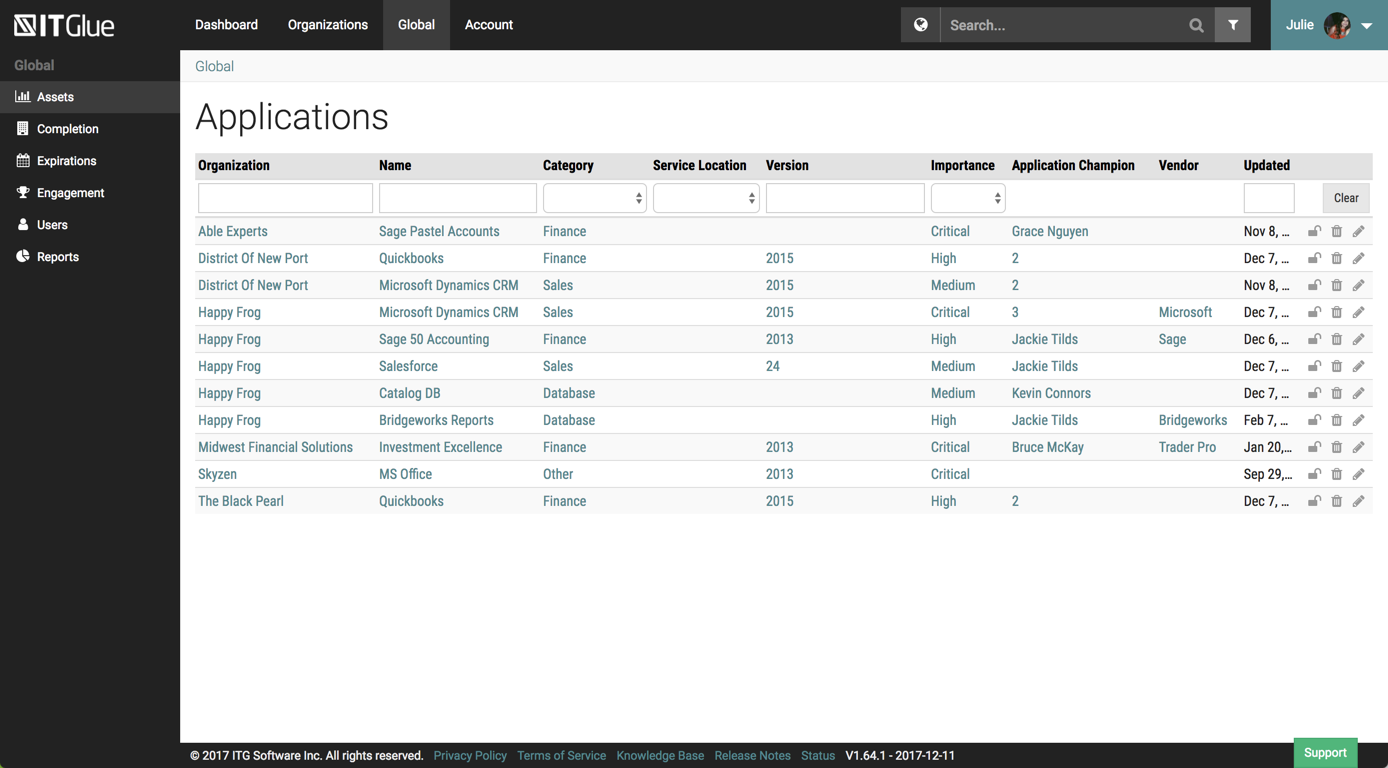
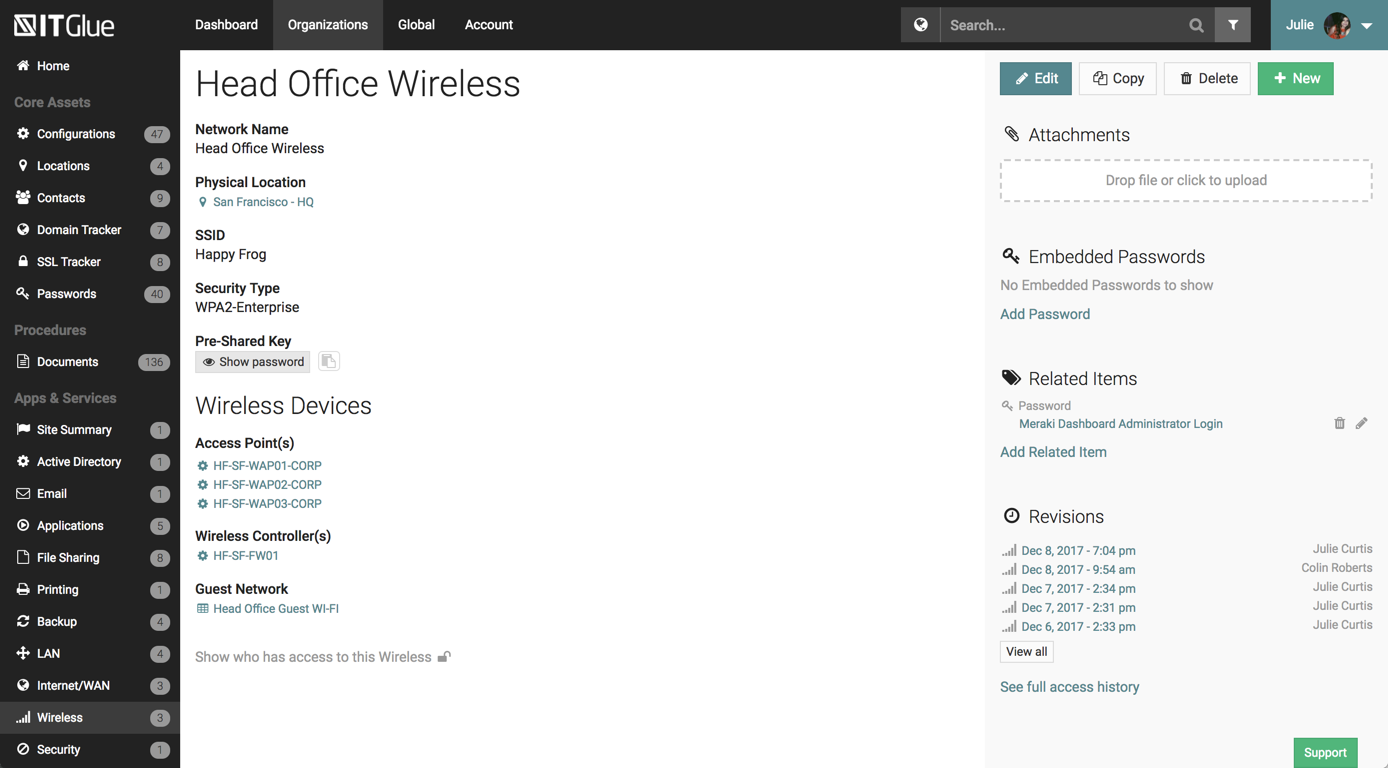
IT Glue, a Kaseya company since the December 2018 acquisition, is an information management platform that allows for efficient storage and retrieval of all the documentation an organization needs to help their MSP run better. By integrating PSA and RMM data, the vendor says they can help increase efficiency, and reduce onboarding times.
$29
per month per user (5 user minimum)
Pricing
Atlassian Confluence
CB Permissions Replicator
IT Glue
Editions & Modules
Free
$0
Free for 10 Users
Standard
$6.40
per month per user
Premium
$12.30
per month per user
Data Center
220,000.00
40,001+ Users - Annually
Enterprise
Contact Sales
CB Dynamics CRM to SharePoint Permission Replicator for 100 User
$3,600
per 100 users
Basic
$29.00
per month per user (5 user minimum)
Select
$34.00
per month per user (5 user minimum)
Enterprise
$39.00
per month per user
Offerings
Pricing Offerings
Confluence
CB Replicator
IT Glue
Free Trial
Yes
Yes
No
Free/Freemium Version
No
No
No
Premium Consulting/Integration Services
No
Yes
Yes
Entry-level Setup Fee
No setup fee
$80 per user
$545 one-time fee
Additional Details
Prices shown here reflect prices for deployments with 100 users or less. The prices decrease wien the user base surpasses 100.
ITG was created specifically for IT providers and had the integrations that we need for our PSA tool. Confluence is an amazing platform and may end up being our next move.
We chose IT Glue particularly because it's tailored to IT documentation. As a managed IT service provider, it's perfectly in line with what we were looking for. The flexibility and tagging in particular were the kind of features we were looking for. Confluence is very good, …
SharePoint requires specialized training, Confluence isn't MSP-specific, and ITBoost is new and not yet proven. IT Glue's integration with the rest of our toolset was what sold it for us.
IT Glue is much easier and cleaner to use than Confluence. It has a lot more functionality being able to sync across other pieces of software we use, such as ConnectWise Manage and ConnectWise Automate. Alerting to our Slack channel helps in some situations as well. A lot more …
Although it doesn't show up in the search bar here, we've also used BizDox.
While all these provide many of the same services, for us, IT Glue just works much better. We can get to the information we need from anywhere, it's well organized, and we get it quickly. But above all …
It is well suited due to the below reasons 1. Easy collaboration between teams 2. Strong integration with other applications 3. Centralized documentation among teams and within the organisation 4. Project planning and report sharing 5. Employee onboarding is easier and maintain HR policies very well. Less appropriate in below scenarios When this is being used as a main tool for communication rather than its purpose of collaboration.
It is an ideal program for the portfolio of already consolidated clients, for large financial companies with a high professional profile. In the cases that I do not recommend it, it is for small and medium-sized financial companies, with a portfolio of clients in training, since the cost-benefit ratio is not attractive.
It is best suited for an MSP but it is also best not suited for an MSP. It is well suited for folks with a minimal knowledge of a client and are attempting to learn what they can. Perhaps just bumbling about and can find the same thing consistently. At my particular work, we pay somebody full time to manage the system. I feel this is unnecessary.
Cross product linking - If you use other Atlassian products then Atlassian Confluence is a no-brainer for your source of documentation, knowledge management etc. You can show previews of the linked asset natively E.g. showing a preview of a JIRA ticket in a Atlassian Confluence page.
Simple editing - Though the features available may not be super complex right now, this does come with the benefit of making it easy to edit and create documents. Some documentation editors can be overwhelming, Atlassian Confluence is simple and intuitive.
Native marketplace - If you want to install add-ons to your Atlassian Confluence space it's really easy. Admins can explore the Atlassian marketplace natively and install them to your instance in a few clicks. You can customise your Atlassian Confluence instance in many different ways using add-ons.
The UI has been set up perfectly, there is a sub-menu for every possible bit of information you wish to store.
There are a number of excellent features such as the autohiding passwords and quick searching from anywhere on the page.
The recent addition of the IT Glue is also an excellent feature, it features online self-guided courses to become a certified IT Glue user.
You can create and group custom documents together.
IT Glue can be integrated with a number of platforms such as Autotask.
IT Glue also integrates well with N-Central to automatically populate the configurations tab with all the relevant Workstation, Printer, and Server information making client on-boarding a breeze.
UI Design is very simplistic and basic could make use of more visually interesting colour choices, layout choices, etc.
Under the 'Content' menu, it defaults to having a landing page for all L1 and L2 category pages. Meaning as long as the broader content category has a sub-category, it still creates a separate landing page. In my team's case, this often creates blank pages, as we only fill out the page at the lowest sub-category (L3).
Hyperlinks are traditionally shown as blue, however, this results into very monotonously blue pages in cases where a lot of information is being linked.
The graphics could be developed in a better way, they should be more modern, friendly and show the information in more detail.
Develop a module in the application that allows personalization by the user, giving him the possibility to manage a tool made by him to suit him. Moves the APPS Mobile concept to the design of the program.
Although the tool is well integrated with Microsoft, you can think of a development of integration with social networks or mobile developments, both users, and customers.
Develop a more economical and simple version, aimed at small and medium enterprises, with small client portfolios
Like many other MSPs we had the majority of our SOPs and KBs in Word docs. The best case scenario would be to simply drop those files directly into ITG without having to import them into the ITG documentation format. The import function is so broken as to not be an option because it completely ruins formatting and tends to drop images. Thus we have to manually copy/paste text and individually upload each image.
They marketed the product as having true branding but that is stretching the truth. SSL is not an option so client-facing documents will give security errors in browsers. ITG does not appear to be concerned about this even though security is a major concern for all MSPs.
I am confident that Atlassian can come with additional and innovative macros and functions to add value to Confluence. In 6 months, Atlassian transformed a good collaborative tools into a more comprehensive system that can help manage projects and processes, as well as "talk" with other Atlassian products like Jira. We are in fact learning more about Jira to evaluate a possible fit to complement our tool box.
It is a complementary tool of the main CRM, which provides an adequate management of the documentation, reports, files that are derived from the business activity. It offers adequate levels of security for small businesses, the implementation is easy compared to other tools, it is easy to use, it offers adequate file capacity. In the future it can be strengthened with access to the cloud, development of apps and integration with other platforms.
Overall IT Glue meets every need that we need it to. IT is easy to use and convenient and we have not had very many issues with it since the inception. I would easily recommend it to anyone who needs this software.
Atlassian Confluence is a great tool for project management, especially for internal documentation. It has a minimum governance requirement to use its full power. Also, it is a little pricy to unlock its full power as well, so it is not recommended for companies with a low budget in my opinion.
As it has already been said before, it is a simple implementation program, easy to use, with a short learning curve, with a friendly interface, a good design, a security according to the type of company and with the possibility of personalization. It provides an accessible cost tool to improve business management and document management.
The interface is excellent and very easy to use. As long as the text you input into the system can be easily read, you will have no problem finding it with all the different categories offered. Sometimes, the slider on the right can blend in with dark backgrounds, making it hard to see.
We never worked against the tide while using Confluence. Everything loads considerably fast, even media components like videos (hosted on the platform or embed external videos from Youtube, for example). We are not using heavy media components a lot, but in the rare occasion we happen to use one we have no problems whatsoever.
Other than a few access outages, ITGlue is always up and available to us. Their ability to export Playbook, that contain our customers data, and securely send those over to them is amazing and are produced pretty fast. We have IT Glue linked with several other services and software and we have not found that it slows anything down.
This rating is specifically for Atlassian's self-help documentation on their website. Often times, it is not robust enough to cover a complex usage of one of their features. Frequently, you can find an answer on the web, but not from Atlassian. Instead, it is usually at a power user group elsewhere on the net.
Until now, technical support has not been required to a large extent, but for this question three variables must be taken into account; The level of complexity of the implementation of the tool, the courses, tutorials, training and learning curve of the users, and finally the technical support as such. This tool has implementation attributes and ease of use, reducing the incidence of technical support.
No problems with support when needed it. Their answers on how to handle DR/BC situations when ITG is down are not stellar. They don't seem to get the business risks of their suggestions to just give the xls backup to engineers (aka give all passwords of ALL clients to engineers in an unencrypted flat-file where it is easy to copy, print, etc.)
Check the seller's website, read the technical specifications of the product, calculate the investment in personnel, software and hardware, validate that the management modules document is what they are looking for. Project the integration of the program with the systems that the company manages. Read many reviews and note the most important points of the user experiences.
We chose Atlassian Confluence over SharePoint because it's much more user-friendly and intuitive. Atlassian Confluence makes collaboration and knowledge sharing easier with its simpler interface and better search. While SharePoint can be powerful, it often feels clunky and complex, making it harder for our team to actually use it.
Basically, my main experience is focused on Dynamics, I have worked with similar tools developed in a particular way by the firms for which I have worked. They are monitoring tools developed by the system and planning area. For the internal use of the company. Obviously, this is a leading international program.
We chose IT Glue particularly because it's tailored to IT documentation. As a managed IT service provider, it's perfectly in line with what we were looking for. The flexibility and tagging in particular were the kind of features we were looking for. Confluence is very good, and can be used for a number of things, not just IT documentation, but IT Glue shines for that.
We totally rely on this tool since a decade now and despite being so much transition in our company it has served us well in those transitions
Many times, during security audits we are asked to showcase our readiness for various compliance points and confluence helps us a lot in maintaining that
Talking about Confluence in front of clients and customers gives us an upper hand that we are up to date with latest trend and technologies and tools for our RnD planning and management
Without speaking directly of figures, on the positive side of the implementation of the program is tied to the time of learning the tool. In practice, it is much easier to learn by professionals, making the implementation time short, as well as, minimizes the margin of error in the initial handling of the program.
As it is a tool for easy learning and with a reduction in the margin of error due to the learning curve, it allows working only with the technical support offered by the provider, without having the need to create an internal department of attention to the user, which lowers costs.