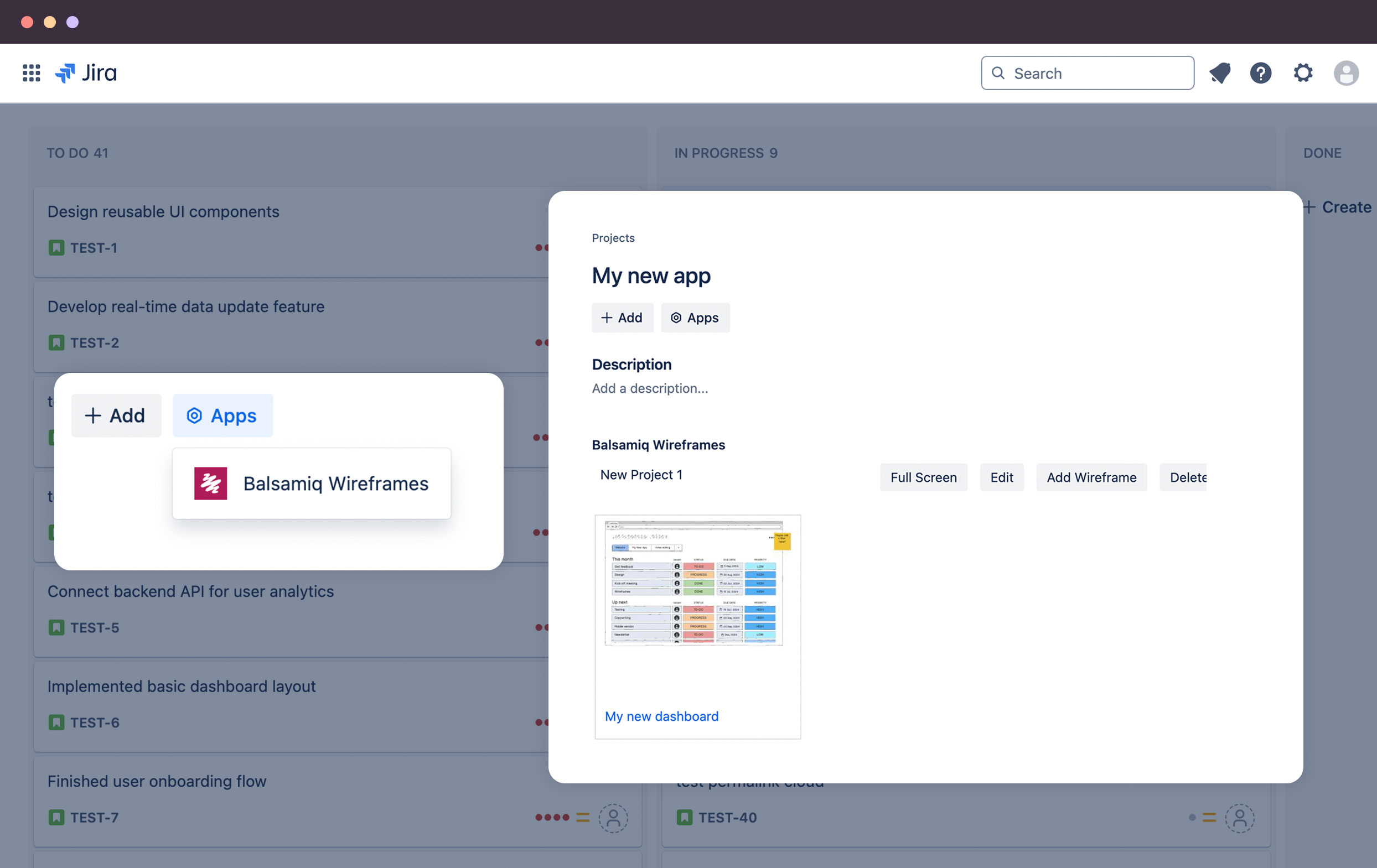
Atlassian Jira is a project management tool, featuring an interactive timeline for mapping work items, dependencies, and releases, Scrum boards for agile teams, and out-of-the-box reports and dashboards.
$9
per month per user
Balsamiq
Score7.1 out of 10
N/A
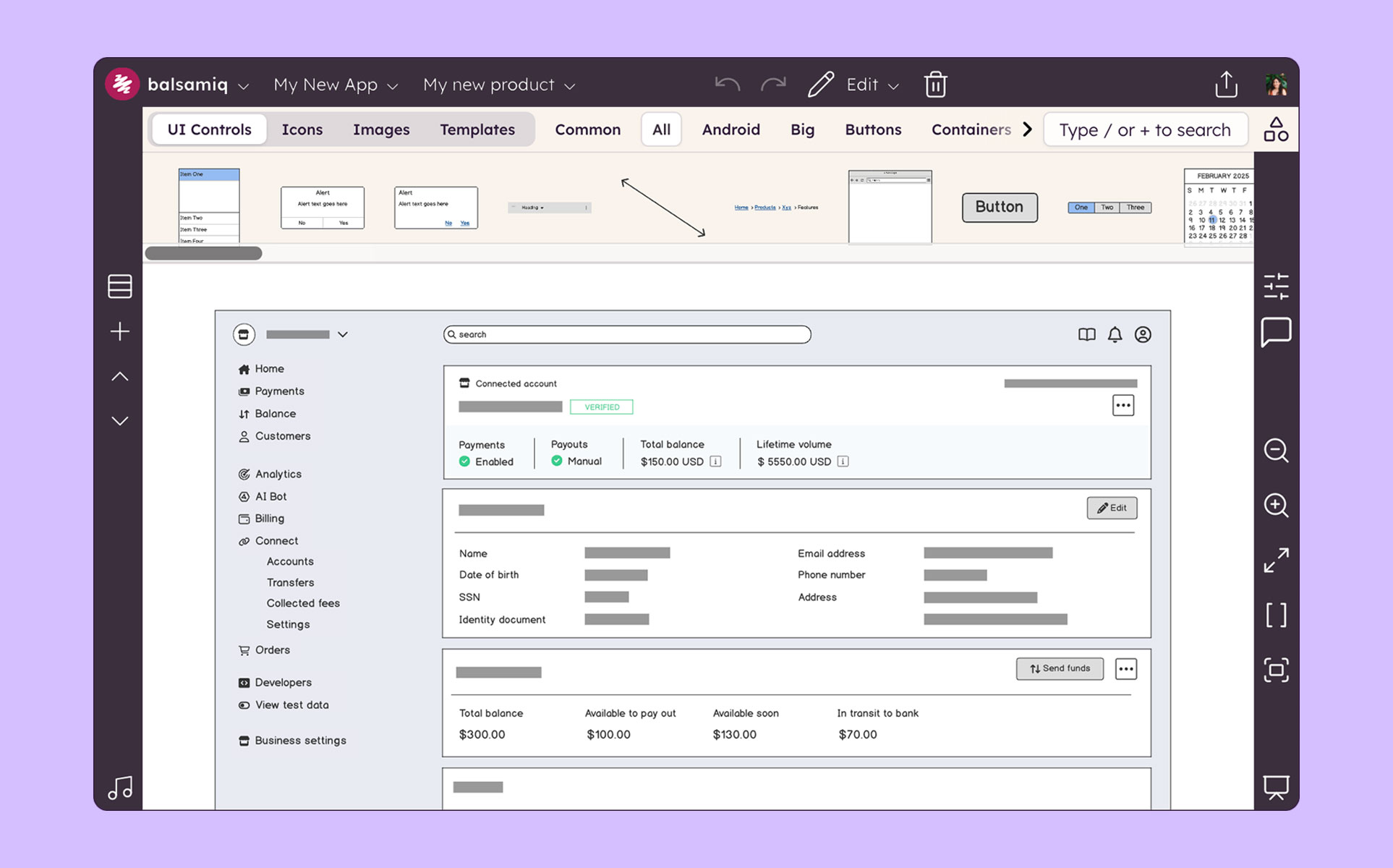
Balsamiq is a wireframing tool that helps lean product teams turn early ideas into clear, actionable direction. The tool helps product managers, founders, and engineers worldwide share concepts, reduce rework, and build better products.
$12
per month (up to 2 projects)
Pricing
Atlassian Jira
Balsamiq
Editions & Modules
Standard
$9
per month per user
Premium
$17
per month per user
Enterprise
Contact Sales
per year
No answers on this topic
Offerings
Pricing Offerings
Atlassian Jira
Balsamiq
Free Trial
Yes
Yes
Free/Freemium Version
Yes
No
Premium Consulting/Integration Services
No
No
Entry-level Setup Fee
No setup fee
No setup fee
Additional Details
Higher volume teams may qualify buyers for a discount.
Coordinador de desarrollo de software in Research & Development at Ingeniería de Consulta Incostas (Oil & Energy, 51-200 employees)
Chose Atlassian Jira
Comparing JIRA with other products, JIRA has more features. It shows more information in each issue, it is easy to use when you have users of functional tests that must enter the application to update the issues in tests or when they must enter acceptance criteria, the …
A de minimis incentive was given to thank the reviewer for their time. The incentive was not used to bias or drive a particular response, nor was the incentive contingent on a positive endorsement. More Info
Technical Solutions Leader in Research & Development at Towers Watson (Human Resources, 10,001+ employees)
Chose Atlassian Jira
I was not part of the team who decided to go with JIRA, however I have used Rally, Trello and spreadsheets and JIRA beats them all hands down. Rally was a good starter system, but they did not (at least at the time) have the advanced query and administrative/configuration …
A de minimis incentive was given to thank the reviewer for their time. The incentive was not used to bias or drive a particular response, nor was the incentive contingent on a positive endorsement. More Info
Balsamiq
Verified User
Chose Balsamiq
In the past I have just used HTML to mock up UIs, but as I've previously mentioned this can cause problems with user's thinking that the system is already built. Balsamiq is far quicker and easier to create wireframes, it is more collaborative and the resulting wireframes …
A de minimis incentive was given to thank the reviewer for their time. The incentive was not used to bias or drive a particular response, nor was the incentive contingent on a positive endorsement. More Info
Verified User
Chose Balsamiq
Balsamiq is the only wireframing software I've used. The only other thing that I've used for any wireframing is Microsoft Powerpoint, which does actually increase some customization options, but takes much longer to make a quality wireframe.
I've also used Adobe Illustrator …
A de minimis incentive was given to thank the reviewer for their time. The incentive was not used to bias or drive a particular response, nor was the incentive contingent on a positive endorsement. More Info
Verified User
Chose Balsamiq
I just searched free trials and did a test run of Balsamiq for 30 days at no cost. I didn't even look at another product - this one met the immediate need to get a bunch of drawings done and out the door. At the end of the 30 days my manager didn't care, either, just wanted a …
A de minimis incentive was given to thank the reviewer for their time. The incentive was not used to bias or drive a particular response, nor was the incentive contingent on a positive endorsement. More Info
Verified User
Chose Balsamiq
I have also used Axure. I feel both these tools have different features to offer. So, it depends on the use case you want to implement.
A de minimis incentive was given to thank the reviewer for their time. The incentive was not used to bias or drive a particular response, nor was the incentive contingent on a positive endorsement. More Info
Product Owner in Research & Development at Hansen Technologies (Telecommunications, 501-1000 employees)
Chose Balsamiq
I used Gliffy as a free trial and only for a few projects. From what I remember it was fairly similar to Balsamic, but I don't remember Gliffy having the same selection in their UI library.
A de minimis incentive was given to thank the reviewer for their time. The incentive was not used to bias or drive a particular response, nor was the incentive contingent on a positive endorsement. More Info
Jira facilitates software development, bug tracking, and sprints. It's ideal for structured workflows, issue management, and customer communication. However, more straightforward tools might be more efficient for highly creative, unstructured tasks or tiny, agile teams with quick visual overviews. Jira's complexity can be overkill for basic task lists.
A de minimis incentive was given to thank the reviewer for their time. The incentive was not used to bias or drive a particular response, nor was the incentive contingent on a positive endorsement. More Info
Balsamiq is a great tool for quickly getting ideas into visual form. At first it seems like there are not that many UI assets, but this constraint actually adds to the speed. There are less things for you to fuss over, you can focus on getting your ideas down. This is a tool for lofi rough drawings not a tool for building beautiful prototypes for developers to code to. It is fantastic for ideation because you mostly just drag and drop components onto the canvas and move things around. It's great in a live workshop setting for that reason.
A de minimis incentive was given to thank the reviewer for their time. The incentive was not used to bias or drive a particular response, nor was the incentive contingent on a positive endorsement. More Info
Integration of tools like Bitbucket, Github, etc., has made it easier to track the code changes, pull requests, and branches linked to the respective ticket.
The detailed tracking system in JIRA has helped the teams prioritize and understand the project tasks and issues.
JIRA's project tracking board helps you keep track of the project, its flow, and expectations in a structured format.
A de minimis incentive was given to thank the reviewer for their time. The incentive was not used to bias or drive a particular response, nor was the incentive contingent on a positive endorsement. More Info
Mock ups are obviously only just mock ups (this is important as if users see mock-ups in HTML, for example, they tend to think the system is ready to use or not far off)
Has a good selection of standard shapes that mock real world fields / controls
Allows not for profit organisations use it for free
A de minimis incentive was given to thank the reviewer for their time. The incentive was not used to bias or drive a particular response, nor was the incentive contingent on a positive endorsement. More Info
A de minimis incentive was given to thank the reviewer for their time. The incentive was not used to bias or drive a particular response, nor was the incentive contingent on a positive endorsement. More Info
The sketch-like style can be off-putting to some stakeholders, and it’s not initially very clear that there is the option to turn this “off.” While I do think there is benefit to the default style, knowing from the start that this flexibility existed would have helped us be able to use this tool more often in the past and in different situations.
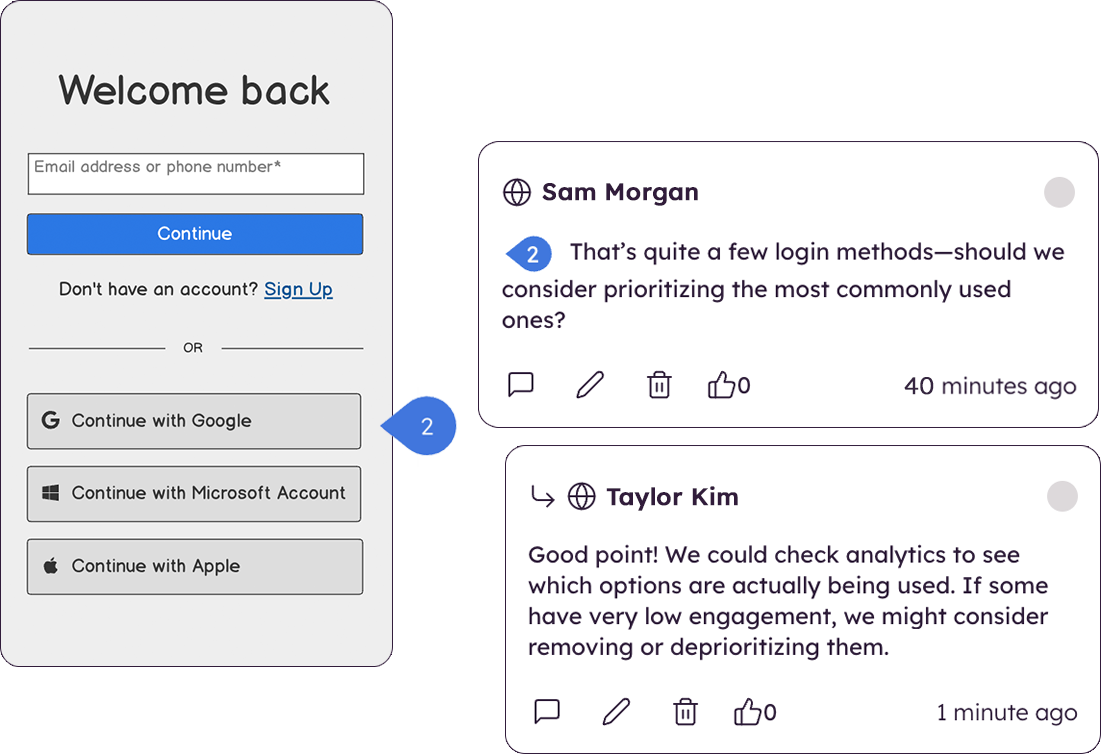
There are very limited collaborative functionalities. When it’s early in the design process, it’s often really helpful to have a number of people in the design to offer in-app feedback so the designer doesn’t have the burden of collecting feedback from many disparate sources in order to incorporate the feedback.
There are limited UI elements. As design evolves, there are more and more UI elements to consider, and many to stop using. Our Balsamiq wireframes would be a lot more effective in communicating design ideas to stakeholders if there was a wider range of UI elements to choose from.
A de minimis incentive was given to thank the reviewer for their time. The incentive was not used to bias or drive a particular response, nor was the incentive contingent on a positive endorsement. More Info
This is because Jira Software generates a huge profit for an affordable price. Having a tool that makes team management transparent and effective is very valuable.
In addition, the renewal of Jira Software and all Atlassian tools is predictable and clear, as the prices are published on the Atlassian website and there is no pyramid of intermediaries.
A de minimis incentive was given to thank the reviewer for their time. The incentive was not used to bias or drive a particular response, nor was the incentive contingent on a positive endorsement. More Info
I'm not sure how else we would be able to complete our work without Balsamiq or another similar tool. All of my experience with Balsamiq has been positive and they continue to develop new features so that my job gets easier. I would be very surprised if we didn't renew Balsamiq
A de minimis incentive was given to thank the reviewer for their time. The incentive was not used to bias or drive a particular response, nor was the incentive contingent on a positive endorsement. More Info
The interface is simple and easy to use if you have some experience with it. Configuration is also logical most of the time. However, less experienced users tend to find themselves lost in some tasks - usually complex project configuration- but sometimes simple things, such as seeing why a user can't move issues in a workflow. Jira configuration requires a good amount of experience - and even experienced users often resort to documentation. It's a tool that's easy to use if you know what you're doing and where to find the proper documentation, but novice users tend to find it challenging.
A de minimis incentive was given to thank the reviewer for their time. The incentive was not used to bias or drive a particular response, nor was the incentive contingent on a positive endorsement. More Info
Very intuitive and easy to understand. It only takes minutes to get the hang of it and get back to work. For new analysts (like, brand new, fresh out of school) it's not difficult and they need minimal to no hand-holding. The training content that is embedded is easy to find and use.
A de minimis incentive was given to thank the reviewer for their time. The incentive was not used to bias or drive a particular response, nor was the incentive contingent on a positive endorsement. More Info
Did not face any issues and whenever they plan maintanance they update all of us very well in advance also so in that view we are good with the product stability.
A de minimis incentive was given to thank the reviewer for their time. The incentive was not used to bias or drive a particular response, nor was the incentive contingent on a positive endorsement. More Info
Performance is really good though it holds lot of data it loads quickly especially search operation also get the results very quickly as needed hence its good
A de minimis incentive was given to thank the reviewer for their time. The incentive was not used to bias or drive a particular response, nor was the incentive contingent on a positive endorsement. More Info
I have not had a chance to contact JIRA's customer support. It does offer extensive documentation, although it often feels too technical for me. There is also a JIRA training app that lets you take little lessons and quizzes on different areas (e.g., JIRA basics, agile). I did find it a helpful way to teach myself.
A de minimis incentive was given to thank the reviewer for their time. The incentive was not used to bias or drive a particular response, nor was the incentive contingent on a positive endorsement. More Info
A de minimis incentive was given to thank the reviewer for their time. The incentive was not used to bias or drive a particular response, nor was the incentive contingent on a positive endorsement. More Info
Had received training from our own internal user so it was good and also very easy to understand topics and many tasks in the UI are self explanatory and we can do by our own
A de minimis incentive was given to thank the reviewer for their time. The incentive was not used to bias or drive a particular response, nor was the incentive contingent on a positive endorsement. More Info
One of their strong points i stheir documentation. Almost all of the basic set up needed within JIRA is available online through atlassian and its easy to find and very precise. The more critical issues need to be addressed as well and hence the rating of 8 instead of a 9.
A de minimis incentive was given to thank the reviewer for their time. The incentive was not used to bias or drive a particular response, nor was the incentive contingent on a positive endorsement. More Info
Take your time implementing Jira. Make sure you understand how you want to handle your projects and workflows. Investing more time in the implementation can pay off in a long run. It basically took us 5 days to define and implement correctly, but that meant smooth sailing later on.
A de minimis incentive was given to thank the reviewer for their time. The incentive was not used to bias or drive a particular response, nor was the incentive contingent on a positive endorsement. More Info
monday.com cannot be integrated with CI/CD tools, whereas Atlassian Jira integrates with CI/CD tools seamlessly. Atlassian Jira has strong Agile and Scrum support. Coming to monday.com, it has basic agile functionality. But Atlassian Jira has a complex UI, and monday.com has an intuitive, drag-and-drop interface. Overall, Atlassian Jira provides features like Agile project management, DevOps integration, and customizable workflows.
A de minimis incentive was given to thank the reviewer for their time. The incentive was not used to bias or drive a particular response, nor was the incentive contingent on a positive endorsement. More Info
Creating digital wireframes in Photoshop is a nightmare. Photoshop was not really designed for this purpose. It doesn't have good collaboration options and it doesn't allow pattern libraries, which are essential for consistency and efficiency. We use UXPin and Axure for some time, but found that these platforms were a bit bloated. Balsamiq is much simpler than any of these options. It's a perfect wireframing platform for non-designers or for designers that want to focus on content and element-placement prior to design
A de minimis incentive was given to thank the reviewer for their time. The incentive was not used to bias or drive a particular response, nor was the incentive contingent on a positive endorsement. More Info
A de minimis incentive was given to thank the reviewer for their time. The incentive was not used to bias or drive a particular response, nor was the incentive contingent on a positive endorsement. More Info
A de minimis incentive was given to thank the reviewer for their time. The incentive was not used to bias or drive a particular response, nor was the incentive contingent on a positive endorsement. More Info
For our marketing team, Jira Work Management caused us to lose valuable work time due to manual updates that could have been automated.
Due to lack of creative review tools within Jira Work Management, our team had to pursue other tools that do not integrate with Jira Work Management, thus creating additional OpEx.
A de minimis incentive was given to thank the reviewer for their time. The incentive was not used to bias or drive a particular response, nor was the incentive contingent on a positive endorsement. More Info
The product works very well for showing product owners and developers design ideas for purposes of discussion, debate and refinement.
The products also works very well for specifying new designs for developers. This is best done in a series of screens that show various screen states and user interactions.
I also use the products to document bugs in software products and websites we have developed. This includes outlining and documenting bugs and changes to user interactions and refinements to the usability of completed interfaces and user experiences.
A de minimis incentive was given to thank the reviewer for their time. The incentive was not used to bias or drive a particular response, nor was the incentive contingent on a positive endorsement. More Info