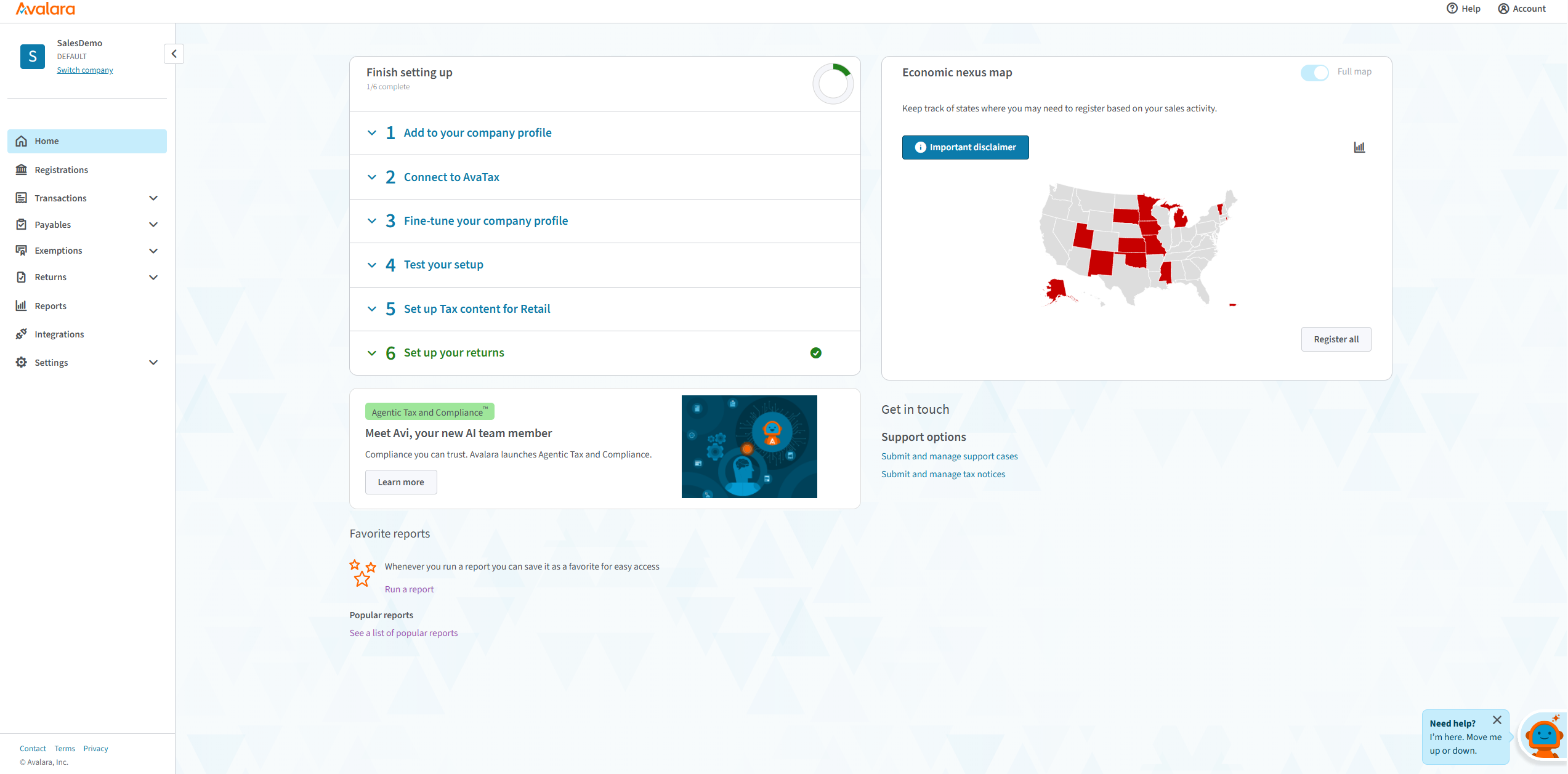
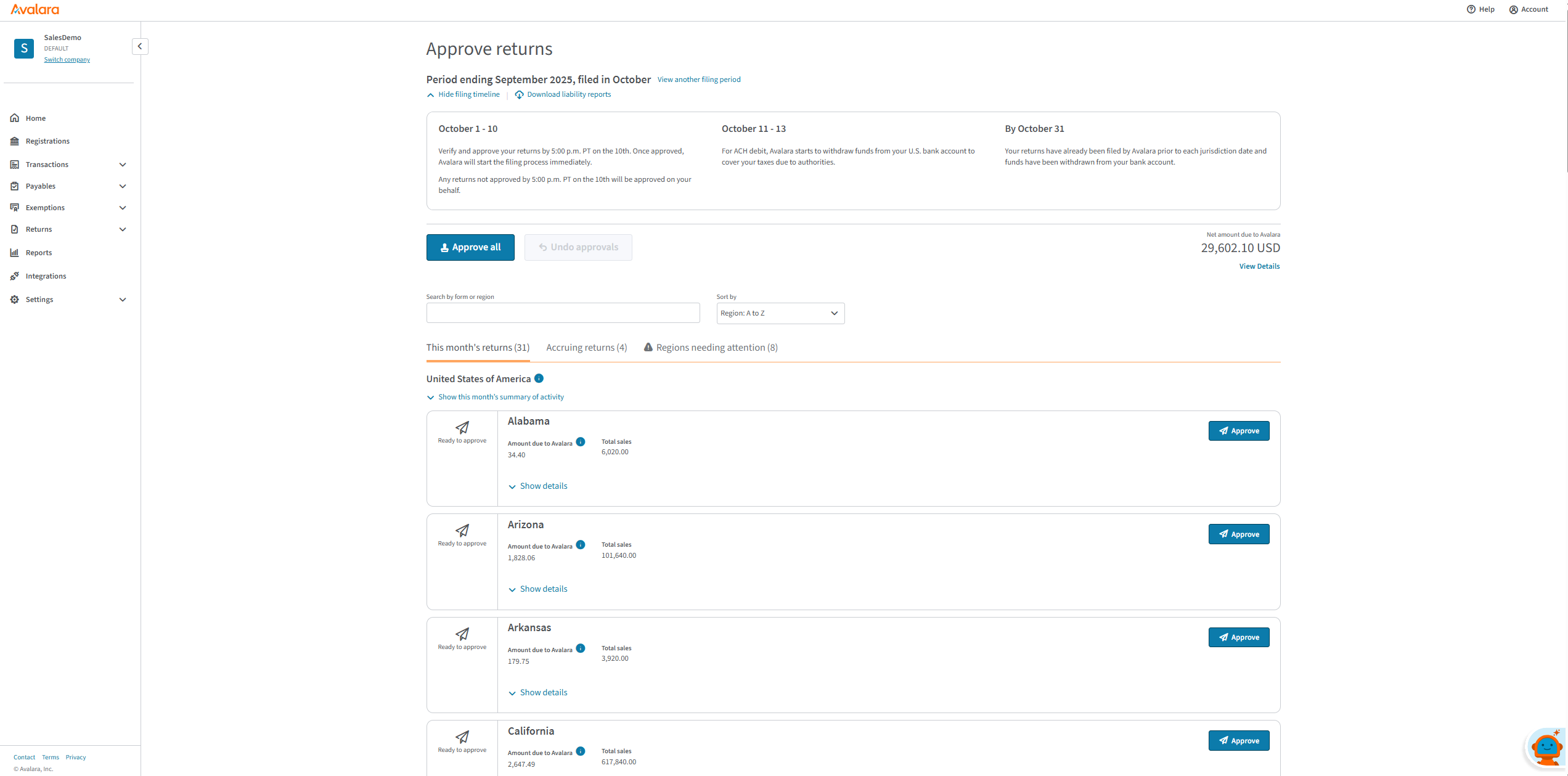
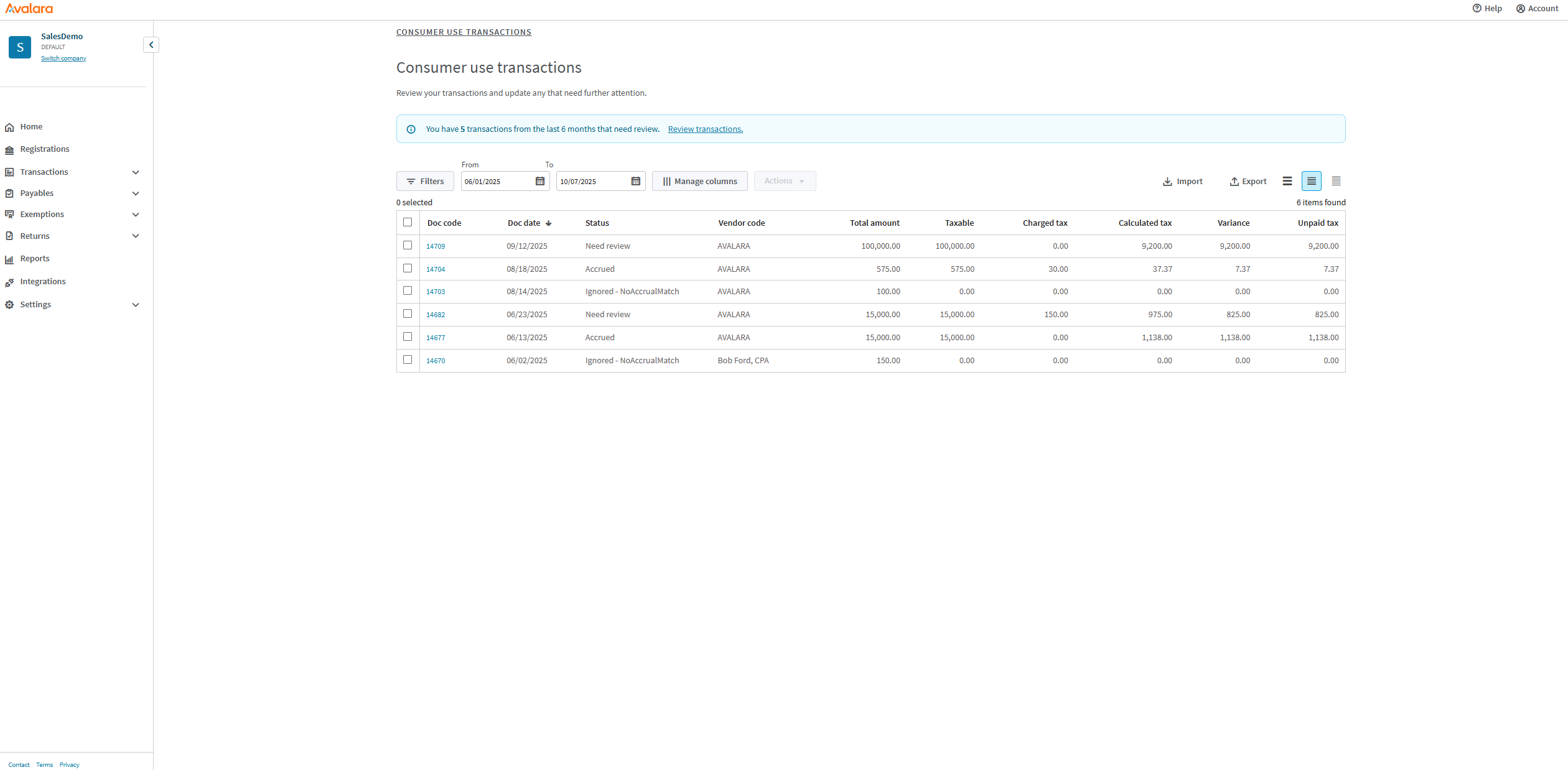
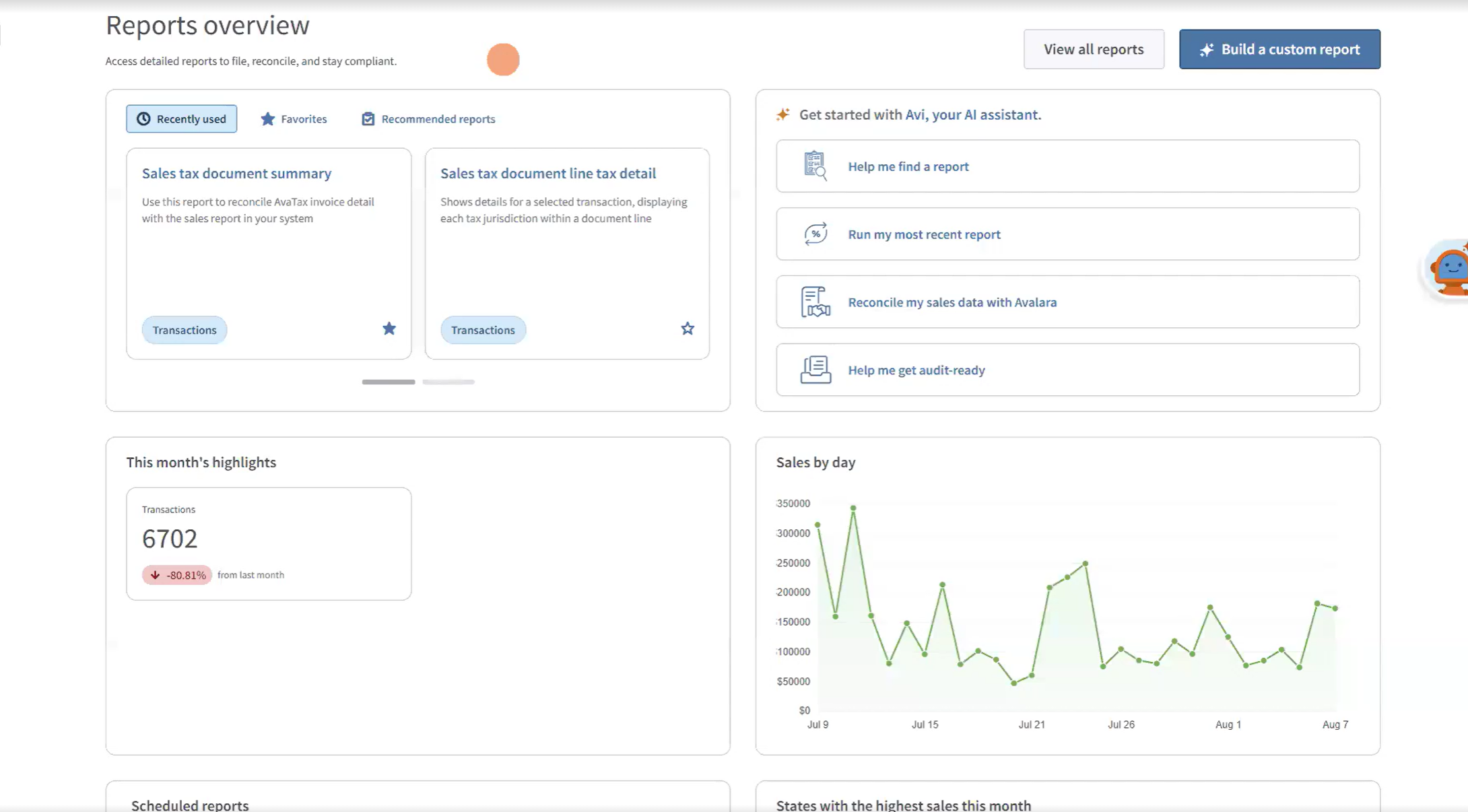
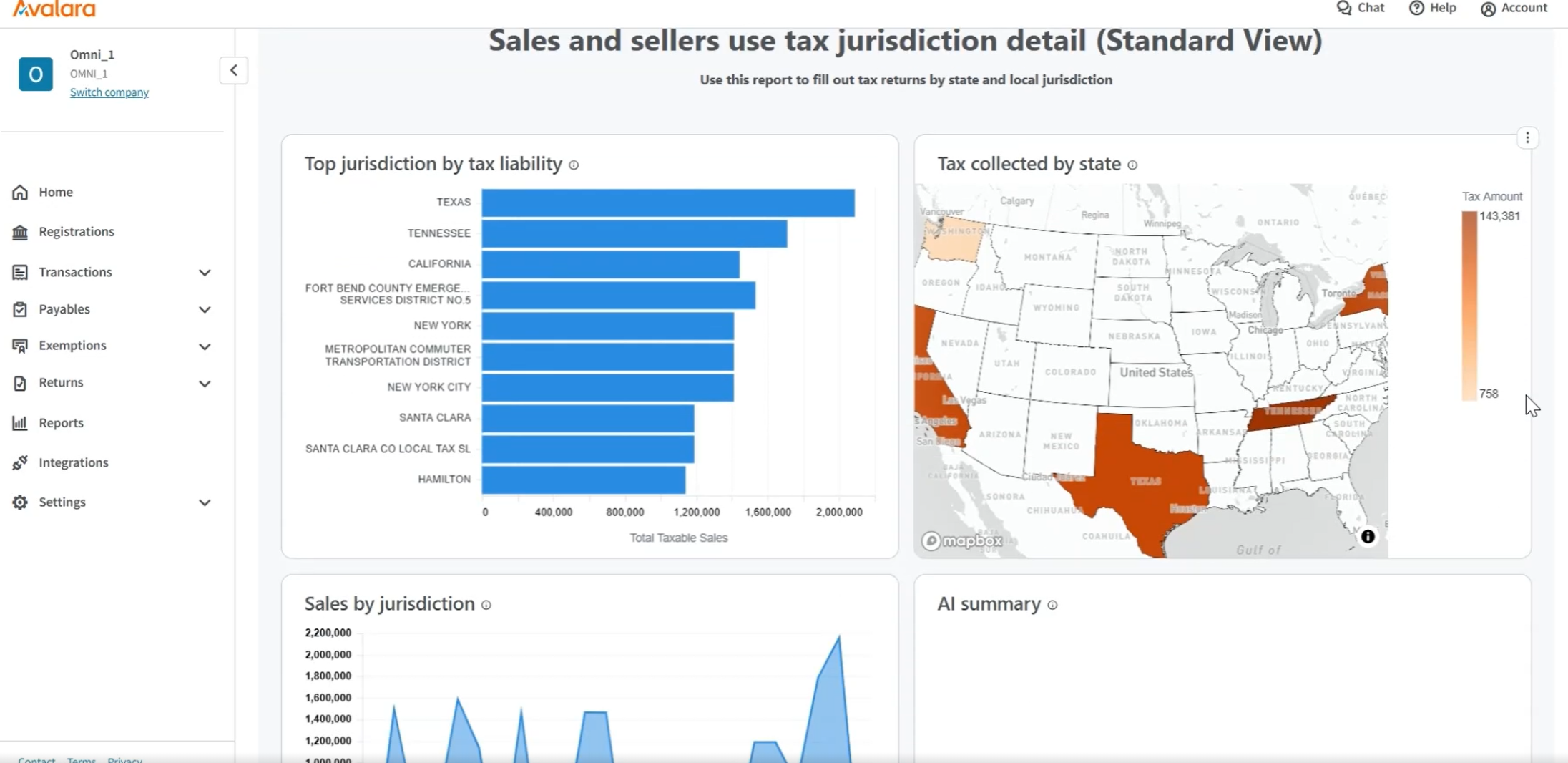
Avalara AvaTax connects to the software that businesses already have and delivers sales tax decisions based on precise geo-location in more than 12,000 taxing jurisdictions in the U.S.
N/A
Tipalti
Score 7.5 out of 10
Mid-Size Companies (51-1,000 employees)
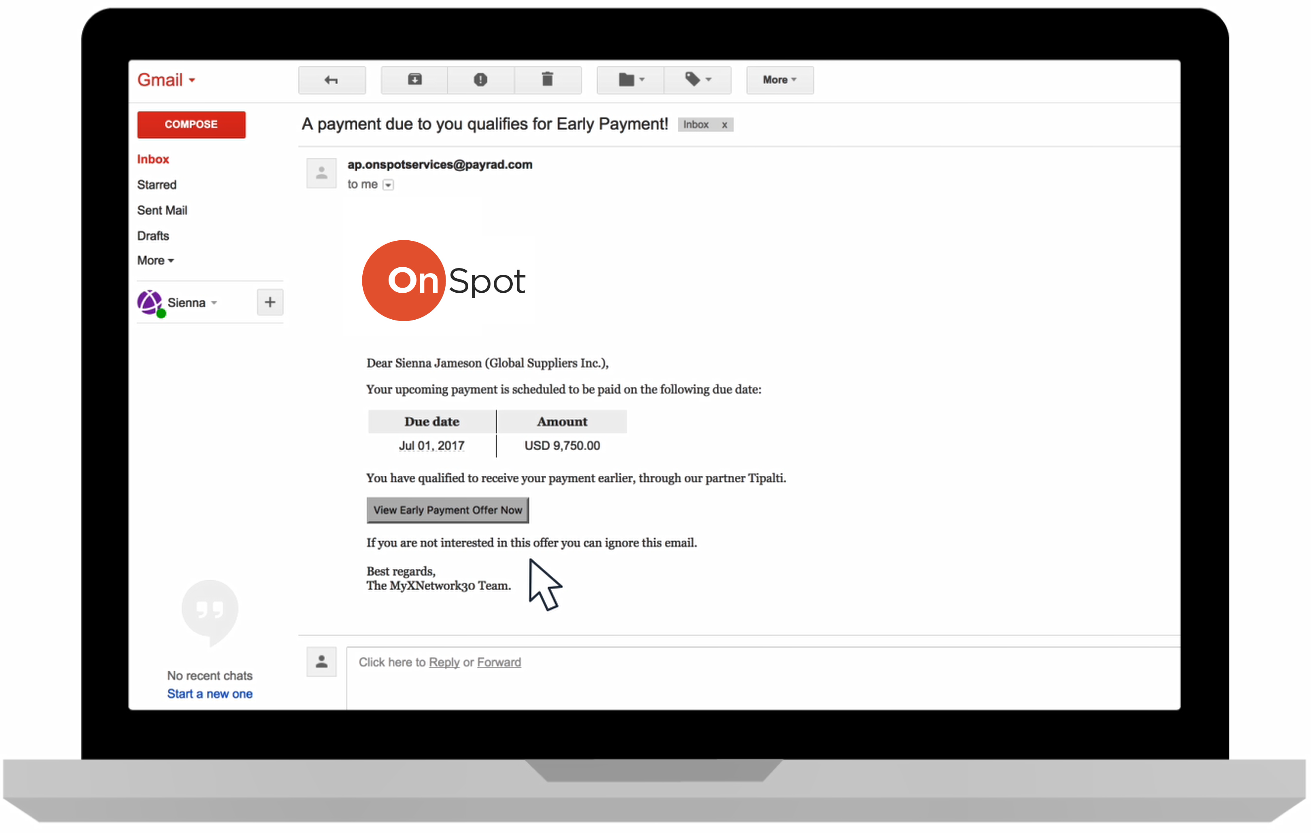
Tipalti automates critical financial processes to drive efficiency, including accounts payable, mass payments, procurement, and expenses, all on one global finance automation platform that grows with the organization, automating, de-risking and simplifying finance.
N/A
Pricing
Avalara
Tipalti
Editions & Modules
No answers on this topic
No answers on this topic
Offerings
Pricing Offerings
Avalara
Tipalti
Free Trial
No
No
Free/Freemium Version
No
No
Premium Consulting/Integration Services
No
No
Entry-level Setup Fee
Optional
Required
Additional Details
—
Pricing starts at $149 per month for the platform fee. Users can upgrade to Tipalti's more advanced capabilities as their businesses gets more complex.
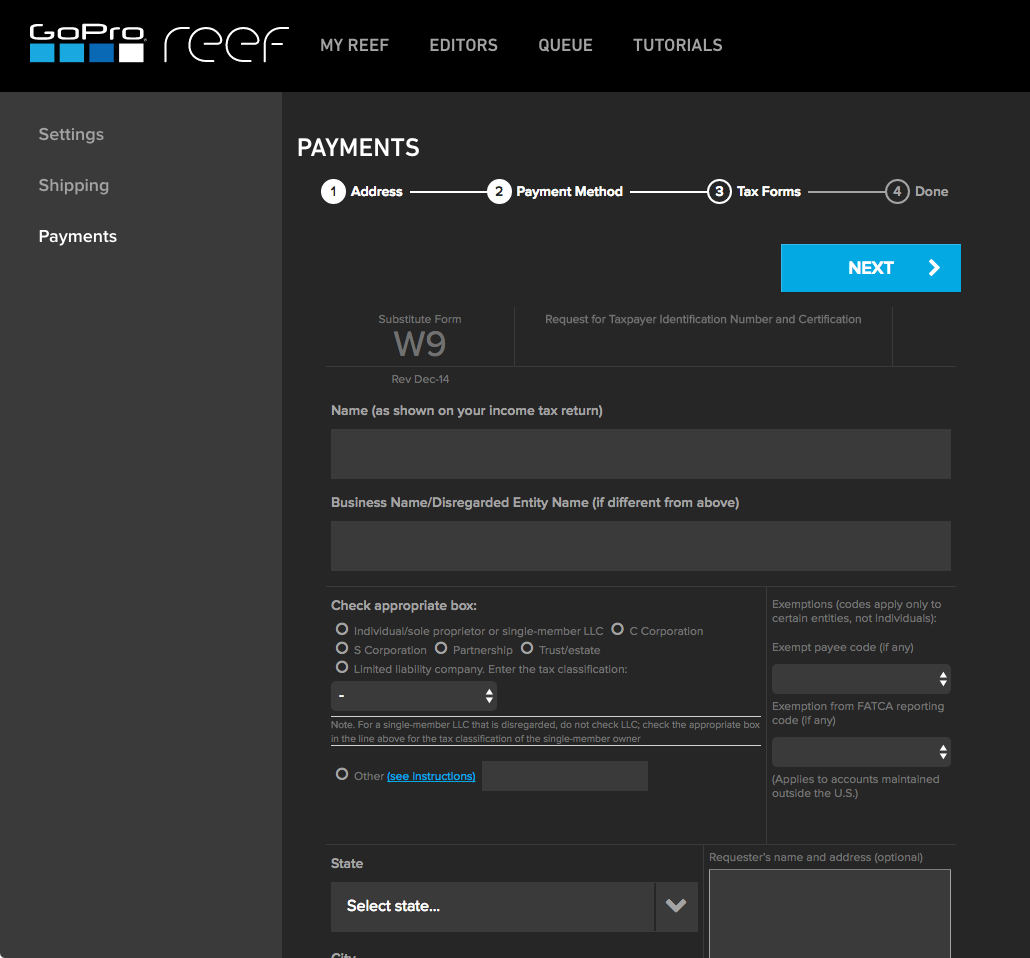
The Tipalti pricing model is designed to grow with the user's company. Advanced features such as W-8 tax forms, international tax IDs, or multi-entity payables are available as needed.
We looked at using Shopify's native tax platform but they do not handle SST state tax filings nor state returns that have sales tax prepayments. Those are 2 big necessities for us so while the Shopify platform is more cost effective, SST filings and prepayments are musts for us.
We didn't do enough research at the time and should have picked anything else. Kintsugi, Anrok or Numeral would be a much better choice. I feel your best option is to not include Avalara in your sales tax evaluations
Avalara mails out the forms to the vendor and Government for you. All you have to do is supply the information for each vendor. Let you know when it is being sent out, if the emails were good and if the recipients downloaded the document. They will resend if necessary.
Avalara is much more user friendly and1099 online is harder to navigate. It is about the same cost to file but it is harder to find what you are looking for. I used it beucase I was able to make certain corrections.
Much easier to use and understand. Easier to upload information from our system to Track 1099. Did not give you the option to email 1099's to your payees. When they found something wrong the system would reject and not create a 1099 for that payee.
Avalara is designed for businesses and tax professionals by making the workflow more simplified. Manual entry is reduced and the process is more steamlined reducing errors and stress. The platform is clear, focused and uncomplicated. These attributes is why I have chosen …
I found Avalara to be much more accurate, and cost effective compared to Sovos. With Sovos, I ran into serious issues with the data transfer, causing the data to be corrupted or incorrect. Since the timeline for sending out 1099s is extremely narrow, this creates a real …
They are very similar. I do like how Divvy and Bill offer great credit card solutions. But when it comes down to automating the accounts payable function within your organization it is very similar and both offer a great product with similar pros and cons. Overall Tipalti is a …
Concur was a miserable experience on the payables automation side for us. In my opinion, the implementation team did a poor job. Data sync into NetSuite was not real time. To me, the interfaces were archaic. Tipalti was such a breath of fresh air. I love working with their …
Both of these products have treated us well and have their pros and cons. We do a lot of acquisitions though and they are just not friendly the more and more you go. Tipalti has been very helpful with the more we grow. Its a key part in integrating finances
The price point and all-inclusive pricing was very clear with Tipalti. The others separated the payment platform from the invoicing platform, which didn't make sense at all. With one provider, it would be implemented after the payables side, which was not helpful for our …
We selected Tipalti because it was a clear and simple option without the complexity or high price tag of other ERP or accounting systems. It was a fit for purpose solution that handled the exact accounts payable needs that we had. It was easy to implement and start using right …
Coupa was significantly more expensive, takes longer to implement and seemed to be more than we needed. AvidXchange was more similar to Tipalti, but Tipalti sales team seemed hungrier for our business.
AvidXchange worked well as it integrates as a Suite App within NetSuite; however, it still required payments to go out through NetSuite or through a bank directly. It has been a while since I used it so maybe that has improved but having Tipalti handle everything from …
On my second time selecting, I was not going to consider any other vendors. My bank had some arrangement with MineralTree so I was obligated to go through their process. Ultimately it came back to Tipalti's payment processing capabilities as the standout feature.
From initial implementation through to user experience, Tipalti has been able to exceed our expectations in terms of its functionality and useability. We have found with other systems implemented in the past they did not match our expectations which resulted in us terminating …
Tipalti was in fact the only solution that met all our critical requirements (e2e) and supported ISK payments. Credit cards is not an available functionality outside the US, but wasn´t a critical feature for us.
Although I did not partake in selecting Tipalti, I will say because of my Ariba experience, Tipalti is far more end user friendly. In my experience, Ariba can be super complicated and for those that used it at my last company, they were very unhappy with it's complex environment
With Tipalti the vendor can choose between more payment options + can change between payment details/methods at any time without the need to have the payer doing so.
Previously, our Company housed all invoices and approvals in NetSuite. This was a very clunky process which often resulted in duplicated work. Approvals were obtained through email and attached as a file to invoice records in NetSuite. Whereas, in Tipalti, you can view the …
In my opinion, the worst customer service and fraudulent withdrawal from our bank account. We've used Avalara for 3 years. When our renewal came up, we were considering other options. They sent an email stating we had to request a new contract, I sent the request and followed up. There was no response from Avalara so our contract price was unknown. I waited to hear from them and ended up canceling within their window, via the appropriate channels. I followed up multiple times, requesting cancellation confirmation and removal of our bank info (you can't self serve, although you can self serve add it). In my experience, they ignored me for 2 months until I posted publicly about their poor service. I changed our login information and migrated to another platform. In my experience, they withdrew funds from our bank account, the new provider said our taxes weren't paid and the funds are nowhere to be found. Avalara should have never withdrew the funds or billed me after I canceled. Beware of this company, in my opinion, they are non-responsive and unpleasant to deal with.
The invoice processing element is far, far easier than manually inputting invoices are we were doing previously. The OCR is not perfect, but having it scanned in and ready for review saves a lot of time. The approvals process is fast and effective, and approvers can approve directly from the email without having even to log into the system. The audit trail function allows the finance team to see exactly who has done what to each invoice, and when. Payments, however, are where we see the most benefit. Vendor bank details are stored securely and controls can be put in place to ensure that any changes to vendor data must be approved. Once fully approved, invoices can be scheduled for payment either on a particular date or on the invoice due date, which ensures vendors are paid on a 'Just In Time' basis. All invoices and payments sync seamlessly to our ERP each day.
Support is phenomenal! Incredibly responsive, always have the answers, super knowledgeable and will assist in bringing resolution to various concerns, as well, providing not just support, but education as well!
System is almost always working efficiently, very few incidents that slow me down.
System is incredibly user friendly. I was able to learn it pretty quickly.
If a list of tax-exempt codes is available, I have not found it and the help desk has not shared it. That code is necessary for Avalara and the online shopping cart to communicate that a customer is tax-exempt.
When I first started using Avalara I could upload documents. Now I need a higher subscription level (as in, pay more money) to do the exact same task I was already doing for years.
The one or two issues that I had that were not resolved right away were never really resolved. Luckily, we were able to eventually figure it out, but there were one or two cases (out of many, so still a low number) that were closed without a resolution.
In the PO matching queue, there is some clunkiness surrounding updating PO lines. For example, if you need to delete PO lines picked up from the invoice, you currently have to delete each line individually, instead of being able to select multiple and delete.
Sometimes PO numbers do not properly pick up from the OCR system. For example, the OCR might pick up "PO 18535" instead of "18535". This causes the AP team to have to manually link the PO, creating an extra step.
For PO-backed Invoices that require you to manually type in the PO amount, there is no option to save your inputs. If there are any changes to the match details (i.e. linking another PO, or unlinking a PO) all inputs are reset to blank.
If there are non PO line items for an invoice that is in the PO matching queue, there is no option to select a separate department code for that line item.
Avalara is the best sales tax compliance product on the market. Avalara allows us to accurately comply with our sales and use tax obligations in an accurate and timely manner for a reasonable cost. Avatax is a versatile and helpful product. We also are looking forward to implementing the cross-border product.
Solid system performance. Suits our needs and solution provider very inclined to accept feedback and involve users in developing the solution to serve both the provider and the ultimate user. Tipalti has streamlined our process that was previously very manual and prone to error. Now there is transparency of information and role.
I only say this because we had no real training on the system at all. We requested it multiple times, and no one could give us that. We had to figure a lot out for ourselves, got a rep change and finally got someone to help us navigate a bit better. Please make sure any onboarding clients get proper training and resources before going live.
The system is incredibly easy to use, with most tasks being completed in a small number of clicks. The user interface is very user intuitive and can be navigated very easily. Multiple payments can be made instantaneously and as the vendors manage their payable account we are able to ensure that payments are being sent to the right account. The advanced functionality for duplicate invoices ensures that we are not processing bills twice and we have found that in 100% of cases it has identified a duplicate bill.
We do have trouble tying Avalara's reporting back to our POS, but we just got a new POS system and there are bugs we are still trying to work out within the POS system. I do not believe this is an Avalara issue
It does not [matter] how much you pay in support packages for Avalara, [from my experience] you will never receive timely response times. Additionally, [it seems to me] their support techs are not experienced and/or do not understand the nature of your issues. I have resolved the majority of my issues before the support team is able to.
Since I also work in customer support, I often have to contact Tipalti's team with questions from our users. Tipalti's support team has always been exceptionally helpful and it was a pleasure to communicate with them. I have always received prompt responses to any inquiries and they are excellent at solving our customers' issues within a short time
The documentation online we informative and helpful. The videos from the Avalara institute and the help tab if we have any questions and the search too were helpful. We like the ease of using the click here for more information tool about nexus and the information for the ECM Pro training were helpful. Whenever we have a question we normally get an email along with the tool as to where to find our answer. We also like that it shows information about nexus status of the states we maybe approaching and we can look more into it.
The rating of a 6 was not because I was displeased with Avalara's service or implementation team. The implementation process and implementation team were great. The issue I had with implementation was finding the time of an implementation specialist to devote to our account. With the fast growth of Avalara, my specialist always felt rushed which made me feel I did not get adequate time or support.
TaxJar is integrated with Kaseya autotask, and this integration is very inefficient and was not easy to set up. Neither TaxJar nor Kaseya support was helpful at all, "rude" is the only word to describe that, whereas Avalara has always tried to be helpful and has been very friendly to work with. TaxJar has no similar capability to retain their tax-calculated transactions and file the returns; TaxJar would calculate the taxes in Kaseya autotask and you would still have to manually import the data into TaxJar if you wanted to subscribe and have them file your returns. Needless to say that was a non-starter.
Both of these products have treated us well and have their pros and cons. We do a lot of acquisitions though and they are just not friendly the more and more you go. Tipalti has been very helpful with the more we grow. Its a key part in integrating finances