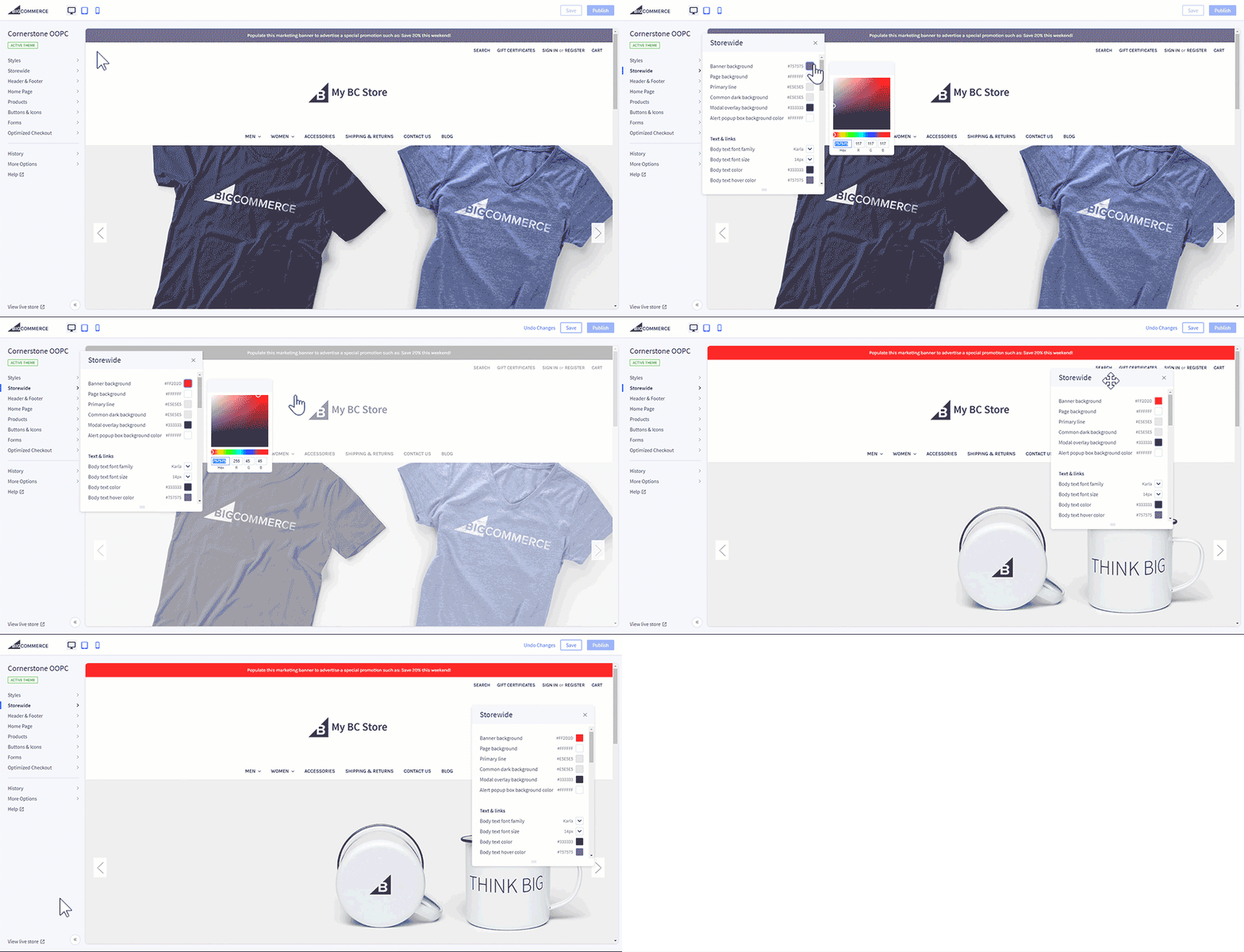
BigCommerce is a SaaS platform that allows SMBs to develop eCommerce sites. Features include the capabilities to design the storefront, configure products, manage payments, generate traffic, and optimize conversion.
$39
per month
Google Tag Manager
Score 9.3 out of 10
N/A
From Google, the Google Tag Manager is a tag management application that facilitates creating, embedding, and updating tags across websites and mobile apps. It is a free option, vs. the company's enterprise-tier Google Tag Manager 360.
BigCommerce has more modern tools than Yahoo Small Business, is managed unlike WordPress/WooCommerce, and is cheaper than Shopify with better product options management.
BigCommerce is really well suited for someone who wants to get selling quickly, but may not have endless developer experience, or even web design experience for that matter. Their templates, even the free ones, are very attractive and supported by tons of third party apps. I think the only times it is not a slam dunk recommendation would be if someone is dead set on using another solution like Shopify, or if they are not looking for an ecommerce site and more of a flat website, this would be overkill.
I have found Google Tag Manager as the go to solution for managing all of your event and conversion tags for your website. Not only does it make it easy to manage all of your tags in the one place, it is fairly intuitive to use and there is plenty of videos and help documentation online to help set up what ever you need. No scenarios come to mind at the moment on where it is less appropriate to use.
Selecting elements on a site [object, class, cookie, etc] (to later fire an event, send some data, etc) is very easy with triggers. Want to add an event when someone clicks on a button? Super easy. It was many many DOM selectors and you can even add custom functions if you need to do something more specific
In general, firing events in different circumstances is very easy mixing triggers and tags. You can track almost any element of the DOM and do whatever you want with it.
Testing is a great functionality. Only you can see what's on the site and you can debug it easily by seeing which events or tags were triggered and all the DOM elements involved (and why they matched the trigger).
Working in environments (staging, production) and versioning is easy to do, deploying changes in 2 clicks.
In my experience, customer support FAILS terribly in knowledge of getting a BC site live
In my experience, the back side/ dashboard is very archaic compared to Volusion, will add hours of work to your week.
In my experience, pretty much anything you NEED is done with an "app" at additional cost. I think we have a few hundred dollars in apps already on top of cost of BigCommerce.
I feel coming from Volusion to BigCommerce was so depressing but we do feel secure that the company will remain in business. We are looking for something else already.
There are several good integrations, but there can always be more. Native tracking for call tracking solutions, analytics providers, non-Google advertisers would be top of my list.
Documentation is just dreadful. Luckily there are some awesome folks out there doing crowdsourced tutorials (shout out to Simo Ahava) but by and large the Google Tag Manager instructions are worth what you pay for them.
I personally would not even consider another e-commerce website platform.
Bigcommerce may have the same (or close to the same) functionality and integrations as other SaaS platforms but they excel at customer service and tech support. At the end of the day you need a company that will answer the phone in less than a minute especially if you're having a 5 alarm issue. That said, we hardly ever have any issues. The site was down for a few minutes one time 5 years ago. Sometimes we have issues with coding or apps and they help me with that too. They even walked me through installing our new theme when the contracted developers told me that wasn't included in the development of our new website.
Bigcommerce comes out with new innovations every year, not including apps that other people write for the platform, and there are a lot of those and new ones all the time. And there are a LOT of awesome themes to choose from (Halothemes are the best).
And the price is reasonable!
I'd give Bigcommerce my business any time and recommend them to anyone looking to run an e-commerce website. You could even use them for a non-shopping site, we have one of those too!
I haven't found another option for us to use especially one that is free. Down the road we may go a different route but for now GTM is a good option and does what we need it to do. It'd be nice to get more support or more integrations but with the free version there's only so much one can expect to get I suppose.
I think that overall it has a great front end for the customer. On the back end, it takes a little spin-up time, but in just a couple of hours you can really have your head wrapped around everything you're going to need 99% of the time. It takes me about 5 minutes to train a new user on how to interact with customer orders.
No difficult obstacle to overcome but Google Tag Manager can still be difficult for many users to deploy. Sure the basic HTML script can be deployed quite easily, but when you start to require triggers, variables, etc, it can be a little daunting.
So far in my time with BigCommerce I have not had any down time when it comes to my webstore or accessing it at any time I need to. Knowing that they have such a good uptime, it makes me feel comfortable that my customers can access things anytime, but also keep sales going 24/7
I have not had any issues with pages loading slow or any real other issues, not that I have encountered so far. Speed of the site and images loading are fantastic and everything just seems to work nicely, which may seem like a simple thing to say about things, but when something just WORKS! Its rather nice vs fighting with things to work right.
Because they are always there no matter how simple or complex the question is, if they don't know the answer they don't fake it and just make you go away feeling frustrated.. they get you to someone that does know the answer. I always appreciate their help and their honesty!
GTM does not provide support. This is one of GTM's biggest issues but it's due to the level of customization for each website. If your team thinks they would heavily rely on the need for a support staff it is probably better to invest in a paid service with a team that can support your needs.
They have a comprehensive online help file system that makes it easy to do almost anything. They cover just about everything you'd want to do with your online store with images, clear descriptions and in some cases video. I will, however, say the videos should be a little more professorially done and not sound like the employees are doing it in their cubical.
A certified BigCommerce design and solution partner will usually comprise a team of highly experienced designers, developers and marketers. It is our view that in the vast majority of cases, this will pay dividends in the long-term - especially for those teams that could use the extra support.
Planning and communication will help greatly with an in-house implementation. If there are large teams, try to limit the number of people involved to 1-2 developers (back-end dev may be necessary depending on your platform), one analytics marketer and one project manager.
BigCommerce even with add-ons such as a PIM and B2B functionality wins for small businesses on affordability and ease of use. No servers or updates to worry about and no expensive agencies to pay. This being said, if the budget were no issue, for larger organisations Magento is perhaps a better option.
We moved to GTM from a standard Google Analytics implementation. GTM is much more flexible and easier to make changes, especially as the changes relate to multiple sites and environments. While there is a learning curve when figuring out how to use GTM, I believe the change has been worth it because it helps us understand at a more fundamental level how our tracking works and gives us a lot more control over what we track and how.
I believe after seeing all of the parts of this platform, one is able to develop the business and keep adding on select features for the business. There are multiple options for purchase with the various platforms once the business grows more. The different features being offered by the platform can lead us to scalability.
Provides a robust platform to sell a high-risk product.
Page Builder saves you time and money by negating the need to buy a template.
Includes robust promotion settings that allow for codes and automatic discounts, bulk discounts, and customer groups (i.e. military discount), all native options.
GTM is very useful to determine if a particular element on the site is useful (i.e. is it being watched, is it being clicked, does it help customers navigate through more pages). As an SEO person, I can use this information to decide what to optimize for but also to track progress and see improvements in engagement.
With the use of Google Tag Manager, I was able to easily inject an A/B testing tool which lead to several improvements in lead generation.