
Bloomerang CRM vs. Quickbase
Bloomerang CRM vs. Quickbase
| Product | Rating | Most Used By | Product Summary | Starting Price |
|---|---|---|---|---|
 Bloomerang CRM | N/A | Bloomerang CRM helps nonprofits to raise more by turning donor data into deeper relationships. With a complete 360º view of every supporter, the solution helps identify top prospects, personalize outreach, and retain more donors. Engagement and Generosity Scores, real-time dashboards, and mobile access help users to see who’s ready to give and when to reach out—supporting fundraising with confidence. From first-time donors to lifelong champions, every interaction is an opportunity… | $1,500 per year | |
 Quickbase | N/A | Quickbase helps users tackle any project, no matter how complex. Quickbase helps customers see, connect and control complex projects. Whether it’s raising a skyscraper or coordinating vaccine rollouts, the no-code software platform allows business users to custom fit solutions to the way they work – using information from across the systems they already have. | $700 per month |
| Bloomerang CRM | Quickbase | |||||||||||||||
|---|---|---|---|---|---|---|---|---|---|---|---|---|---|---|---|---|
| Editions & Modules |
|
| ||||||||||||||
| Offerings |
| |||||||||||||||
| Entry-level Setup Fee | Optional | Optional | ||||||||||||||
| Additional Details | All Plans include: Unlimited users, free email & chat support, free access to Bloomerang Academy, unlimited standard online giving pages & forms, donor engagement scoring, wealth screening, sustainability scorecard, email marketing, nightly address verification & deceased suppression updates, and 1 scholarship to Fundraising Standard (40 pts toward CFRE certification, $599 value) | Quickbase offers three key plans, with feature distinction, simple and consistent entitlements, and a flexible licensing model, giving users the option of either user based or usage based licensing across all 3 plans. | ||||||||||||||
| More Pricing Information | ||||||||||||||||
| Bloomerang CRM | Quickbase |
|---|
| Bloomerang CRM | Quickbase | ||||||||||||
|---|---|---|---|---|---|---|---|---|---|---|---|---|---|
| Communications and Marketing |
| ||||||||||||
| Reporting and Analytics |
| ||||||||||||
| Fundraising and Events |
| ||||||||||||
| Security and Platform |
|
| Bloomerang CRM | Quickbase | |
|---|---|---|
| Small Businesses |  Bonterra Network for Good Score 9.4 out of 10 |  monday.com Score 8.3 out of 10 |
| Medium-sized Companies |  Agentforce 360 for Nonprofits Score 8.9 out of 10 |  Planview PPM Pro Score 9.0 out of 10 |
| Enterprises |  Blackbaud Enterprise Fundraising CRM Score 7.6 out of 10 | Planview PPM Pro Score 9.0 out of 10 |
| All Alternatives | View all alternatives | View all alternatives |
| Bloomerang CRM | Quickbase | |
|---|---|---|
| Likelihood to Recommend | 8.5 (101 ratings) | 8.3 (521 ratings) |
| Likelihood to Renew | 9.1 (3 ratings) | 9.9 (54 ratings) |
| Usability | 8.0 (5 ratings) | 8.4 (40 ratings) |
| Availability | - (0 ratings) | 9.0 (16 ratings) |
| Performance | - (0 ratings) | 9.0 (15 ratings) |
| Support Rating | 10.0 (3 ratings) | 7.4 (44 ratings) |
| In-Person Training | - (0 ratings) | 9.9 (4 ratings) |
| Online Training | - (0 ratings) | 10.0 (5 ratings) |
| Implementation Rating | 9.1 (1 ratings) | 9.8 (22 ratings) |
| Configurability | - (0 ratings) | 9.0 (10 ratings) |
| Contract Terms and Pricing Model | - (0 ratings) | 9.0 (1 ratings) |
| Ease of integration | - (0 ratings) | 8.4 (10 ratings) |
| Product Scalability | - (0 ratings) | 9.0 (15 ratings) |
| Professional Services | - (0 ratings) | 9.0 (1 ratings) |
| Vendor post-sale | - (0 ratings) | 9.0 (10 ratings) |
| Vendor pre-sale | - (0 ratings) | 9.0 (10 ratings) |
| Bloomerang CRM | Quickbase | |
|---|---|---|
| Likelihood to Recommend | Bloomerang
|  Quickbase
|
| Pros | Bloomerang
 Michelle Green Arnson Marketing and Communications Manager | Quickbase
 Brian Seymour Web Developer |
| Cons | Bloomerang
 Patricia (Tricia) Cottrell Fundraising Consultant | Quickbase
 Letty Kaleycik Project Manager |
| Likelihood to Renew | Bloomerang
 Jeff Mendola Director of Mission Advancement | Quickbase
|
| Usability | Bloomerang
| Quickbase
 Beth Hilleke Information Content, Design, and Delivery |
| Reliability and Availability | Bloomerang No answers on this topic | Quickbase
 Richard (Ric) Hazel Senior Project/Process Analyst |
| Performance | Bloomerang No answers on this topic | Quickbase
|
| Support Rating | Bloomerang
 Candi Summers Board of directors | Quickbase
 Tammie King Applications Analyst |
| In-Person Training | Bloomerang No answers on this topic | Quickbase
 Krunal Thakkar Finance Executive |
| Online Training | Bloomerang No answers on this topic | Quickbase
Krunal Thakkar Finance Executive |
| Implementation Rating | Bloomerang No answers on this topic | Quickbase
|
| Alternatives Considered | Bloomerang
 Sara Sedlacek Director of Communications and Development | Quickbase
|
| Scalability | Bloomerang No answers on this topic | Quickbase
|
| Professional Services | Bloomerang No answers on this topic | Quickbase
|
| Return on Investment | Bloomerang
 Sue Trnka Development & Marketing Director | Quickbase
|
| ScreenShots | Bloomerang CRM Screenshots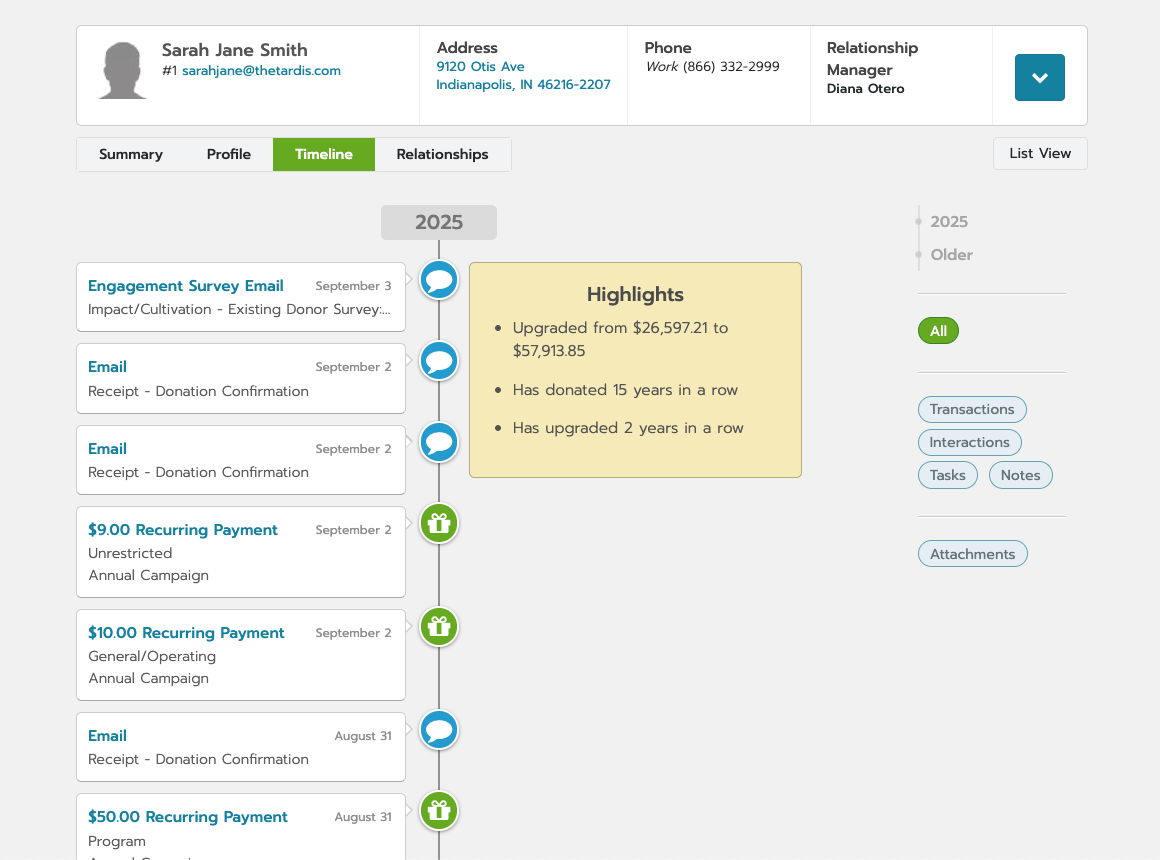 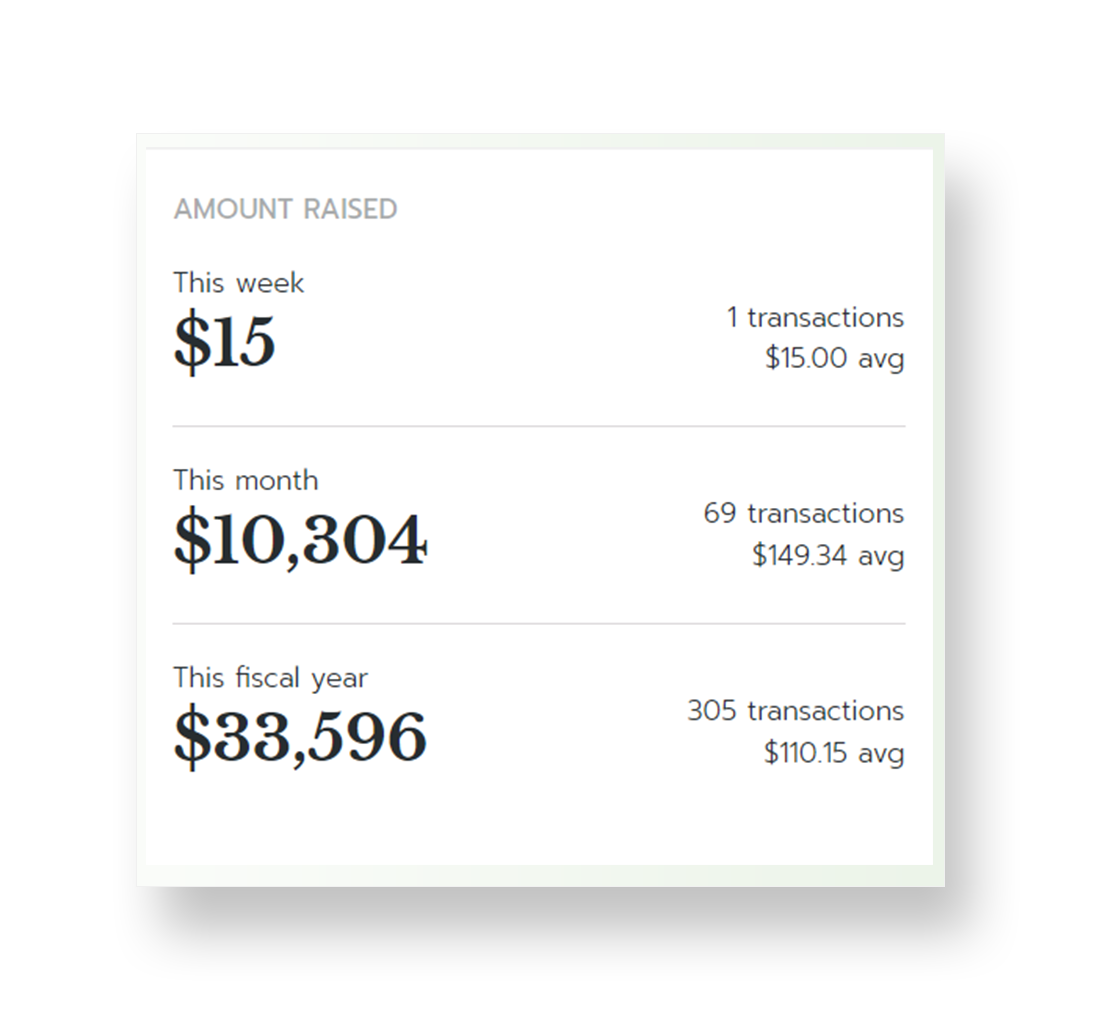 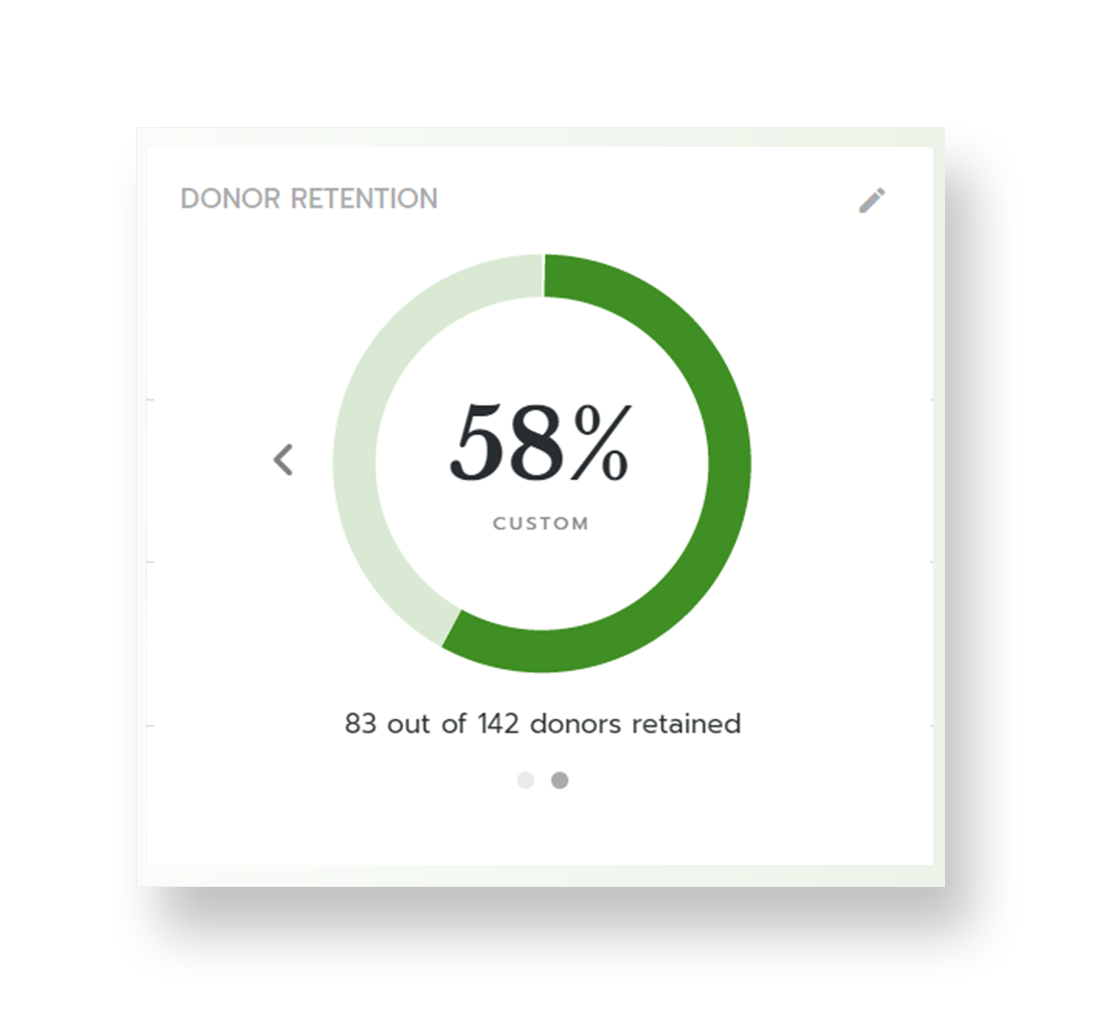 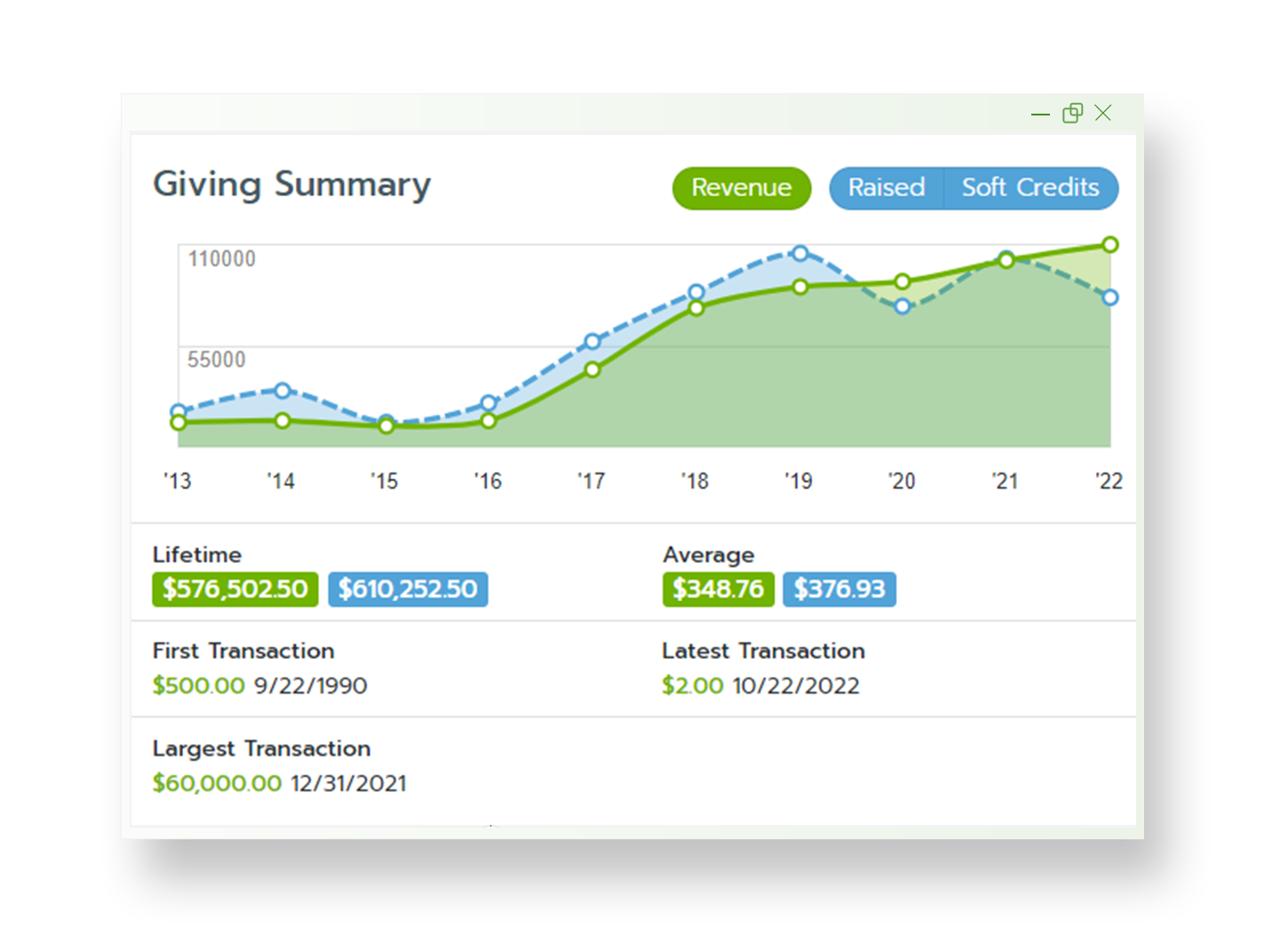 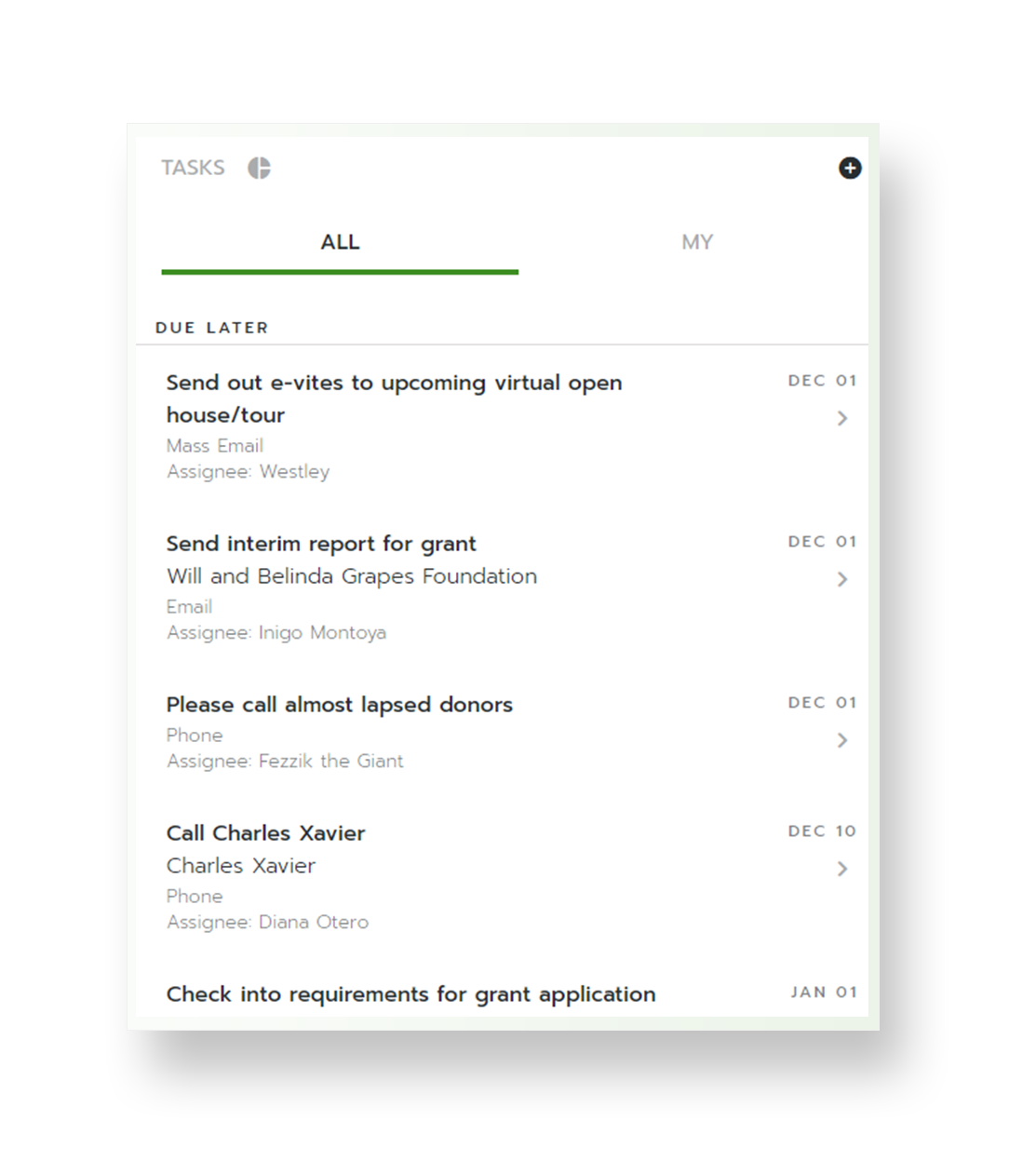 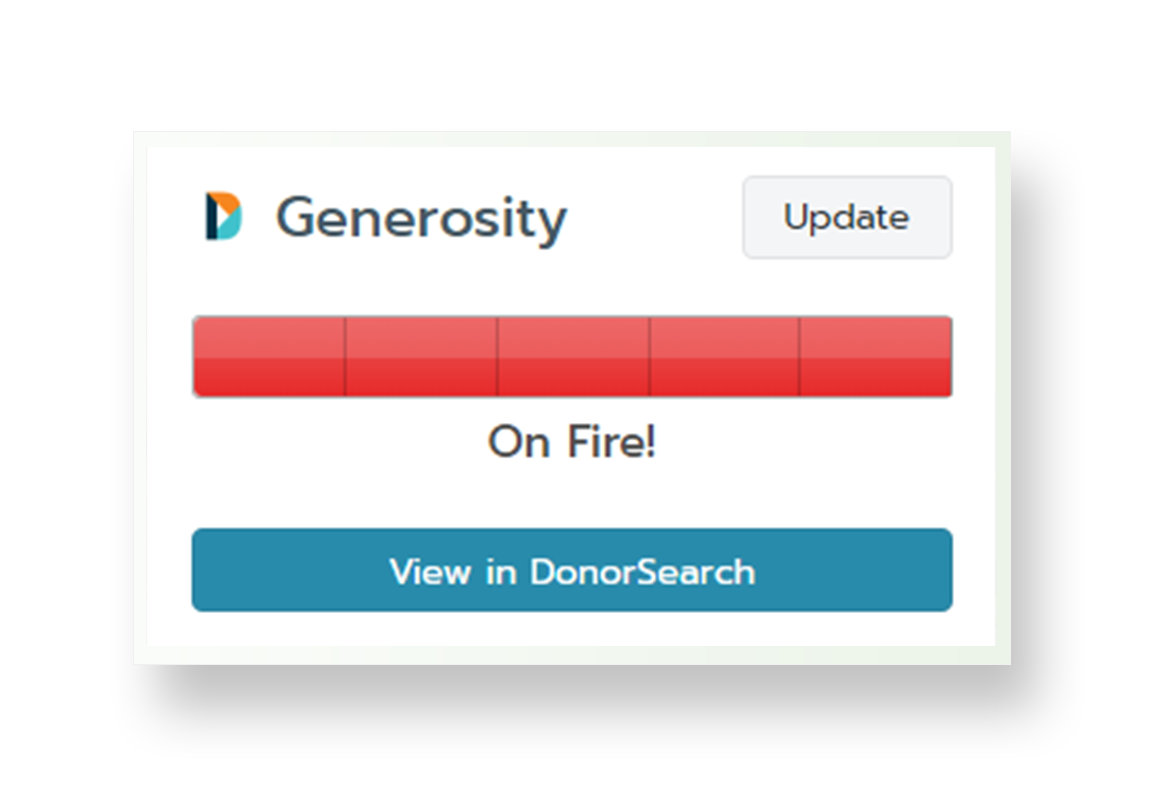 |
