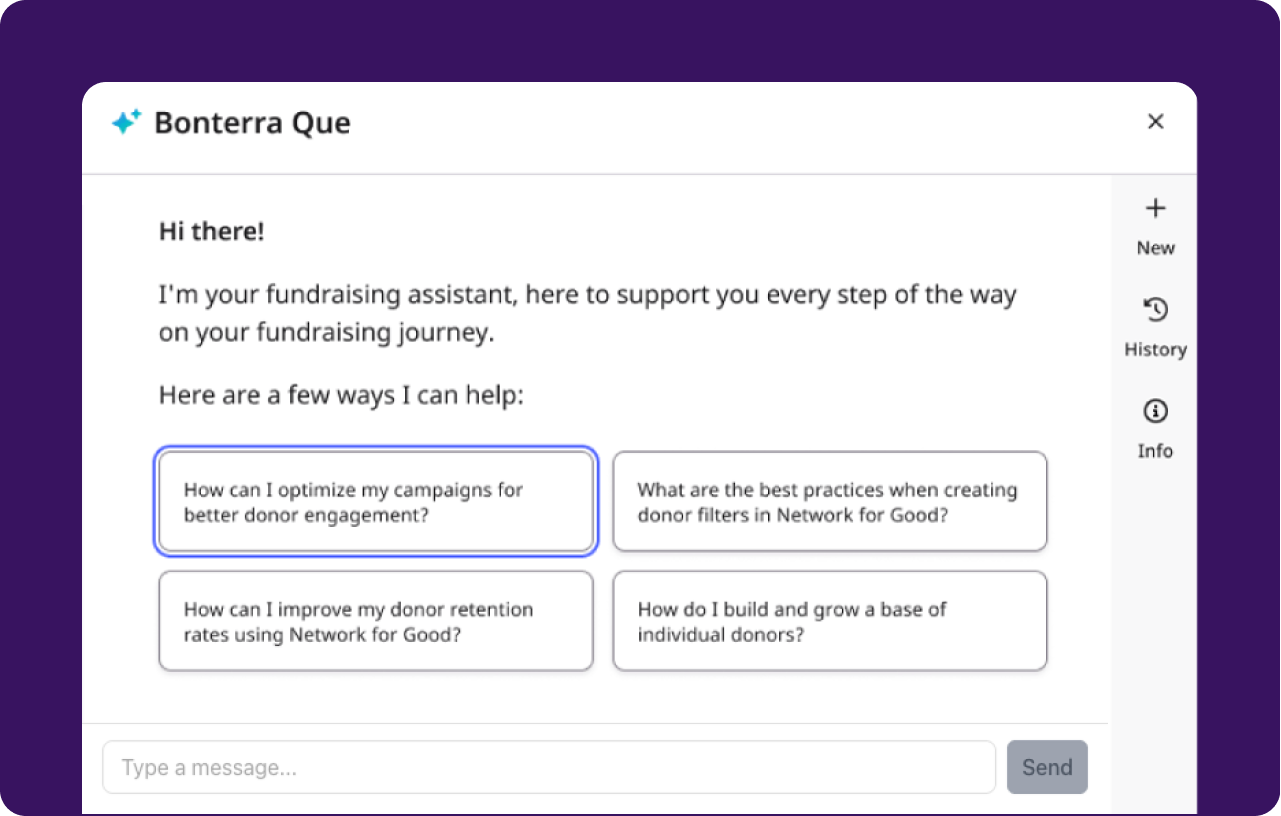
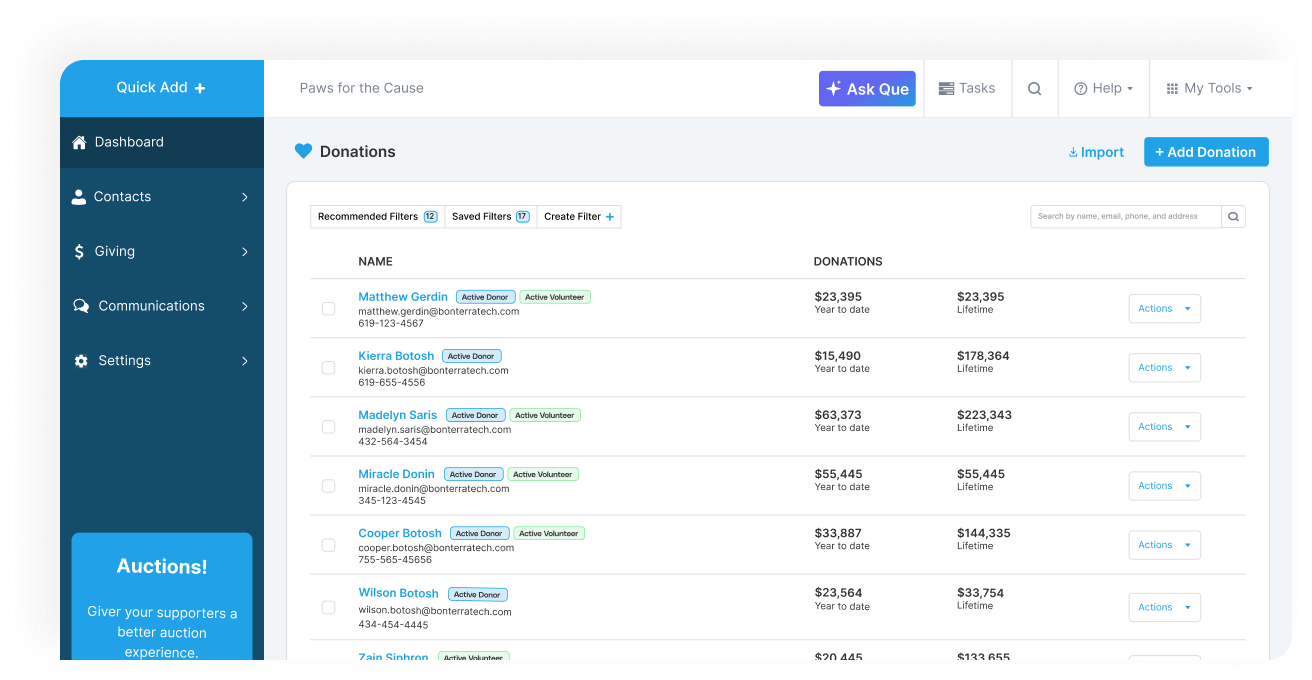
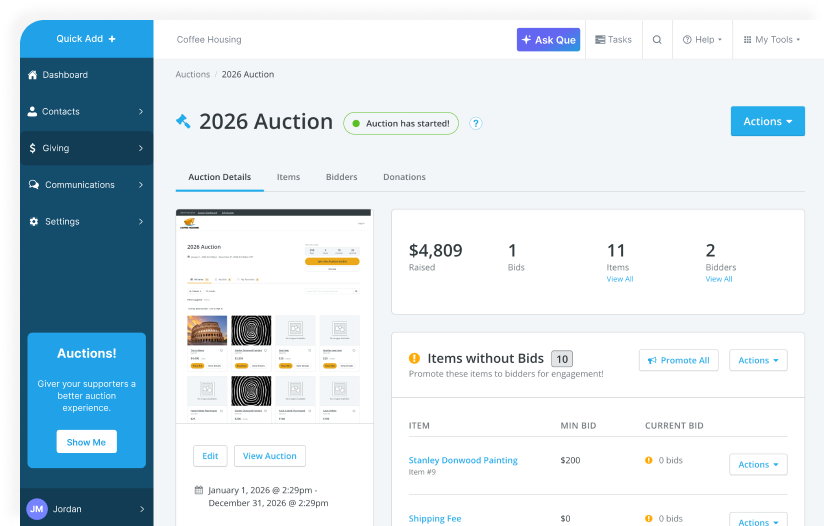
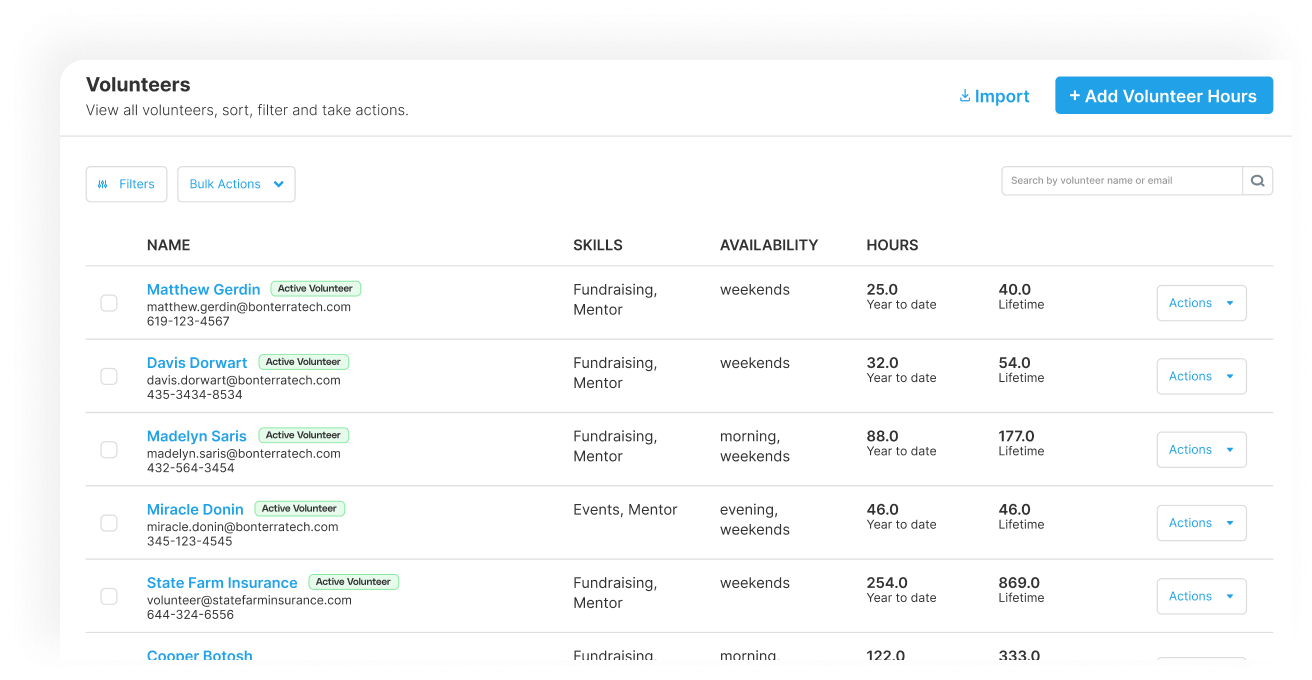
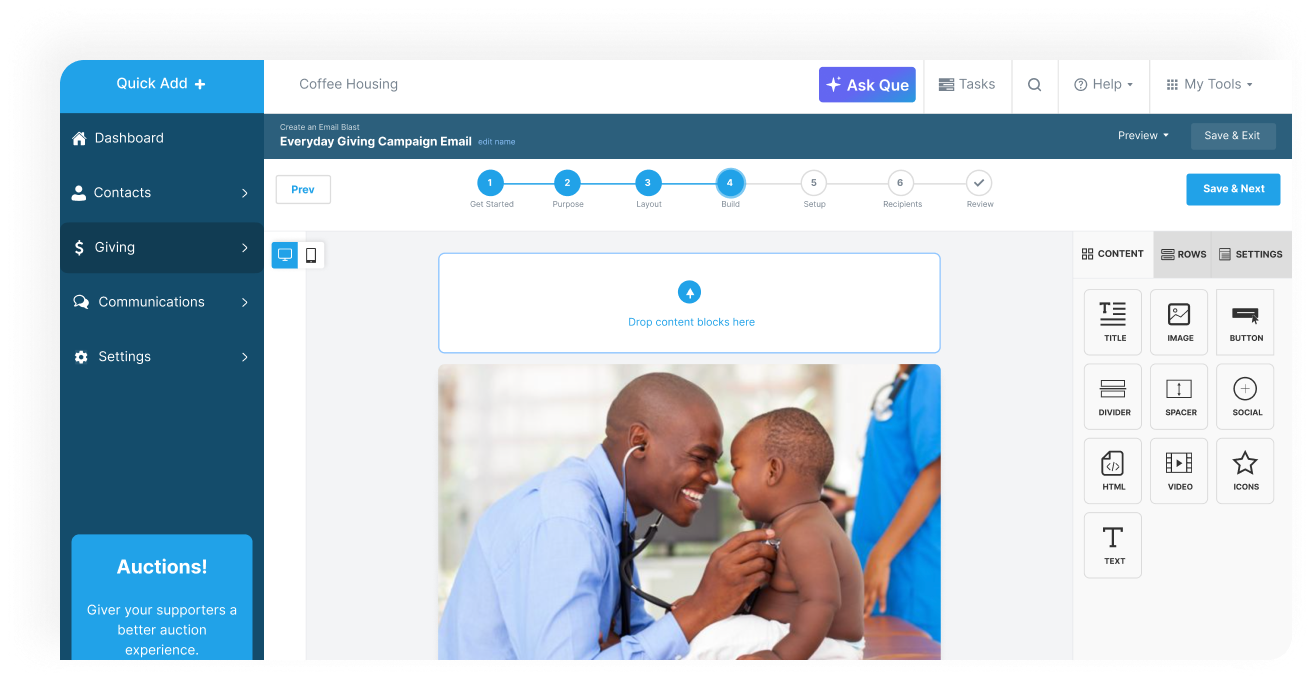
Bonterra Network for Good offers a nonprofit fundraising suite of applications, with donor management features like intelligent tracking of donor readiness and targeted messaging.
N/A
Pipedrive
Score 8.4 out of 10
N/A
Pipedrive is a customer relationship management (CRM) software built to help small teams to drive sales.
$24
per month per seat
Pricing
Bonterra Network for Good
Pipedrive
Editions & Modules
No answers on this topic
Essential
$24
per month per seat
Advanced
$49
per month per seat
Professional
$69
per month per seat
Power
$79
per month per seat
Enterprise
$129
per month per seat
Offerings
Pricing Offerings
Bonterra Network for Good
Pipedrive
Free Trial
Yes
Yes
Free/Freemium Version
No
No
Premium Consulting/Integration Services
Yes
No
Entry-level Setup Fee
$500
No setup fee
Additional Details
Pricing is based on how many contacts are imported into the Donor Management System. All packages have unlimited users, unlimited campaigns, unlimited peer-to-peer pages, unlimited emails and communications, and optional events and auctions. All packages also include support and data migration.
Monthly plans are available. The Essentials monthly plan at $24 per month.
We have a small team leading our international nonprofit. Bonterra Network for Good allows us to keep track of our donations quickly and easily, including private donors, larger donor-advised funds, foundations and grants, and easily designate the donation to different campaigns or sub-categories within our organization. The platform syncs well with Quickbooks and we rarely have issues. The issues we do have are always around pulling reports. The platform does not make it easy to pull a quick report, even with suggested filters provided.
Pipedrive is a fantastic tool to help monitor and track lead generation and referral sources. It helps maintain accountability with the sales team and helps ensure that we are doing appropriate marketing to maintain a steady influx of cases. The weekly and quarterly sales reports that it can generate are incredibly helpful and insightful. They help inform us of what we need to focus on each quarter/year.
Great visual visibility of the funnel plus easy to drag the deals across the stages
The email integration that collects all relevant communication (also through the possibility of adding a deal-specific Pipedrive address on BCC)
The integration with Pandadoc, which we use a lot, so that Pipedrive keeps a really handy overview of the documents we have sent out / which have been signed
In exporting reports, it would be helpful to have a "select all" option so you can easily select everything without having to manually click each one.
In exporting reports, it may be helpful to have the option of saving various options for different needs so you don't have to manually click or unclick each choice every time, as you can currently only save one type.
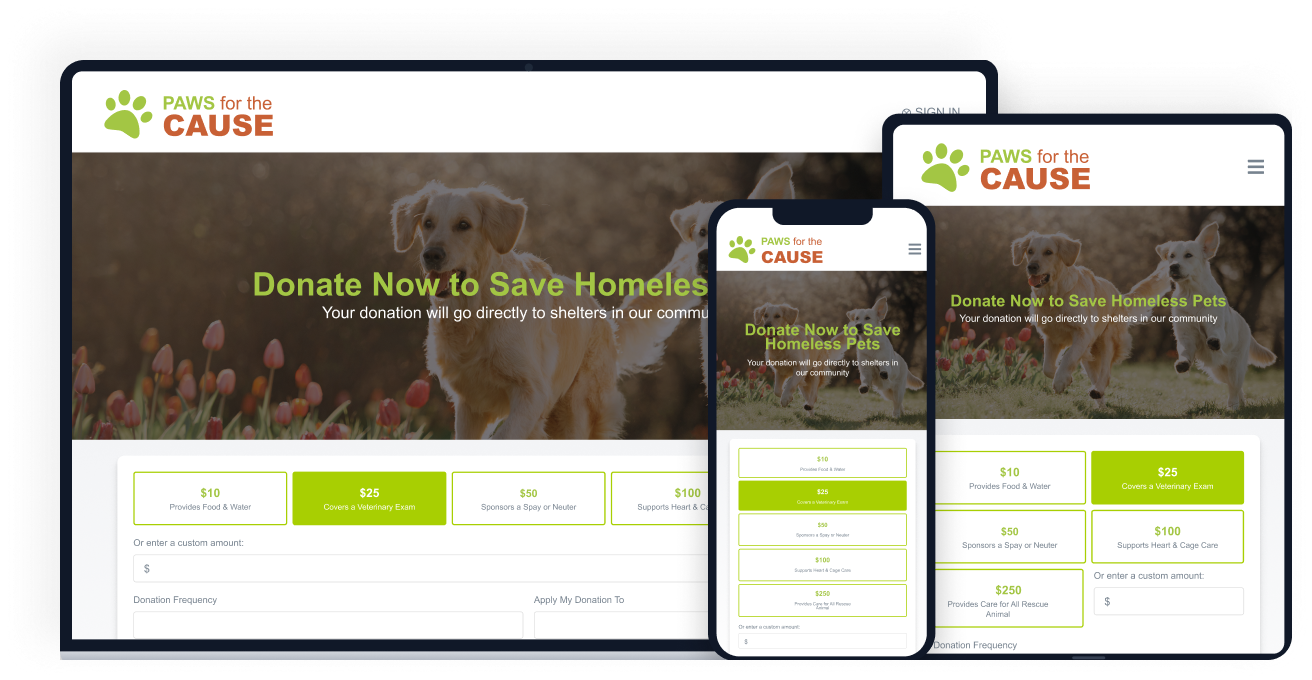
It would be helpful to be able to change an event/ticket information after it has already gone live for sales as we recently had an issue with this.
Showing the customers name on the pipeline page. Right now I can only get it to show the brand name twice. I wish it would replace the second brand name with the main point of contact.
Better reporting tools. Their reporting tools are not easy to pick up. I've spent time trying to figure it out and it isn't something I can pick up on quickly.
Better training options. I wish I had a personal trainer to walk me through the best way to use Pipedrive so I can get the most out of it.
We are still learning and rebuilding our nonprofit using this platform, so this year is a trial run to see how we can increase our network and our donations. So long as we are able to see a significant return on investment in terms of donations received through the platform, we will renew for next year.
There is no perfect all-in-one product that works for every organization. We enjoyed using Network for Good. I am giving it a 9 because the cost was out of our range, and the peer-to-peer options (at the time) were limited. We were not able to make it work for our peer-to-peer event. We also weren't thrilled with the online forms. However, the donation pages, donor profiles, and communication tools were excellent.
Pipedrive is easy to use and has a clean interface so we can follow up accurately. Its custom features help manage leads and evaluate team performance. It saves time and improves efficiency. Pipedrive is stable and supports integrations and automation.
In 5+ years we have never had an issue with it not working when we needed it to. It is very reliable and doesn't seem to have a lot of bugs or interruptions in service.
It is always fast for us and reports have a very quick upload time. We don't integrate it into other programs so I'm not 100% sure about that, but it always works when we use it and is very reliable. Even when we run Excel files for complete information on donors, it always works very fast.
Most of the time they are quick and friendly and help me resolve any issues. There have only been a couple of times that we couldn't find a resolution and I was just told that NFG didn't have that capability.
Between quick video tutorials and having very quick feedback from their support teams, it is one of the main reasons I would recommend Pipedrive. It is critical, especially when setting up the platform to meet your companies needs, that a solid support team like Pipedrive has is there to make the transition easier.
We only had one hiccup with the domain that was an issue on our end but NFG struggled to help us. It was finally resolved and we've been good ever since
We used Little Green Light for several years at a previous employer. LGL did not have the extensive integration capabilities or the level of sophistication that BGF has in terms of email, video, donor campaign pages, and exceptional customer support. For these reasons, we chose to go with BGF instead of LGL.
I much prefer the interface of Pipedive when compared to Zoho. Much more user friendly and the team is always readily available when we need them. Pipedrive allowed for many custom integrations to be added, as Zoho was a tad more complicated to manipulate. We would not go back to Zoho in any case.
Minimized the resources necessary to run an online presence. For instance, one moderately tech-savvy person can handle it.
Provides a pathway to increase the number of events the organization can manage.
By being part of a larger group of non-profits that utilize Network For The Good, we receive additional assistance and ideas from related organizations.
Great on setup which made our work easier and less technically equipped people can manage a lot of things(compared to SalesForce where you need to hire a developer to set it up)
We were able to integrate our calling system easily and get things going on the lead calling aspect.
Great multipipeline option where we were able to manage both organisations under one roof.