Box is an online Intelligent Content Management solution that caters to individual users as well as businesses.
$20
per month 3 users (minimum)
FormAssembly
Score 9.2 out of 10
N/A
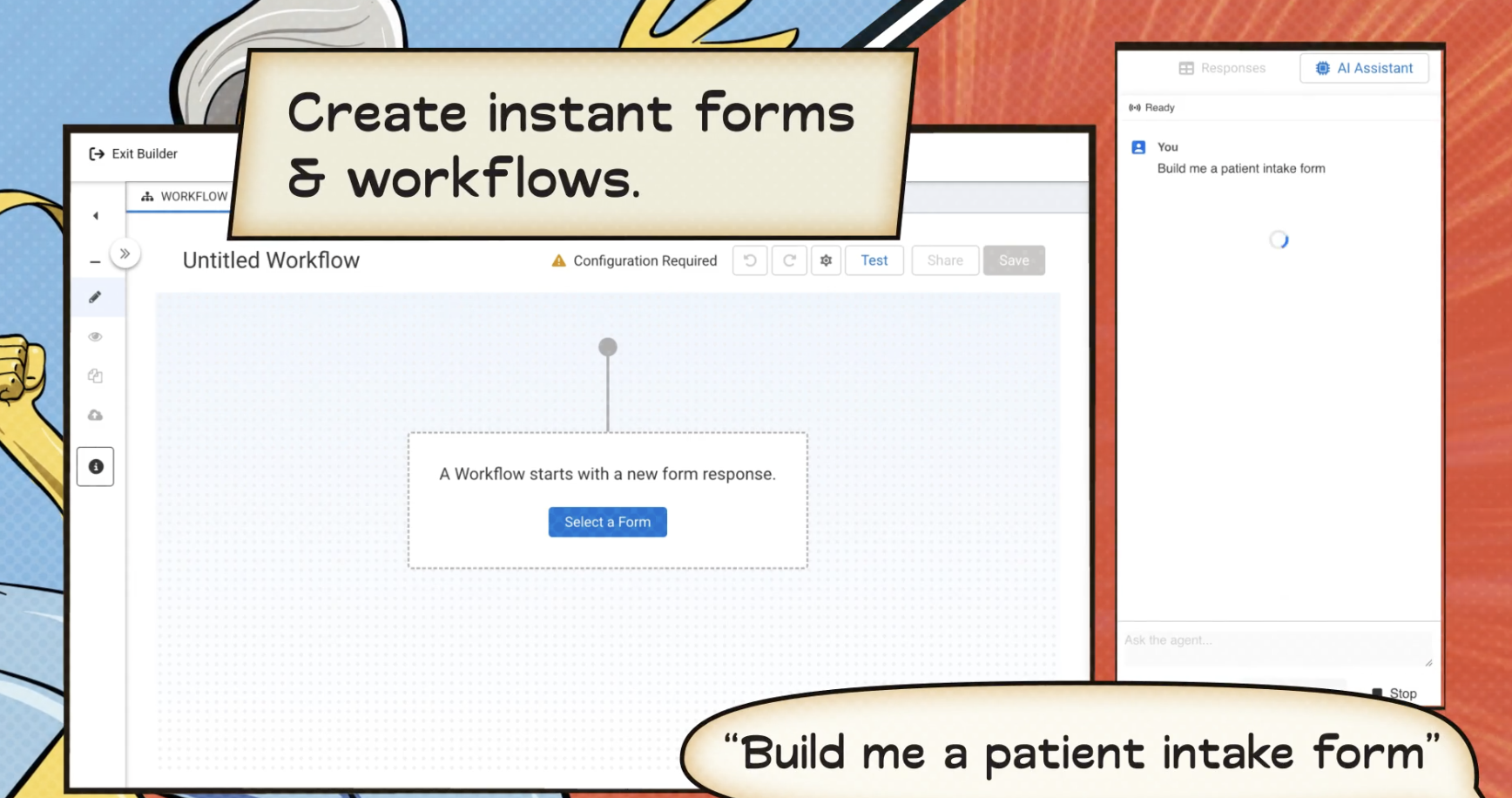
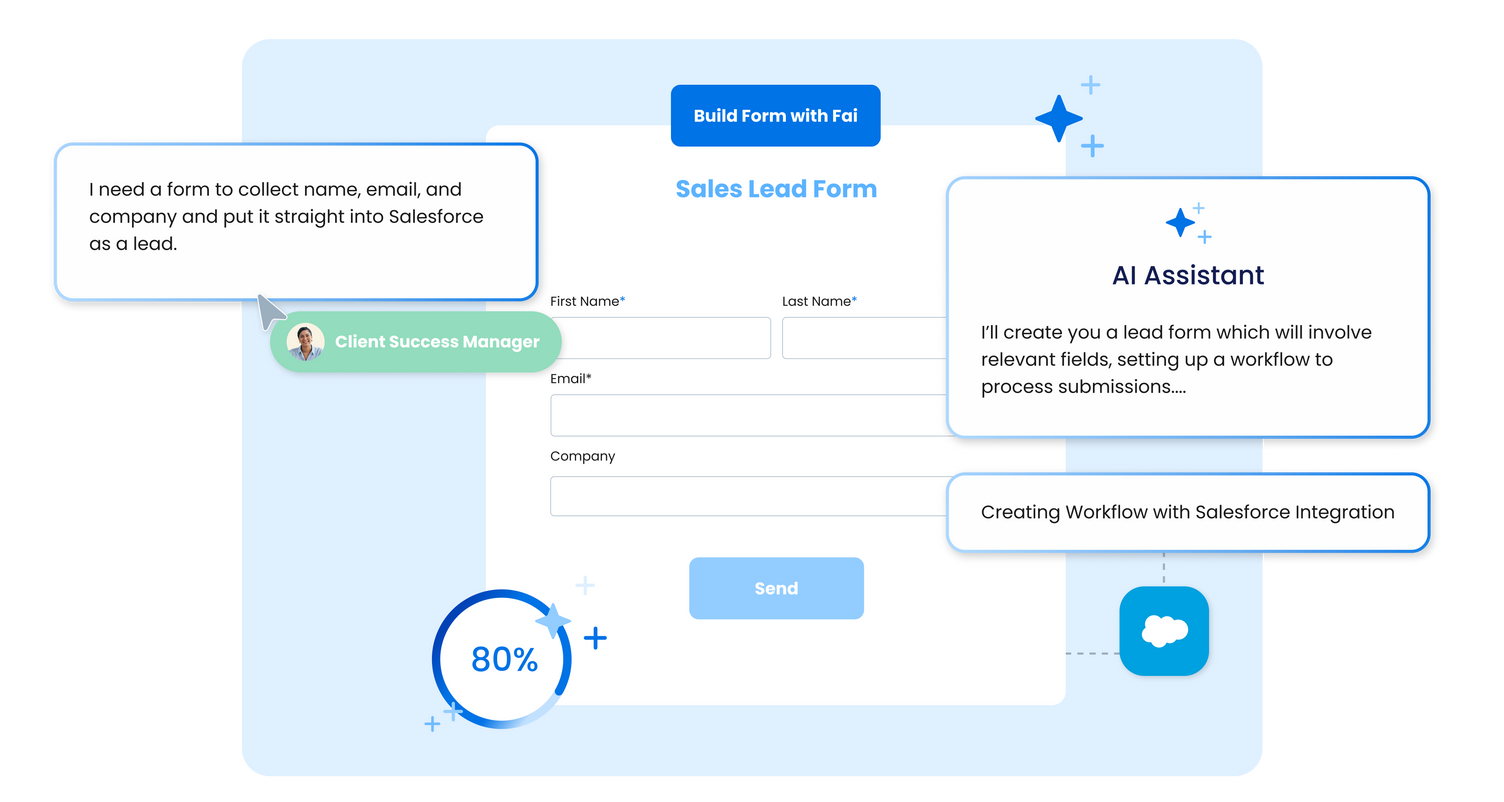
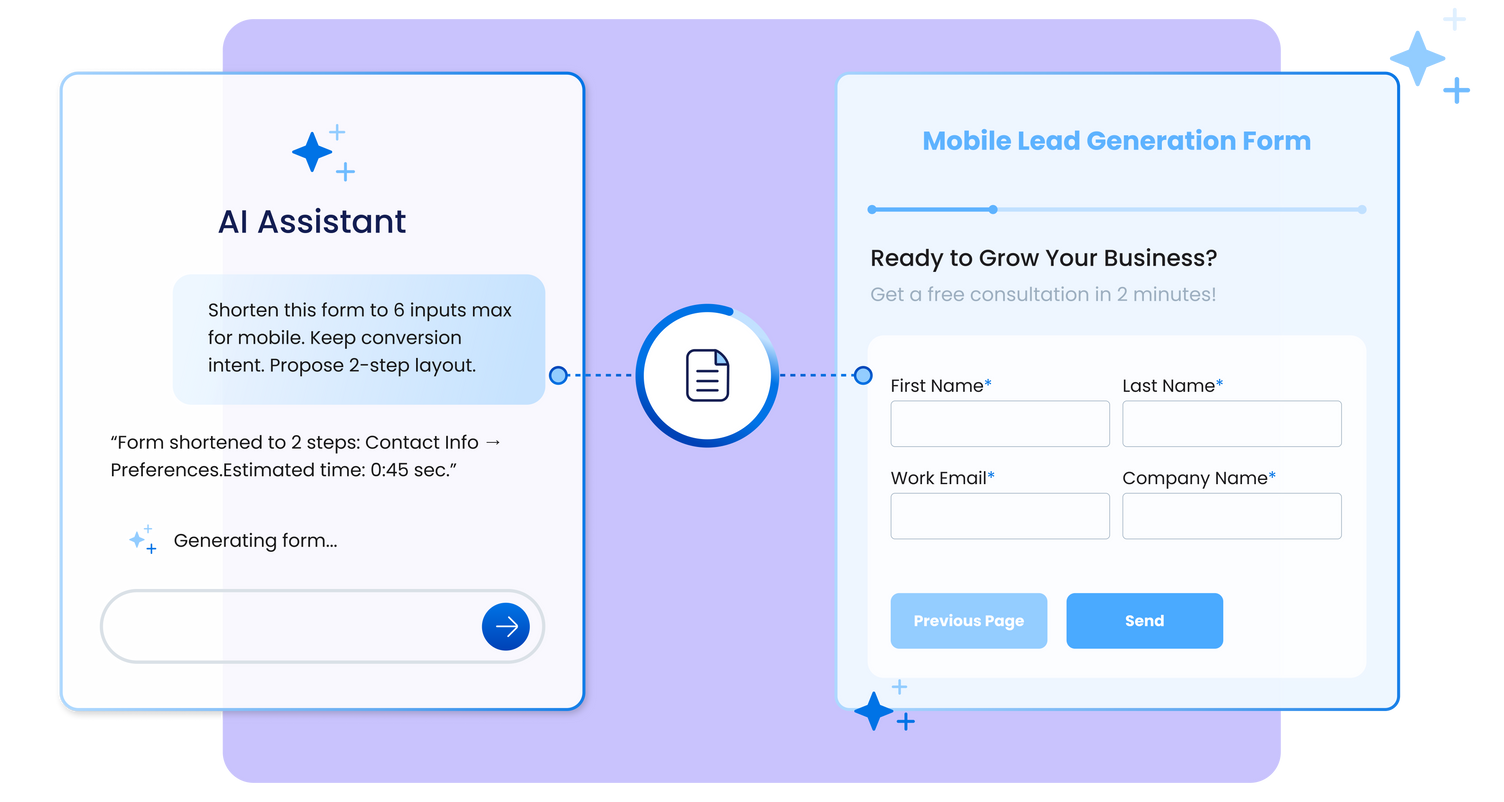
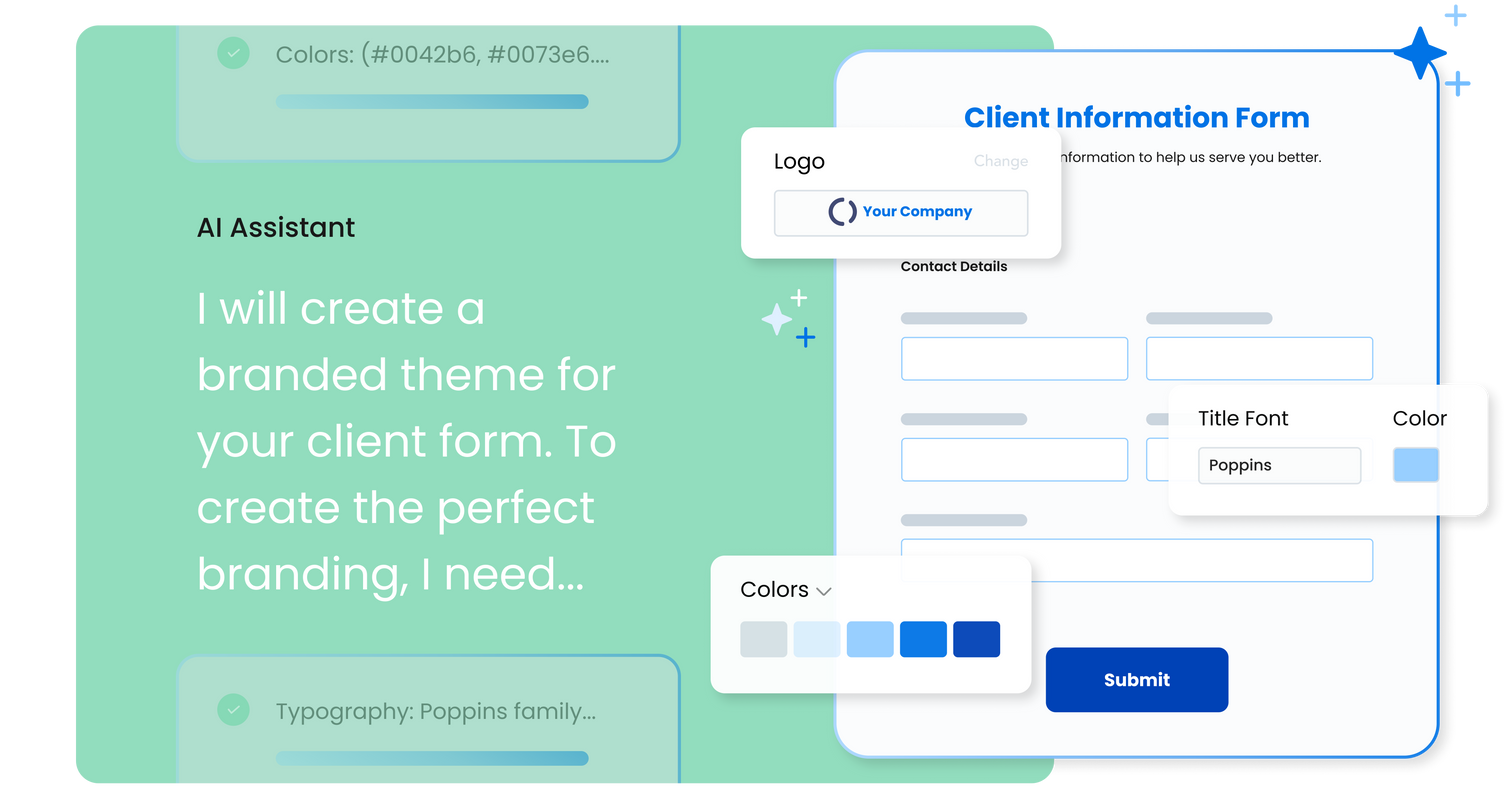
FormAssembly is an enterprise data collection and automation platform that enables organizations to capture clean, compliant data from the start. With the latest edition of the platform, FormAssembly Atlas, and its built-in AI assistant, Fai, forms and workflows build themselves, connect to Salesforce and other systems in just a few clicks, and ensure every record is structured, secure, and ready for automation or AI. In short, FormAssembly is designed to eliminate…
N/A
Delighted by Qualtrics
Score 8.0 out of 10
Small Businesses (1-50 employees)
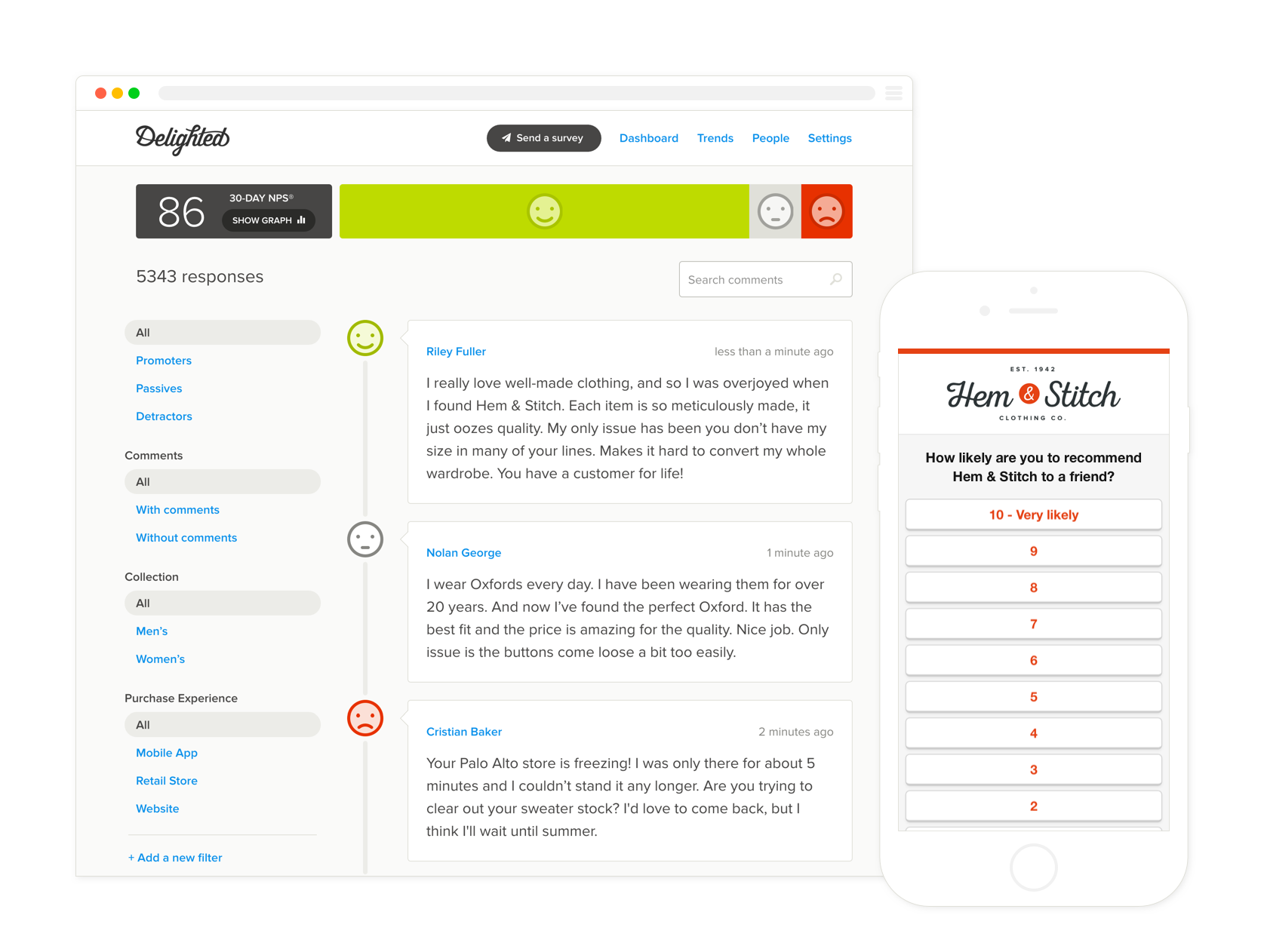
Delighted is a tool for gathering real time, actionable feedback from customers via email, web or SMS. Delighted uses the Net Promoter System to measure the customer journey, and takes care of aspects of the customer feedback process from collection and analysis, through notification and distribution. Delighted aims to be the single source to manage surveys for customers, partners, vendors and employees. This is to enable organizations of all sizes to create a customer-centric organization, …
$25
Pricing
Box
FormAssembly
Delighted by Qualtrics
Editions & Modules
Business Starter
$7
per month per user (3 minimum)
Business
$20
per month per user (3 minimum)
Business Plus
$33
per month per user (3 minimum)
Enterprise
$47
per month per user (3 minimum)
Enterprise Plus
$50
per month (billed annually) per user (3 minimum)
Enterprise Advanced
Contact us
per month per user (35 minimum)
Atlas Explorer
Contact Sales
per month
Atlas Team
Contact sales
Gov Cloud
Contact sales
Atlas Enterprise
Contact Sales
Survey 100 people/month
$25
Survey 750 people/month
$49
Survey 2500 people/month
$99
Survey 5000 people/month
$149
Survey 10,000 people/month
$249
Offerings
Pricing Offerings
Box
FormAssembly
Delighted by Qualtrics
Free Trial
Yes
Yes
Yes
Free/Freemium Version
Yes
No
Yes
Premium Consulting/Integration Services
Yes
Yes
No
Entry-level Setup Fee
Optional
Optional
No setup fee
Additional Details
A discount is available for annual pricing.
—
10% discount with annual payment. Contact the vendor at hello@delighted.com for custom pricing.
I think Box is great for research teams or anyone that has a large number of files that need to be securely stored. Particularly in the case of social science research, where it is important to protect identifying data, Box is a great option. In cases where teams need a more reliable means for real-time collaboration, I would probably consider a different alternative
FormAssembly is awesome for certain situations. Website integration is particularly smooth, and integrations with platforms like FormAssembly are widely available. For us, this makes FormAssembly a vital tool for high-volume training with participants under high-workload conditions, because it reduces friction for participants as they complete the forms while saving time for our staff who handle data entry. Conversely, the process of setting up forms and their integrations feels heavy-handed for some of our smaller events with fewer participants.
Delighted is best suited for organizations starting off with their Customer Experience journey. Off the bat, you want to start with a platform that's affordable and easy to set up. Once you've gotten the hang of running a Customer Experience program, you can move up to a more advanced platform like Qualtrics. Luckily, Qualtrics acquired Delighted a couple of years back so transitioning should be frictionless.
The main feature that I like the most in Box is that it makes collaboration seamless, workers can easily check the documents any time and make changes according to the needs.
Box manages and backs up all of your files on its cloud servers, and provides a very nice interface for creating, viewing, editing, and collaborating on the most commonly used file types (PDF, XLS, DOC, etc.).
Over the past few years, Box has built on top of its basic cloud storage management with a host of other tools, such as workflows, AI, monitoring, and analytics.
It is helping us to make good connections with clients and our workers themselves as to its syncing and viewing feature to all is very much helpful and easy to go.
we could always use more styling options when it comes to the form builder
in our past use of the form builder when adding attachments to a form, there was an upload limit of 35MB. It would be great if this limit was increased.
Having the ability to add in additional questions (more of a survey) would be helpful.
I wish there was a way to ask questions that would categorize the areas in which we need to improve. ie. "this is related to_____" and then have a drop down with different departments.
I like the security features and I like the website. It's easy to use and create and move things around as needed. The main reason for a lower rating is because the Box Sync app is just not a good program. It's a memory hog, it's slow, transfer speeds are slow, and it's not the most efficient route. If you have a large Box account and you need to get a computer up to speed on a large amount of data within Box, you are in for the long haul. Last time I had to do this, it took 3 days to sync all of the files and we are talking around 100 GB worth of data
FormAssembly continues to meet our needs, and the product functionality continues to grow, providing us with new opportunities to utilize the software. We've built many forms and associated processes on FormAssembly. It would require a large effort to migrate to another platform. We have invested a lot of time in learning FormAssembly.
Everything with Box is seamless. It can be integrated into virtually any other software or application. You can even get the app for your phone or tablet to work on the go. File syncing is so quick. The only reason I gave it a 9 is the issue I discussed earlier about the local file application rebooting and not continuing to sync files. Other than that, it's great!
I've already explained in detail why this rating is so high. It's very user-friendly; a green Salesforce admin can get set up and start using it right away. And if they need support, the support page provides documentation and screenshots to describe any questions they may have. They like it a lot!
We run surveys every single day and have the responses fed directly into our Slack instance. Everyone in the organization (not just CX) can view and resolve any issues customers bring up without needing for them to reach out to our Customer Support team. Truly, Delighted has made the organization more customer centric by delivering the feedback right where everyone is (no PowerPoint presentations required).
Yeah, it's always worked, I've never had any kind of connection issues, the only issues I've had it I've been on our end when the Internet hasn't worked.
The general operation and management of Box is very efficient, both when accessing the account, and when adding files, downloading or modifying any document directly. The web platform, mobile and desktop versions work really well and quickly, making all the work and process flow smoothly and without setbacks. So far I have not been able to observe any inconvenience
I found their support community lacking in clarity when I experienced a login issue. The error messaging was poor on my Box Sync application. I did not reach out to support staff for help, instead, I reasoned that I should try downloading the Box Sync application again and reinstall it. That fixed my issue, thankfully. I think a less computer-savvy user would've been much more frustrated.
While it's not a true development package and misses some features like ingestion of external data for lists, etc... the product is fast, stable, easy to use, and will suit the needs of anyone needing online form functionality with SalesForce and other connectors available for your marketing needs.
I have nothing but good things to say about Delighted's Concierge team. They have been quick to respond and have been able to make a lot of our customization requests a reality. They're also very open to product requests and suggestions and have been quick in churning out new features ever so often.
The documentation is good. Since Box is a popular service, there were also a number of YouTube videos and other sources that were helpful as we were considering the product and planning for deployment. Also, the ability to try the free version helped to prepare us.
Be careful with settings. It is easy to get overwhelmed with updates. For example, you don’t want to be updated when doing historical data uploads. I recommend taking off notifications initially and then turn on post you have done your historical data upload.
They are kind of the same. And both of them do their job as promised. But for company and project wise I think that Box slightly wins for some points. Which [makes him] win over Google Drive (don't forget that Google Drive is very easy to use and has a lot [of] nice features too).
Form Assembly allows for advanced data mapping, pre-filling forms with Salesforce data, and working with custom objects. FormAssembly excels in Salesforce Integration, as it is highly specialized and deeply integrated. Often considered the industry leader for Salesforce forms, Formstack has strong integration, but may not offer the same level of granular control as FormAssembly.
I chose Delighted because it offered an affordable price point to get started, yet with plenty of room to grow. We started with 2,500 contacts per month, which is more generous than competitors offer at a similar price. I also saw that Delighted could integrate with Salesforce and Intercom (plus API capabilities), so I knew we wouldn't outgrow Delighted quickly. Since Delighted has been acquired by Qualtrics, I expect that its capabilities will only increase.
Box has been an only positive experience. It provides a seamless way for me and my team to collaborate on documents in such a way where we're not sending the document back/forth via email. It's a huge timesaver.
Box reduces the risk of sharing a sensitive document to the wrong person via email.
Box has provided a platform where my team can share notes in meetings - this has helped streamline and organize our meetings. Our meetings are more productive and actionable.
Our organization is focused on providing outstanding customer service, and we use Delighted to survey our customers and find out how they feel we are doing. We have been able to identify problems and hiccups in our service from customer responses with Delighted, and have been able to correct and improve on those.
As I mentioned earlier, Delighted is on the expensive side, and we have explored cheaper options. But the ease of use for our customers, and the easy to digest reporting has kept us with Delighted.