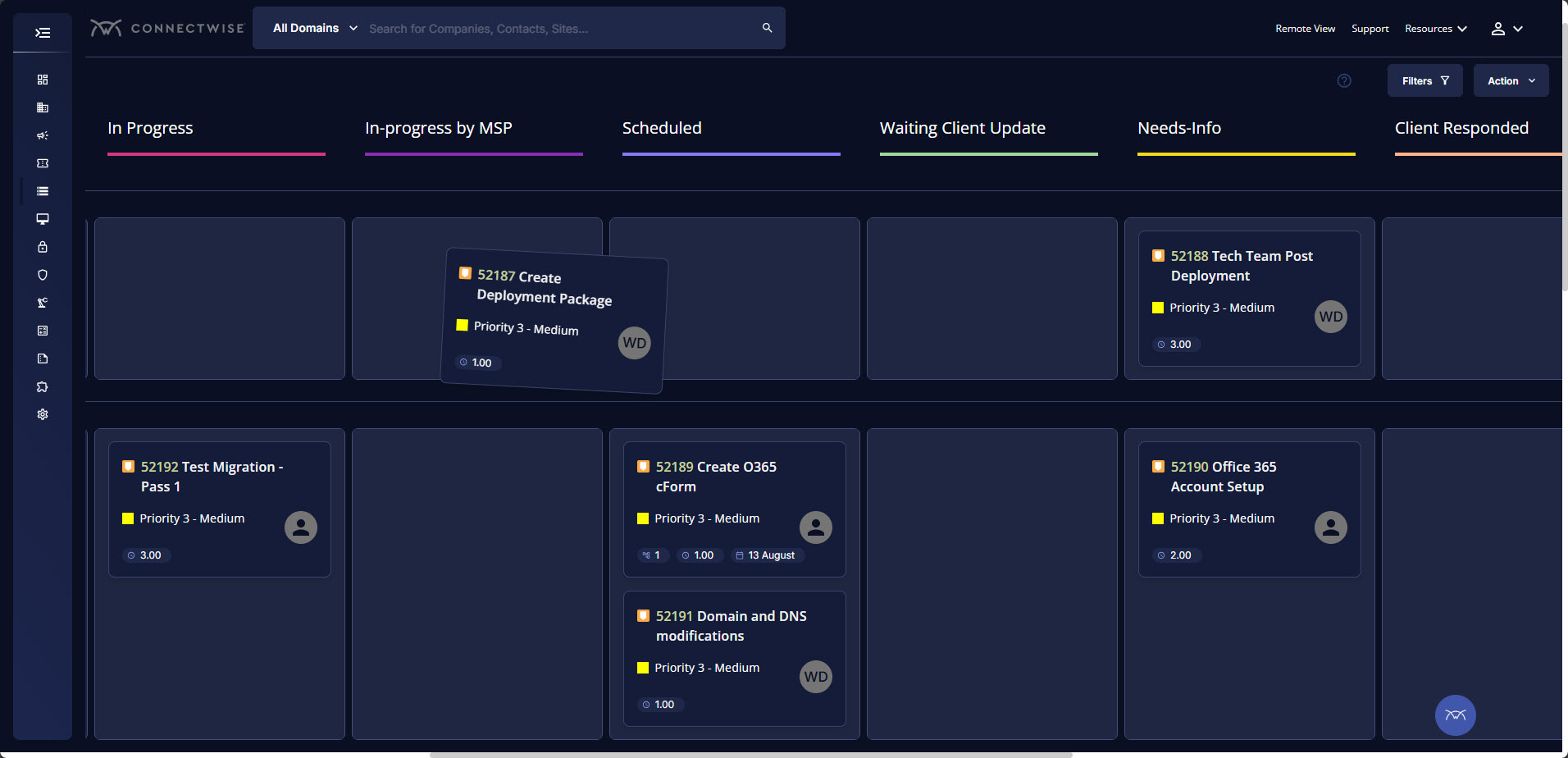
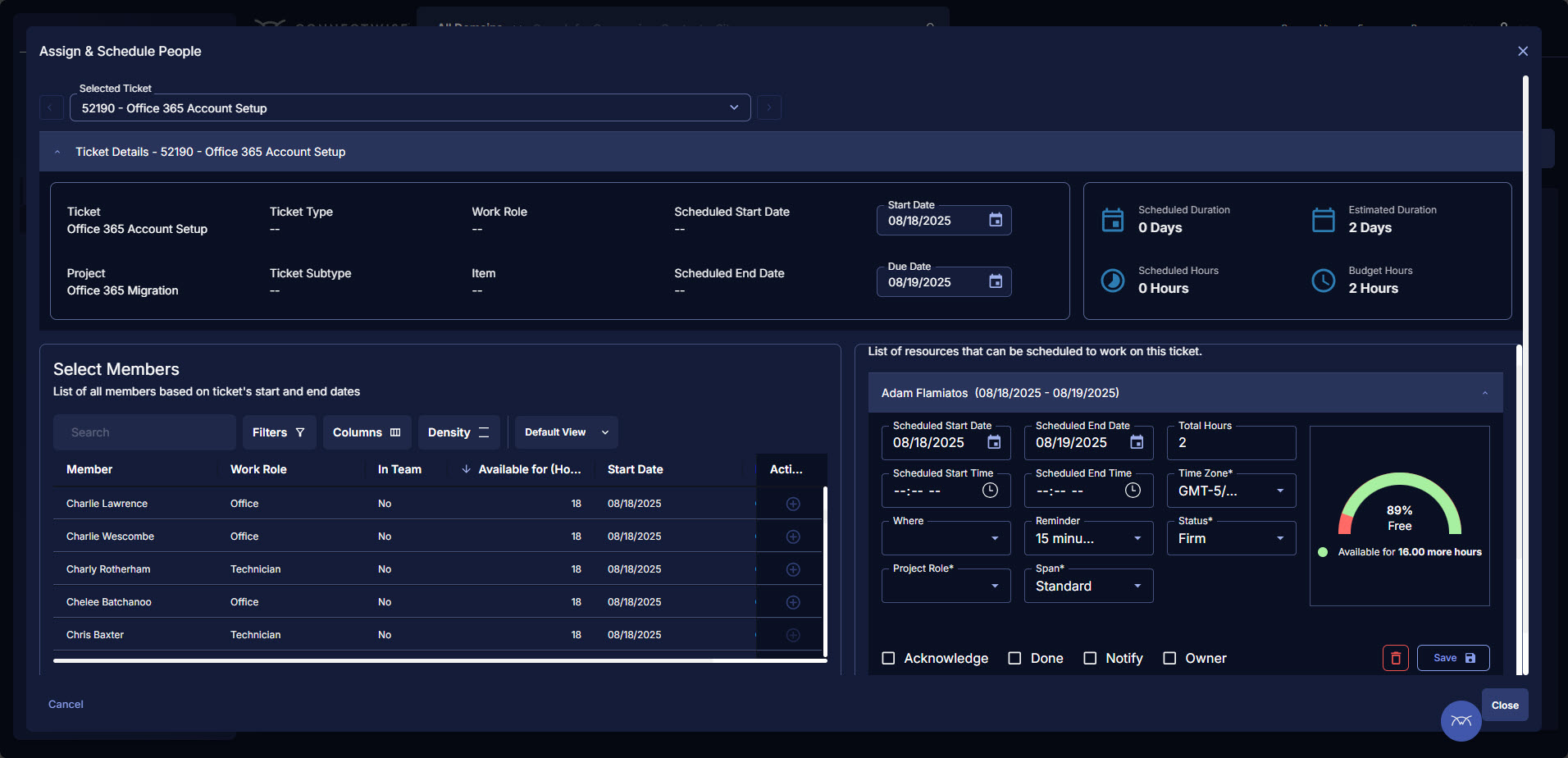
ConnectWise PSA (formerly Manage) is a business management platform for companies that sell, service, and support technology. The platform is cloud-based and integrates automation, help desk and customer service, sales, marketing, project management, and business analytics. It is the hub of the ConnectWise suite.
$35
Per Tech Per Month
ScreenConnect
Score 8.4 out of 10
N/A
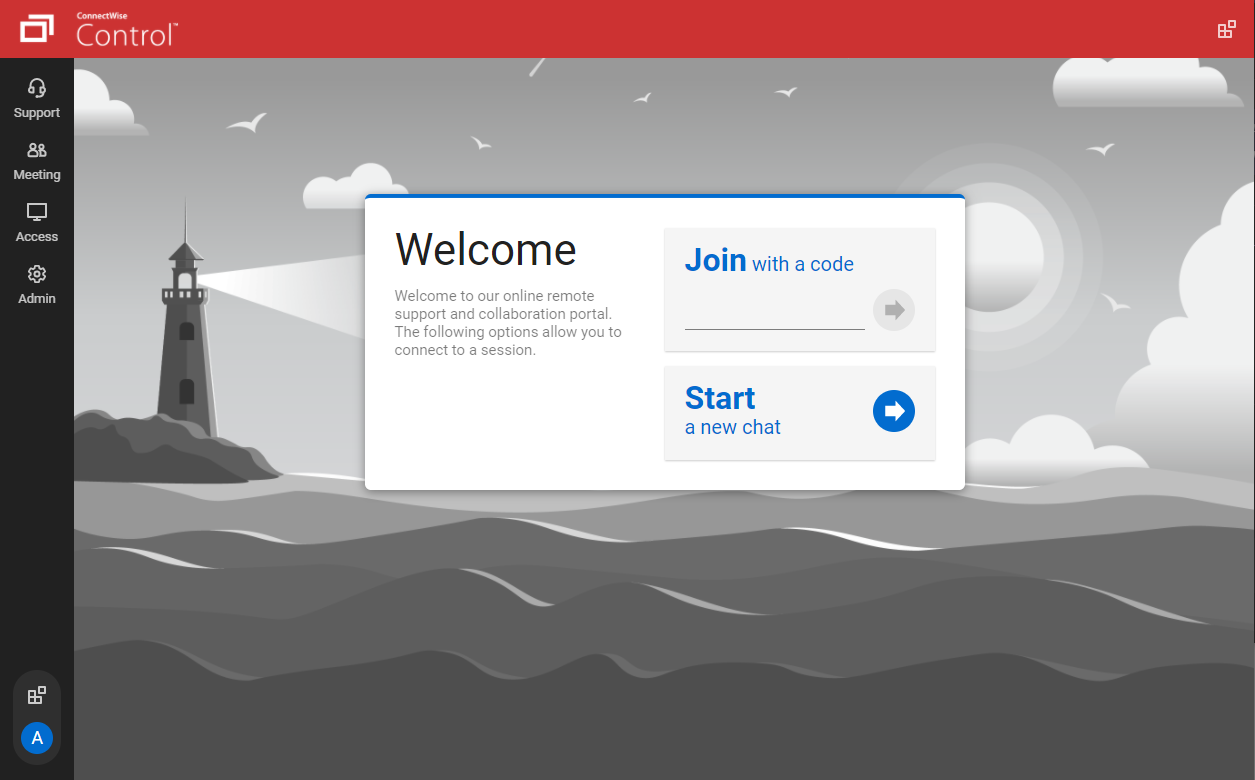
ConnectWise ScreenConnect is a remote support, access, and meeting solution. With it, users can utilize remote support and access to repair computers, provide updates, and manage machines. Users can also conduct online seminars and presentations using remote meetings.
We reviewed a lot more products than those listed above but in the end, we are told by our business mentors to just pick one and use it - everything has its learning curves. However, all of the other products we tried couldn't even come close to what Connectwise Manage could …
ConnectWise Manage is a very robust tool with multiple uses. If you have the money to spend, it is a very good product. The ability to centrally manage all of your tickets, users, computer information, as well as it's reporting functionality makes this product stand out above …
When we picked this product, it was the best and has since been surpassed. We chose ConnectWise Manage because the salesperson glossed over all of the features we wanted and it ticked all the boxes. We should have done more research. We stick with it because once you get into …
ConnectWise Manage is better than all of them. It's more complete and has a consistent interface across all of its modules. Very easy to filter and find data with Views. I like that it has its own program too, not just a website. I think the program is essentially like a mini …
We chose ConnectWise because it has a reputation of good support. I am glad that we have chosen ConnectWise as our platform for support, because that has definitely been our experience. When questions or issues have arisen, ConnectWise support was able to help us get things …
I have 5 yrs experience with Autotask, which is a comparable platform. Where Autotask fell flat was its lack of integrations with other products. Connectwise has been smart with its acquisitions of Quosal, Labtech and ScreenConnect, and is now tying them together in some …
I think ConnectWise ScreenConnect is by far the superior product to all of these. It is way ahead and does do not even come close. It has way more options and features and is much easier to use and manage.
We have used Beyond Trust occasionally for one of our White Label clients, but have found it is not as robust as ConnectWise Control. The seamless integration of Control with ConnectWise Automate makes it the best and most effective choice for our technical teams to deploy and …
ScreenConnect has about the same options but it's integrated better with ConnectWise. We used GoToAssist but it got expensive. Since we already have ConnectWise this was a no brainer.
While the Bomgar appliance has been quite reliable and only requiring an occasional reboot, ConnectWise Control has been 100% reliable. Bomgar was complex to set up, however, the ongoing management isn't overly complex. ConnectWise Control can integrate with Office 365 for …
CW Control is much less expensive than LogMeIn Rescue and has an easier to use web-based interface. I like that I can easily control session without requiring a desktop download.
GTA was very lightweight and fast, but seems to have more issues connecting to Mac.
ConnectWise Control is superior in speed, reliability and has a very lightweight agent. I like LogMeIn second best, but it does take quite a bit more time to connect and the speed moving around is not as quick. Agent installation is super fast as well. You can also convert an …
ConnectWise Control is much easier to use than all other alternatives, and is also highly secure. The compression is great, and the connection times and remote session speeds are hands down the best. The feature set can't be beat with the ability to cast your own screen, …
We chose Connectwise Control more on an evaluation basis to see how it will perform up against the competition. It is great on some fronts, however, lacking on others. We are not 100% settled on Control for long-term use.
ConnectWise Control costs less, is easier to configure, is easier to use, has a better UI and UX, doesn't get in its own way, and for lack of a better phrase, absolutely rocks.
WebEx is where we experienced many of the issues described previously, trouble connecting, longer loading times, etc. Join.me was our go-to alternative but since switching to ConnectWise we have not needed an alternative and it helps our image look much more professional.
We have used different ticketing systems and ConnectWise is by far the best. It really is seamless. Once you get used to the system, it works very well. We have used Platypus and it works so so but it was hard for our support staff to keep up with the tickets. This system …
I have used TurboMeeting, TeamViewer. ConnectWise Control leaves those other products in the dust. For us, LabTech did not replace any other products, it was our first step into RMM/PSA.
I really did like a lot of the features in LogMeIn Rescue but when I can save some money and use it for company events etc, that is a win!! Labtech replaced what was Zenith info tech so it has been at least 10 years since we switched. Now that I have a dedicated engineer for …
The reasons we enjoy using ScreenConnect is because it is fairly lightweight and gives us a lot of control regarding using the tool. We enjoy being able to customize everything about the product. It is faster and easier than using other tools in our experience. We will continue …
They are similar solutions that both provide value and have their benefits and issues. ConnectWise Control provides a slightly more robust solution and is slightly easier to manage. The biggest differentiation comes from the integration into ConnectWise Manage, which is more …
Previously used LogMeIn, but their pricing became way too expensive and we wanted a self-hosted solution so that we could control it and manage it fully in-house (for security reasons and other reasons). ScreenConnect had the right feature set at a great price, as well as was …
BrightGauge lets us know when we have critical issues that need solving. A massive influx of tickets all at the same time triggers an investigation. Usually, it is tied to a server going down, which we can address. It would not be helpful for a small MSP or IT department with just a few daily tickets. The stats are better used to track a large amount of clients.
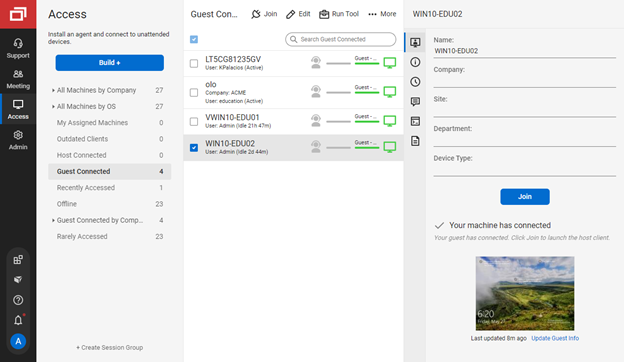
We often need to create an ad-hoc session with a device that is not under our management. We find ourselves doing this more than ever in the COVID world. Many people are working from home on personal machines with their employer, our client's permission and we are facilitating more support for these personal machines. Connectwise Control [(formerly ScreenConnect)] gives us a robust resource to control the device, navigate anywhere we need, execute various commands, and engage in an on-screen chat with the client. The session is very simple to create and very user-friendly to initiate. We do not recommend it for Android, Apple, or Chromebook applications. There is little to no support for these platforms.
Tickets- Customers can email and a ticket is generated and falls under their profile for historical records. You can save documents and select if they are customer facing or only internal facing. The option as well to have communication in tickets whether its internal facing or customer facing is nice to have when you're trying to keep a record or important details for just internal means and the customer doesn't have to see all the jargon.
Procurement - It's great to have this integrate with Quosal Sell. Quotes being processed into opportunities and then into a sales order which connects to a ticket or project is pretty easy to use. It does have a learning curve but once you get the hang of it, it's straightforward. Everything is pretty connected, whether keeping track of products customers have purchased historically through us, to knowing what ticket is associated to an RMA.
The interface is easy to use and makes sense. It's easy to understand how to organize a large number of machines involving multiple clients. But, it's also applicable for smaller set of machines too.
The connection speed is very quick. I've used solutions in the past that take a variable amount of time to connect, or they just take a long time every time. Control is quick every time. It doesn't get in the way of being able to support the machines on the other end.
The connections are reliable. I haven't experienced random disconnects throughout hundreds of instances. It was a breath of fresh air coming from the previous solution we used. I consider Control a gold standard for what a great remote connection solution can be.
Annual or more than annualized data is desperately needed for MSPs to show trends, current limitation is previous 240 days for ConnectWise tickets
Alerts when datasets do not sync properly, I have to rely on my team to notice vs get an automated alert from BrightGauge
Small thing, but it would be nice to have more options on the report scheduler to enable a start date. If you wish to do it quarterly, you have to start the schedule exactly 3 months from the next run.
I'd like to see the ability to selectively log off the remote machine via a button on the toolbar. Currently it's a setting to always lock on disconnect, or never lock on disconnect, requiring the tech to manually lock the machine if called for at the end of a session. Its a small time save that would add up!
The chat feature could be expanded to be a lot more useful. Allowing clients to start conversations, and have conversations ping an email address if no one is monitoring the dashboard would be extremely valuable.
Some clarity on licensing when providing host-passes to guest technicians would be a boon, especially for one-off support sessions with vendors.
ConnectWise has uniquely positioned themselves with the Modern Office Suite to have direct integration with a nearly full suite of tools for MSPs. Although each tool may not necessarily be the absolute best tool on the market, the efficiencies leveraged through direct integration make the entire suite an obvious choice for most companies.
I would recommend this product for both internal remote control of end user workstations and remote access to other clients over the internet. It provides a secure and feature rich product that allows me to complete any necessary tasks without ever leaving the office. I will continue to renew as I'm eager to see what they do next. I would however wish the cloud service had a better API to work in conjunction with team collaboration or chat services to make it easier to connect with end users who use multiple workstations. (Slack or Stride provide this functionality)
I have been using ConnectWise since 2004 and I am impressed with the progress they have made. However, there are still bugs that don't work quite like they should. If I were to run reports and get consistent answers along with a couple other annoyances, then I would score CW as a 10
On the whole SC is a very powerful tool that is a vital part of the IT service arsenal. On-site visits are an "emergency" only type of scenario. Just "showing your face" is not winning any browny points for me. If my client sees my face, it's usually just to upgrade hardware or to deal other aspects of business. SC provides me and my client the bulk of the info I need to get projects done.
We use the cloud version of ConnectWise and in the last 5 years it has never been down for us during business hours. I can only recall 1 time when it was not available during off hours when we wanted to use it.
Some tab for certain areas load speeds could be better. Dashboards can load slowly when they reference multiple reports. Some reports can load slowly based on the tables and views they are accessing. At times the SQL queries being performed in the background can actually timeout and a tab or screen will fail to load.
It performs well. It also has full control over windows security and does not get hung up like GoToMeeting when trying to install remote software at the prompt to install as admin / override. I have used TeamViewer, WebEx, LogMeIn and GoToMeeting. This is by far the best at spontaneous, remote control. It is also very easy to get a novice user connected to the session.
The front line support techs are wildly inconsistent when it comes to the level of support. Sometimes you get someone who just wants to throw links to University documentation at you, sometimes you get someone who truly tries to understand your issue and confers with peers and managers to find an answer, and sometimes you get someone who just wants to create a ticket and escalate immediately. If you ask three different techs the same question you will probably get three different answers, one of them being, "That's not possible."
There have been two times when something has went wrong and I needed immediate assistance in order to be able to use Screenconnect to be able to help clients and response has not been immediate. The response time has been within 24 hours. Both times if there had been easier to navigate self help I would have been able to help myself. With better self help and a speedier response it would definitely be a 10 as they always respond and help. Just a little more difficult or slow than it should be at times
We are a telecoms company. Whilst CW were very happy to sell us their product and tell us how good it is for telecoms. All the training material is geared towards IT MSP's. The on-line training material was virtually useless. We found the implementation a bit of a joke. They tried telling us 12 hours of implementation time would be sufficient to launch the product. We erred on the side of caution and paid for 24 hours. This was quickly eaten away and we were nowhere near ready to go-live. I find the on-line chat facility is of much more use for us.
I find ScreenConnect to be very simple and effective overall, with the main problem being that a number of my clients can't download the app due to existing firewalls and so on. Otherwise it does its job well, and I'm happy with it.
Rather than letting them sell you a block of time for implementation, create a list of things that must be completed do declare the implementation complete. The implementer will have the discretion on what they set up and in what order. They will be trying to end their services in as little time as possible and may not get things set up right. You are best advised to hire a third-party wizard that has done many of these setups. Record the audio and video of all of your implementation sessions.
ConnectWise has done everything they could to help us in any situation. Great support team and their new updates are always providing features that we need. Its a simple solution that works the way we need it to. Their legacy pricing model is still much better than their subscription based model however it is still fair pricing
Everyone but dynamics had holes in it. Dynamics is good, but it requires more development time. I spoke with some people that have CW and liked it. But when I inquired after our frustrations, I discovered they had a full time scheduling & logistics CW manager and the field people were using it purely like any other more simplistic ticket system. They said it would be impossible otherwise. The one big difference is the transparency of the sales effort. The other sales people were honest on the limitations or potential challenges and worked with us. They also worked with our agenda. At CW they don't have that option. The consulting time is eaten through a pre-formatted agenda which they communicate too you, not with you.
I have worked with Citrix, AnyDesk, LogMeIn, VNC Connect, and many others. I ultimately installed ConnectWise as a self-hosted solution, based on the incredible list of features and capabilities, and the pricing at the time. I continue to use the product as it is still one of the best solutions out there and is certainly capable of growing and expanding to meet the needs of my business.
ConnectWise seems to have a good understanding of the IT service industry. During the required onboarding training, they even preach configuring only features that you need right now, as you can always scale up later. The feature set for the most part takes into considerations all aspects of an IT business, whether small or enterprise, or growing from one to the next.
I have used multiple remote desktop support software in the past (Bomgar, Team Viewer, Logmein and Join.me) and this is far the easiest of the bunch to use. It is very easy to create a session and easy to maintain remote desktops from their access view (where you install the software and can get in at any time) I highly recommend this product from ConnectWise!
Instead of waiting 30+ seconds to initiate sessions, they initiate and display a desktop in two or three seconds. The amount of frustration this avoids is immeasurable.
Once installed it doesn't need more handholding, i.e., having the remote enter a username/password. It is always just there.