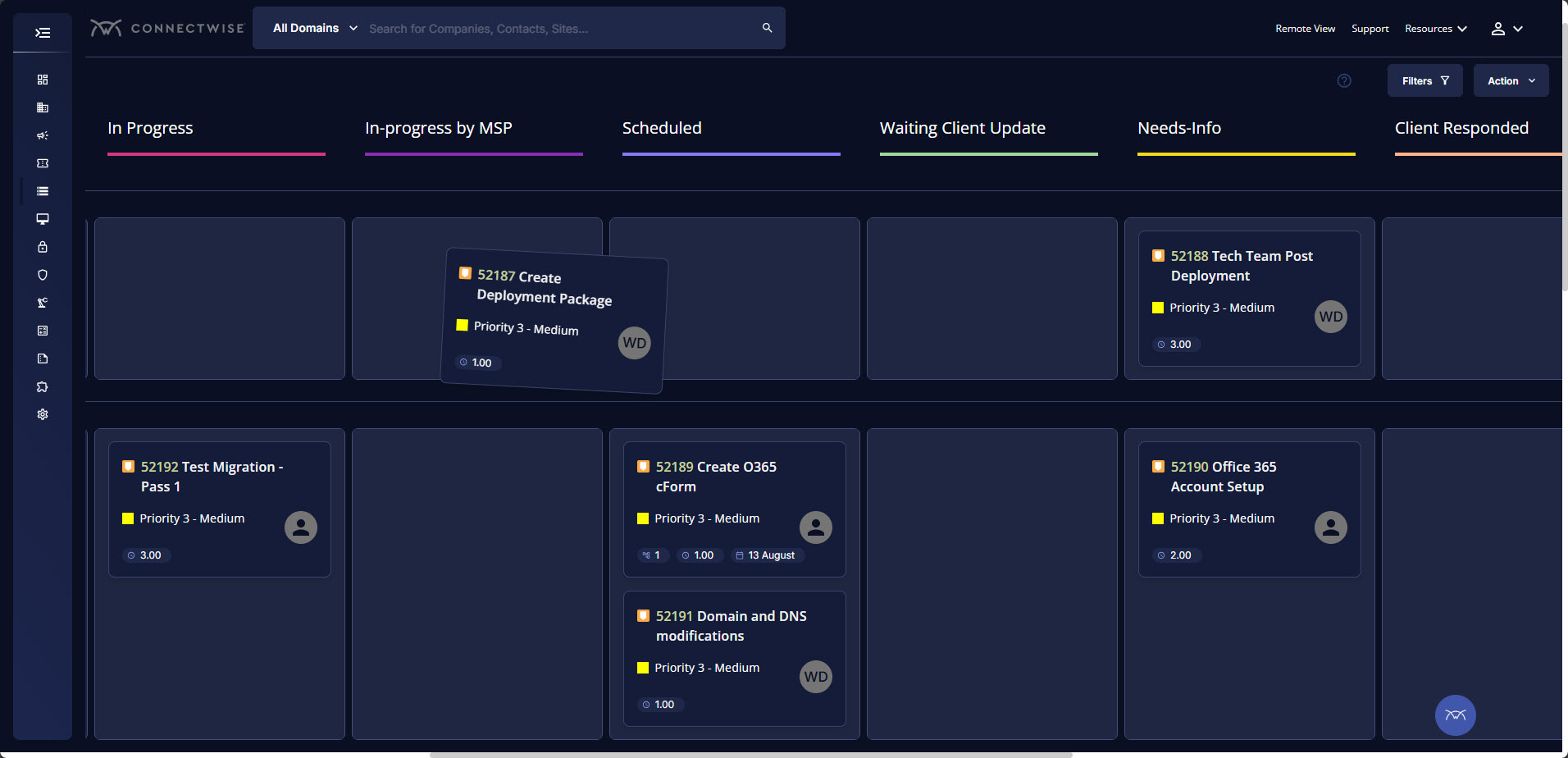
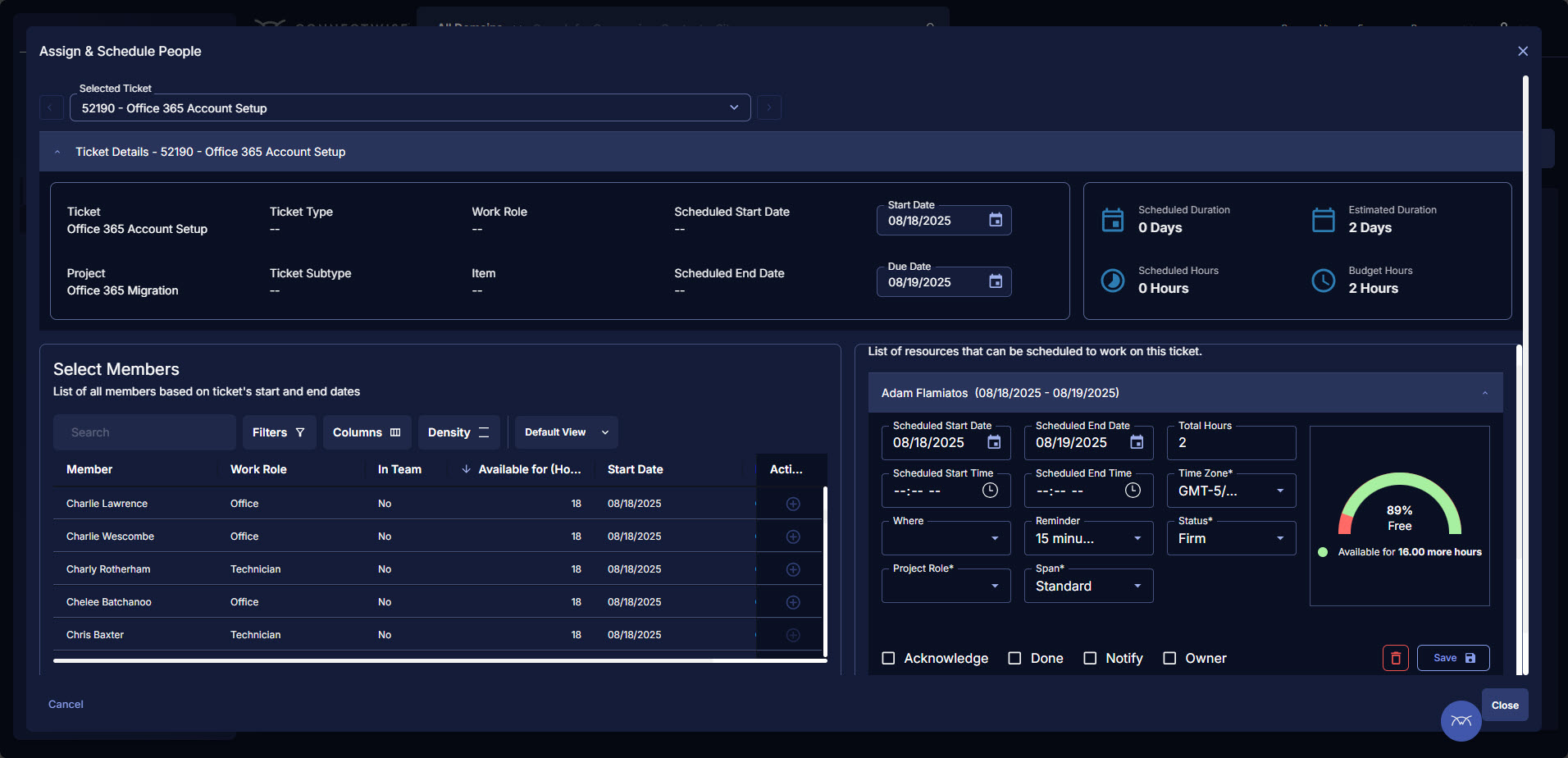
ConnectWise PSA (formerly Manage) is a business management platform for companies that sell, service, and support technology. The platform is cloud-based and integrates automation, help desk and customer service, sales, marketing, project management, and business analytics. It is the hub of the ConnectWise suite.
$35
Per Tech Per Month
Domo
Score 8.5 out of 10
N/A
Domo is a full self-service business intelligence software that combines several data analysis and reporting tools into one platform. It helps users connect to multiple data sources, create robust visual reports, manage their data, send messages in real-time, manage projects, and develop new apps.
N/A
Looker
Score 8.3 out of 10
N/A
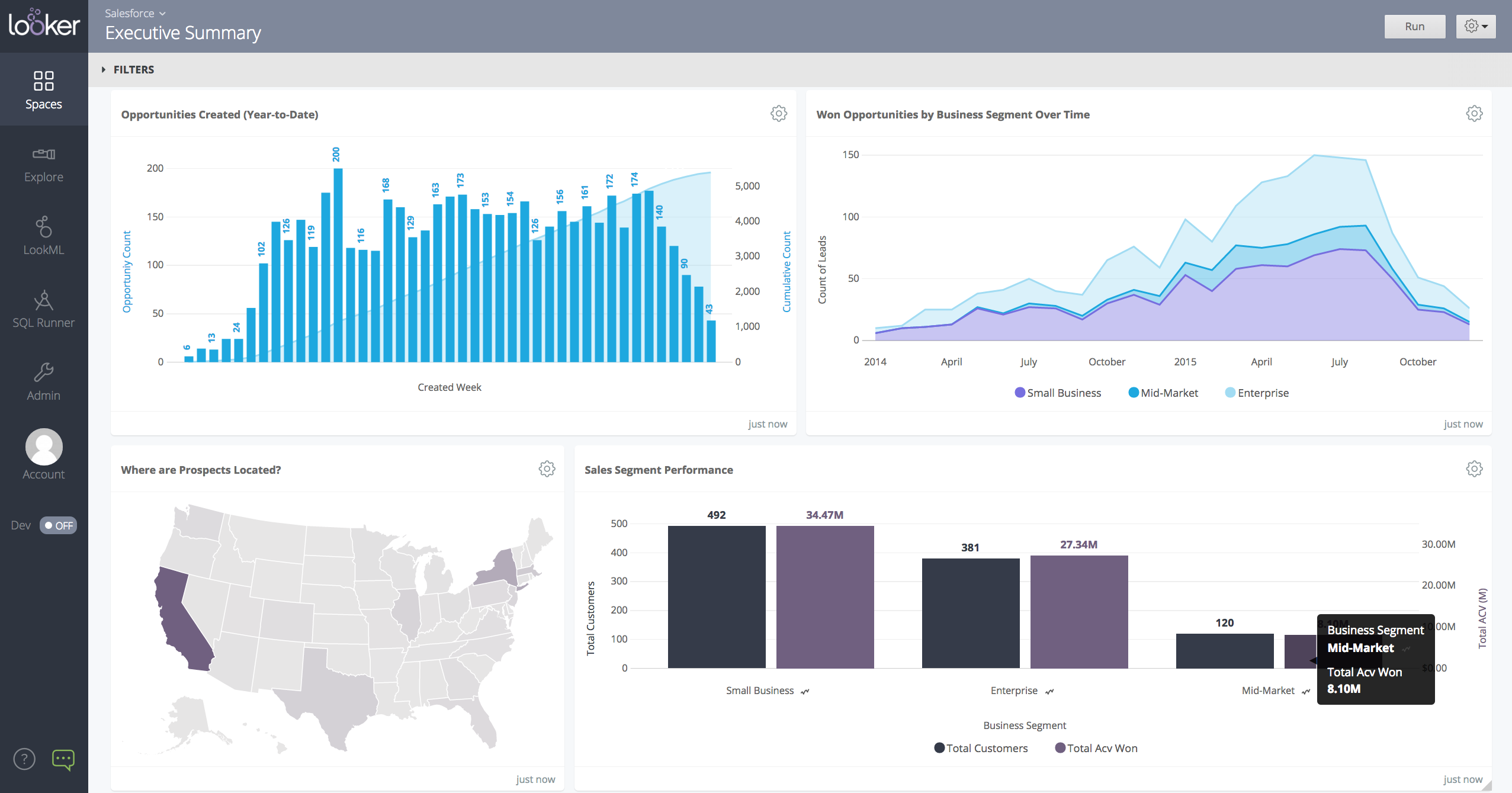
Looker is a BI application with an analytics-oriented application server that sits on top of relational data stores. It includes an end-user interface for exploring data, a reusable development paradigm for data discovery, and an API for supporting data in other systems.
Connectwise PSA worked a lot better than ManageEngine because it could handle a lot more and had a lot more features than ManageEngine. Connectwise PSA is better than AutoTask in many respects but it lacks some other features that make AutoTask work better, such as the …
ConnectWise PSA compares pretty closely with Autotask based on my usage as a technician. I cannot address it beyond ticketing. Zendesk was a much simpler ticketing system and did not have much of the more complicated functions. Zendesk did at the time integrate very well with …
BrightGauge is essentially Power Bi at the reporting level. In Power Bi, the data must be modeled, and reports must be created, developed, and shared. BrightGauge is a buffet of report creation in a more straightforward form. I use Power BI more than BrightGauge in my current …
I would not have championed for the transition had I known how poorly the implementation would go and how antiquated the software really is. As a company serving technology providers CW knows we have an expectation of ease of use, robust offerings, straightforward …
Everyone but dynamics had holes in it. Dynamics is good, but it requires more development time. I spoke with some people that have CW and liked it. But when I inquired after our frustrations, I discovered they had a full time scheduling & logistics CW manager and the field …
ConnectWise, does more than one function well for a CRM, it enables managed service providers to place all of their services into a single solution, that helps smooth the running of the business. Now we don't have to have 4+ different software packages to provide customer …
We reviewed a lot more products than those listed above but in the end, we are told by our business mentors to just pick one and use it - everything has its learning curves. However, all of the other products we tried couldn't even come close to what Connectwise Manage could …
We chose ConnectWise Manage because it has integration into our distribution network. This feature is ok but given all of the other issues, we will more than likely be moving to Dynamics.
BrightGauge is by far the easiest to learn/use of the BI tools I have experienced. We had managers building their own dashboards with no outside help. It is not incredibly versatile though so if you want to get much more beyond taking the data and putting it in a chart or table …
When we picked this product, it was the best and has since been surpassed. We chose ConnectWise Manage because the salesperson glossed over all of the features we wanted and it ticked all the boxes. We should have done more research. We stick with it because once you get into …
Very odd that none of the tools we evaluated are on this list, including some much larger companies. Below are the tools we reviewed with some notes. Ultimately, we recently changed from SmileBack to CustomerThermometer as described below.
Any solution is better than ConnectWise at the current state of this company. We chose Pulseway. With them, we have a great easy interface, and awesome customer support. We can buy our licence ourselves. The price is on their site as opposed to competitors who hide their price …
ConnectWise Manage is better than all of them. It's more complete and has a consistent interface across all of its modules. Very easy to filter and find data with Views. I like that it has its own program too, not just a website. I think the program is essentially like a mini …
Monday.com is very easy to use, and it is much easier for new team members to learn how to use it. I use it with our web developers, and the interface is much easier to navigate. Emails to clients/other resources that are generated from their tasks are much nicer looking and do …
Because Domo has high mobile and responsive features, we prefer Domo over the others. Because other products still lack features in terms of features, it slows us down. We hope that Domo continues to innovate continuously to become even better. Thank you Domo for providing many …
Much better than the previous system Tag which was Corvu which ended up being just a shell for Rocket Software. It also brings modern capabilities such as roles and security to the systems that we have, It is also a lot easier than the old one in which we needed to hire a …
Microsoft Excel has the ability to create spreadsheets and charts however it requires very complicated formulas and macros. Domo is a little more user friendly as far learning how to use the program without needing to understand complex formulations. Excel is also very touchy, …
Domo is on the higher side when it comes to price against the competition but it warrants it. It has all the features and capabilities you will need to execute an exceptional BI program across your organization. I'm not sure I'd recommend this if this is your first BI tool just …
Domo customer service is what sets it apart. This is something that we focus on because setup time for tools and downtime often causes issues. Having the support team being so responsive and able to help is a huge bonus.
Domo is a complete end-to-end platform that provides warehouse, ETL, and visualization features as against these other platforms which are mostly visualization platforms. Though other platforms have started providing data cleaning features, they do not provide connectivity to …
Domo is one of the best software out there simply because of the functionality and capability that it has over other software. The only downside with this is that it is a bit more expensive compared to other solutions out there, but this is because of the added functionality.
I wasn't personally involved with the selection of Domo as compared to other solutions. I am aware that the close proximity of the company to us gave them opportunities to be more personal in their presentation. Tableau was probably our second choice. But the customer service …
I have used Tableau, Hyperion, Micro-strategy, Crystal, and SSRS, nothing was as easy to use as Domo. It is also not one-off. I can create a new report based off of an existing dataset in a few minutes, and so can anyone else.
Domo is by far the industry leader. Other tools/platforms have unique strengths, but from an overall perspective, Domo is the most versatile and does an exceptional job in all areas. This is critical when it comes to "scale". A BI project may start with a siloed scope, but as …
I have never used Tableau, but I've spoken with colleagues who have used it. Tableau is good and probably a better experience for the report builder, but I know my executive team is satisfied with it and it does make it easy for them see how the company is performing as a whole.
We switched from Tableau to Domo because we believe Domo is a better tool for self-service business intelligence. After switching to Domo, we saw much stronger adoption from business users compared to Tableau.
Looker was the most customizable option for our business and cost wise made the most sense. They do have a free tier option that some of the other weren't offering to us at the time. Looker has a great- mobile app solution while tableau is a desktop-based platform. Tableau also …
The biggest advantage that Looker Studio has is that it's really easy to use and to distribute to other use. You can have a really complex report set up in a couple of minutes with an extract data source that enables Looker to update really fast.
Looker is less complex to use and links directly to google suite which we use across the business and personally think is a better user experience than microsoft.
We have not used any other products; we've only ever needed to use Looker Studio and didn't need to demo anything else because it provided everything we needed.
Looker stacks up well against other data providers for usability and friendly interfaces, plus the ability to customise. We actually integrate Looker with other analytics tools in the same sphere (power bi, dreamdata and others) so that we can have one comprehensive dashboard …
In my opinion, Looker is no Power BI. It is good, but I think Power BI is amazing. That said, in my experience, Power BI is nowhere near as easy to setup and report on Google services as Looker is. We plan to continue using Power BI for c-suite and corporate reporting, …
Looker is a free and easier analytics and dashboard tool. It provides enough data and features to get things done and analyze marketing data. The other tools have more advanced features and are more suited for other things besides marketing.
Tableau provides additional visual functionality and is great for more in-depth visuals or further data exploration, but it is costly and an extremely robust solution for simple data reporting. Looker can't be beat when it comes to integrating with other G-Suite tools. All in …
Looker is a lot less overwhelming and lets you take the data that you have in Google analytics to make it understandable, focused and specific to the audience that is viewing the content. I haven’t used any other tools, but feel because of the ease of accessibility and cost, …
I prefer agency analytics as it has a lot more agnostic integration options and is much speedier but does come at a cost. I would recommend this over Looker studio for sure. It has great templates to use too and allows for more customisation and racing benchmarks which is a …
We'll still use Semrush's reporting for some clients - depending on the metrics which are important for them and whether they have an interest in live reporting or simply monthly PDF reports.
If you company is using Google suite products, Looker is a no-brainer. Tableau is probably the most flexibly but as a result it has the least governance capabilities. Power BI is kind of old-school in terms of how it feels to use it. I think in general, Looker brings a lot of …
Better in terms of data configuration with slight harder learning curve, available help material is not that much and we usually have to connect with Looker Help with chat for our data and analysis questions. While Looker offers a wide range of visualization options, there were …
Looker Studio, you can easily report on data from various sources without programming. Looker Studio is available at no charge for creators and report viewers. Enterprise customers who upgrade to Looker Studio Pro will receive support and expanded administrative features, …
It takes forever sometimes to have data ready in tableau dashboard, and also it takes effort to maintain each dashboards. We do not have so many efforts to maintain all. Also, we need to be able to see data faster and therefore take actions and work faster. With Looker we might …
Looker gives you options to integrate external APIs with great ease. Our data analytics team is able to easily use multiple data sources as input to the Looker dashboard, and everything is consolidated in one single Dashboard. You also have an option for Shared folders to be …
I chose Looker because can incorporate multiple sources, mostly which are Google owned. The data can sync automatically, and the graphs are visually appealing.
Looker Studio is not as robust as Tableau or Microsoft BI. So it does not provide quite as much insight or depth and it has more limitations overall then the other major reporting products. However, it is also free and connects perfectly with other Google products. Plus, all of …
Technically, Power BI is much more complete and powerful, but it's like an ocean liner. I didn't need all that equipment. In my case, I needed to move more quickly, like on a speedboat, to build a page with several data sources in a single source of truth that could be easily …
Looker is a free tool to use on the basic level, which can't really compare apples to apples since all of the other services are paid services. Looker already has a leg up because of that. The other platforms definitely have more features and capabilities off the bat because it …
BrightGauge lets us know when we have critical issues that need solving. A massive influx of tickets all at the same time triggers an investigation. Usually, it is tied to a server going down, which we can address. It would not be helpful for a small MSP or IT department with just a few daily tickets. The stats are better used to track a large amount of clients.
Domo is great when you want to see lots of values historically or see data you can see natively in a platform. As I mentioned earlier, Domo is the only way our Marketing and Sales teams can see when their emails were opened and compare the send time - this is an example of data I can't see natively.
When data drives potential for new orders, Looker earns its place in our tech stack. If, on the other hand, we are hoping for pipeline generation, Looker is useful if you are willing to repeatedly go check customer utilizations .... it is not appropriate if you are hoping to automate data analysis for this purpose.
Tickets- Customers can email and a ticket is generated and falls under their profile for historical records. You can save documents and select if they are customer facing or only internal facing. The option as well to have communication in tickets whether its internal facing or customer facing is nice to have when you're trying to keep a record or important details for just internal means and the customer doesn't have to see all the jargon.
Procurement - It's great to have this integrate with Quosal Sell. Quotes being processed into opportunities and then into a sales order which connects to a ticket or project is pretty easy to use. It does have a learning curve but once you get the hang of it, it's straightforward. Everything is pretty connected, whether keeping track of products customers have purchased historically through us, to knowing what ticket is associated to an RMA.
Provides data acquisition, transformation and visualization all administered from one cloud-based tool. No switching between tools or cobbling different products together.
Provides GUI and MySQL interfaces for data manipulation for both entry-level and advanced users.
Huge amount of data connectors out of the box, plus you can easily create your own custom connectors.
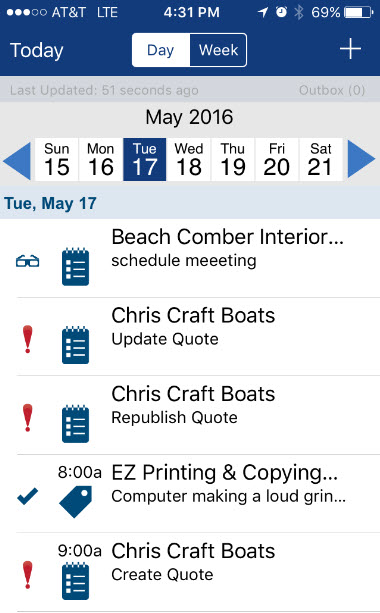
I will say the calendar option needs a little bit of work.
A calendar that looks more like lets say a Google Calendar would a nice feature.
Better Knowledge base section.
We attempted to get very good use out of the Knowledge however due to not really being able to organize it and it being very hard to navigate we had to go a different route for our documentation.
Possibly adding a cleaner user interface and adding more customization for the organization of companies would help.
A better layout for reporting would also be something good to have.
The layouts available are so difficult to put together to get what you want out of a report. Virtually makes it impossible to get what you want out of them.
When changing cards from one dataset to another any beast modes are not carried over, it would often make life easier if there was an easier way to copy beast mode calculations from one dataset to another.
Domo documentation, university and Dojo are extremely helpful when we run into problems. However, when support beyond that is needed their help desk seems to have a hefty backlog - the amount of time to resolve tickets is frustrating sometimes.
The product works awesomely. The only factors holding back a 10 star rating are some of the upgrades that I believe are necessary. Namely, active directory integration for the customer portal is a feature that is long overdue. AD integration on the technician side should also be made available for subscribers of the cloud hosted solution.
Domo is a great up-and-coming product. There are many fantastic features that are extremely compelling to our end users, which makes Domo a great fit for our organization. As with many BI tools, there are items on the wish list that could make implementation, administration and usage easier, but I believe these will be addressed over time as the product matures and evolves. The overall concept and approach of this solution has definitely raised the bar in this area of expertise and I would like to see things advance in giving the enterprise tools that will make decision making easier and more robust in the future.
We are very haooy with Looker, it provides us with all the funciomalities we need for both the day to day oerformance tracking and longer periods reporting. It is easy to use for account managers, configurable and customizable for soecialists and what is most imoortant, our clinets generally really love it
ConnectWise has been great for our help desk. Over the years we have used it (5+), it has responded to community-sourced feedback and improved its product. I have always appreciated the support given when required, and overall the program has helped our service desk to become more efficient. The automated aspect, including workflow rules, has been an important part of our overall systems. When considering a help desk PSA, ConnectWise should not be overlooked.
A business management platform has to be flexible to provide solutions for customers from any business environment, but that flexibility has to be delivered without requiring complex business process re-engineering and massive data conversion efforts. Domo’s web-based architecture and wealth of connectivity options allow rapid setup for any business. If your marketing company is wrestling with channel return on investment or your educational organization is drowning in data, Domo has the tools and capability to use your data and turn it into something useful for you
Looker is relatively easy to use, even as it is set up. The customers for the front-end only have issues with the initial setup for looker ml creations. Other "looks" are relatively easy to set up, depending on the ETL and the data which is coming into Looker on a regular basis.
We use the cloud version of ConnectWise and in the last 5 years it has never been down for us during business hours. I can only recall 1 time when it was not available during off hours when we wanted to use it.
Overall, I love CW Manage. I think it is a great platform, but nothing is learned from saying "You're great!" So I will share 2 issues where I think improvement can be made. 1. There are times where service requests are closed inappropriately without explanation or warning which can be frustrating. I have learned that I must work extra hard to manage my open issues to ensure that they don't just disappear without resolution. 2. I recently found that I had mistakenly been charged $50 a month for a year for services I did not have. When I brought this to CW's attention, I was quickly given a credit memo and an apology, which was nice, but it was still annoying
Somehow resources heavy, both on server and client. I recommned at least 50Mbs data rate and high performance desktop comouter to be abke to run comolex tasks and configure larger amount of data. On the other hand, the client does not need to worry when viewing, the performance is usually ok
The front line support techs are wildly inconsistent when it comes to the level of support. Sometimes you get someone who just wants to throw links to University documentation at you, sometimes you get someone who truly tries to understand your issue and confers with peers and managers to find an answer, and sometimes you get someone who just wants to create a ticket and escalate immediately. If you ask three different techs the same question you will probably get three different answers, one of them being, "That's not possible."
Pretty responsive. It took a while to get a response in selecting data points for our particular cards. Might have taken about a month? I am not sure if this was something on our end or Domo's end. But haven't had any other issues yet that required additional support from Domo.
Never had to work with support for issues. Any questions we had, they would respond promptly and clearly. The one-time setup was easy, by reading documentation. If the feature is not supported, they will add a feature request. In this case, LDAP support was requested over OKTA. They are looking into it.
We are a telecoms company. Whilst CW were very happy to sell us their product and tell us how good it is for telecoms. All the training material is geared towards IT MSP's. The on-line training material was virtually useless. We found the implementation a bit of a joke. They tried telling us 12 hours of implementation time would be sufficient to launch the product. We erred on the side of caution and paid for 24 hours. This was quickly eaten away and we were nowhere near ready to go-live. I find the on-line chat facility is of much more use for us.
Thoroughly review the training at ConnectWise University BEFORE starting. Ask questions to other partners - there is a huge community that is more than willing to help. Lastly, I recommend getting ConnectWise Consulting to help - it's a BIG product, and the money you spend on consulting will pay for itself by helping you and your team get off to a running start (in the right direction)
It is a true web-based application so implementation is much easier and smoother compared to other non-web based BI solutions. Also, they offered consulting services during the implementation process, which was helpful. Also, they provided lots of on-demand training courses and videos, which I liked.
Everyone but dynamics had holes in it. Dynamics is good, but it requires more development time. I spoke with some people that have CW and liked it. But when I inquired after our frustrations, I discovered they had a full time scheduling & logistics CW manager and the field people were using it purely like any other more simplistic ticket system. They said it would be impossible otherwise. The one big difference is the transparency of the sales effort. The other sales people were honest on the limitations or potential challenges and worked with us. They also worked with our agenda. At CW they don't have that option. The consulting time is eaten through a pre-formatted agenda which they communicate too you, not with you.
Domo is by far the industry leader. Other tools/platforms have unique strengths, but from an overall perspective, Domo is the most versatile and does an exceptional job in all areas. This is critical when it comes to "scale". A BI project may start with a siloed scope, but as the project bares fruit, others begin to ask how they can participate/leverage the tool/platform for their own projects - because of this, Domo's versatility is incredibly important
In my opinion, Looker is no Power BI. It is good, but I think Power BI is amazing. That said, in my experience, Power BI is nowhere near as easy to setup and report on Google services as Looker is. We plan to continue using Power BI for c-suite and corporate reporting, especially for internal databases, but will gladly use Looker for our marketing information for AdWords, Analytics, Search Console, and YouTube.
ConnectWise seems to have a good understanding of the IT service industry. During the required onboarding training, they even preach configuring only features that you need right now, as you can always scale up later. The feature set for the most part takes into considerations all aspects of an IT business, whether small or enterprise, or growing from one to the next.
For larger customers, the dashboarding has helped our customers to remain sticky and add services/revenue to our MSP. They want to add more fragments of their IT for the 1 pane rollup.
From a leadership perspective, BG has allowed me to make difficult staffing decisions with confidence. Detailed metric driven decisions on who is hitting KPIs/who isn't - as well as when data proved we were overstaffed and understaffed.
Domo has allowed us to see much more clearly what is working for students on our programs, and what is not. This enables us to consolidate success and further develop where there are areas of concern.
The verbatim comments in Domo makes the reports especially attractive to staff, since they are able to engage directly with students' personal opinions and not just with rating scales.
Other than some people not liking the numbers, I don't see any negative impacts; we haven't experienced that.
The reports help us unravel the story of our users and how they are sifting through our pages.
Our clients enjoy seeing the numbers to understand better what stands out on their sites.
The reports have helped us see what campaigns are working and where we need to tweak things.
The reports have enabled us to have better conversations with stakeholders about how their web pages should be modified, edited, etc., to reflect the data.