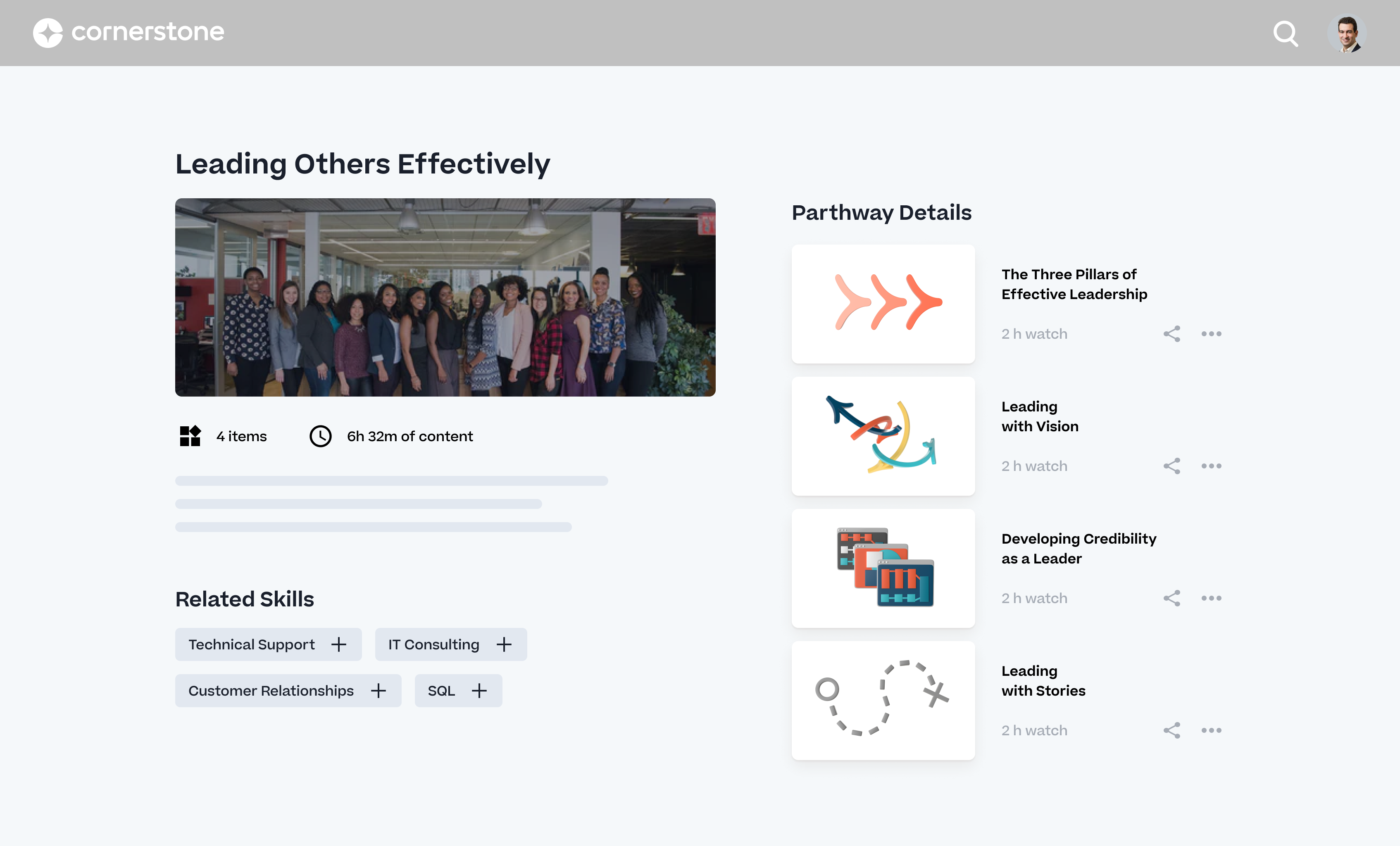
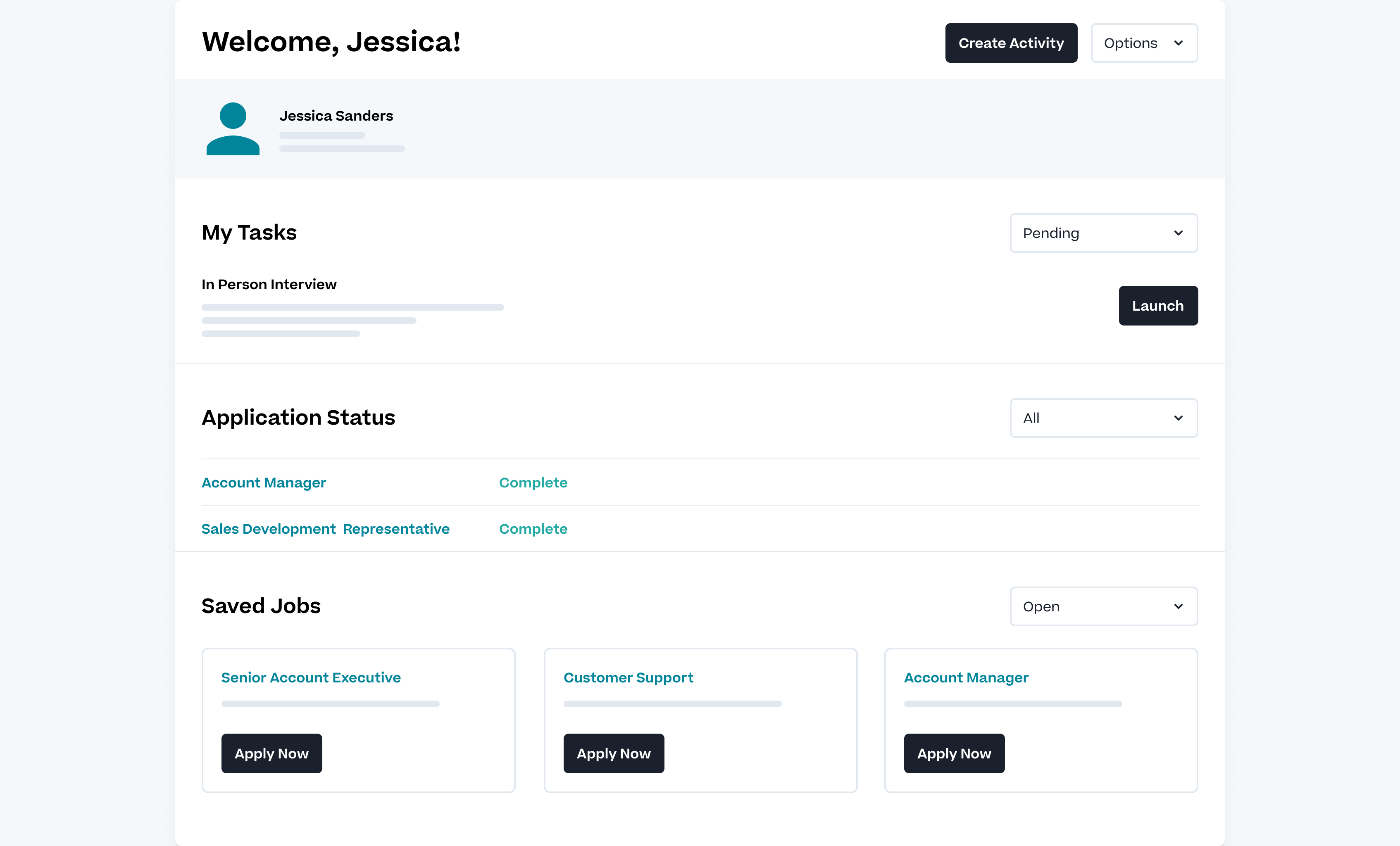
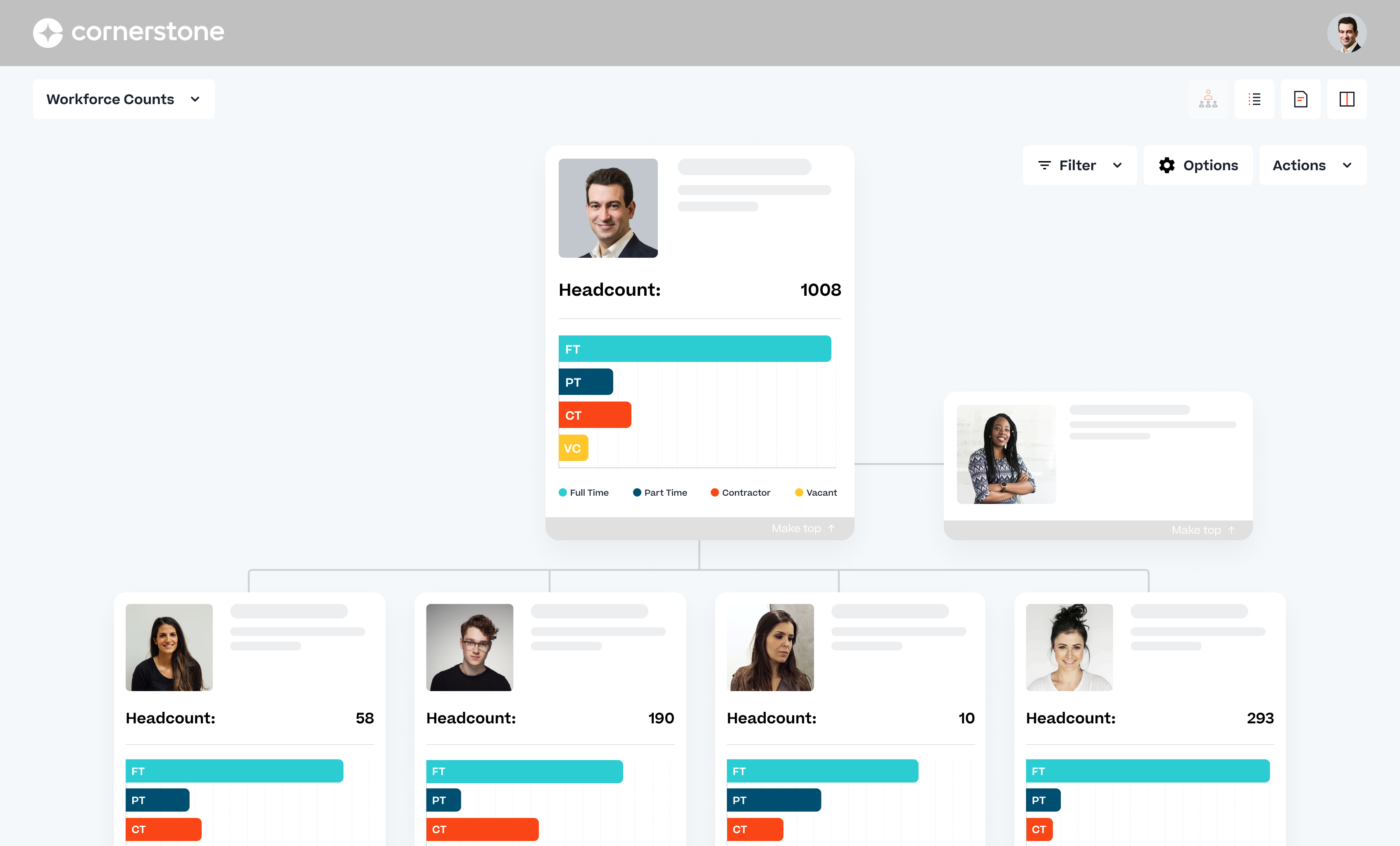
Cornerstone Galaxy is a cloud-based application for talent management. Cornerstone offers suites for recruiting, training, performance monitoring and planning, learning, and HR data management. It is scaled for enterprises.
N/A
Recruit CRM
Score 8.7 out of 10
N/A
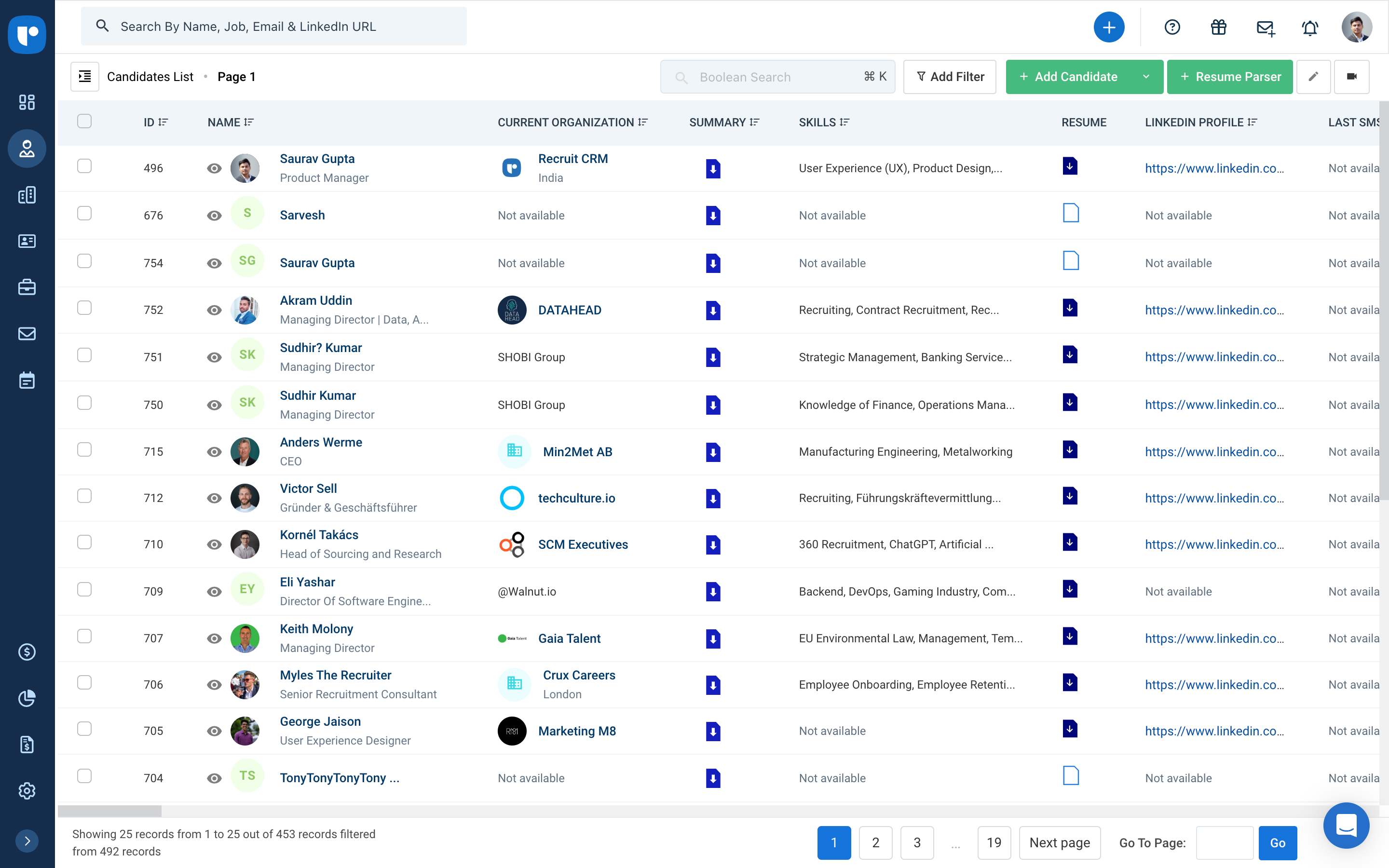
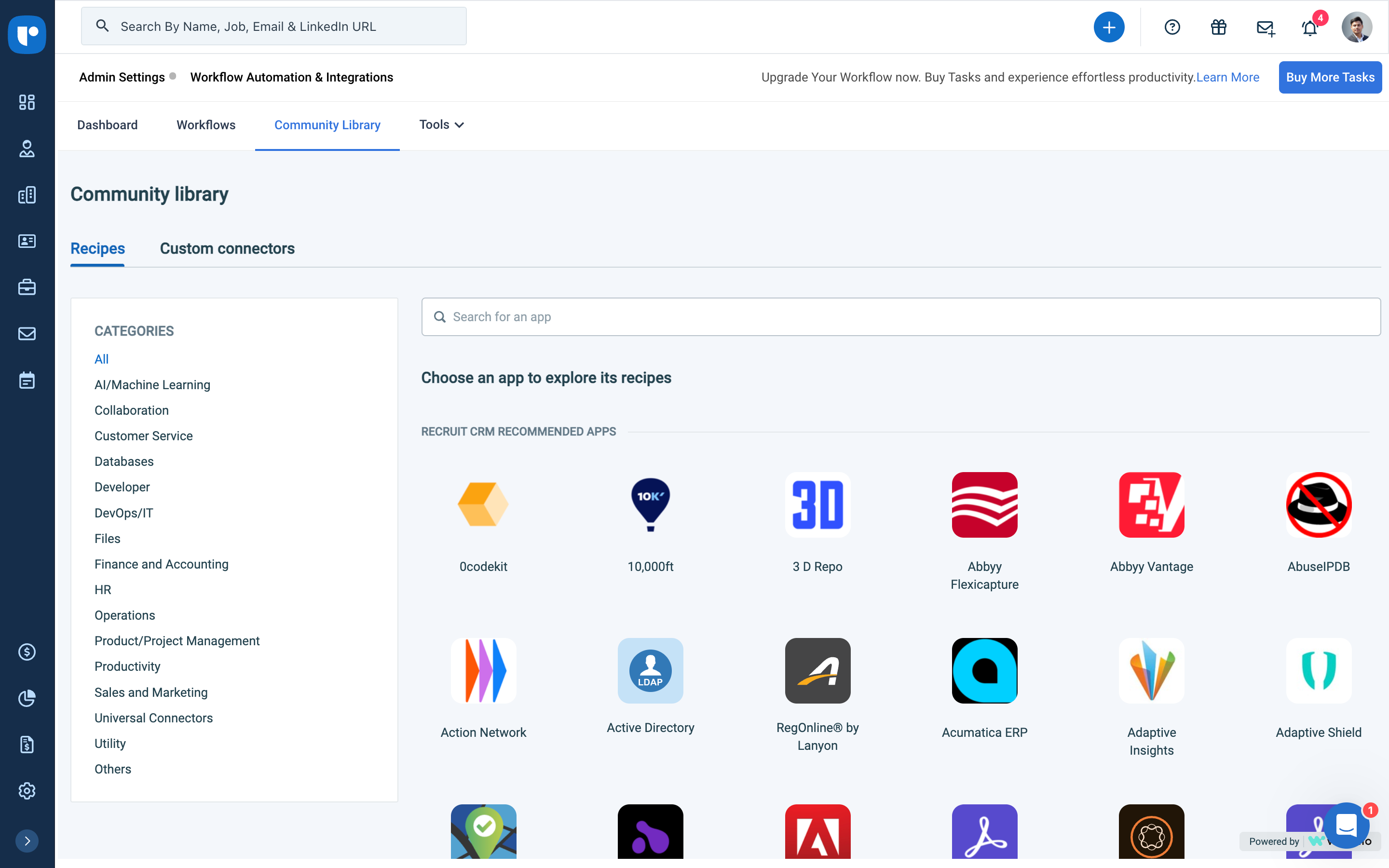
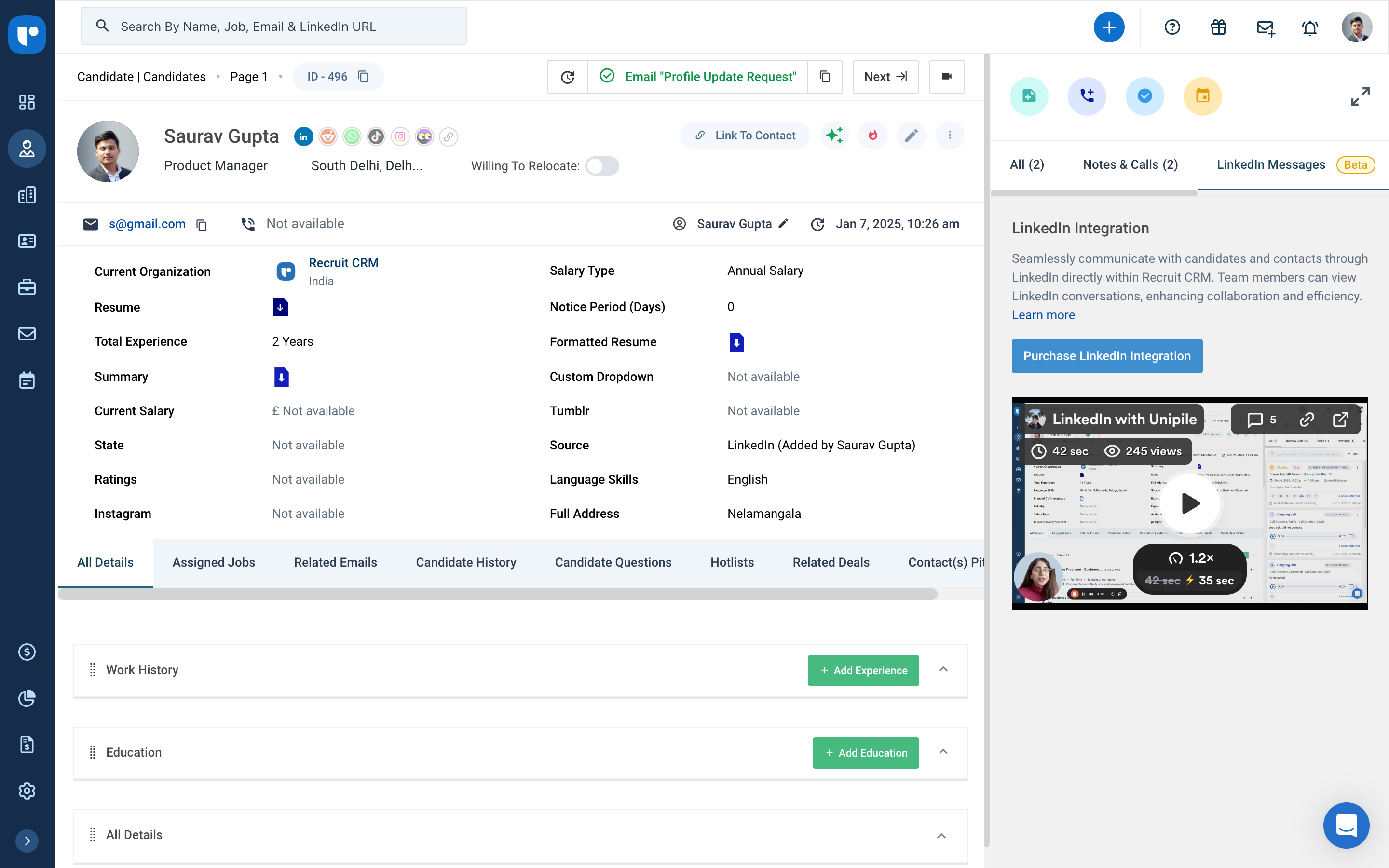
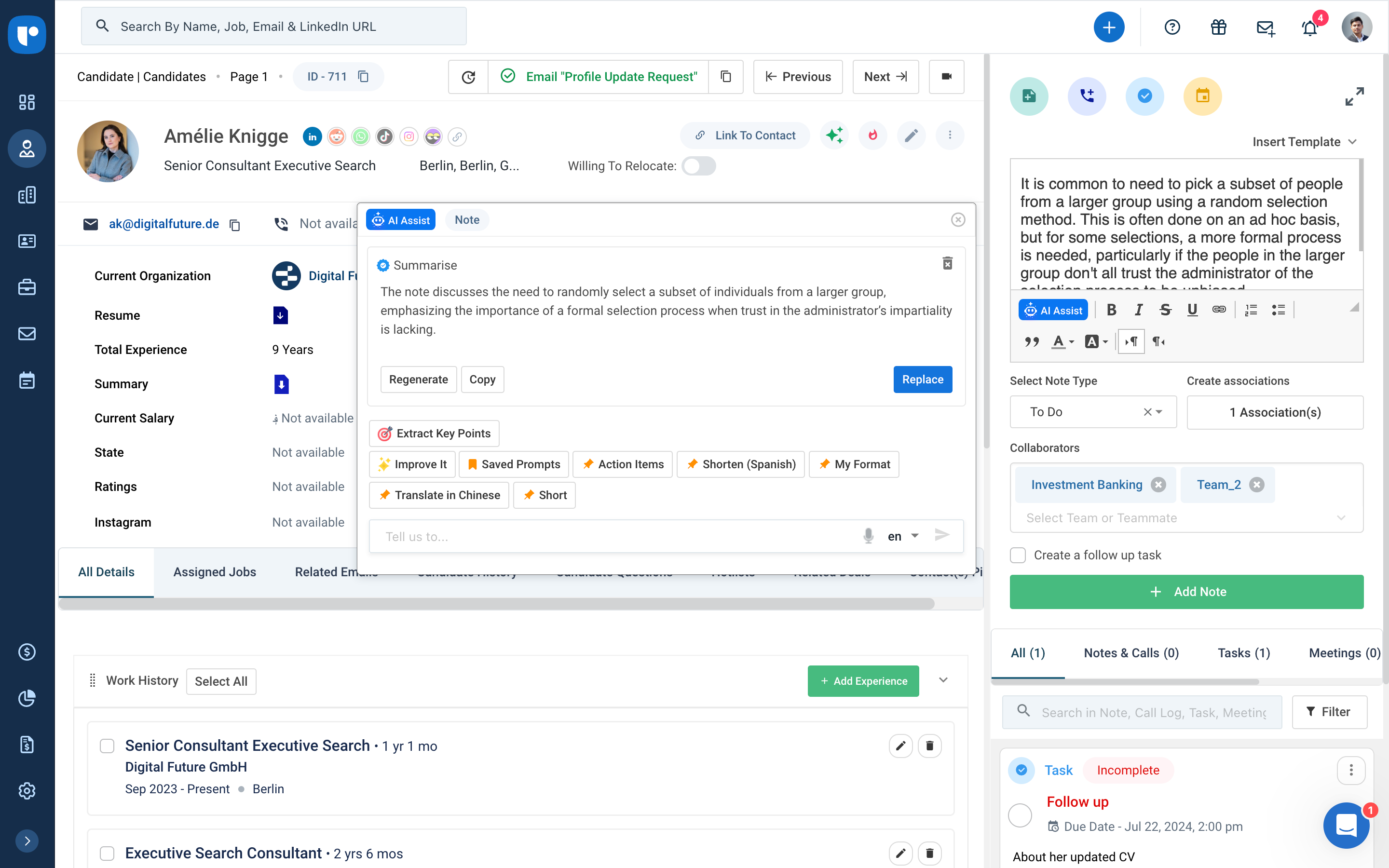
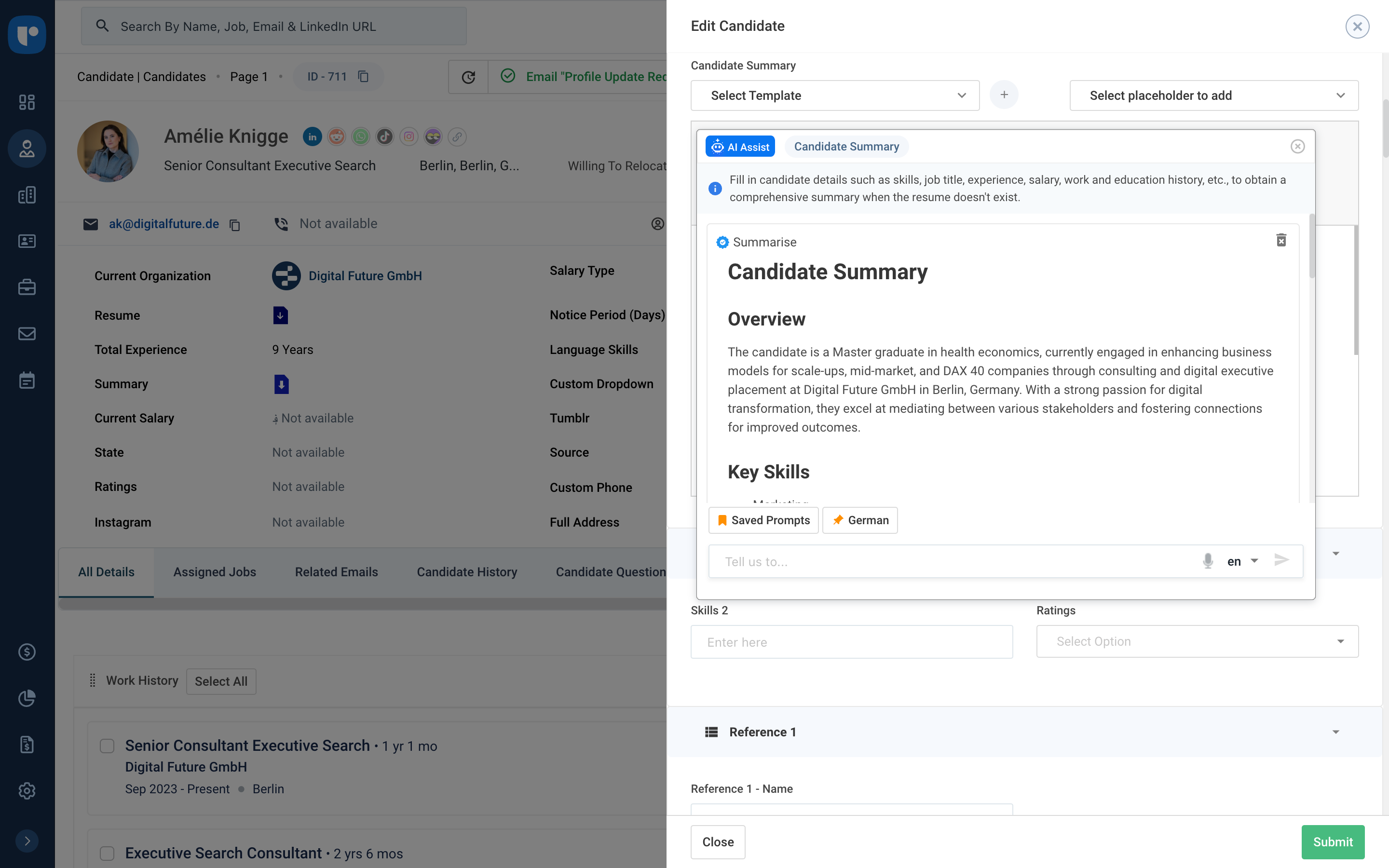
Recruit CRM is an ATS + CRM built for recruitment and executive search firms. It centralizes candidates, clients, jobs, and candidate communications. Key features include AI resume parsing, intelligent candidate matching, automated sourcing, GPT-powered content generation, and customizable workflow automation. A visual Kanban pipeline, AI search, and no-code integrations streamline operations, reduce manual work, and help recruiters fill roles faster while maintaining a structured, data-driven…
The Salesforce Platform is designed for building and deploying scalable cloud applications with managed hardware provisioning and app stacks. Lightning Web Components are used by developers to build reusable UI components.
We tested Workday Learning and found that it was far less customizable than our current LMS. I will say that Workday has better mobile capabilities. However, the reporting and several additional functionalities were stronger with Cornerstone products. Additionally, Workday's …
Our analysis of these other products has come under various context. In the end Cornerstone remains our core LMS due to its regulatory and compliance capabilities and services. No company has shown that they can match this and it is a critical differentiator for our company …
It's been years since I've worked with another product. I don't really have a great answer for how it stacks up anymore, and Cornerstone OnDemand has acquired some of the bigger players in the same LMS sphere in Saba and SumTotal. However, they have positioned themselves as …
We have been with Cornerstone LMS for about 10 years now, and the LXP for about 2 years. I do not recall the other products we evaluated at the time, but more recently there was some interest in using Workday as an LMS since that is our HR platform. Their learning platform, …
I have previously used SumTotal and Moodle and find Cornerstone OnDemand to be much more deep in terms of the amount of features available and custom configurations possible. From an admin perspective, Cornerstone OnDemand also has a much richer admin community and educational …
Mainly the annual costs of the suite: we are present in 7 countries and develp an implementation of SAP SSFF costs triple than Cornerstone OnDemand. Talentia was "in price" similar than Cornerstone OnDemand, but is more oriented to Europe customers than American or Latam. The …
The user experience is a lot better than using SumTotal as an admin CSOD makes working easy. Without having workarounds. Reporting is a lot better than both platforms. Reporting in CSOD is complex however easy to manage and create when you understand the data points collected.
My background is that I have been a teacher for more than thirty years. I have worked with a few different Learning Management Systems and when it came time for my company to implement its own LMS I evaluated more than twenty other Learning Management Systems. I went through …
Cornerstone OnDemand is a system that can fit a lot of different needs. It is a complex system that is maybe not too contemporary looking at the moment but it looks good enough. But the most important is that it's safe and it is compliant. And that is it's point of difference. …
Since the platform can be accessed not only through the website but also through users' cell phones, Cornerstone's virtual training tool offers great accessibility for employees receiving training.
It works with Android and iOS devices and collaborates with other apps to ensure …
In comparison to other platforms, Cornerstone checks all the boxes. They are always looking for ways to improve the platform with the suggestions from their users. It always evolving which is great because the platform is always staying current with trends as well as the …
Cornerstone OnDemand provides an overall fit for our organization's training needs. Our HR Directors are able to provide and monitor activities and stay abreast of annual mandatory trainings.
Cornerstone is a more holistic system, we have all necessary modules in one place, don't need to switch between different systems. On the other hand, the admin panel in CSOD, especially in the learning module, is out of date, and preparing learning activities is very …
We have used Cornerstone [onDemand] for the past six years. We have not used or reviewed any other learning management systems during my tenure at Jack Henry.
All of the products are essentially the same. The difference between each company and product [is] minimal at best. Some offer additional tools such as integration, reporting, customization, and the like. Others are standard out of the box. Overall each product delivers what …
It's crucial for every recruiting team to measure KPIs and performance metrics, and Recruit CRM makes reporting more detailed than ever. You can generate the following reports using the ATS + CRM: Team performance. Candidate lifecycle.A recruiting tech stack is a collection of …
We evaluated about 3-5 different vendors. The low barrier to entry made it an easy target to test out. Forcing an upfront annual fee was not in our interest without extensively testing the product. We also had a very basic requirement - an easy way to intake a large number …
Recruit CRM has a better workflow and is easier to use than AkkenCloud. Akkencloud is more suited for Temp Agency. Bullhorn in my opinion is too complex and more suited for larger organizations. Recruit CRM in my opinion is the best ATS on the market and the Customer service …
We use several different systems among all of our clients. We used Zoho Recruit ourselves for many years. We have found RCRM to be MUCH more user friendly and customizable. I can't speak on the customer service for the other systems, but Zoho customer service was awful. …
I have not used very many other options, but we were drawn to this software because it was very visual and intuitive and would definitely reduce training time.
I've used SharePoint a lot. We've used a handful of other bespoke previous, like jula based clients for talking to customers, Jula based platform, some other open source ones, but most of the companies I work for already have a footprint in Salesforce, so it's usually the, …
This fits into the mold with the other Salesforce services. Once you get used to the suite and the nuances of each platform, things become easy. Just read any documentation first, as jumping in will only get you so far, and the more connections with the other apps, the more …
Hubspot CSM is a bit easier to use, but not as strong for bigger markets like enterprise. Also, it's a bit annoying having to log into different platforms. Being able to do everything directly in Salesforce is pretty nice.
We have always been a Salesforce shop, but have grown with the App Cloud platform as it's evolved. We eventually moved to lightning based on the streamlined interface and increased ease of use for our employees. So far we are happy with the results. Would definitely recommend …
Salesforce, while more expensive, provides faster support, higher scalability options, and an increased opportunity to change any details whether it's about user permissions management, custom field or object creation, or an integration of another application. What really sets …
We were previously using an older version prior to it becoming Salesforce Lightning Platform so we were well adverse on the advantages of using a CRM, to begin with. It made sense to convert to Salesforce Lightning Platform after we were given a free trial of the platform. …
I think Salesforce has the most powerful developer engine - I have yet to need a module that I couldn't create (maybe with help). I probably could have made the others work but Salesforce, in my opinion, made it the easiest. Salesforce is reliable and established as well so …
I would love to switch back to Service Cloud as it was much, much more intuitive and fast. I would even take Salesforce Classic over Lightning. It at least wasn't this slow.
I used a program formerly known as "CP." I considered it somewhat outdated, and it does not have any of the modern features that the Salesforce Lightning Platform (formerly Salesforce App Cloud) has. I consider the Salesforce Lightning Platform (formerly Salesforce App Cloud) …
I use both. SF is the constant through the organization and I receive leads into SF and pass on opportunities through SF. SL is better for internal processes within business dev.
Salesforce is the premeire product. Period. The others are cheaper and less capable, they may fulfill your organisation's needs but you will always be looking at Salesforce with wishful eyes. If you are a company that needs to bootstrap then spend the time to evaluate your …
Microsoft is pretty limited in functionality compared to Salesforce. Most folks coming into your organization are going to have some level of Salesforce experience but will most likely not have experience with Dynamics. Dynamics doesn't connect as well to other platforms.
I believe the only reason we didn't choose Monday.com is because we're just a bit bigger (company size- 75 people) than what Monday.com handles. We also are in San Francisco, and Salesforce pretty much owns this entire city. I was also not part of the selection process of the …
There is a reason why the Salesforce Lightning Platform is the market leader for all things related to customer relationship management. While Close is somewhat user-friendly, it pales in comparison to all the features, bells, and whistles that the Salesforce Lightning Platform …
We originally used spreadsheets when we first started. That worked fine until we started growing by over 100% year over year. We were able to upload all of our previous accounts in Salesforce Classic once it was called for. However, Salesforce Classic soon became redundant and …
We needed a product that would allow for easy and dynamic reports for potential and new clients. Account Managers use other products as well to monitor the client's success and Salesforce allows for seamless integration to other platforms. This serves as a one-stop-shop for all …
We currently use the two together, along with Hubspot sales. Salesforce is our primary CRM and where we track and manage account and contact information. Salesforce is much more flexible and intuitive - everything is where you would expect it to be. Hubspot reporting is …
I think that the Lightning platform is not as clean and doesn't integrate that well. Whenever I was logged out, it was such a treck to have to log back in and I never actually knew if my activity was being saved or actually being tracked. Personally, Lightning is not my …
Close and Salesforce are two very different beasts. Close is much more user friendly but lacks the ability to serve complex infrastructures and hierarchies provided by Salesforce. Close is much simpler and faster--great for high volume but will not provide you with rich, …
Salesforce App Cloud provides a very easy way for you to install apps as well as deploy your own apps. You are, however, limited to the Salesforce marketplace and the requirements that they have for apps to be published in their marketplace. Even so, it's still fairly easy to …
We haven't used anything exactly like Salesforce App Cloud, but in the end we decided to use our own development environment/process and deploy via Heroku. Therefore, I can't speak to how App Cloud compares to other more integrated solutions, but for our needs it was easier to …
I feel Cornerstone is a great solution for companies that have a large amount of compliance training to assign but also want to serve up courses for personal and professional growth. Clients are able to control the level of social engagement within the LXP by turning on/off various features such as commenting on smartcards, "Like" and "Share" or with social Communities where posts can be made and commented on. There is also a great amount of flexibility in making certain features visible to a subset of users vs. enterprise-wide.
Recruit CRM is would make a great choice if you are looking for a CRM/ATS partner. Their training and support make it impossible to not have the tools necessary for success from the first sign-on. They continue to improve their product by soliciting direct feedback and suggested features from users. Their customer support is live 24-7 and the response time for any questions or issues is outstanding which is critical for a company with employees in different time zones or one without on-site technical support.
Salesforce CMS is well suited for those companies which are already using Salesforce. If you want to provide personalized content according to individual customer. If you want to share the content across multiple channels. Salesforce CMS is not typically suited for companies not using salesforce. Simple blogging does not require a Salesforce CMS.
The user group community is unlike any other. It is easy to connect with other clients and the CSOD team is actively engaged, always interested in what clients want and need.
Vast content catalog from a wide variety of providers. Content delivery service makes my job easier. I don't have to deal with course files and metadata!
Ease of use for non-admin admins! I was not a LMS administrator prior to implementation so I learned as I went which was fully supported by the robust training available to system admins.
Reporting and Dashboards are thorough and can show a wealth of important data to inform and scale processes. It's helpful in a high volume sales cycle to be able to quickly identify weak points in performance and productivity so that adjustments can be made.
Highly customizable. We are able to customize just about everything which allows us to track very specific things and in theory create better efficiency.
Parent/Child account hierarchy exists which is helpful.
Contact records can be associated with multiple accounts and opportunities. This, in theory, should minimize duplicates and mismanagement of contacts.
Console helps a lot with data nesting. Having a fairly comprehensive look at an account without searching through various tabs and sections speeds up an otherwise cumbersome platform.
User-submitted external training is editable by users even after it has been approved and completed on their transcript, UNLESS a transcript lock is put into place--which also renders all submitted certificates un-openable once approved. Thus they can never be referenced after approval.
The system is designed for annual compliance training to be re-versioned annually. I [believe it] is a very un-user friendly for training that we don't want to re-version because users take it on a rolling, as-needed basis.
Some very key components are not configurable and cause our users a great deal of confusion. For example, there is no way to turn off the search bar on a user transcript or even to edit the prompt text within it. Our users are constantly searching for training here, and end up re-opening/re-launching completed courses rather than registering for a new occurrence of a course.
In general, we find Cornerstone [onDemand] clunky and that it does not really meet our needs.
As long as pricing stays reasonable, we will likely stay with Cornerstone for at least one more contract renewal. It would be a large task to migrate all of our content to a new system. However, the LMS landscape is diversifying with new startups that are showing some real innovation.
For End-users it is exceptionally easy to use. There is admittedly a steep curve for admins, but simply because there is so much that is truly possible with the system. Cornerstone has been updating many features in recent years, though, which have been moving overall usability in a favorable direction.
There is always room for improvement and I believe RCRM is a great system that is adapting to what it's users want and need. The system suits our needs and is a huge improvement from our previous system. I can't say enough good things about the customer service. They have great follow up and always get back to me within the same day. If there is ever an unknown, there is a timeline given for follow up and a promise to get it resolved. They always come through. It's important to have a team behind your software that listens and adapts.
It's very good, but it's still living in a little bit in an older design aspect, but I think a lot of it is about to come out, just hasn't quite gotten there yet. Still a little clunky from a you have to know it to know it or you know it to use it. It takes a little bit of training to get into it. It's not quite the, anybody can come in and start using it immediately, type feel.
I haven't really had any major availability problems. The service is practically impeccable but it is true that at times, due to server and latency problems, the application has been slower. But these have been specific issues that have resolved themselves.
Pages do not load quickly. Often times any action or selection of a box, drop down, check, pretty much ANY Javascript interaction causes the whole entire page to load/reload/start doing something in the background. This makes a nightmare for having to mass edit courses or upload ILT sessions. It's the one of the archaic web designs they use that really bugs me as an admin and makes working in the portal at times intolerable and insufferable
Its always important to have support when you are facing problems and when you are the main admin of the organization. Cornerstone Support is very supporting when you have not found the answer in the help guide. its very useful to have a team support to guide you.
Again, the customer service team is awesome. They always respond in the same day and have resolved any issue I have ever had. They have made improvements to the system on a weekly basis, always improving for their users. There is a forum where you can leave your feature suggestions and vote on ones left by other users. The reps will jump on a call or screen share with you if you need to be walked through anything. They go above and beyond.
Salesforce's support is top-notch. They have subject-matter experts that are accessible at all times to address needs as they come up. They let you know in advance when there are system updates and enhancements so that you are prepared for upcoming changes. I've never had an issue that wasn't addressed immediately when reaching out for support.
we use also to admin all our training in person events and sessions. Its easy to admin this kind of trainings and automatize some processes we have. Also de user experience and the integration with other systems helps to the employees to use more. All modules integrated oriented to develop people is the principal reason to have CSOD. The training administration is very complete and allows to automate many processes.
Overall our rep changed a handful of times during our LMS switchover, which made the training inconsistent. They offer a large amount of online training not specific for what we were looking for at the time, but we were able to make it work.
The implementation was pretty difficult. We felt they (Cornerstone) didn’t properly allocate the resources to complete our implementation in the timetable we wanted.
For example, we worked on Workday and SSO integrations - work that we had specifically contracted for in advance. When we were ready to work on that project, they didn’t have the people ready to help us, so it took a lot longer than necessary. That was my biggest pain point.
The implementation approach we went with was a self-led implementation. We would speak to the implementation manager once per week, and self-trained. We met with implementation manager to discuss issues, review things that we’d learned for 1 hour. We found that wasn’t enough. Other things would come up outside that one hour window that we couldn’t get answers to. We didn’t have anyone to ask about those things and we had to wait to ask during our weekly meeting.
The advantage of the self-led implementation approach was that it was really inexpensive – significantly less than the implementation cost for the other systems that we looked at. I also liked that we could pace ourselves. There were however big roadblocks. We would have to make sure the right resources were available. We had an implementation/project manager with a lot of experience and felt that the person was knowledgeable but missed on a few things.
In hindsight, I would still go with the self-led implementation, but knowing what I know now, I would ask for the integration person to be available more. I would work that into the contract. With single sign-on, we needed deep linking to build direct links through a Single Sign-On tool, e.g. when someone gets an email, it directs them to training. But it has to go through SSO to get them to the correct link. Deep linking wasn’t turned on in our system and they had to activate it. We encountered little things like that – sequencing pre-requisites which were problematic. We tried to troubleshoot ourselves.
I recommend you consider contracting for some extra implementation hours and determine when they are going to be available. Work it into the contract that you have the ability to call tech support during implementation. In addition to weekly implementation meetings, they have technical webexes – 4 every week, but 2 didn’t apply to us – one as we were using SSO. The challenge is they were not always relevant – we had specific questions that didn’t fall into those categories
We tested Workday Learning and found that it was far less customizable than our current LMS. I will say that Workday has better mobile capabilities. However, the reporting and several additional functionalities were stronger with Cornerstone products. Additionally, Workday's cost was higher than Cornerstone's.
It's crucial for every recruiting team to measure KPIs and performance metrics, and Recruit CRM makes reporting more detailed than ever. You can generate the following reports using the ATS + CRM: Team performance. Candidate lifecycle.A recruiting tech stack is a collection of different tools that staffing firms and recruitment agencies use to find and engage candidates and clients. Connecting these tools, or "stacking" them together is called building a recruitment tech stack.
This fits into the mold with the other Salesforce services. Once you get used to the suite and the nuances of each platform, things become easy. Just read any documentation first, as jumping in will only get you so far, and the more connections with the other apps, the more complex it gets.
Our goal is to standardize training across our company and its 5 permanent locations allowing us to build a common culture across the company.
Our goal is to be able to push out specific training to our teams which are spread across an enormous geographical area of the United States.
We are currently meeting our objectives - in less than three months' time our team members have completed more than 1500 individual courses through Cornerstone OnDemand.