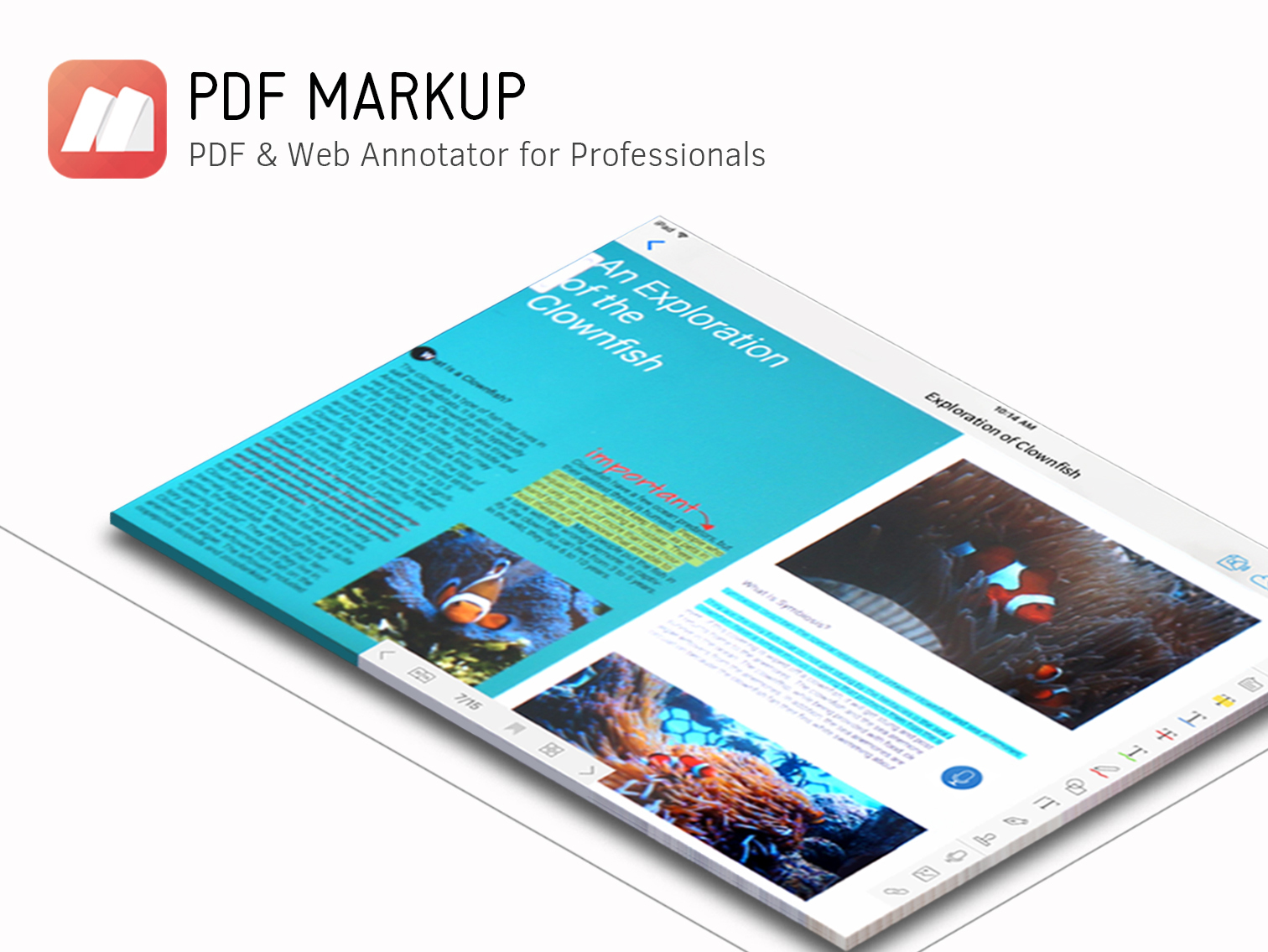
Creativity 365 is a comprehensive, cross-device contention creation tool set designed for both business and creative professionals. The suite aims to help individuals and teams collaborate and improve their productivity and efficiency. The set includes five apps along with 1TB Kdan Cloud storage and access to all of Kdan Mobile's online communities. Platforms: Android, iOS, Mac, Windows According to the vendor key features and business benefits…
N/A
Mattermost
Score 8.8 out of 10
Enterprise companies (1,001+ employees)
Mattermost from the company of the same name in Palo Alto is a messaging, collaboration and communication platform providing high security and compliance for the businesses that need it.
$0
per month per user
Microsoft Teams
Score 8.1 out of 10
N/A
Microsoft Teams combines video conferencing software with team collaboration tools. The communications platform allows MS Office users to conduct conference calls and share files via SharePoint, and join or initiate a group chat.
$4.80
per month per user
Pricing
Creativity 365
Mattermost
Microsoft Teams
Editions & Modules
No answers on this topic
Free Self-Hosted
$0
per month per user
Professional
$10
per month per user
Enterprise
Contact Us
per month per user
Microsoft Teams Essentials
$4.80
per month per user
Microsoft Teams Enterprise
$5.25
per month (paid yearly) per user
Microsoft Teams Enterprise
$5.25
per month per user
Microsoft 365 Business Basic
$7.20
per month per user
Microsoft 365 Business Standard
$15
per month per user
Offerings
Pricing Offerings
Creativity 365
Mattermost
Microsoft Teams
Free Trial
Yes
Yes
Yes
Free/Freemium Version
No
Yes
Yes
Premium Consulting/Integration Services
Yes
No
No
Entry-level Setup Fee
No setup fee
Optional
No setup fee
Additional Details
Monthly $9.99 (*3-day free trial available)
Semi-annually $39.99
Annually $59.99 (*14-day free trial available) Also, comes with a free stylus.**
Quarterly plan with 7-day free trial to come in the following months.
*Special and bulk purchasing options available for educational institutions and businesses.
*Free trials only available on iTunes.
**Free stylus details. Currently, new users subscribing to our Creativity 365 annual plan will receive an Adonit Dash 3 stylus. Once the free stylus has been shipped order is no refundable.
—
Discounts are available for non profit organizations.
Microsoft Teams feels quite clunky and the video chat is buggy. Slack is close but maybe not quite as feature-rich. Mattermost just feels like the right tool for a company my size ~1000+ users. No one has had any major issues with this tool and there haven't been any …
We used to have Mattermost and now we have Microsoft Teams. They are both very similar. Mattermost and Microsoft Teams are both great for communicating internally via calls, chats, meetings, etc. They are also both easy to set up an use. However, the Microsoft Teams mobile app …
Much more expensive than most chat applications but you have more control over things by self-hosting. Your security team will be able to design a very secure place to store all your code, passwords, and internal details, but most companies will not require this. It would be …
These products all required cloud connectivity and licensing that was a significant cost. Mattermost allowed us to pilot this among just the Ops team and then evangelize this to the other infrastructure team. This allowed us to slowly show the value of this software and expand …
Mattermost works better in that there aren’t constant updates and changes which can make finding past messages difficult. Mattermost also works better for channel creation and communication
Honestly iv just used these two but when it comes to customization, they don't come close to Mattermost. Slack and Teams are Less flexible, Not self hosted. Not Open source,etc I will also say that i noticed integration capabilities are very limited with teams and Slack and not …
Mattermost is much faster and easier to use. It also has many more features beyond chat. They are more customizations and features for workflow and messaging on this platform also. The ability to integrate with other platforms via plugins, the security features, and the open …
Mattermost is very similar to Slack and has the advantage (in our case) of being entirely on-premises, and entirely free. The feature set is similar, and it has filled the original need that Slack was suggested as a solution for very well. Teams is potentially a better choice …
Mattermost provides a familiar user interface, fast performance, and a complete set of user collaboration tools and features - it stands out by providing a self-managed installation option for better integration with existing IT assets and more control over data storage. We …
Mattermost was in a class of its own when compared to a host of Microsoft solutions and ownCloud. MS products are always encumbered with ongoing licensing and maintenance costs, plus the cost of people to maintain the servers those run on. Mattermost runs on a cloud VM and is …
Microsoft Teams is living up to our expectations, we are able to achieve back our return on investment. Not just the investment or revenue but we have successfully achieved our business goal. The communication both inbound and outbound has been at par with our expectations and …
Features
Creativity 365
Mattermost
Microsoft Teams
Project Management
Comparison of Project Management features of Product A and Product B
Creativity 365
9.4
2 Ratings
19% above category average
Mattermost
8.2
47 Ratings
5% above category average
Microsoft Teams
8.0
237 Ratings
3% above category average
Task Management
9.42 Ratings
8.135 Ratings
8.0176 Ratings
Gantt Charts
9.62 Ratings
7.59 Ratings
7.893 Ratings
Scheduling
9.62 Ratings
7.69 Ratings
8.1204 Ratings
Workflow Automation
9.62 Ratings
8.427 Ratings
8.2123 Ratings
Mobile Access
8.92 Ratings
8.443 Ratings
8.2225 Ratings
Search
10.02 Ratings
8.924 Ratings
7.5208 Ratings
Visual planning tools
9.02 Ratings
8.511 Ratings
8.5139 Ratings
Communication
Comparison of Communication features of Product A and Product B
Creativity 365
9.6
2 Ratings
18% above category average
Mattermost
8.5
50 Ratings
6% above category average
Microsoft Teams
8.0
246 Ratings
0% below category average
Chat
10.02 Ratings
9.450 Ratings
9.0245 Ratings
Notifications
10.02 Ratings
8.350 Ratings
8.3244 Ratings
Discussions
10.02 Ratings
9.247 Ratings
8.6231 Ratings
Surveys
9.42 Ratings
9.030 Ratings
8.1142 Ratings
Internal knowledgebase
9.42 Ratings
8.833 Ratings
8.6153 Ratings
Integrates with GoToMeeting
9.01 Ratings
7.78 Ratings
6.547 Ratings
Integrates with Gmail and Google Hangouts
9.62 Ratings
8.012 Ratings
5.743 Ratings
Integrates with Outlook
9.62 Ratings
7.58 Ratings
9.1155 Ratings
File Sharing & Management
Comparison of File Sharing & Management features of Product A and Product B
I think in a world where I have to churn out videos and other content for my business, I think that Creativity 365 really allows us in the office to be on the same page when it comes to getting stuff done. These days, especially with a lot of remote work, a collaborative effort can still feel like an individual one, but the coolest thing is that this software makes it feel less and less like that.
I used Mattermost on a full remote company and it perfectly suited our collaboration and communication culture. The company dealt with privileged and personal information of a huge data base of users, so it was a significant advantage for our need to comply with industry regulations.
It's amazing as a daily driver for team communication, and document search/store. Also, if you're doing a lot of LONG meetings and have trouble remembering details, the AI summarization is amazing and convenient. It just works. I'm not saying I always do this, of course, but if I need to 'skim' instead of really digging into every detail from a meeting, the AI-generated summary is generally good enough that I can get away with it.
The webinars feature has some missing functionally such as the ability for all users to use the Q&A feature (only those with a Microsoft Teams account can use it now), the ability to upload documents for attendees to easily access and download, and the ability for presenters and organizers to easily chat amongst themselves throughout the webinar.
The "Channels" organization hierarchy could be more clear. If you have several channels set up, it can get clunky and hard to find the specific channel you are looking for.
The MS Planner tool lacks functionality and organization. You cannot assign more than one person to a task and it's confusing when you try to share tasks with people - it would be nice if they were automatically added to someone's calendar.
Mattermost has been an excellent tool for our business, allowing for a very cost-effective means of communicating, collaborating, and sharing project and business documentation and resources. The free community edition allows for simple installation on existing cloud server resources which results in significantly lower recurring costs compared to the competition
Microsoft Teams is included with our Office 365 subscription and we have no intention of migrating off of Office 365 and Microsoft products. Since Microsoft Teams is included for free with our Office 365 subscription, and since we enjoy all the features, benefits, and functionality, there is no question that our team will continue to use the product
Since it helps track all the things at one place and the bots can be made which helps to automate many tasks. We use it in our security incident tracking in which there are pre defined tasks like adding people, creating groups, launching bots. All these things make the work easier and oraganized
If you have the full Microsoft Office suite, it works really well because it's integrated well within its ecosystem, but if not, it can be annoying because it tries to open a shared file in the web versions of the file equivalents. The web version is also a bit slow, and the login is very difficult to handle if you have multiple Microsoft or Outlook accounts.
We have not had to contact support for Mattermost ever. All that we have needed has been available in the documentation or website. One of our DevOps team members set it up in a couple of hours. The whole team was using Mattermost that same day. No support needed.
The overall support provided by Microsoft for Microsoft Teams has been quite good but there is still some room for improvements. Microsoft needs to proactively work on fixing the open bugs in order to provide a seamless experience to the users. But over the service and experience provided by the Microsoft team have been quite satisfactory.
Airtable has a free version that offers basic functionalities that Creativity 365 does not offer. Airtable integrates with 25 different applications and software to make collaboration easier, while Creativity 365 only integrates with 13. Even though key features of Creativity 365 and Airtable should matter you should also carefully explore the integrations provided by each product. Very often you will already be making use of various kinds of SaaS software in your company and it’s much more beneficial to choose software that integrates well with each other. If you do that you will be able to guarantee an effortless transfer of data between your teams and software used, which can significantly reduce the time spent on migrating between one solution and the next.
I feel slack is a bit more difficult to use overall than Mattermost. Mattermost makes the tasks of communicating across departments and team members easier, as well as giving the ability to share information via hyper links, attachments, and other forms of communication among every body here. Also, easier user interface
Microsoft Teams offers a much more integrated experience between their chat and video call function compared to Google Chat and Slack. Both other tools are much better for internal communications are they have simpler UI without other features. Whereas Microsoft Teams can be used for more critical conversations, particularly between external companies, and has been very useful in sales conversations which is what we chose it for when speaking to companies that work exclusively through Microsoft.
Honestly, this tool is worth every penny. Yes, it's not free and you pay for the quality of services and the license. But the ROI and the benefits are all there. Also, the renewal, negotiation, and contract terms are all very well explained by our Microsoft account manager, and she's a charm.
I used Skype for Business to take calls, hold conferences, and provide remote assistance to users. Microsoft Teams, on the other hand, is superior to Skype for Business in my opinion. My job entails a lot of screen sharing.
Personally, I would say that by using Microsoft Teams, it upped my collaboration with my colleagues by around 50% or around more than half of what I usually did prior to using it.
I had 100% show rate and attendance on all of my meetings in the past 6 months.
If I may add, I also have been chattier & collaborative towards my colleagues in past 3 months particularly the month of December when we had huge traffic at work. I would estimate this behavior to have been increased by around 60% than what I usually incur during normal operating days.