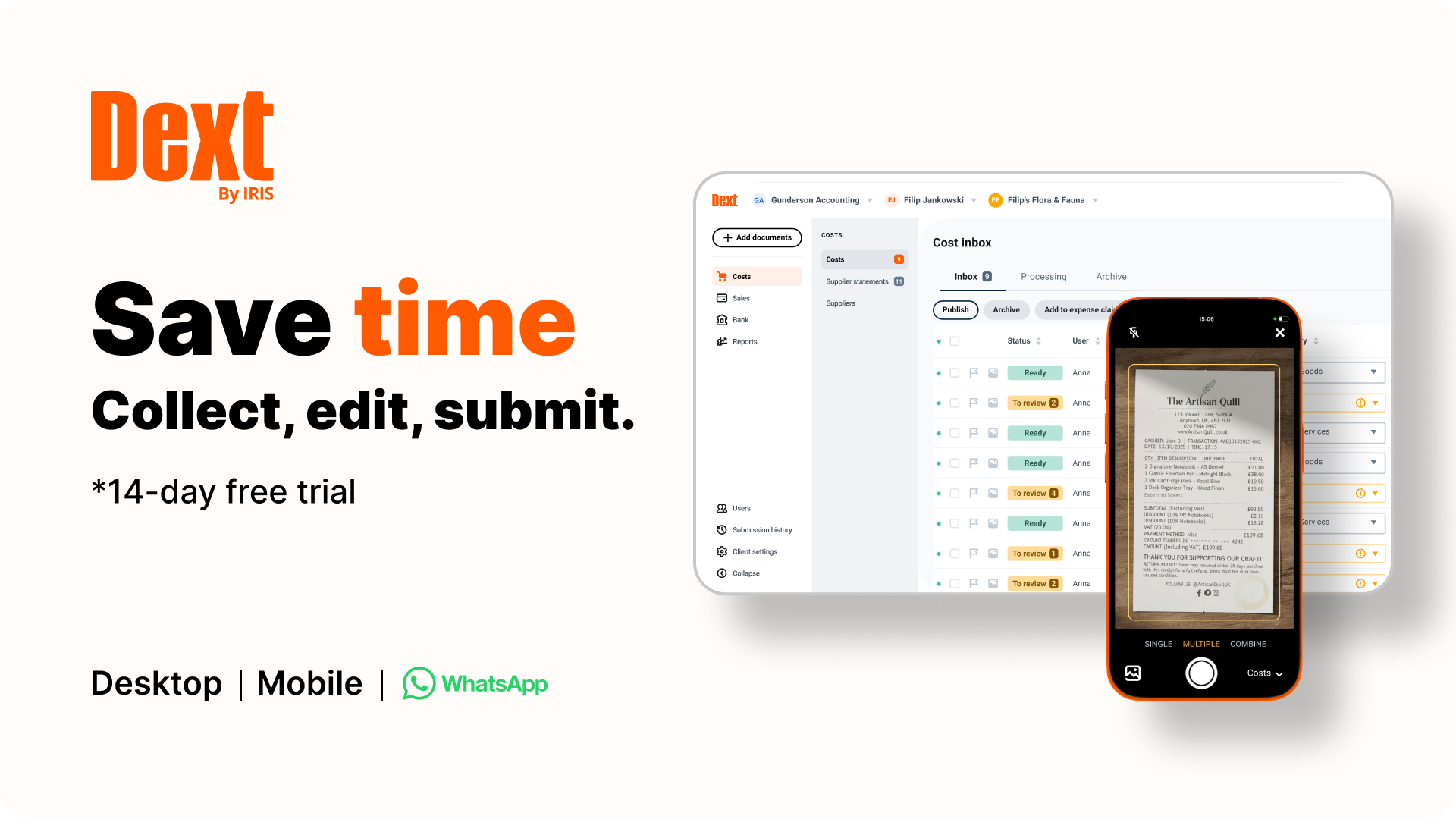
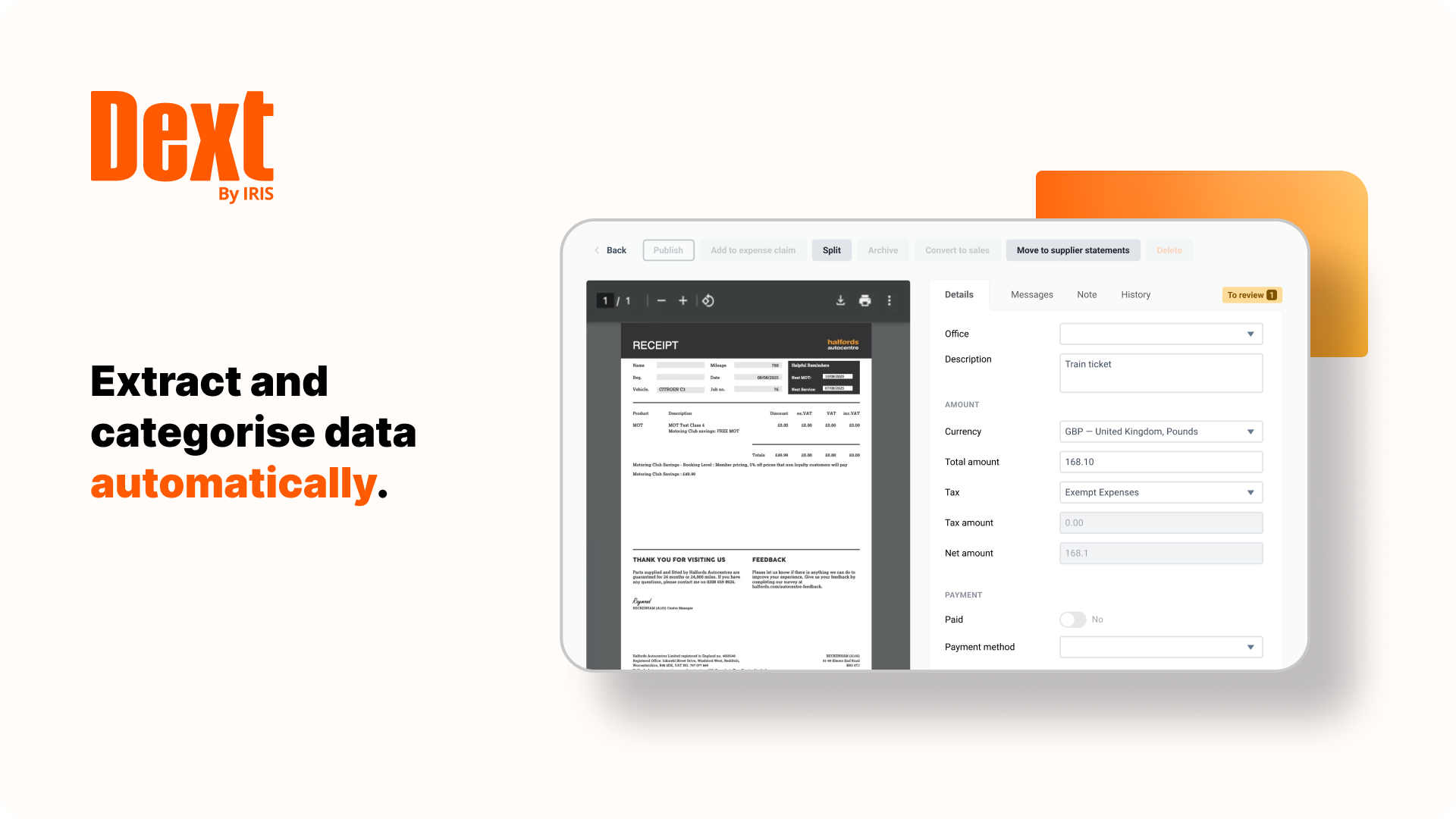
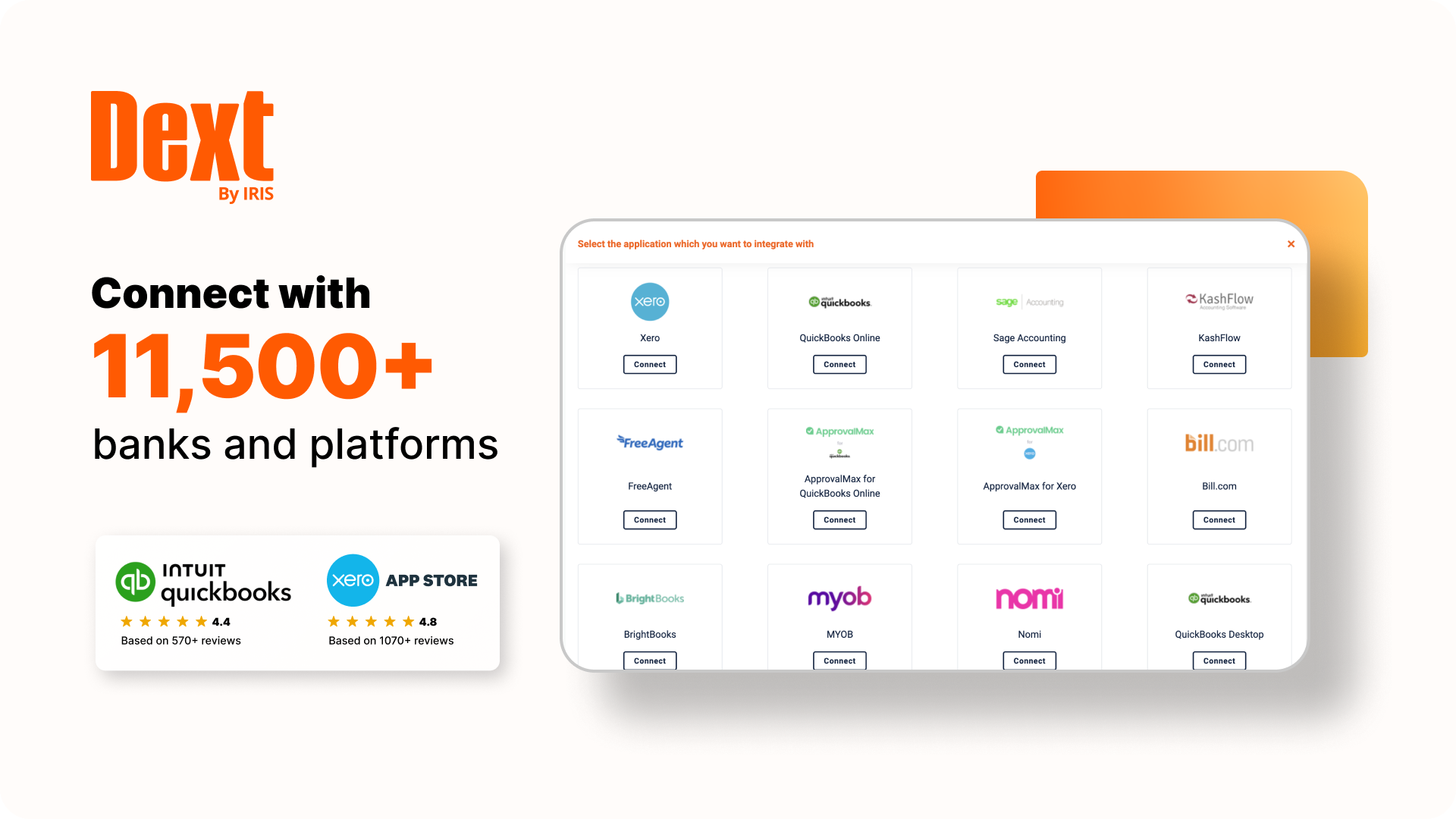
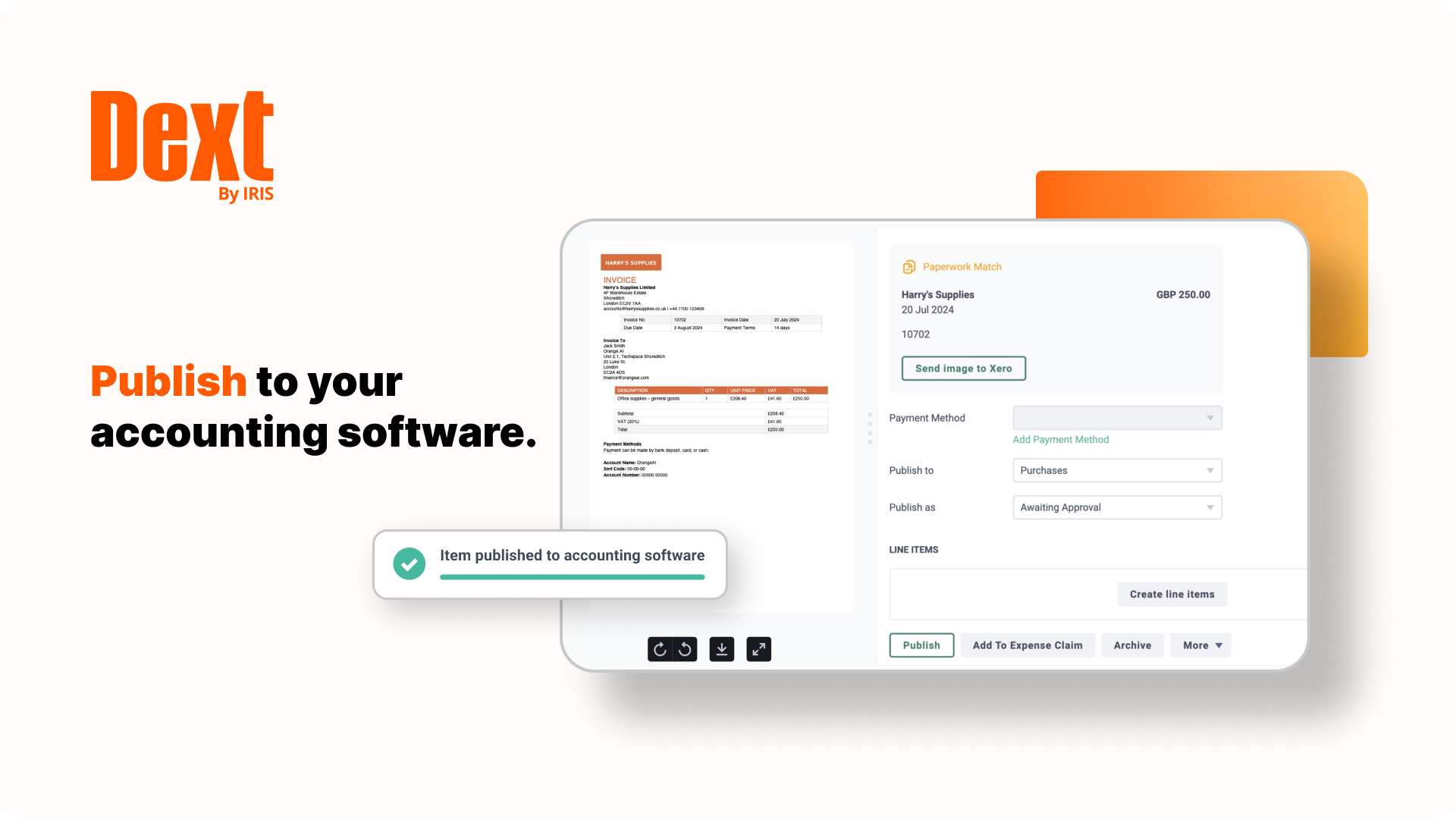
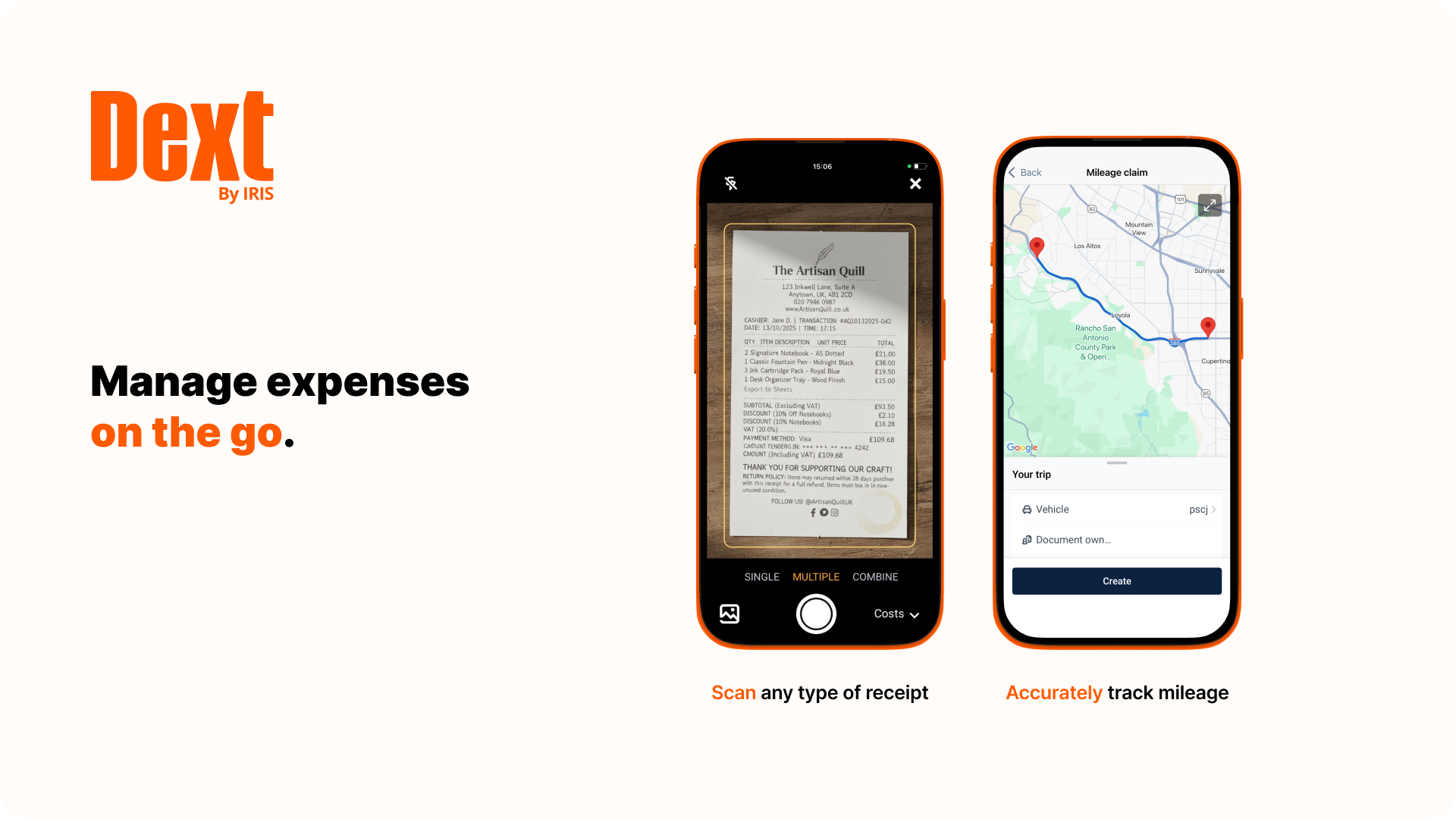
Dext is a bookkeeping automation platform now from IRIS (acquired December 2024) that eliminates much of the manual work associated to accounting processes.
$23.92
per month per client (10 minimum, for accounting & bookkeeping firms)
Sage Intacct
Score 8.6 out of 10
N/A
Sage Intacct is a cloud ERP system targeted at high-growth small and medium-sized businesses. Intacct includes applications for core financials and accounting, purchasing, order management, and financial reporting and business intelligence. It also integrates with 3rd party software like Salesforce.
N/A
QuickBooks Online Advanced
Score 8.3 out of 10
N/A
QuickBooks Online Advanced is a SaaS-based accounting software designed to scale with growing businesses. It includes the functionalities of QuickBooks Online, as well as more robust business analytics, customization, and resource management.
N/A
Pricing
Dext
Sage Intacct
QuickBooks Online Advanced
Editions & Modules
Dext Essential (Pricing for practices)
$23.92
per month per client (10 minimum, for accounting & bookkeeping firms)
Dext Advanced (Pricing for practices)
$25.64
per month per client (10 minimum, for accounting & bookkeeping firms)
Both softwares are very similar. I also use AutoEntry to configure a pdf bank statement into an excel doc without requiring to sync it to any accounting software
Dext is much easier to use than Hubdoc. You can approve documents in batches whereas in Hubdoc you need to review each document separately. Once Dext is set up properly, there is little need to review every document.
I have never been able to get Expensify to work for me. The reports are just completely unintuitive and I end up having my client generate the report I need and send it to me instead.
For QBO the restriction on which email addresses can send receipts is too limiting. They also …
Dext Prepare mobile application has far better functionality compared to HubDoc or Expensify. In the mobile application, user can take a picture of multiple pages invoices, one invoice at a time or in bulk all together. In the mobile application, user also have the option of …
Receipt Bank is superior to Wave in terms of its accuracy of reporting and allocating expenses. Even though there is a fee for Receipt Bank and Wave is free, the monthly fee for Receipt Bank is well worth the money, given the benefits
Sage Intacct has been great - we were coming over from Sage 50 and wanted to stay in the Sage ecosystem. Other than my aforementioned areas of improvement, we have been super happy with the platform.
Sage Intacct is a comprehensive all in one ERP business management tool that stacks up very well compared to the competition, it has very useful modules and functions within each module. The multi-entity and dimension functionality can be a game changer depending on if it is …
At first, we were indeed attracted to Intacct because it offered a lot of customization options and helped us better integrate multiple programs. However, we later discovered that the learning curve was steep, and because the vendor didn’t fully understand our business, we had …
We selected the Sage Intacct Package due to the overall sales points by the VAR that this would improve our project costing and meet our payroll type needs. The last selling point was the ability to have a VAR within the state who could be in person for meetings with us and …
Sage 50 has significantly less features/capabilities to Sage Intacct. Intacct's ability to report and segment data, in addition to it being web-based, make it much more user friendly and easy to access both the platform and relevant data needed. We are still using Rent Manager …
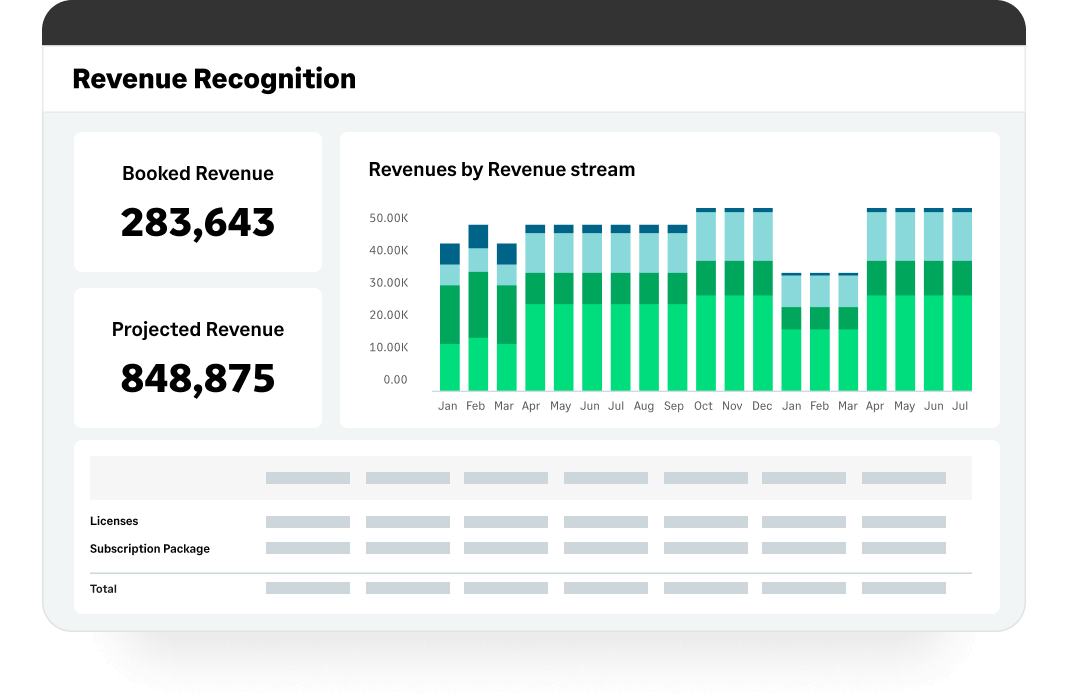
Sage was cheaper than Acumatica and already being used, so it was easier to stick with Sage than make a big transition with a lean team. QuickBooks would not have had the revenue recognition capabilities that Sage has.
I think Sage is much easier to use and makes more accounting sense than either MIP or FE. I often wonder if accountants are involved in creating accounting software but i do not feel like that with Sage.
We felt the 2nd best alternative to Sage Intacct was Aplos, then Blackbaud. However, there were some issues: > Overall functionality - All of our initial business requirements were fully met with Sage Intacct, which was mostly similar to other offerings. Where Sage Intacct …
I think Sage Intacct is by far the worst accounting software I have ever used. We only selected Sage Intacct in order to integrate with WooCommerce's order management platform...which we have since then ditched. We should have never migrated over from QuickBooks. We should have …
I selected both. They work together. I specifically selected MineralTree because it has a direct and bi-directional API sync with Sage Intacct. Again, I think Sage needs to be proactive to smooth out a couple of bumps: 1. the mapping of the restriction field; 2. the deleting of …
Sage Intacct offered more cloud-based options and greater customization than the software previously used. The cost-to-benefit ratio could not be beat.
I have mentioned several of the tools and applications that Sage has made available to my company and how my company has constructed to use them and apply them to our daily lives of bookkeeping, with receivable and checks and balances, making it a better and proper system with …
MS GP was no longer supported, so we switched to Intacct. QuickBooks wasn't nearly as robust, and we were enticed by both the peer organizations that use Intacct and the ability to make the system work for us in ways MS financial software had historically not.
We evaluated Sage Intacct alongside many other options, but Blackbaud and NetSuite were the frontrunners. They all were cloud-based and capable systems, but for our team, Sage Intacct was the clearer choice for a few reasons.
First, usability. Our team has varying levels of …
QuickBooks satisfies our current needs. Once I have more time to evaluate alternatives and their pricing, I will be in a better position to respond to this question.
After using QBO, QBDP is marvelous. Take a cue from the desktop version. Vendor, Customer and Employee centers are great. Reporting is okay, but I can live with that. Payroll is excellent and I even file and pay my own taxes. I like that control. The fact that you can open …
I find QBO is easier to use than Sage. But I love NetSuite, and with QBO's price increase, we may look at switching to NetSuite because it is highly customizable and their customer service is amazing. They walk you through each step, and you have one person that you can go to …
QuickBooks Desktop Premier was more robust than QuickBooks Online Advanced. If given the choice, I would have continued to use QuickBooks Desktop Premier. Unfortunately, QuickBooks Desktop Premier was no longer being supported by Intuit, so we were forced to switch. Also, …
Quickbooks and Xero are similar in many ways, and we do use Xero for a small number of entities in APAC because it’s better for local tax compliance. Similarly, we use Zoho Books in India for this reason: Quickbooks is less expensive than Netsuite and cannot support larger …
It’s a useful simple down to the basics in comparison, reliable and user friendly application in comparison. It’s the familiar and ease QuickBooks brings.
We have more familiarity with QuickBooks Online Advanced, and more of our clients use QuickBooks Online Advanced and desktop than any other online or desktop software. There are some features on Xero that I really like, but we have not put in the work to convert any of our …
We were set up in the first version of QBO by a previous bookkeeper and have not made the move to a different service due to the complexity of making such a move. We went from QBO standard to the advanced to be able to access more features.
QuickBooks Desktop is no longer being sold in the US, so we had to switch to the online version of the program. It is not a fully fleshed-out all-in-one solution offering everything the desktop version did. That being said, the desktop enterprise was overkill for many people.
QuickBooks Online Advanced isn’t as robust as Netsuite or Sage, but it is generally a great choice for most businesses. This software will meet or exceed the needs of most companies, and should be the first part of your accounting software decision. I would even reach out to a …
QuickBooks Online Advanced is our first choice, we love using this software, it does everything we need and also it is a great choice for great majority of our clients. It also evolves and the new features are always great. Xero, for example, does not listen to user feedback …
Our company currently uses both of these platforms. In my opinion, QuickBooks Online Advanced has more capabilities than Xero, but Xero is more aesthetically pleasing. The biggest difference is the QuickBooks Online Advanced payroll processing and payroll tax filings. With …
There is literally no comparison - Wave is a "cute little" accounting software system that does a nice job tracking someone's checking account and basic household expenses, but if you are a serious business, you certainly need a comprehensive software package like QuickBooks …
Similar in structure but Xero reporting is better. Considering a shift to Xero in the near future if the many issues with QuickBooks Online Advanced are not resolved quickly.
Again, I was hired after QuickBooks Online Advanced was selected and implemented so I cannot answer to how the software stacks up to the choices that were explored when the company started over 7 years ago. I know we are looking for other options now that might have more …
Quickbooks online advanced is much simple and easier to use, so it fits better to the ticket of our small non-profit organization needs. The other options are either, or both, more pricy and complicated than the QuickBooks Online Advanced. For example, the implementation for …
The product I used clearly appears struggling to catch up but doesn't seem an easy task for them. This other product was not able to finalize some of the modules into the web-base (NXT) system. Intuit already has multiple products (payments, tax filing, payroll, etc) that …
I have not evaluated any yet. I have used QuickBooks since 2008 and I used Sage in the corporate environment before using QuickBooks. Honestly, I can't remember it because it was early 2000's. I thought about evaluating and looking because of the issues I've had with …
Application suits well to multiple user structure where users buy and pay expenses on the go so each user would have their own mobile app and access to Dext Prepare and soon after the purchase, they take a picture of the receipt and upload so finance team can access the information straight away. It would not suit well where a business has very few users who pay the bills and most bills are on the cloud (via emails, all-digital in the first place). Because these bills can be emailed to the accounting system in the first place anyway or other software providers where monthly subscription is much cheaper.
Sage Intacct is well suited for below areas 1) Integrations with third party applications 2) Contracts module for billing based on milestones and Direct Invoicing 3) Customer communications for Pending Invoices/ Dunning 4) End to End Procure to Pay module for vendor payments 5) Bank reconciliations by integrating with Bank Portals Sage Intacct is less suited for 1) Prospective MEA Allocations 2) MEA allocations during Partial cancellation of contracts 3) Past due reminders for customers 4) Exchange rate history is not available in Intacct.
QuickBooks Online is an excellent, comprehensive program for managing a business's accounting and finances, as well as payroll. It also has good support, if you're willing to pay extra for it. However, I wish the integration with some third-party apps was smoother. It integrates with other programs, but the process is often cumbersome and requires extra steps.
Key metrics on the submissions by clients and any delays. This allows for early identification where client may be struggling to get the information submitted to Receipt Bank, holding up the bookkeeping processing and ultimately delays in delivery of information to the clients.
Identifying unprocessed receipts sitting in the clients Receipt Bank file.. This assists in managing internal workflow and aiding team members who may find they need assistance in completing key tasks.
Identifying which clients are using Receipt Bank effectively and which clients need assistance. This can provide the opportunity to discuss with all clients what works well for them and what needs improvement by sharing some of the wins from other clients.
Providing managers the ability to review with ease the progress of Receipt Bank processing by client and by bookkeeper. This allows them to identify issues literally before they occur.
Custom, real-time financial reporting. I am able to streamline my reporting to pull in various account groups and calculations which save me time from having to do it in Excel.
Out of the box standard reports for clients who don't require as custom of reporting or even as a great starting point to build out reports.
Integrations with other platforms, such as Airbase, various banks, Rippling, etc.
The dashboard module is extremely helpful in my monthly review of various entities.
It allows us to link to bank accounts in order to get up-to-date, real-time information, which is so important in today's lightning speed work world.
The "canned" reports are excellent and allow for extreme customization also. This makes them very helpful to both me and my clients.
The user interface for QuickBooks Online Advanced is easy to navigate and is intuitive for novices. The screens are well laid out and have cohesiveness on each screen to match tasks with others that match up well.
On the Inbox screen include a 'due date' column so items can be easily sorted in due date order to assist managing accounts payable
improve the data matching between XERO and DEXT. Currently it performance is 'random' and does not occur on each customer file. Seems it is something that needs to be requested from support. It should be an automatic feature
Dext is the best way for us to manage our business expenses. Physical and PDF receipts/invoices will be around for a while, but the move to eInvoicing is very good and we look forward to Dext adding this feature
Sage Intacct continues to well-satisfy our needs and is an easy-to-use product. Service reliability has been excellent. The ability to integrate Sage Intacct with best-in-class companion products that handle expense reporting, budgeting, etc... makes Sage Intacct an excellent value. We continue to be extremely well-satisfied with the results and performance of our experience using Sage Intacct.
QuickBooks has a few things that still need worked out. As they have grown the software has become more functional and robust. This growth has allowed QuickBooks to remain our main software because it has grown and advanced with us. I look forward to seeing more changes and upgrades as the years go on
Receipt Bank was great 3 years ago when I started using it. Now it’s way to expensive for what you can get elsewhere for free. Also the rebranding didn’t work in my opinion so the Dext name doesn’t have the same feeling to me as Receipt Bank.
The ease of use as a seasoned user is wonderful; however, new users struggle to adapt to the program efficiently. Better training videos--all in one location--would be beneficial. The use of a "sandbox" environment is a great tool for new employees or for the fiscal department to test certain journal entries or other transactions to verify accuracy of data.
I find it incredibly easy to use. I own a bookkeeping company, and all of my clients use QBO. I like the reports that are available and the ability to customize reports. I gave it a 9 instead of a 10 because some of my employees (who are not tech-savvy) find the changing platform difficult to use.
There has only been one occurrence where Sage Intacct was not available to me, however I had already been working a number of hours trying to get a project completed. It honestly allowed me to step back and take a much needed break.
In the 5 years I have been using it, I cannot recall there ever having been an outage or not being able to access the system. Sure, there are issues with internet speeds sometimes that are unrelated to Intuit but it is a very reliable system.
As fas as integration is concerned I don't feel this slows Sage Intacct down at all. However, sometimes I do feel it takes some larger reports more time to load due to all the detail. As well as, I "move very fast" in my motions so sometimes I double click on fuctions too quickly and the system seems to think that I have a duplicate request.
Since we do not integrate the software with other systems, I do not have any issues with speed related to that. Pages tend to load pretty quickly, but there are times when reports or other pages take a little longer to load than usual. It is not an overly frustrating amount of time, though, and it happens infrequently.
When I think I have broken the platform the help guys and girls are simply fantastic. They take time to understand the problem and usually resolve the issue on the spot. I have not had to wait more than an hour to get anything resolved - be that an issue I have created or a fault in my understanding of the program. Can't rate their support I have received to date highly enough.
Only a few times have we had to reach out to support, and every time we did, we received a relatively quick response and a solution was found fairly quickly. Only once was there an issue that took longer than a week to resolve, but it still did eventually get solved.
I have taken in person training classes at several of the annual Sage Intacct user conferences. It is very interactive and the trainers are very easy to follow and understand. They are great at getting everyone in the class involved. They also make sure everyone has learned to task before moving to a new one.
The free training is very minimal. For what we pay for the service, I would like more training. We end up training new users in-house because the provided free training is not nearly comprehensive enough. That being said, the training provided, for the material covered, was adequate and relevant for the given topics.
I would not use a thrid party administrator to implement your system, especially if you are going to be modifying the system at all. Use Intacct implementors as they will be able to better support you on any issues that come up after you go live.
10 – We were very satisfied with the implementation process. It was straightforward, required minimal change management, and did not disrupt our operations. The platform was easy to set up, and our team was able to adopt it quickly without extensive training. Overall, the implementation was efficient and aligned well with our expectations.
I have never been able to get Expensify to work for me. The reports are just completely unintuitive and I end up having my client generate the report I need and send it to me instead. For QBO the restriction on which email addresses can send receipts is too limiting. They also do not extract data well and the overall system is very clunky compared to Dext. Of course the trade-off there is that you aren't paying a separate monthly subscription fee.
We felt the 2nd best alternative to Sage Intacct was Aplos, then Blackbaud. However, there were some issues: > Overall functionality - All of our initial business requirements were fully met with Sage Intacct, which was mostly similar to other offerings. Where Sage Intacct distinguished itself was in its business model, what we would end up with after implementation that would stream-line our organization. > Open architecture - APIs for our other specific software tools were already part of Sage Intacct and others did not have the robust existing offerings and did not make clear how we would build such hooks. > Pricing - Sage Intacct ended up the best price, with the software and implementation support bundled into one annual price. Our multi-year agreement was also the best price, through negotiations / iterations. > References - We contacted references for each vendor in consideration. Church/non-profit Sage Intacct users spoke and understood "our language" and were incredibly positive about their experience with Sage Intacct. References provided by other vendors missed the mark in terms of a business match, which doesn't bode well if those are what is offered.
After using QBO, QBDP is marvelous. Take a cue from the desktop version. Vendor, Customer and Employee centers are great. Reporting is okay, but I can live with that. Payroll is excellent and I even file and pay my own taxes. I like that control. The fact that you can open multiple windows at one time is a God send. I do post mortems on all of the jobs and I may have 5 reports open at one time. (This would not be necessary if your reporting was better, linking more of QBDP database.) Everyday I am interrupted in a task to do a new one and I can go to exactly where I was in the previous task because I have multiple windows open. I am not going to stop harping on this until you do something about it. ALSO, I am not using your AI in QBOA
Receipt Bank has helped alleviate the frustration felt by both our clients and our staff when it comes to the detail needed for some of the organizations that we serve. In some cases it's just NECESSARY to have all of that detail for the financial statement preparation, and prior to Receipt Bank, we had to email back and forth, download attachments, manually enter the information into Quickbooks Online, save the document etc. It was a tedious process. Receipt Bank took care of all of that, and it saves both our clients and our staff HOURS of work each month.
Receipt Bank has given our clients the confidence to make their work places paperless offices. It frees time and money for them, because they don't have to keep track of the documents, they don't have to store the documents (and find a place to store them), and they never have to file them away. Receipt Bank archives all of the documents so you can find them if you ever need them, and the documents are in their financial data as well, which is where they really need them. I've never had a client regret going to Receipt Bank just because it makes life so much simpler for them.
Positive - It runs better than our old software when we all work together, rather than having to sign off on each other and deal with syncing issues.
Negative - It's not as easy to go back to fix an amount, a date, etc. Sometimes, a very small mistake needs to be corrected by voiding and redoing the entire transaction.
We can successfully sync other software we use with Intacct! It reduces workload when things are automated.
Moving from QuickBooks Desktop where there was only an upfront one-time software acquisition cost to an annual subscription of $2,500 per entity is costly for two non-profit organizations.
In over a year using QuickBooks Online Advanced, we have not had to pay anything for support.