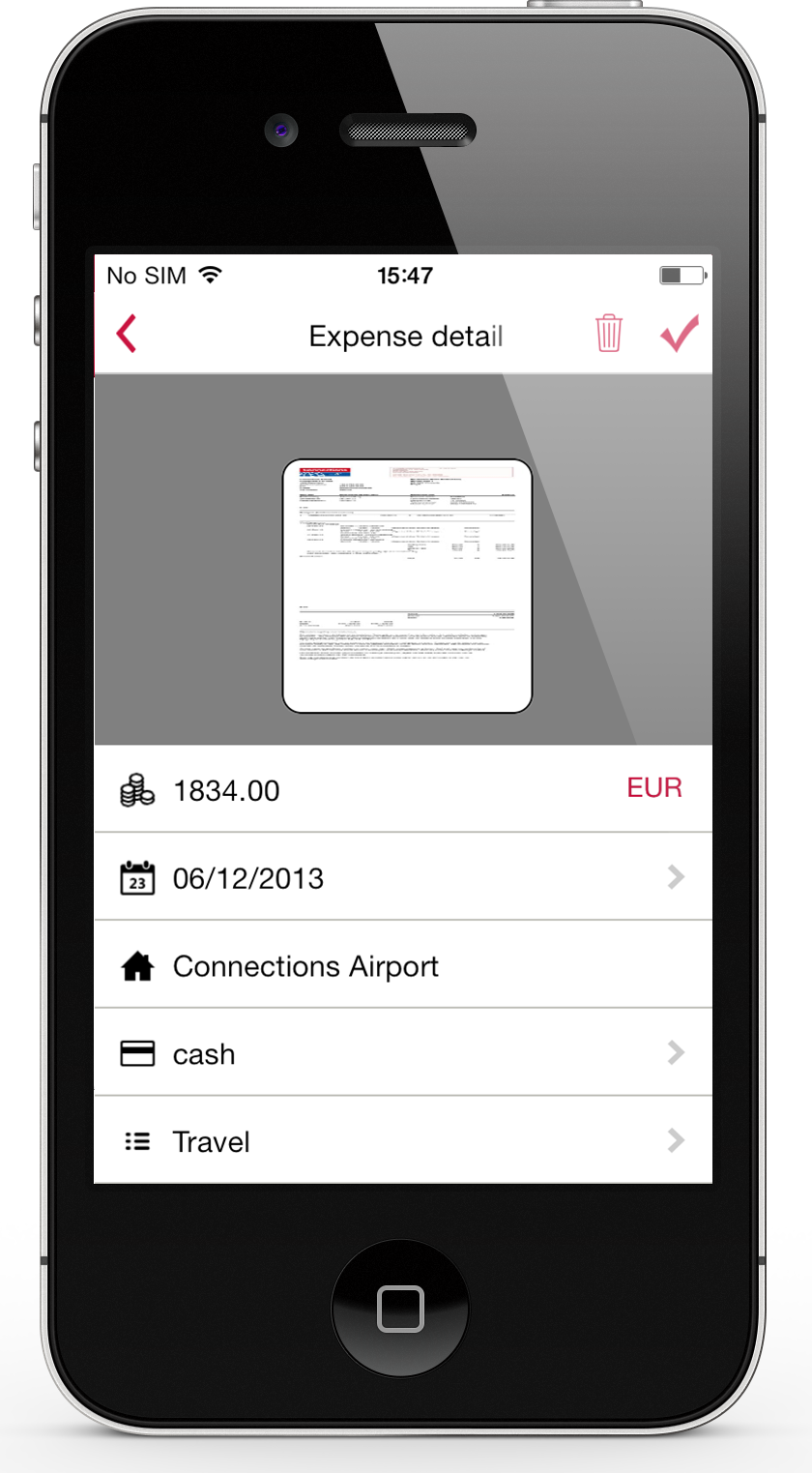
Expensify automates the entire spend management process. Scan receipts, track mileage, submit and approve expenses, manage corporate cards, reimburse employees, pay bills, send invoices, and book travel. Built for individuals and companies of all sizes, anywhere in the world.
$5
per month per user
Kissflow
Score 8.1 out of 10
Enterprise companies (1,001+ employees)
Kissflow is a low-code platform for custom application development tailored to business operations. Kissflow empowers process owners and IT developers to automate and build processes and applications for internal business operations.
$1,500
per month 50 Users
Rydoo
Score 10.0 out of 10
Mid-Size Companies (51-1,000 employees)
Rydoo (formerly Xpenditure) is a cloud based travel management solution that also handles the expense management process from receipt to accounting. After taking a picture of a receipt, Rydoo will extract all relevant data, and make it ready to be exported to the accounting software of your choice.
$10
per month per user (starting at 5 users)
Pricing
Expensify
Kissflow
Rydoo
Editions & Modules
Collect
$5
per month per user
Control
$9
per month per user
Small Business
$1500
per month
Essentials
€10
per month per user (starting at 5 users)
Pro
€12
per month per user (starting at 5 users)
Business
Custom Pricing
Starting at 30 active users.
Enterprise
Custom Pricing
Starting at 30 active users
Offerings
Pricing Offerings
Expensify
Kissflow
Rydoo
Free Trial
Yes
Yes
Yes
Free/Freemium Version
No
No
No
Premium Consulting/Integration Services
No
Yes
Yes
Entry-level Setup Fee
No setup fee
No setup fee
No setup fee
Additional Details
—
—
Discount available for annual pricing.
More Pricing Information
Community Pulse
Expensify
Kissflow
Rydoo
Considered Multiple Products
Expensify
Verified User
Employee
Chose Expensify
Very similar to Expensify in terms of functionality, Xpenditure is a solid product, one of the best in terms of expense tracking and reporting. However, I think Expensify has a better interface (more intuitive). Also, this might be a minor detail but I love the rotating …
Expensify was easy to use too but I feel like Rydoo does a better job of capturing receipt info with less work on the users end. Also with Rydoo you don't have to create a report, you can just submit expenses as you go. With Expensify you had to create a report first which …
I prefer Expensify over Rydoo. It is easier to work with both corporate cards and reimbursed expenses in Expensify, and it is much easier to reimburse the expenses directly through Expensify than having to work with a 3rd party outside of Rydoo. I have not used Expensify with …
Rydoo is very different in terms of how it approaches expense management thematically. It is entirely line-item based, and a lot of users had to take some time to adjust to this, but once we'd gotten past that, things have gone quite smoothly.
I think it's really good for small businesses. At least in the way we use it. It's very good for keeping an eye on employee spending in nearly real time. I'm not sure how it works for larger companies when there is a larger number of people to keep track of.
We've used Kissflow [School Cloud] in order to track parent requests for transportation in the SpEd department. It has been user friendly for parents to input a request and staff to review, double check school sites and locations, and set up specific routes to meet the needs of students and communicate the info back to parents.
I would recommend it for someone who wanted to track reimbursed expenses or credit card expenses, but there is not enough in Rydoo to work with these two distinct categories of items separately. It is not a good fit for someone looking to have their expenses seamlessly reimbursed (like Expensify). I do recommend it if you need to work with multiple currencies, because it makes that easy.
They know what they are. You aren't going to get a Workflow program that also wants to be a CRM. You will get the equivalent of an electronic assistant going from station to station, taking care of business and giving you the end result.
Paper. It reduces the amount of paper needed for menial tasks tremendously. You can automate an entire process. As an educational institution, you may still need paper copies, but you aren't waiting for John Doe to sign Line 3, then Jane Doe to initial, and so on and so on with a paper form.
Tracking. If you need to know where things are in the process, the fact that this program is dedicated to workflow makes it incredibly easy to identify where people are in the sales flow.
Customer appreciation. When your workflow is stronger, faster, and better, the customers feel it. They feel like you are right there with them and getting things moving.
I wish that I could sync accounts on the back end kind of like with banking software, so that Expensify would automatically port over receipts for recurring expenses as soon as they're available
It would be nice to one-click submit an expense all the way through instead of having to attach it to a report
Wackier profile icons? :) Not a big deal. This software is pretty much amazing as it is now, and typically the urge to update and modify very good software leads to poor outcomes!
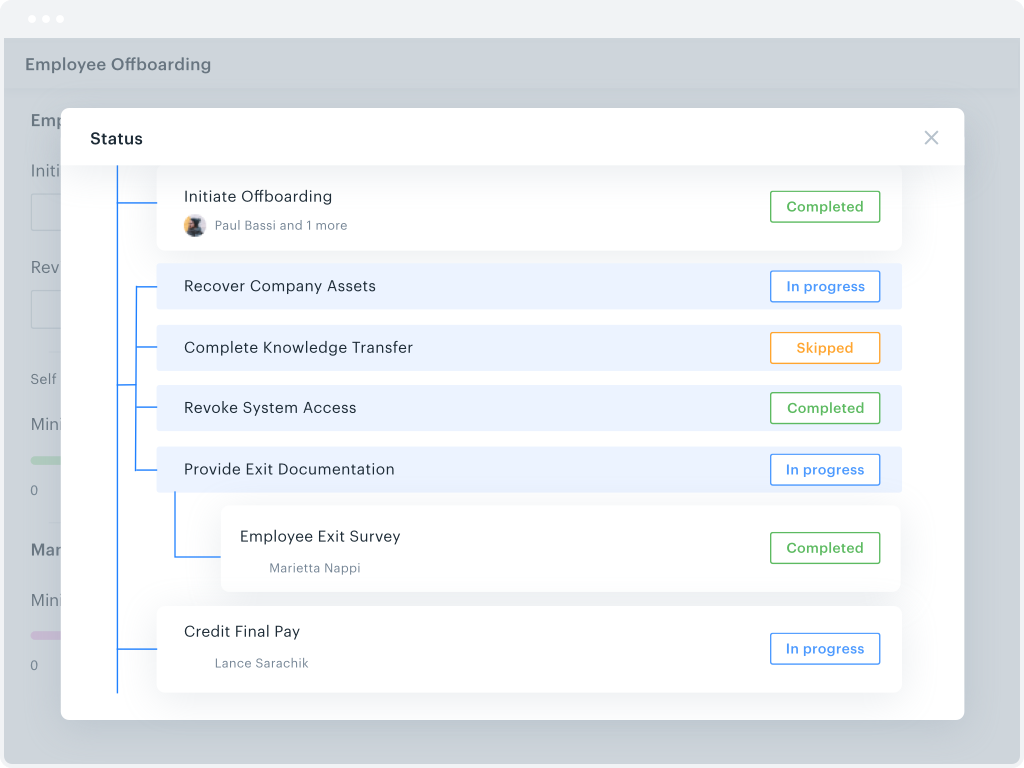
Workflow Design: There isn't a copy/paste function when creating the workflow, and you can't move a workflow task between parallel branches. This becomes a pain point when an item has 98% of what you need, but you can't copy it and place it in another branch to make the last tweaks. Instead, it needs to be completely recreated
Interface: While I like the current design features, which make it easy for an end-user to find their tasks and items, it would be nice to also have some flexibility within the platform. Things like being able to groups apps under a category or tailoring the look and feel of the page a little more would be a welcome addition.
We like using the tool and we receive positive feedback from employees and management who use the tool. It saves time and helps us concentrate on the value adding activities so we are very likely to keep using Expensify in the future
My rating of 8 out of 10 for Expensify's overall usability reflects its strong performance in empowering individual users and streamlining core expense processes, while acknowledging that there are specific areas, particularly on the administrative or enterprise side, where the user experience could be further refined. Exceptional End-User Experience (for basic tasks).Automation & Time-Saving Features.Clear Workflow for Approvers. Why it's not a perfect 10 (areas for improvement that dock points): Limited corporate bank to choose from, limited multi-currency to pay to ( for instance, as a foreign corporatio,n i cannot pay with my US account to Israeli employees, or pay to our UK employees)
The system has room to grow as it's limited by not being able to edit POs after they've been approved. The system is great for registrations and syncing to other systems while including the attachments. The reporting from Kissflow is also easy to setup to link to other platforms such as Looker
Our rep has been amazing. He has built custom reports for us that have been very time consuming and difficult. Our reps are also currently looking into new submission solutions for us that we are excited about. They came up with this and recommended it on their own without me complaining about an issue. They are about our success and are very excited about the product they offer.
I haven't encountered a need for support with KiSSFLOW. It's not a perfect platform, but it's functional, dependable, and reasonably intuitive. I can't fault a support team just because their product works!
When Rydoo is responsive, support is just fine, but there have been times when our requests for support have gone unanswered for more than a day when their queue has indicated response times much shorter than that.
The implementation process went rather smoothly, linking it to the bank and cards was handled easily. without too many unnecessary steps. Getting the accounts setup did take some time, but that would be true with any organization. All in all things went smoothly and I was very pleased with the setup and implementation process
It is definitely 10 times better than using an Excel spreadsheet. We are talking a digitized with AI type capabilities to do the work for you. It’s honestly a lifesaver. This beats manual calculations and data entry any day. Scanning 100 receipts and saving them to pdf files not only takes space on your storage but it is an extra unnecessary step
KiSSFLOW is much easier to set up, less coding and easier to explain to those that are being trained. The company already had SharePoint, but it is a very difficult system to set up. A class had to be taken, along with getting books in order to understand the process of the workflow. With KiSSFLOW, it is simple to understand, the helpdesk is quick with their response, help topics are laid out simply and you can even talk with someone on that side to ask your questions. Overall, KiSSFLOW is a much easier workflow and system to use.
Expensify was easy to use too but I feel like Rydoo does a better job of capturing receipt info with less work on the users end. Also with Rydoo you don't have to create a report, you can just submit expenses as you go. With Expensify you had to create a report first which added extra unnecessary work with no benefits.
We went from paying credit card fees with no approval process to a no fees and complex approval processes.
I personally save time in not having to develop a spend report I just have my admin assistent fill in the details of the auto generated report and it is done. Went from an hour long process to 5- 10 minutes max to prepare a high quality audit ready report.
The only real hard number savings that we have had with KiSSFLOW is the money we have saved in forms being printed, especially multi-part forms. So for a small college like us that it probably in the $5000 to $10000 per year range. We have certainly saved money in increased efficiencies of the processes that we have moved to KiSSFLOW. But that is harder to calculate.