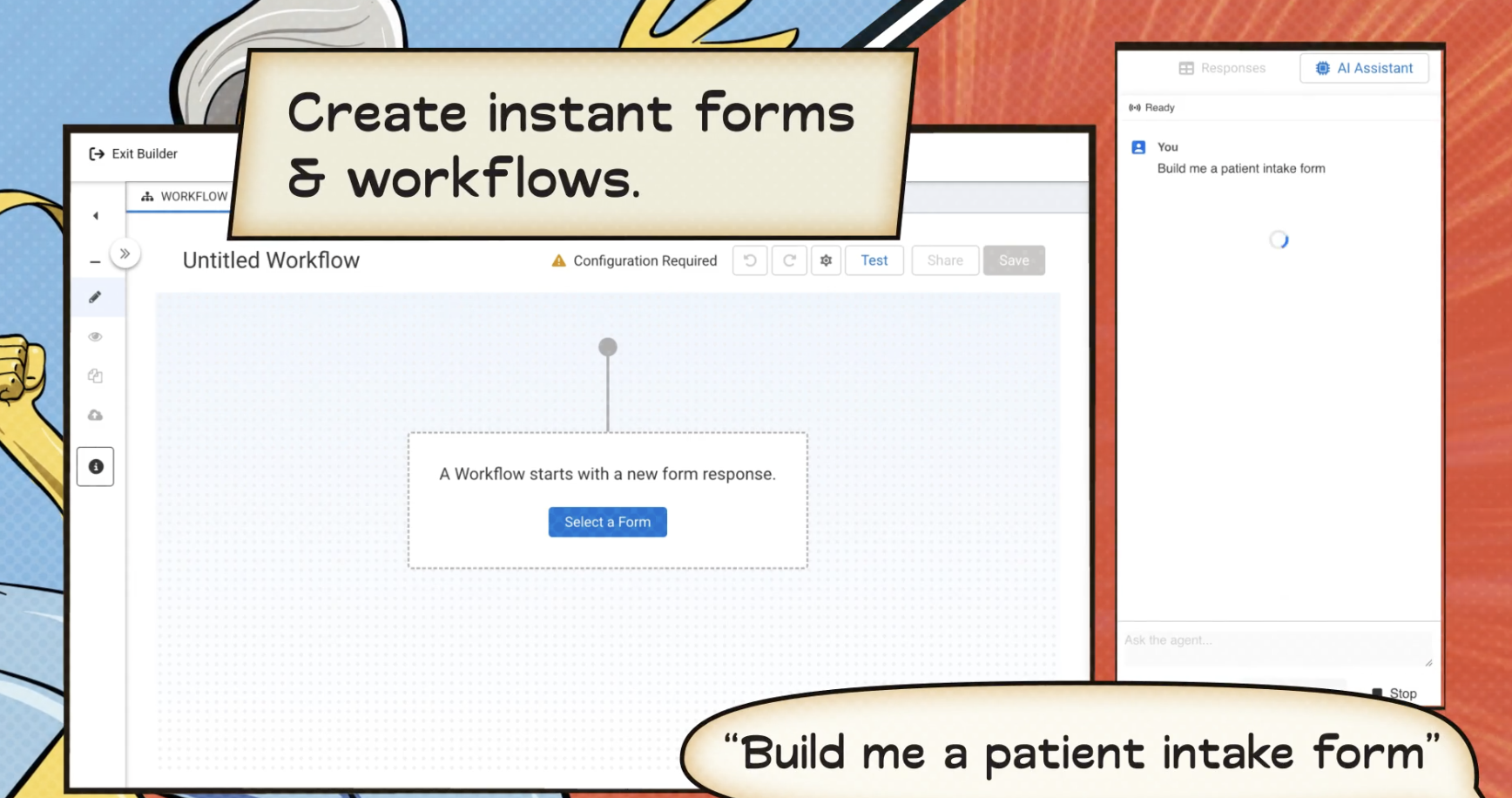
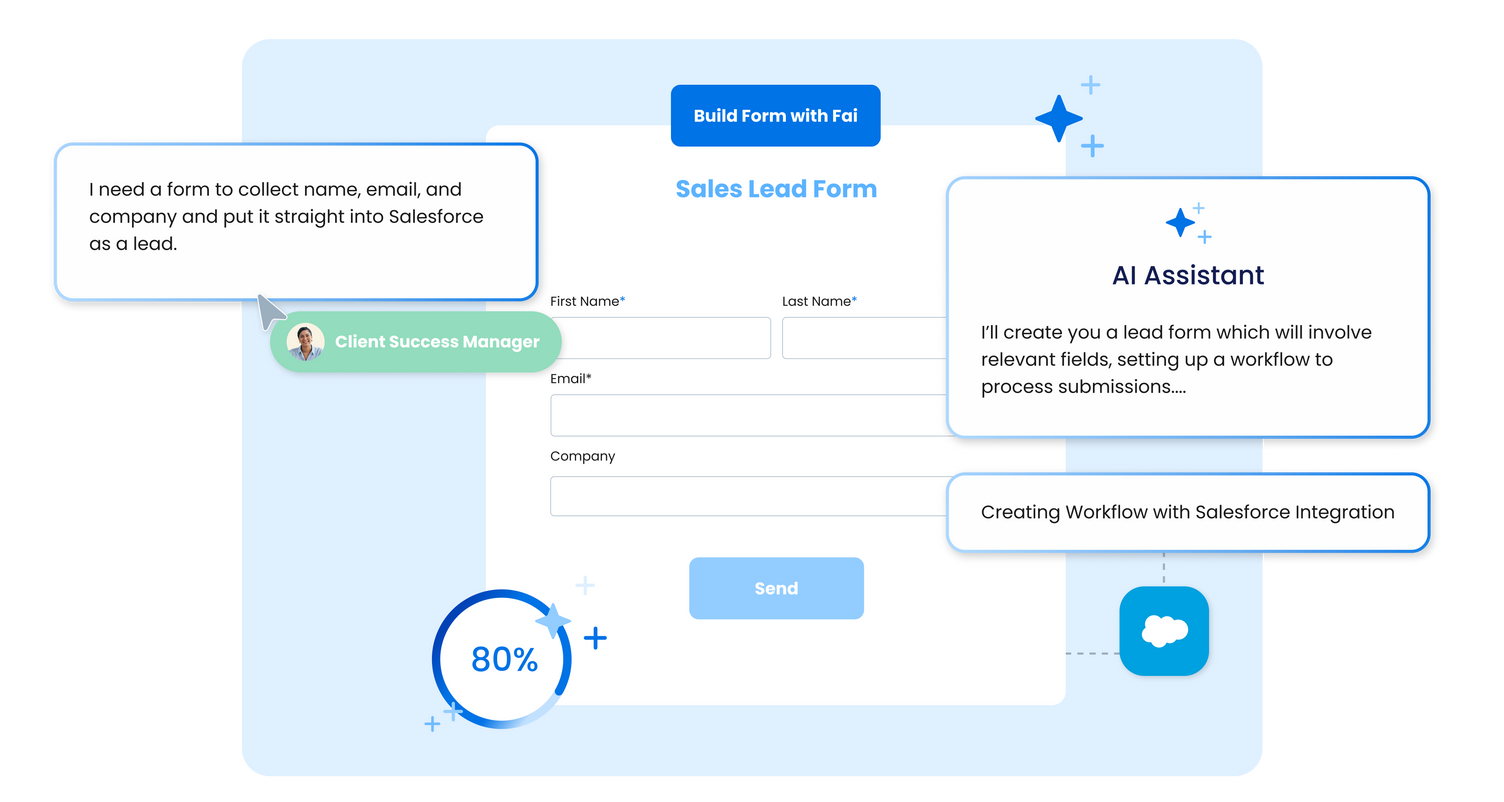
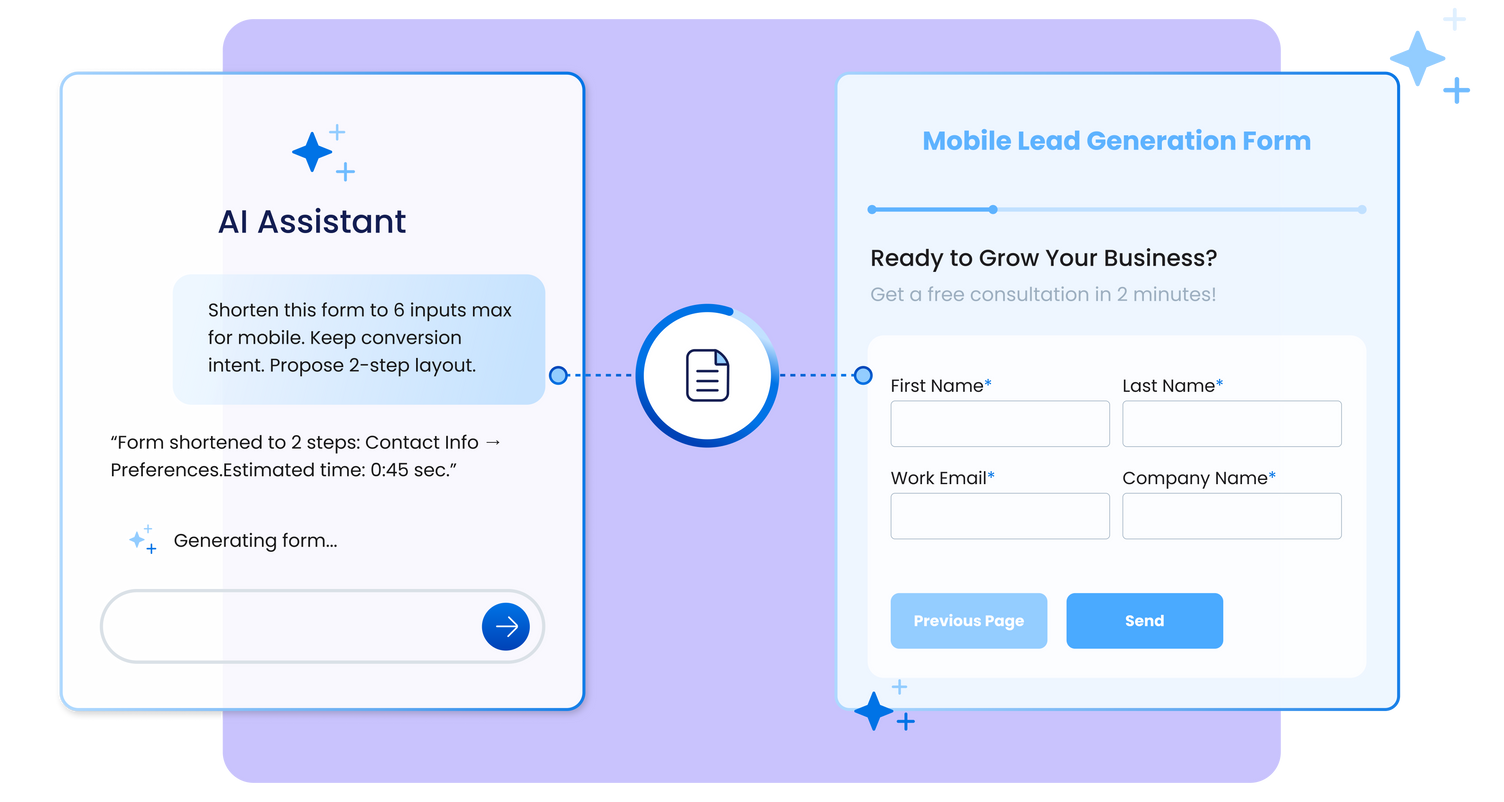
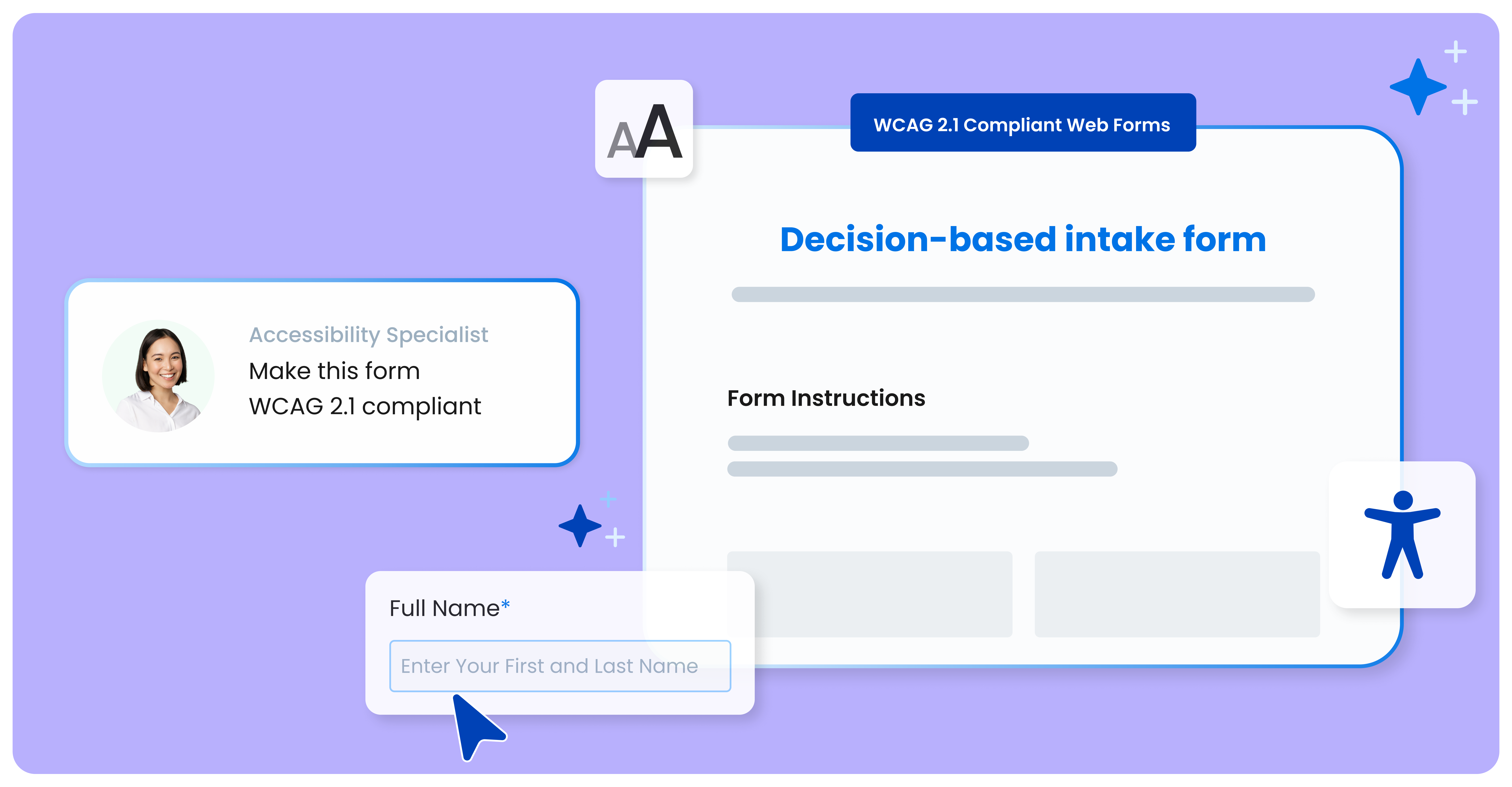
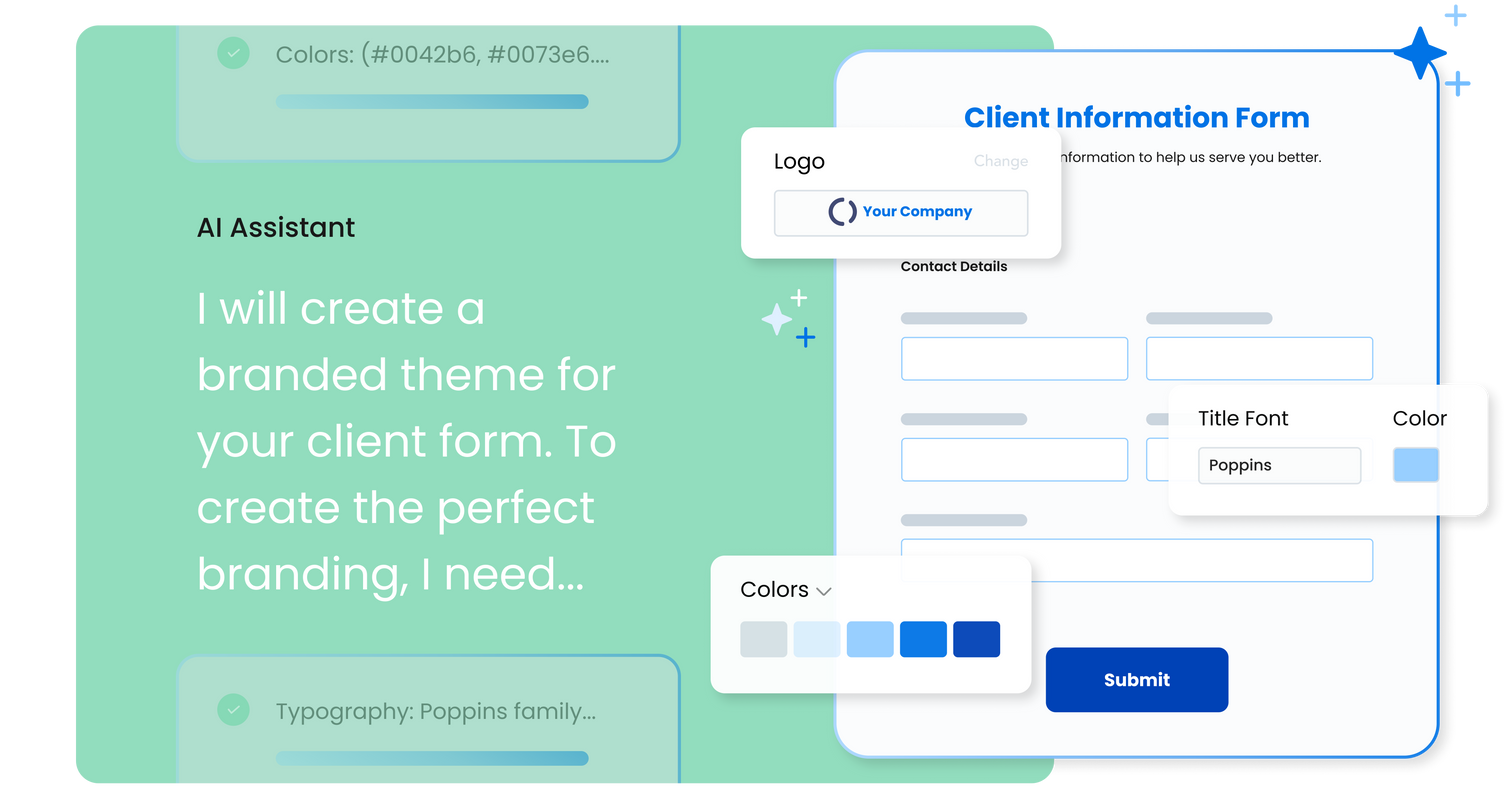
FormAssembly is an enterprise data collection and automation platform designed to enable organizations to capture clean, compliant data from the start. With the latest edition of the platform, FormAssembly Atlas, and its built-in AI assistant, Fai, forms and workflows build themselves, connect to Salesforce and other systems in just a few clicks, and ensure every record is structured, secure, and ready for automation or AI. In short, FormAssembly is designed to…
N/A
Google Forms
Score 8.5 out of 10
N/A
Google Forms is an app for creating forms and surveys, and is part of Google Apps for Work. The product focuses on ease of use; the interface is similar to a document editor, with drop down lists of options and drag and drop question re-ordering. Users can embed images and video into surveys. Users can also program the question flow with custom logic. Google sends users basic summaries of the survey results automatically, or users can export the raw survey results data and analyze it via…
N/A
Survicate
Score 8.5 out of 10
N/A
Survicate is survey software for getting continuous customer insights at scale. It can be used to measure customer satisfaction (CSAT), track an organization's Net Promoter Score (NPS), get website feedback, or test product-market fit. Survicate supports any use case related to collecting and managing customer feedback. Survicate can be used to: • Create customized surveys and start getting customer feedback within minutes • Run surveys where they are needed: via email…
$99
per month 500 responses per month
Pricing
FormAssembly
Google Forms
Survicate
Editions & Modules
Atlas Explorer
Contact Sales
per month
Atlas Team
Contact sales
Gov Cloud
Contact sales
Atlas Enterprise
Contact Sales
No answers on this topic
Good
$99
per month 500 responses per month
Better
$149
per month 1000 responses per month
Best
$249
per month 2500 responses per month
Better Than The Rest
$269
per month
Better Than The Rest
$299
per month Custom pool of yearly responses
Offerings
Pricing Offerings
FormAssembly
Google Forms
Survicate
Free Trial
Yes
No
Yes
Free/Freemium Version
No
No
Yes
Premium Consulting/Integration Services
Yes
No
Yes
Entry-level Setup Fee
Optional
No setup fee
No setup fee
Additional Details
—
—
Additional fees apply for additional users and domains. The price of the Scale plan is negotiated individually and depends on the number of monthly responses needed and possible custom needs, including integrations.
Overall we were looking specifically for a Salesforce-connected form provider, and found FormAssembly offered the most dynamic and powerful suite of Salesforce integrations across the form vendors we evaluated. I would specifically highlight that the logic a user can create …
I think that FormAssembly does a good job of integrating with multiple platforms, making it appropriate for any use. I think that it is a little less user-friendly than Woobox, however.
Google Forms are better than JotForm but not nearly as powerful as FormAssembly or Formstack. If you need integrations or more complex logic, then you will want to go with a more built-out form solution.
We have also used FormAssembly, which is far more advanced with security, analytics, and functionality, but is also more expensive and takes a greater resource investment to train others to use. While FormAssembly can provide a lot more features, and is definitely the better …
FormAssembly is awesome for certain situations. Website integration is particularly smooth, and integrations with platforms like FormAssembly are widely available. For us, this makes FormAssembly a vital tool for high-volume training with participants under high-workload conditions, because it reduces friction for participants as they complete the forms while saving time for our staff who handle data entry. Conversely, the process of setting up forms and their integrations feels heavy-handed for some of our smaller events with fewer participants.
Google Forms is great for simple surveys, such as quick polls, but any logic beyond conditional pages is not supported. Google Forms is best used when the survey participants have and are permitted to use a Google Account to fill out the form; we ran into issues with hospital IT departments. I don't believe there's a better free tool out there than Google Forms, though.
Survicate is well suited for very basic intercept polls and is less suited for more complex surveying tasks (e.g., anything more than basic skip-logic or surveying niche cohorts) and longitudinal surveying (e.g., comparing responses from the same or similar cohorts year over year).
Live results: When a user completes the form the results are added instantly.
Easy to create: Google Forms has a simple interface that allows for a wide range of question types. Google will even try to guess the question type based on the question (but this can be overridden).
Answers export to Google Sheets: It is easy to have each response to your form add a row to a Google Sheet, allowing for further analysis or processing.
Ability to automatically collect email addresses within a domain: If you have a form that has been shared with users in your domain, you can set it to automatically collect the users' email addresses without them needing to type it in. Makes checking whether all students have completed the form easy.
we could always use more styling options when it comes to the form builder
in our past use of the form builder when adding attachments to a form, there was an upload limit of 35MB. It would be great if this limit was increased.
Sometimes finding the output -- a Google Sheet with all responses-- is a little difficult. It's also sometimes confusing to figure out how to get back into the Google Form Survey itself.
As always, sharing among an institutional Google account and your personal Google account can be frustrating. You have to make a copy and can't share across the two different accounts very easily.
In my opinion, inconsistent and visually unappealing survey visuals (e.g., NPS and cSAT questions look completely different from each other, creating a disjointed visual experience)
Poor customer service (in my experience, issue resolution can take weeks)
Lack of clarity around API & other technical capabilities requiring engineering assistance
FormAssembly continues to meet our needs, and the product functionality continues to grow, providing us with new opportunities to utilize the software. We've built many forms and associated processes on FormAssembly. It would require a large effort to migrate to another platform. We have invested a lot of time in learning FormAssembly.
I will definitely renew my use of Google Forms because I really like the ease of use and the number of tools that Google forms provide. I also love that I can administer a test in real-time and get results in a timely manner
We use Survicate for now, over 7 years, and the tool is being constantly improved. New features and products has been introduced over the years. The team listens to our feedback we sometimes share, and improve the product based on that. We really appreciate being supported by the Customer Success, all the insights and help we got from them. And even though they introduced many new features over the years, the tool still remained super easy to use, even from new employees that join our team
I've already explained in detail why this rating is so high. It's very user-friendly; a green Salesforce admin can get set up and start using it right away. And if they need support, the support page provides documentation and screenshots to describe any questions they may have. They like it a lot!
Overall ease of use for staff, volunteers, and adult learners, and easy to get reports and to share reports via Sheets. As a free tool, it does more than expected. Easy to change the look and brand it to your organization, or just make it more fun, depending on what you want to use it for.
It's rare to use products that offer wide range of features, and yet are really ease to use. Over the years, the product has changed a lot, they introduced numerous new features, but the product remained really simple to use. We know it, because new employees who join our team, have no problem in starting to use Survicate on their own, without and dedicated training. The UI is really clear.
In the years I've used GoogleForms I've never ran into any issues with the reliability or availability. Google is a gigantic company with essentially limitless resources which makes it very easy to trust that I will continue to be able to enjoy the same reliability I've come to know and expect from GoogleForms
One of the things that comes as a benefit of the lack to create complex logic branching and truly custom design is that there isn't lot of room to bog down the software. GoogleForms has always loaded just as fast as my internet service and device would allow it. I'm not sure about front end integrations or integrations into the form itself, as I've never explored it, but on the backend, I've never had any issues with integrations channeling from GoogleForms from the GoogleForms's end of things.
While it's not a true development package and misses some features like ingestion of external data for lists, etc... the product is fast, stable, easy to use, and will suit the needs of anyone needing online form functionality with SalesForce and other connectors available for your marketing needs.
We haven't used much official support for Google Forms. However, because it is so widely used, there are a ton of articles and guides available online to help administrators of varying technical abilities to work through problems that arise. Additionally, Google provides an official support forum where there are discussions with other users as well as Google developers that can help address issues if needed.
We had a lot of issues during implementation that required help from Survicate's engineers. In my experience, it took us over 4 weeks to be fully up and running due to lag times in communication.
Google Forms doesn't really require "implementation": simply log into GDrive and create a survey! You can configure settings per survey to, for example, automatically write responses to a GSheet.
Setup was simple. One-time installation for our website and inside the product. We used Google Tag Manager to implement Survicate. So within 2 hours, we were able to run surveys, and also all attributes and events were passed to Survicate, so that we were able to use them to trigger surveys
Form Assembly allows for advanced data mapping, pre-filling forms with Salesforce data, and working with custom objects. FormAssembly excels in Salesforce Integration, as it is highly specialized and deeply integrated. Often considered the industry leader for Salesforce forms, Formstack has strong integration, but may not offer the same level of granular control as FormAssembly.
Although both platforms offer similar functionalities, Google Form has a personal advantage and it is the impeccable integration with the different applications of the Google suite, this allows to make use of all of them in a transparent way, which in the work environment allows to perform work efficiently and without affecting the quality of it.
Considering the simplicity of the need, and the cost of such solution (~600$/yr), I don't think there was very deep research for any alternatives. The main alternative was embedding a feedback tool "organically" into our site, that option was taken off the table, for strategic considerations.
GoogleForms lacks the ability for complex logic branching and the ability to truly design it in a custom manner. It's pretty obvious when you land on a GoogleForm that it is in fact a GoogleForm. This rating solely reflects the lack of flexibility which in turn makes it something that wouldn't usually be scaled. That being said, if needing to scale a simple solution, GoogleForms would be up for the job.
We had a business need - to collect feedback on our support knowledge base content. Feedback Lite fulfills this need, with simple, easy to use, solution.