Google Drive is a cloud file storage, synchronization, and collaboration platform and service, that features Google Docs, Sheets, and Slides for document editing and presentation.
$6
per month
MindMeister
Score 3.2 out of 10
N/A
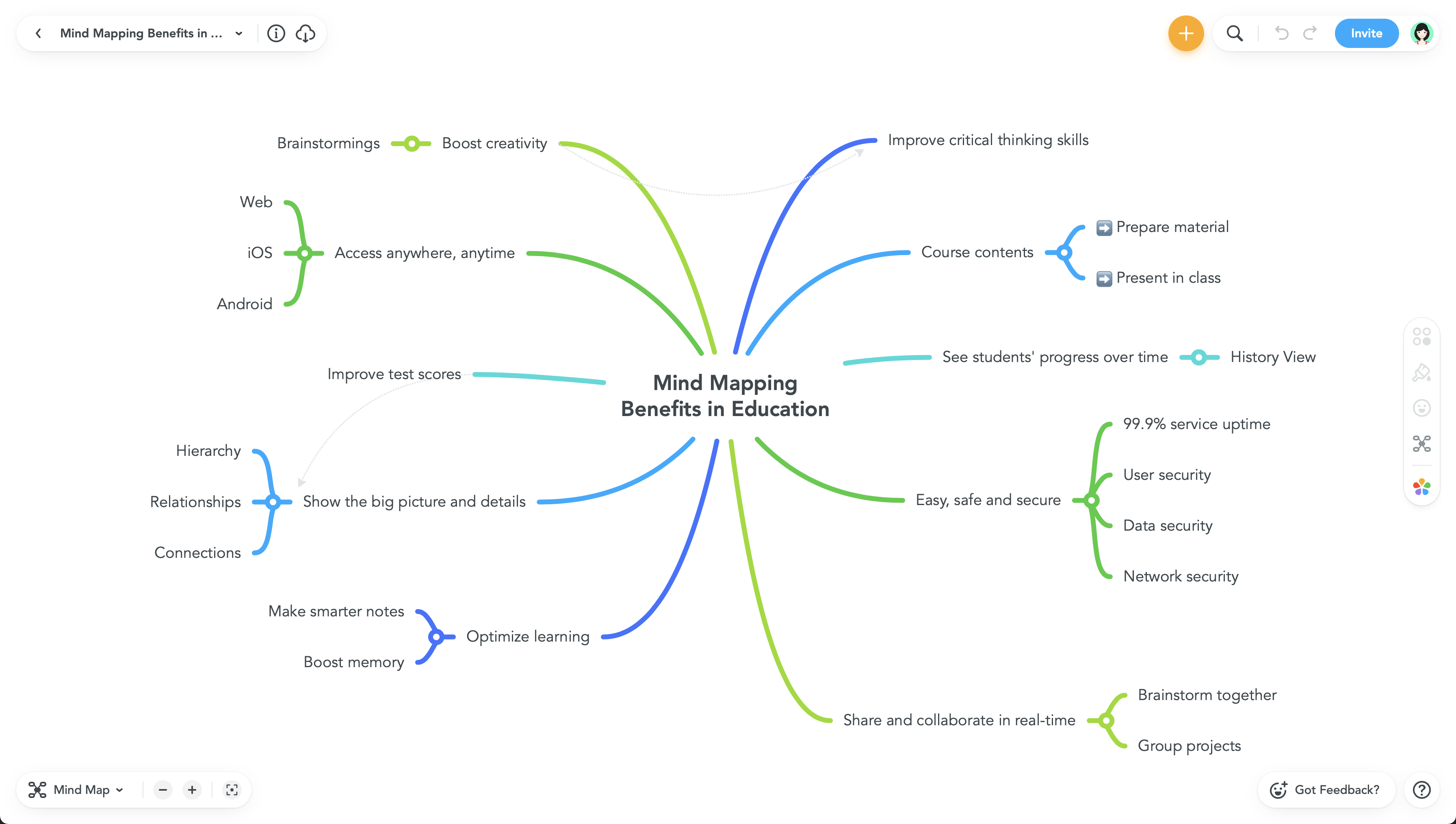
MindMeister is an online mind mapping tool that lets users share maps with an unlimited number of users and collaborate with them in real-time. MindMeister is used to brainstorm ideas, plan projects, take meeting minutes, develop business strategies, and create presentations. MindMeister runs in any standard web-browser as well as on iOS and Android devices, so users can access, edit and present their mind maps anytime, wherever they are. With MindMeister, users…
$45
every 6 months per user
Nextcloud
Score 8.3 out of 10
N/A
Nextcloud offers their open source,
self-hosted Content Collaboration Platform, combining what they describe as an easy user
interface for consumer-grade cloud solutions with the security and
compliance measures enterprises need. Nextcloud brings together
universal access to data through mobile, desktop and web interfaces with
next-generation, on-premise secure communication and collaboration
features like real-time document editing, chat and video calls, putting
them under…
N/A
Pricing
Google Drive
MindMeister
Nextcloud
Editions & Modules
Basic
$6.00
per month
Business
$12.00
per month
Enterprise
Contact Vendor for Quote
per month
Personal
$45
per 6 months per user
Pro
$75
per 6 months per user
Business
$114
per 6 months per user
No answers on this topic
Offerings
Pricing Offerings
Google Drive
MindMeister
Nextcloud
Free Trial
Yes
No
Yes
Free/Freemium Version
Yes
Yes
Yes
Premium Consulting/Integration Services
No
No
Yes
Entry-level Setup Fee
No setup fee
No setup fee
Optional
Additional Details
Discounts are available for students, educators, and non profit organizations.
MindMeister offers 6-monthly and yearly subscriptions. Discounts for educational users and non-profit organizations are also available. Up to 22% discount for yearly pricing.
Mindmeister has a good free plan compared with Lucidchart, and better Google Drive integration in my opinion. draw.io has a better free plan than MindMeister, but I prefer MindMeister for mindmap creation still, while I prefer draw.io for other types of diagrams. Xmind is …
Nextcloud was the only solution that would authenticate with Microsoft 365 while also running on all of their machines, handle absurdly high file number counts, and the occasional large file. We couldn't find other platforms that would do that at all, or that would say they …
PIM and file sharing are the same as you get in Google's Drive/Calendar. With extensions, you can also implement web meetings (e.g., by using Jitsi), but this comes with more administrative effort. In the end, this comes down to how big of a user/customer base you are …
Verified User
Partner
Chose Nextcloud
On-premise solution good for control and cost (in our case).
It is possible to share files and folders with up to 200 email addresses, as well as with persons outside the company.Use the drop-down arrow to select who may see, comment on, or change the file or folder before sending out an invitation.I am very much impressed with this feature
MindMeister is ideally suited for building mind maps, site maps, or similar types of data maps in the cloud without needing to install extra software. I find that it isn't quite as ideal for other types of diagrams (ERDs, flowcharts, etc) as some other tools, though it definitely can handle those things as well.
For a SOHO business, this solution is ideal. You don't need to administrative overhead of other products like GSuite, and it saves licensing costs. The maintenance effort is minimal as long as you use their default applications. Migrations to newer versions can be done with a few commands and run automatically. If you're planning on using Nextcloud in large deployments with many users, you'll start to see higher costs on your resources and maintenance. There will be a point at which Gsuite becomes easier to manage.
Any user with access can store a file using different platforms like Android, IOS, Windows, or Ubuntu (Desktop version)
You can share files with any number of different users with different access rights or you can even keep it public by providing the access link and assign different rights for public access
You can open Excel/Word files using google software Sheets/Docs in the browser environment without having to install software like Microsoft Office etc on your Windows OS
The UI is well laid out and easy to use. The workflow makes perfect sense and makes creating tasks a breeze.
The collaboration features make brainstorming not only easy but fun! Everyone enjoys using the tool, which was not the case with other collaboration software we used.
I love being able to get all of my thoughts and ideas on the screen to see them and then be able to connect them in a logical way.
Having a little bit more control and clarity over what is shared and how it is shared would be a useful improvement.
Could be more robust and flexible as far as assigning restrictions.
Google Sheets could be enhanced because Excel really is not there yet as a product with equal capabilities as there are still quite a few limitations to the functionality.
It's perfect for me. It keeps things saved and is easy to remove items if needed. Also, I very much enjoy the formatting options. Along with the integrations it has for SSO. Overall, this is the most user friendly system I have ever come across.
It's easy enough to use for computer users of all ages and skill levels. I am an advanced user, and I think the hardest part might be showing someone how to download and set up the app on their device if they weren't too familiar with computers, but overall it is very easy to understand.
It's easy to use and easy to maintain. It also provides many useful programs and plugins to make work even more productive; just check what's available and how you could use them to your advantage. Also, check the Nextcloud Files app on your phone, which makes everything available at the touch of your fingers.
The documents load fairly quickly and also update in real time, especially given the fact that multiple people can be using it at once. The "Offline" feature works great to allow the user to make edits and access the document without access to the internet, and then sync changes later once they're back.
It takes a few days for customer support to get back to you. Although, I have not had to use support too often. Once you get an email back, they are very thorough and work hard to fix the problem quickly. It is a really great resource and a great way to get the help you need if you're stuck. A phone call also works quickly but you have to call during specific times.
Never had an issue with customer support, though we never really needed anything major as far as technical help. I do not believe they offer 24 hour customer support but we don't need it as MindMeister is not the type of tool we need need 24 hour a day support for. Overall, very happy with the level of support.
I never needed support as everything always worked fine. The documentation on Nextcloud website is extensive and clear. The community is very active on the forum and should support you if you don't already find what you are looking for.
The effective google workspace using training that my organization received and was conducted by me (as a team lead of the ICT team) was mind-blowing and as a result, our staff is performing well in terms of using the application for their daily jobs than before. Now, in my institution, all teachers and all the administrative personnel are very much interested in cloud storage facilities, in previous my institution was afraid of losing all important documents in the cloud storage. But, after having received the training they are now realized that if anyone has only one google account then he or she can use 15GB of cloud storage freely and they are now happy because now it is not necessary for anyone to carry the traditional pen drive.
It's an extremely easy software to implement, once you sign up for a google account you automatically have access to google drive with a set amount of storage space. The business or Google Suite accounts have more storage space than a regular free account, but setting up and accessing google drive is very easy in both cases
In short, Google Drive is better for independent users who store a normal amount of stuff. OneDrive makes more sense for businesses and teams that are doing heavy-duty storage or large-scale syncing. Realistically, though, most users will fall somewhere in between the two, where either platform would meet their needs.
I have also used LucidChart and Google Draw to create mind maps and concept maps in the past. I think that MindMeister is by far the cleanest and most user friendly of the three. Google Draw does not have anywhere near the same functionality. LucidChart tends to be clunky and the options to create your map are not always clear and intuitive.
Nextcloud stacks up pretty well against Mattermost and ownCloud. I really appreciate the fact that Nextcloud seems to integrate with other products pretty seamlessly and allows for extensibility that our product team can extend and improve functionality without a tremendous ramp-up time. We once used ownCloud in previous years, but they went the wrong way, and have found Nextcloud to be the right direction over time.