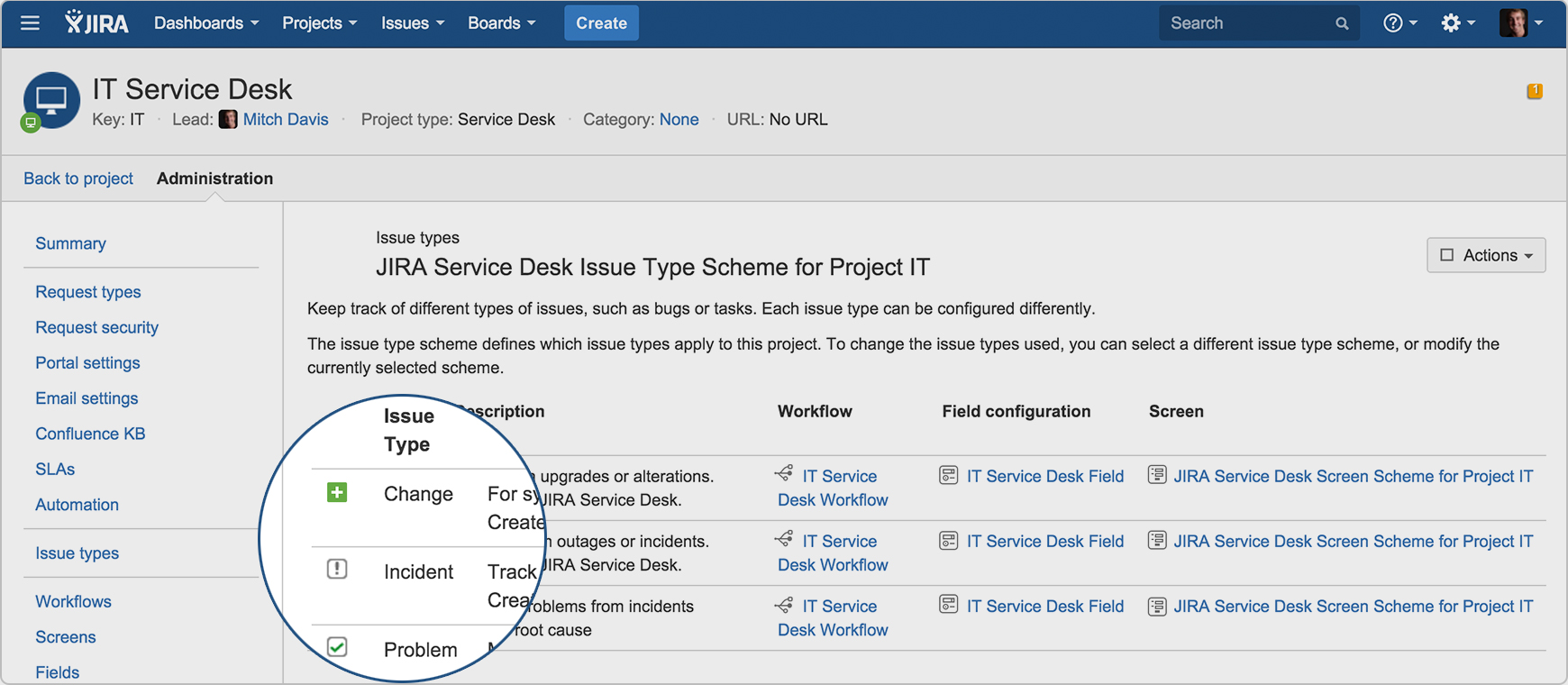
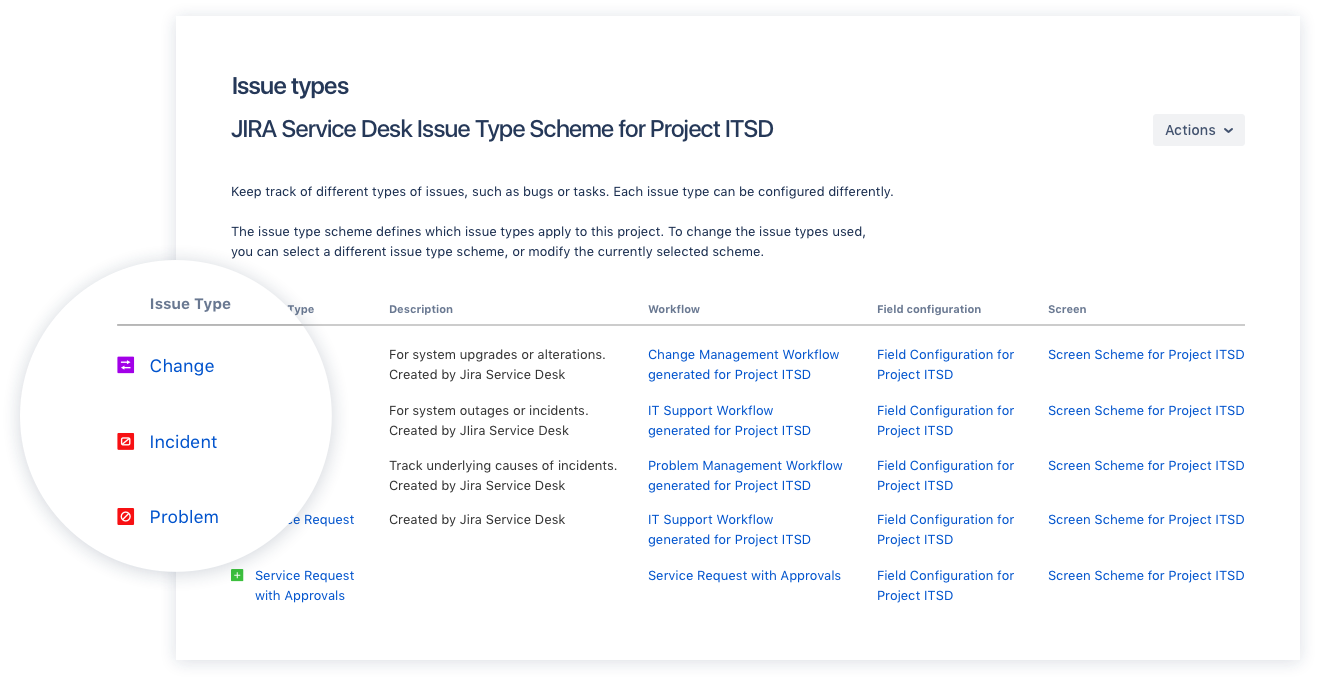
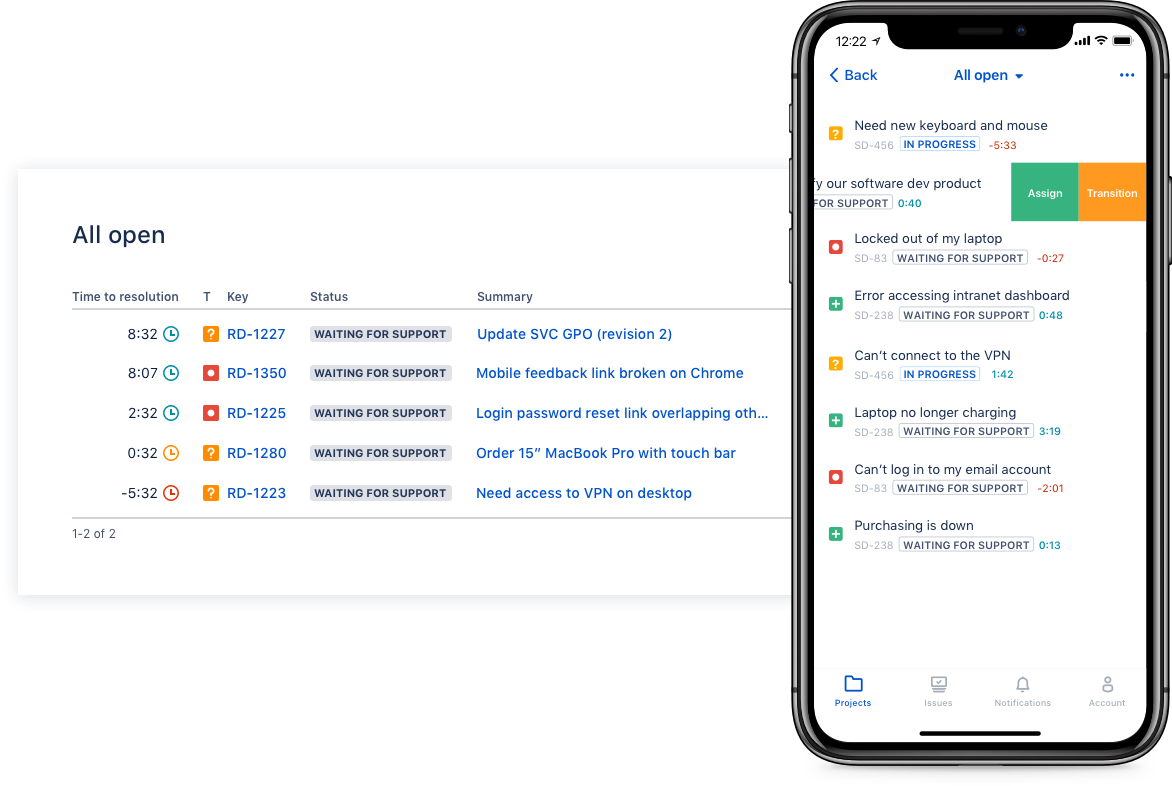
Jira Service Management (formerly Jira Service Desk, now including features from the former Mindville Insight, acquired by Atlassian in June 2020) is a service desk software that is purpose-built for IT, service, and support teams. The software provides everything IT and support teams need out-of-the-box for service request, incident, problem and change management. Jira Service Management integrates seamlessly with Jira Software so that IT and development teams can work better together. Users…
$0
per month
Ziflow
Score 9.4 out of 10
N/A
Ziflow online proofing creates a single source of truth and streamlines the review and approval process for creative content to deliver marketing projects faster for agencies and brands.
$249
per month
Pricing
Jira Service Management
Ziflow
Editions & Modules
Free
$0
per month
Standard
$20
per agent/per month
Premium
$40
per agent/per month
Enterprise
Contact sales team
Standard
$249
per month 15 users
Pro
$399
per month 20 users included
Enterprise
Contact Sales
Offerings
Pricing Offerings
Jira Service Management
Ziflow
Free Trial
Yes
Yes
Free/Freemium Version
No
Yes
Premium Consulting/Integration Services
Yes
No
Entry-level Setup Fee
No setup fee
Optional
Additional Details
—
Educational discounts are available for the Business and Enterprise editions. Up to a 20% discount is available for annual pricing.
More Pricing Information
Community Pulse
Jira Service Management
Ziflow
Features
Jira Service Management
Ziflow
Incident and problem management
Comparison of Incident and problem management features of Product A and Product B
Jira Service Management
8.5
85 Ratings
3% above category average
Ziflow
-
Ratings
Organize and prioritize service tickets
8.884 Ratings
00 Ratings
Expert directory
9.02 Ratings
00 Ratings
Service restoration
9.52 Ratings
00 Ratings
Self-service tools
8.076 Ratings
00 Ratings
Subscription-based notifications
10.01 Ratings
00 Ratings
ITSM collaboration and documentation
7.771 Ratings
00 Ratings
ITSM reports and dashboards
6.772 Ratings
00 Ratings
ITSM asset management
Comparison of ITSM asset management features of Product A and Product B
Jira Service Management
10.0
1 Ratings
19% above category average
Ziflow
-
Ratings
Configuration mangement
10.01 Ratings
00 Ratings
Asset management dashboard
10.01 Ratings
00 Ratings
Policy and contract enforcement
10.01 Ratings
00 Ratings
Change management
Comparison of Change management features of Product A and Product B
I think using a ticketing system is very easy to use and allows multiple teams to create help desks in the same portal. In terms of internal usage, I think this is a great option. However, suppose you're trying to keep internal items and external helpdesks in the same instance. In that case, this is not ideal, as there is no effective way to separate the two instances to protect internal data better.
We work with a lot of cross functional teams, so it is nice to have them review things on their own and provide feedback all in the one place for our team to review. It helps cut back on meetings and emails full of feedback that gets lost. This is especially helpful when we are working on our catalogs. We do reviews on Ziflow all the way from rough layouts to proofreading.
Integration with many of the most common tools companies are using (Slack, MS Teams, Salesforce, ... etc)
Natural workflow with Jira (as product development / project management tool) which makes the full fix and follow up of the tickets / issues very easy to follow
Allow multiple different entry points and work flows for as many different needs your teams / company have
Simple and user friendly interface with little if no learning curve.
Accurate and specific change requests are especially enhanced when using the markup tools.
Nice to be able to assign who the decision maker is and also be able to change project participants easily, like when someone goes on holiday or sick leave.
SOCD (sent, opened, comment, decision) progress indicators provide an awesome 'at a glance' view of project participants activity.
Email notifications and integration with ASANA is brilliant.
Comments with instances that span multiple pages force you to zoom out, which can be rough on multi-page proofs. We end up making a comment on each instance for ease of review.
Maybe it is in there, but I would love to be able to upload a new version and review/make comments before any of the other reviewers can see it—to double-check for errors. Maybe there is a verification stage first before releasing it to the other reviewers.
In the current contect the requirments is around having a tool that is focused and can handle large ticket volumes and tracking incident, problem and user requests concerning end users. Jira has built in functionality to address the above practice needs faily easily and has a substantial amount of customizable reports for generating the relevant intelligence.
Ziflow is easy to use, efficient and now is also part of our daily lives. Hence, the teams are already adapted to the tool and willing to work with it. The features are according to all what was expected and we had a great experience until the moment with the tool
If you're used to other tools in the Atlassian ecosystem, you'll feel right at home with JSM. It's also a platform that technical folk can easily pick up. However, I wouldn't recommend using JSM as a company's first jumping off point into Atlassian. There are a lot of other 'newer' tools that provide sleeker ITSM systems at a similar cost.
The tool is easy to use for digital oriented people. For the ones not used to this kind of environment, it could look a bit complicated at the beginning, but following the instructions and tutorials and performing it once makes you get a grip of it in just one use.
I gave JIRA a 9 rating since for me JIRA works according to its purpose. Since there is a customer portal, our clients can leave a comment or communicate with us using the PR ticket that way it is easier for us to also request any additional information we need for our investigation.
The ZIflow support team has always been very responsive to my questions, issues and other problems. The good thing is I have never had to use their support team all that much because Ziflow has been for the most part trouble free. If it had been error prone, we would have dropped it long ago.
Zendesk is a similar ticketing system that our organization used before JIRA Service Desk. The main drawback of Zendesk was that it can only be used as a cloud service. This means that our company data would be living on the internet at the hands of their security team. Another drawback of this is the price is significantly more expensive rather than hosting it yourself. Zendesk does have some additional features such as commenting on multiple tickets at once that JSD does lack. However, switching to JSD was significantly more cost effective because we have the ability and the infrastructure to host our own ticketing system, something that Zendesk could not provide. Ultimatley switching to JSD saved us money and allows the ability for integration with all of the other Atlassian Suite products that we use on a day to day basis.
I found Ziflow to be much better than PageProof in several ways. The tools available for making comments and edits are more intuitive and there is a greater variety of tools and the version control features worked much better as well. Also their customer service was far better when it was necessary to interact with the company