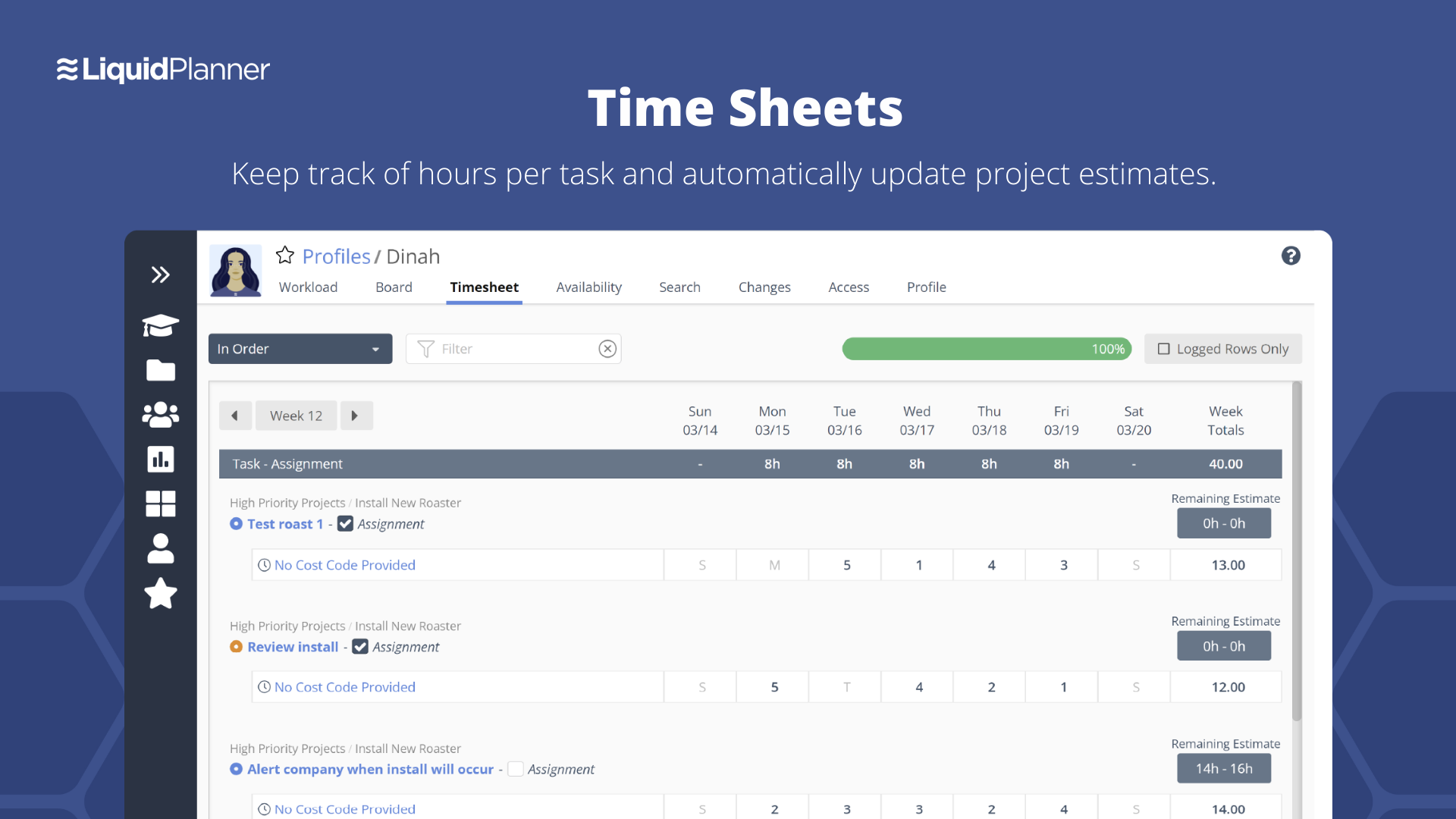
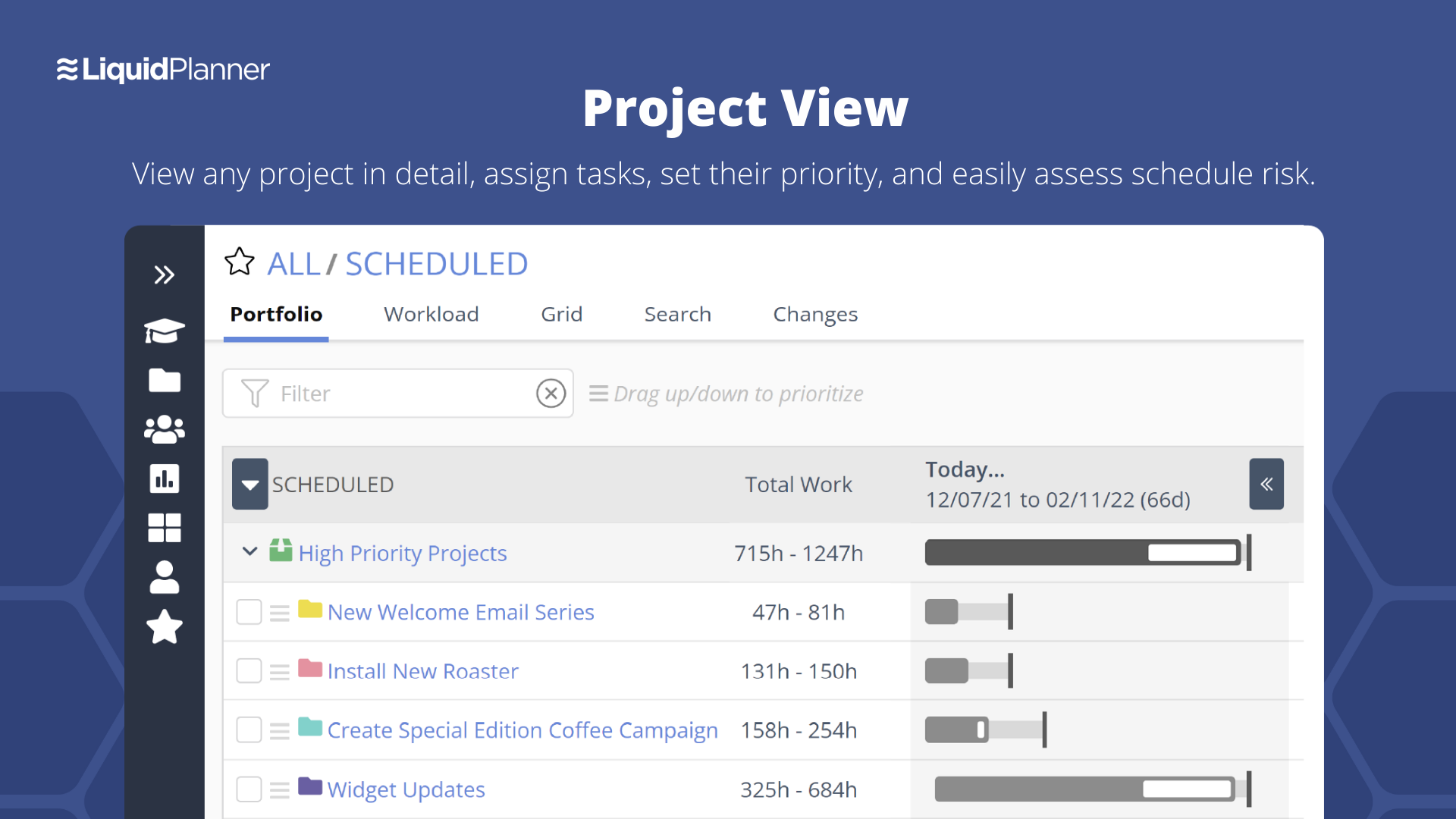
LiquidPlanner is a cloud based predictive project management solution. Some key features include: Dynamic Timeline View, Workload View, and Real-Time Activity Stream.
$0
per month per user
Microsoft Project
Score 7.9 out of 10
N/A
Microsoft Project is a project management software. It provides core PM functionality, including agile workflow support and resource management. Project can be deployed in the cloud or on-premise.
$120
per year per user
StoriesOnBoard
Score 1.1 out of 10
N/A
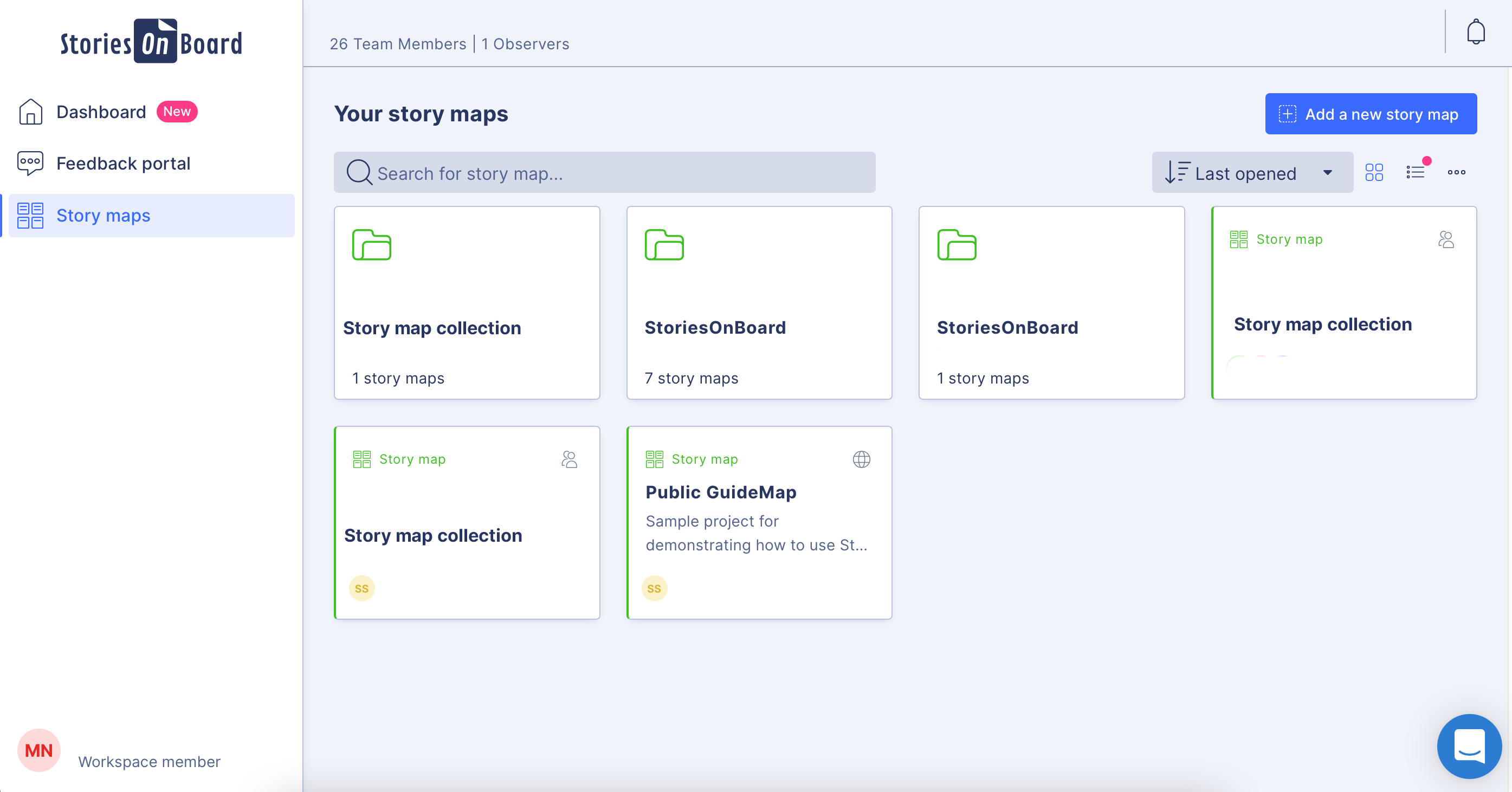
StoriesOnBoard is a holistic product management tool powered by user feedback. Through collecting user and customer feedback into a single repository and sorting it based on custom rules and collaborating with stakeholders to form actionable feature ideas from them, users can make sure their ideas will be driven by real user needs. Ideas can be validated on a public roadmap and then placed on a user story map to plan releases. StoriesOnBoard supports the product management…
We ruled out Microsoft Project because of its complexity, cost, and perception that is is more of a project manager's tool rather than a collaborative solution that anyone could use. We evaluated Clarizen quite rigorously alongside LiquidPlanner, but we selected LiquidPlanner …
MS Project is more complicated to use, we needed a more simple solution that is based around collaboration, and MS Project wasn’t suitable for this and costs more.
MS Project was much more difficult to use for entering tasks. LiquidPlanner was more user-friendly. MS SharePoint was not used for Gantt charts, but really excelled in document and data sharing between different teams.
MS Project is most familiar to our users, so the learning curve is easiest. However, MS Project doesn't allow our teams to collaborate nor does it track actual vs. planned effort (time reporting). Hence it's not the only tool we use. We typically plan with MS Project and use it …
These other products are much simplified and easier to use due to not having all of the advanced features that Microsoft Project has built-in. However, they have all the necessary functionality to meet the needs if you're not trying to use all of the extra advanced features.
LiquidPlanner is amazing for any time of project management scenario where you have to manage several teams and details. Running a project through LiquidPlanner is so easy because it lets you break down the project into sections and folders and small tasks that you can assign to specific people. With a small to medium size team-- LiquidPlanner is amazing for organizing and tracking details. If you have a huge team or not a ton of details to track LiquidPlanner might not be right for you because it is a software that requires some good training to learn and has tons of functions that can be utilized so it seems better suited to be used by a smaller group looking to coordinate or for people who have lots of details that can be difficult to track.
Microsoft Project Online is suited to Turnkey Projects where more Collaboration is required in Project Progress monitoring, risk assessment and conveying, issue recording and tracking. It is less appropriate when ERP Suites other than MS Dynamics are used, i.e when Enterprises need to integrate Finance / Accounting with It and having straight project management workflow
As mentioned earlier, we also use StoriesOnBoard to create other processes (customer and employee journey). We use the swim lanes to differentiate between measures, tools and processes and working with them is very easy and understandable for this purpose.
Less easy is the use of context, i.e. when one part of a story map depends on another story map. This cannot be avoided (at least for us) to avoid creating redundancy (and the risk of creating different stages). At appropriate places, we refer to the other map in the title.
Priority based planning. Every other planning software we've used relies on dates and therefore needs constant attention. Priority based planning means that the plan is always up to date.
Ease of use. LiquidPlanner has a very short learning curve. This is critical to getting team members to use it.
Forecasting. LiquidPlanner makes it very easy to run scenarios by simply dragging and dropping projects and reassigning resources.
Awesome Support. I get personal responses very fast. Usually within a couple hours. And, they listen and ask for more information.
I love the Gantt Chart that Microsoft Project offers me, because it provides me with a view from various aspects, it provides me with exact details about the fulfillment of tasks over a period of time, it also allows me to make comparisons with the necessary data and the fulfilled data. by the employees, in order to know exactly if the project's expectations have been met.
I love the Gantt Chart that Microsoft Project offers me, because it provides me with a view from various aspects, it provides me with exact details about the fulfillment of tasks over a period of time, it also allows me to make comparisons with the necessary data and the fulfilled data by the employees, in order to know exactly if the project's expectations have been met.
The alert system for the fulfillment and delay of assignments is perfect. Microsoft Project allows me to configure the task system, I can assign the necessary tasks to fulfill the project, and the software alerts me immediately if the managers are fulfilling the assignments.
The interface is messy and cluttered. The best way to find things and see what you actually want to see is the main Projects view which is also the most cluttered and hardest to maneuver in.
Clicking an external link someone posted in a comment or task description doesn't open in a new window by default, so we are constantly having to go back to get to LiquidPlanner again.
The way that the interface saves your state globally (rather than per tab instance) means that if you click a link from someone else to a task that's not yours, then it adjusts your filters on the Projects page. Then if you refresh another LiquidPlanner window where you were on the Projects tab, suddenly all of its filters are updated and what you were looking at may no longer be there.
It might just be the way that we use the system, but the Home and My Work tabs are fairly useless for us. They typically don't show the tasks we're actually looking for.
We may not renew LiquidPlanner's contract, but only because my company has recently been acquired and we'll be adopting some of the software that they're using to standardize process. LiquidPlanner's development team releases new features pretty often, so it seems like the gaps and inefficiencies are slowly getting smaller/less frequent
Microsoft Project is easy to operate because data could be inserted, changed and deleted like you are in an Excel timesheet. Besides, it provides a great level of automation beween his fields allowing few data changes. Also, its funcionalities are well defined and grouped in upper menus, so you can find a funcionality quickly
StoriesOnBoard works really well; all features are well thought through. It could look a bit fresher, although the new updated dashboard is already much better than it was.
They have been great in trying to come up with creative solutions to help us do what we want to do with the platform. I would say their support has been exceptional because we have hit them with some complex requests.
Microsoft in recent years has transformed itself and gives a positive feeling when one interacts with the company. The company is focusing on its customers and willing to go extra mile to make customers happy.The company continues to invest in its products and bringing new features from time to time. Overall it is a positive feeling to be associated with such an iconic company.
Miro is a more versatile tool, but not quite made for planning and organizing. LiquidPlanner is very intuitive, fast to learn and easy to communicate. The added value of prioritizing tasks, personalized boards and gantt charts are really important during the planning and design thinking in the business. LiquidPlanner is simplified yet more helpful.
While many of the above tools are extremely well-versed, Microsoft Project's largest advantage comes from it being related to the largest business productivity company in the world. Project does have its sharing limitations - but regardless, offers one of the most robust tools in the market today. Microsoft Project is built with large-scale projects in mind but is more than up to the task for smaller projects as well. However, there are options available (especially cloud-based options) that may be more fitting for higher-level projects that do not require going into the weeds.
The only other competitor we looked at was cardboardit.com. Both had solid functionality, but StoriesOnBoard was more user-friendly and quick to learn and use in our opinion.
LiquidPlanner really forces you to map out your workflow. For me, honing into a template that I can later adjust as needed has been huge, as there is less time at the beginning of a project trying to assign and figure out what needs to happen when usually it never changes.
Communication between employees, especially ones not immediately available in the office has been very welcomed. It helps having conversations documented in a public, logical place that is easy to find and refer to as the project continues.
Our productivity has definitely skyrocketed as we've really gotten a feel and committed to using LiquidPlanner daily. As we move forward, we continually try to add more and more ways for us to use the service.
Project saved me, as the project manager, countless hours of digging through tickets and schedules to plan everything out. It also saved me time in adjusting the project triangle as needed, since it does so much automatically.
It is costly, and since it requires extensive training to master, it's not just the high licensing cost that you need to take into account.
The reporting features - even just printing out Gantt charts - makes it far easier to communicate with stakeholders. That means less time for PMs doing all of this manually, and it means less follow-up questions and delays moving forward.
StoriesOnBoard (and story mapping in general) creates a low-cost visual method of aligning on high-level business and technical requirements early in a project and provides an ongoing reference as the project progresses. Having this alignment is critical for the later stages of the project.