Desktop Central from ManageEngine is a client desktop management with patching, remote control, and configuration.
$795
per year per user
Microsoft Intune
Score 8.3 out of 10
N/A
Microsoft Intune (formerly Microsoft Endpoint Manager), combining the capabilities of the former Microsoft System Center Configuration Manager, SCCM or ConfigMgr, is presented as a unified endpoint management option. Microsoft Intune is an endpoint management solution for mobile devices, an MDM solution that allows the user to securely manage iOS, Android, Windows, and macOS devices with a single endpoint management solution. The component Endpoint Configuration Manager (the…
$5
per user/per month
Syncro
Score 7.4 out of 10
N/A
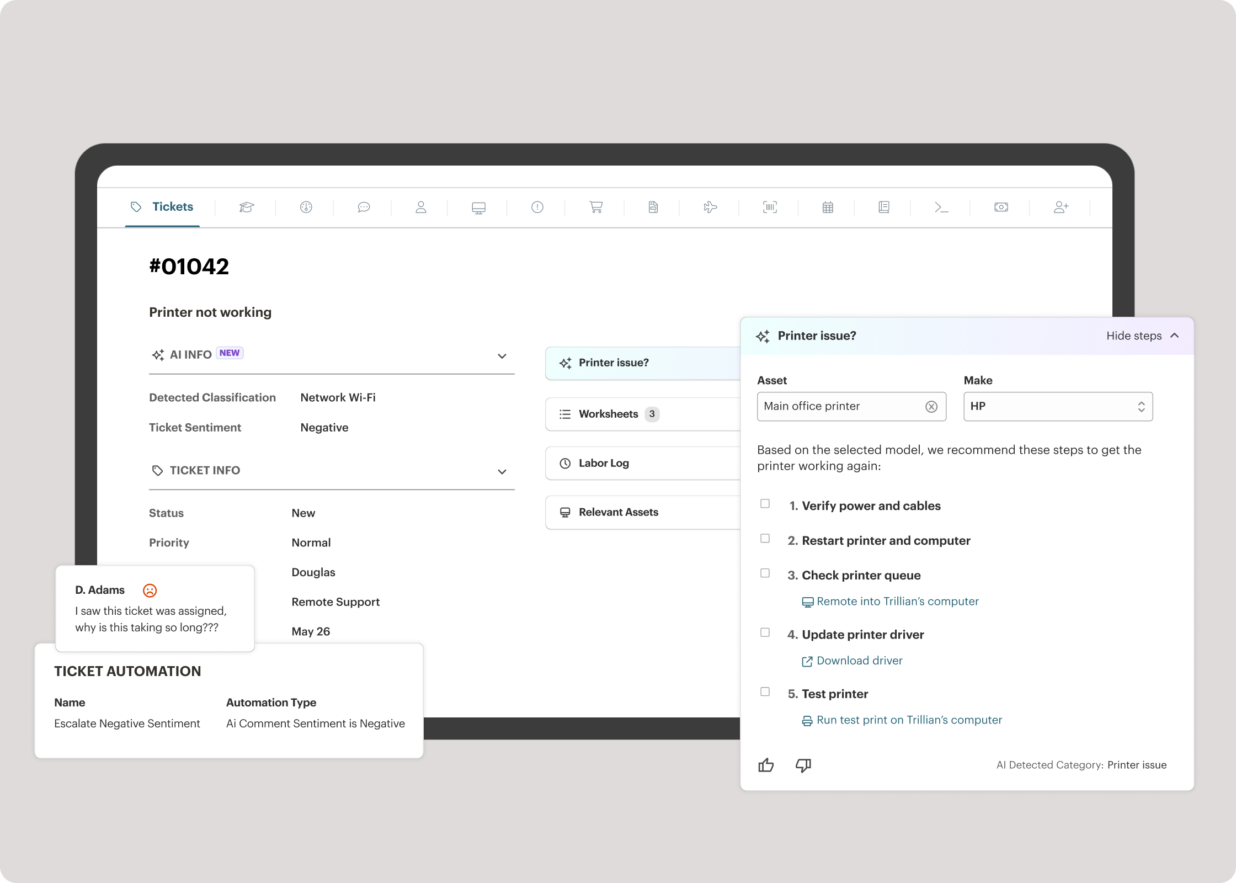
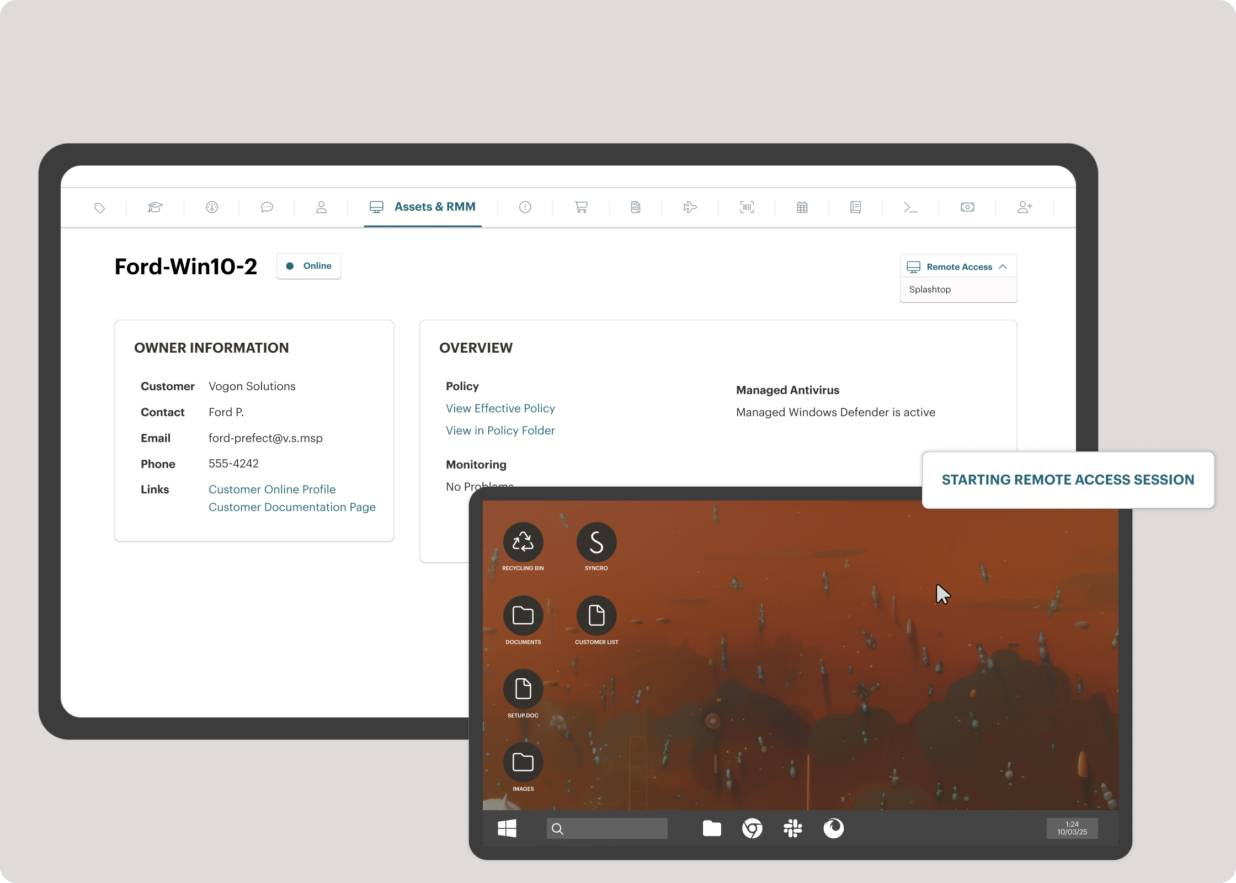
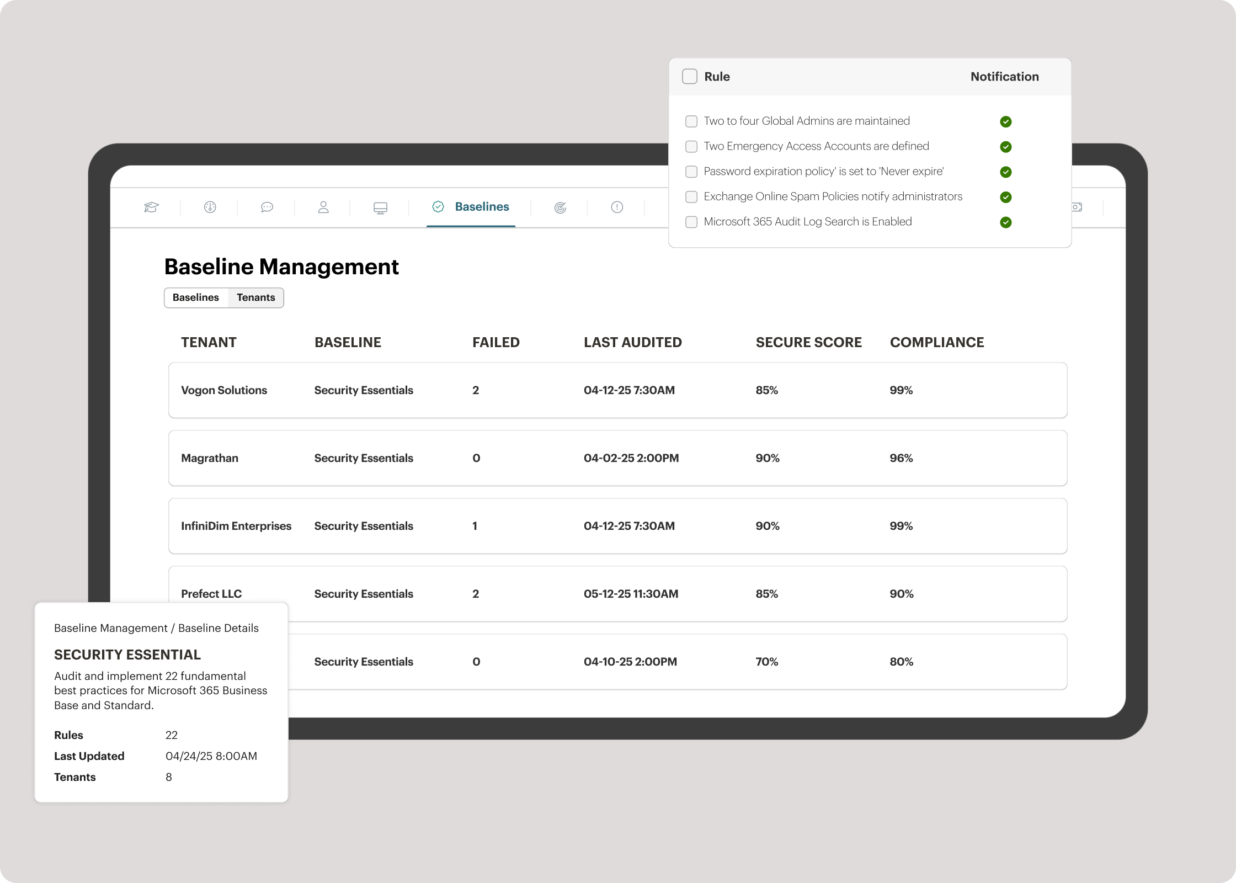
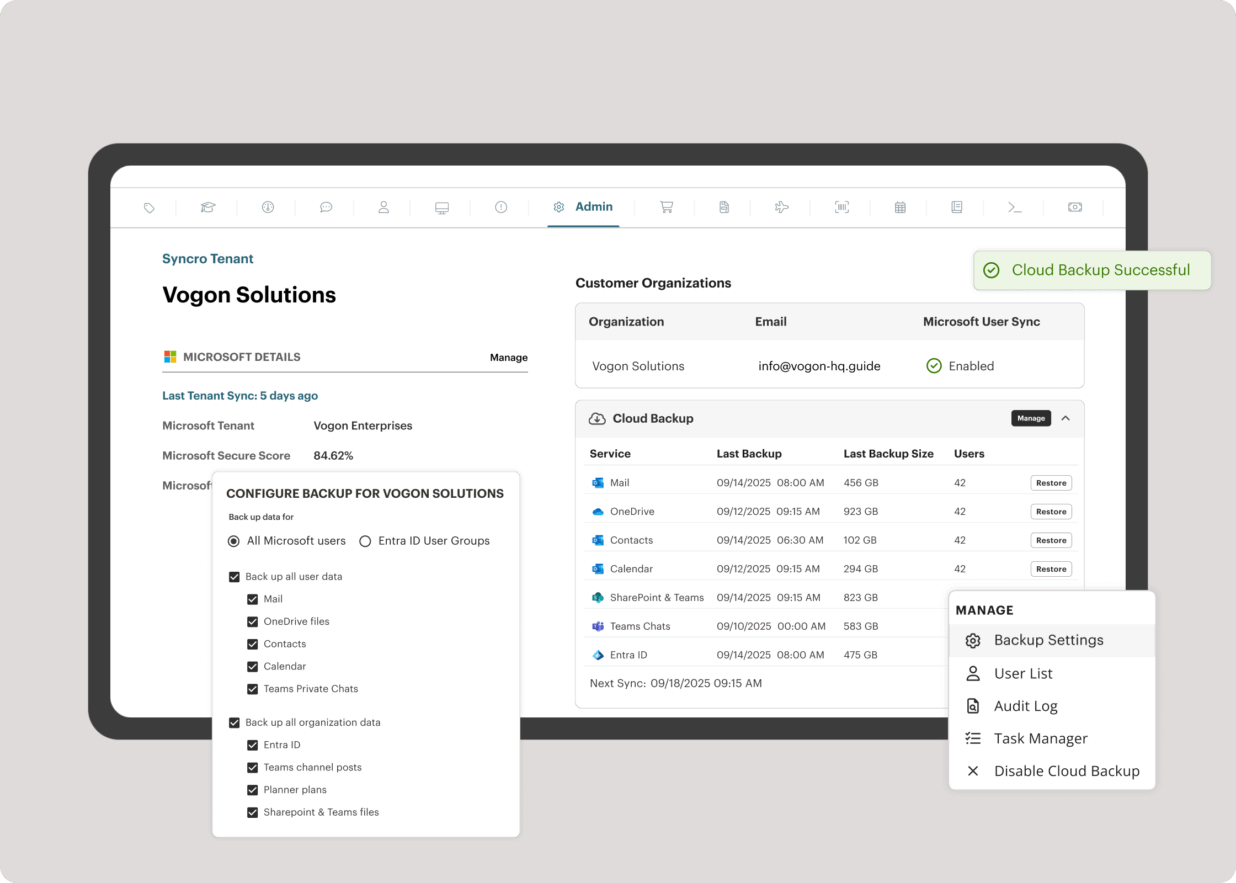
Syncro offers an Extended Monitoring and Management (XMM) platform for midsized MSPs and internal IT teams. The platform integrates RMM (endpoint management), professional services automation (PSA), and Microsoft 365 multi-tenant management to help organizations simplify operations, strengthen security, and scale.
$159
per month per user
Pricing
ManageEngine Endpoint Central
Microsoft Intune
Syncro
Editions & Modules
No answers on this topic
Microsoft 365 Business Basic
$5
per user/per month
Microsoft 365 For Individuals
$6.99
per month
Microsoft 365 Apps
$8.25
per user/per month
Microsoft 365 For Families
$9.99
per month
Microsoft 365 Business Standard
$12.50
per user/per month
Microsoft 365 Business Premium
$15
per user/per month
Core
$159
per month per user
Team
$209
per month per user
Offerings
Pricing Offerings
ManageEngine Endpoint Central
Microsoft Intune
Syncro
Free Trial
Yes
No
Yes
Free/Freemium Version
No
No
No
Premium Consulting/Integration Services
No
No
No
Entry-level Setup Fee
No setup fee
No setup fee
No setup fee
Additional Details
—
—
Discount available for annual payment.
More Pricing Information
Community Pulse
ManageEngine Endpoint Central
Microsoft Intune
Syncro
Considered Multiple Products
ManageEngine Endpoint Central
Verified User
Consultant
Chose ManageEngine Endpoint Central
I worked on SCCM/Intune and different is one single console of ManageEngine Endpoint Central using which you can manage your BYOD/corporate-owned devices for which other tools you need to work two different consoles to do the same thing. This makes ManageEngine Endpoint Central …
ManageEngine is easy to use compared to Microsoft Intune. You don't have to use a package manager to build your apps it lets you deploy them in a more natural way. Inventory and reports are robust and easy to run. Reports in Intune are mainly CSV files
Verified User
Engineer
Chose ManageEngine Endpoint Central
Jamf was always easier to use and than our Intune and SCCM setups. ManageEngine gives us that usability across all our supported platforms instead of just Apple, enough that we are now considering retiring Jamf
It holds up very well even against the microsoft native solution Microsoft Intune. The Configurations are easy to set up and apply quickly over the selected scope of Clients. You have a almost real time inventory of everything detected by the agent.
We preferred Endpoint Central for several reasons. The wide range of functionality, the ability to manage our entire infrastructure from a single console, and the capability to manage our smartphones. No other solution allowed us to do all this, except Microsoft Intune which is …
In addition to its lower price compared to competitors, ManageEngine Endpoint Central has extra features not available in others, such as remote access included within the tool, with access justification, recording, and auditing. It also has a self-service portal so that the …
Verified User
Manager
Chose ManageEngine Endpoint Central
In general is best all round performer and tends to have multiple tools in one place compared to others.
Verified User
Engineer
Chose ManageEngine Endpoint Central
Kaseya's system of handling patch management was not as intuitive as Endpoint Central, however in some respects it was easier to set up. Kaseya VSA and ConnectWise are also more geared towards managed service providers that handle multiple organizations versus a single …
I came into the company while the already had ManageEngine Endpoint Central. Frankly, I have attempted to switch our company to a different platform due to its confusing interface, lack of quality support when I have connected support, and lack of features then I have used in …
In terms of feather and usability ManageEngine Endpoint Central far surpasses both. Although spiceworks is free, you are limited to support and new feature updates. Intune does well what it is built for, but does not provide all the features that are needed for day to day …
Endpoint Central provides a more robust unified Endpoint Management product. Other products would need separate add-ons or third party products to manage what we would require from an asset management product.
Verified User
Administrator
Chose ManageEngine Endpoint Central
For the cost its better than most. Consistency and reliability are usually solid but have some hiccups. Small-Medium environments are easily manageable with EC but large rollouts would need a higher tunable and applicable product. Overall i would say its top 10% in it's price …
ManageEngine Endpoint Central was the clear winner for us, as intune was not as user friendly and ivanti was extremely expensive and significantly less user friendly. The cost of ManageEngine Endpoint Central was the main selling point, along with the ease of use. It was almost …
Verified User
Team Lead
Chose ManageEngine Endpoint Central
ManageEngine definitely has the most easy to navigate and useable interface of the systems we have used previously, and currently is the best product that we use day to day to support our staff.
Intune doesn't offer 3rd party patching and the reporting isn't on the same level for some of the offerings in this application. Nessus is very expensive, and we have used both at the same time to compare and they pull the same results with the ManageEngine Endpoint Central …
Verified User
Engineer
Chose ManageEngine Endpoint Central
It turned out to be cheaper as compared to MS intune which offered better stability and ease of operation but it also comes with added modules like browser protection, remote connectivity over https. DLP module is another thing which pushed us towards this, overall good product …
We did not use ManageEngine Endpoint Central over intune specifically, we run the solutions in parallel. This is ideal, as intune allows surface devices to be shipped and enrolled (no imaging, PXE or any intervention needed) The huge advantage of intune is we can ship the …
I tend to use a combination of solutions to keep the estate running efficiently. ManageEngine Endpoint Central has more control over the timing of patching for users. Juggling users being able to work and keeping systems up to date with user satisfaction in mind is a monthly …
The reporting on scripts is far better in ManageEngine, always showing the latest result. Unlike Intune which can run a script every day, but the "Report" only shows the result from the first time the script ran, it never refreshes. When we have had issues where the LAPS …
Compared to the Microsoft patching and software deployment applications ManageEngine Endpoint Central is so easy and intuitive to use. I've always found the Microsoft products overly-complicated and bloated. It takes weeks-and-weeks to get used to them and get anything useful …
ManageEngine Endpoint Central is the best option if the cost-benefit obtained is evaluated.With ManageEngine Endpoint Central it is possible to perform vulnerability analysis and patching of operating systems and applications other than Microsoft such as: Linux and Mac. This …
Verified User
Manager
Chose ManageEngine Endpoint Central
We had 3 key points in mind on our market research when selected the MDM solution. This where: Best integration across multiple OS vendors; Ease of use of the management console; Licensing model per endpoint and agents. If we were to have a Windows only environment, then …
We use AD GPO to deploy software, WDS for OS deployment, and Spiceworks for inventory. This solution has significantly reduced feature set compared to SCCM but much easier to troubleshoot and configure. Currently, we are looking into ManageEngine Desktop Central and SmartDeploy …
Microsoft System Center Configuration manager was always selected because it combines several standalone solutions provided by other vendors. Has great integration with all Microsoft services including Azure. Being an enterprise standard level product, you can expect that your …
I am going to speak strictly on imaging here as this is what I have used System Center Configuration Manager for more than anything. I used SCCM at two companies that I worked for before my current company, and compared to the other software imaging suites that I have used, …
ManageEngine Endpoint Central is very well suited to most kind of patches, updates, and software deployments. It's able to quickly recognize and update third-party software whenever a new security vulnerability is discovered, and it's able to do this for you automatically. The remote connection and management features allow us to begin troubleshooting immediately once a user reports an issue, regardless of whether or not they're working on-campus or from home. A ticket that might have taken a few days to close out now takes no longer than a couple minutes. If you use Mac, the remote connection feature requires the user to allow Endpoint Central through their system's Security/Privacy settings. This step can be difficult for your less tech-savvy users. You can remotely and silently access a computer's task manager, registry, and command prompt, which is incredibly useful. This saves us a ton of time on having to contact the user and schedule a meeting. The only complaints I have about these management features are that the UI is a little bare bones, and it occasionally has minor problems with responsiveness.
Microsoft Intune is well suited for the larger end of the small business segment to the enterprise. The ability to configure and remotely deploy computer configurations, control mobile devices, and fine tune security controls of each device or device group is a major win for this product. Smaller and mid-sized businesses may balk at having to increase their license level to unlock the better updating features.
SyncroMSP is great for MSPs starting out or wanting to keep their costs low. Some RMM software will charge per install - and price breaks only available as your base grows to a significant number. As Syncro is a "per agent" cost, the costs for an MSP are (a) known and (b) easily to manage as the team grows. The third-party integration element is very useful for MSPs looking to be able to not only onsell additional services, but the management of these services is simple for anybody to use
We set alerts when a devices gets low on disk space. That is automatic and creates a ticket in ME SDP. We are then able to Add space to a VM Desktop, and then go thru ManageEngine Endpoint Central to extend the drives so the entire process can be done without interruption to the end user.
Using the patch scans we can easily see what patches have been installed for all manufacturers not just Microsoft, without having to physically go to the device. It also allows us to choose which patches we want to push out and automate the process so we can be hands off, freeing up out time for other things.
Remote access to devices. This allows us to remotely make changes, not just via remote control but also make registry changes and clean up space without going to the device and without interruption to the end user.
Alerts. We have set up to get email alerts when new hardware is plugged into any computers. This lets us know if someone is bringing in un-authorized equipment (thumb drives, hubs, etc) to better manage what is/is not on our network.
[Microsoft Endpoint Manager (Microsoft Intune + SCCM)] helps to speed up the deployment of patches/software throughout our environment. I can easily build a package and then deploy across all endpoints.
The ability to supercede software is also quite handy. This automates the removal of old versions and replacing them with newer versions.
The Intune Autopilot option is very useful if you want to deploy software to devices straight out of the box. You can configure them to download software when a user opens a new PC and turns it on for the first time.
The remote CLI/PowerShell interfaces should support tab completion and command history like the real-world versions
Remote control could work better
Having a standalone application, even if just a Java app or something for the remote control/remote command line versus running it out of a web browser
Deploying more apps besides Microsoft Edge and Microsoft Office 365 app
Microsoft needs to make it easier to deploy exe, pkg, and msi apps without having to go through the manual process of re-packaging these apps using tools from github like intuneapputil
Add a feature to push out software updates for 3rd party apps
ManageEngine is considered an excellent product due to its comprehensive suite of solutions for IT management, with ManageEngine Endpoint Central specifically excelling in endpoint management. The platform stands out for its user-friendly interface, robust features, and versatility in addressing diverse IT needs. It offers organizations a centralized solution for endpoint security, patch management, software deployment, and asset management
Mascom Wireless is a Microsoft shop and SCCM has proved to be helpful in keeping our Microsoft products up to date every month without fail. We also have a Microsoft Enterprise Agreement which we renewed for three years ending 2022. The remote access utility works wonders for the organisation and have saved travel bills including subsistance allowance. We have been able to fulfill security audits both internal and external. We have been able to keep a robust inventory of our computer assets and nothing falls of the cracks
I gave this rating because ManageEngine Endpoint Central is reliable, easy to use, and delivers strong value for money. It helps us save time through automation and effectively handles patching, remote support, application management, BitLocker security, and corporate data wipe. Although cloud DLP support is limited, the overall performance and stability fully justify the rating.
The console is not intuitive and does not work well often. Due to the complexity of the product, documentation can be confusing. When properly configured, routine tasks like OS deployment, remote control, and software deployment are easy to do. Troubleshooting of System Center Configuration Manager issues is hard, as there are various logs, and their content can be hard to understand.
It's a 'heavy' system, which demands a lot of resources form the datacenter perspective. So, make sure you followed the requirements to avoid frustration in the future. From the 'client' perspective, it's fine. I've never had any issue with that.
The immediate chat support is great and very helpful. However, if you need escalated support or have a deeper need that the chat tool can't help with, you will experience significant wait times and slow responses. The time zone difference becomes painful to the point of often just giving up.
We have not needed to seek support for this product in the time that we have used it thus far. It's been working really well, and have not had any major issues. Being that it's a Microsoft product, it goes without saying that there will be many support options available if needed. This includes phone, web, forums, KB articles, etc. There is even comprehensive documentation that is available on the web through Microsoft's website for use of the product.
It seems that the services offered with the purchase change from what is covered to what is an additional cost. Somethings I thought we had ended up requiring an additional purchase if we wanted to continue using the feature.
Work with a "test group" of users who you have a good relationship with so that when things don't work properly they understand! Work with your partner nicely without forcing things especially timelines as you are bound to make mistakes and create oversights in the project Management can also interfere with the implementation (which can cause delays) if you make too many mistakes which takes me back to having a "test group" where you have good relations
This works great. It is super easy to setup automated patching and the patching actually works. When using Solarwinds, we would have to regularly troubleshoot machines and figure out why they were not patching. This is not the case with ManageEngine Endpoint Central. We have seen a significant decrease in number of troubleshooting hours since moving.
We did not evaluate or use other products like Microsoft Endpoint Manager (Microsoft Intune + SCCM). The main reason we did not evaluate or use other products is because Microsoft Endpoint Manager (Microsoft Intune + SCCM) integrates seamlessly with Microsoft 365 and Windows PCs. Expenses would have increased as well if we had purchased another similar product.
We have been able resolve and complete any requests which include things like software deployment or issues that include troubleshooting, much faster and more efficiently. This has had a sharp decrease in our response times and also time it takes to complete these requests or incidents.
The mobile device management features have allowed us to be able to have a much tighter grip on security. This means we have dramtically decreased our device vulnerabilities and risk of data breaches. This has saved us lots of time and money.
The remote features that are available have helped a lot with user's being able to work remotely and allow our organisation to sustain hybrid work. It means user's can still be as productive and IT support is as efficient no matter where the user is working.
In our current environment, this System Center Configuration Manager had replaced several standalone solutions for patching, imaging, remote assistance, reporting, etc. That saved a lot of time and resulted in money to manage the IT infrastructure.
Once SCCM is deployed and fully configured, all agents are deployed and it is easy to automate a lot of processes and just control them from time to time to make sure that everything is working as supposed to be.
SCCM + Windows 10: great built-in endpoint protection solution. As a result, there is no need to buy additional software for that purpose.
The imaging process is better compared to WDS because you can modify deployment packages and apply patches to a newly imaged machine. This saves tons of time for new employees deployment.
The integrated AV solution with Bitdefender is very cheap - yet very a very high quality NGAV solution. It allows us to ensure our clients have access to an NGAV solution at an affordable price
Syncro has allowed us to expend our business into new areas which were not able to be accessed previously. This means that we can now service our clients in different ways than previously.
The fixed cost pricing allows our teams to understand what their costs are - but also allow us to grow the business and customer base with no increase in costs until we increase our technical team.