Mouseflow is a behavior analytics tool used by more than 190.000 digital marketing, UX, Product, Startups and Enterprise clients to optimize their website experiences. With Mouseflow, the user can: Find out what happens between visitors' clicks through watching video recordings of their sessions. Build 6 types of heatmaps for pages automatically to understand what is getting their attention. Set up funnels to watch where and why visitors drop. Use form…
$39
per month
Optimizely Web Experimentation
Score8.7 out of 10
N/A
Whether launching a first test or scaling a sophisticated experimentation program, Optimizely Web Experimentation aims to deliver the insights needed to craft high-performing digital experiences that drive engagement, increase conversions, and accelerate growth.
N/A
Pricing
Mouseflow
Optimizely Web Experimentation
Editions & Modules
Starter
$39
per month
Growth
$129
per month
Business
$259
per month
Pro
$499
per month
No answers on this topic
Offerings
Pricing Offerings
Mouseflow
Optimizely Web Experimentation
Free Trial
Yes
Yes
Free/Freemium Version
Yes
No
Premium Consulting/Integration Services
No
Yes
Entry-level Setup Fee
No setup fee
Optional
Additional Details
There is a discount applied to the price if a customer commits to an annual payment plan.
Mouseflow is a great when you're working in a busy product development or conversion optimisation environment, and want to understand exactly how customers are interacting with your site or app so you can respond. It's a capable tool that offers some great insight at a fraction of the cost of competitors like SessionCam or ClickTale. It has occasional problems in captures that its competitors suffer from less often, but if you're looking for a general understanding of usage then this is a great tool. It doesn't have built-in integrations with all A/B testing tools, but it does have a built-in Google Tag Manager tag so its very easy to set up without assistance. If you've got the budget to select reliability over cost, then you may choose to opt for a more mature, enterprise offering. But if your budget is limited, or you're just looking to prove the value of session recording as a concept, then Mouseflow will more than do the job.
A de minimis incentive was given to thank the reviewer for their time. The incentive was not used to bias or drive a particular response, nor was the incentive contingent on a positive endorsement. More Info
I think it can serve the whole spectrum of experiences from people who are just getting used to web experimentation. It's really easy to pick up and use. If you're more experienced then it works well because it just gets out of the way and lets you really focus on the experimentation side of things. So yeah, strongly recommend. I think it is well suited both to small businesses and large enterprises as well. I think it's got a really low barrier to entry. It's very easy to integrate on your website and get results quickly. Likewise, if you are a big business, it's incrementally adoptable, so you can start out with one component of optimizing and you can build there and start to build in things like data CMS to augment experimentation as well. So it's got a really strong a pathway to grow your MarTech platform if you're a small company or a big company.
A de minimis incentive was given to thank the reviewer for their time. The incentive was not used to bias or drive a particular response, nor was the incentive contingent on a positive endorsement. More Info
Mouseflow does a great job creating wonderful Heat Maps. These allow you to really see how people are interacting with a page. Great data if you want to create better flow in your pages.
The User Session Recordings are also especially useful and when used in conjunction with the heat maps you can really get a feel and a look at how a page is working. This lets you see where people get stuck, elements that might be distracting, etc.
In the area of the heat maps Mouseflow can handle A/B testing which I think is priceless.
Another advantage to Mouseflow is that unlike many of these types of tools Mouseflow integrates with most Web platforms, well beyond WordPress.
A de minimis incentive was given to thank the reviewer for their time. The incentive was not used to bias or drive a particular response, nor was the incentive contingent on a positive endorsement. More Info
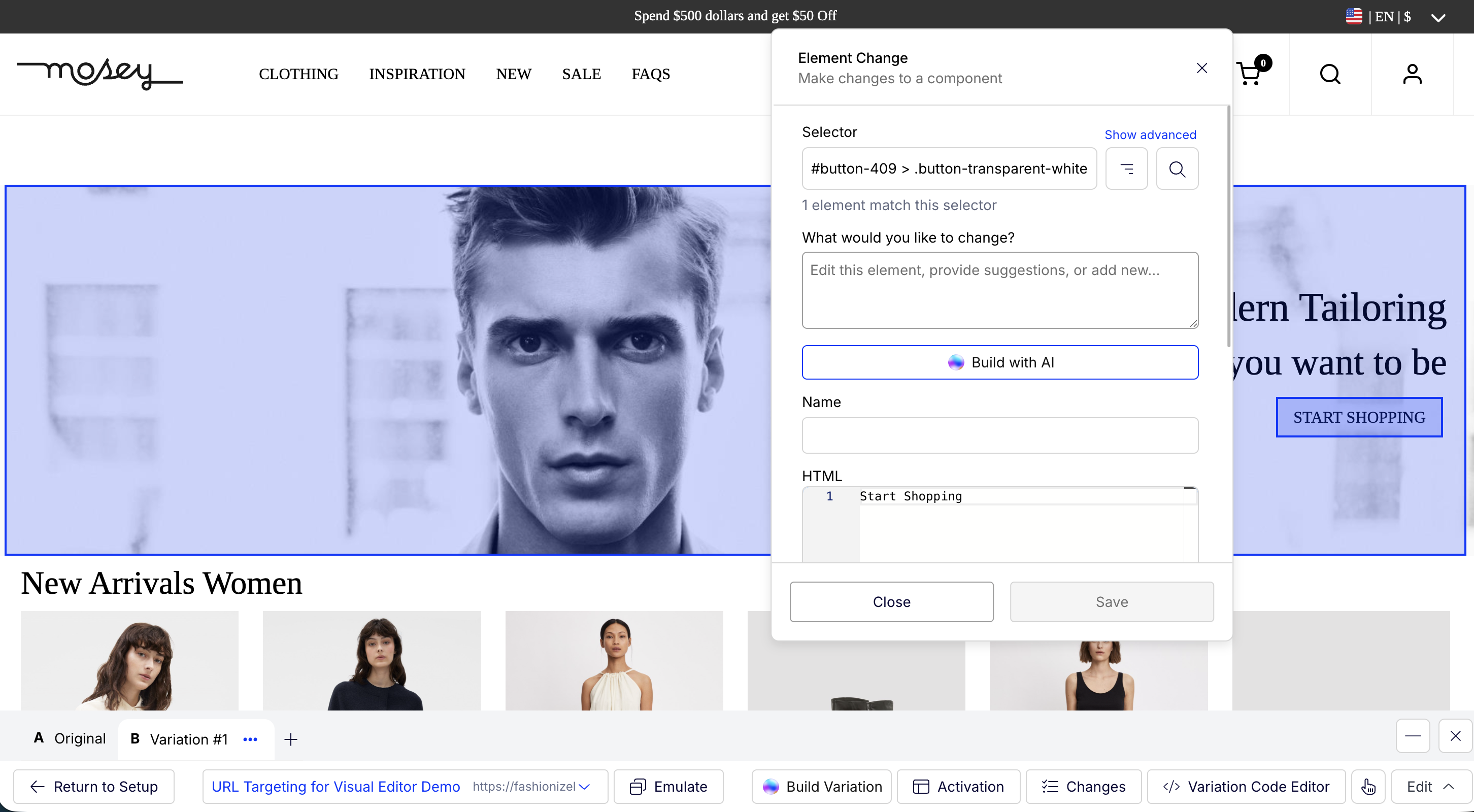
The Platform contains drag-and-drop editor options for creating variations, which ease the A/B tests process, as it does not require any coding or development resources.
Establishing it is so simple that even a non-technical person can do it perfectly.
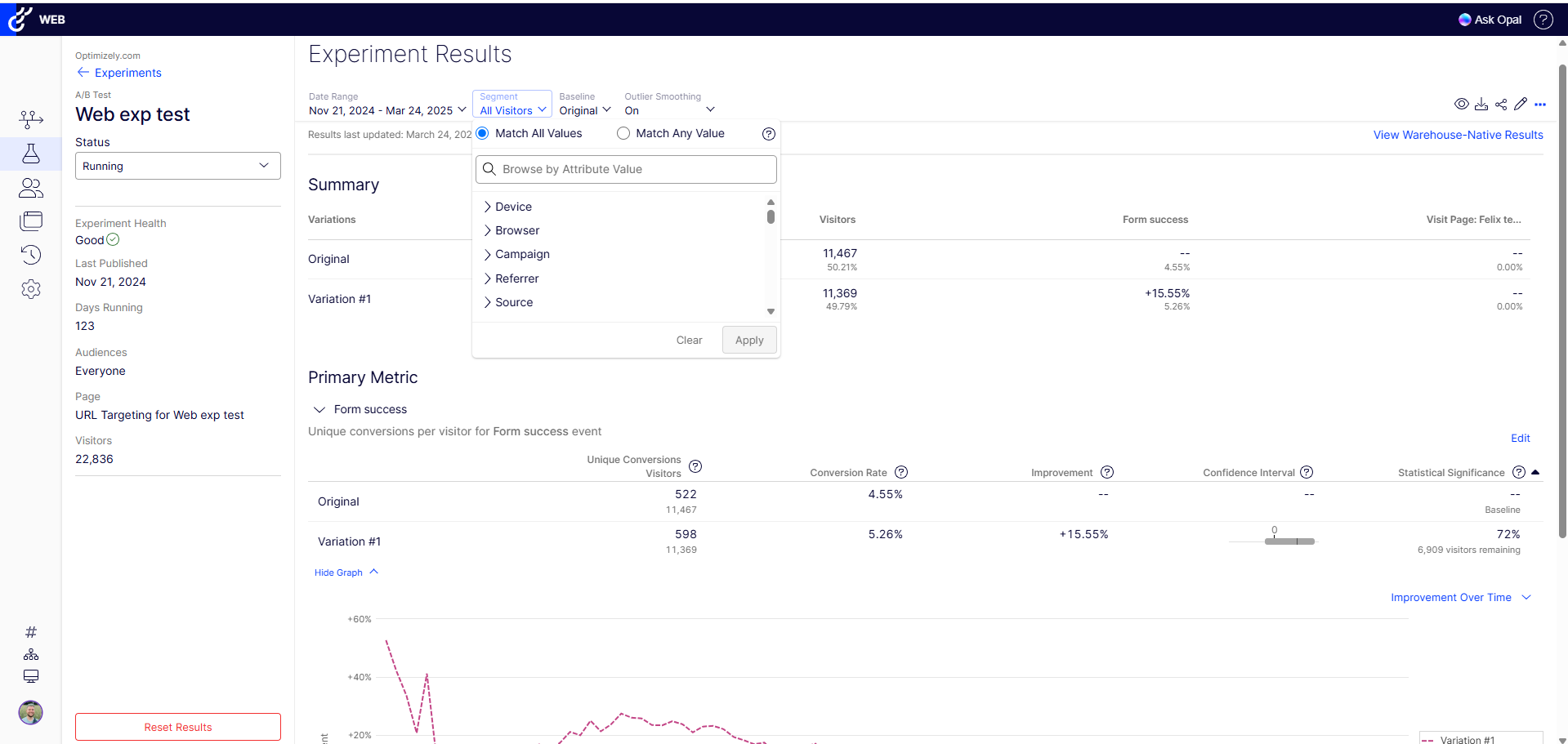
It provides real-time results and analytics with robust dashboard access through which you can quickly analyze how different variations perform. With this, your team can easily make data-driven decisions Fastly.
A de minimis incentive was given to thank the reviewer for their time. The incentive was not used to bias or drive a particular response, nor was the incentive contingent on a positive endorsement. TR verified that a representative sample of customers was invited. More Info
A de minimis incentive was given to thank the reviewer for their time. The incentive was not used to bias or drive a particular response, nor was the incentive contingent on a positive endorsement. More Info
I rated this question because at this stage, Optimizely does most everything we need so I don't foresee a need to migrate to a new tool. We have the infrastructure already in place and it is a sizeable lift to pivot to another tool with no guarantee that it will work as good or even better than Optimizely
A de minimis incentive was given to thank the reviewer for their time. The incentive was not used to bias or drive a particular response, nor was the incentive contingent on a positive endorsement. TR verified that a representative sample of customers was invited. More Info
Mouseflow is pretty easy to use. You need to be a core technical person to implement it on your site. Mouseflow provided us a tracking code that need to be installed on the website, and if do not have the knowledge of how to work on the backend of the website, you will not be able to install it. Here you will need the help of a technical person who has a good knowledge of your website platform to install the code on the website. There are also videos available giving insight on how to use the Mouseflow platform. I personally haven't faced any problem while using Mouseflow. Just login to this tool and a dashboard will open in front of you.
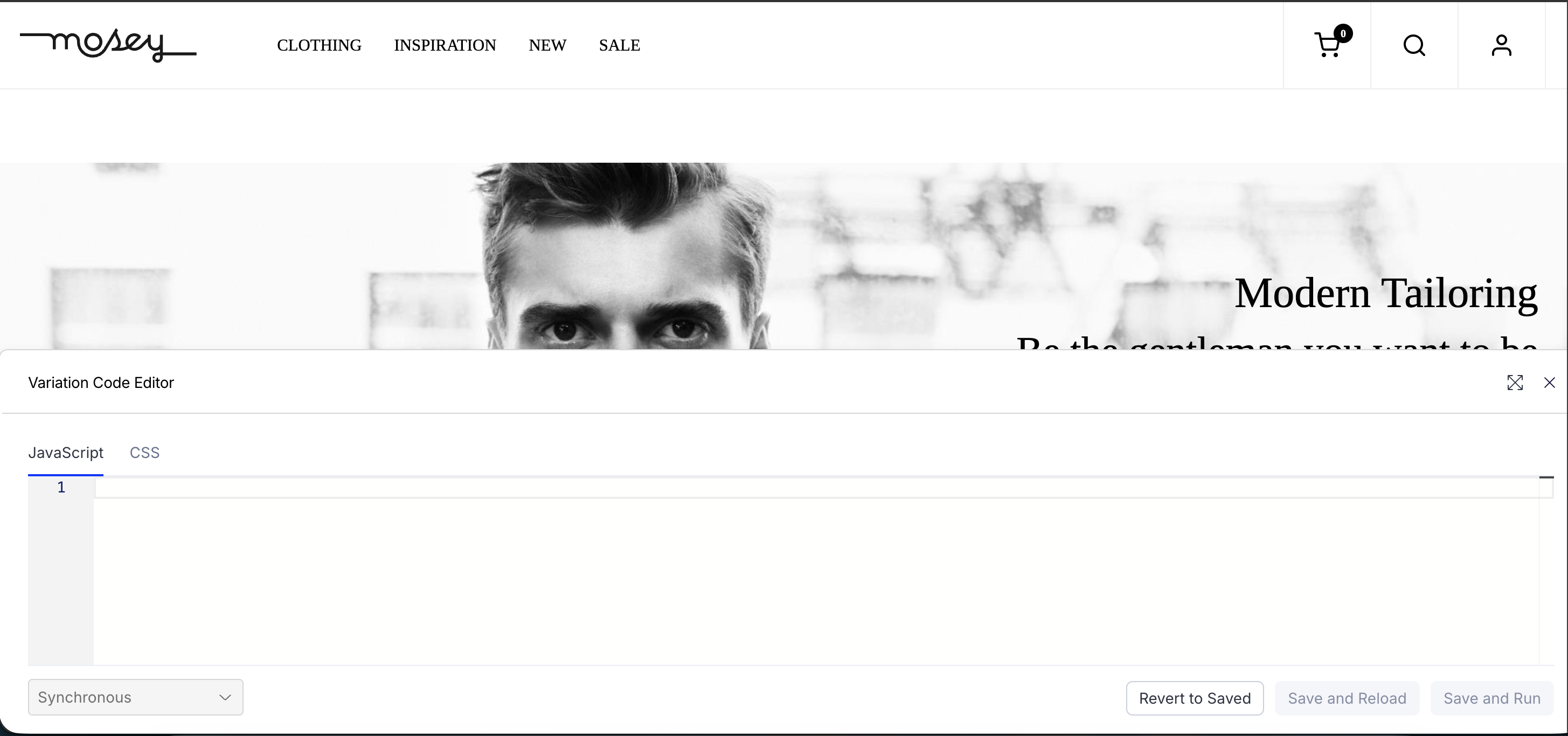
Optimizely Web Experimentation's visual editor is handy for non-technical or quick iterative testing. When it comes to content changes it's as easy as going into wordpress, clicking around, and then seeing your changes live--what you see is what you get. The preview and approval process for sharing built experiments is also handy for sharing experiments across teams for QA purposes or otherwise.
A de minimis incentive was given to thank the reviewer for their time. The incentive was not used to bias or drive a particular response, nor was the incentive contingent on a positive endorsement. More Info
I would rate Optimizely Web Experimentation's availability as a 10 out of 10. The software is reliable and does not experience any application errors or unplanned outages. Additionally, the customer service and technical support teams are always available to help with any issues or questions.
A de minimis incentive was given to thank the reviewer for their time. The incentive was not used to bias or drive a particular response, nor was the incentive contingent on a positive endorsement. More Info
I would rate Optimizely Web Experimentation's performance as a 9 out of 10. Pages load quickly, reports are complete in a reasonable time frame, and the software does not slow down any other software or systems that it integrates with. Additionally, the customer service and technical support teams are always available to help with any issues or questions.
A de minimis incentive was given to thank the reviewer for their time. The incentive was not used to bias or drive a particular response, nor was the incentive contingent on a positive endorsement. More Info
This is an area where Mouseflow is quite strong. Not only is the support good but they also have some very good training on the use of the product. There is a nicely laid out section of videos that not only cover the use of the tools functions but also how to use the data that Mouseflow produces. They are doing well in the support area.
A de minimis incentive was given to thank the reviewer for their time. The incentive was not used to bias or drive a particular response, nor was the incentive contingent on a positive endorsement. More Info
They always are quick to respond, and are so friendly and helpful. They always answer the phone right away. And [they are] always willing to not only help you with your problem, but if you need ideas they have suggestions as well.
The tool itself is not very difficult to use so training was not very useful in my opinion. It did not also account for success events more complex than a click (which my company being ecommerce is looking to examine more than a mere click).
In retrospect: - I think I should have stressed more demo's / workshopping with the Optimizely team at the start. I felt too confident during demo stages, and when came time to actually start, I was a bit lost. (The answer is likely I should have had them on-hand for our first install.. they offered but I thought I was OK.) - Really getting an understanding / asking them prior to install of how to make it really work for checkout pages / one that uses dynamic content or user interaction to determine what the UI does. Could have saved some time by addressing this at the beginning, as some things we needed to create on our site for Optimizely to "use" as a trigger for the variation test. - Having a number of planned/hoped-for tests already in-hand before working with Optimizely team. Sharing those thoughts with them would likely have started conversations on additional things we needed to do to make them work (rather than figuring that out during the actual builds). Since I had development time available, I could have added more things to the baseline installation since my developers were already "looking under the hood" of the site.
Mouseflow is a supplement to Google Analytics and improves on some Analytics functions. Mouseflow adds qualitative data to the quantitative data that Analytics provides to help marketers better understand their website visitors
A de minimis incentive was given to thank the reviewer for their time. The incentive was not used to bias or drive a particular response, nor was the incentive contingent on a positive endorsement. More Info
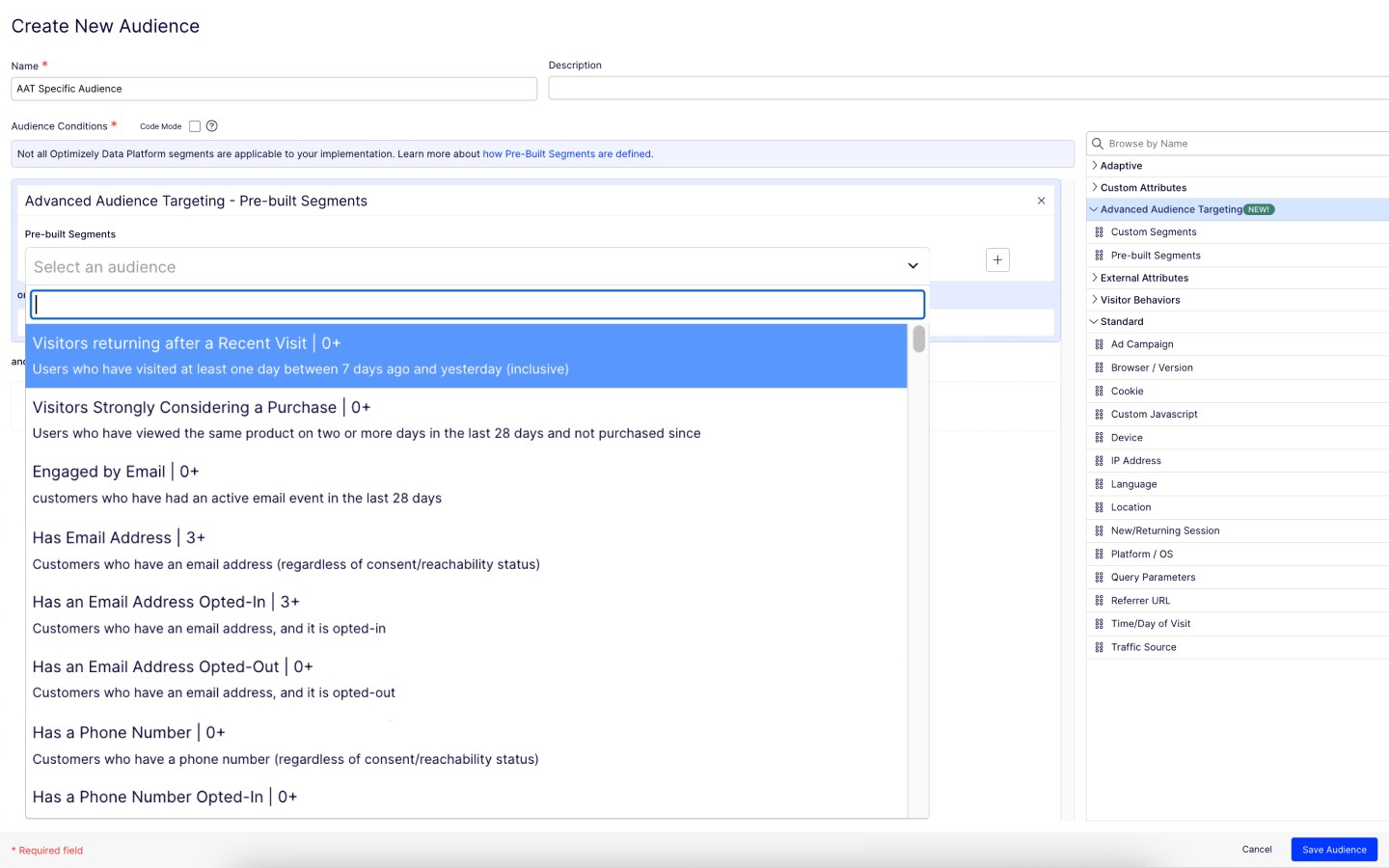
The ability to do A/B testing in Optimizely along with the associated statistical modelling and audience segmentation means it is a much better solution than using something like Google Analytics were a lot more effort is required to identify and isolate the specific data you need to confidently make changes
A de minimis incentive was given to thank the reviewer for their time. The incentive was not used to bias or drive a particular response, nor was the incentive contingent on a positive endorsement. More Info
We can use it flexibly across lines of business and have it in use across two departments. We have different use cases and slightly different outcomes, but can unify our results based on impact to the bottom line. Finally, we can generate value from anywhere in the org for any stakeholders as needed.
A de minimis incentive was given to thank the reviewer for their time. The incentive was not used to bias or drive a particular response, nor was the incentive contingent on a positive endorsement. TR verified that a representative sample of customers was invited. More Info
MouseFlow makes a positive impact on our future marketing decisions. We recently had a change in formula for a product and added a variety of ways for people to read about the changes via our website. Mouseflow allowed us to see which method was effective in communicating our message. We were able to replicate the style on other digital platforms.
Mouseflow allows us to save time we would normally spend in developing a website. For example, before building a new website I will spend a couple of weeks analyzing user data via mouseflow. I can clearly see what features are not currently working and where we are loosing people in the current process. This cuts down website revisions by about 10%
A de minimis incentive was given to thank the reviewer for their time. The incentive was not used to bias or drive a particular response, nor was the incentive contingent on a positive endorsement. More Info
We're able to share definitive annualized revenue projections with our team, showing what would happen if we put a test into Production
Showing the results of a test on a new page or feature prior to full implementation on a site saves developer time (if a test proves the new element doesn't deliver a significant improvement.
Making a change via the WYSIWYG interface allows us to see multiple changes without developer intervention.
A de minimis incentive was given to thank the reviewer for their time. The incentive was not used to bias or drive a particular response, nor was the incentive contingent on a positive endorsement. TR verified that a representative sample of customers was invited. More Info