Sage CRM is an SMB-oriented CRM platform offered in both SaaS and on-premise editions. Unlike the Sage SalesLogix product, the SaaS version is a true multi-tenant offering.
The platform offers excellent integration with Sage ERP and accounting products. It is also a good global solution and is available in many languages and is used by over 12,000 customers worldwide, with many customers in Europe.
$33
per month
Webexpenses
Score8.7 out of 10
N/A
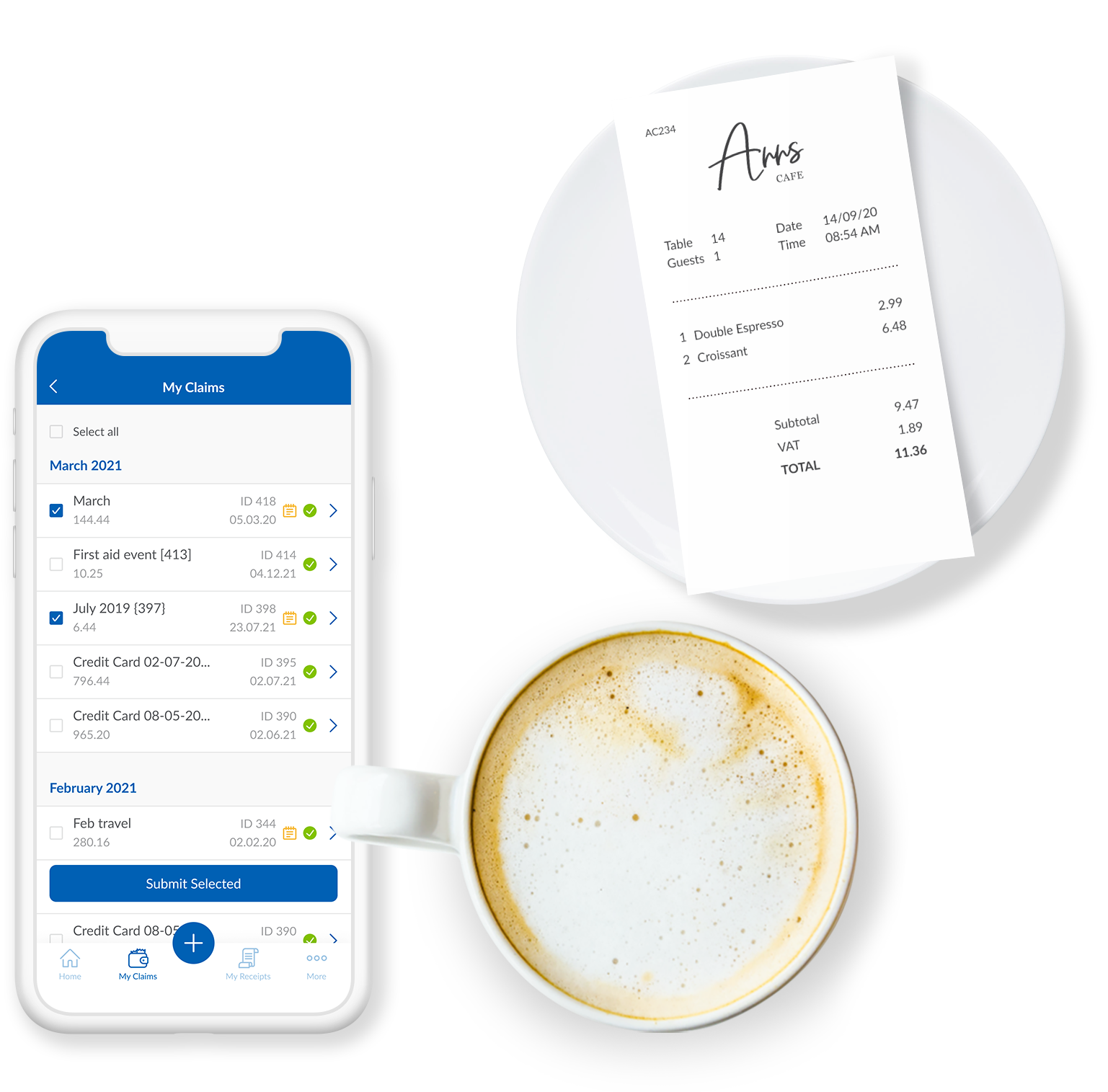
Webexpenses is a global provider of spend management solutions, combining integrated Expense Cards with cloud-based software for businesses of all sizes across 70+ countries. Serving industries such as retail, finance, technology, construction, and not-for-profit, Webexpenses gives businesses control over company spending by automating processes, proactively enforcing policies, and controlling costs. Features The Webexpenses platform includes both desktop…
$10.13
per month per user
Pricing
Sage CRM
Webexpenses
Editions & Modules
Sage CRM (cloud)
$45
Per User per Month
Sage CRM (on premise)
$0
Lifetime License per Seat
Essential
$10.13
per month per user
Scale
$12.15
per month per user
Pro
$18
per month per user
Offerings
Pricing Offerings
Sage CRM
Webexpenses
Free Trial
Yes
No
Free/Freemium Version
No
No
Premium Consulting/Integration Services
Yes
Yes
Entry-level Setup Fee
No setup fee
$250 one-time fee per installation
Additional Details
Tiered pricing is available for multiple users.
These USD amounts are approximate and provided for guidance only. As exchange rates fluctuate daily with market movements, the actual USD equivalent will vary over time and may differ at the point of transaction or when a formal USD price list is established.
as it is a very flexible software that can be adapted to any business model, other functions human resource management, manufacturing and supply chain planning, all these functions are housed in a highly technological interface. I liked this system because it made automating accounts payable so much easier.the control of the basic accounting of any type of company
Webexpenses is well suited for payroll to easily track workforce expenses and reducing hours of manual work from approving and processing the submitted claims. I have to highlight the automated custom report generating, which suits any needs to see reports for our teams. At our organization there is no sceniario, where Webexpenses would be less appropriate.
A de minimis incentive was given to thank the reviewer for their time. The incentive was not used to bias or drive a particular response, nor was the incentive contingent on a positive endorsement. TR verified that a representative sample of customers was invited. More Info
When in client profile, it is very intuitive, allowing you to easily transcribe notes in the clients profile.
Sage allows 3rd party plugins, so if you utilize a particular phone services or would like to import something as simple as google drive, its compatible.
A de minimis incentive was given to thank the reviewer for their time. The incentive was not used to bias or drive a particular response, nor was the incentive contingent on a positive endorsement. More Info
A de minimis incentive was given to thank the reviewer for their time. The incentive was not used to bias or drive a particular response, nor was the incentive contingent on a positive endorsement. More Info
Reliance on Apache Tomcat causes a lot of headaches. There are common issues trying to start up the server, resulting from Apache Tomcat misconfigurations, or Java. Some forum posts on Sage City address common issues, but digging into server logs seems to be an often occurrence.
Support is somewhat lacking, less user install base means error messages are sometimes hard to find quick answers for. Most of the knowledge found on the internet is in the Sage City forum.
Integration with Microsoft 365 causes you to have to turn off some security features. This will result in your 365 tenants running lower security standards than recommended, it may put you at risk for targeted attacks.
A de minimis incentive was given to thank the reviewer for their time. The incentive was not used to bias or drive a particular response, nor was the incentive contingent on a positive endorsement. More Info
Would be nice if claims could be organised into certain chronological orders i.e. ordered by date so I don't have to copy and delete claims when adding a claim in that has an earlier date
Would be ideal to have an option to save full routes rather than just addresses maybe?
A de minimis incentive was given to thank the reviewer for their time. The incentive was not used to bias or drive a particular response, nor was the incentive contingent on a positive endorsement. TR verified that a representative sample of customers was invited. More Info
There are really no other words to say, it is a very easy to use application that is more straightforward and has provided better results with the bulk of features that appeal to a very broad amount of users. There may be other CRM platforms out there that are more prevalent, but I have found them to be much more clunky and less intuitive than Sage CRM.
A de minimis incentive was given to thank the reviewer for their time. The incentive was not used to bias or drive a particular response, nor was the incentive contingent on a positive endorsement. More Info
There doesn't seem to be anything in the market at the same price point that is better, however if there is an interrupter in the market that provides better value, then we would heavily assess the cost of change to see if we should move on to the alternative offering.
A de minimis incentive was given to thank the reviewer for their time. The incentive was not used to bias or drive a particular response, nor was the incentive contingent on a positive endorsement. TR verified that a representative sample of customers was invited. More Info
Excellent integration with the most important social networks (LinkedIn, Facebook and Twitter) to get leads. The mobile app is quite useful for speeding up the tasks at hand and not relying on the computer or being in the office to get them done.
A de minimis incentive was given to thank the reviewer for their time. The incentive was not used to bias or drive a particular response, nor was the incentive contingent on a positive endorsement. More Info
I think this is an easy to use and effective system for expense management. I like how I can upload images and documents directly from my phone onto the mobile app. It's beneficial for continuity that the app and the web browser work the same, and I can save claims to come back to later if I wish.
A de minimis incentive was given to thank the reviewer for their time. The incentive was not used to bias or drive a particular response, nor was the incentive contingent on a positive endorsement. TR verified that a representative sample of customers was invited. More Info
The soft ware is reliable. The phone app works well and allows you to upload evidence, receipts, log mileage and log expenses. It works well and is rarely locked or there are very few times the app is down. The laptop based software is easy to access and again is always available
A de minimis incentive was given to thank the reviewer for their time. The incentive was not used to bias or drive a particular response, nor was the incentive contingent on a positive endorsement. TR verified that a representative sample of customers was invited. More Info
Sage works very quickly based on the network you are using it on. It is internet based so if your network is slow, it will perform slowly. Reports seem to run reasonably fast, if there is too much information it is trying to populate that could slow it down a little. When Sage CRM is integrated with a Sage ERP product it doesn't tend to slow down either system at all
The phone based app and the laptop based app always load quickly. It is easy to access. It is quick to use. It easy and quick to upload information and evidence. It is easy to log details. The information goes off to accounting and payroll quickly resulting in prompt payments for staff
A de minimis incentive was given to thank the reviewer for their time. The incentive was not used to bias or drive a particular response, nor was the incentive contingent on a positive endorsement. TR verified that a representative sample of customers was invited. More Info
Support team is really slow and they need to work on this really. Sometimes it takes days to resolve a simple query and there is no way to get it expedited. Rest the product is is amazing but the team should look into the costumer support and get it working
A de minimis incentive was given to thank the reviewer for their time. The incentive was not used to bias or drive a particular response, nor was the incentive contingent on a positive endorsement. More Info
The support for the initial setup was great, but since then we have only had to contact support once when we had problems uploading credit card files. The help we received at this time was not good and we ended up trying various things until we resolved the problem ourselves. The online support tutorials are good, but searching for a specific issue is difficult.
A de minimis incentive was given to thank the reviewer for their time. The incentive was not used to bias or drive a particular response, nor was the incentive contingent on a positive endorsement. More Info
A de minimis incentive was given to thank the reviewer for their time. The incentive was not used to bias or drive a particular response, nor was the incentive contingent on a positive endorsement. More Info
It was difficult to train multiple people via video, as they learned at different speeds, and most of the user champions were not as capable with systems and finance processes as our dept.
A de minimis incentive was given to thank the reviewer for their time. The incentive was not used to bias or drive a particular response, nor was the incentive contingent on a positive endorsement. TR verified that a representative sample of customers was invited. More Info
The implementation and upgrades were rather quick and straight forward. Attempting to link Sage CRM with Sage 100 ERP however was a nightmare and will be avoided by us in the future due to numerous issues.
A de minimis incentive was given to thank the reviewer for their time. The incentive was not used to bias or drive a particular response, nor was the incentive contingent on a positive endorsement. More Info
A de minimis incentive was given to thank the reviewer for their time. The incentive was not used to bias or drive a particular response, nor was the incentive contingent on a positive endorsement. More Info
Whilst SAGE CRM was selected around 10 years ago and we became a partner, the main contenders would have been at the time Sales Logix and MS CRM 4.0. However, we had extensive experience of the mid-market CRM's and decided on SAGE CRM since it had a clean, easy to understand interface and importantly offered both workflow automation and Self Service capability, all of which across both the Case and Sales and Marketing functionality was seamless and saved time. As it was pure browser based, access was from anywhere we wanted. In my view, SAGE CRM still stacks up well against all the other mid-market CRM systems and offers good value for money, but more importantly, it is an easy to operate and customisable solution which user like. Again, we can teach administration users very quickly to support and customise themselves since the admin. function are clear as well.
I would have to say that Webexpenses does not stack up well in comparison to Expensify. If given a choice, I would choose Expensify for the best user experience and mobile / desktop being more seamless. It accomplishes the same thing but has a more modern, minimal, and streamlined feel to it.
A de minimis incentive was given to thank the reviewer for their time. The incentive was not used to bias or drive a particular response, nor was the incentive contingent on a positive endorsement. More Info
Every department in my organization uses webexpenses. My role and the role of others involves travel, expenses and mileage. Everyone uses the app to log details, upload receipts and to claim allowable expenses. having spoken to everyone within my team and wider directorate, i do not know of anyone who has had issues with the app
A de minimis incentive was given to thank the reviewer for their time. The incentive was not used to bias or drive a particular response, nor was the incentive contingent on a positive endorsement. TR verified that a representative sample of customers was invited. More Info
A de minimis incentive was given to thank the reviewer for their time. The incentive was not used to bias or drive a particular response, nor was the incentive contingent on a positive endorsement. More Info
A de minimis incentive was given to thank the reviewer for their time. The incentive was not used to bias or drive a particular response, nor was the incentive contingent on a positive endorsement. More Info