

What is DashboardFox?
DashboardFox is cloud-based business intelligence and dashboard software from 5000fish, built for teams that create and deliver dashboards and reports to clients, departments, or business units. It is priced by monthly active users (MAU) rather than per seat, so organizations pay for a tier instead of for every login, and accounts that do not sign in are not counted.
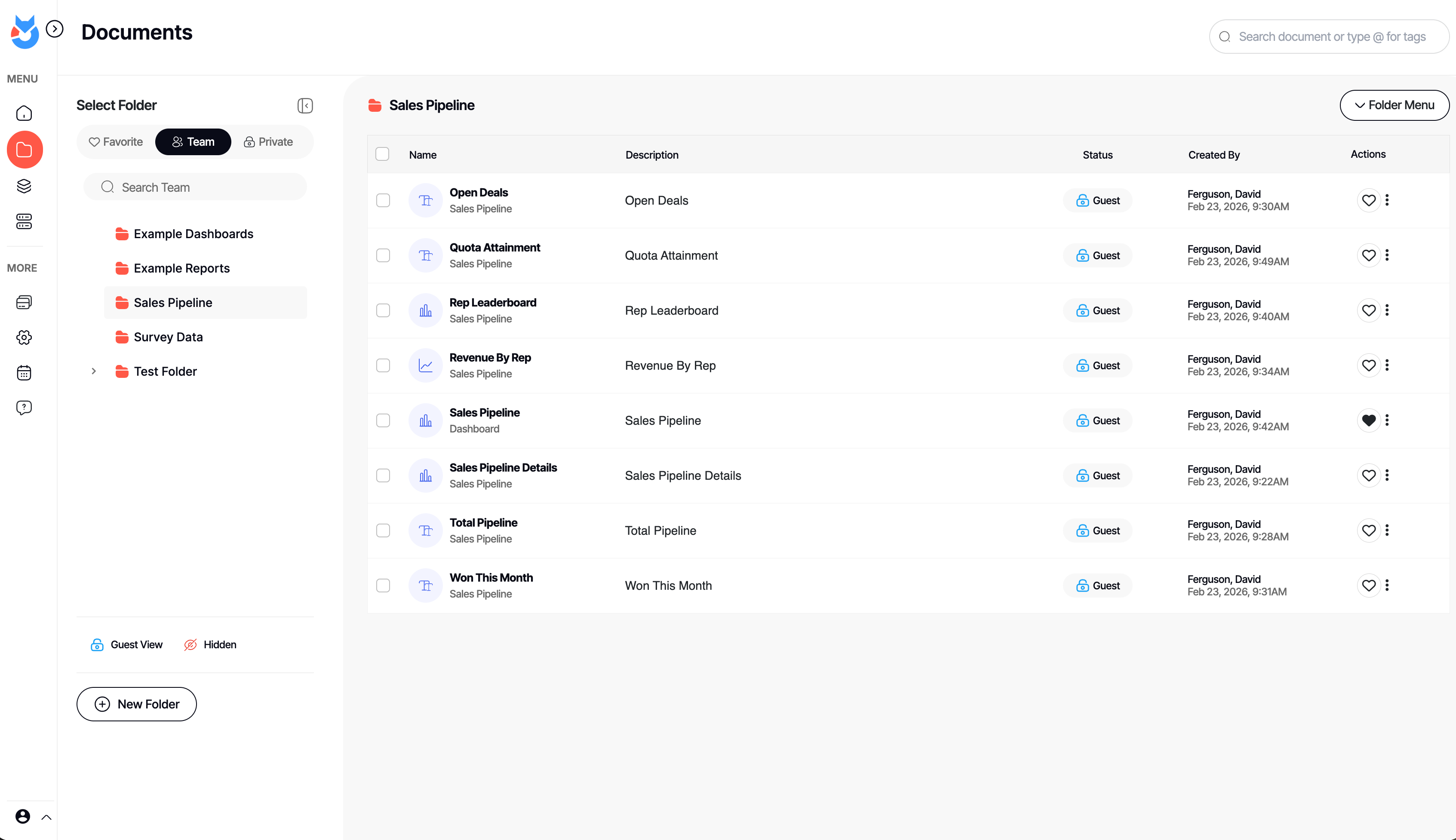
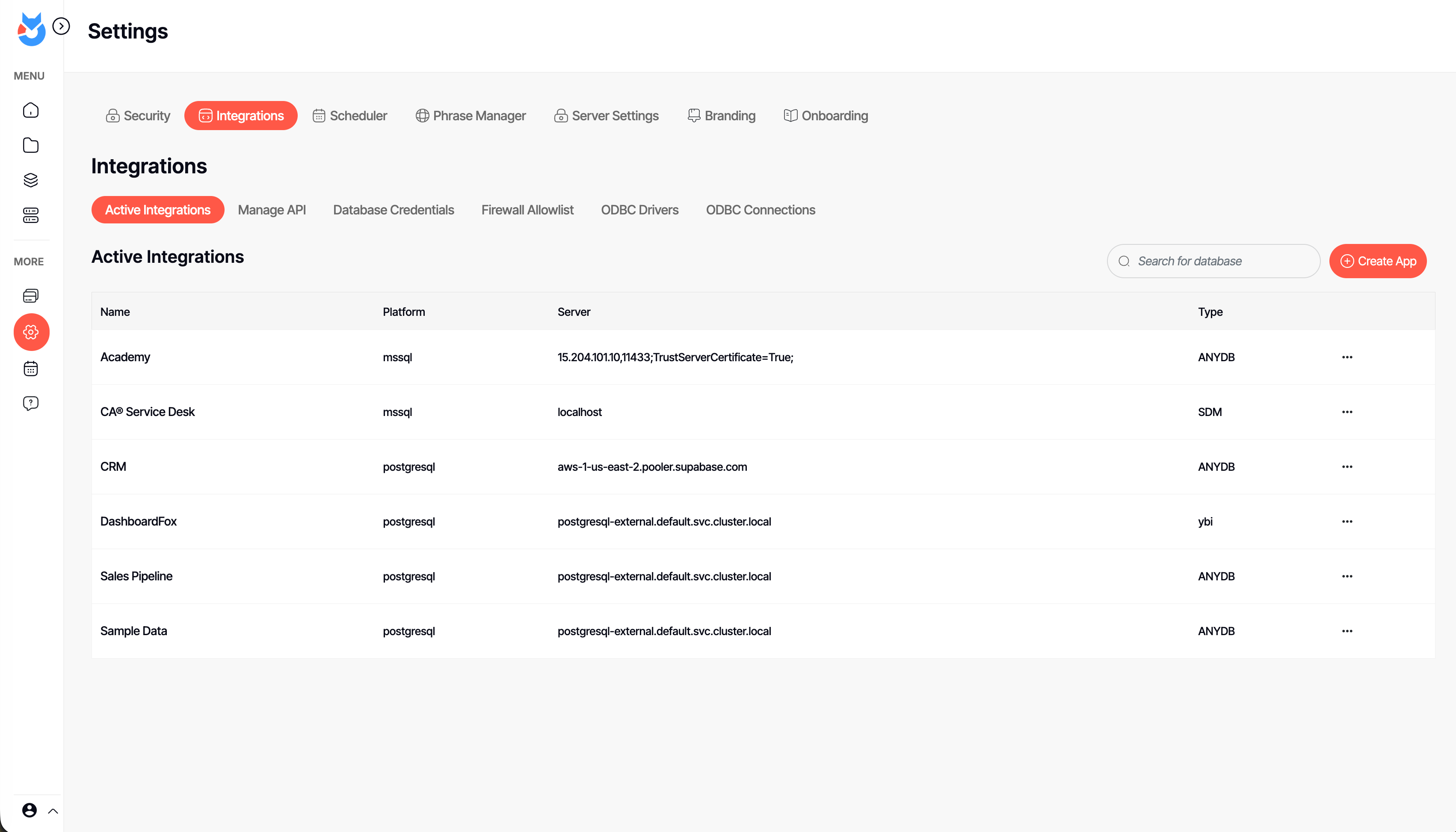
Row-level security, white-label branding, and custom domains are included in every plan, which starts at $99 per month — capabilities that competing tools often reserve for higher-priced enterprise editions. Business users build unlimited dashboards and reports with a no-code builder and 20+ chart types, schedule automated delivery, and share results with teammates or external clients. Administrators connect to 30+ data sources — including PostgreSQL, SQL Server, MySQL, Snowflake, BigQuery, and Redshift — with no ETL and no per-connector fees, and control which tables and fields each group can access.
DashboardFox offers enterprise-grade security, including dedicated per-customer databases, encryption in transit and at rest, audit logs, and HIPAA-, FERPA-, and GDPR/CCPA-ready deployments. It runs in the cloud or self-hosted on Windows, Linux, or Docker via a one-time license starting at $4,995. The product is positioned as a lower-cost alternative to Power BI, Tableau, and Metabase, and a modern replacement for Crystal Reports and SSRS. DashboardFox is built and supported by 5000fish, a bootstrapped company that has developed BI software since 1999.
Categories & Use Cases
Media




1 / 6
Screenshot of an interactive DashboardFox sales pipeline dashboard with KPI tiles, a revenue-by-rep chart, and a rep leaderboard. Business users filter by region, industry, or fiscal year and save their own views — self-service analytics with no SQL required.


