Acrolinx is a marketing writing tool that captures the way an enterprise communicates and its guidelines, and aligns content with guidelines, using automation to shorten the editorial process.
N/A
Read&Write
Score 8.8 out of 10
N/A
Read&Write is a literacy support tool that helps individuals of all abilities read, write, and express themselves with confidence. For education and the workplace, its assistive features include text-to-speech, word prediction, and research tools for users with diverse learning needs.
N/A
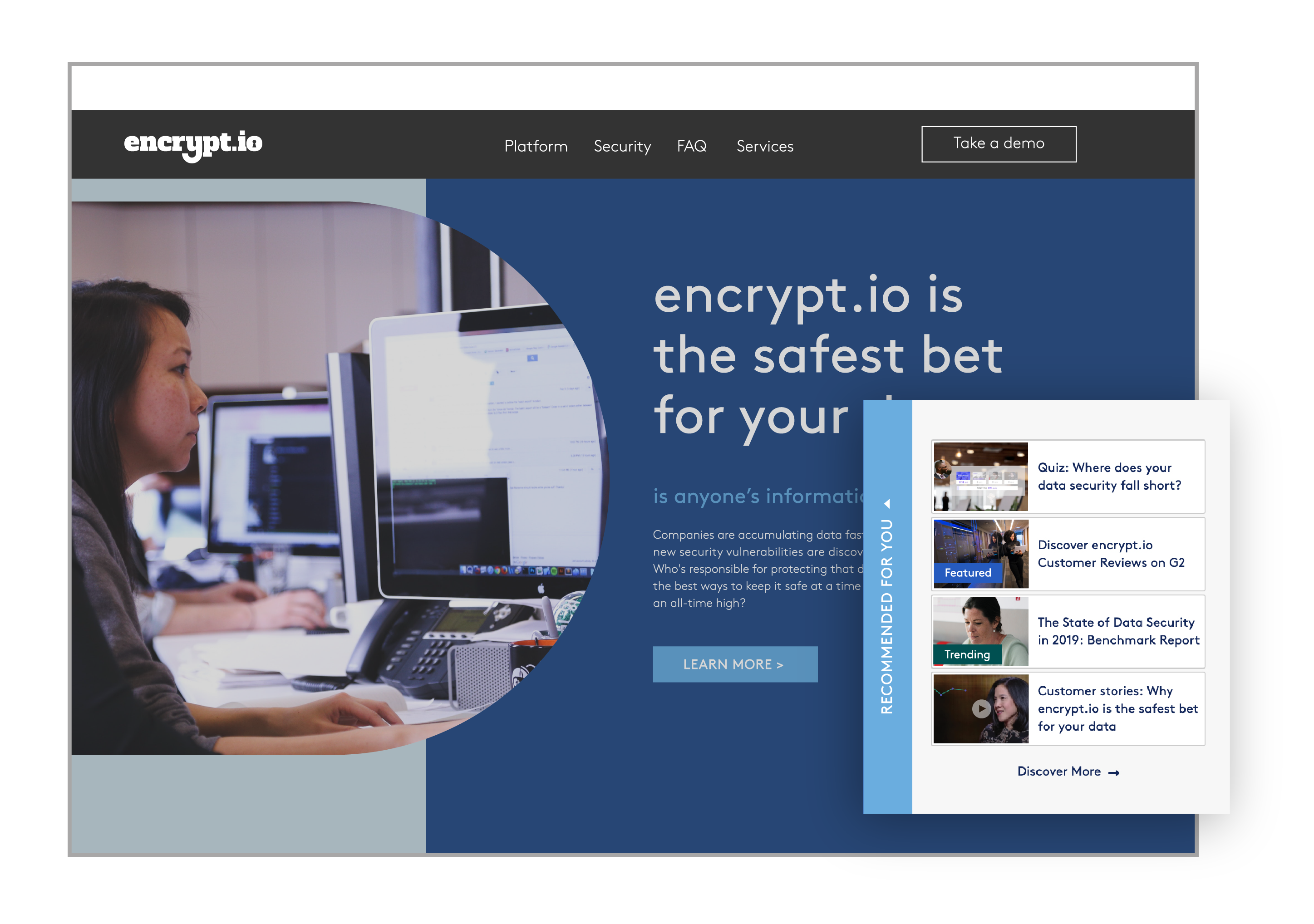
PathFactory
Score 8.4 out of 10
N/A
PathFactory enables you to unlock B2B revenue with AI-powered content intelligence which allows you to generate personalized, engaging, and conversion-focused experiences across the entire B2B buyer journey. Per the vendor, you can accelerate deal velocity and grow your pipeline by recommending the next-best assets for individual buyers and target accounts alike.
I have used Acrolinx as an integrated tool with Microsoft Office. I use Office tools on a regular basis and need new formatting options for not only presentations slides but also for document creation, email templates, etc., and here is where Acrolinx helps me on a daily basis. Acrolinx, however, suffers from some frequent unavailability of the tool, which results in some disturbance, but overall the experience is great with the software.
Read&Write is a solid, long-lasting tool that I have relied on for my students for many years. It is especially strong at supporting students with reading challenges. It is less appropriate for students with more complex needs who have non-standard speech or are using head or eye control. It will continue to be a tool that I encourage many students to use.
It's a great tool if you want to create experiences on web and share content with your audience - especially if you want to create bingeable content. For a microsite, I would like to see more modules that build up a page, and great examples for inspiration
I would like to use the practice reading aloud tool more, but the kids that I work with have a hard time understanding the concept. I think that, while there are a lot of tools available, sometimes they are hard for younger students to understand.
The hover to read function is nice as well, but my students struggle with the fact that if you move the mouse once it starts reading it will start all over in a new area. It's not as smooth as I would like it to be.
Microsite was very hard to build ourselves. Changing the site can be really confusing and is not always intuitive. We have trouble knowing how to update items to get it to work the way we want it to.
Better instructions on how to customize tracks and use the different tools.
Users that come in without UTM parameters should still be included in all data reporting.
I'm just really impressed with the software and the access it gives to learners who are used to coming up against barriers in education. It's a quick-fix for a learner - something they can access usefully and productively with very little training. I also love that learners can access Read&Write on their devices at home - that really is a game changer.
We have seen a lot of value from our team's use of Path Factory. We also like working with this vendor as they actually take our feedback and implement it on their roadmap. A great vendor with a great product
I am giving this an 9. Not a perfect score because working on PDFs is better but not yet as easy as I need for it to be. Working with many students who have executive function challenges, I need a smooth simplistic access method. We are not quite there yet for writing on PDFs. Overall the toolbar on Read&Write is super easy to access and I love that the suite includes several tools on the toolbar providing a solution to many accessibility challenges.
Overall, I think the tool is fairly easy to use to get a basic content uploaded to create a track and even the more complicated features become easier once you become familiarised with the process
I think there was only one time where we had issues reaching our account manager, otherwise PathFactory was always willing to hop on the phone to talk through strategy, to work through issues, and help build custom solutions to fit our needs. Customer service is a big selling point of PathFactory.
The analytics and reports feature is fairly new and have proved very popular with many areas of our business and is growing in popularity. The metrics that are attainable are very insightful and provides a clear picture on the performance of the track.
The support team at Texthelp is excellent. They're all super helpful and open to feedback and new ideas. Still, more importantly, they are ultimately fully committed to aligning with us and ensuring they help us provide the best education possible. Furthermore, they're open to new features and always communicate this incredibly well.
We meet weekly with Jennifer and I can't say enough about her. When issues have happened or we need help, she jumps on it quickly. If she doesn't know the answer, she pulls in Reggie or another on her team that can help. She goes above and beyond and has been very supportive, even when we had a lot of hard questions to answer from higher-ups. All this is on top of just being an awesome person.
I was able to browse around the tool quite easily once some basic training was given. I learnt much from using those method and only needed further help when wanting to learn about Reports, External codes and adding forms.
The customer service, from technical through to customer success, is one of the biggest reasons I'd recommend PathFactory. This is true of their training. It can be as bespoke as you like, at least in my experience, and the team is always willing (where possible) to incorporate your suggestions.
It took a solid 2 weeks for R&W to work on our students chromebooks even after reaching out to tech support. The toolbar was greyed out and not accessible to students. Took a long time before tech support helped us solve this problem.
The PathFactory team was very helpful when implementing the product. They gave us a lot of recommendations on best moving forward. As a note to new users, when implementing I would make sure that you create with your team a system to make sure that the platform is scalable. My team was able to do this through creating a foldering structure, naming conventions for tracks and assets, and ensuring tagging is used on all content uploads. I would also make sure when implementing that you have an understanding of how your team will track success and that your brand team is involved to make sure that there is consistency in the look and feel of the tracks
We are still learning how to use Equatio. I am not a mathematician and therefore I am finding understanding it a bit more difficult. Once I understand how to use it I will be able to cascade it down. My hope is that it will be as useful as Read & Write
I used Uberflip in a past company. I think they are pretty comparable. From what I remember, Uberflip was more intuitive to use, but I think PathFactory might have more capabilities. Although this was years ago, I am not aware of Uberflip's functionality now. I have had good experiences with both.
Pathfactory is growing in popularity amongst individuals from different parts of the organisation and it would be difficult to forecast how scalable this can become
I haven't calculated the exact financial benefits, but indeed Acrolinx has contributed greatly to the quality of the content my company has been producing
With enhanced formatting, themes, and organization of the documents, emails, and presentations, we have been able to attract new customers, resulting in more business
With the offerings Acrolinx have, team's productivity has increased manifolds
We saw ROI within the first 9 months of using PathFactory.
Our onboarding team saw quicker adoption of our product while using PathFactory to engage them during the onboarding process.
We've been able to more accurately understand our content needs and what works best when prospecting for specific segments. (eg. SMB, mid-market, and enterprise)