Chose Tableau Cloud
Deployment time is less than Tableau Server. Configuring Tableau Online is managed by the Tableau Team, so there is less risk.

| Product | Rating | Most Used By | Product Summary | Starting Price |
|---|---|---|---|---|
 Acumatica | N/A | Acumatica delivers a set of cloud-based business software applications with dashboards, reporting tools, integrated document management, centralized security, and customization tools. | $1,000 per year | |
 Tableau Cloud | N/A | Tableau Cloud (formerly Tableau Online) is a self-service analytics platform that is fully hosted in the cloud. Tableau Cloud enables users to publish dashboards and invite colleagues to explore hidden opportunities with interactive visualizations and accurate data, from any browser or mobile device. | $15 per month per user | |
 Tableau Public | N/A | Tableau Public is a free edition of the Desktop product. With this edition, data can only be published to the Tableau public website and does not allow work to be saved or exported locally. | $0 per month |
| Acumatica | Tableau Cloud | Tableau Public | ||||||||||||||||||||||
|---|---|---|---|---|---|---|---|---|---|---|---|---|---|---|---|---|---|---|---|---|---|---|---|---|
| Editions & Modules | No answers on this topic |
| No answers on this topic | |||||||||||||||||||||
| Offerings |
| |||||||||||||||||||||||
| Entry-level Setup Fee | No setup fee | No setup fee | No setup fee | |||||||||||||||||||||
| Additional Details | Pricing is always consumption-based with no five-year lock-ins or termination penalties. The Acumatica ERP pricing structure allows adding casual users, suppliers, and customers without paying for additional licenses. The cost is based on the features and resources utilized, not on the number of users who access the system. An Acumatica partner works with users to understand specific requirements, determine the proper resources and modules for the company, and presents a price for the license. | — | — | |||||||||||||||||||||
| More Pricing Information | ||||||||||||||||||||||||
| Acumatica | Tableau Cloud | Tableau Public | |
|---|---|---|---|
| Considered Multiple Products | Acumatica No answer on this topic | Tableau Cloud  Lance Smith Business Intelligence Analyst Chose Tableau Cloud I feel like Tableau is easier to use compared with the SAP Business Objects. Both have a bit of a learning curve but I felt that Tableau Online was still more intuitive and user friendly. Tableau Desktop is a powerhouse. It has a very steep learning curve but once you master … |  Tableau Public  Christopher Penn Chief Data Scientist Chose Tableau Public Tableau Public's primary advantage is its lack of cost. That's really what it excels at; otherwise, it's functionally just another Tableau Server. |
| Acumatica | Tableau Cloud | Tableau Public | |||||||||||||||||||||||||||||||
|---|---|---|---|---|---|---|---|---|---|---|---|---|---|---|---|---|---|---|---|---|---|---|---|---|---|---|---|---|---|---|---|---|---|
| Payroll Management |
| ||||||||||||||||||||||||||||||||
| Customization |
| ||||||||||||||||||||||||||||||||
| Security |
| ||||||||||||||||||||||||||||||||
| Reporting & Analytics |
| ||||||||||||||||||||||||||||||||
| General Ledger and Configurable Accounting |
| ||||||||||||||||||||||||||||||||
| Inventory Management |
| ||||||||||||||||||||||||||||||||
| Order Management |
| ||||||||||||||||||||||||||||||||
| Subledger and Financial Process |
| ||||||||||||||||||||||||||||||||
| Project Financial Management |
| ||||||||||||||||||||||||||||||||
| Project Execution Management |
| ||||||||||||||||||||||||||||||||
| Grants Management |
| ||||||||||||||||||||||||||||||||
| Procurement |
| ||||||||||||||||||||||||||||||||
| Risk Management |
| ||||||||||||||||||||||||||||||||
| Logistics |
| ||||||||||||||||||||||||||||||||
| Manufacturing |
| ||||||||||||||||||||||||||||||||
| Supply Chain |
| ||||||||||||||||||||||||||||||||
| Product Lifecycle Management |
| ||||||||||||||||||||||||||||||||
| BI Standard Reporting |
| ||||||||||||||||||||||||||||||||
| Ad-hoc Reporting |
| ||||||||||||||||||||||||||||||||
| Report Output and Scheduling |
| ||||||||||||||||||||||||||||||||
| Data Discovery and Visualization |
| ||||||||||||||||||||||||||||||||
| Access Control and Security |
| ||||||||||||||||||||||||||||||||
| Mobile Capabilities |
| ||||||||||||||||||||||||||||||||
| Application Program Interfaces (APIs) / Embedding |
|
| Acumatica | Tableau Cloud | Tableau Public | |
|---|---|---|---|
| Small Businesses |  Zoho One Score 9.3 out of 10 |  Yellowfin Score 8.7 out of 10 |  Supermetrics Score 9.7 out of 10 |
| Medium-sized Companies |  Infor VISUAL Score 7.4 out of 10 |  Reveal Score 10.0 out of 10 | Supermetrics Score 9.7 out of 10 |
| Enterprises |  24SevenOffice Score 9.0 out of 10 |  Kyvos Semantic Layer Score 9.5 out of 10 |  IBM Analytics Engine Score 7.2 out of 10 |
| All Alternatives | View all alternatives | View all alternatives | View all alternatives |
| Acumatica | Tableau Cloud | Tableau Public | |
|---|---|---|---|
| Likelihood to Recommend | 8.9 (631 ratings) | 9.3 (75 ratings) | 8.5 (14 ratings) |
| Likelihood to Renew | 9.2 (65 ratings) | - (0 ratings) | 9.1 (2 ratings) |
| Usability | 8.2 (37 ratings) | 8.8 (28 ratings) | 10.0 (5 ratings) |
| Availability | 8.7 (5 ratings) | - (0 ratings) | - (0 ratings) |
| Performance | 8.2 (4 ratings) | - (0 ratings) | - (0 ratings) |
| Support Rating | 7.1 (28 ratings) | 8.7 (20 ratings) | 9.6 (6 ratings) |
| In-Person Training | 4.9 (5 ratings) | - (0 ratings) | - (0 ratings) |
| Online Training | 7.7 (4 ratings) | - (0 ratings) | 9.0 (1 ratings) |
| Implementation Rating | 6.0 (19 ratings) | - (0 ratings) | 9.1 (2 ratings) |
| Configurability | 6.4 (3 ratings) | - (0 ratings) | - (0 ratings) |
| Contract Terms and Pricing Model | 6.2 (4 ratings) | - (0 ratings) | - (0 ratings) |
| Ease of integration | 5.6 (2 ratings) | - (0 ratings) | - (0 ratings) |
| Product Scalability | 7.3 (5 ratings) | - (0 ratings) | - (0 ratings) |
| Professional Services | 9.1 (3 ratings) | - (0 ratings) | - (0 ratings) |
| Vendor post-sale | 4.0 (5 ratings) | - (0 ratings) | - (0 ratings) |
| Vendor pre-sale | 5.0 (4 ratings) | - (0 ratings) | - (0 ratings) |
| Acumatica | Tableau Cloud | Tableau Public | |
|---|---|---|---|
| Likelihood to Recommend | Acumatica
| Tableau
| Tableau
|
| Pros | Acumatica
 Hardik Thacker Financial research analyst | Tableau
 Raman Ahuja Associate Consultant | Tableau
 Leah Jakaitis Senior Data Analyst |
| Cons | Acumatica
| Tableau
| Tableau
 Steven Bohlender Executive Vice President |
| Likelihood to Renew | Acumatica
| Tableau No answers on this topic | Tableau
 Bonnie Holub Honeywell Endowed Chair in Global Technology Management |
| Usability | Acumatica
| Tableau
| Tableau |
| Reliability and Availability | Acumatica
 DANYEL SULLIVAN-MARRERO, CPA, MBA Controller | Tableau No answers on this topic | Tableau No answers on this topic |
| Performance | Acumatica
| Tableau No answers on this topic | Tableau No answers on this topic |
| Support Rating | Acumatica
| Tableau
| Tableau
|
| In-Person Training | Acumatica
| Tableau No answers on this topic | Tableau No answers on this topic |
| Online Training | Acumatica
 Julie Weber Director of Finance & Accounting | Tableau No answers on this topic | Tableau
Bonnie Holub Honeywell Endowed Chair in Global Technology Management |
| Implementation Rating | Acumatica
 Scott Rutkowski, CLP CIO (Chief Information Officer) | Tableau No answers on this topic | Tableau
Steven Bohlender Executive Vice President |
| Alternatives Considered | Acumatica
| Tableau
| Tableau
|
| Contract Terms and Pricing Model | Acumatica
DANYEL SULLIVAN-MARRERO, CPA, MBA Controller | Tableau No answers on this topic | Tableau No answers on this topic |
| Scalability | Acumatica
DANYEL SULLIVAN-MARRERO, CPA, MBA Controller | Tableau No answers on this topic | Tableau No answers on this topic |
| Professional Services | Acumatica
DANYEL SULLIVAN-MARRERO, CPA, MBA Controller | Tableau No answers on this topic | Tableau No answers on this topic |
| Return on Investment | Acumatica
| Tableau
 Tom Laughlin Senior Customer Success Manager | Tableau
Christopher Penn Chief Data Scientist |
| ScreenShots | Acumatica Screenshots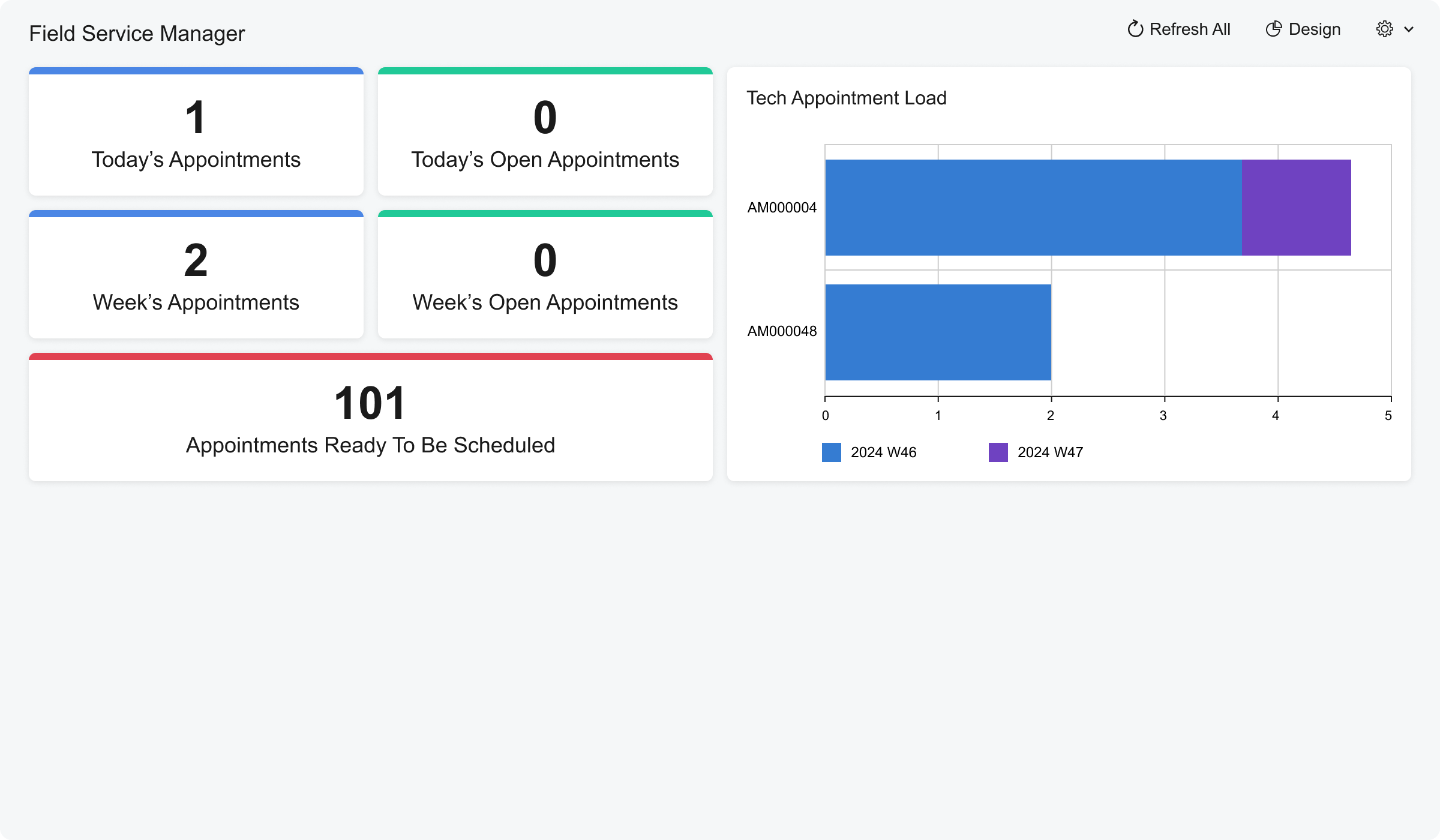 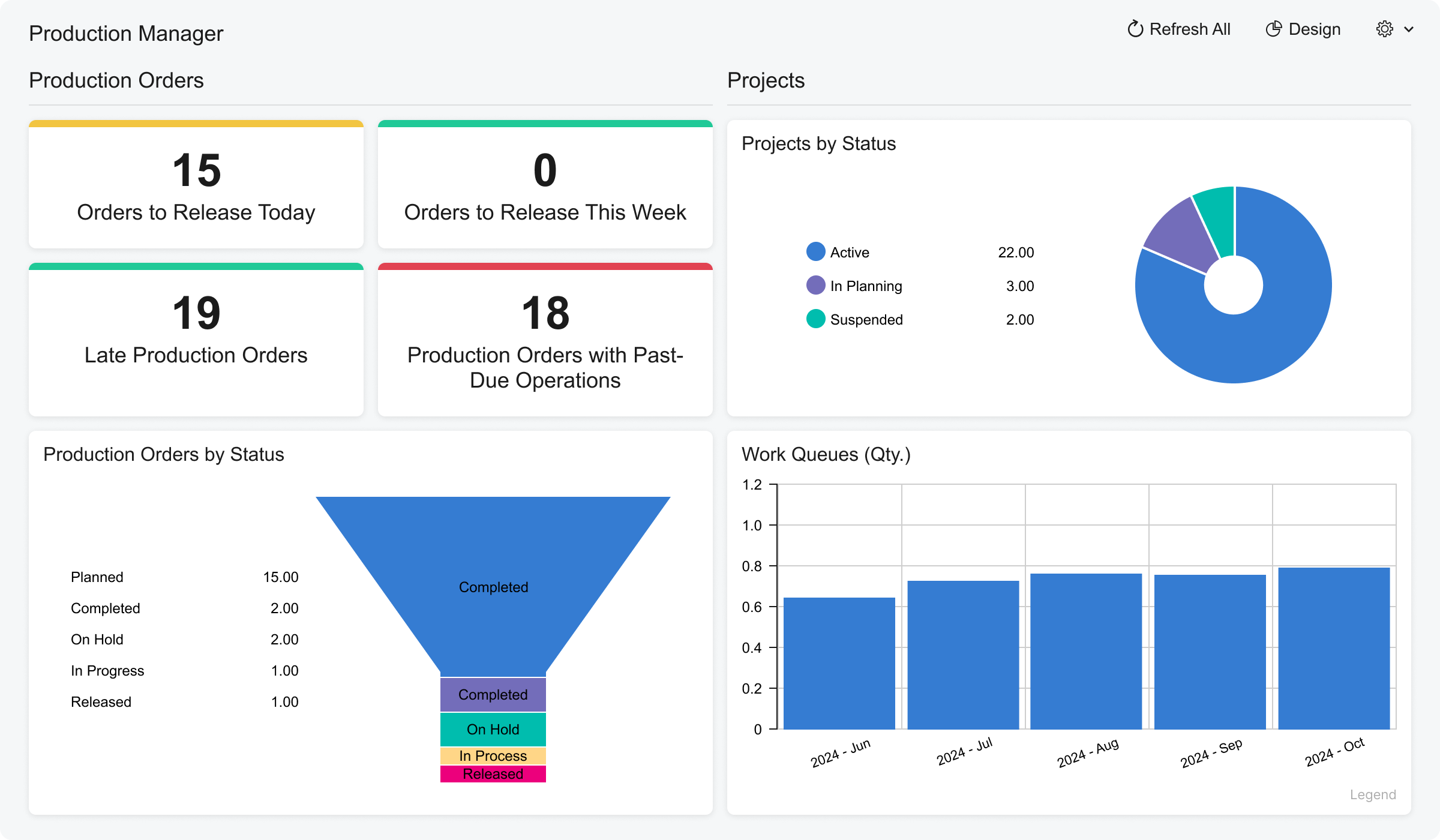 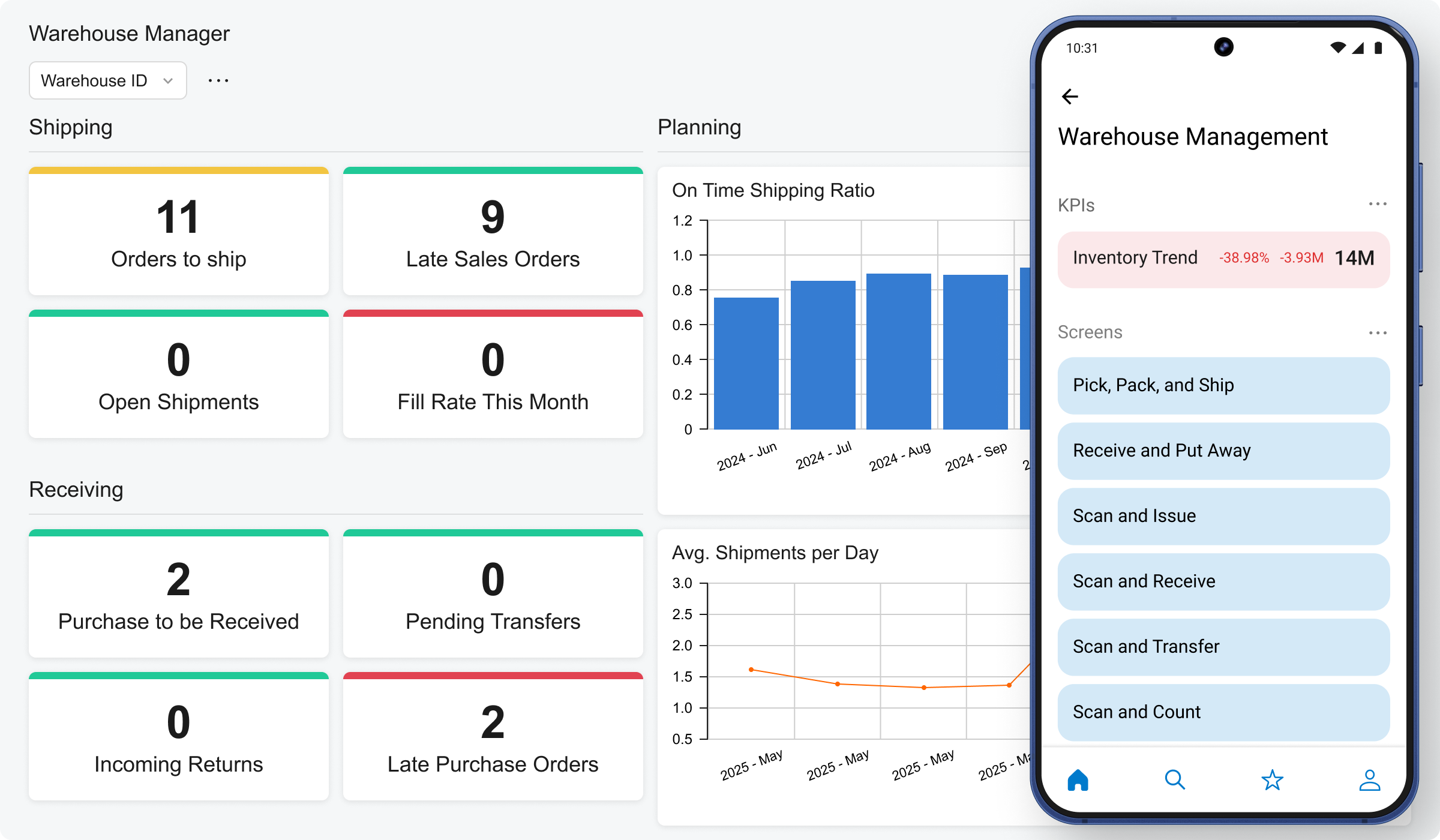 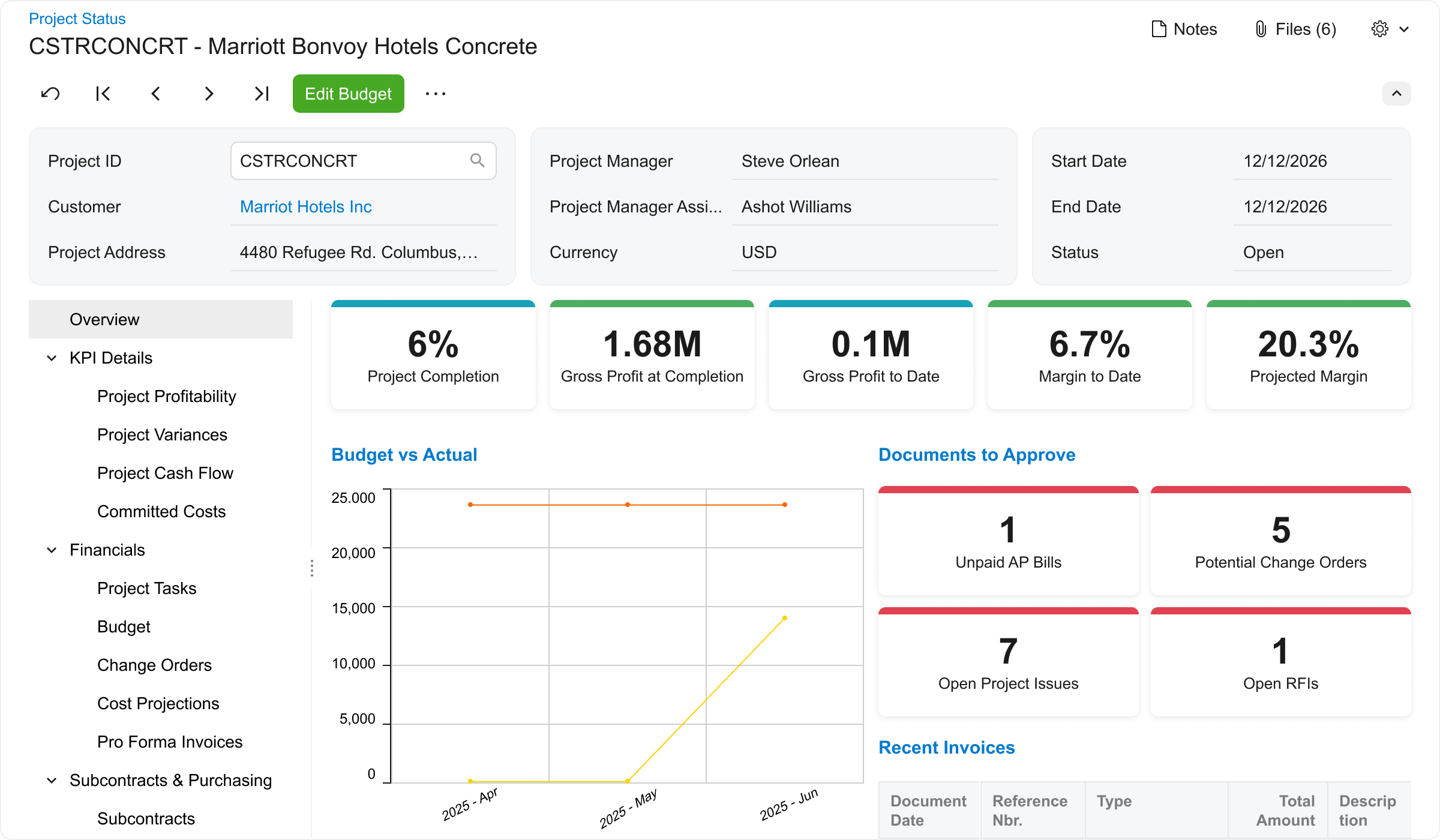 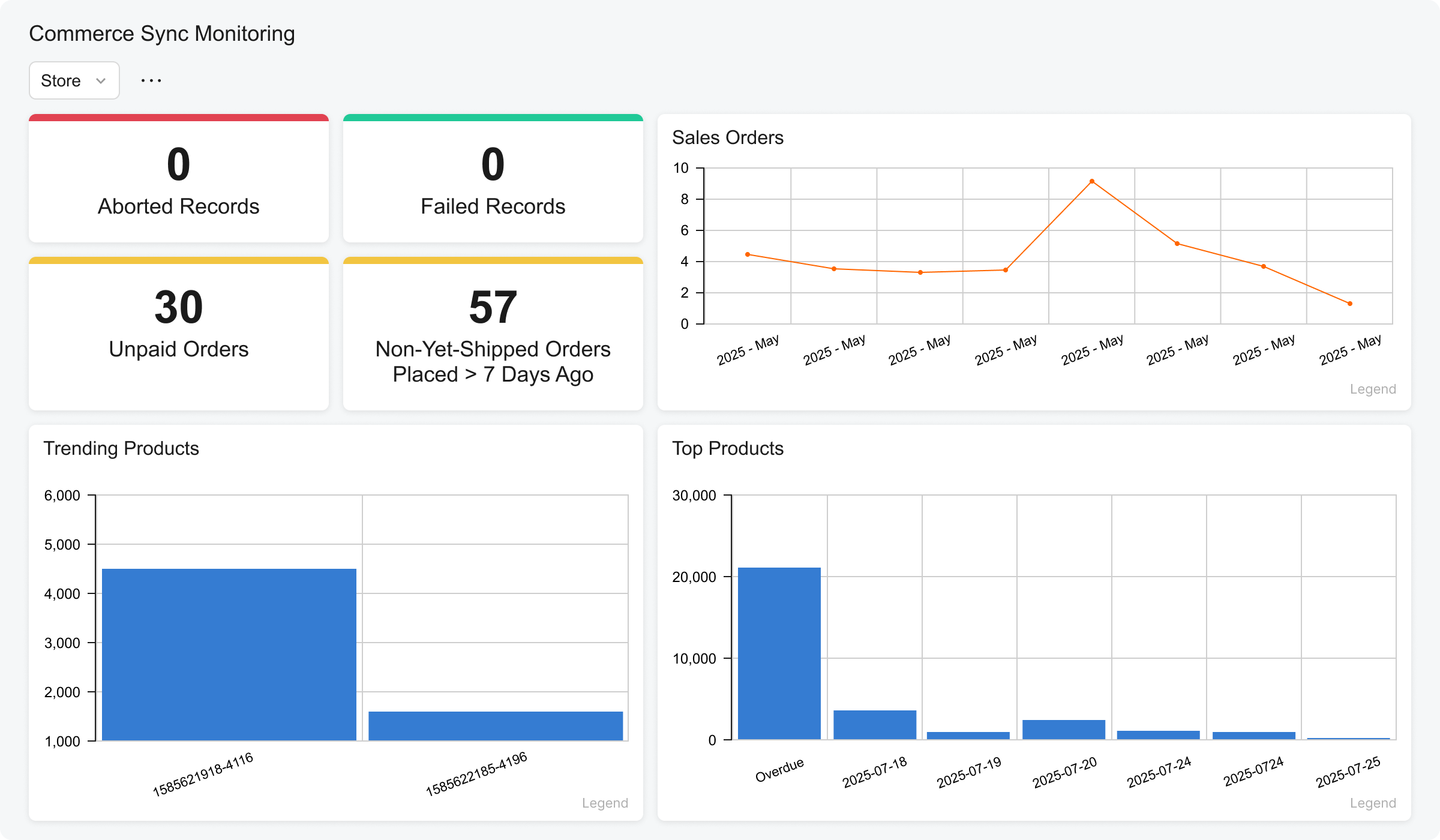 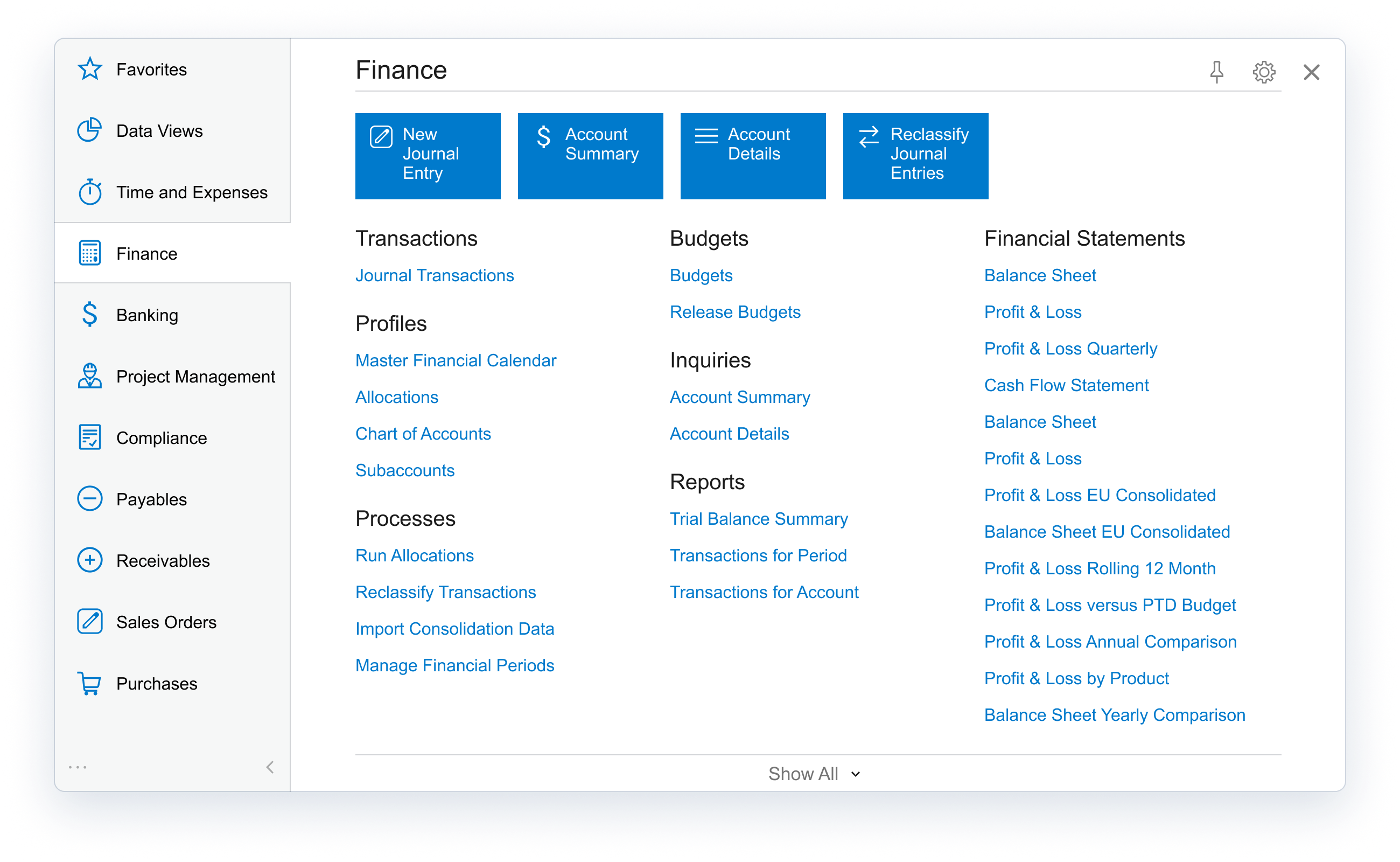 |