
Acumatica vs. When I Work
Acumatica vs. When I Work
| Product | Rating | Most Used By | Product Summary | Starting Price |
|---|---|---|---|---|
 Acumatica | N/A | Acumatica delivers a set of cloud-based business software applications with dashboards, reporting tools, integrated document management, centralized security, and customization tools. | $1,000 per year | |
 When I Work | N/A | When I Work is a way for businesses to schedule, track time and attendance, and communicate with their hourly employees. The schedule and time clock is placed in every employee's pocket with When I Work's iOS and Android apps. It can be used to keep track of time off, employee availability, and manage shift swaps with a few clicks. When I Work integrates with payroll providers to streamline the process and avoid human error. | $2.50 per month per user |
| Acumatica | When I Work | |||||||||||||||
|---|---|---|---|---|---|---|---|---|---|---|---|---|---|---|---|---|
| Editions & Modules | No answers on this topic |
| ||||||||||||||
| Offerings |
| |||||||||||||||
| Entry-level Setup Fee | No setup fee | No setup fee | ||||||||||||||
| Additional Details | Pricing is always consumption-based with no five-year lock-ins or termination penalties. The Acumatica ERP pricing structure allows adding casual users, suppliers, and customers without paying for additional licenses. The cost is based on the features and resources utilized, not on the number of users who access the system. An Acumatica partner works with users to understand specific requirements, determine the proper resources and modules for the company, and presents a price for the license. | — | ||||||||||||||
| More Pricing Information | ||||||||||||||||
| Acumatica | When I Work |
|---|
| Acumatica | When I Work | ||||||||||||||||||||||||
|---|---|---|---|---|---|---|---|---|---|---|---|---|---|---|---|---|---|---|---|---|---|---|---|---|---|
| Payroll Management |
| ||||||||||||||||||||||||
| Customization |
| ||||||||||||||||||||||||
| Security |
| ||||||||||||||||||||||||
| Reporting & Analytics |
| ||||||||||||||||||||||||
| General Ledger and Configurable Accounting |
| ||||||||||||||||||||||||
| Inventory Management |
| ||||||||||||||||||||||||
| Order Management |
| ||||||||||||||||||||||||
| Subledger and Financial Process |
| ||||||||||||||||||||||||
| Project Financial Management |
| ||||||||||||||||||||||||
| Project Execution Management |
| ||||||||||||||||||||||||
| Grants Management |
| ||||||||||||||||||||||||
| Procurement |
| ||||||||||||||||||||||||
| Risk Management |
| ||||||||||||||||||||||||
| Logistics |
| ||||||||||||||||||||||||
| Manufacturing |
| ||||||||||||||||||||||||
| Supply Chain |
| ||||||||||||||||||||||||
| Product Lifecycle Management |
|
| Acumatica | When I Work | |
|---|---|---|
| Small Businesses |  Zoho One Score 9.3 out of 10 |  7shifts Score 9.9 out of 10 |
| Medium-sized Companies |  Infor VISUAL Score 7.4 out of 10 |  PowerDMS by NEOGOV Score 7.0 out of 10 |
| Enterprises |  24SevenOffice Score 9.0 out of 10 |  Zoho People Score 8.9 out of 10 |
| All Alternatives | View all alternatives | View all alternatives |
| Acumatica | When I Work | |
|---|---|---|
| Likelihood to Recommend | 8.9 (631 ratings) | 10.0 (25 ratings) |
| Likelihood to Renew | 9.2 (65 ratings) | 10.0 (1 ratings) |
| Usability | 8.2 (37 ratings) | 9.0 (1 ratings) |
| Availability | 8.7 (5 ratings) | - (0 ratings) |
| Performance | 8.2 (4 ratings) | - (0 ratings) |
| Support Rating | 7.1 (28 ratings) | 8.7 (19 ratings) |
| In-Person Training | 4.8 (5 ratings) | - (0 ratings) |
| Online Training | 7.7 (4 ratings) | - (0 ratings) |
| Implementation Rating | 6.0 (19 ratings) | 8.0 (1 ratings) |
| Configurability | 6.4 (3 ratings) | - (0 ratings) |
| Contract Terms and Pricing Model | 6.2 (4 ratings) | - (0 ratings) |
| Ease of integration | 5.6 (2 ratings) | - (0 ratings) |
| Product Scalability | 7.3 (5 ratings) | - (0 ratings) |
| Professional Services | 9.1 (3 ratings) | - (0 ratings) |
| Vendor post-sale | 4.0 (5 ratings) | - (0 ratings) |
| Vendor pre-sale | 4.9 (4 ratings) | - (0 ratings) |
| Acumatica | When I Work | |
|---|---|---|
| Likelihood to Recommend | Acumatica
|  When I Work
 Sasha Brito Marketing Director |
| Pros | Acumatica
 Hardik Thacker Financial research analyst | When I Work
|
| Cons | Acumatica
| When I Work
 Jayelynn Willman Assistant Manager |
| Likelihood to Renew | Acumatica
| When I Work
 AK Cyrway Co-Owner, President, Creative Services |
| Usability | Acumatica
| When I Work
AK Cyrway Co-Owner, President, Creative Services |
| Reliability and Availability | Acumatica
 DANYEL SULLIVAN-MARRERO, CPA, MBA Controller | When I Work No answers on this topic |
| Performance | Acumatica
| When I Work No answers on this topic |
| Support Rating | Acumatica
| When I Work
|
| In-Person Training | Acumatica
| When I Work No answers on this topic |
| Online Training | Acumatica
 Julie Weber Director of Finance & Accounting | When I Work No answers on this topic |
| Implementation Rating | Acumatica
 Scott Rutkowski, CLP CIO (Chief Information Officer) | When I Work
AK Cyrway Co-Owner, President, Creative Services |
| Alternatives Considered | Acumatica
| When I Work
 Emily Hammell Marketing and Communications Manager |
| Contract Terms and Pricing Model | Acumatica
DANYEL SULLIVAN-MARRERO, CPA, MBA Controller | When I Work No answers on this topic |
| Scalability | Acumatica
DANYEL SULLIVAN-MARRERO, CPA, MBA Controller | When I Work No answers on this topic |
| Professional Services | Acumatica
DANYEL SULLIVAN-MARRERO, CPA, MBA Controller | When I Work No answers on this topic |
| Return on Investment | Acumatica
| When I Work
|
| ScreenShots | Acumatica Screenshots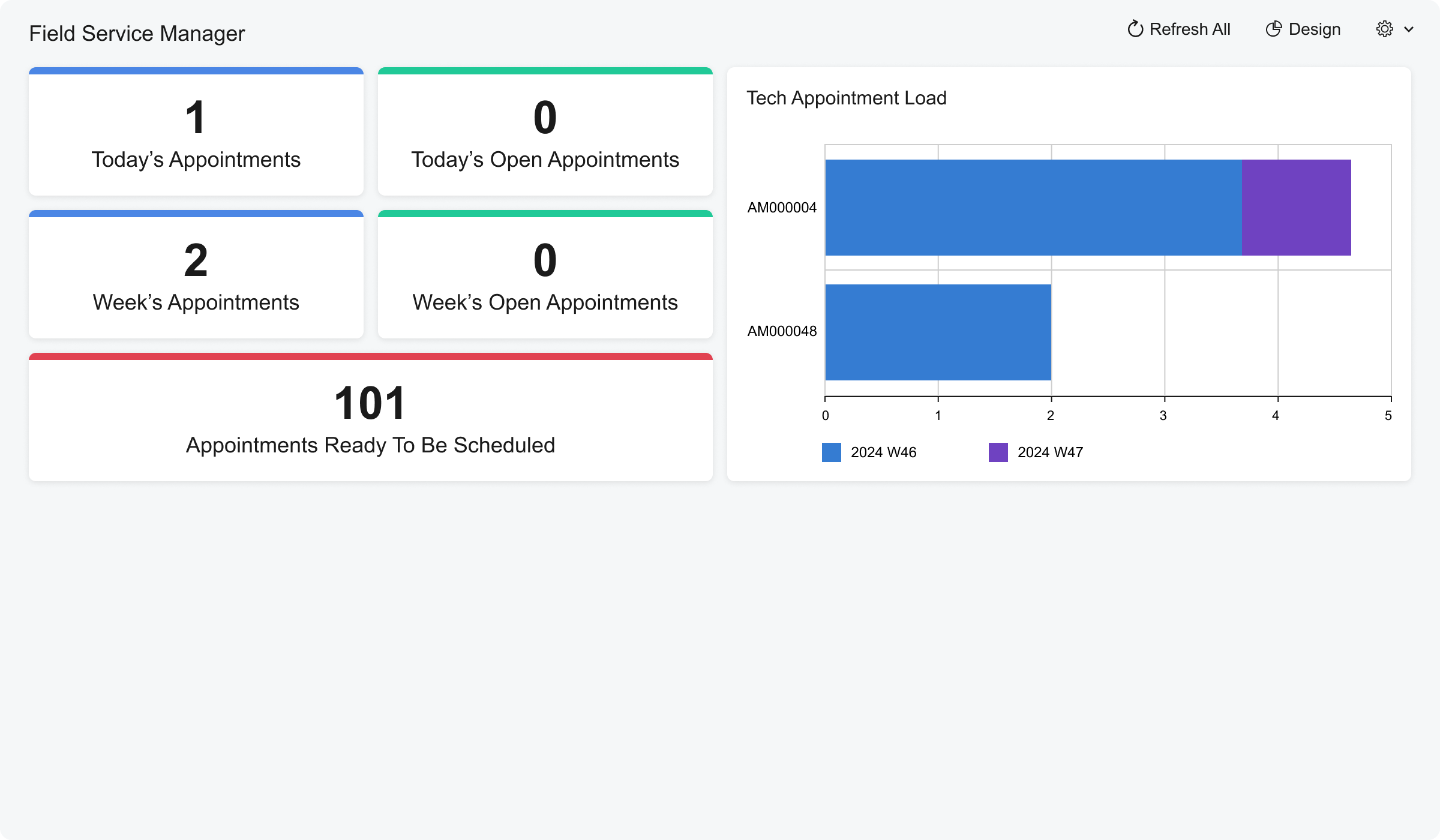 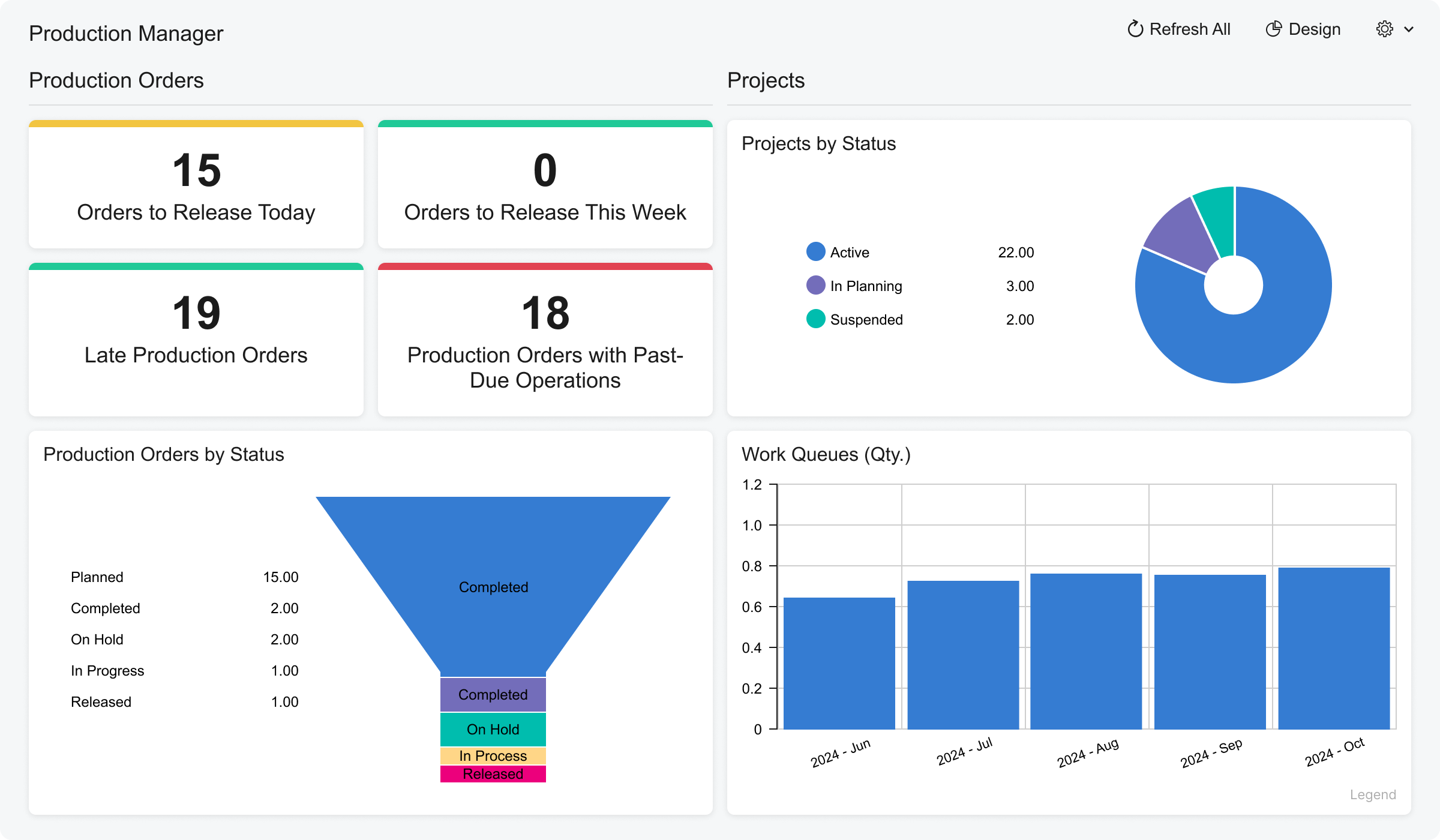 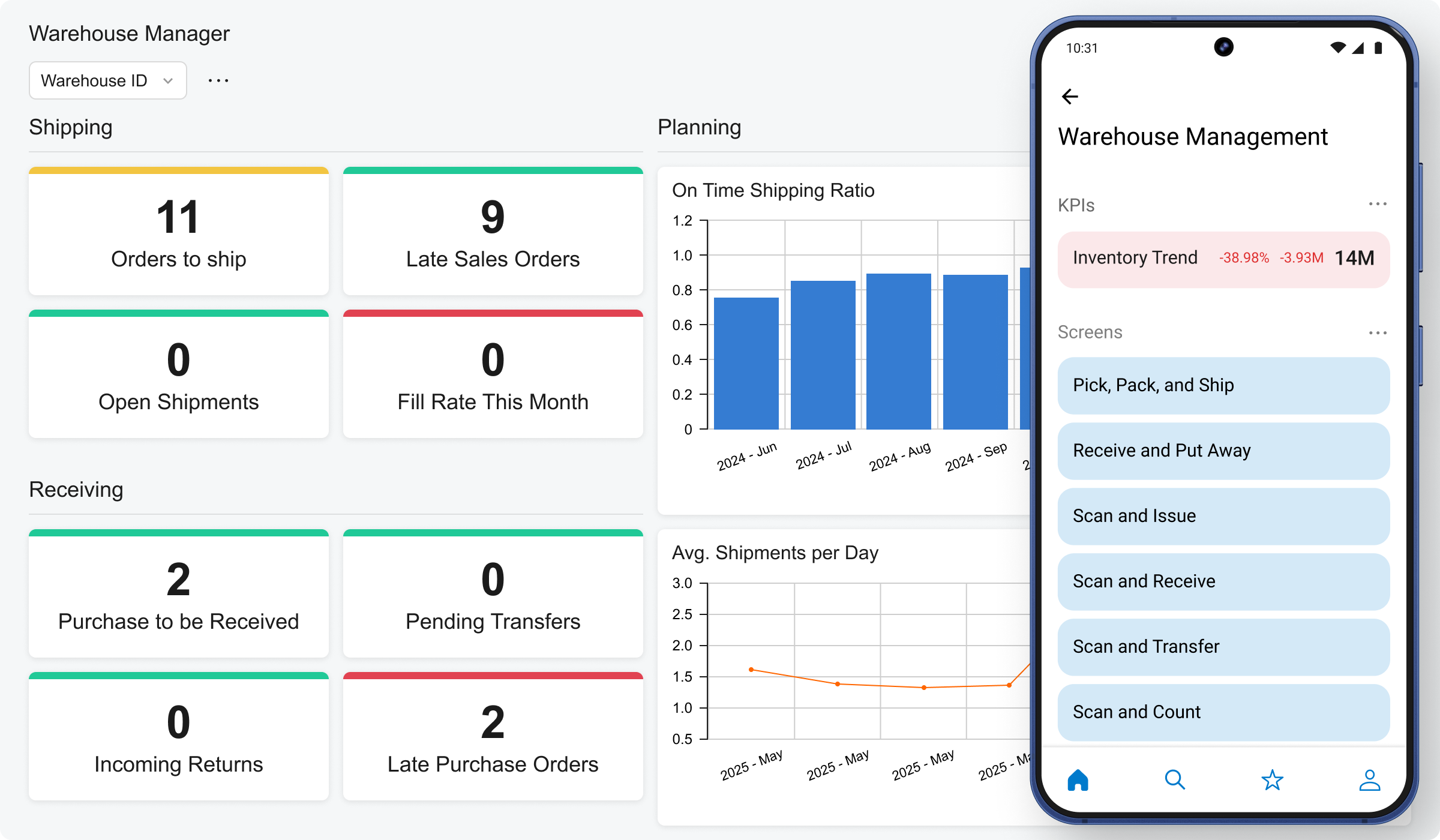 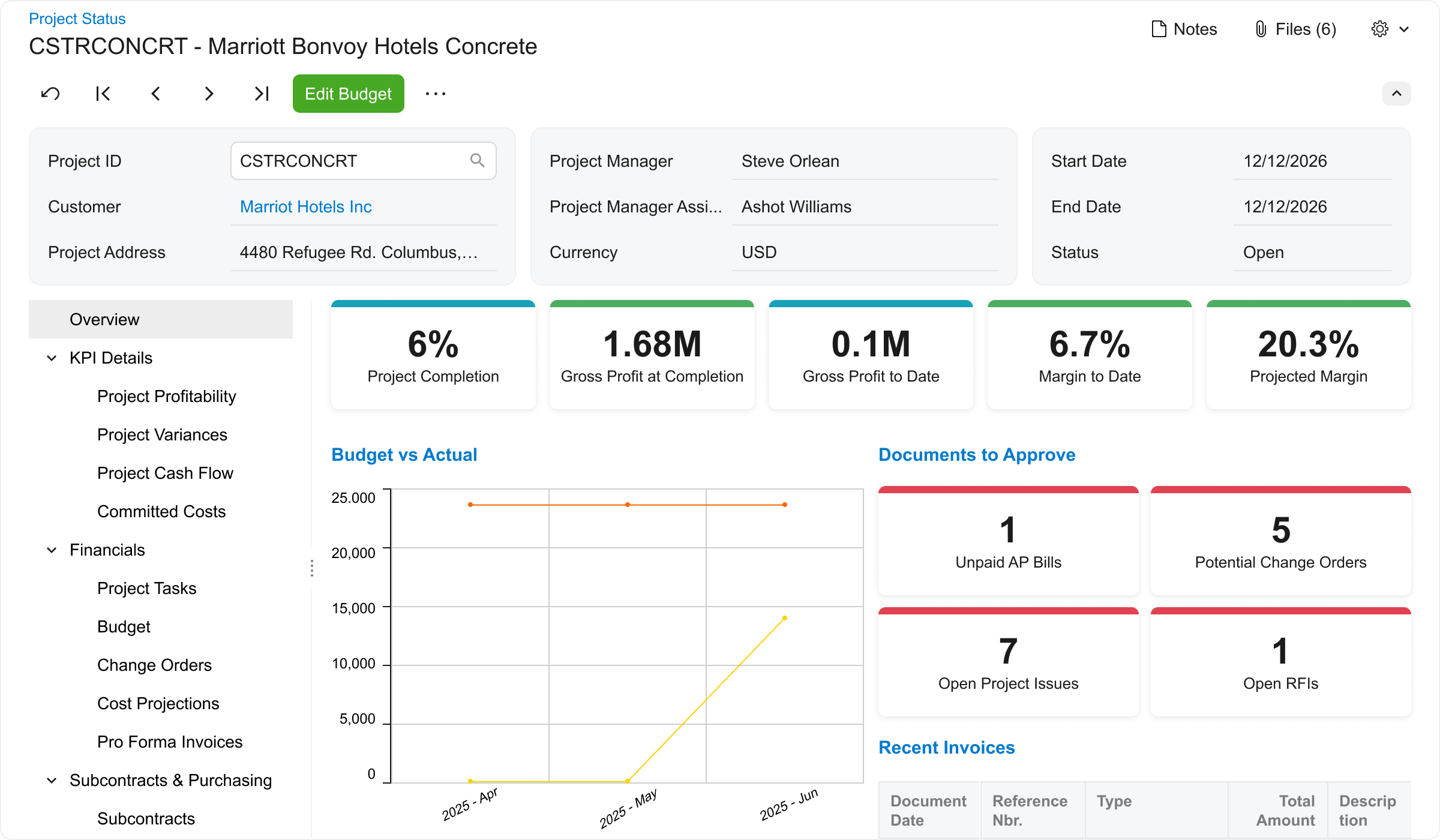 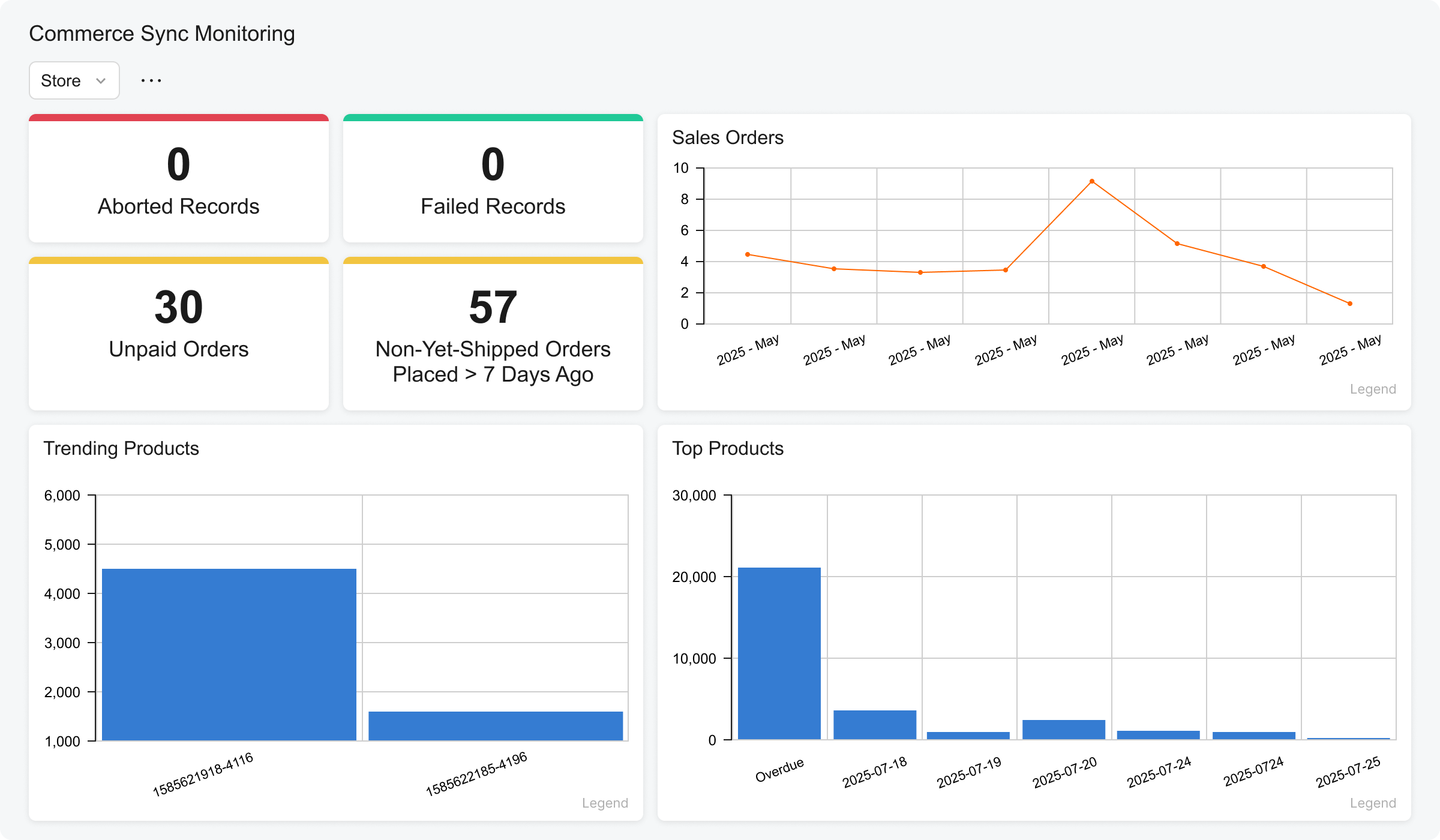 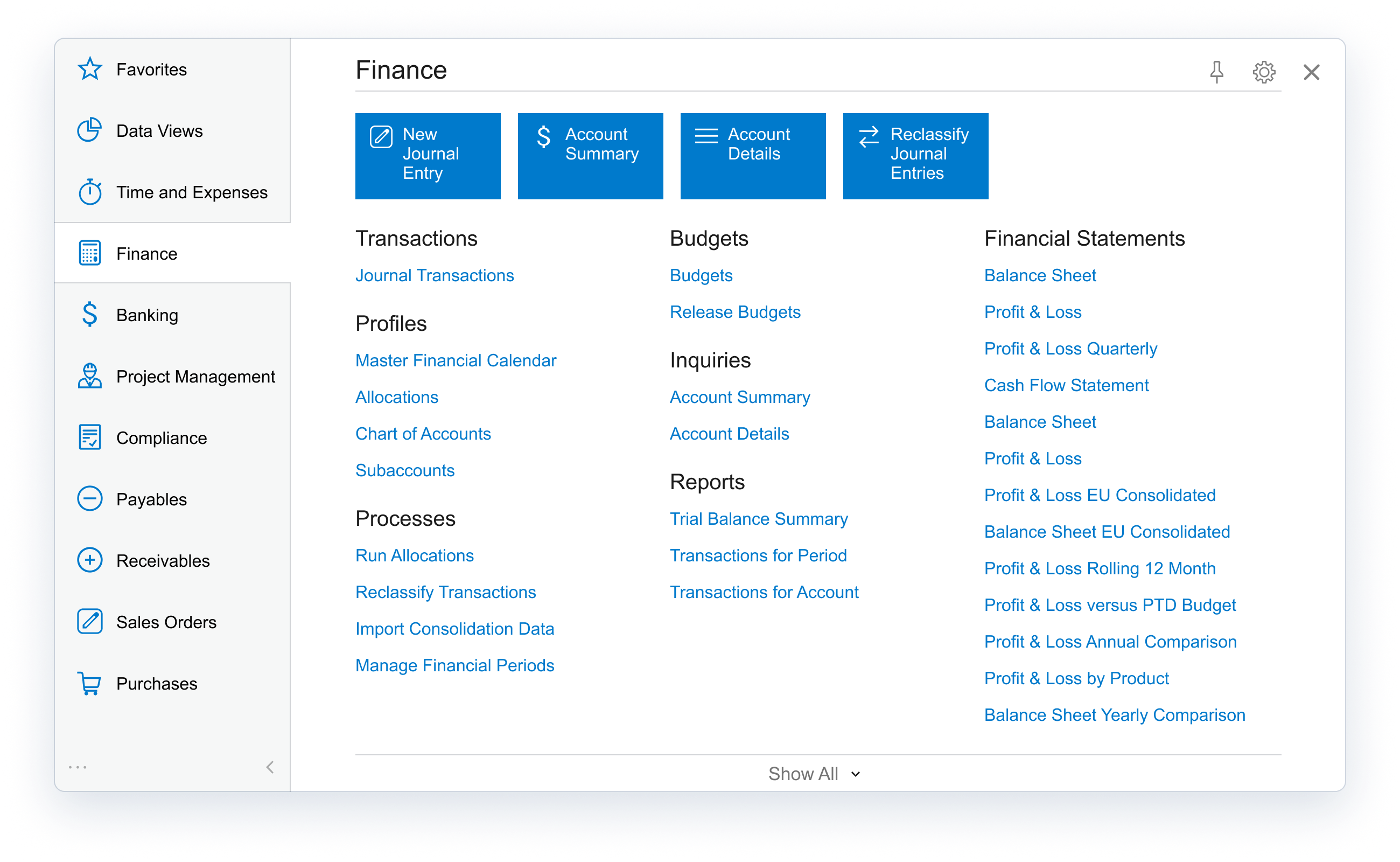 |