Aha! Roadmaps is used to set strategy, prioritize features, and share visual plans. It includes Aha! Ideas Essentials for crowdsourcing feedback. For an integrated product development approach, Aha! Roadmaps and Aha! Develop can be used together. The software is available with a 30-day trial.
$59
per month per user
UserTesting
Score 8.4 out of 10
N/A
UserTesting helps UX researchers, designers, product teams, and marketers gather actionable insights through research, testing, and feedback. With a network of real people ready to share their perspectives, UserTesting enables organizations to make customer-first decisions at scale.
N/A
UserVoice
Score 9.5 out of 10
N/A
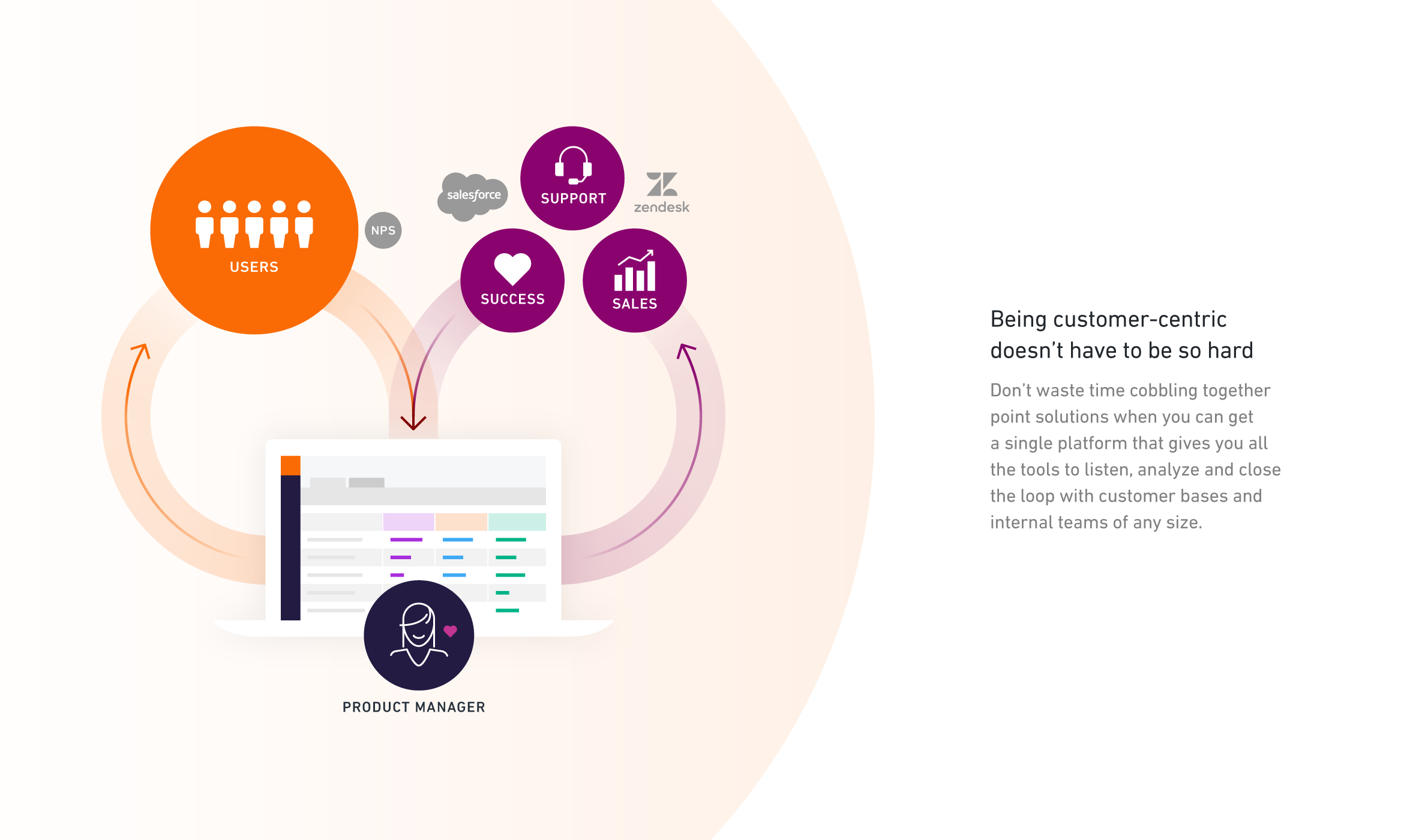
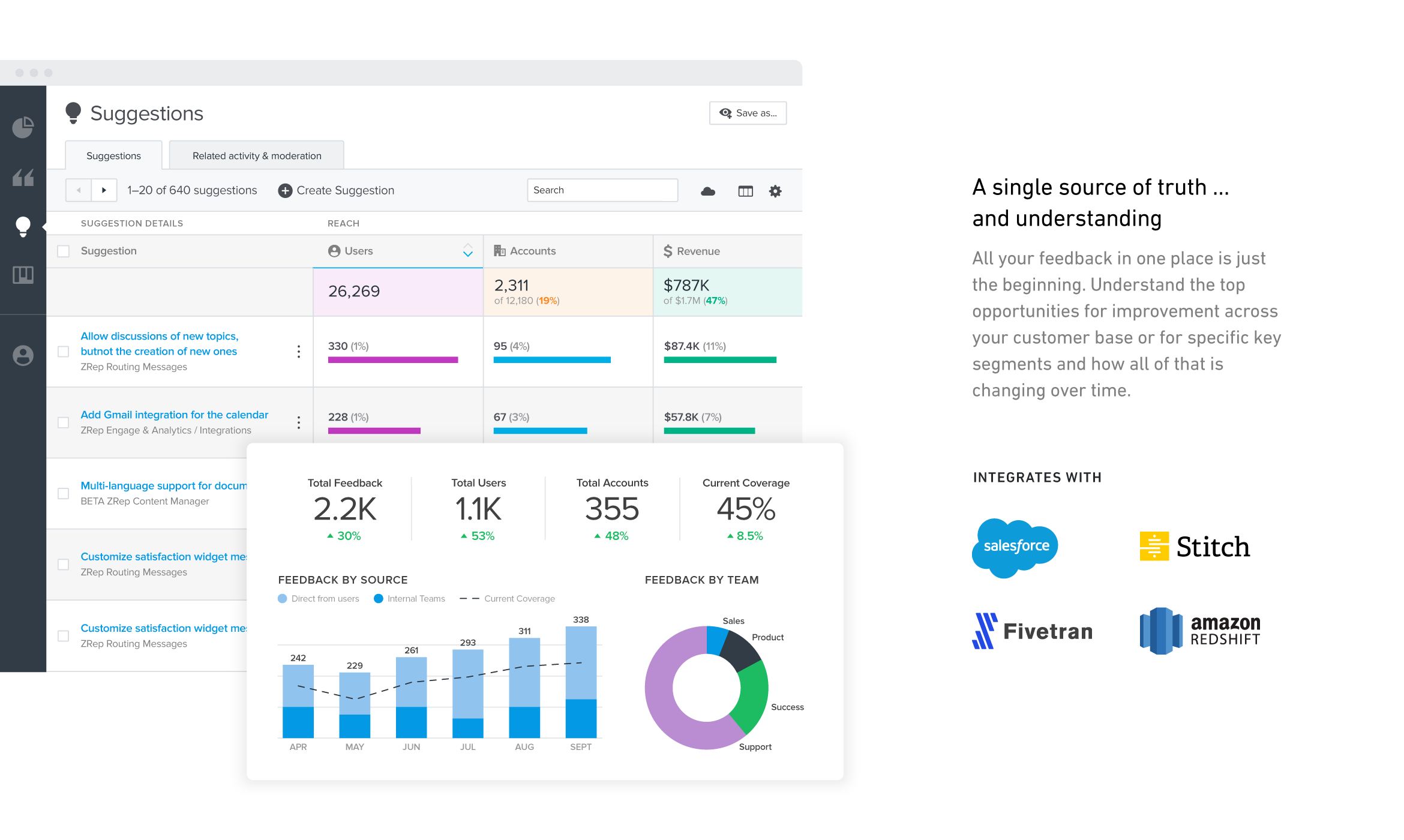
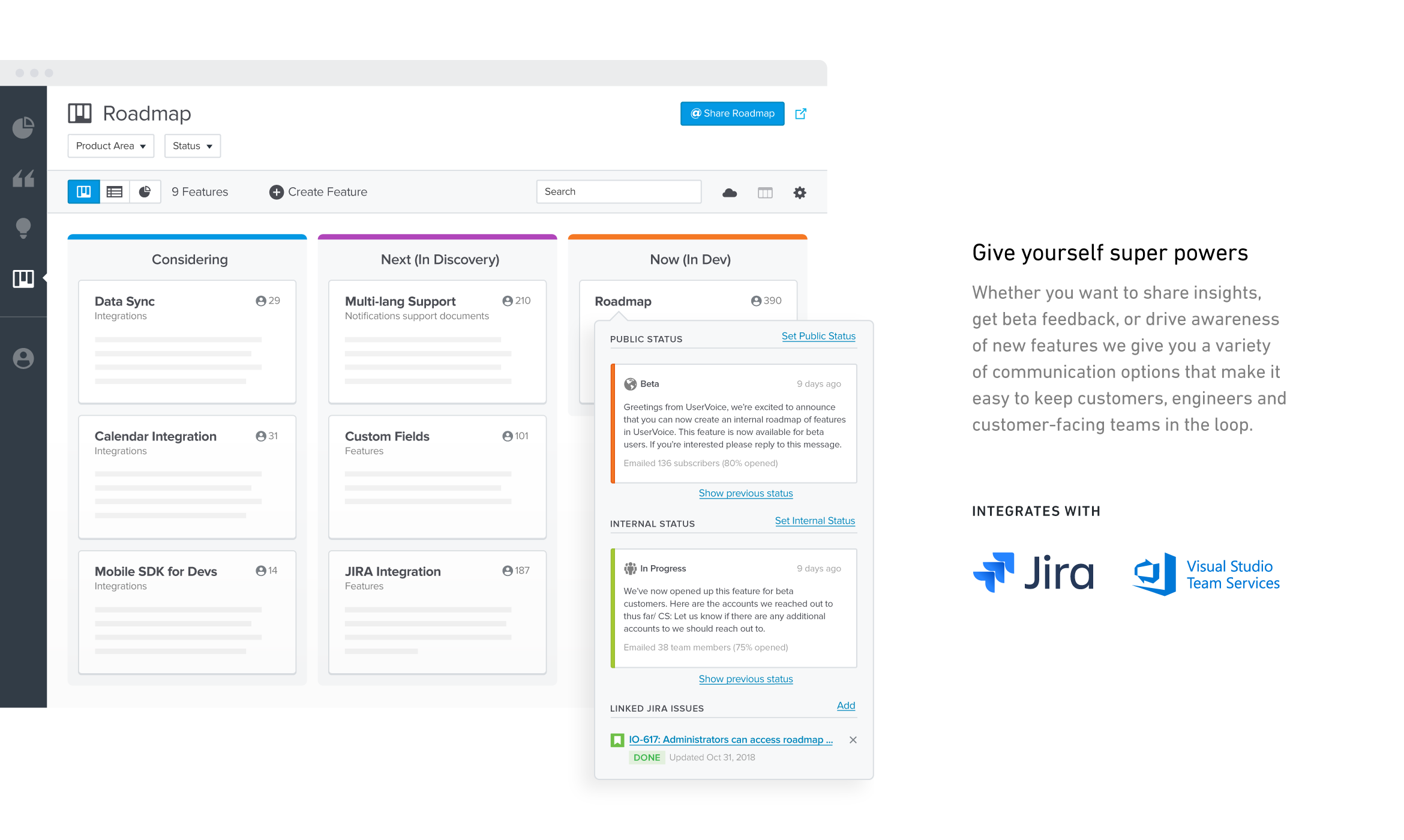
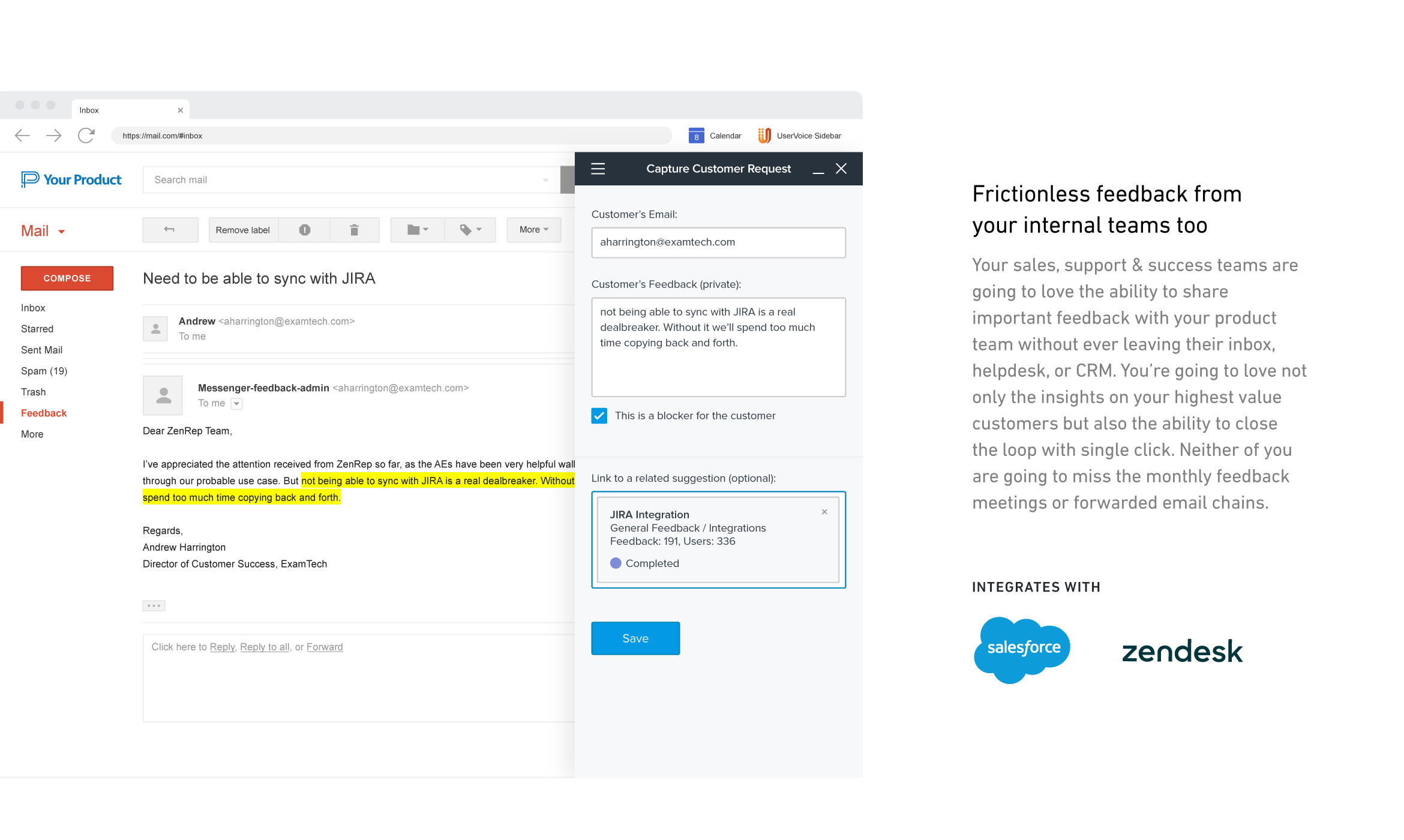
UserVoice collects and organizes feedback from multiple sources to provide a clear, actionable view of user feedback for product teams. With a customizable feedback portal, in-app widget, and direct integrations with your email client, CRM or support tool, it’s easy for your customers and internal team members to share feedback at anytime. The UserVoice platform allows you to manage all this feedback in a single view, analyze your data to make product decisions based on customer…
The maturity of the product is unrivaled, the team running the show is nothing short of amazing, and their product timeline and future plans directly reflect their customer's needs. You'll be hard pressed to find a company more customer-centric than UT, and it really goes to …
It is great for organizations that want to ensure that the work they focus on is the work that will have the most impact on value and drive them toward their strategic objectives. I consider it to be a real Product Management tool. If all you are looking for is a tool to hold your product backlog or collect customer feedback, then Aha! is probably going to be overkill for your needs
UserTesting has been great for moderated customer interviews/usability testing as well as for unmoderated testing of messaging, imagery, prototypes and live experiences. I would say that the scope of what you want needs to be limited, as the participants are only paid so much and tests are supposed to not exceed a certain amount of time. For customer interviews, I think it can be difficult to onboard customers to UserTesting if they have never used it before. If I set up interviews, I don't even have them use the UserTesting scheduling tool, I actually set up all the interviews with the customers myself through the tool (being mindful of time zones!). When we run the meeting, they really don't even know UserTesting is involved. Might be nice for UserTesting to allow the upload/connecting to of a Zoom interview and let it do the transcription/analysis from there.
UserVoice can be an affordable and powerful tool to start engaging customers and employees. It can help manage the entire feedback loop process. But your product management and development teams still need to do their jobs. Remember to have a response SLA in place and ownership for prioritizing and responding to the feedback.
Aha! is an all around product management suite. It is great for breaking product plans into initiatives, features, and user stories. This helps the organization understand the product plan and what is driving individual work items. Unlike Jira and project management tools, it helps you prioritize by major themes, features, and releases. Once you start to use it, you can't go back to a project management tool because the views for organizing and prioritizing features just isn't there.
Aha! also excels at idea management. You can create a portal for users to submit ideas and manage them through a workflow. Users can submit ideas through a variety of channels, including email, ZenDesk, and SalesForce. You can even attach account values to an idea submitted through SalesForce, though the UI in SalesForce is a little kludgy. This is a great feature for those that have the capacity to manage feedback this way, but be aware that it takes time to manage.
Aha! works pretty well with Jira so that project managers can have their backlog that is understandable to the business and engineering can break down those work items however they want.
Aha! also has a lot of useful integrations: Slack, ZenDesk, Zapier, etc. It also integrates with every major software project management tool on the market: Jira, Pivotal, Rally, Redmine, and TFS.
User interface is very simple. Learning the product and teaching the team how to use the product took hardly any time at all.
Gives visibility into what others are logging. We are able to append 'votes' to certain ideas, rather than having to create an existing idea from scratch.
Reporting. Tags allow to easily filter through ideas for roadmap planning.
Sometimes there are restrictions around types of research that can be used for moderated user-testing with our own users.
For tests on relatively small areas of a website or app, the AI analysis seems rather overblown, like it's trying too hard to come up with something insightful when the test is actually about something quite small (e.g. structure of a mobile app menu).
It's difficult to invite our own users to unmoderated user-testing because they wouldn't know how the UserTesting interface works - this is particularly an issue for mobile research.
I'm very happy with my experience of the product and the level of service and learning resources they provide. If the service becomes more expensive than it currently is then we might not be able to justify additional cost - but this is theoretical. I would recommend UserTesting and would ideally renew our contract.
I think Aha! works really in general, it offers a very comprehensive and well-structured platform that supports strategic product management at scale. Although there is a learning curve for new users and a few areas to be improved. Overall, it is highly usable for experienced product teams who need a robust roadmap tool.
It's very good, I have used other tools in the past and this is by far the most intuitive and user friendly. Testament to this is the ease with which other non researchers who have been onboarded to the tool with our additional seat have found it easy to use
We've always had excellent support whenever we need help from the company or need questions answered regarding the setup and installation of the product. Tickets are answered in a timely fashion and there's minimal back and forth to get issues resolved, which are rare.
I have contacted UserTesting's customer service online, by email, or by phone a few times, and each time, I have encountered the same professionalism and expertise. Even in person during a work event, they were there, and it was the same experience.
From a technical perspective, the implementation was extremely smooth. Most of the change management / implementation hurdles were clearing use of the tool through our various security, legal, and information privacy teams. Once these concerns were addressed (UserTesting.com was very helpful in providing all the needed documentation), the implementation process was very simple and we were able to get going right away.
Have clear goals and owners established before you start using any tool like this. Very important to get accounts and rights setup so that there's no lag time in customer response once things go live. Make sure IT is involved if you plan to use the Single-Sign On (SSO) or any of the access control tools.
In terms of outright features, a lot of roadmapping tools have the same feature set. We chose Aha! based on look-and-feel, the easy learning curve, and the reviews it has. Between collaboration, milestone tracking, comment threads, and content importing and exporting, we had every feature in Aha! that we were looking for.
The quality of the participants: they usually have good feedback and act like "professional" users. Which is good when we want a few insights in a short amount of time. Also, the interface is good. I miss having more features, like a good transcription tool like we have in Condens
I like the ease of integration into web and mobile apps for UserVoice. It's also a comprehensive bug reporting, user feedback, and knowledge base tool.
It has helped us improve our product lifecycle communication. We have less wasted time spent figuring out where the project is and what it's waiting on. This has helped departments further down the project better use their time so they're already aligned with what's happening rather than waiting for a handoff.
Aha! has helped include our customers more in our product planning and especially in our bug fixes and new feature roadmaps.
Aha! has improved our strategy meetings or roundup discussions by storing everything in one place. They're shorter and more focused.