Amazon Chime is a communications service from Amazon Web Services with a built-in VoIP solution. Amazon Chime can be used for online meetings, video conferencing, and business calling, and features pay-as-you-go pricing.
$0
per minute
LiveWebinar
Score 9.0 out of 10
N/A
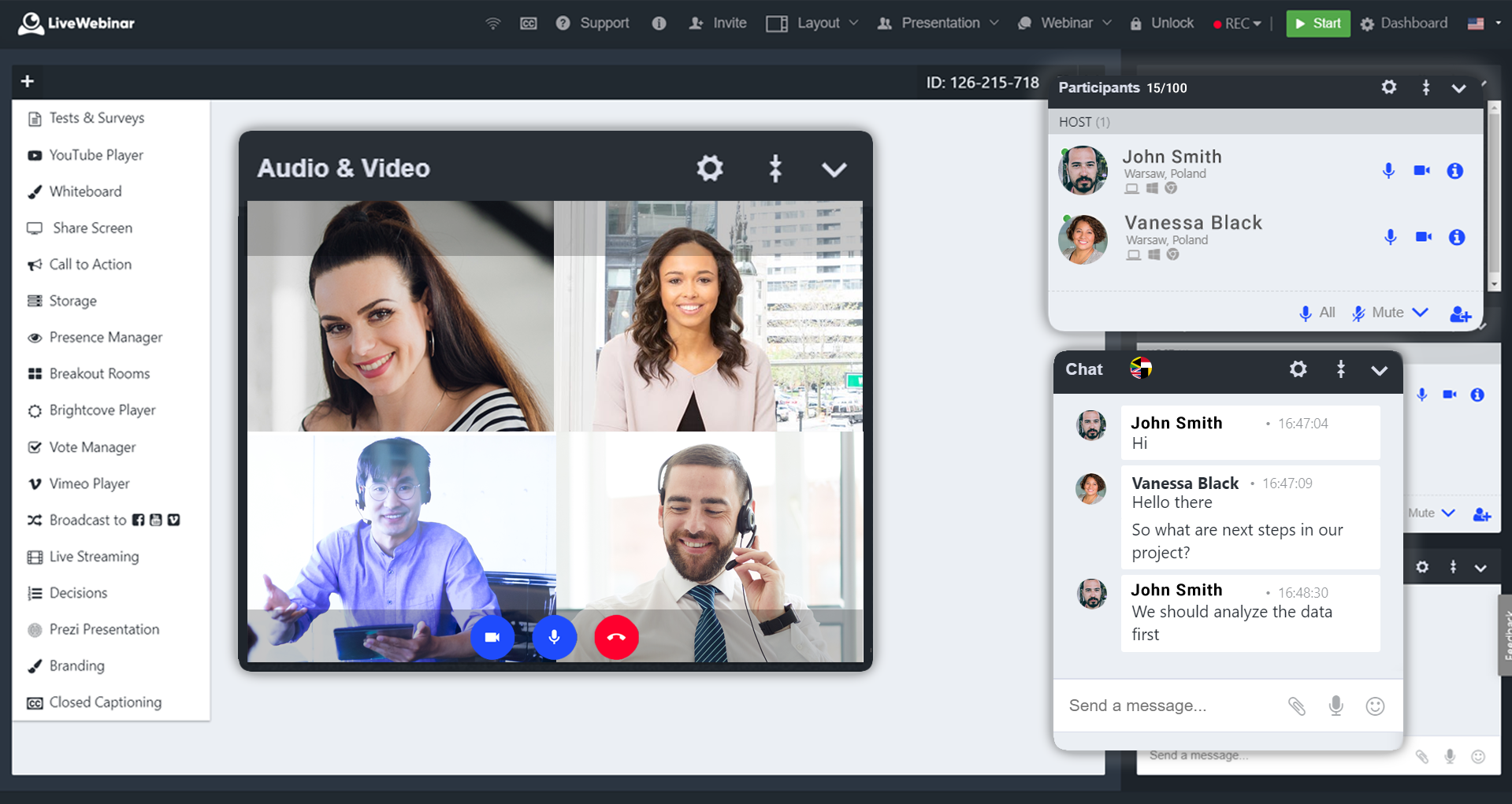
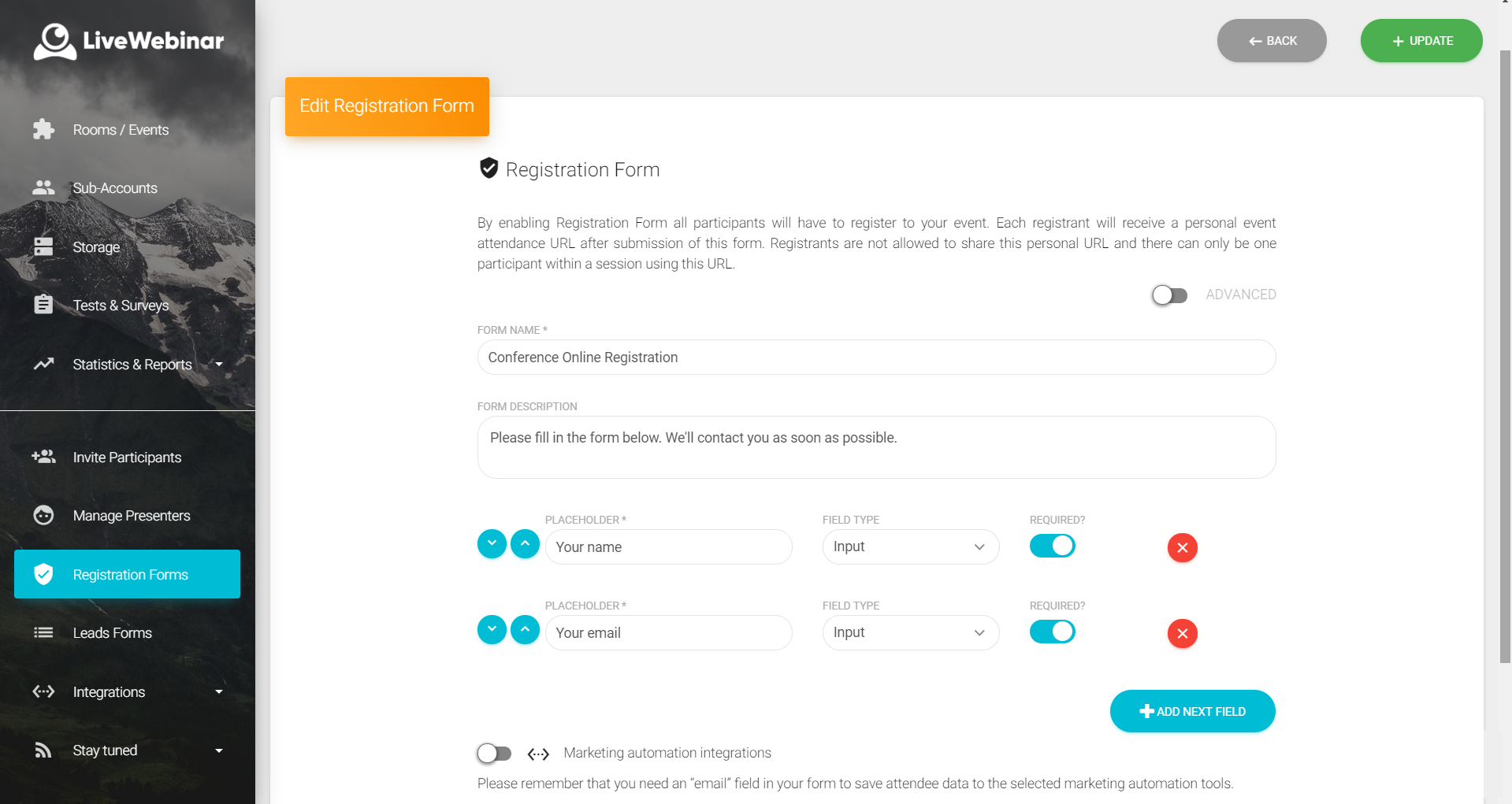
LiveWebinar is a cloud-based tool that helps users manage online webinars, meetings, training, live streaming, chats, screen sharing, social media broadcasting and high definition (HD) recording via web browsers. It is a customizable solution that allows users to change logos, room colors, and design layouts, as well as create personalized registration forms to match their business's brand identity, and control email delivery and report designs. LiveWebinar allows users to broadcast…
$17.99
per month per user
Skype (discontinued)
Score 7.0 out of 10
N/A
Skype (the personal edition or Skype free) was a web meeting, video conferencing, and VoIP software, now superseded by Microsoft Teams' free edition and unsupported from May 2025.
$2.99
per month
Pricing
Amazon Chime
LiveWebinar
Skype (discontinued)
Editions & Modules
Business Calling - Inbound
$0.002216
per minute
Business Calling - Phone Numbers
$1
per number per month, US Only
Meetings - Pro
$3
*per user per day
Meetings - Basic
Free
Business Calling - Outbound
Country Dependent
per minute
Business Calling - Receive Text
Free
US Only
Business Calling - Send Text
Country Dependent
No answers on this topic
United States Subscription
$2.99
per month
North America Subscription
$6.99
per month
India Subscription
$7.99
per month
Offerings
Pricing Offerings
Amazon Chime
LiveWebinar
Skype (discontinued)
Free Trial
No
No
No
Free/Freemium Version
No
Yes
No
Premium Consulting/Integration Services
No
Yes
No
Entry-level Setup Fee
No setup fee
Optional
No setup fee
Additional Details
*up to $15.00 per user per month
—
—
More Pricing Information
Community Pulse
Amazon Chime
LiveWebinar
Skype (discontinued)
Considered Multiple Products
Amazon Chime
Verified User
C-Level Executive
Chose Amazon Chime
They are all good products, but here is why we switched:
1. UberConf. This was the first conference software we used. It used to be great, it actually had a free version that worked perfectly. Then the service started to falter, mostly lag time between user and presenter. And …
I believe the two products (Slack and Skype) are better suited for the situations where it is a smaller crowd. This is due to those systems being easier to chat within and collaborate in the smaller environment.
Better than Skype for Business in terms of loading the application onto your device. Skype had crashing issues always and those are comparatively low when using Amazon Chime. Amazon chime is fast and easy to work with while collaborating and setting up meetings. The audio and …
Amazon's Chime is lightweight and has easy integrations with Slack. Cloud Trail has good call reports, doesn't take time to load compared to other products that I have tried. Its APIs exposed by Amazon are really helpful to customize. The shift from one user to another for …
Amazon Chime product stacks up pretty much equal to the other pieces of software that we have used in the past. What drives the use of the software over the others is purely preference. My team has adapted to using this software, and now it has become what they would rather …
Chime and Biba are interchangeable to me, both accomplish the same task. We have transitioned to Chime as it was created by Amazon and we support Amazon, so it was an easy decision for us. I do enjoy Chime more as it just seems to work effortlessly. I would recommend it to all.
Skype is a great tool for communicating with peers. It's also useful for screen sharing and having meetings through video conferencing. End-to-end testing is possible through Skype, as well. It integrates well with Outlook and setting up meetings is quick and easy. Adding …
Amazon Chime is well suited for online video and audio meetings, IMs, and conducting training sessions using a whiteboard. It can be integrated well with Google Calendar and Microsoft outlook. With Amazon Chime mobile app you can attend meetings on the go as well. Meetings can be locked so that only legitimate participants can join the meeting. Amazon Chime is less suited in case you want meeting transcripts as well for your meetings. Given that Amazon Chime is not used by a larger audience so your client or customer may face some difficulties in join the meeting or accessing some of the features of the Chime.
LiveWebinar is best for individuals holding quick meetings or daily scheduled events. Having friction less meetings for teams which does not require prior app installation or setup makes this the perfect webinar platform for persons with techphobia. Schedule, Send, and Start the meeting. There's even built in surveys and tests which makes the meeting or event more engaging and interactive. Unfortunately for multi-day events, it is very hard to use LiveWebinar for this purpose. Let's say for virtual conferences which has defined dates and times for each session, LiveWebinar won't fit this purpose, or at least, it is very hard to execute this scenario using the platform.
Having interacted with a new replacement tool, Microsoft Teams, it is challenging to recommend Skype, as it lacks some essential features, such as being less equipped with the latest updates, and it is not platform-independent, causing issues on PCs and phones, as well as during calls that might hinder work.
The instant chat function is great. Very straightforward, easy to use, easy to learn, no technical issues.
Video calls are pretty easy also, user friendly and a mostly stable connection with no issues.
Voice calls are easy also, eliminates the need for an external landline or the need to use your cell phone. Clear connections, not really any dropped calls.
More simplified dial-in numbers. The PIN for our conference line is long and easy to mistype.
You do not have to download the Chime app in order to join a conference, but if you want to do anything beyond join (schedule a conference, participate in a group chat, control participants), you have to have the app downloaded and installed. The app that you have to download in order to launch a conference is a memory hog, and slows down a computer's boot up time.
The add-in for Microsoft Outlook is particularly clunky. It helps you add scheduled conference calls/video conferences to your Outlook calendar, but it can cause Outlook to crash, and creates a really slow open time for Outlook. If you can avoid downloading the Outlook Add-In, I would.
Absolutely love the features of Livewebinar and it's probably the most advanced Live webinar solution that I have used. Even with the absence of a native mobile app, the platform is useable on mobile or tablet screen sizes. There's no noticeable lags during the presentation and users find it easy to use and navigate during the presentations / webinars.
LiveWebinar is an all in one solution for daily meetings and events. I made it a 9 as it is almost perfect in its current form. However, there were some reported issues on mobile connectivity as there is no native app of LiveWebinar for both iOS and Android. Moreover, I'm hoping that LiveWebinar could connect to my Google, Outlook, or iCal calendar to synch events regularly. I'd love to see my calendar inside LiveWebinar which makes it to the top of the feature wishlist for this platform. Further, if LiveWebinar is able to handle multiple day events or meetings with just a few clicks, that would make this platform, a 11/10 rating!
Skype is not as good as Facetime in terms of ease to glance at it and figure out how it works. I think that's a result of Skype trying to be too many things at once. A lot of the menu and UI could be streamlined, and I would jettison some of the additional functions that have been tacked on over the years to simplify. That being said, while some options are slightly hard to find, they all work flawlessly once found.
They were very supportive in answering all of our questions when we had problems. Their in-person calls but their support site also had a full set of information that can answer a good portion of your questions before you have to pick up the phone. But when you, you will get good service.
Customer support of LiveWebinar is top notch. They are available almost 24x7x365. I rarely wait for the next response and given that people are not suppose to work on holidays or weekends, their support agents are always there to lend a helping hand. The responses are spot on. It's not that I need help with platform having some issues or anything, but for general account questions, they quickly respond to each and every query I raise over to support. Definitely one of the best things with LiveWebinar.
I am not aware of the current support level for Skype for business, as I have never used even though I have the product. However, the support for Skype's personal paid users is not where it could be. Users who pay for Skype features do not have a clear path to reach out to support. So, rating 6, can be better as soon as I need to use Skype for business support and get a good experience. I will say that I will renew Skype for Business subscription, which is a significant inconsistency on my end. The explanation is that Skype for Business comes bundled with Office for Business, with no additional cost, so why not.
Better than Skype for Business in terms of loading the application onto your device. Skype had crashing issues always and those are comparatively low when using Amazon Chime. Amazon chime is fast and easy to work with while collaborating and setting up meetings. The audio and video quality are better than Skype for Business.
We use Skype in combination with Grasshopper. While Grasshopper acts as a routing toll free number with extensions, if we are making calls directly, we do it through Skype. Skype's desktop and mobile apps are easier to use, and provide unlimited local calls at a flat, affordable rate. Allowing our team to use their existing mobile or desktop devices without additional hardware for business office phone calls is important, and Skype makes that possible
The positive ROI is Amazon Chime helps make our sales reps more professional in their calls leading to an increase in closed/won deals.
Amazon Chime has increased overall morale across our sales team because it has greatly improved our call processes when compared to other tools we've used in the past.