Chose Articulate 360
Articulate 360 is versatile.

| Product | Rating | Most Used By | Product Summary | Starting Price |
|---|---|---|---|---|
 Articulate 360 | N/A | Articulate 360 is an e-learning platform for creating workplace training. Users can build engaging courses with AI-enhanced authoring, simplify collaboration, and quickly share content. A subscription includes robust onboarding resources and access to a community of 1.5M pros. | $1,449 per year | |
 iSpring Suite | N/A | iSpring Suite helps users build courses that are mobile-ready and adaptive. It’s integrated with PowerPoint, so users can create the content in the familiar PPT interface without spending time on specific training. The toolkit supports the creation of professional courses, video lectures, role-play simulations, and a range of assessments that display and work on any device. With the iSpring Suite AI package, users have even more capabilities for creating eLearning content. It comes with… | $970 per year per user | |
 Udemy Business | N/A | Udemy for Business is a cloud-deployed elearning course collection offered by Udemy.com. | $720 per year 2 users (minimum) |
| Articulate 360 | iSpring Suite | Udemy Business | ||||||||||||||||||||||
|---|---|---|---|---|---|---|---|---|---|---|---|---|---|---|---|---|---|---|---|---|---|---|---|---|
| Editions & Modules |
| No answers on this topic |
| |||||||||||||||||||||
| Offerings |
| |||||||||||||||||||||||
| Entry-level Setup Fee | Optional | No setup fee | Optional | |||||||||||||||||||||
| Additional Details | Those new to Articulate 360 can try it free of charge for 30 days. Articulate 360 is available on the Articulate website and through Articulate Authorized Resellers. | Academic, non-profit, government and volume discounts are available. | Udemy aims to supply scalable learning for organizations of every size. Nonprofit pricing is available for all registered 501(c)3 organizations. | |||||||||||||||||||||
| More Pricing Information | ||||||||||||||||||||||||
| Articulate 360 | iSpring Suite | Udemy Business | |
|---|---|---|---|
| Considered Multiple Products | Articulate 360  Travis Thompson Learning Specialist Chose Articulate 360 It's literally better at everything. Except for text to speech, which is butts.  Kaitlin Olsen BHRLR CPHR SHRM-SCP Senior Manager, L&D Chose Articulate 360 Articulate has a higher price point, but met more of our development needs.  Ashley Chiasson Instructional Designer Chose Articulate 360 Articulate really has market hold and for me, it’s primarily because of the overall usability and features compared to competing tools.  Daniel Terán Diseñador Instruccional │ Experto Elearning Chose Articulate 360 Articulate has several complementary software to create different types of courses, however, iSpring can only create adaptive but non-responsive courses. iSpring has its advantages to produce very fast courses, but Articulate has many extra functions that allow you to customize … | iSpring Suite  Mark Piskura Customer Training Solutions Lead Chose iSpring Suite Both of the above-mentioned products are pricier and while they may deliver more advanced featured, iSpring is capable of delivering satisfactory results.  Beate Westphal IT Management Consulting Chose iSpring Suite Compared to other applications, iSpring Suite is based on PowerPoint and therefore on a familiar way of working for creating content for knowledge transfer. This basis facilitates a very simple and uncomplicated transition to the new tool for new users. New users are quickly …  Billy Coe IT Manager Chose iSpring Suite We have chosen iSpring Suite over Articulate partially due to cost but also iSpring Suite does not distort the PowerPoint templates we have made as it does not import them into itself rather it becomes a part of PowerPoint.  Leah Massey Training and Employee Development Manager Chose iSpring Suite When comparing features, price point and ease of use, there was no question which I was choosing. iSpring Suite offered more features and was the easiest to use. Additionally, it was one of the most cost conscious choices. It was a no brainer!  Julie Vidal Health and safety engineer Chose iSpring Suite A more attractive price, an easier-to-use platform for user monitoring and content publishing. Customer service is easily accessible in case of difficulty.  Barrie McKay Training and Development Manager Chose iSpring Suite I found this software more difficult to use, and had a steep learning curve, where I did not find this with iSpring Suite. Honestly could not believe how easy it was to use and get going. Support was great to get going with lots of webinars to watch for each type of content you …  Stephani Alvarado Enterprise L&D Program Lead Chose iSpring Suite For our use, much better!  Andreea Trif Freelance Instructional designer & eLearning creator Chose iSpring Suite I chose iSpring because of its minimal learning curve and all its automated features.  Jill Searcy eLearning Developer/LMS Administrator Chose iSpring Suite iSpring is superior in ease of use and speed of development. iSpring is easier to learn and implement. iSpring has the best support of any tool I have used.  Lydia García González Técnico de formación elearning. Gestor FUNDAE Chose iSpring Suite When we were working with Articulate we needed some technical experts to create javascript commands to make courses, so we needed 3 weeks at least to finish one of them. With iSpring Suite, you just need to work with PowerPoint, and you can create a great course in just 1 week!  Adam Jackson FGCLP MAHRI Learning and Development Officer Chose iSpring Suite We found that the price point comparison was vastly different from some competitors. iSpring is a relatively cheap authoring tool but delivers so much capability for the price. It may not have the capability of some other tools, but it also has a very small learning curve, … Daniel Terán Diseñador Instruccional │ Experto Elearning Chose iSpring Suite The main advantage of iSpring over its competitors is the speed with which you can create a SCORM course with it. With the use of Powerpoint as a base program, everything is very easy and fast to design. In our case, customers needed to virtualize a lot of content from their … | Udemy Business No answer on this topic |
| Articulate 360 | iSpring Suite | Udemy Business | |||||||||||||||||||||||||||||||||||
|---|---|---|---|---|---|---|---|---|---|---|---|---|---|---|---|---|---|---|---|---|---|---|---|---|---|---|---|---|---|---|---|---|---|---|---|---|---|
| Learning Management |
| ||||||||||||||||||||||||||||||||||||
| eLearning Content |
|
| Articulate 360 | iSpring Suite | Udemy Business | |
|---|---|---|---|
| Small Businesses |  iSpring LMS Score 9.5 out of 10 | iSpring LMS Score 9.5 out of 10 | iSpring LMS Score 9.5 out of 10 |
| Medium-sized Companies | iSpring LMS Score 9.5 out of 10 | iSpring LMS Score 9.5 out of 10 |  Infosec Skills Score 9.9 out of 10 |
| Enterprises |  Absorb LMS Score 9.0 out of 10 | Articulate 360 Score 9.3 out of 10 | Infosec Skills Score 9.9 out of 10 |
| All Alternatives | View all alternatives | View all alternatives | View all alternatives |
| Articulate 360 | iSpring Suite | Udemy Business | |
|---|---|---|---|
| Likelihood to Recommend | 9.3 (518 ratings) | 9.1 (122 ratings) | 8.7 (19 ratings) |
| Likelihood to Renew | 9.7 (25 ratings) | 9.1 (3 ratings) | 9.0 (1 ratings) |
| Usability | 8.9 (374 ratings) | 8.2 (64 ratings) | 8.7 (10 ratings) |
| Availability | 9.0 (5 ratings) | - (0 ratings) | 9.0 (1 ratings) |
| Performance | 8.5 (4 ratings) | - (0 ratings) | 8.0 (1 ratings) |
| Support Rating | 9.3 (31 ratings) | 10.0 (17 ratings) | 9.5 (3 ratings) |
| In-Person Training | 6.0 (1 ratings) | - (0 ratings) | - (0 ratings) |
| Online Training | 9.0 (3 ratings) | - (0 ratings) | 9.0 (1 ratings) |
| Implementation Rating | 8.3 (9 ratings) | 9.1 (1 ratings) | 8.0 (1 ratings) |
| Configurability | 8.5 (2 ratings) | - (0 ratings) | - (0 ratings) |
| Contract Terms and Pricing Model | - (0 ratings) | - (0 ratings) | 8.0 (1 ratings) |
| Ease of integration | 7.3 (1 ratings) | - (0 ratings) | 8.0 (1 ratings) |
| Product Scalability | 9.0 (4 ratings) | - (0 ratings) | 6.0 (1 ratings) |
| Professional Services | 7.3 (1 ratings) | - (0 ratings) | 7.0 (1 ratings) |
| Vendor post-sale | 7.3 (1 ratings) | - (0 ratings) | 10.0 (1 ratings) |
| Vendor pre-sale | 7.3 (1 ratings) | - (0 ratings) | 8.0 (1 ratings) |
| Articulate 360 | iSpring Suite | Udemy Business | |
|---|---|---|---|
| Likelihood to Recommend | Articulate Global, Inc.
| iSpring Solutions Inc
| Udemy
|
| Pros | Articulate Global, Inc.
| iSpring Solutions Inc
| Udemy
|
| Cons | Articulate Global, Inc.
| iSpring Solutions Inc
| Udemy
|
| Likelihood to Renew | Articulate Global, Inc.
 Tom Pile Creative Director | iSpring Solutions Inc
| Udemy
|
| Usability | Articulate Global, Inc.
| iSpring Solutions Inc
| Udemy
 Brandon Stokes Global Revenue Enablement Manager |
| Reliability and Availability | Articulate Global, Inc.
| iSpring Solutions Inc No answers on this topic | Udemy
|
| Performance | Articulate Global, Inc.
| iSpring Solutions Inc No answers on this topic | Udemy
|
| Support Rating | Articulate Global, Inc.
 Paul Alders Owner/Founder | iSpring Solutions Inc
| Udemy
|
| In-Person Training | Articulate Global, Inc.
| iSpring Solutions Inc No answers on this topic | Udemy No answers on this topic |
| Online Training | Articulate Global, Inc.
 Guido Roessling Researcher and Educator | iSpring Solutions Inc No answers on this topic | Udemy
|
| Implementation Rating | Articulate Global, Inc.
 Refugio "Gio" Jones | M.A. Learning Designer & Developer | iSpring Solutions Inc No answers on this topic | Udemy
|
| Alternatives Considered | Articulate Global, Inc.
| iSpring Solutions Inc
| Udemy
|
| Contract Terms and Pricing Model | Articulate Global, Inc. No answers on this topic | iSpring Solutions Inc No answers on this topic | Udemy
|
| Scalability | Articulate Global, Inc.
 Ionut Marin Ofiter Suport Aplicatii | iSpring Solutions Inc No answers on this topic | Udemy
|
| Professional Services | Articulate Global, Inc. No answers on this topic | iSpring Solutions Inc No answers on this topic | Udemy
|
| Return on Investment | Articulate Global, Inc.
 Lealand Sellers CEO Holistic Life Coach/ Instructional Designer | iSpring Solutions Inc
 Steve Sowell Consultant | Udemy
|
| ScreenShots | Articulate 360 Screenshots   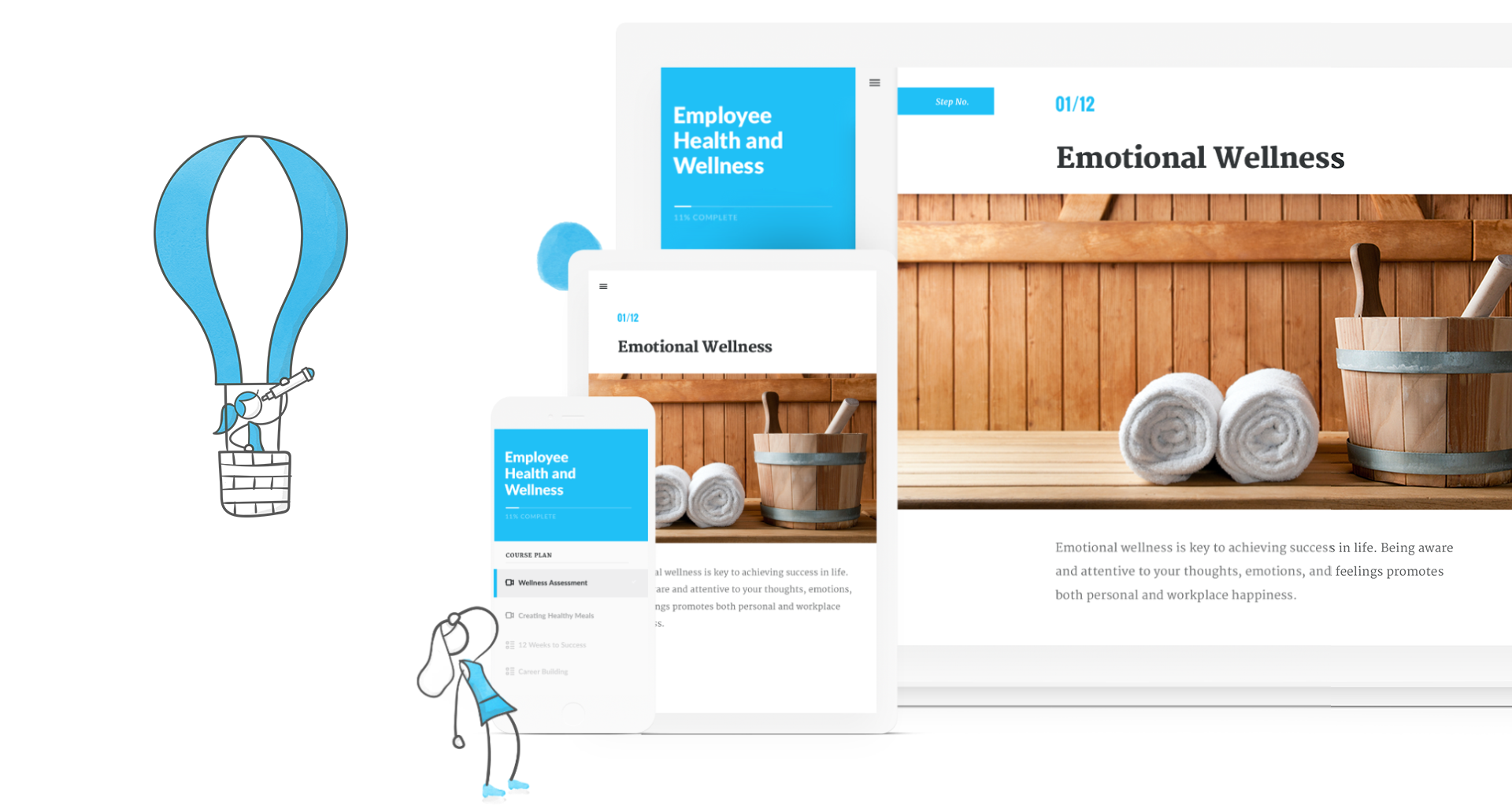   | iSpring Suite Screenshots 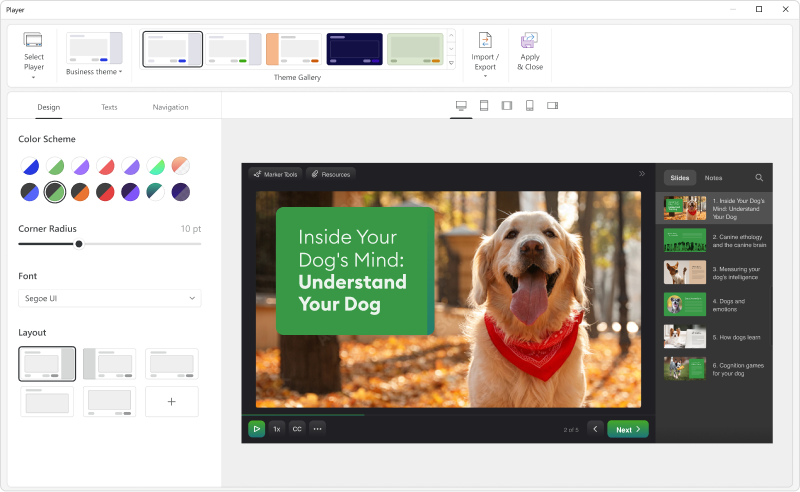   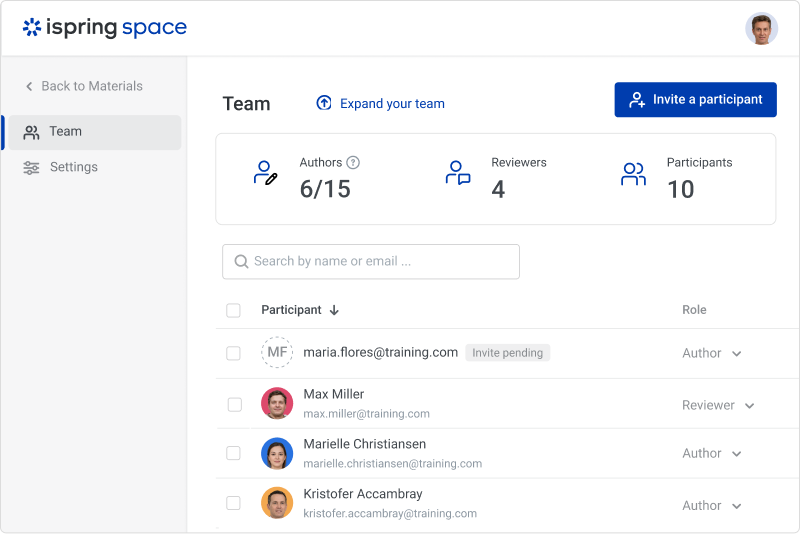  |